- Successes and wins (5 min)
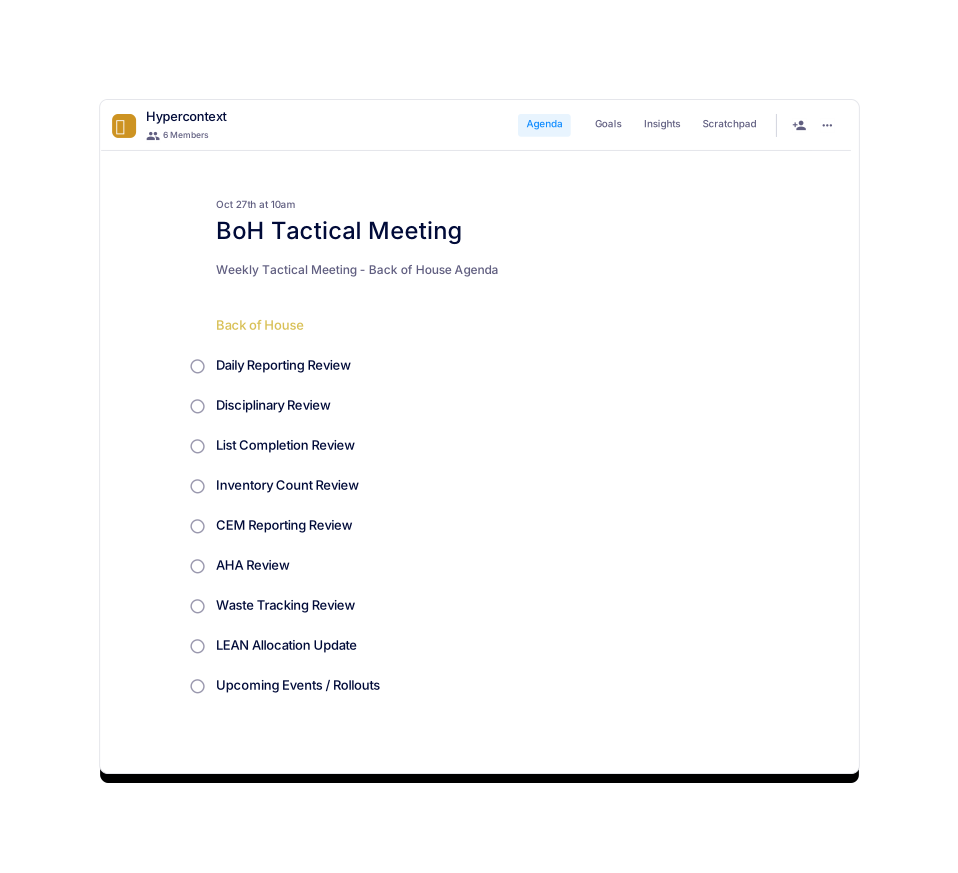
- Pipeline updates (15 min)
- Obstacles and roadblocks (5 min)
- Prospect/lead feedback (5 min)
- Competitor updates (5 min)
- Pitch round table (10 min)
- Guest Speaker (10 min)
- Icebreaker (5 min)
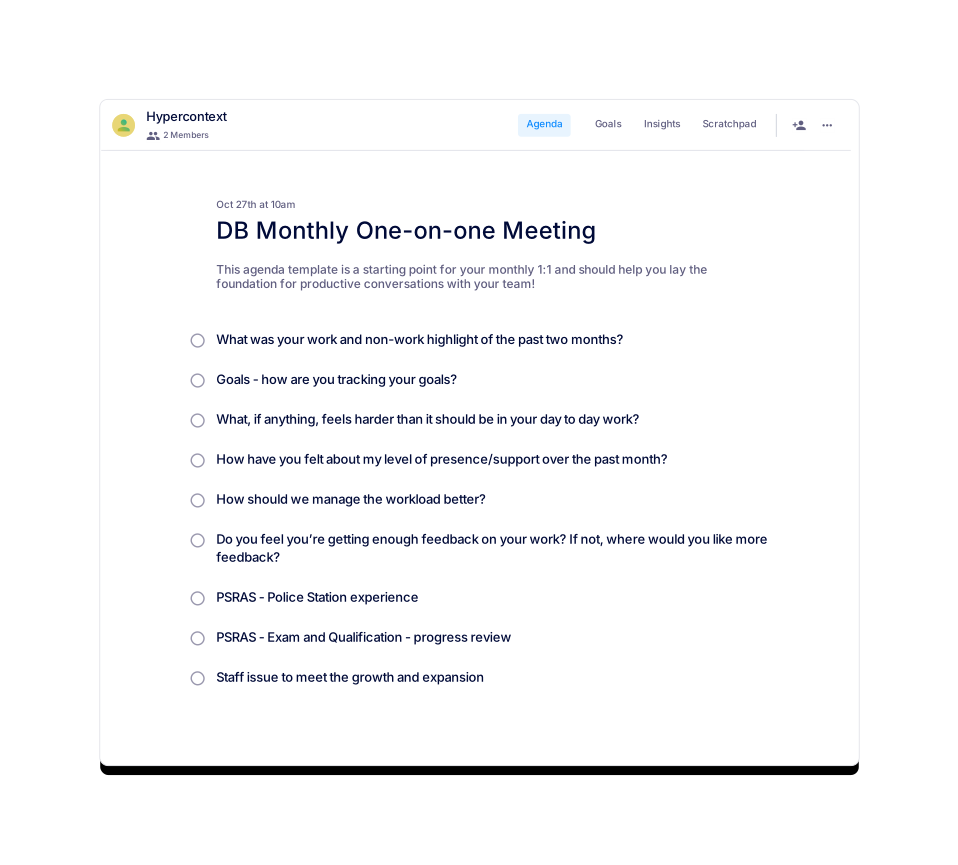
- What was your work and non-work highlight of the past month?
- Goals - how are you tracking and feeling about all things numbers/statistics?
- What, if anything, feels harder than it should be in your day to day work?
- How have you felt about my level of presence/support over the past month?
- What is one thing I could experiment with doing differently this month to help you more?
- Do you feel you’re getting enough feedback on your work? If not, where would you like more feedback?
- What is one thing you’d like to do more of outside of work this coming month?
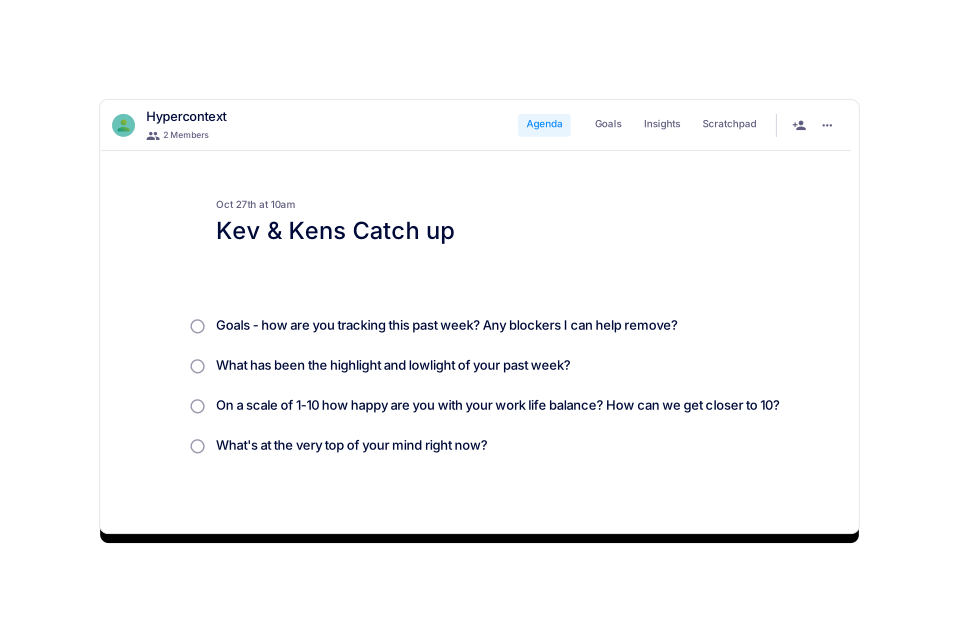
- What has been the highlight and lowlight of your past week?
- Goals - how are you tracking this past week? Any blockers I can help remove?
- What, if anything, feels harder than it should be in your day to day work?
- If there was one thing I could do differently to help you more, what would it be?
- On a scale of 1-10 how happy are you with your work life balance? How can we get closer to 10?
- 🥶 Icebreaker
- 📰 News and updates
- 📆 Key dates to keep in mind
- 📊 Performance to SLAs
- 📞 Highlight: Share key snippets of a recorded customer call
- 📈 Feedback: Which campaigns are driving the best leads?
- 🗣 Feedback: What are prospects saying we should focus on more?
- 📚 Feedback: Which materials would you like to see more of?
- Icebreaker
- Major news and updates from Customer Success
- Major news and updates from Customer Support
- Key dates to keep in mind
- Feedback exchange: Share one piece of feedback for each team
- Any roadblocks that we need to address?
- Who deserves a shoutout?
Templates
Free Agenda Templates
Created by best-in-class managers, these professional agenda templates will help you run meetings like a true pro. All available for free downloads as PDF, Excel, and Word docs. Or try the template in our meeting app and get all the best practices for free.
- What has been the highlight and lowlight of your past week?
- Goals - how are you tracking this past week? Any blockers I can help remove?
- What, if anything, feels harder than it should be in your day to day work?
- If there was one thing I could do differently to help you more, what would it be?
- On a scale of 1-10 how happy are you with your work life balance? How can we get closer to 10?
- What was your work and non-work highlight of the past month?
- Goals - how are you tracking and feeling about all things numbers/statistics?
- What, if anything, feels harder than it should be in your day to day work?
- How have you felt about my level of presence/support over the past month?
- What is one thing I could experiment with doing differently this month to help you more?
- Do you feel you’re getting enough feedback on your work? If not, where would you like more feedback?
- What is one thing you’d like to do more of outside of work this coming month?
- What do you like to do outside of work?
- How do you like to communicate? (Phone, email, Slack, etc.)
- What time of day do you do your best work?
- What kind of projects are you most excited to work on?
- What are your 1 year, 3 year, and 5 year career goals?
- What does success look like for you in 30 days?
- When and how frequently would you like us to have one-on-ones?
- How are things going?
- What’s something you’re really jazzed about outside of work?
- What have you been working on this week?
- What has been the work highlight/lowlight from the past week?
- What are you working on next week?
- Where do you need help?
- Are you happy with our level of communication? How would you change it?
- What’s top of mind right now that we haven’t talked about yet?
Free Agenda Templates
33 One-on-one Meeting Templates
One-on-ones are the most important meetings in the calendar. Check out these one-on-one agenda templates, available as PDF, Excel, and Word doc downloads, or free in our meeting app.
- Blockers
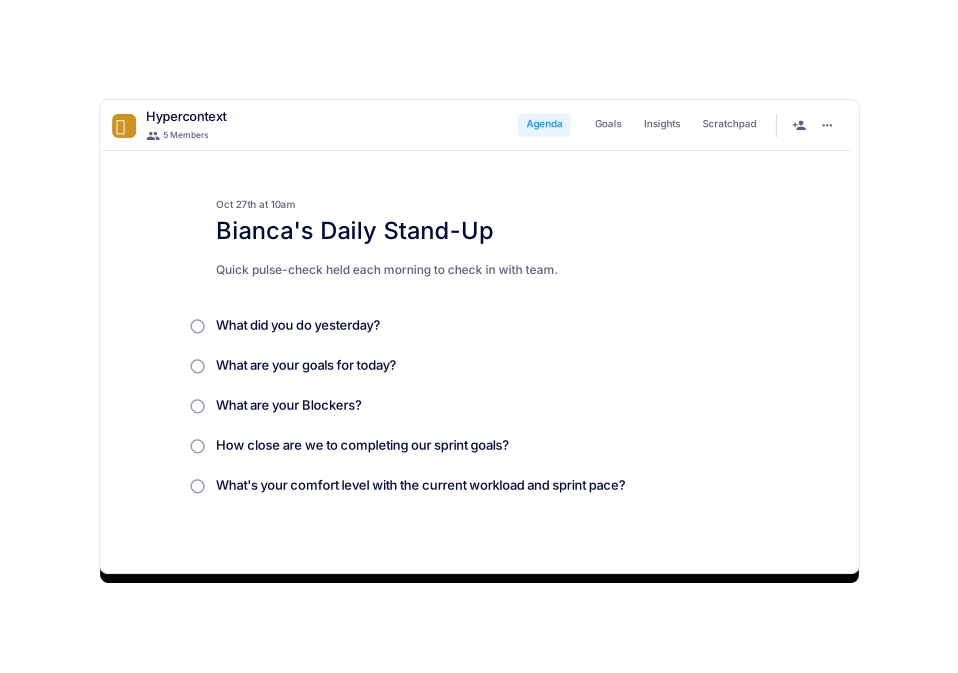
- What did you do yesterday?
- What are your goals for today?
- How close are we to hitting our sprint goals? What’s your comfort level?
- Metrics (10 min)
- Round table plan (20 min)
- What are the biggest blockers stopping us from performing to our fullest potential? (10 min)
- Who deserves a shoutout? (5 min)
- 🏆 What went well?
- 🤔 What could have gone better?
- 🧗 Anything feel more difficult than it should?
- 🐌 Do we have any blockers?
- 🤷♂️ From 1-10 how was your week overall?
- 🎧 What's your song recommendation for the week?
- Successes and wins (5 min)
- Pipeline updates (15 min)
- Obstacles and roadblocks (5 min)
- Prospect/lead feedback (5 min)
- Competitor updates (5 min)
- Pitch round table (10 min)
- Guest Speaker (10 min)
- Icebreaker (5 min)
Free Agenda Templates
50 Team Meeting Templates
Whether you’re a new manager running your first team meeting or a seasoned veteran looking to spice up your existing meetings, check out our team meeting agendas. Available as PDF, Excel, Word doc downloads or in our free meeting software.
- Self assessment and peer feedback review
- Performance against objectives
- Wins, strengths and opportunities to grow
- Areas for improvement
- Concerns, questions and clarification
- Recap of company compensation philosophy (5 min)
- The update (5 min)
- The details (10 min)
- How does that update feel to you? (10 min)
- Questions? (15 min)
- What is a PIP, and why now? (15 min)
- Timeline of the PIP process (10 min)
- Expectations for each stage (20 min)
- Questions and clarifications (15 min)
- Performance against team and individual goals
- Ability to live out company values
- Discuss your strengths (manager and peer feedback)
- Discuss your areas for improvement (manager and peer feedback)
- Major accomplishments in the last 6 months
- What's needed to help you improve?
- What are your professional goals for the next 6 months? Year?
Free Agenda Templates
9 Performance Meeting Templates
From 360 degree reviews to performance improvement plans, check out these effective meeting templates to support performance conversations. Download as PDF, Excel, Word docs, or in our free meeting app.
- Project brief
- Roles and responsibilities
- Cadence
- Next steps
- Q&A
- Objectives – why we’re here
- Ground rules
- Activities/sessions
- Next steps
- What are we going to be talking about today?
- What happened last quarter? (Highlight wins, setbacks, etc)
- What did we learn?
- What are we going to do about it? (Our goals)
- What's upcoming?
Free Agenda Templates
5 One-off Meeting Templates
Whether you’re kicking off a new project or running an annual offsite, the same rules apply: use a meeting agenda. Check out these sample one-off agendas to run better meetings. Download as PDF, Excel, Word docs, or in our free meeting app.
- What are your career goals?
- What are you really good at professionally? Please give me some examples.
- What are you not good at or not interested in? Please give me some examples.
- Who were your last 2-3 bosses, and how will they each rate your performance when we talk with them (1 is low, 10 is high)? Why?
- What do you want to get out of the role?
- Where are you at in your job search?
- Successes and wins (5 min)
- Pipeline updates (15 min)
- Obstacles and roadblocks (5 min)
- Prospect/lead feedback (5 min)
- Competitor updates (5 min)
- Pitch round table (10 min)
- Guest Speaker (10 min)
- Icebreaker (5 min)
- What was your work and non-work highlight of the past month?
- Goals - how are you tracking and feeling about all things numbers/statistics?
- What, if anything, feels harder than it should be in your day to day work?
- How have you felt about my level of presence/support over the past month?
- What is one thing I could experiment with doing differently this month to help you more?
- Do you feel you’re getting enough feedback on your work? If not, where would you like more feedback?
- What is one thing you’d like to do more of outside of work this coming month?
Free Agenda Templates
1 Interview Meeting Templates
Hiring is no joke. Improve your odds of hiring the best candidate with these best-in-class interview templates! Try as PDF, Excel, Word doc downloads or in our free meeting app.
- Objectives (5 min)
- Ground rules & housekeeping (5 min)
- Activity (20 min)
- Round robin (15 min)
- Idea voting (10 min)
- Next steps (5 min)
- OKR review for last quarter: Where did we succeed? Where did we fall short? What did we learn?
- What are 3-5 things you want to accomplish in the next quarter?
- What key things need to happen in order to achieve those 3-5 goals?
- What resources, tools and budget do you need to achieve your goals?
- What could happen in the upcoming quarter that would prevent you from hitting your goals?
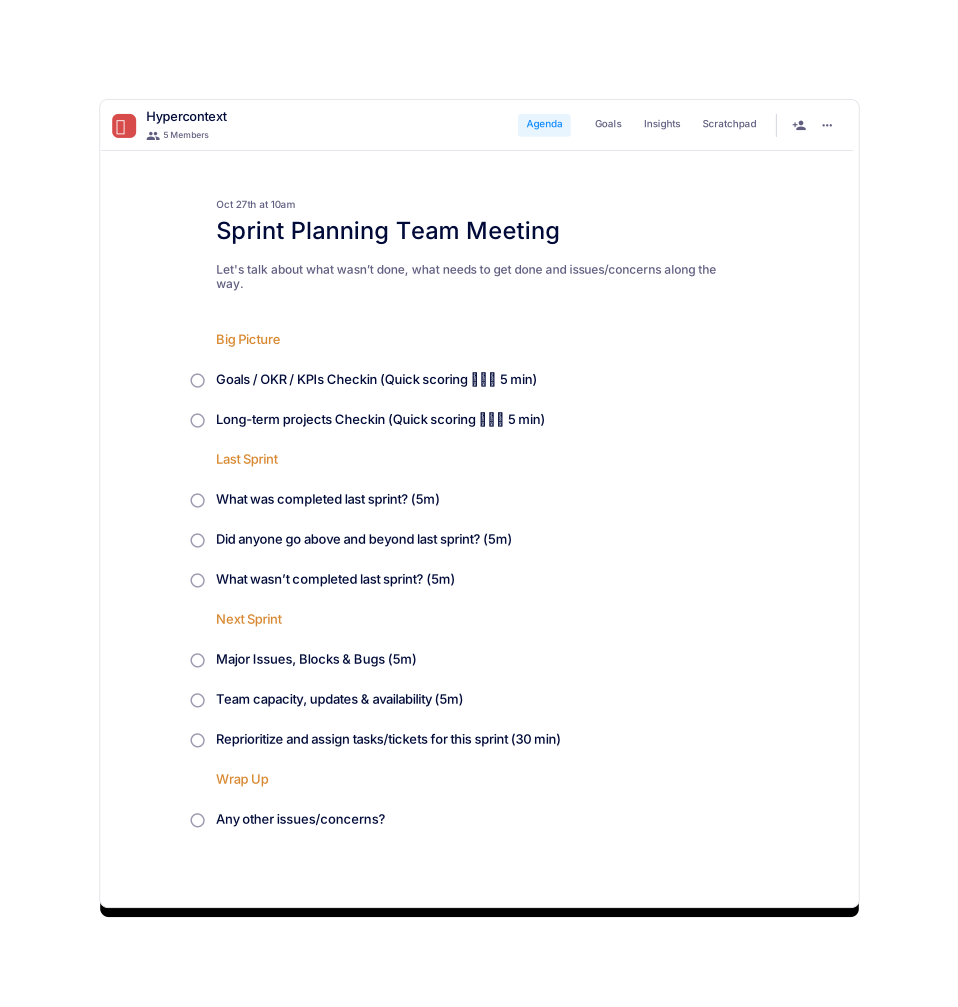
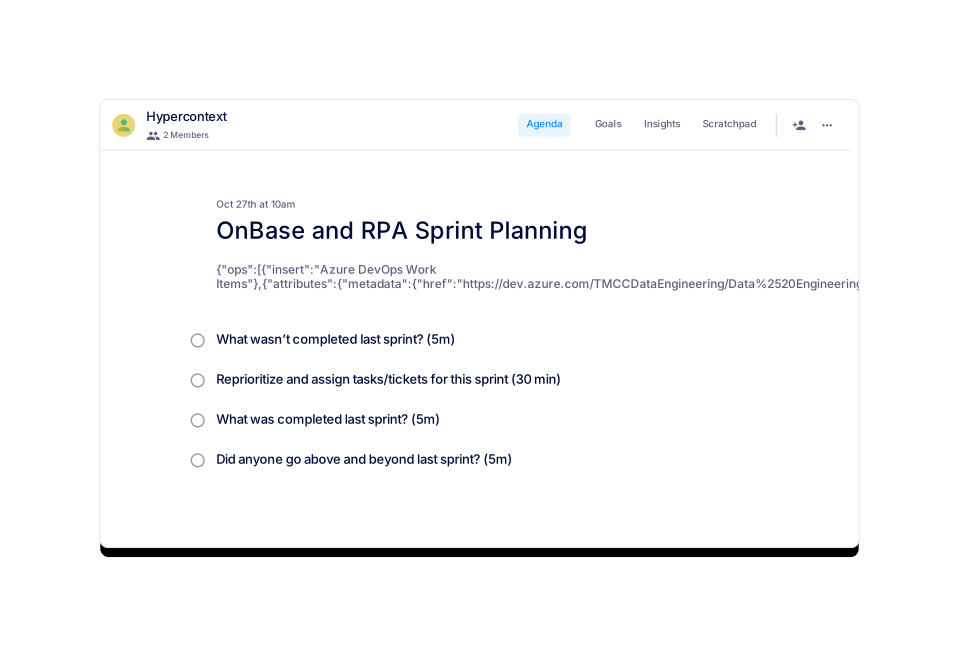
- What wasn’t completed last sprint? (5m)
- Reprioritize and assign tasks/tickets for this sprint (30 min)
- Any other issues/concerns?
- Goals / OKR / KPIs Checkin (Quick scoring 🟢🟡🔴 5 min)
- What was completed last sprint? (5m)
- Long-term projects Checkin (Quick scoring 🟢🟡🔴 5 min)
- Did anyone go above and beyond last sprint? (5m)
- Team capacity, updates & availability (5m)
- Major Issues, Blocks & Bugs (5m)
- Retro on last quarter
- Laundry list brainstorm: With unlimited time and budget, what would you do to move the needle next quarter?
- What of the above will have a direct impact on our goals? How?
- What is happening throughout the quarter (events, absences, org. changes) that we need to factor into our planning?
- What obstacles could arise in the next quarter that would prevent us from achieving our goals?
Free Agenda Templates
6 Planning Meeting Templates
Kick every quarter or year off with valuable feedback from the team. Use these agenda templates to put the best plan in place for your team, every time. Available for download as PDF, Excel, Word docs, or in our free meeting app.
- Icebreaker
- Major news and updates from Customer Success
- Major news and updates from Customer Support
- Key dates to keep in mind
- Feedback exchange: Share one piece of feedback for each team
- Any roadblocks that we need to address?
- Who deserves a shoutout?
- 🥶 Icebreaker
- 📰 News and updates
- 📆 Key dates to keep in mind
- 📊 Performance to SLAs
- 📞 Highlight: Share key snippets of a recorded customer call
- 📈 Feedback: Which campaigns are driving the best leads?
- 🗣 Feedback: What are prospects saying we should focus on more?
- 📚 Feedback: Which materials would you like to see more of?
- Icebreaker
- Ongoing suggestions to improve sales and support handoff
- Customer feedback: What are customers most excited and frustrated by?
- Goals: How are we tracking against them?
- Sales update: Important accounts support should keep top of mind
- Support update: Accounts that need attention from sales
Free Agenda Templates
3 Cross Functional Meeting Templates
Get access to meeting templates from the best leaders in tech. Submitted by leaders running effective cross-functional meetings right within Spinach AI! All available for free as PDF, Excel, Word docs, or in our meeting app.
- Demo (20-30 min)
- Product acceptance and change requests (10 min)
- What went well? (5 min)
- What could have gone better? (5 min)
- Things to look out for in the future? (5 min)
- Who deserves a shoutout? (5 min)
- Demo day prep: What are we presenting? (5 min)
- Review goals of the project - did we hit them?
- What should we START doing?
- What should we STOP doing?
- What should we KEEP doing?
- How do we feel things went?
- Sun Example: When the bug popped up we all solved it together. Made me feel like we're a great team.
- Anchor Example: We didn't confirm our plans with all stakeholders before starting work. This made us underestimate what was involved and means we need to start again.
- Wind Example: When we updated our framework there were a few new functions that allow us to do more, faster.
- Rock Example: We have a critical team member who is going on mat. leave in the coming weeks. We need to plan around that.
- Reminder of Sprint Goals (If needed: https://hypercontext.com/goal-examples)
- Review all next steps
Free Agenda Templates
5 Retrospective Meeting Templates
Get access to meeting templates from the best leaders in tech. Submitted by leaders running effective meetings right within Spinach AI! Reflect with your team in our free meeting note app or download as PDF, Excel, Word docs.
- Broader vision
- State-of-the-nation metrics
- Customer and employee updates
- Reminders
- Cameo
- AMA (Ask Me Anything)
- What are we going to be talking about today?
- What happened last quarter? (Highlight wins, setbacks, etc)
- What did we learn?
- What are we going to do about it? (Our goals)
- What's upcoming?
- Successes and wins (5 min)
- Pipeline updates (15 min)
- Obstacles and roadblocks (5 min)
- Prospect/lead feedback (5 min)
- Competitor updates (5 min)
- Pitch round table (10 min)
- Guest Speaker (10 min)
- Icebreaker (5 min)
- What was your work and non-work highlight of the past month?
- Goals - how are you tracking and feeling about all things numbers/statistics?
- What, if anything, feels harder than it should be in your day to day work?
- How have you felt about my level of presence/support over the past month?
- What is one thing I could experiment with doing differently this month to help you more?
- Do you feel you’re getting enough feedback on your work? If not, where would you like more feedback?
- What is one thing you’d like to do more of outside of work this coming month?
- What has been the highlight and lowlight of your past week?
- Goals - how are you tracking this past week? Any blockers I can help remove?
- What, if anything, feels harder than it should be in your day to day work?
- If there was one thing I could do differently to help you more, what would it be?
- On a scale of 1-10 how happy are you with your work life balance? How can we get closer to 10?
- 🥶 Icebreaker
- 📰 News and updates
- 📆 Key dates to keep in mind
- 📊 Performance to SLAs
- 📞 Highlight: Share key snippets of a recorded customer call
- 📈 Feedback: Which campaigns are driving the best leads?
- 🗣 Feedback: What are prospects saying we should focus on more?
- 📚 Feedback: Which materials would you like to see more of?
Free Agenda Templates
4 Company Meeting Templates
Get access to meeting templates from the best leaders in tech. Submitted by leaders running effective meetings right within Spinach AI! All available for free as PDF, Excel, Word docs, or in our free meeting note app.
- How are things going?
- What’s something you’re really jazzed about outside of work?
- What have you been working on this week?
- What has been the work highlight/lowlight from the past week?
- What are you working on next week?
- Where do you need help?
- Are you happy with our level of communication? How would you change it?
- What’s top of mind right now that we haven’t talked about yet?
- Icebreaker 🥶
- How are we tracking against our goals? 📊
- What went well this week? 👏
- What could have gone better? 🙌
- What are the biggest blockers stopping us from performing to our fullest potential? 💪
- What do we want to accomplish by our next meeting? 👀
- Who deserves a shoutout? 🥳
- What did you do yesterday? 🤷♂️
- What will you do today? 👀
- What is blocking your progress? 🙅♀️
- 🙏 Icebreaker - what are you grateful for this week?
- 📰 News
- 📊 Pipeline update - how are we tracking against pipeline goals?
- 🥇 Team wins for the week
- 📚 Obstacles, roadblocks, and learnings
- ✅ Review next steps for the week
- 🏨 Guest Speaker
Free Agenda Templates
6 Remote Meeting Templates
Get access to meeting templates from the best leaders in tech. Submitted by leaders running effective meetings right within Spinach AI! All available for free as PDF, Excel, Word doc downloads or in our free meeting note app so your team can take notes, document next steps, and contribute in advance — in real time.
- Successes and wins (5 min)
- Pipeline updates (15 min)
- Obstacles and roadblocks (5 min)
- Prospect/lead feedback (5 min)
- Competitor updates (5 min)
- Pitch round table (10 min)
- Guest Speaker (10 min)
- Icebreaker (5 min)
- What was your work and non-work highlight of the past month?
- Goals - how are you tracking and feeling about all things numbers/statistics?
- What, if anything, feels harder than it should be in your day to day work?
- How have you felt about my level of presence/support over the past month?
- What is one thing I could experiment with doing differently this month to help you more?
- Do you feel you’re getting enough feedback on your work? If not, where would you like more feedback?
- What is one thing you’d like to do more of outside of work this coming month?
- What has been the highlight and lowlight of your past week?
- Goals - how are you tracking this past week? Any blockers I can help remove?
- What, if anything, feels harder than it should be in your day to day work?
- If there was one thing I could do differently to help you more, what would it be?
- On a scale of 1-10 how happy are you with your work life balance? How can we get closer to 10?
- 🥶 Icebreaker
- 📰 News and updates
- 📆 Key dates to keep in mind
- 📊 Performance to SLAs
- 📞 Highlight: Share key snippets of a recorded customer call
- 📈 Feedback: Which campaigns are driving the best leads?
- 🗣 Feedback: What are prospects saying we should focus on more?
- 📚 Feedback: Which materials would you like to see more of?
- Icebreaker
- Major news and updates from Customer Success
- Major news and updates from Customer Support
- Key dates to keep in mind
- Feedback exchange: Share one piece of feedback for each team
- Any roadblocks that we need to address?
- Who deserves a shoutout?
Free Agenda Templates
All 160 Templates
Set your team up for success with these professional templates that have been battle-tested by the pros. Run productive, organized, and effective meetings without the hassle of creating a new template every time you meet. Access them in our free meeting app, or download as a PDF, Excel, or Word doc.
- Successes and wins (5 min)
- Pipeline updates (15 min)
- Obstacles and roadblocks (5 min)
- Prospect/lead feedback (5 min)
- Competitor updates (5 min)
- Pitch round table (10 min)
- Guest Speaker (10 min)
- Icebreaker (5 min)
- What was your work and non-work highlight of the past month?
- Goals - how are you tracking and feeling about all things numbers/statistics?
- What, if anything, feels harder than it should be in your day to day work?
- How have you felt about my level of presence/support over the past month?
- What is one thing I could experiment with doing differently this month to help you more?
- Do you feel you’re getting enough feedback on your work? If not, where would you like more feedback?
- What is one thing you’d like to do more of outside of work this coming month?
- What has been the highlight and lowlight of your past week?
- Goals - how are you tracking this past week? Any blockers I can help remove?
- What, if anything, feels harder than it should be in your day to day work?
- If there was one thing I could do differently to help you more, what would it be?
- On a scale of 1-10 how happy are you with your work life balance? How can we get closer to 10?
- 🥶 Icebreaker
- 📰 News and updates
- 📆 Key dates to keep in mind
- 📊 Performance to SLAs
- 📞 Highlight: Share key snippets of a recorded customer call
- 📈 Feedback: Which campaigns are driving the best leads?
- 🗣 Feedback: What are prospects saying we should focus on more?
- 📚 Feedback: Which materials would you like to see more of?
- Icebreaker
- Major news and updates from Customer Success
- Major news and updates from Customer Support
- Key dates to keep in mind
- Feedback exchange: Share one piece of feedback for each team
- Any roadblocks that we need to address?
- Who deserves a shoutout?
Free Agenda Templates
5 Customer Success Meeting Templates
Set your customer success team up for success with these professional templates that have been battle-tested by the pros. Run productive meetings without the hassle of creating a new template every time you meet. Access them in our free meeting app, or download as a PDF, Excel, or Word doc.
- Successes and wins (5 min)
- Pipeline updates (15 min)
- Obstacles and roadblocks (5 min)
- Prospect/lead feedback (5 min)
- Competitor updates (5 min)
- Pitch round table (10 min)
- Guest Speaker (10 min)
- Icebreaker (5 min)
- What was your work and non-work highlight of the past month?
- Goals - how are you tracking and feeling about all things numbers/statistics?
- What, if anything, feels harder than it should be in your day to day work?
- How have you felt about my level of presence/support over the past month?
- What is one thing I could experiment with doing differently this month to help you more?
- Do you feel you’re getting enough feedback on your work? If not, where would you like more feedback?
- What is one thing you’d like to do more of outside of work this coming month?
- What has been the highlight and lowlight of your past week?
- Goals - how are you tracking this past week? Any blockers I can help remove?
- What, if anything, feels harder than it should be in your day to day work?
- If there was one thing I could do differently to help you more, what would it be?
- On a scale of 1-10 how happy are you with your work life balance? How can we get closer to 10?
- 🥶 Icebreaker
- 📰 News and updates
- 📆 Key dates to keep in mind
- 📊 Performance to SLAs
- 📞 Highlight: Share key snippets of a recorded customer call
- 📈 Feedback: Which campaigns are driving the best leads?
- 🗣 Feedback: What are prospects saying we should focus on more?
- 📚 Feedback: Which materials would you like to see more of?
- Icebreaker
- Major news and updates from Customer Success
- Major news and updates from Customer Support
- Key dates to keep in mind
- Feedback exchange: Share one piece of feedback for each team
- Any roadblocks that we need to address?
- Who deserves a shoutout?
Free Agenda Templates
3 Customer Support Meeting Templates
Set your customer support team up for success with these professional templates that have been battle-tested by the pros. Run productive meetings without the hassle of creating a new template every time you meet. Access them in our free meeting app, or download as a PDF, Excel, or Word doc.
- Successes and wins (5 min)
- Pipeline updates (15 min)
- Obstacles and roadblocks (5 min)
- Prospect/lead feedback (5 min)
- Competitor updates (5 min)
- Pitch round table (10 min)
- Guest Speaker (10 min)
- Icebreaker (5 min)
- What was your work and non-work highlight of the past month?
- Goals - how are you tracking and feeling about all things numbers/statistics?
- What, if anything, feels harder than it should be in your day to day work?
- How have you felt about my level of presence/support over the past month?
- What is one thing I could experiment with doing differently this month to help you more?
- Do you feel you’re getting enough feedback on your work? If not, where would you like more feedback?
- What is one thing you’d like to do more of outside of work this coming month?
- What has been the highlight and lowlight of your past week?
- Goals - how are you tracking this past week? Any blockers I can help remove?
- What, if anything, feels harder than it should be in your day to day work?
- If there was one thing I could do differently to help you more, what would it be?
- On a scale of 1-10 how happy are you with your work life balance? How can we get closer to 10?
- 🥶 Icebreaker
- 📰 News and updates
- 📆 Key dates to keep in mind
- 📊 Performance to SLAs
- 📞 Highlight: Share key snippets of a recorded customer call
- 📈 Feedback: Which campaigns are driving the best leads?
- 🗣 Feedback: What are prospects saying we should focus on more?
- 📚 Feedback: Which materials would you like to see more of?
- Icebreaker
- Major news and updates from Customer Success
- Major news and updates from Customer Support
- Key dates to keep in mind
- Feedback exchange: Share one piece of feedback for each team
- Any roadblocks that we need to address?
- Who deserves a shoutout?
Free Agenda Templates
1 Design Meeting Templates
Set your design team up for success with these professional templates that have been battle-tested by the pros. Run productive meetings without the hassle of creating a new template every time you meet. Access them in our free meeting app, or download as a PDF, Excel, or Word doc.
- Successes and wins (5 min)
- Pipeline updates (15 min)
- Obstacles and roadblocks (5 min)
- Prospect/lead feedback (5 min)
- Competitor updates (5 min)
- Pitch round table (10 min)
- Guest Speaker (10 min)
- Icebreaker (5 min)
- What was your work and non-work highlight of the past month?
- Goals - how are you tracking and feeling about all things numbers/statistics?
- What, if anything, feels harder than it should be in your day to day work?
- How have you felt about my level of presence/support over the past month?
- What is one thing I could experiment with doing differently this month to help you more?
- Do you feel you’re getting enough feedback on your work? If not, where would you like more feedback?
- What is one thing you’d like to do more of outside of work this coming month?
- What has been the highlight and lowlight of your past week?
- Goals - how are you tracking this past week? Any blockers I can help remove?
- What, if anything, feels harder than it should be in your day to day work?
- If there was one thing I could do differently to help you more, what would it be?
- On a scale of 1-10 how happy are you with your work life balance? How can we get closer to 10?
- 🥶 Icebreaker
- 📰 News and updates
- 📆 Key dates to keep in mind
- 📊 Performance to SLAs
- 📞 Highlight: Share key snippets of a recorded customer call
- 📈 Feedback: Which campaigns are driving the best leads?
- 🗣 Feedback: What are prospects saying we should focus on more?
- 📚 Feedback: Which materials would you like to see more of?
- Icebreaker
- Major news and updates from Customer Success
- Major news and updates from Customer Support
- Key dates to keep in mind
- Feedback exchange: Share one piece of feedback for each team
- Any roadblocks that we need to address?
- Who deserves a shoutout?
Free Agenda Templates
10 Engineering Meeting Templates
Set your engineering team up for success with these professional templates that have been battle-tested by the pros. Run productive meetings without the hassle of creating a new template every time you meet. Access them free in our meeting app, or download as a PDF, Excel, or Word doc.
- Successes and wins (5 min)
- Pipeline updates (15 min)
- Obstacles and roadblocks (5 min)
- Prospect/lead feedback (5 min)
- Competitor updates (5 min)
- Pitch round table (10 min)
- Guest Speaker (10 min)
- Icebreaker (5 min)
- What was your work and non-work highlight of the past month?
- Goals - how are you tracking and feeling about all things numbers/statistics?
- What, if anything, feels harder than it should be in your day to day work?
- How have you felt about my level of presence/support over the past month?
- What is one thing I could experiment with doing differently this month to help you more?
- Do you feel you’re getting enough feedback on your work? If not, where would you like more feedback?
- What is one thing you’d like to do more of outside of work this coming month?
- What has been the highlight and lowlight of your past week?
- Goals - how are you tracking this past week? Any blockers I can help remove?
- What, if anything, feels harder than it should be in your day to day work?
- If there was one thing I could do differently to help you more, what would it be?
- On a scale of 1-10 how happy are you with your work life balance? How can we get closer to 10?
- 🥶 Icebreaker
- 📰 News and updates
- 📆 Key dates to keep in mind
- 📊 Performance to SLAs
- 📞 Highlight: Share key snippets of a recorded customer call
- 📈 Feedback: Which campaigns are driving the best leads?
- 🗣 Feedback: What are prospects saying we should focus on more?
- 📚 Feedback: Which materials would you like to see more of?
- Icebreaker
- Major news and updates from Customer Success
- Major news and updates from Customer Support
- Key dates to keep in mind
- Feedback exchange: Share one piece of feedback for each team
- Any roadblocks that we need to address?
- Who deserves a shoutout?
Free Agenda Templates
35 General Meeting Templates
Set your team up for success with these professional templates that have been battle-tested by the pros. Run productive meetings without the hassle of creating a new template every time you meet. Access them free in our meeting app, or download as a PDF, Excel, or Word doc.
- Successes and wins (5 min)
- Pipeline updates (15 min)
- Obstacles and roadblocks (5 min)
- Prospect/lead feedback (5 min)
- Competitor updates (5 min)
- Pitch round table (10 min)
- Guest Speaker (10 min)
- Icebreaker (5 min)
- What was your work and non-work highlight of the past month?
- Goals - how are you tracking and feeling about all things numbers/statistics?
- What, if anything, feels harder than it should be in your day to day work?
- How have you felt about my level of presence/support over the past month?
- What is one thing I could experiment with doing differently this month to help you more?
- Do you feel you’re getting enough feedback on your work? If not, where would you like more feedback?
- What is one thing you’d like to do more of outside of work this coming month?
- What has been the highlight and lowlight of your past week?
- Goals - how are you tracking this past week? Any blockers I can help remove?
- What, if anything, feels harder than it should be in your day to day work?
- If there was one thing I could do differently to help you more, what would it be?
- On a scale of 1-10 how happy are you with your work life balance? How can we get closer to 10?
- 🥶 Icebreaker
- 📰 News and updates
- 📆 Key dates to keep in mind
- 📊 Performance to SLAs
- 📞 Highlight: Share key snippets of a recorded customer call
- 📈 Feedback: Which campaigns are driving the best leads?
- 🗣 Feedback: What are prospects saying we should focus on more?
- 📚 Feedback: Which materials would you like to see more of?
- Icebreaker
- Major news and updates from Customer Success
- Major news and updates from Customer Support
- Key dates to keep in mind
- Feedback exchange: Share one piece of feedback for each team
- Any roadblocks that we need to address?
- Who deserves a shoutout?
Free Agenda Templates
10 HR Meeting Templates
Set your HR team up for success with these professional templates that have been battle-tested by the pros. Run productive meetings without the hassle of creating a new template every time you meet. Access them in our free meeting app, or download as a PDF, Excel, or Word doc.
- Successes and wins (5 min)
- Pipeline updates (15 min)
- Obstacles and roadblocks (5 min)
- Prospect/lead feedback (5 min)
- Competitor updates (5 min)
- Pitch round table (10 min)
- Guest Speaker (10 min)
- Icebreaker (5 min)
- What was your work and non-work highlight of the past month?
- Goals - how are you tracking and feeling about all things numbers/statistics?
- What, if anything, feels harder than it should be in your day to day work?
- How have you felt about my level of presence/support over the past month?
- What is one thing I could experiment with doing differently this month to help you more?
- Do you feel you’re getting enough feedback on your work? If not, where would you like more feedback?
- What is one thing you’d like to do more of outside of work this coming month?
- What has been the highlight and lowlight of your past week?
- Goals - how are you tracking this past week? Any blockers I can help remove?
- What, if anything, feels harder than it should be in your day to day work?
- If there was one thing I could do differently to help you more, what would it be?
- On a scale of 1-10 how happy are you with your work life balance? How can we get closer to 10?
- 🥶 Icebreaker
- 📰 News and updates
- 📆 Key dates to keep in mind
- 📊 Performance to SLAs
- 📞 Highlight: Share key snippets of a recorded customer call
- 📈 Feedback: Which campaigns are driving the best leads?
- 🗣 Feedback: What are prospects saying we should focus on more?
- 📚 Feedback: Which materials would you like to see more of?
- Icebreaker
- Major news and updates from Customer Success
- Major news and updates from Customer Support
- Key dates to keep in mind
- Feedback exchange: Share one piece of feedback for each team
- Any roadblocks that we need to address?
- Who deserves a shoutout?
Free Agenda Templates
9 Exec & Leadership Meeting Templates
Set your exec and leadership team up for success with these professional templates that have been battle-tested by the pros. Run productive organized meetings without the hassle of creating a new template every time you meet. Access them in our free meeting app, or download as a PDF, Excel, or Word doc.
- Successes and wins (5 min)
- Pipeline updates (15 min)
- Obstacles and roadblocks (5 min)
- Prospect/lead feedback (5 min)
- Competitor updates (5 min)
- Pitch round table (10 min)
- Guest Speaker (10 min)
- Icebreaker (5 min)
- What was your work and non-work highlight of the past month?
- Goals - how are you tracking and feeling about all things numbers/statistics?
- What, if anything, feels harder than it should be in your day to day work?
- How have you felt about my level of presence/support over the past month?
- What is one thing I could experiment with doing differently this month to help you more?
- Do you feel you’re getting enough feedback on your work? If not, where would you like more feedback?
- What is one thing you’d like to do more of outside of work this coming month?
- What has been the highlight and lowlight of your past week?
- Goals - how are you tracking this past week? Any blockers I can help remove?
- What, if anything, feels harder than it should be in your day to day work?
- If there was one thing I could do differently to help you more, what would it be?
- On a scale of 1-10 how happy are you with your work life balance? How can we get closer to 10?
- 🥶 Icebreaker
- 📰 News and updates
- 📆 Key dates to keep in mind
- 📊 Performance to SLAs
- 📞 Highlight: Share key snippets of a recorded customer call
- 📈 Feedback: Which campaigns are driving the best leads?
- 🗣 Feedback: What are prospects saying we should focus on more?
- 📚 Feedback: Which materials would you like to see more of?
- Icebreaker
- Major news and updates from Customer Success
- Major news and updates from Customer Support
- Key dates to keep in mind
- Feedback exchange: Share one piece of feedback for each team
- Any roadblocks that we need to address?
- Who deserves a shoutout?
Free Agenda Templates
5 Marketing Meeting Templates
Set your marketing team up for success with these professional templates that have been battle-tested by the pros. Run organized meetings without the hassle of creating a new template every time you meet. Access them in our free meeting app, or download as a PDF, Excel, or Word doc.
- Successes and wins (5 min)
- Pipeline updates (15 min)
- Obstacles and roadblocks (5 min)
- Prospect/lead feedback (5 min)
- Competitor updates (5 min)
- Pitch round table (10 min)
- Guest Speaker (10 min)
- Icebreaker (5 min)
- What was your work and non-work highlight of the past month?
- Goals - how are you tracking and feeling about all things numbers/statistics?
- What, if anything, feels harder than it should be in your day to day work?
- How have you felt about my level of presence/support over the past month?
- What is one thing I could experiment with doing differently this month to help you more?
- Do you feel you’re getting enough feedback on your work? If not, where would you like more feedback?
- What is one thing you’d like to do more of outside of work this coming month?
- What has been the highlight and lowlight of your past week?
- Goals - how are you tracking this past week? Any blockers I can help remove?
- What, if anything, feels harder than it should be in your day to day work?
- If there was one thing I could do differently to help you more, what would it be?
- On a scale of 1-10 how happy are you with your work life balance? How can we get closer to 10?
- 🥶 Icebreaker
- 📰 News and updates
- 📆 Key dates to keep in mind
- 📊 Performance to SLAs
- 📞 Highlight: Share key snippets of a recorded customer call
- 📈 Feedback: Which campaigns are driving the best leads?
- 🗣 Feedback: What are prospects saying we should focus on more?
- 📚 Feedback: Which materials would you like to see more of?
- Icebreaker
- Major news and updates from Customer Success
- Major news and updates from Customer Support
- Key dates to keep in mind
- Feedback exchange: Share one piece of feedback for each team
- Any roadblocks that we need to address?
- Who deserves a shoutout?
Free Agenda Templates
2 Operations Meeting Templates
Set your operations team up for success with these professional templates that have been battle-tested by the pros. Run productive meetings without the hassle of creating a new template every time you meet. Access them in our free meeting app, or download as a PDF, Excel, or Word doc.
- Successes and wins (5 min)
- Pipeline updates (15 min)
- Obstacles and roadblocks (5 min)
- Prospect/lead feedback (5 min)
- Competitor updates (5 min)
- Pitch round table (10 min)
- Guest Speaker (10 min)
- Icebreaker (5 min)
- What was your work and non-work highlight of the past month?
- Goals - how are you tracking and feeling about all things numbers/statistics?
- What, if anything, feels harder than it should be in your day to day work?
- How have you felt about my level of presence/support over the past month?
- What is one thing I could experiment with doing differently this month to help you more?
- Do you feel you’re getting enough feedback on your work? If not, where would you like more feedback?
- What is one thing you’d like to do more of outside of work this coming month?
- What has been the highlight and lowlight of your past week?
- Goals - how are you tracking this past week? Any blockers I can help remove?
- What, if anything, feels harder than it should be in your day to day work?
- If there was one thing I could do differently to help you more, what would it be?
- On a scale of 1-10 how happy are you with your work life balance? How can we get closer to 10?
- 🥶 Icebreaker
- 📰 News and updates
- 📆 Key dates to keep in mind
- 📊 Performance to SLAs
- 📞 Highlight: Share key snippets of a recorded customer call
- 📈 Feedback: Which campaigns are driving the best leads?
- 🗣 Feedback: What are prospects saying we should focus on more?
- 📚 Feedback: Which materials would you like to see more of?
- Icebreaker
- Major news and updates from Customer Success
- Major news and updates from Customer Support
- Key dates to keep in mind
- Feedback exchange: Share one piece of feedback for each team
- Any roadblocks that we need to address?
- Who deserves a shoutout?
Free Agenda Templates
7 Product Meeting Templates
Set your product team up for success with these professional templates that have been battle-tested by the pros. Run effective meetings without the hassle of creating a new template every time you meet. Access them in our free meeting app, or download as a PDF, Excel, or Word doc.
- Successes and wins (5 min)
- Pipeline updates (15 min)
- Obstacles and roadblocks (5 min)
- Prospect/lead feedback (5 min)
- Competitor updates (5 min)
- Pitch round table (10 min)
- Guest Speaker (10 min)
- Icebreaker (5 min)
- What was your work and non-work highlight of the past month?
- Goals - how are you tracking and feeling about all things numbers/statistics?
- What, if anything, feels harder than it should be in your day to day work?
- How have you felt about my level of presence/support over the past month?
- What is one thing I could experiment with doing differently this month to help you more?
- Do you feel you’re getting enough feedback on your work? If not, where would you like more feedback?
- What is one thing you’d like to do more of outside of work this coming month?
- What has been the highlight and lowlight of your past week?
- Goals - how are you tracking this past week? Any blockers I can help remove?
- What, if anything, feels harder than it should be in your day to day work?
- If there was one thing I could do differently to help you more, what would it be?
- On a scale of 1-10 how happy are you with your work life balance? How can we get closer to 10?
- 🥶 Icebreaker
- 📰 News and updates
- 📆 Key dates to keep in mind
- 📊 Performance to SLAs
- 📞 Highlight: Share key snippets of a recorded customer call
- 📈 Feedback: Which campaigns are driving the best leads?
- 🗣 Feedback: What are prospects saying we should focus on more?
- 📚 Feedback: Which materials would you like to see more of?
- Icebreaker
- Major news and updates from Customer Success
- Major news and updates from Customer Support
- Key dates to keep in mind
- Feedback exchange: Share one piece of feedback for each team
- Any roadblocks that we need to address?
- Who deserves a shoutout?
Free Agenda Templates
23 Sales Meeting Templates
Set your sales team up for success with these professional templates that have been battle-tested by the pros. Run productive meetings without the hassle of creating a new template every time you meet. Access them in our free meeting app, or download as a PDF, Excel, or Word doc.
- Successes and wins (5 min)
- Pipeline updates (15 min)
- Obstacles and roadblocks (5 min)
- Prospect/lead feedback (5 min)
- Competitor updates (5 min)
- Pitch round table (10 min)
- Guest Speaker (10 min)
- Icebreaker (5 min)
- What was your work and non-work highlight of the past month?
- Goals - how are you tracking and feeling about all things numbers/statistics?
- What, if anything, feels harder than it should be in your day to day work?
- How have you felt about my level of presence/support over the past month?
- What is one thing I could experiment with doing differently this month to help you more?
- Do you feel you’re getting enough feedback on your work? If not, where would you like more feedback?
- What is one thing you’d like to do more of outside of work this coming month?
- What has been the highlight and lowlight of your past week?
- Goals - how are you tracking this past week? Any blockers I can help remove?
- What, if anything, feels harder than it should be in your day to day work?
- If there was one thing I could do differently to help you more, what would it be?
- On a scale of 1-10 how happy are you with your work life balance? How can we get closer to 10?
- 🥶 Icebreaker
- 📰 News and updates
- 📆 Key dates to keep in mind
- 📊 Performance to SLAs
- 📞 Highlight: Share key snippets of a recorded customer call
- 📈 Feedback: Which campaigns are driving the best leads?
- 🗣 Feedback: What are prospects saying we should focus on more?
- 📚 Feedback: Which materials would you like to see more of?
- Icebreaker
- Major news and updates from Customer Success
- Major news and updates from Customer Support
- Key dates to keep in mind
- Feedback exchange: Share one piece of feedback for each team
- Any roadblocks that we need to address?
- Who deserves a shoutout?
Free Agenda Templates
107 User Generated Meeting Templates
Set your team up for success with these professional templates from that have been created and battle-tested by the pros. Run productive meetings without the hassle of creating a new template every time you meet. Access them in our free meeting app, or download as a PDF, Excel, or Word doc.
- Successes and wins (5 min)
- Pipeline updates (15 min)
- Obstacles and roadblocks (5 min)
- Prospect/lead feedback (5 min)
- Competitor updates (5 min)
- Pitch round table (10 min)
- Guest Speaker (10 min)
- Icebreaker (5 min)
- What was your work and non-work highlight of the past month?
- Goals - how are you tracking and feeling about all things numbers/statistics?
- What, if anything, feels harder than it should be in your day to day work?
- How have you felt about my level of presence/support over the past month?
- What is one thing I could experiment with doing differently this month to help you more?
- Do you feel you’re getting enough feedback on your work? If not, where would you like more feedback?
- What is one thing you’d like to do more of outside of work this coming month?
- What has been the highlight and lowlight of your past week?
- Goals - how are you tracking this past week? Any blockers I can help remove?
- What, if anything, feels harder than it should be in your day to day work?
- If there was one thing I could do differently to help you more, what would it be?
- On a scale of 1-10 how happy are you with your work life balance? How can we get closer to 10?
- 🥶 Icebreaker
- 📰 News and updates
- 📆 Key dates to keep in mind
- 📊 Performance to SLAs
- 📞 Highlight: Share key snippets of a recorded customer call
- 📈 Feedback: Which campaigns are driving the best leads?
- 🗣 Feedback: What are prospects saying we should focus on more?
- 📚 Feedback: Which materials would you like to see more of?
- Icebreaker
- Major news and updates from Customer Success
- Major news and updates from Customer Support
- Key dates to keep in mind
- Feedback exchange: Share one piece of feedback for each team
- Any roadblocks that we need to address?
- Who deserves a shoutout?
Free Agenda Templates
7 Agile Meeting Templates
Get access to professional meeting templates for your next scrum, retro, standup, or sprint planning meeting. Submitted by leaders running effective meetings right within Spinach AI! All available for free as PDF, Excel, Word docs, or in our free meeting app.
- 🗄 All
- 🤩 Customer Success
- 👩💻 Customer Support
- 🧑🎨 Design
- 🤖 Engineering
- 📚 General
- 💙 HR
- 💼 Leadership
- 🎯 Marketing
- ⚙️ Operations
- 🕵️ Product
- 🤑 Sales
- 💻 User-generated
Want to create your own meeting agenda template?
Build your own custom meeting agenda template when you sign up for free with Spinach AI.
Sign up, free!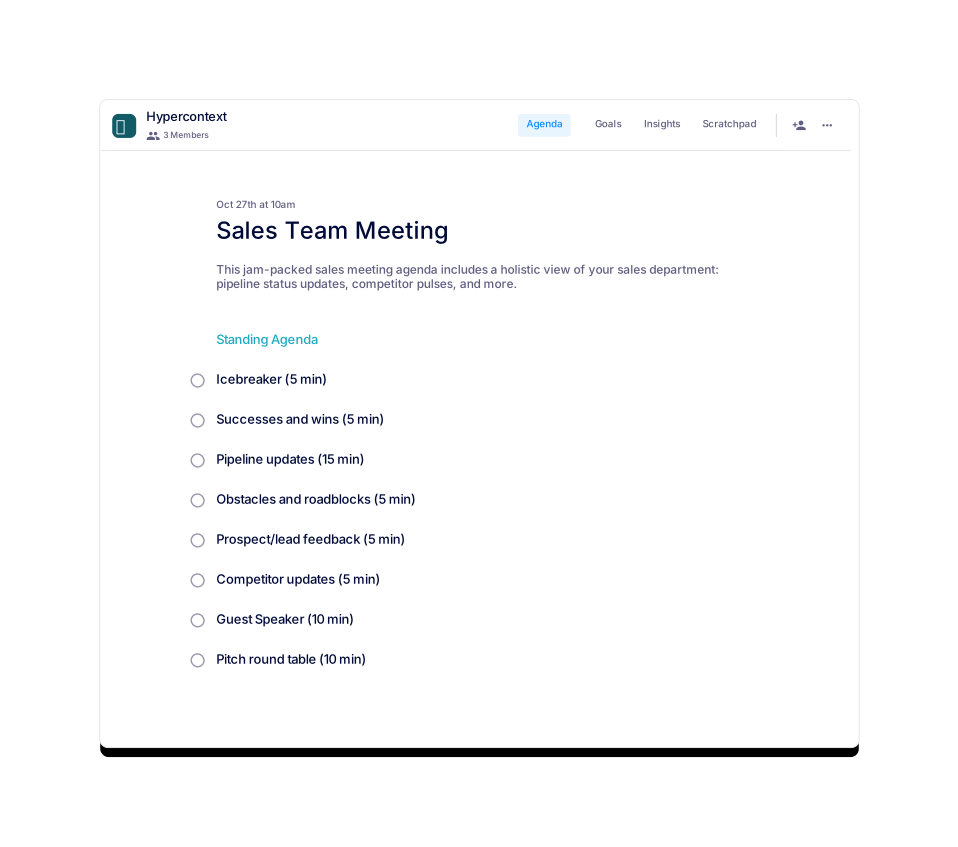
Sales Team Meeting
This agenda offers a holistic view of your sales team.
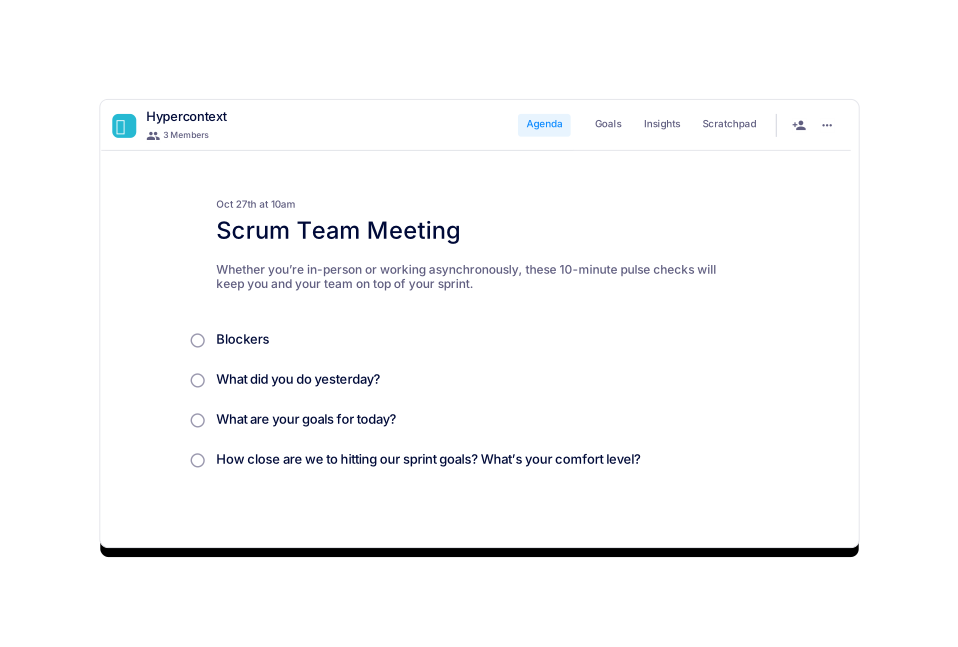
Scrum Team Meeting
Use this template for 10-minute scrums with your team.
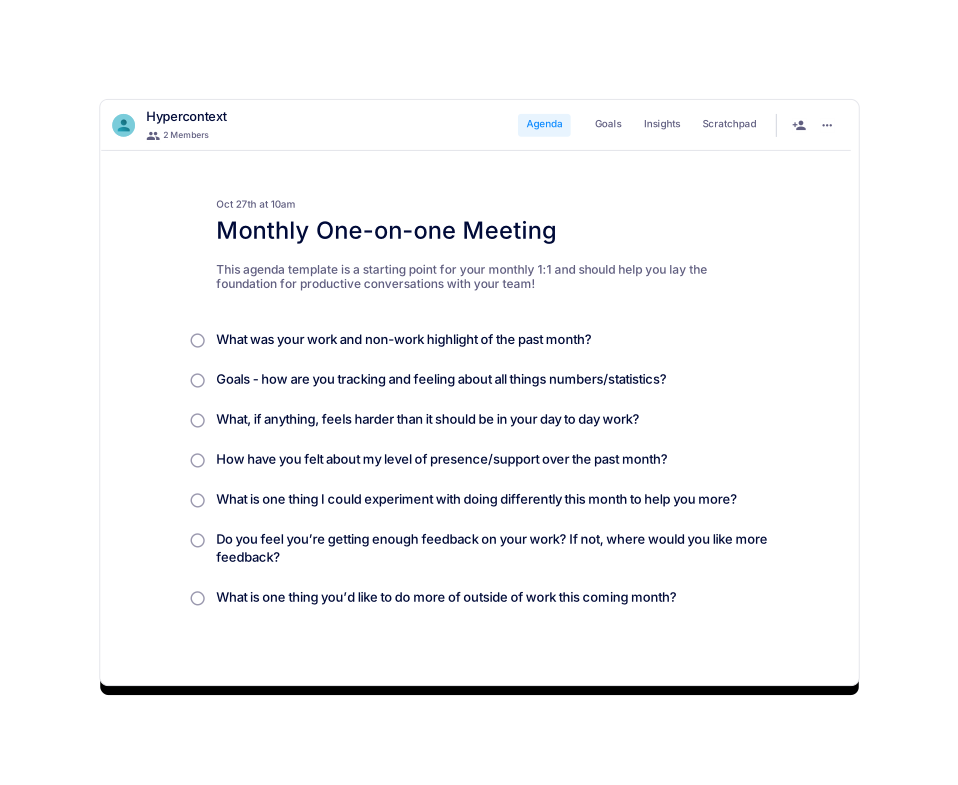
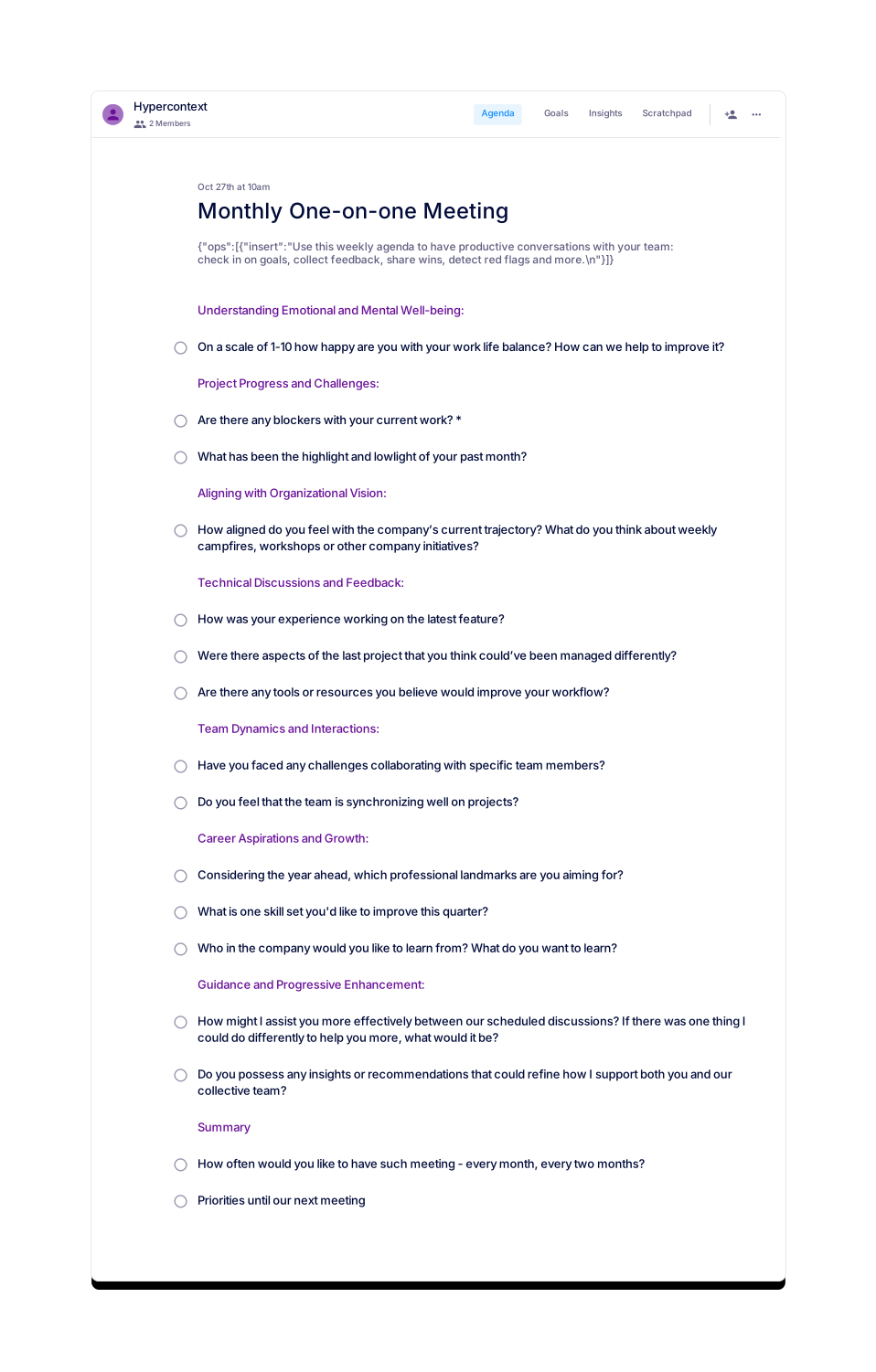
Monthly One-on-one Meeting
A great starting point for monthly 1:1s with your team.
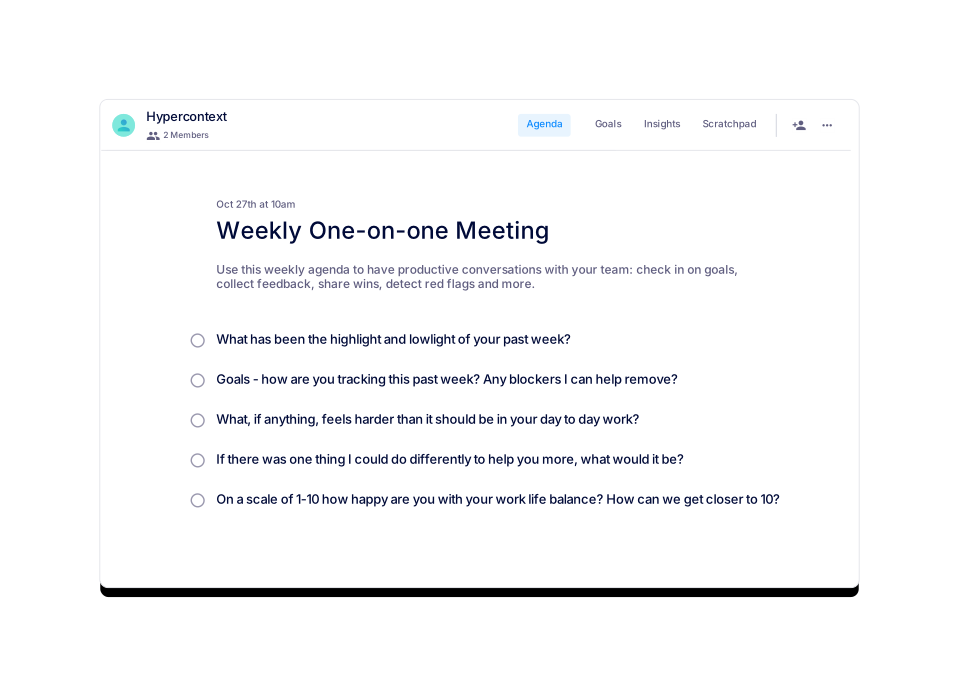
Weekly One-on-one Meeting
Use this weekly agenda to have productive 1:1s.
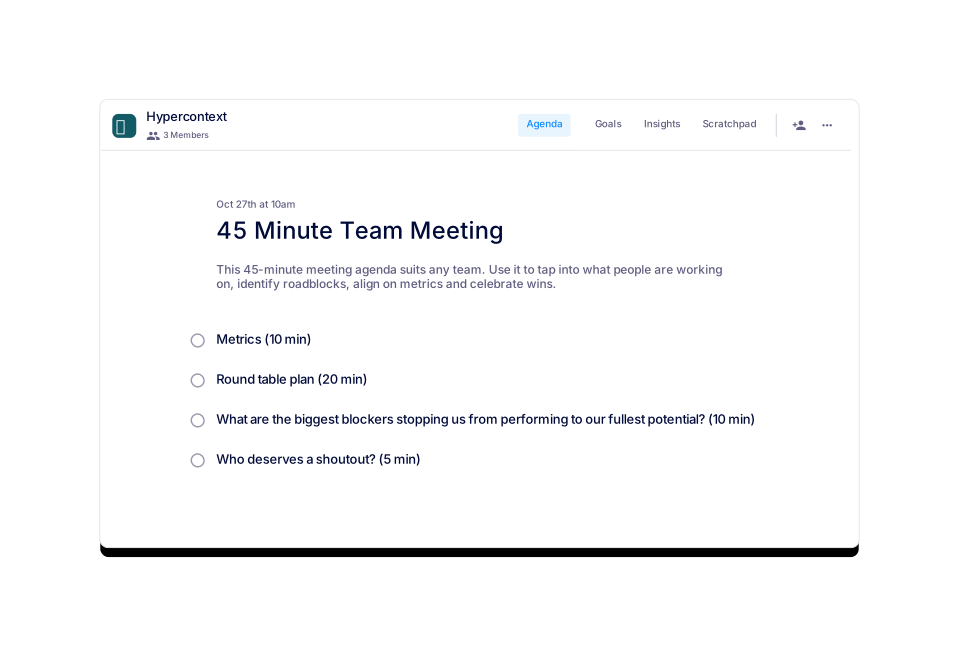
45 Minute Team Meeting
This 45-minute meeting agenda suits almost any team.
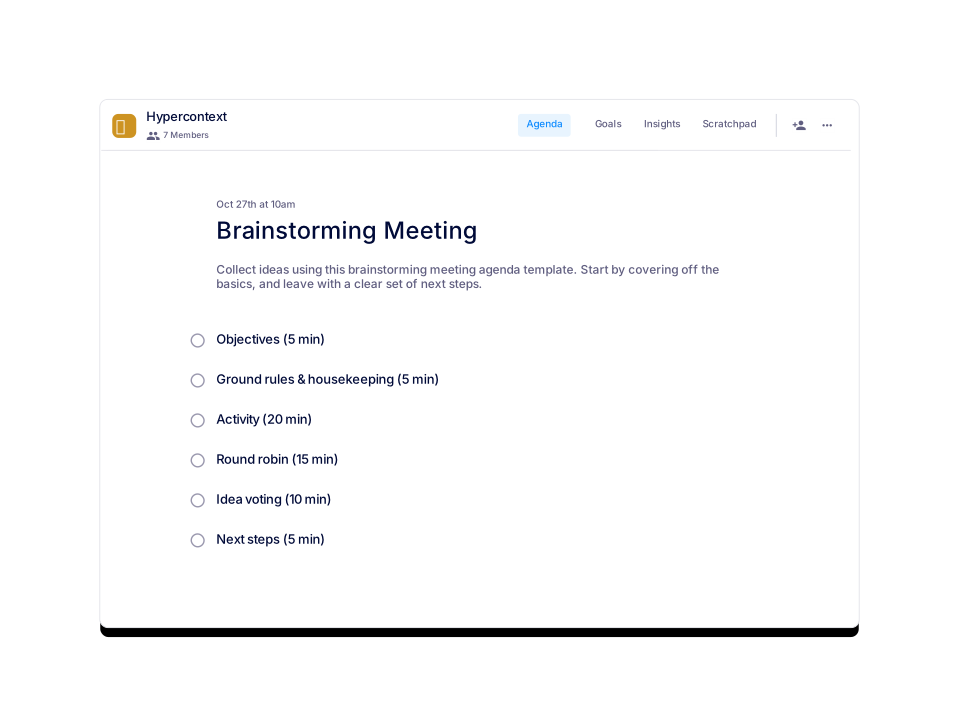
Brainstorming Meeting
Collect brainstorming ideas using this agenda template.
 Brennan 👋
Sprint Planning Team Meeting
These three agenda items will fuel your sprint planning.
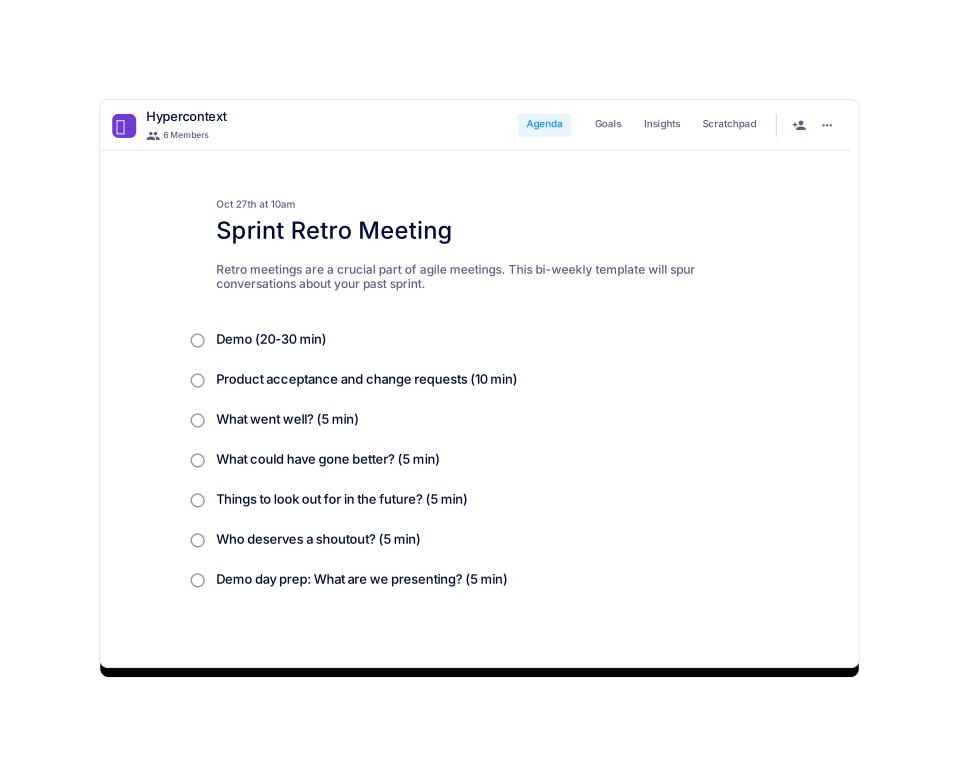
Sprint Retro Meeting
This agenda will spur the conversation about your past sprint.
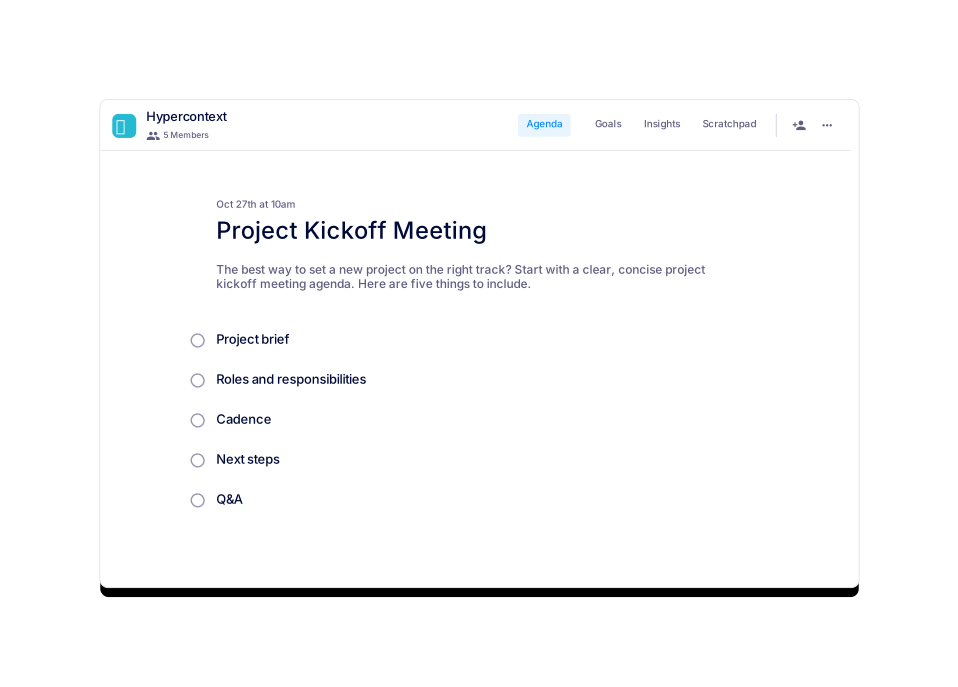
Project Kickoff Meeting
Use this agenda as needed to get new projects started.
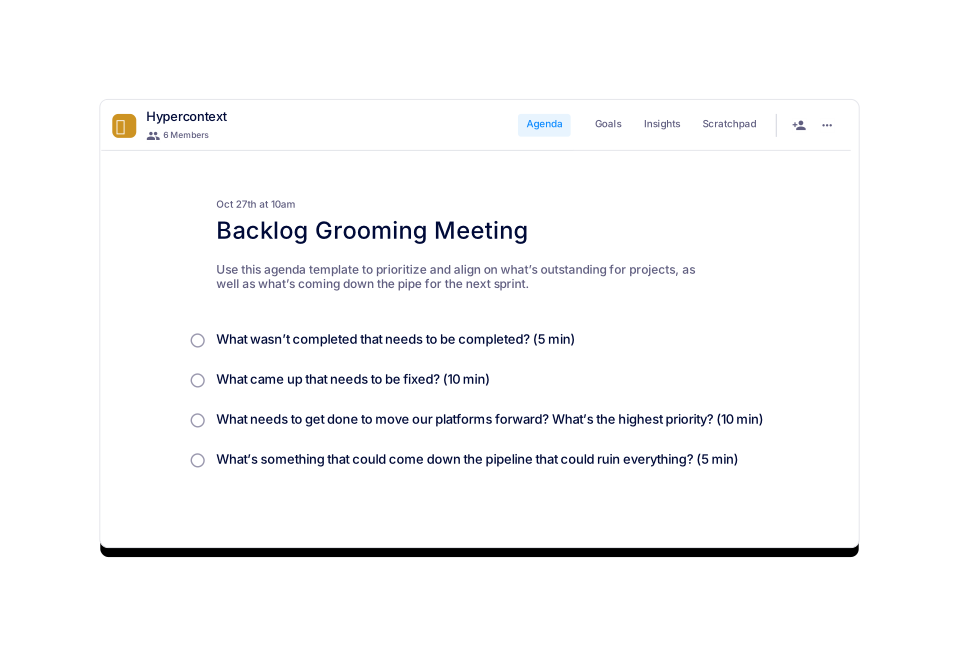
Backlog Grooming Meeting
Use this agenda to align on what’s coming down the pipe.
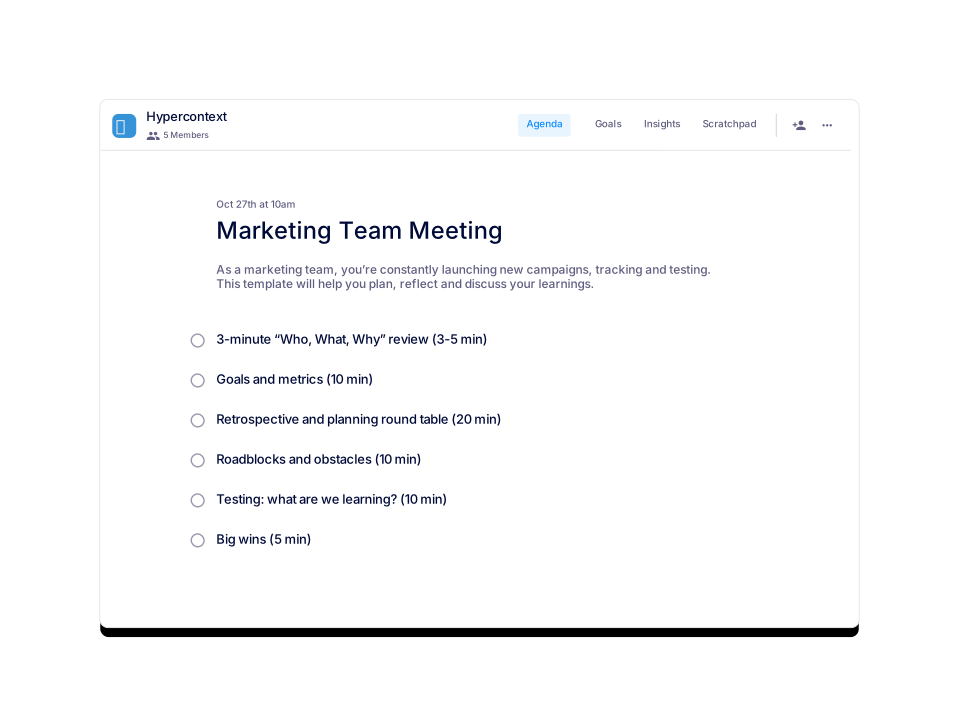
Marketing Team Meeting
This agenda will help you to plan, reflect and discuss.
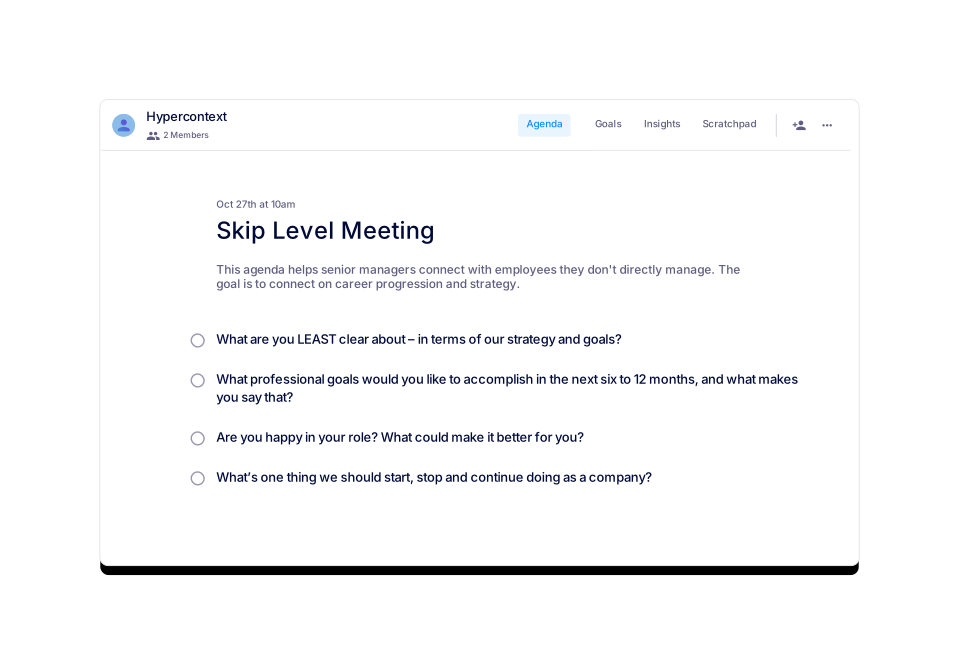
Skip Level Meeting
This agenda connects senior managers with employees.
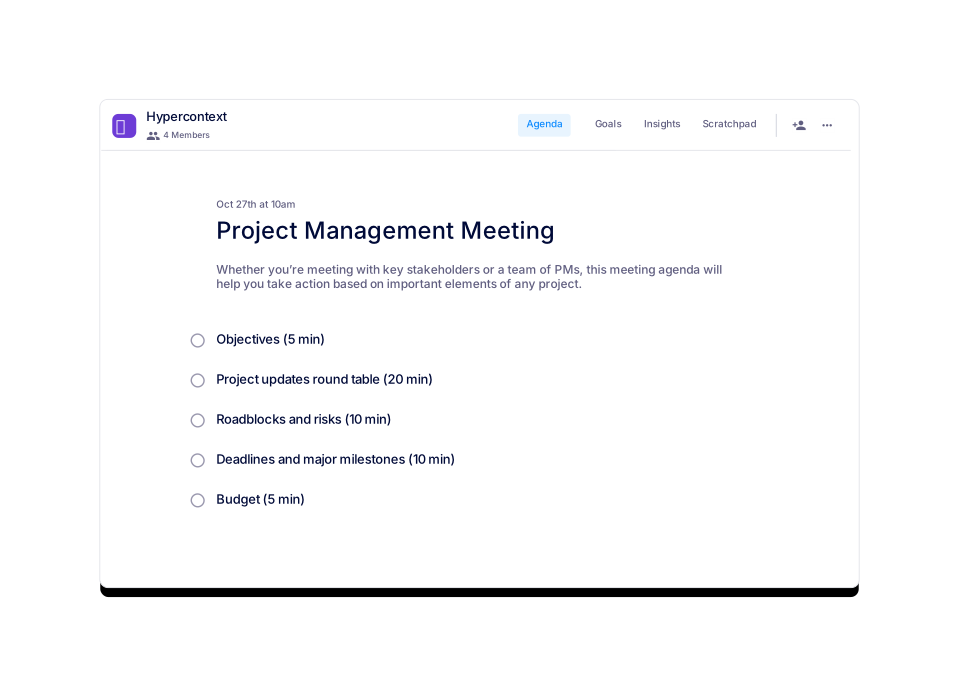
Project Management Meeting
This agenda will help you take action on any project.
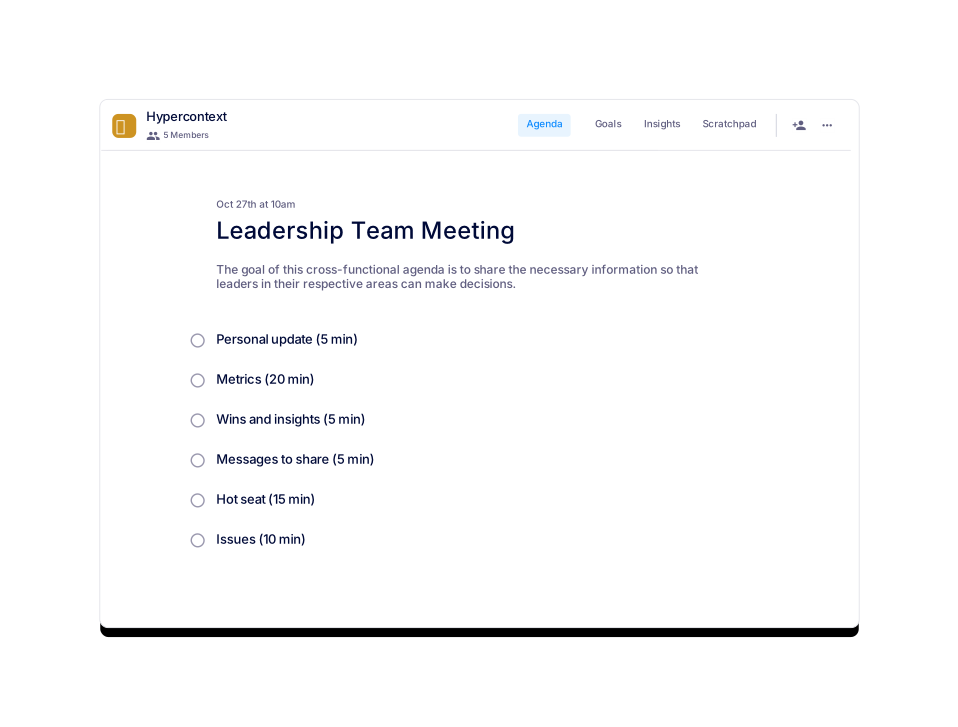
Leadership Team Meeting
This meeting agenda helps leaders make decisions.
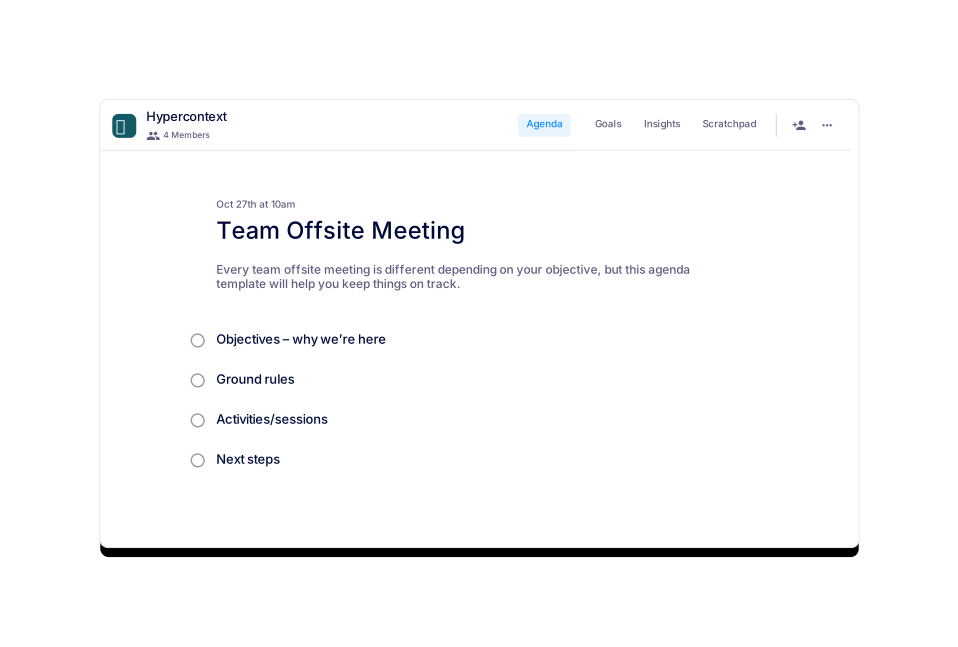
Team Offsite Meeting
This agenda will help you keep your offsite on track.
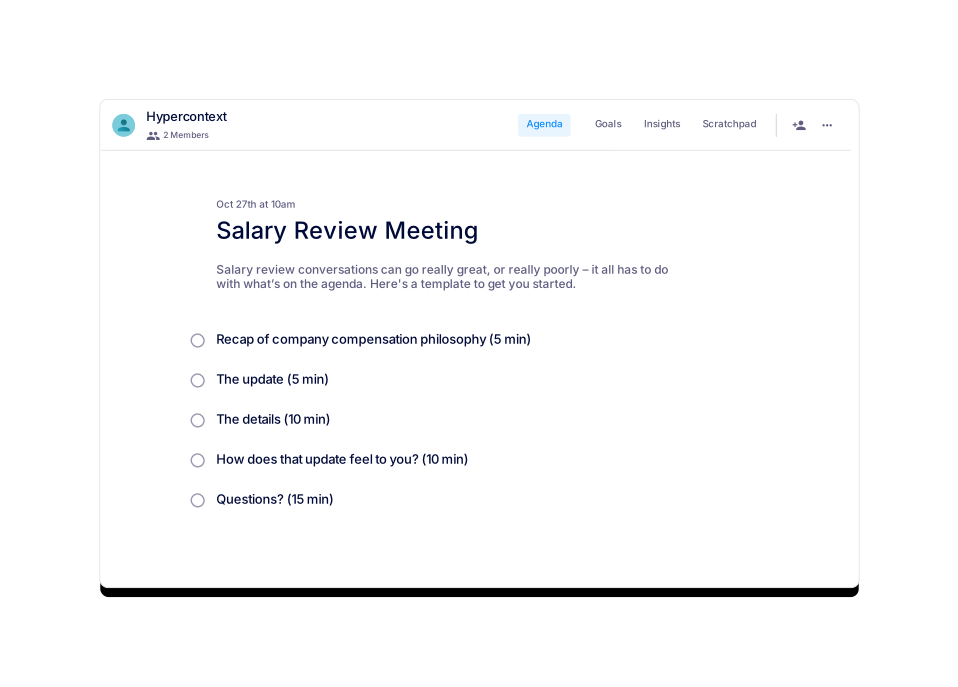
Salary Review Meeting
A great salary review conversation needs a solid agenda.
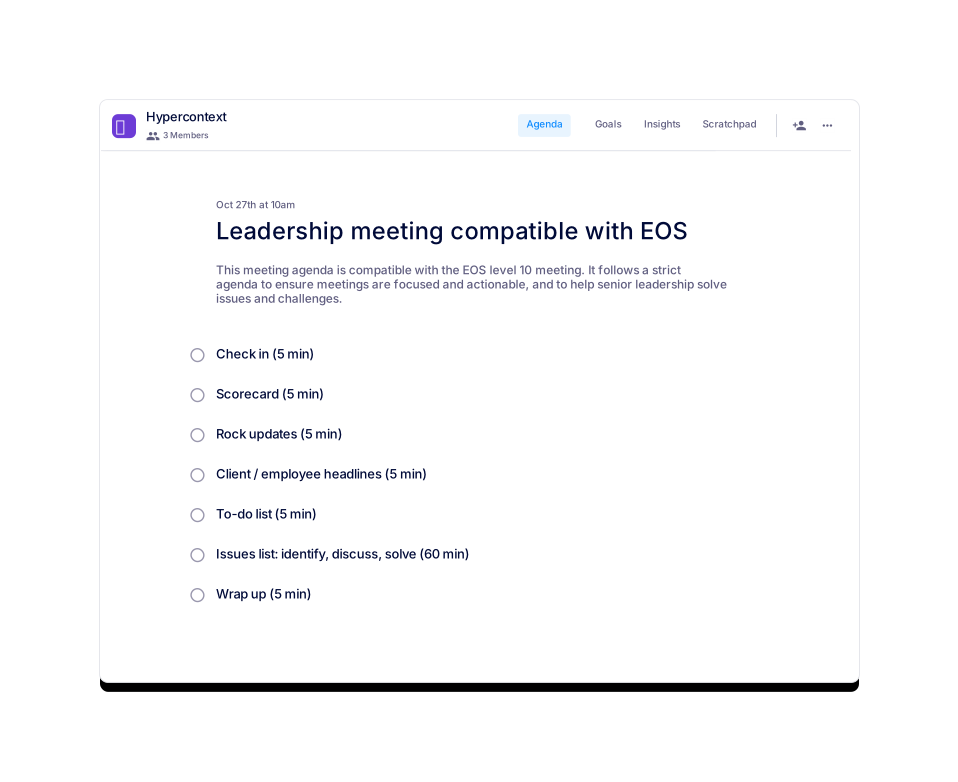
Leadership meeting compatible with EOS
Use this agenda to solve issues and challenges.
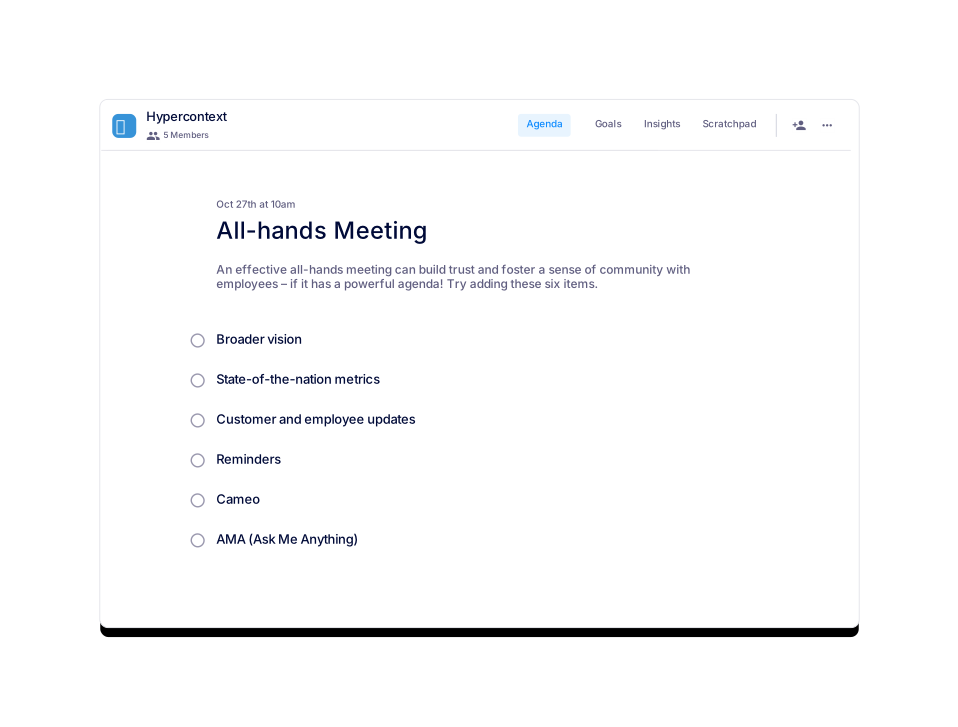
All-hands Meeting
An effective all-hands meeting needs a powerful agenda.
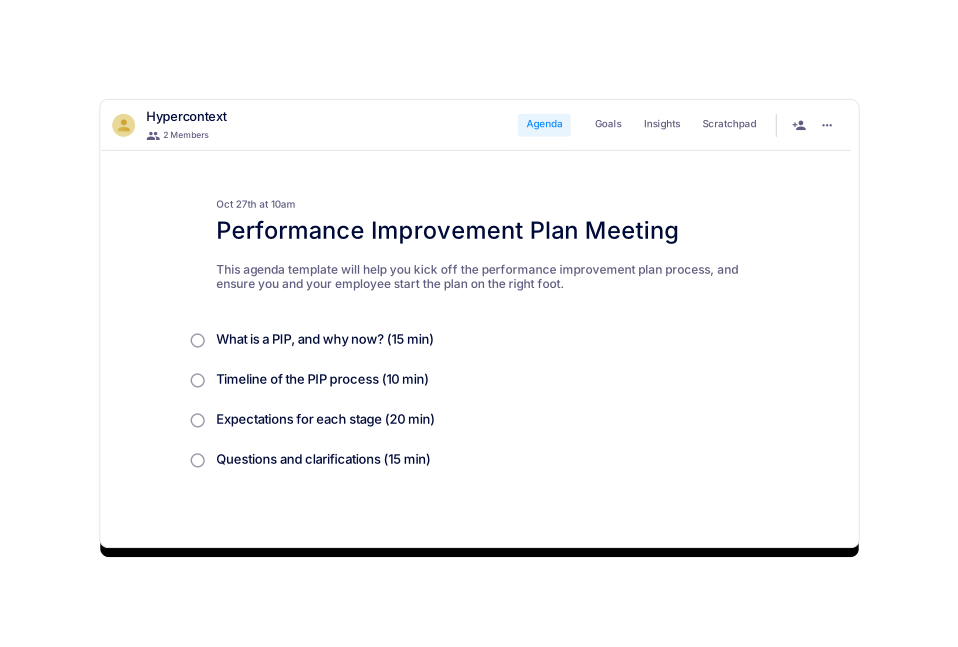
Performance Improvement Plan Meeting
This agenda will help you kick off the PIP process.
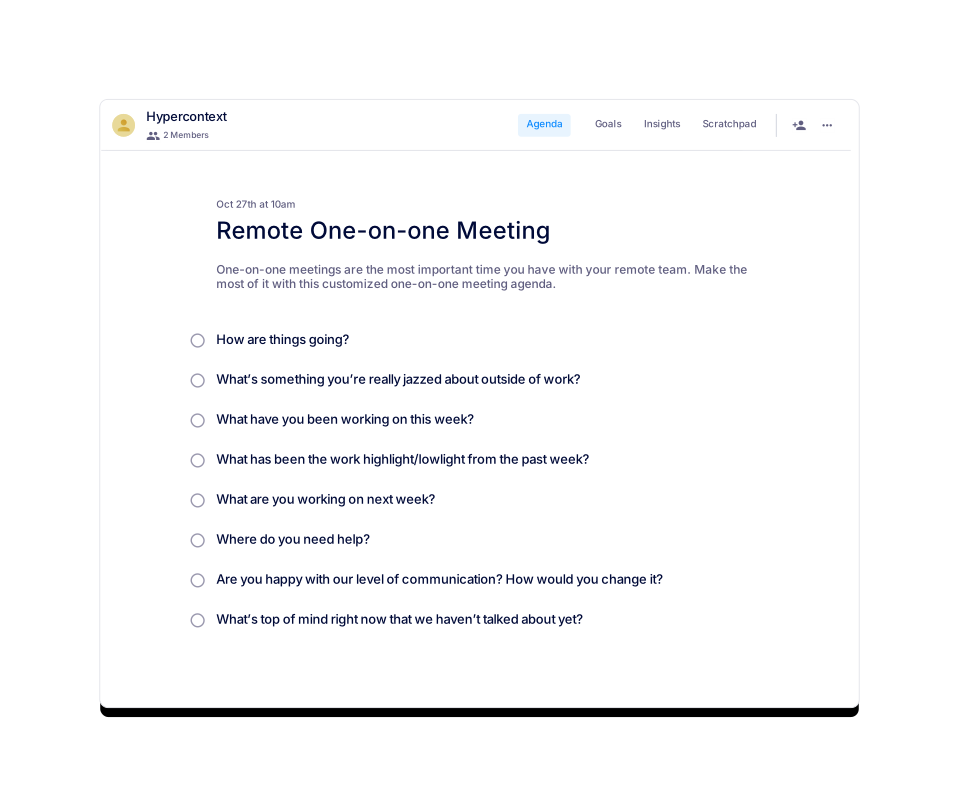
Remote One-on-one Meeting
Make the most of remote one-on-ones with this agenda.
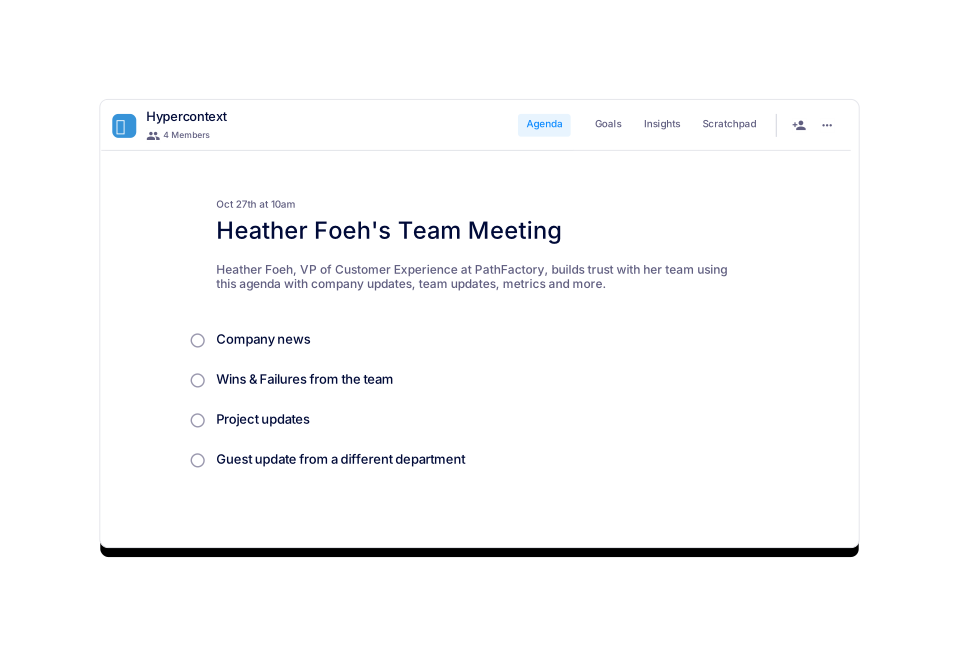
Heather Foeh's Team Meeting
Heather Foeh, Customer Success Leader
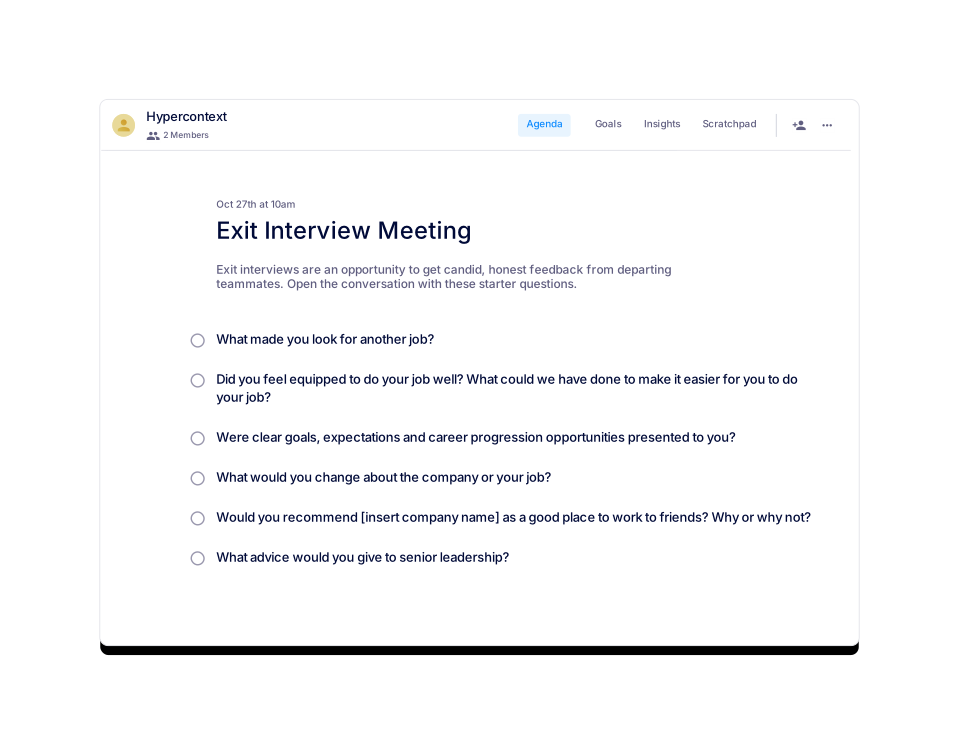
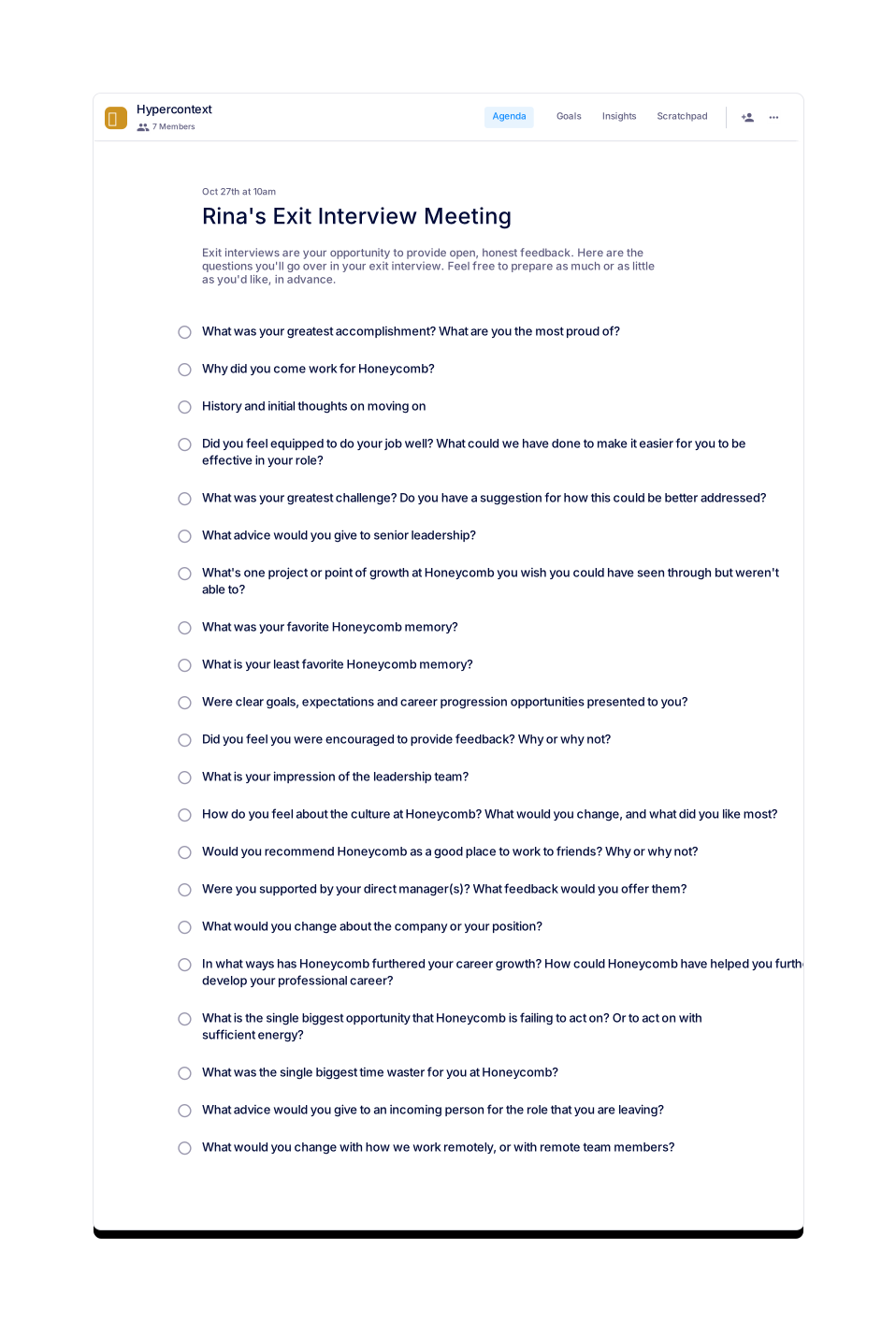
Exit Interview Meeting
Use this meeting agenda to collect honest feedback from employees as they exit the company.
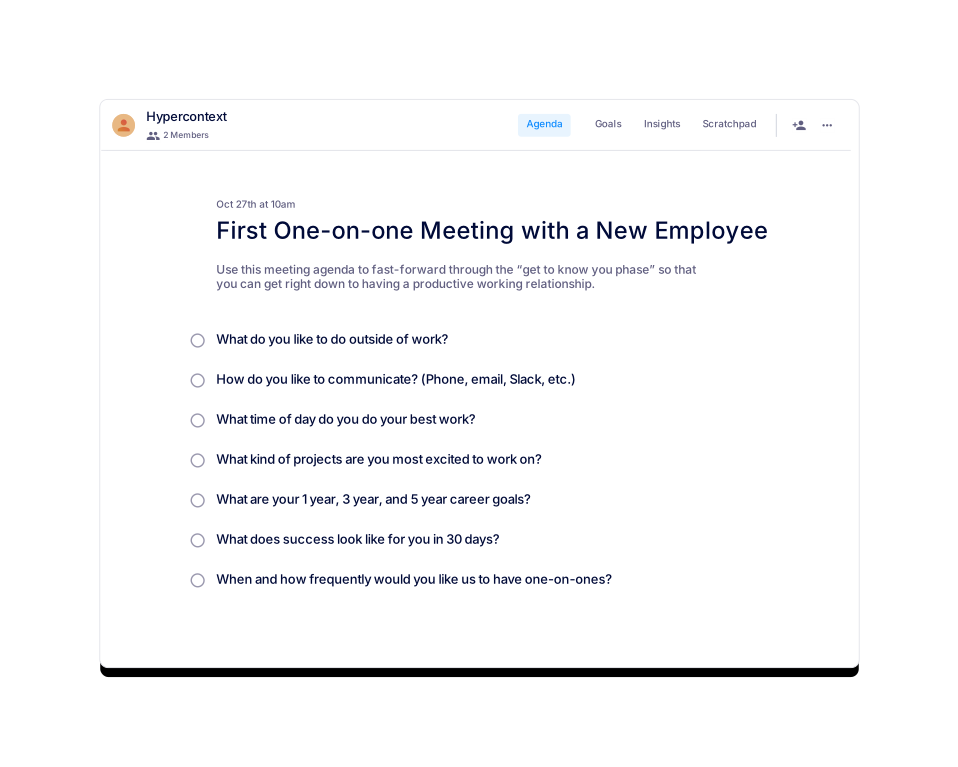
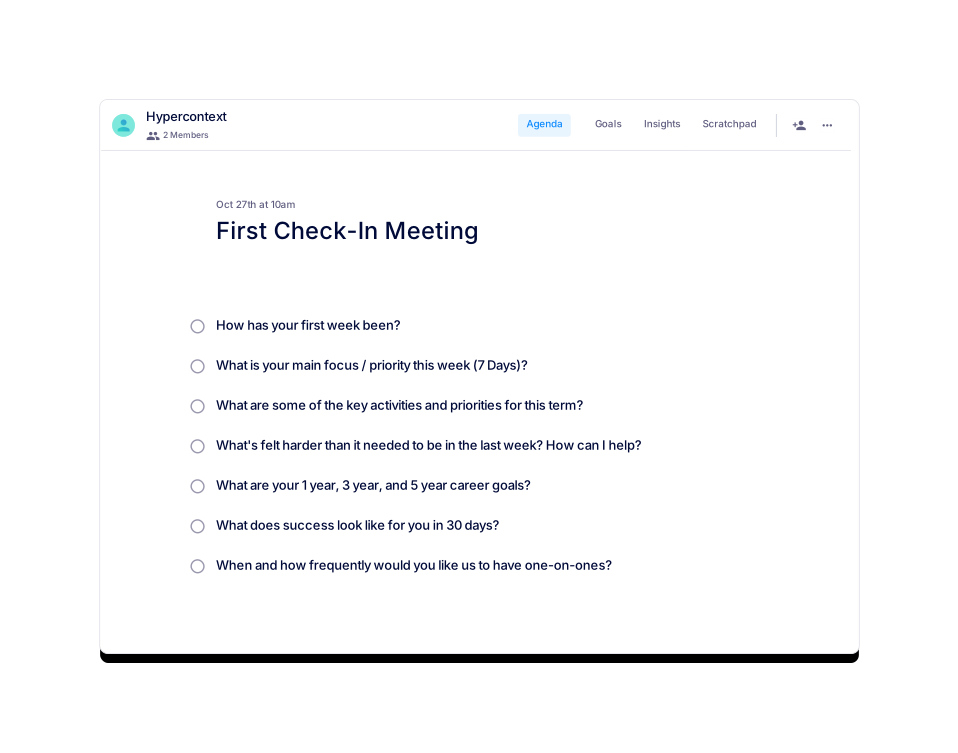
First One-on-one Meeting with a New Employee
Start on the right foot with a new team member using this agenda to kickoff your first one-on-one.
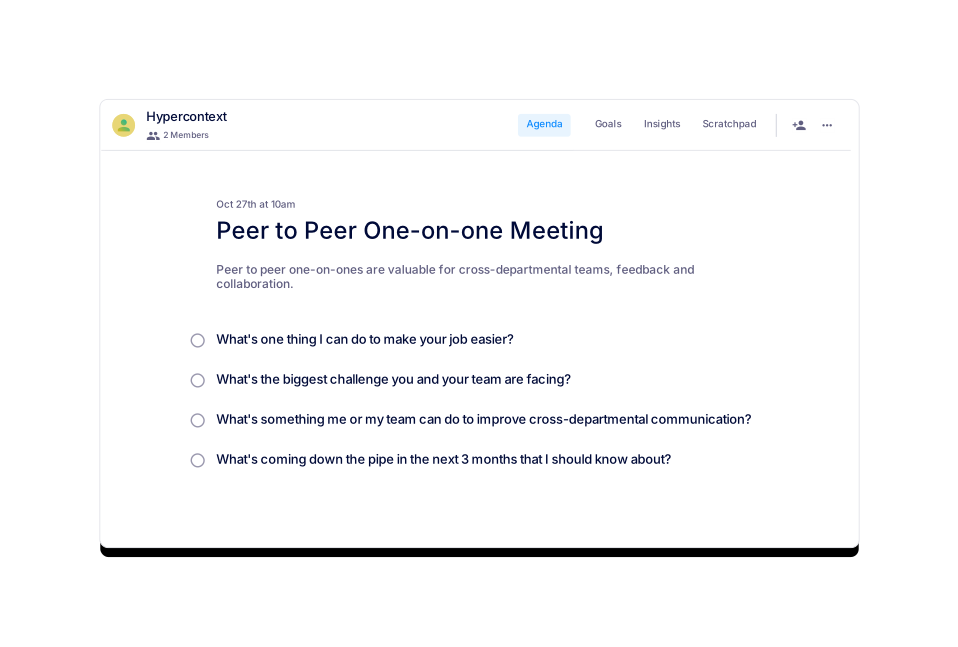
Peer to Peer One-on-one Meeting
Collaborate with your team members using this peer to peer one-on-one meeting.
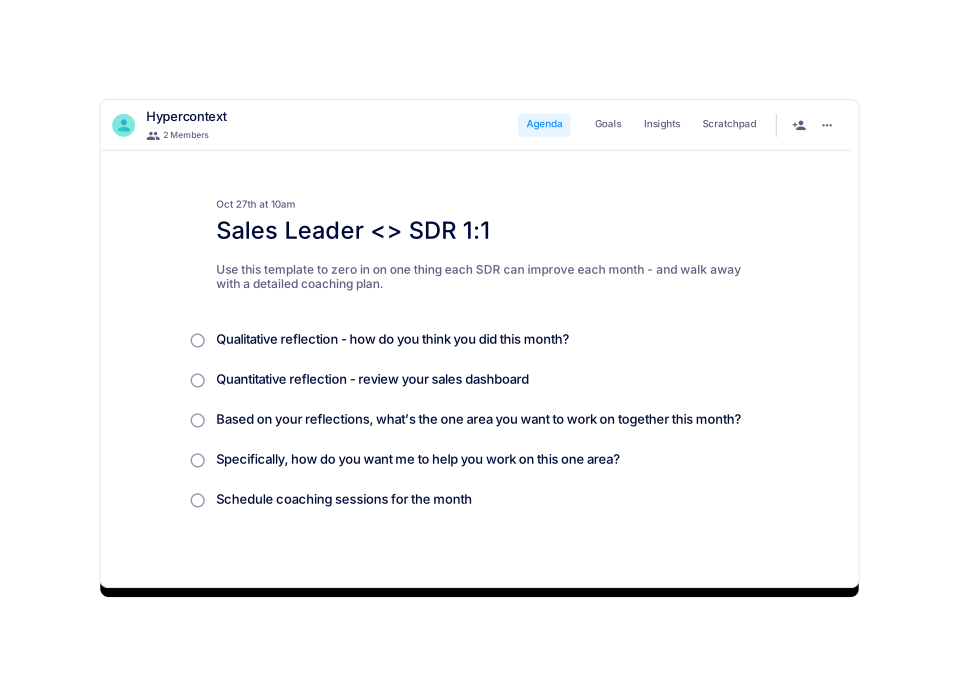
Sales Leader <> SDR 1:1
Use this agenda to zero in on one thing each SDR can improve each month.
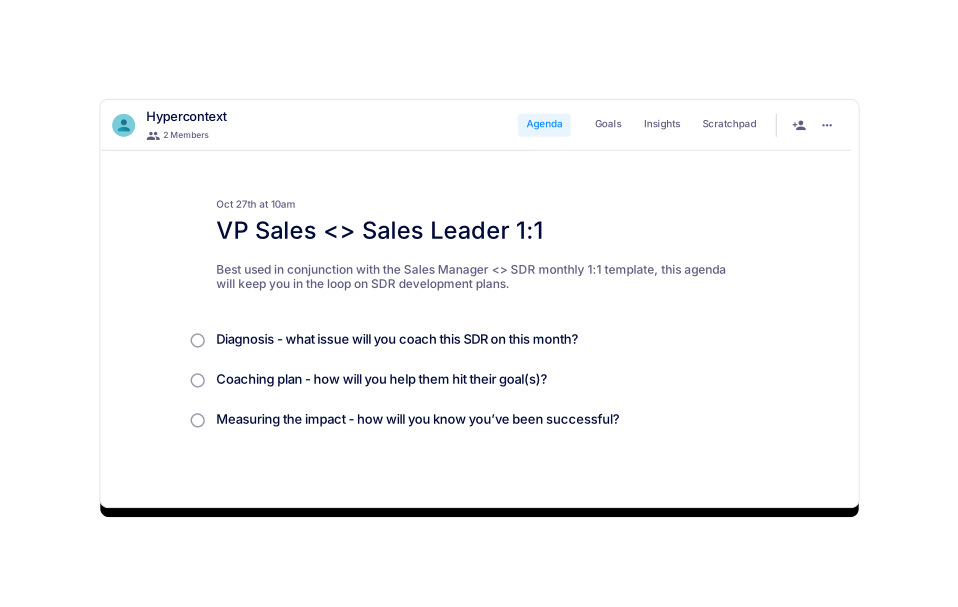
VP Sales <> Sales Leader 1:1
Created by Mark Roberge, former CRO of HubSpot, use this agenda for VP Sales <> Sales Leader 1:1s.
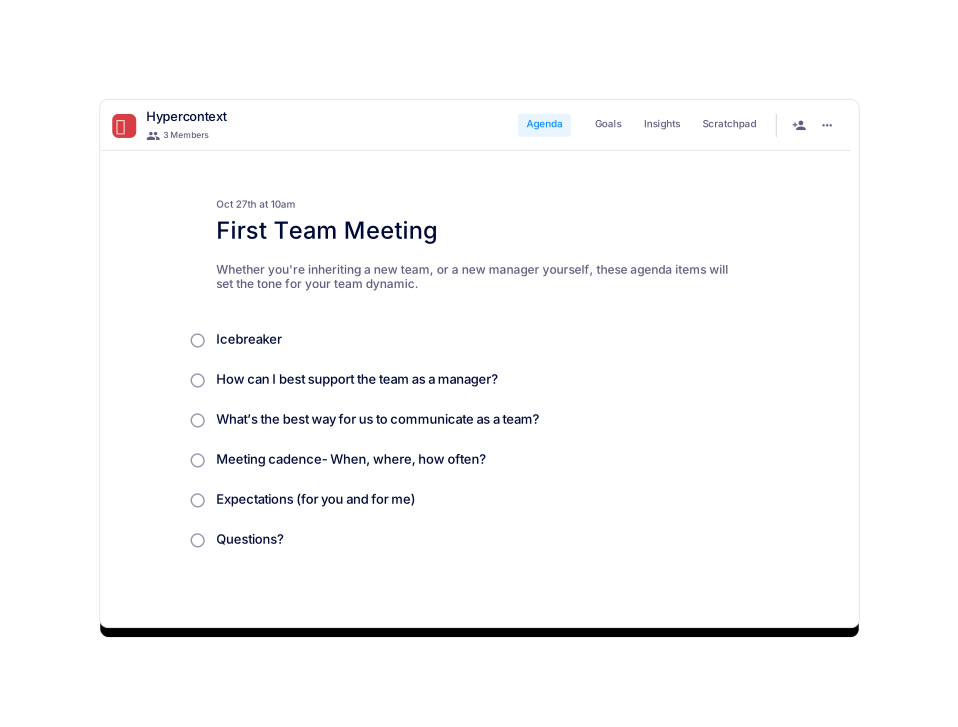
First Team Meeting
This meeting agenda template will help break the ice in your first team meeting.
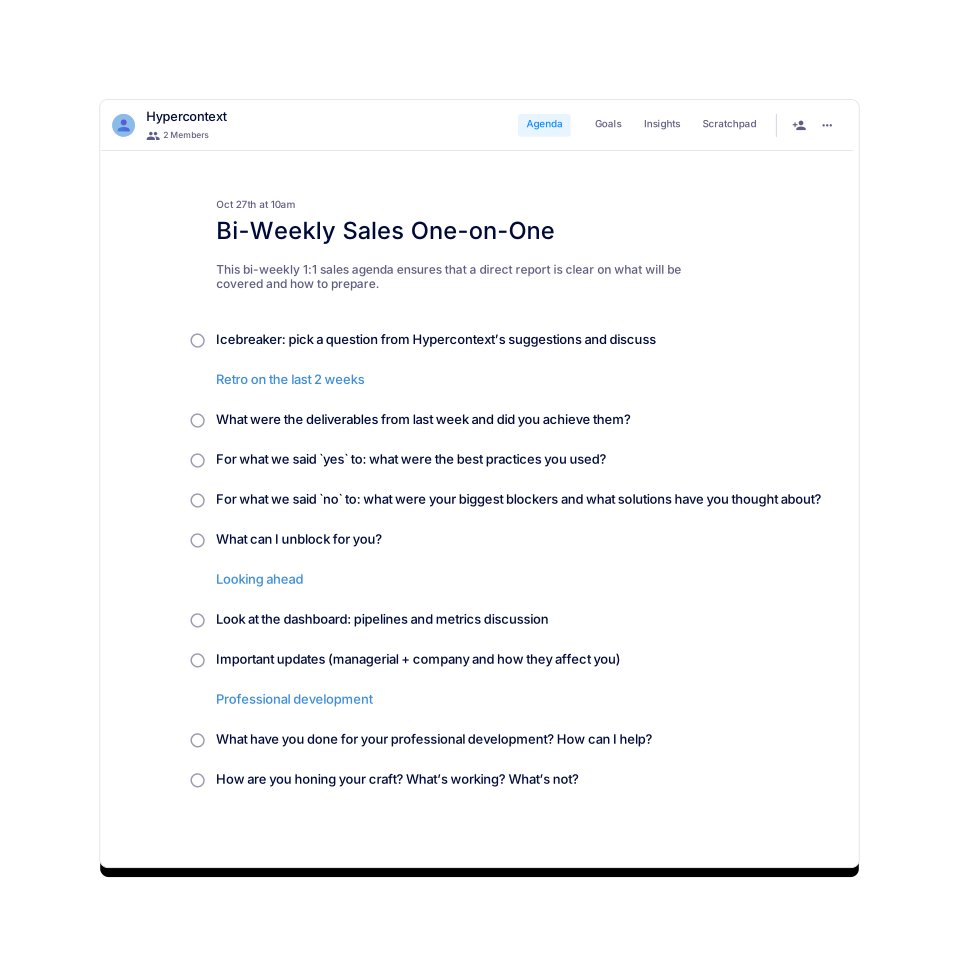
Bi-Weekly Sales One-on-One
A bi-weekly 1:1 stand-up for sales managers to sync with direct reports.
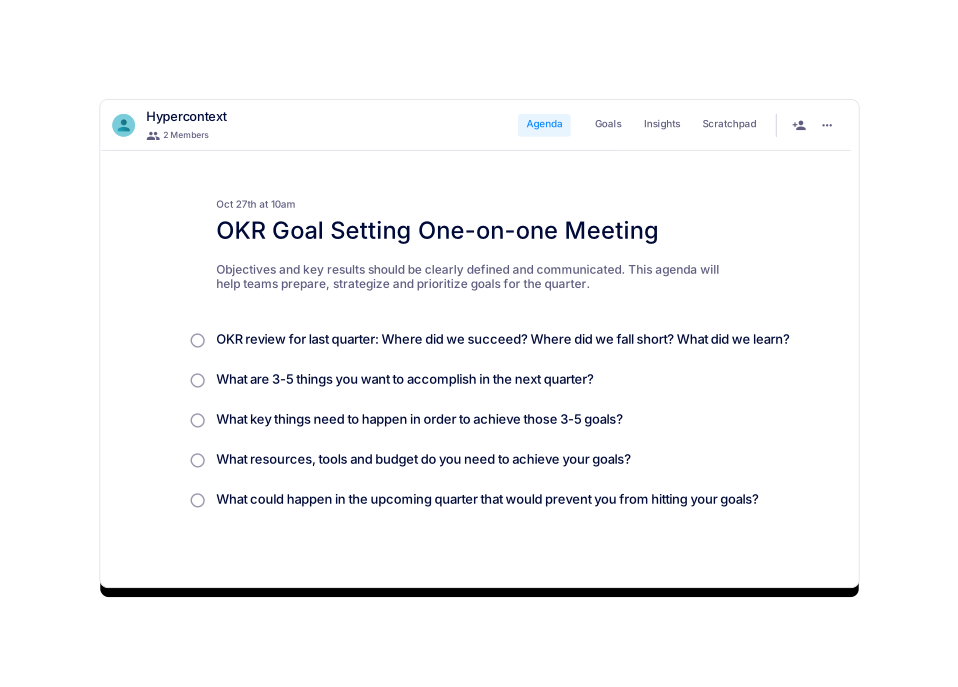
OKR Goal Setting One-on-one Meeting
Use this 1:1 meeting agenda to set OKRs for the upcoming quarter.
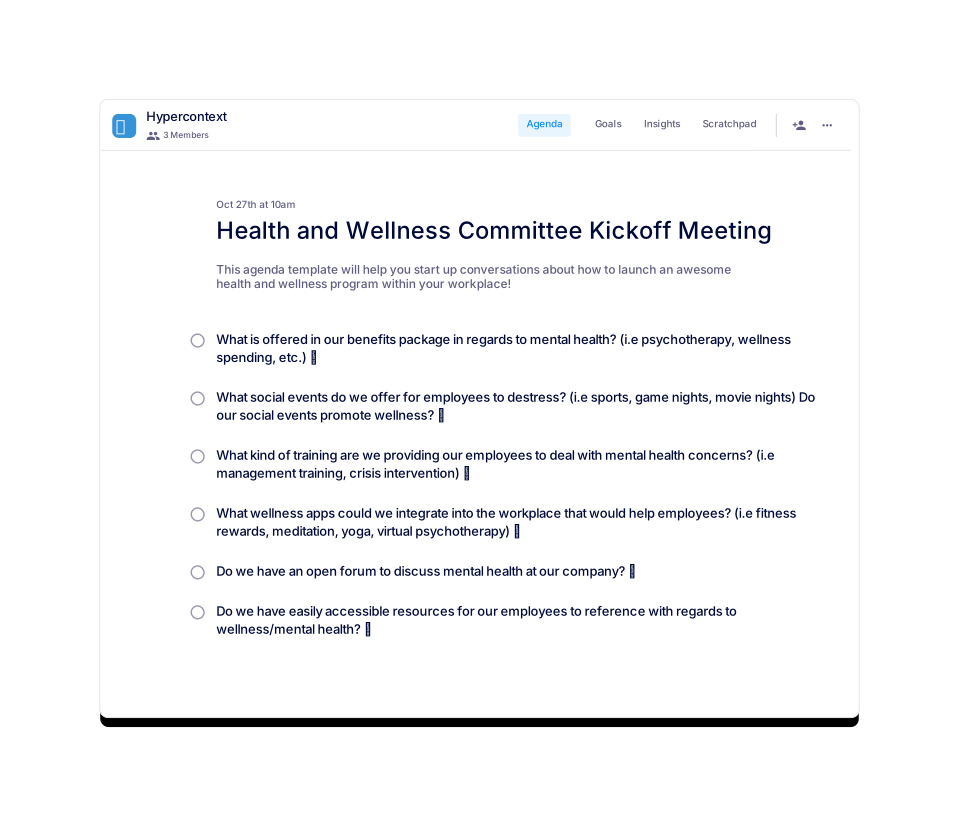
Health and Wellness Committee Kickoff Meeting
Looking to kick off a health and wellness program? This agenda offers a great place to start!
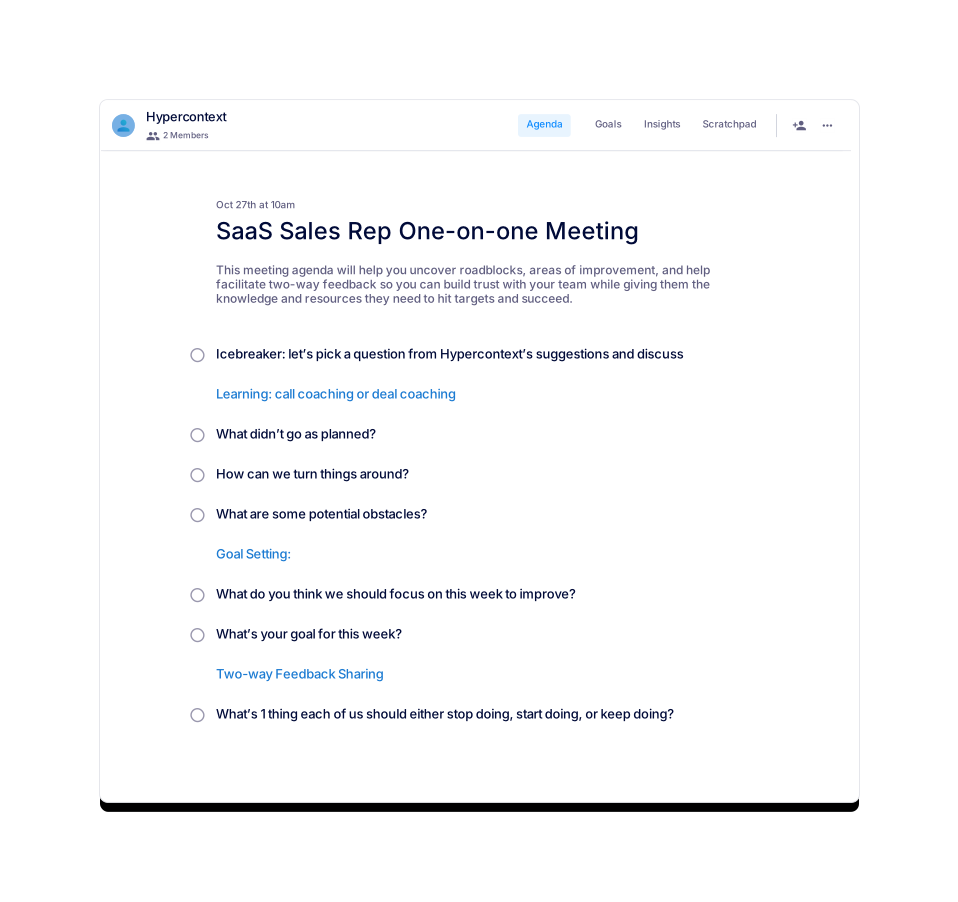
SaaS Sales Rep One-on-one Meeting
SaaS sales is a fast moving, high pressure role. Monitor pipelines and performance with this agenda.
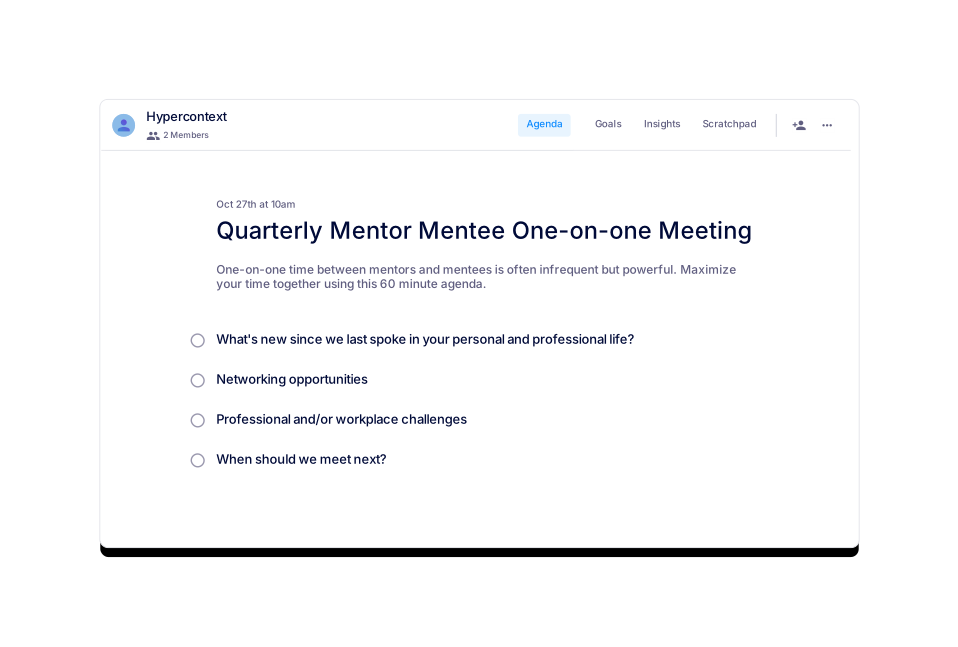
Quarterly Mentor Mentee One-on-one Meeting
Focus on developing your skills and career with this quarterly one-on-one meeting agenda.
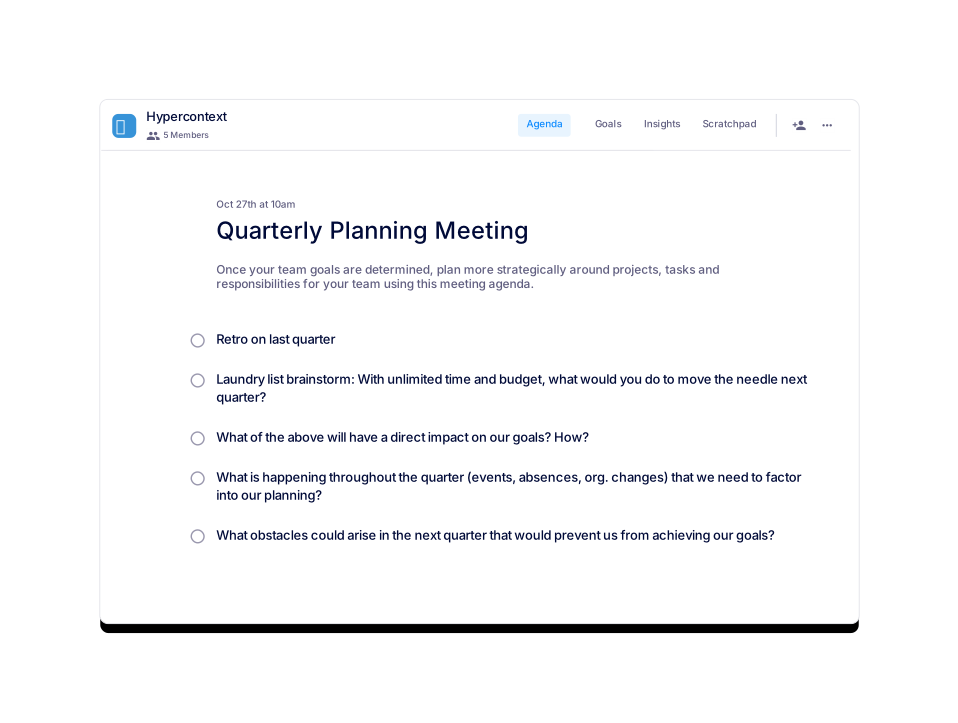
Quarterly Planning Meeting
Post goal-setting discussions, use this meeting agenda to plan your activities for the quarter.
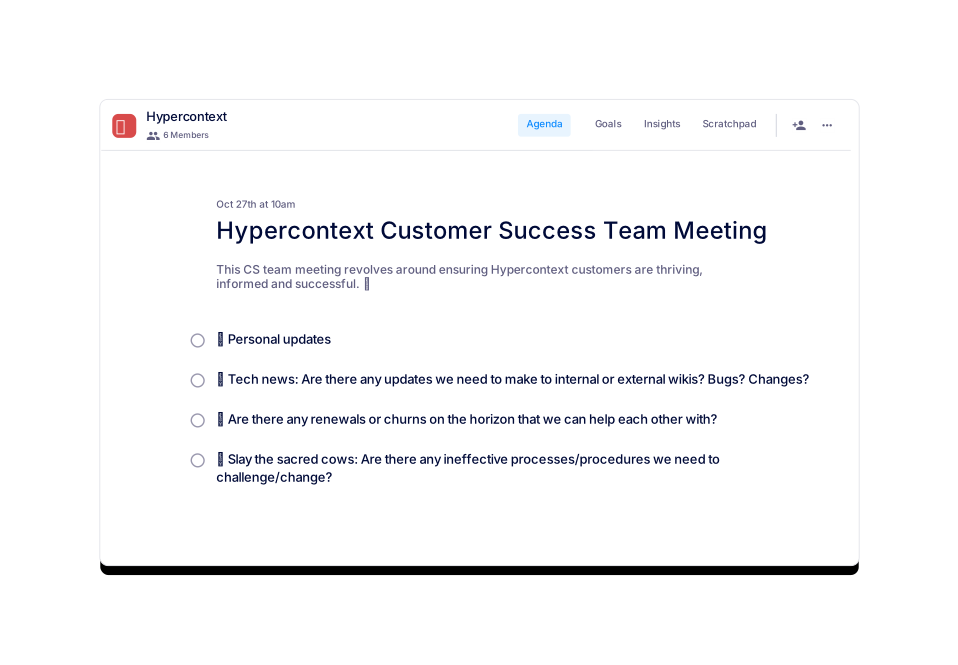
Hypercontext Customer Success Team Meeting
The real team meeting agenda from Hypercontext's customer success team.
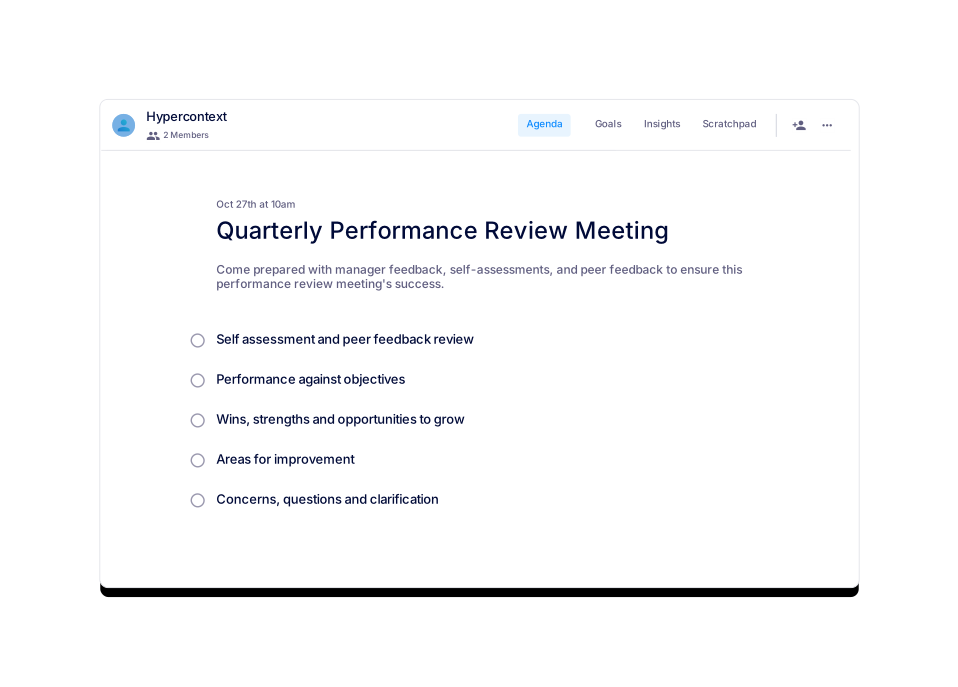
Quarterly Performance Review Meeting
Identify strengths, weaknesses, opportunities to grow and more with this quarterly review.
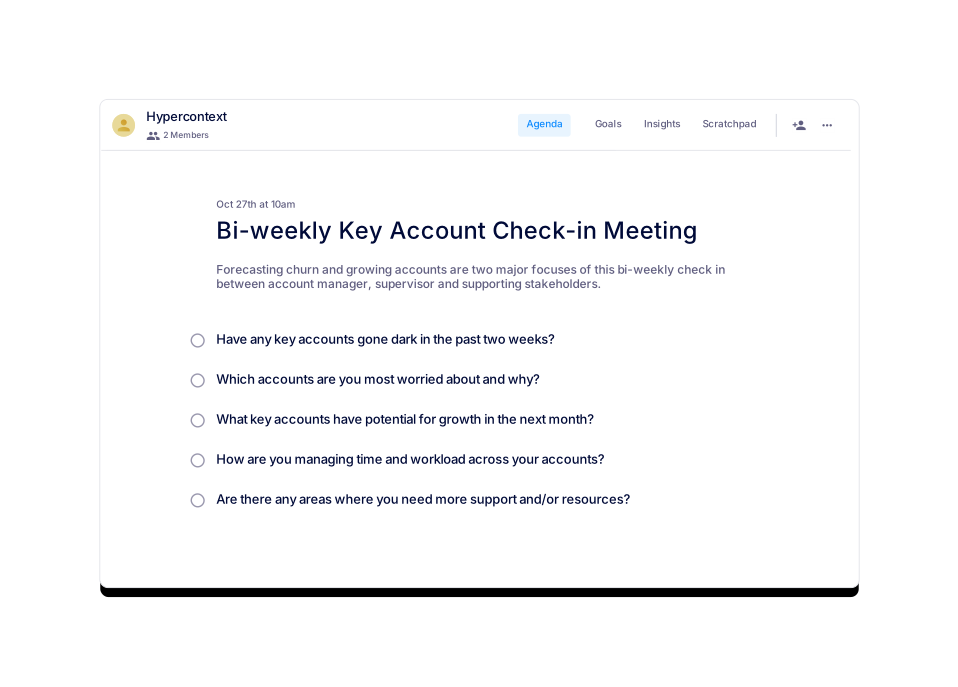
Bi-weekly Key Account Check-in Meeting
Cross functional stakeholders use this agenda to identify risk and opportunities in portfolios.
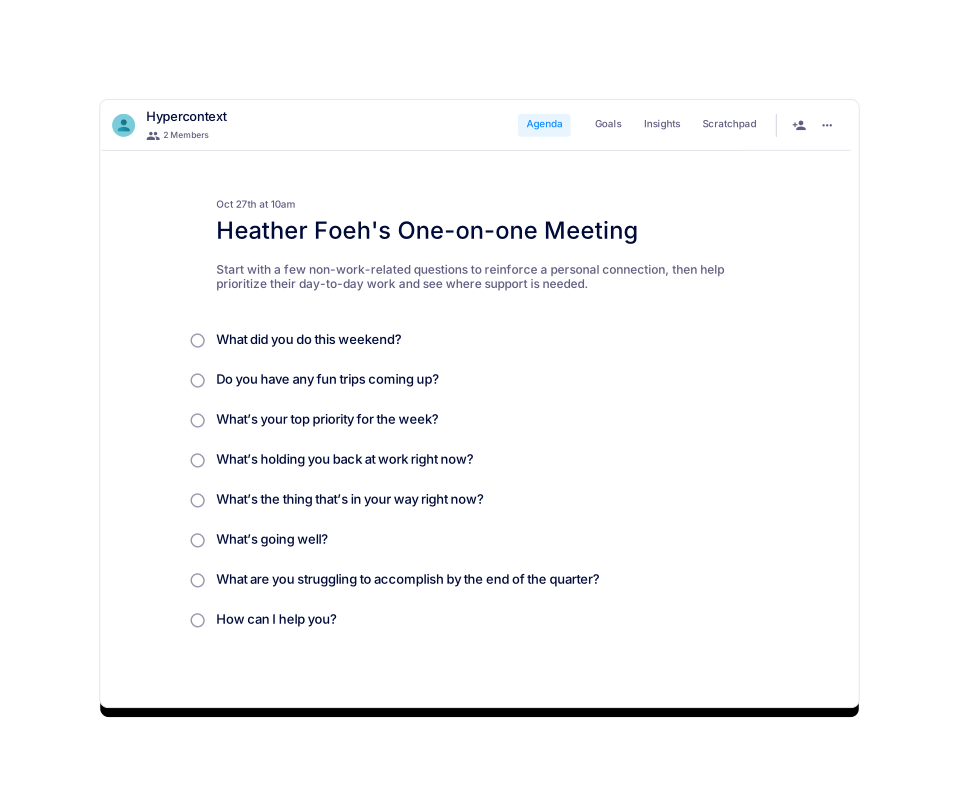
Heather Foeh's One-on-one Meeting
Heather Foeh, VP of Customer Experience at PathFactory, uses this 1:1 agenda to sync with her team.
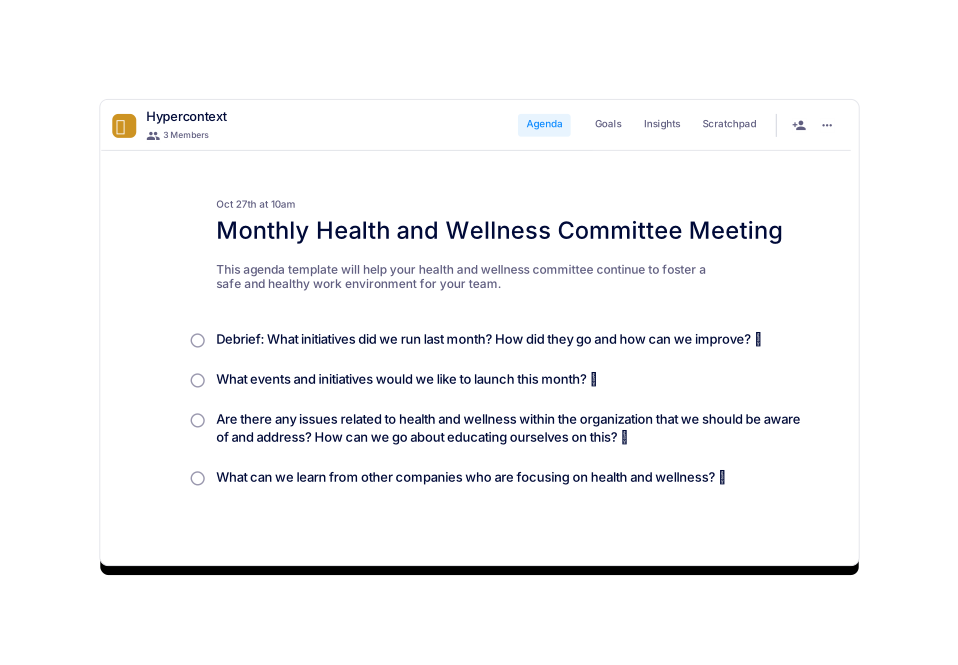
Monthly Health and Wellness Committee Meeting
If health and wellness are part of your core values, check out these great committee talking points!
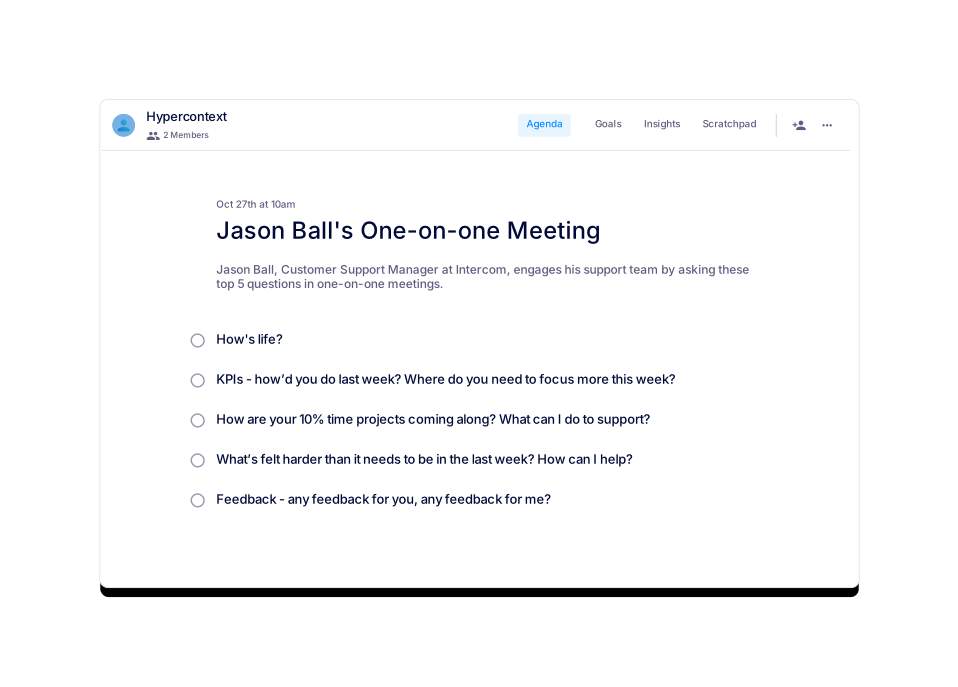
Jason Ball's One-on-one Meeting
Jason Ball, Customer Support Manager at Intercom, asks these 5 questions in one-on-one meetings.
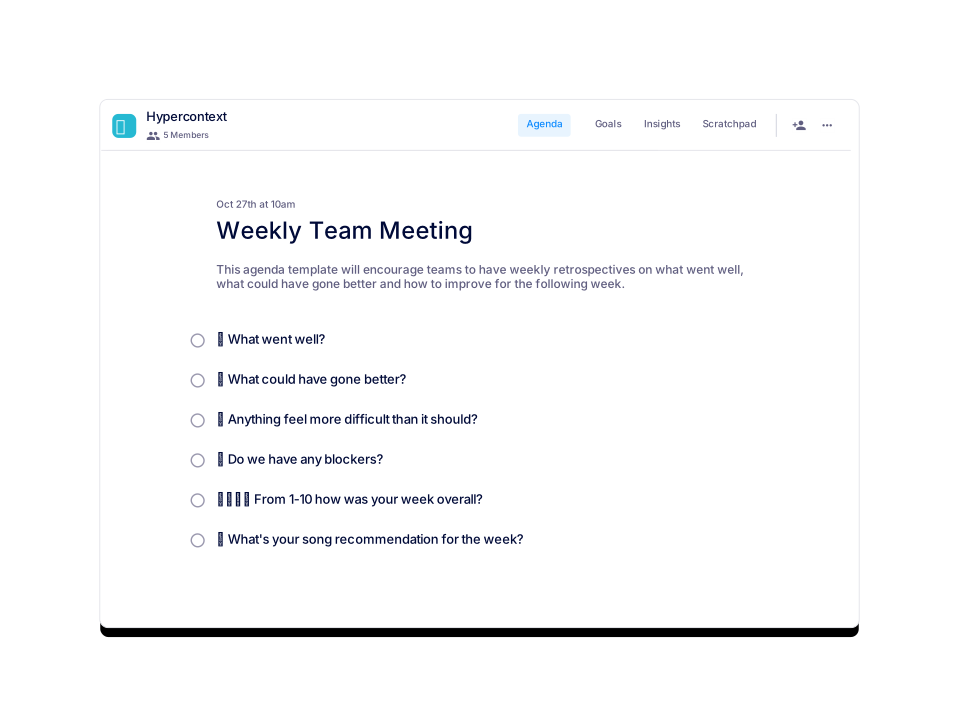
Weekly Team Meeting
This agenda aligns teams on blockers and the past week's activity.
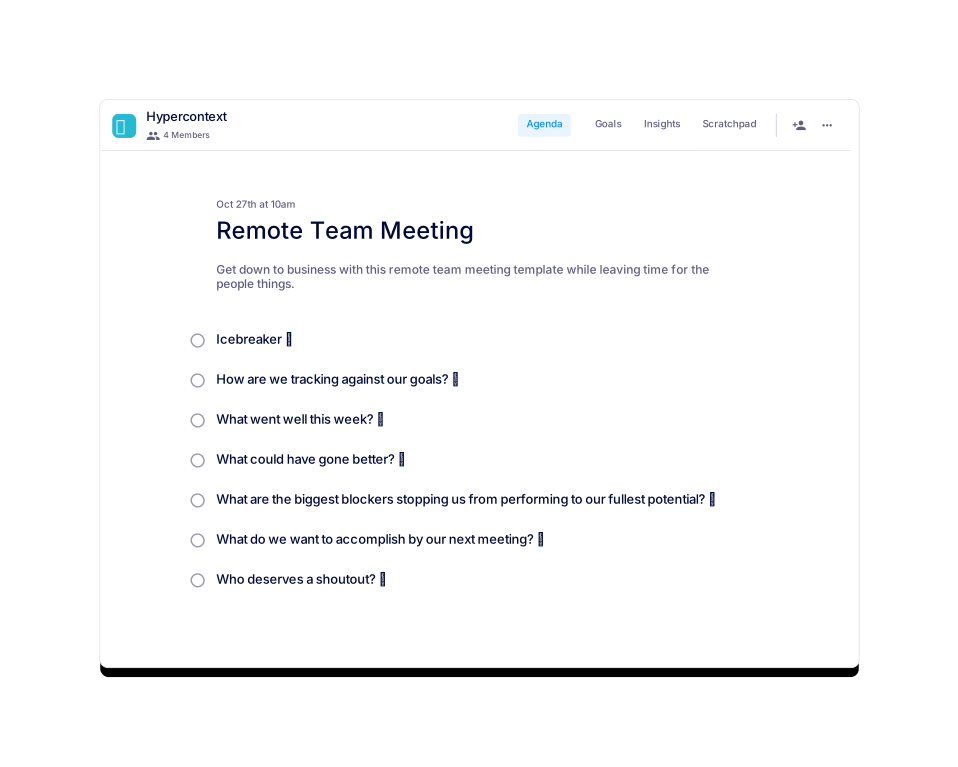
Remote Team Meeting
Everything you need to run a smooth remote team meeting.
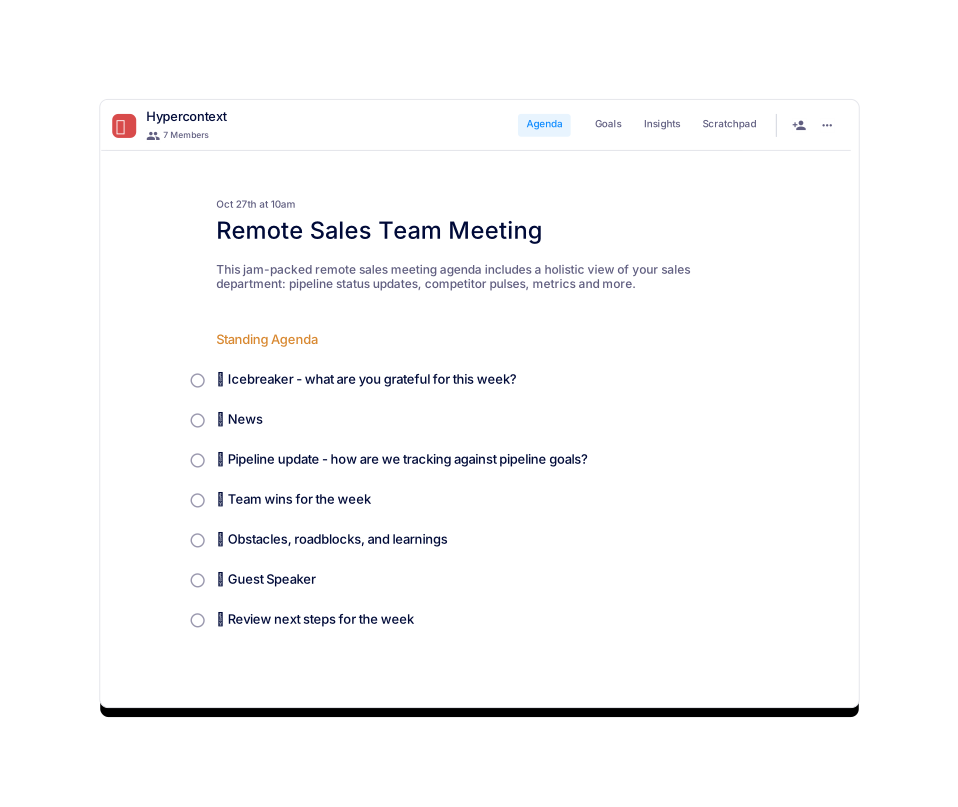
Remote Sales Team Meeting
A weekly sales meeting template that will help your team hit targets faster.
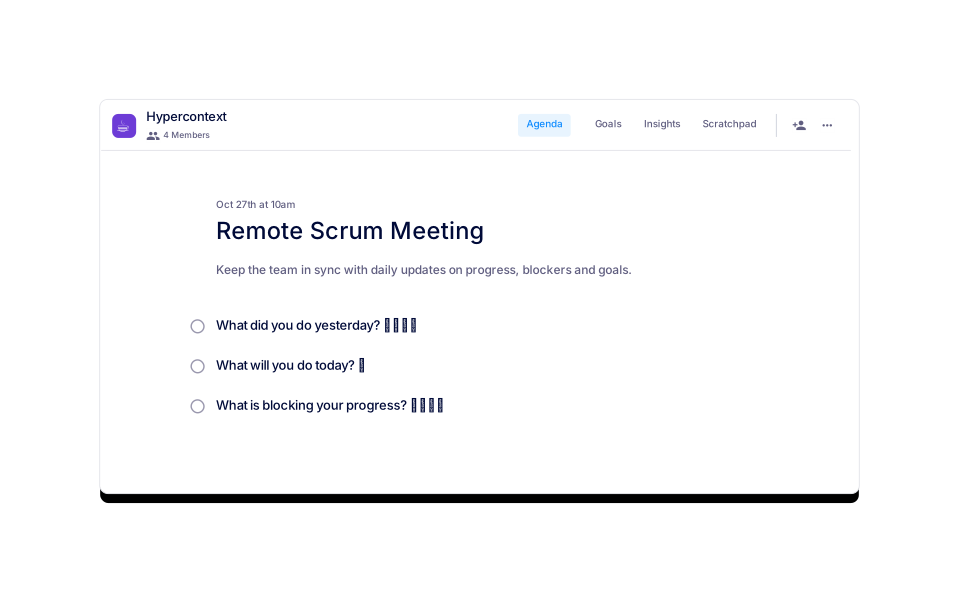
Remote Scrum Meeting
A daily scrum meeting to keep the team in sync.
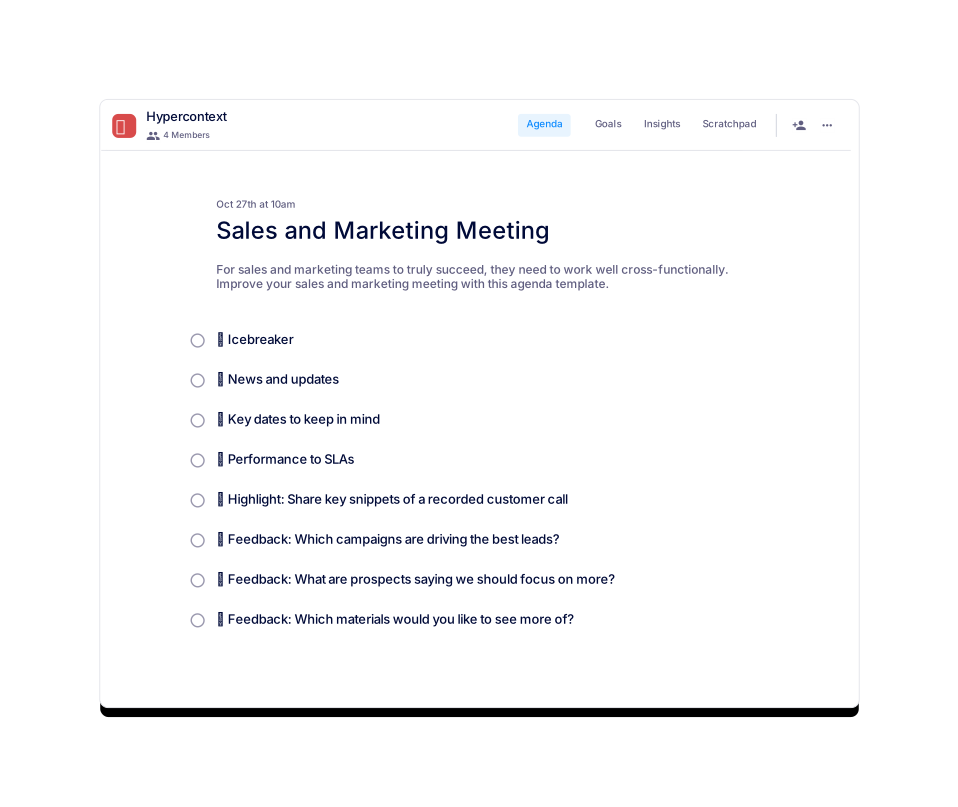
Sales and Marketing Meeting
Align your sales and marketing teams with this agenda template.
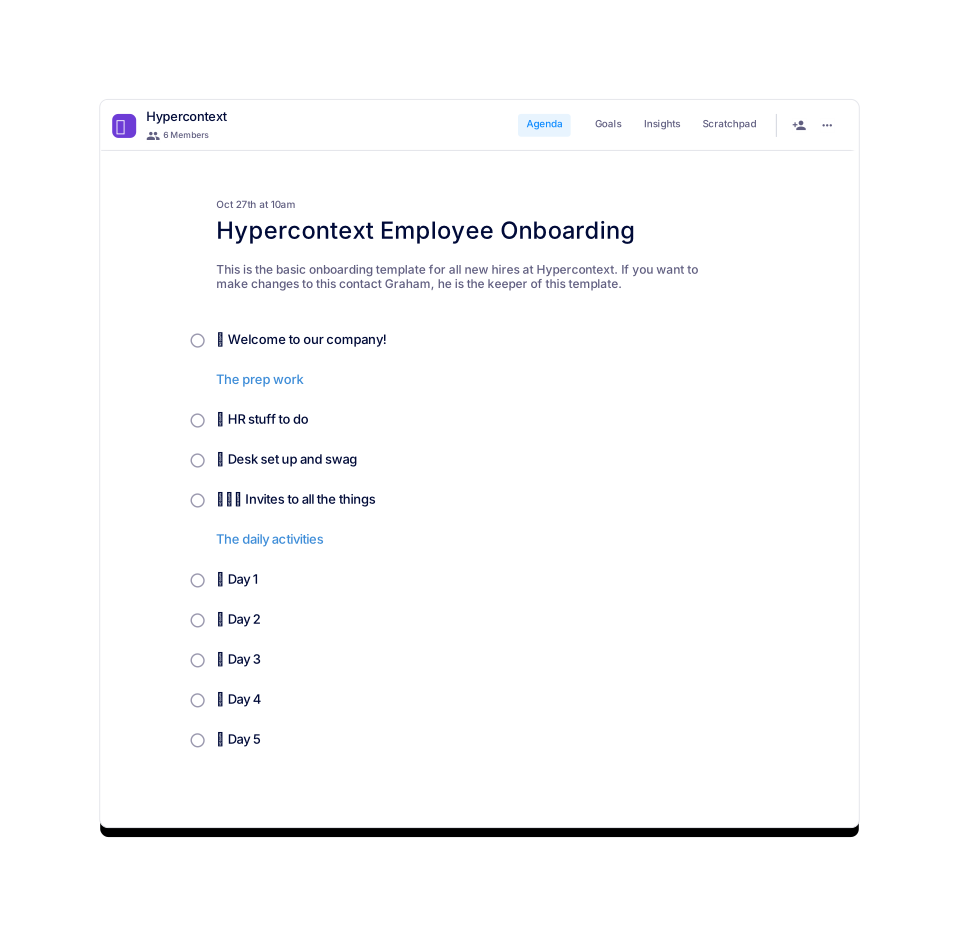
 Graham 🧙♂️
Hypercontext Employee Onboarding
This is the template Hypercontext uses to onboard new employees.
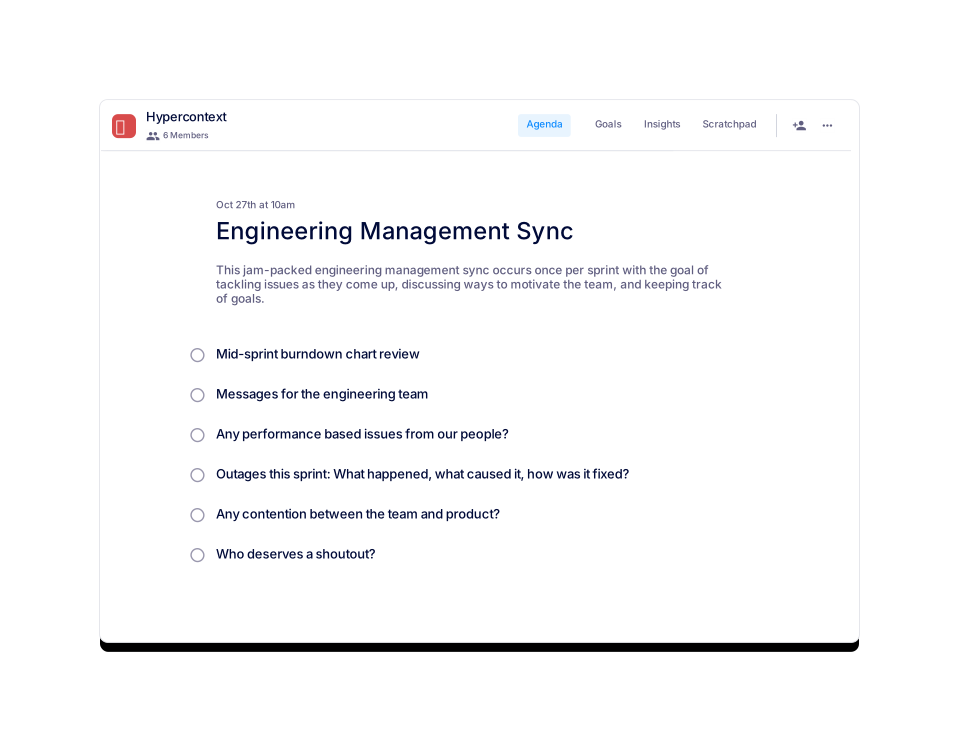
Engineering Management Sync
Mid-sprint management sync to discuss goals and development updates.
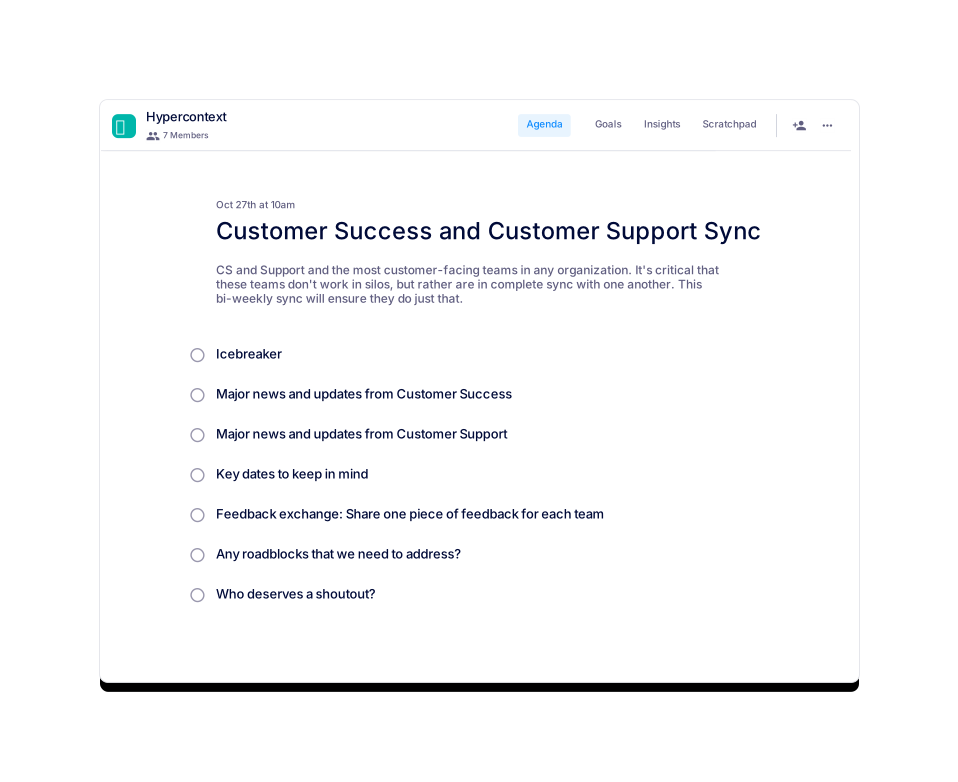
Customer Success and Customer Support Sync
A bi-weekly sync for CS and Support teams.
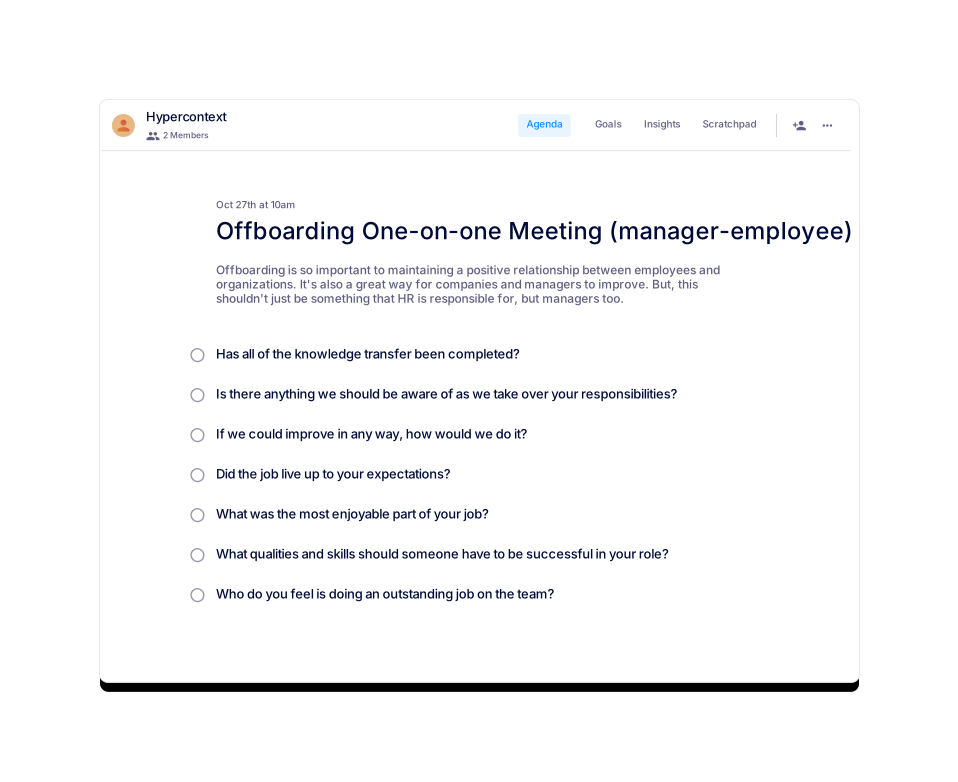
Offboarding One-on-one Meeting (manager-employee)
A final one-on-one between managers and a departing direct report.
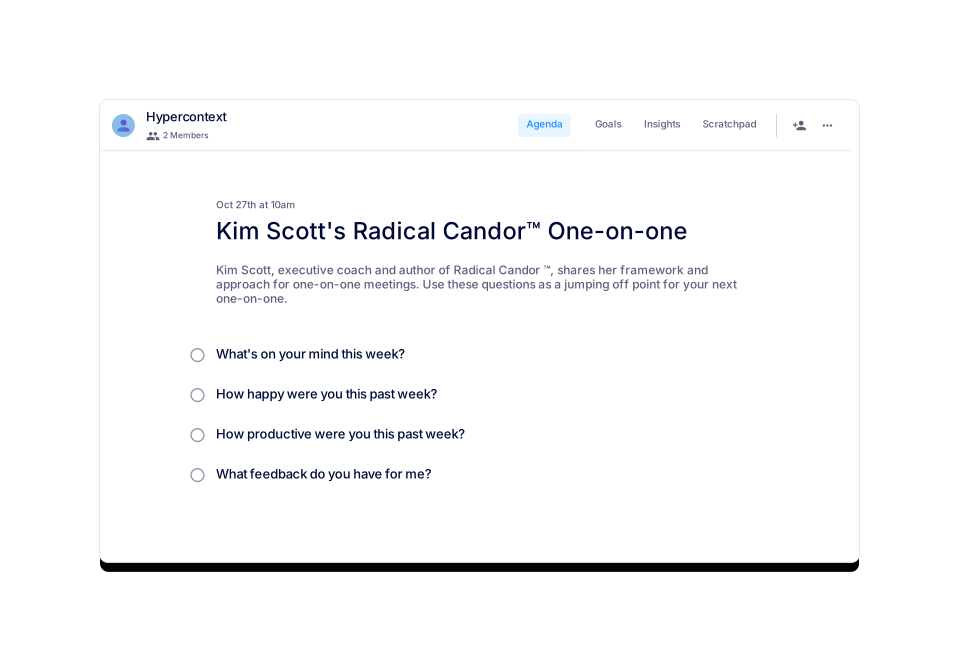
Kim Scott's Radical Candor™ One-on-one
Bring kindness, clarity, specificity and sincerity to your one-on-ones.
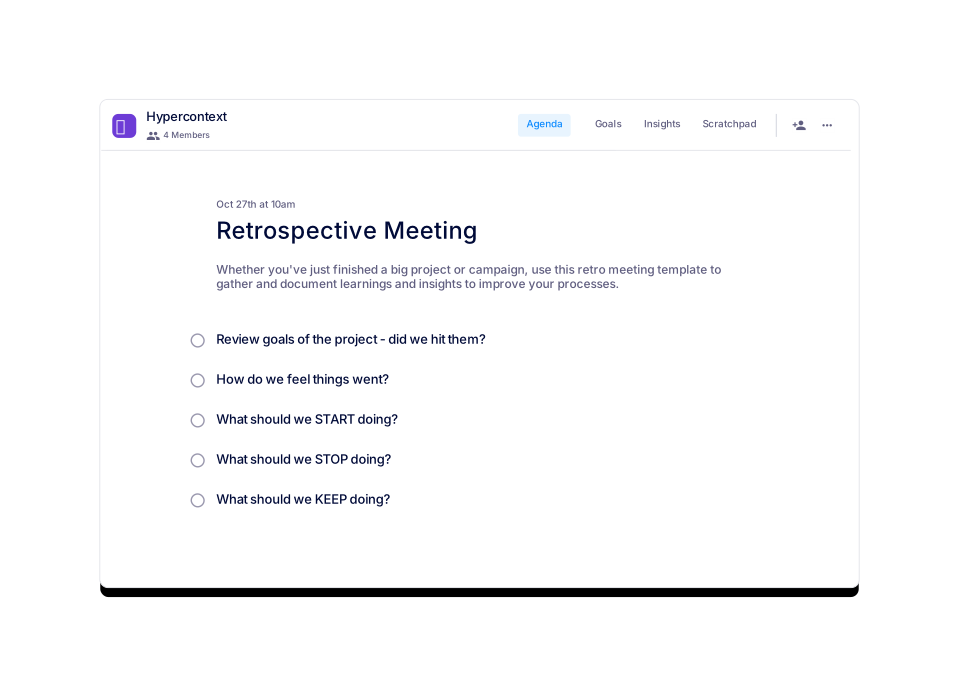
Retrospective Meeting
Use this agenda to gather the feedback needed from your team to improve.
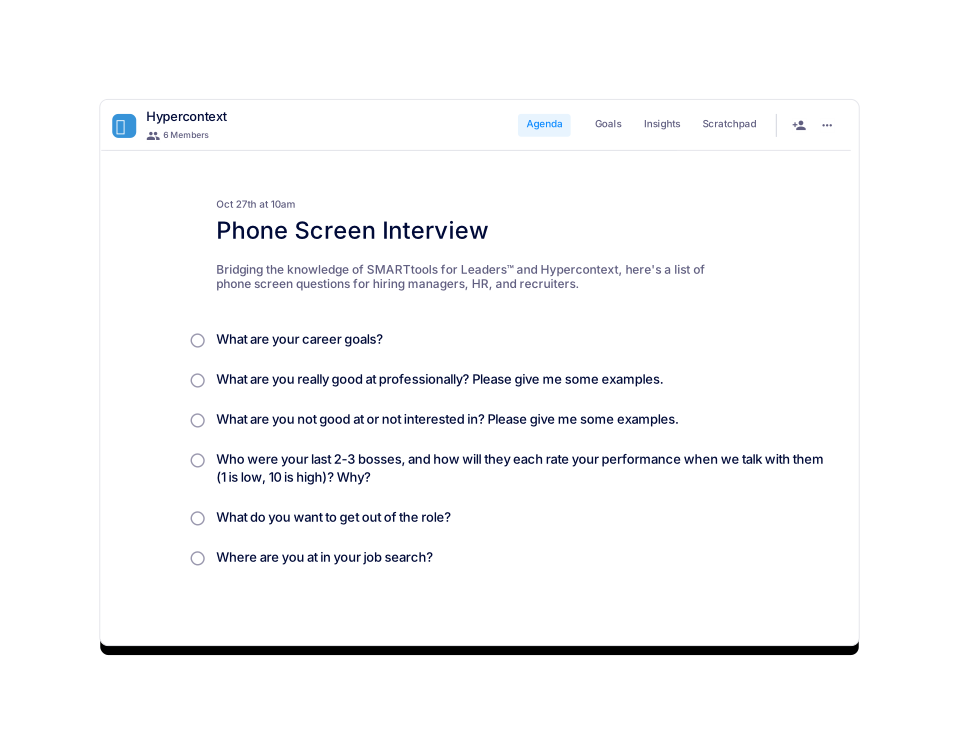
Phone Screen Interview
Standard phone screen questions for hiring managers, HR, and recruiters.
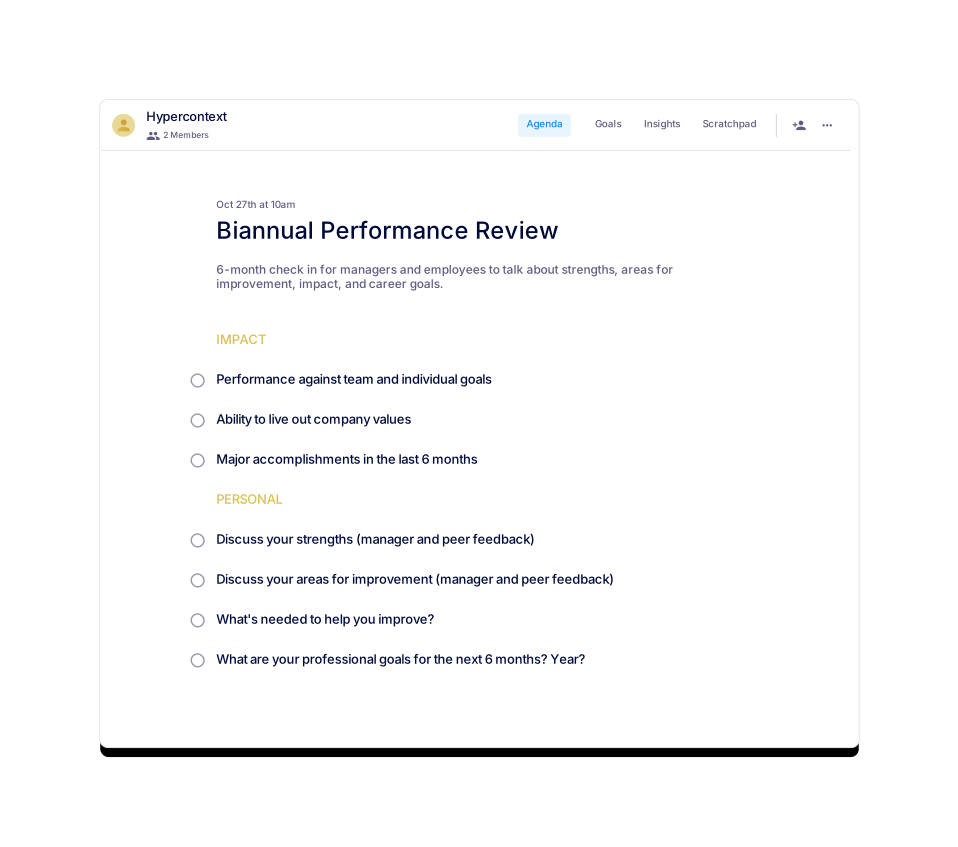
Biannual Performance Review
6-month performance review. Check in on progress, strengths, and areas for improvement.
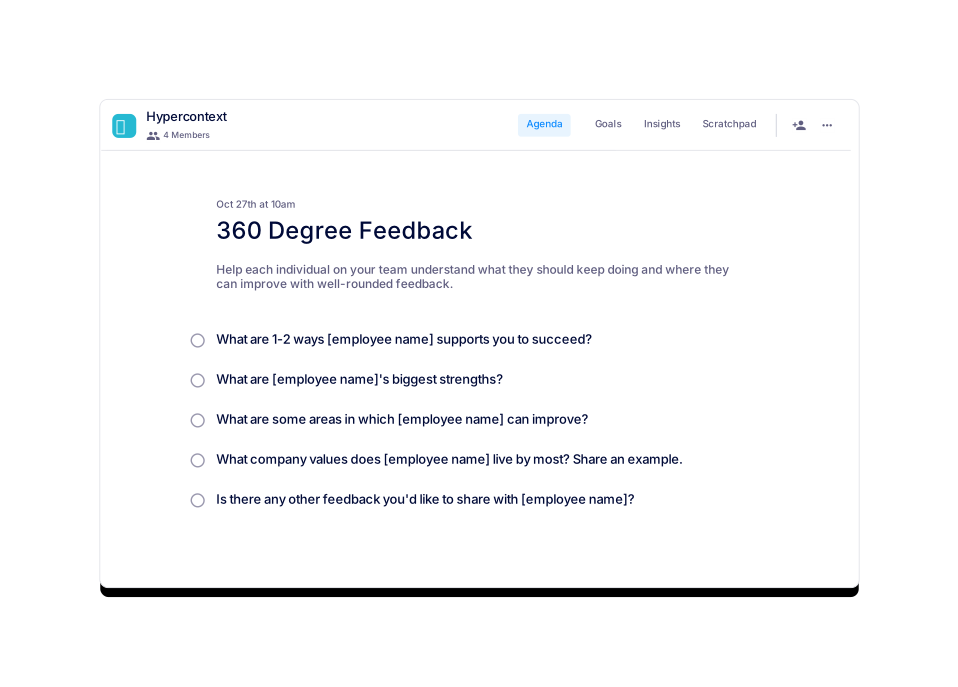
360 Degree Feedback
Gather well-rounded feedback to help your employees grow.
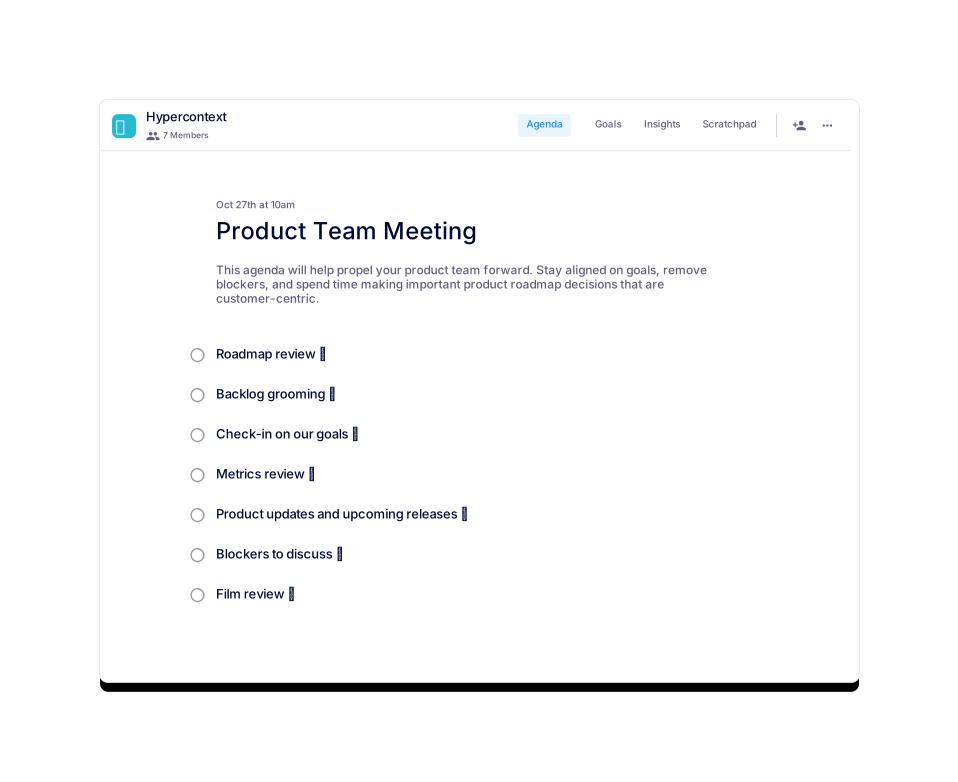
Product Team Meeting
This agenda will help propel your product team forward.
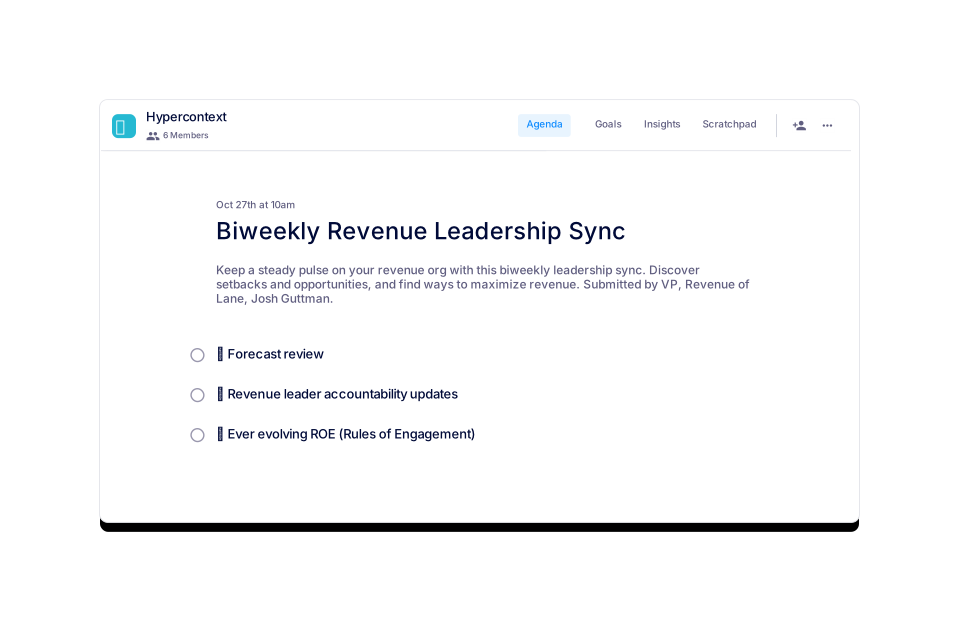
Biweekly Revenue Leadership Sync
Find ways to maximize revenue with this biweekly leadership sync.
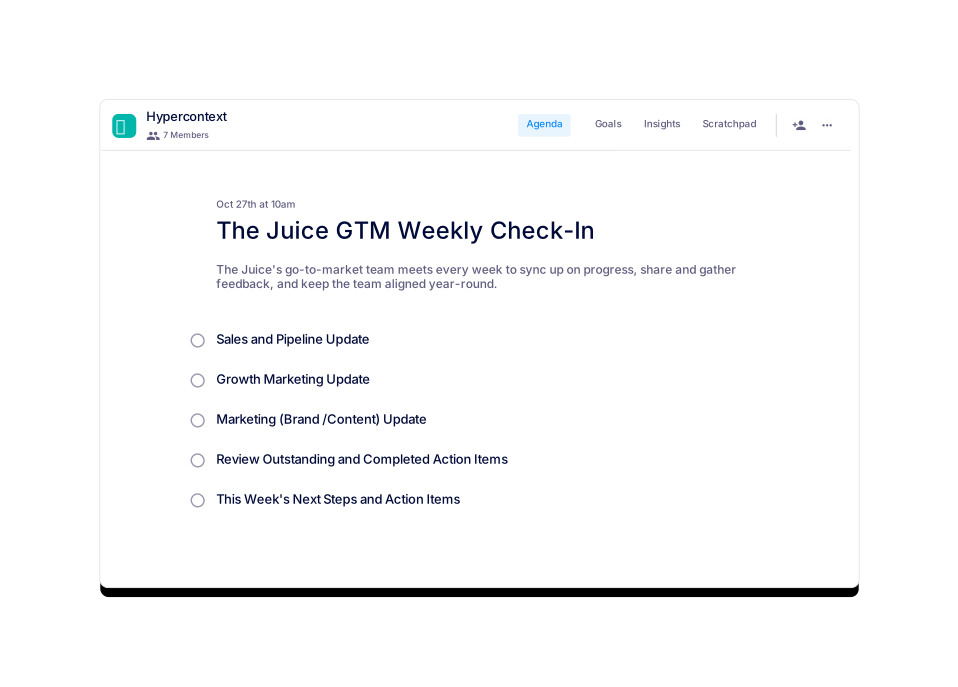
The Juice GTM Weekly Check-In
The best way for GTM teams to sync on progress, share feedback, and keep the team aligned.
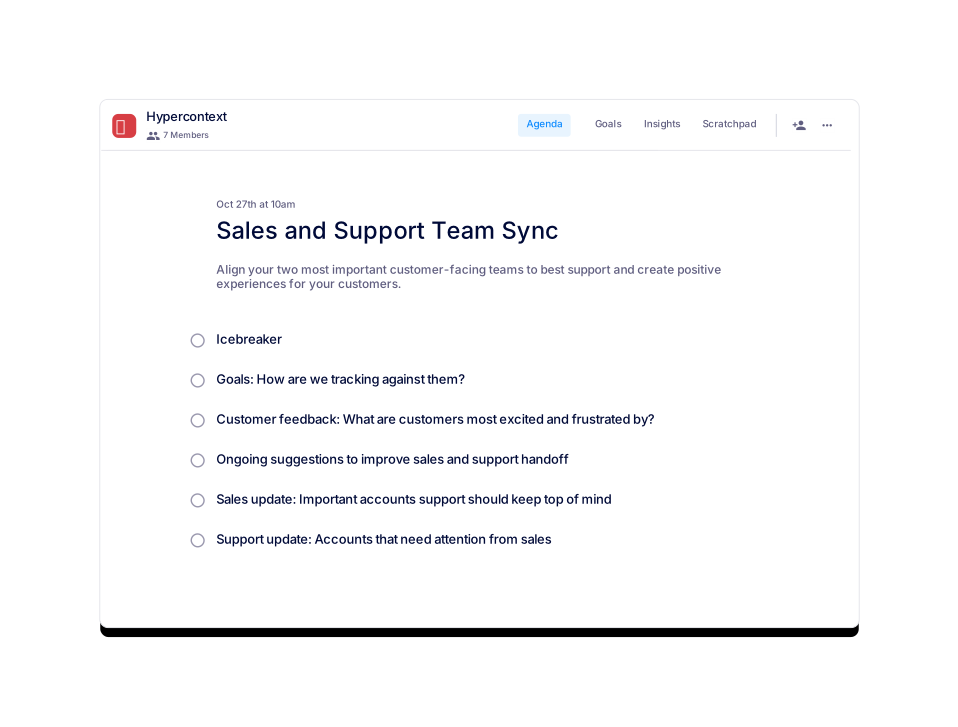
Sales and Support Team Sync
Keep customer-facing teams aligned and customer experiences positive with this monthly sync.
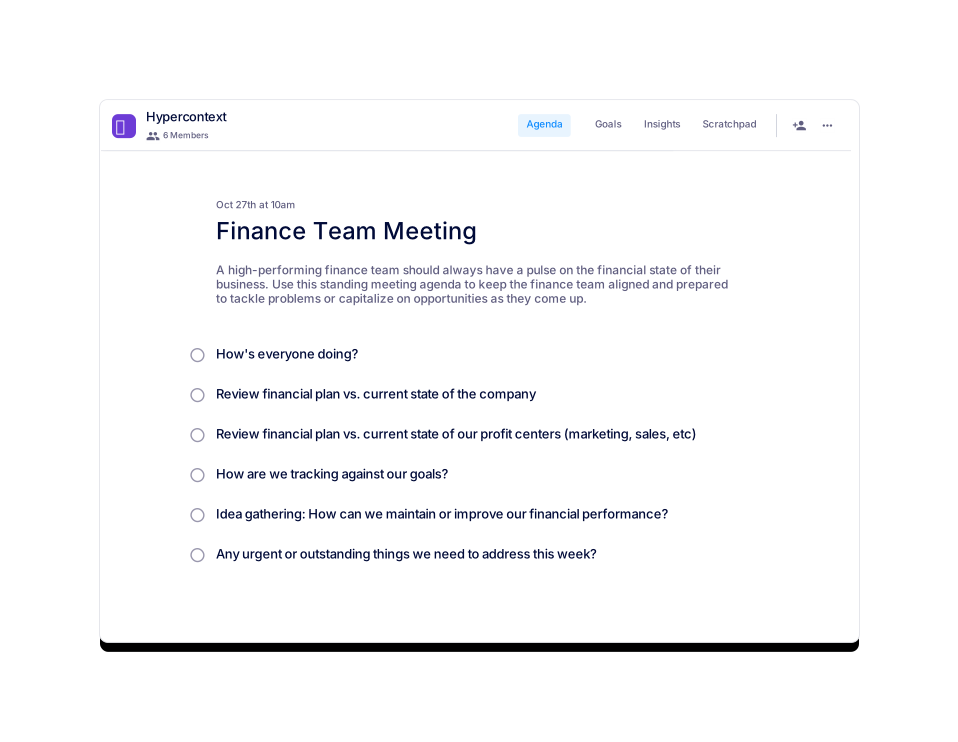
Finance Team Meeting
Keep your finance team aligned with this biweekly team meeting template.
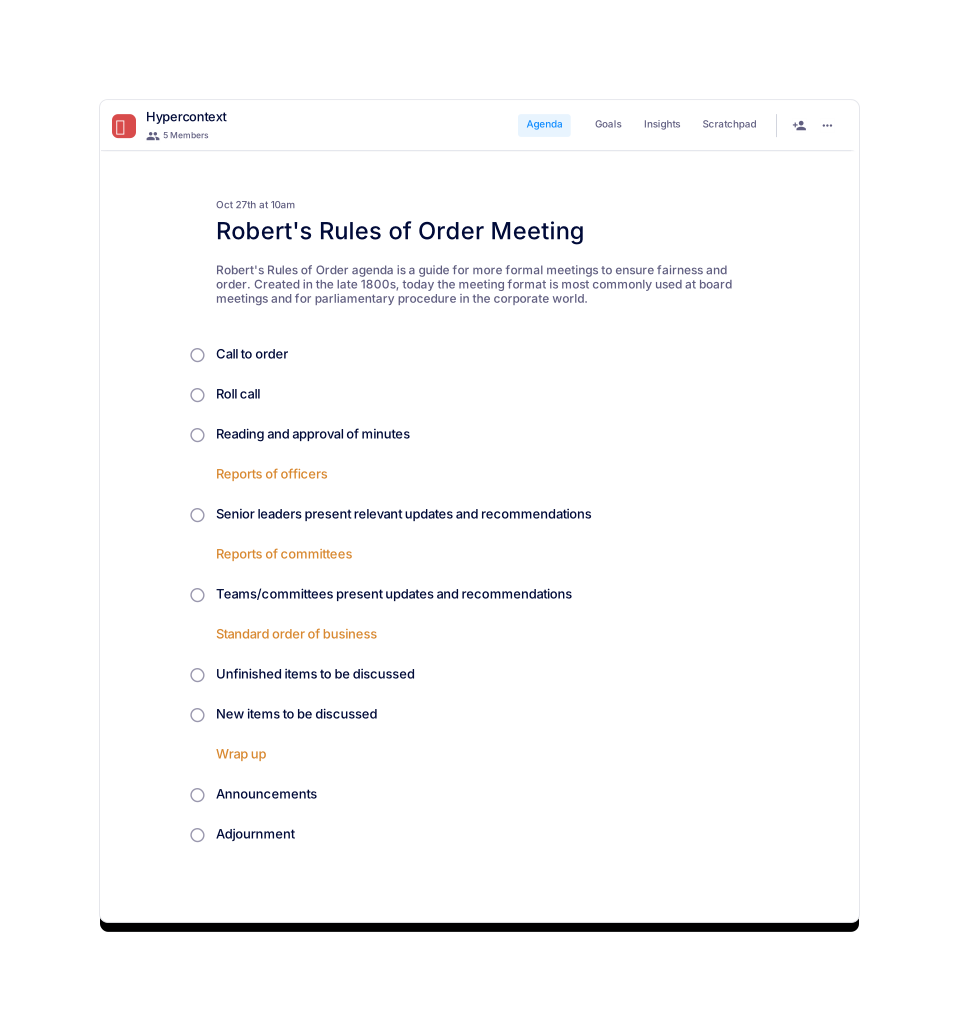
Robert's Rules of Order Meeting
A meeting guide used by leaders to add structure and fairness to formal meetings.
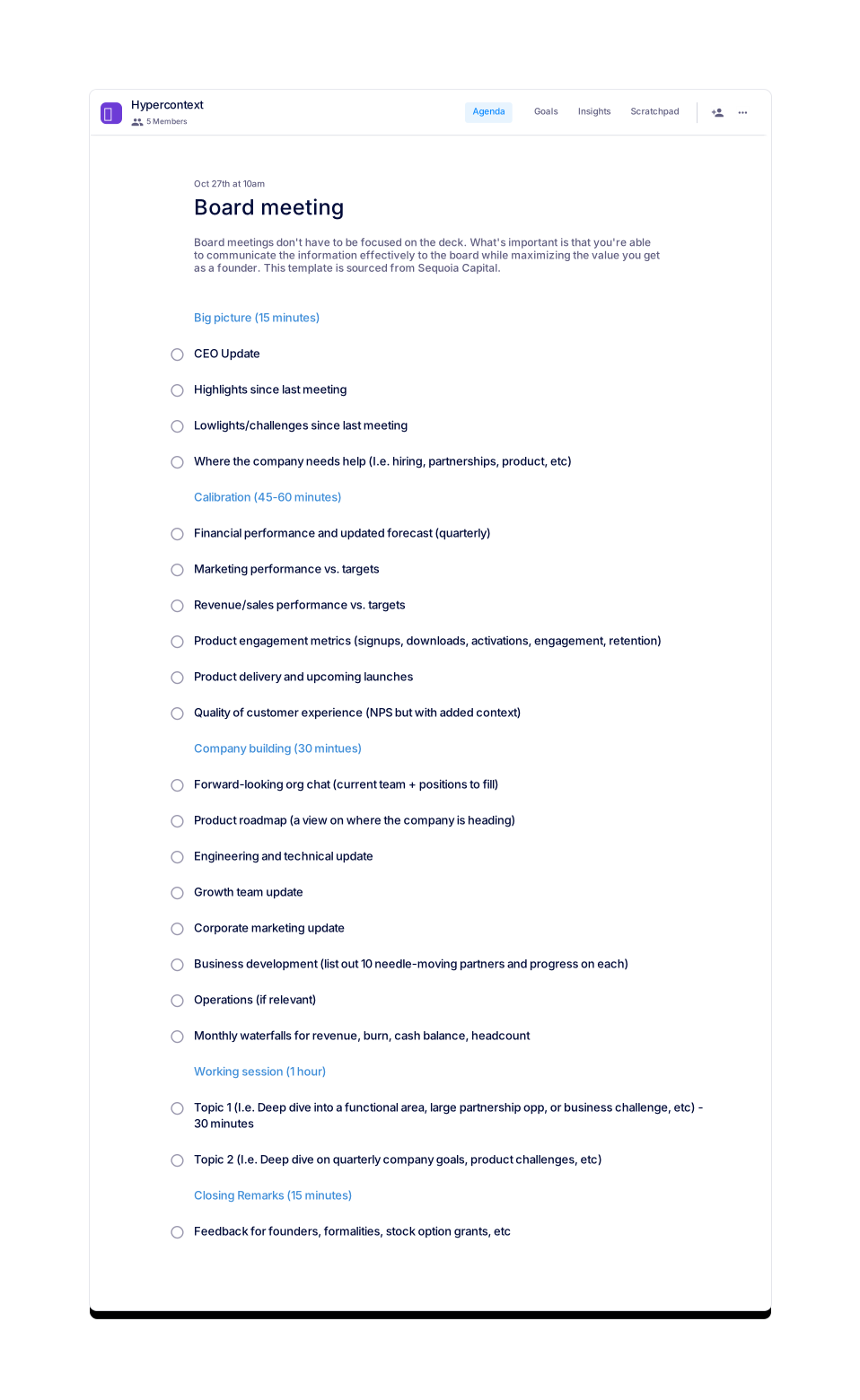
Board meeting
Make the most out of your board's time with this board meeting template from Sequoia Capital.
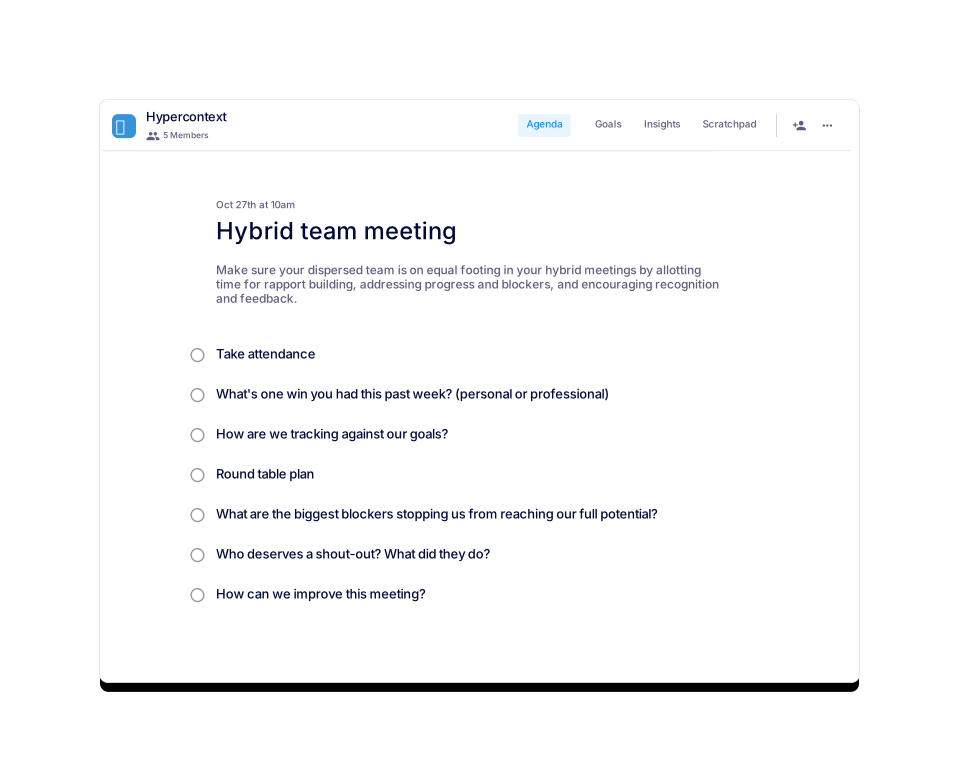
Hybrid team meeting
Make sure your hybrid meetings are inclusive of all your team members — whether in-office or remote.
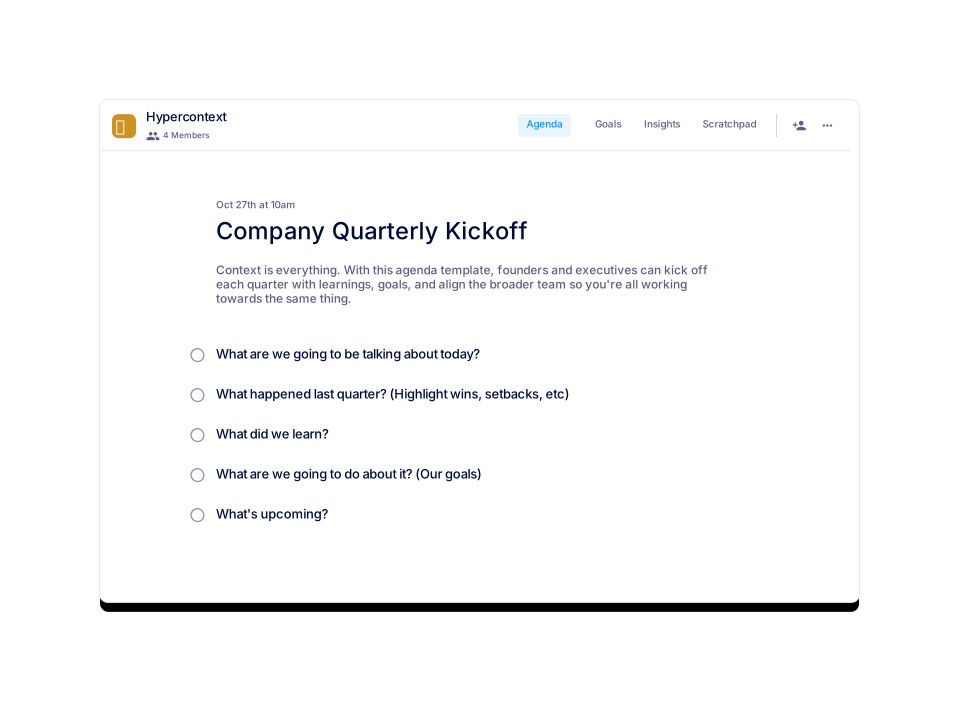
Company Quarterly Kickoff
A template to align your company on quarterly goals and priorities. Great for founders and execs.
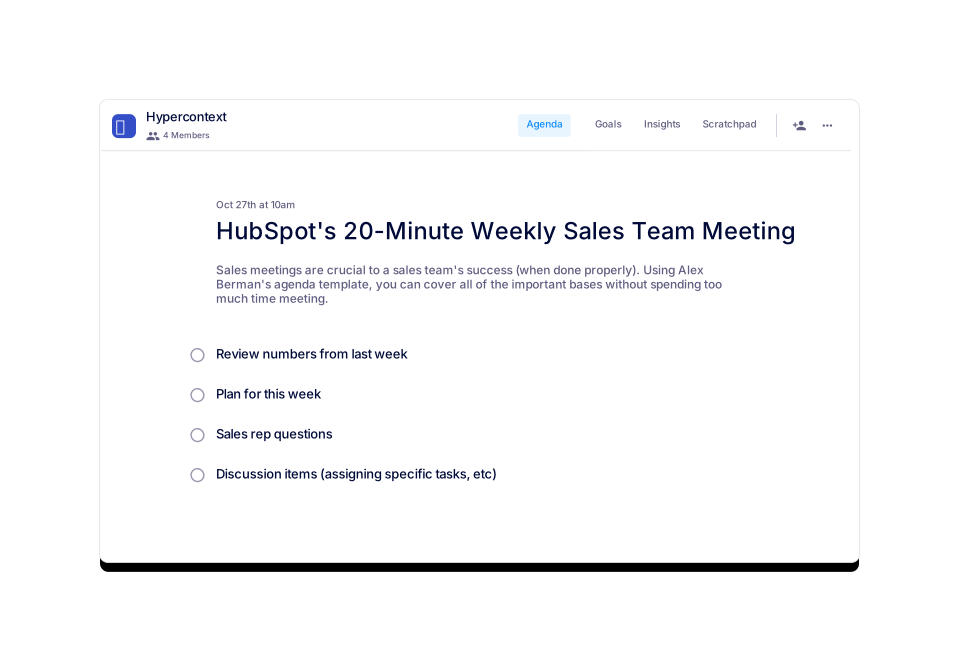
HubSpot's 20-Minute Weekly Sales Team Meeting
Run effective weekly sales team meeting syncs in 20 minutes or less with the agenda template.
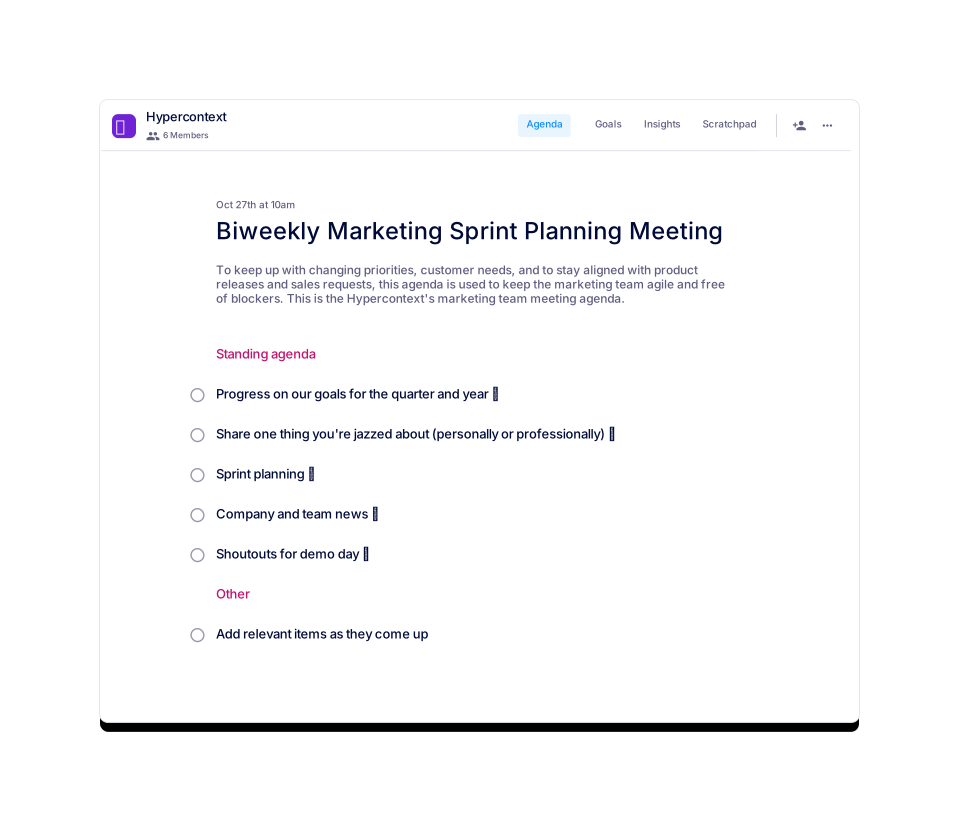
Biweekly Marketing Sprint Planning Meeting
Peek into Hypercontext's biweekly marketing sprint planning meetings.
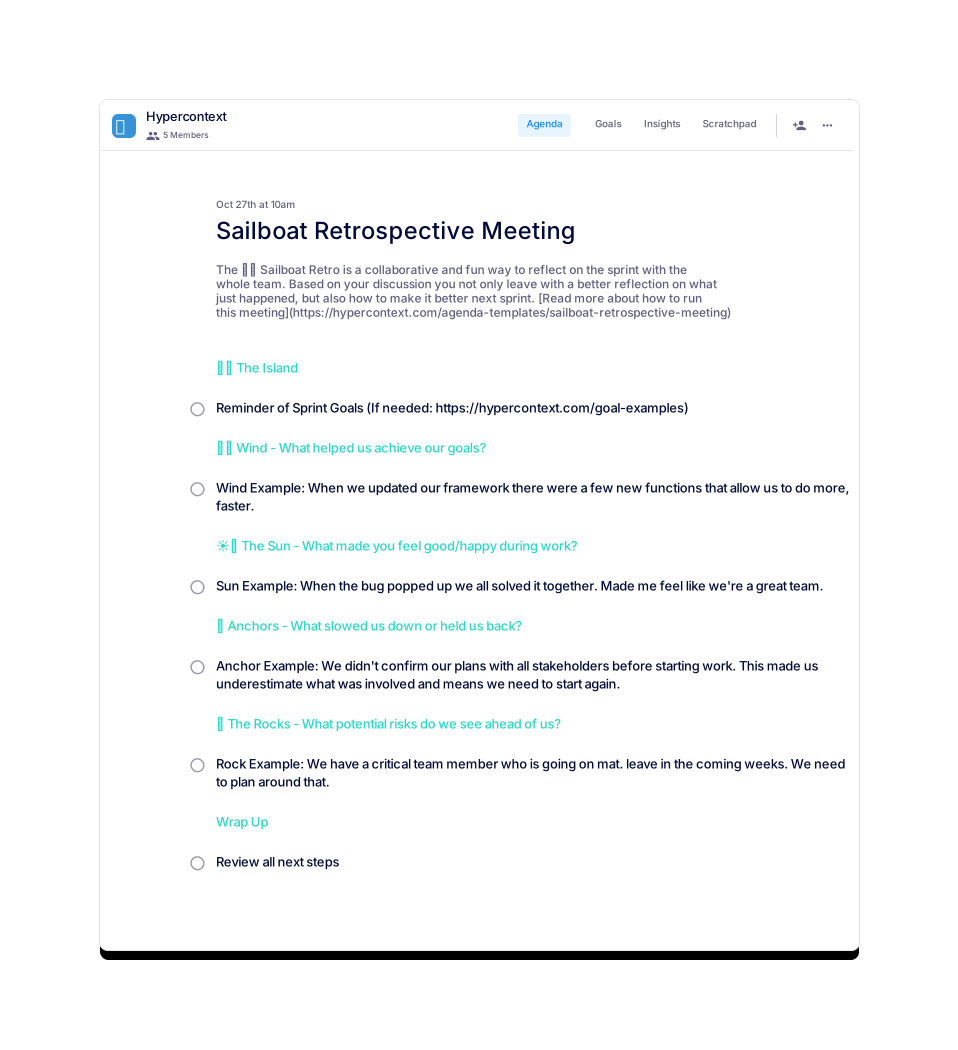
Brennan 👋
Sailboat Retrospective Meeting
The sailboat retrospective is a framework & metaphor to reflect and align the end of a sprint
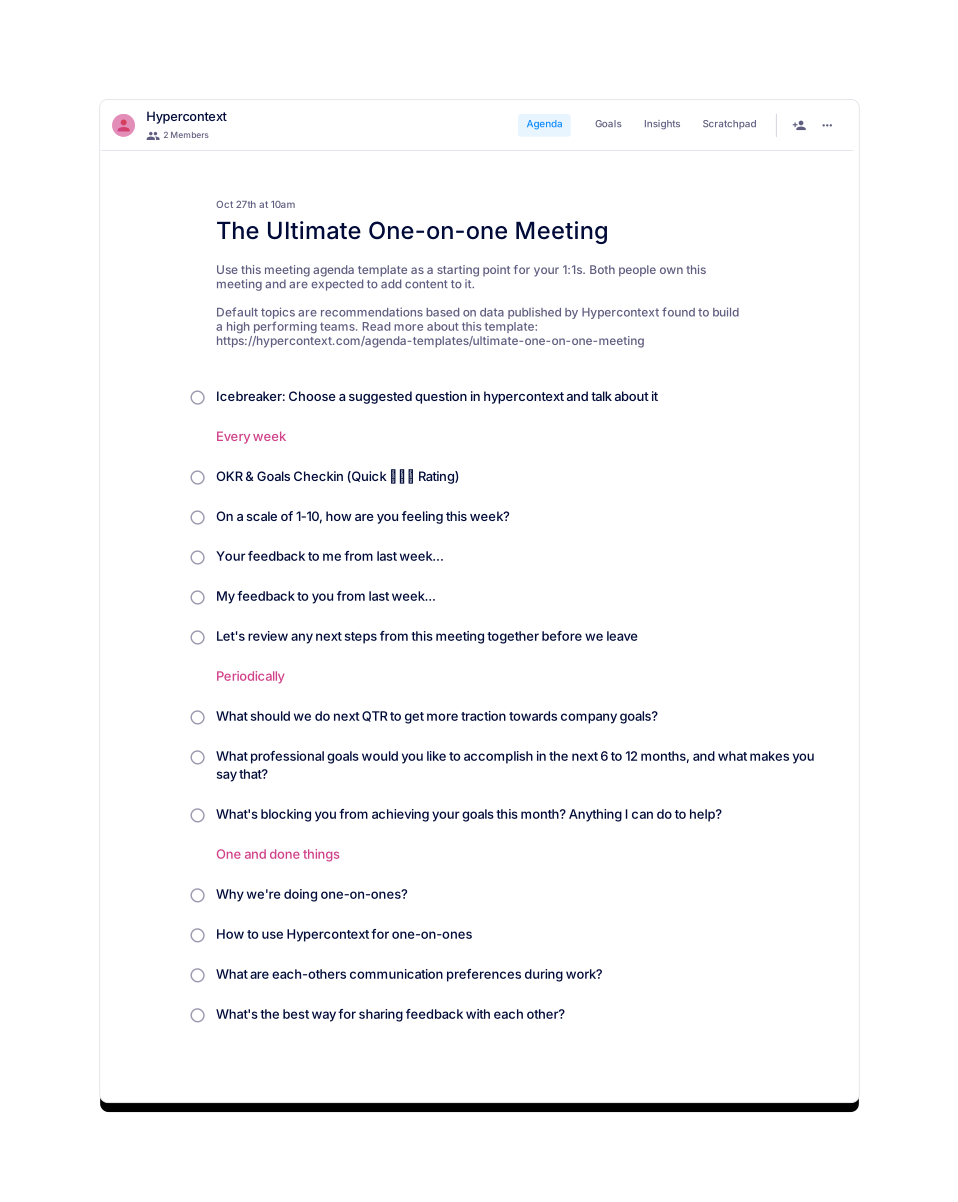
 Brennan 👋
The Ultimate One-on-one Meeting
We've surveyed over 500 people to generate a data-driven template to build a high performing team.
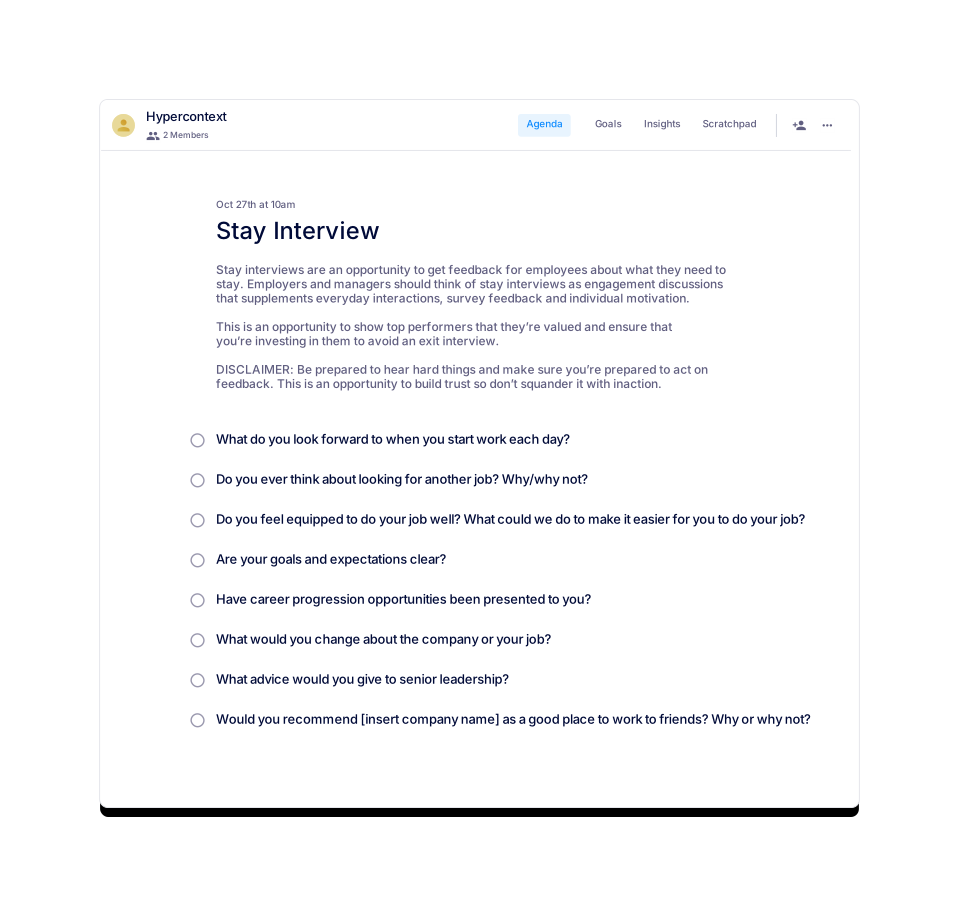
 Jocelyn Brown
Stay Interview
Get feedback from employees about what they need to stay.
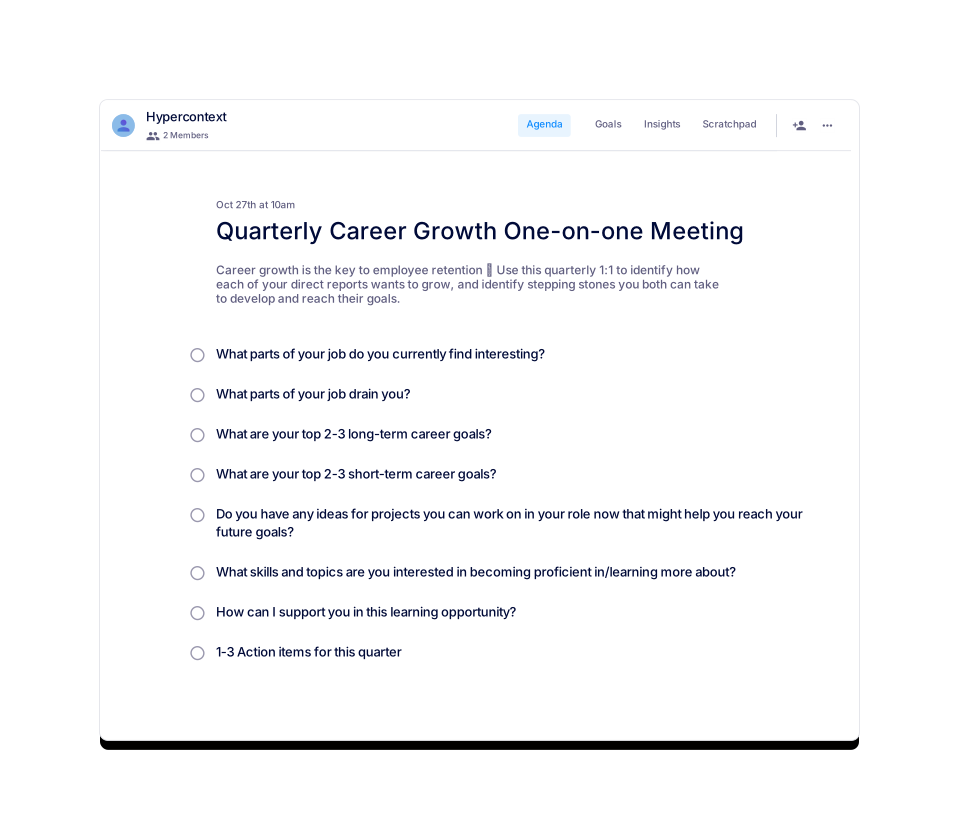
Quarterly Career Growth One-on-one Meeting
Use the 1:1 agenda for recurring career advancement meetings with your direct reports.
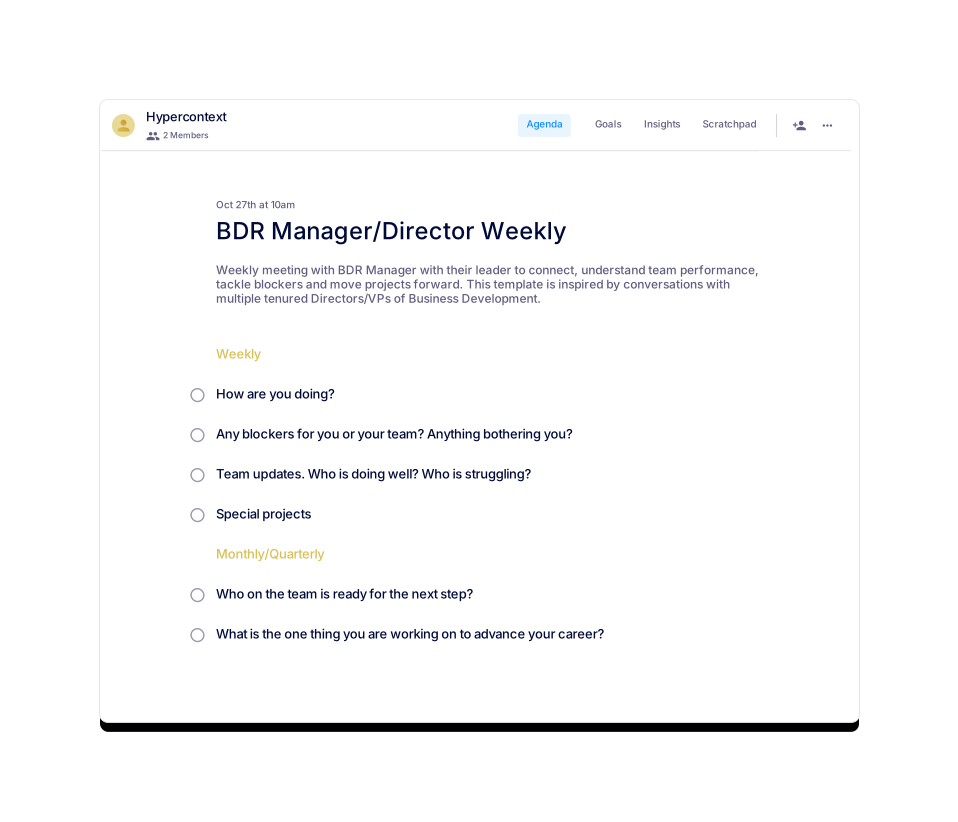
 Jocelyn Brown
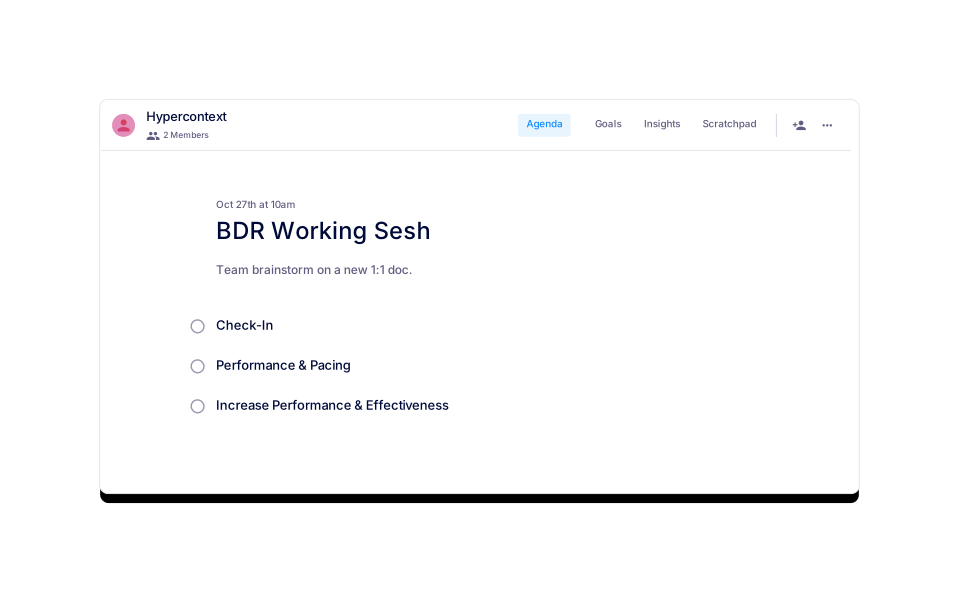
BDR Manager/Director Weekly
Weekly one-on-one for a BDR Manager and their leader.
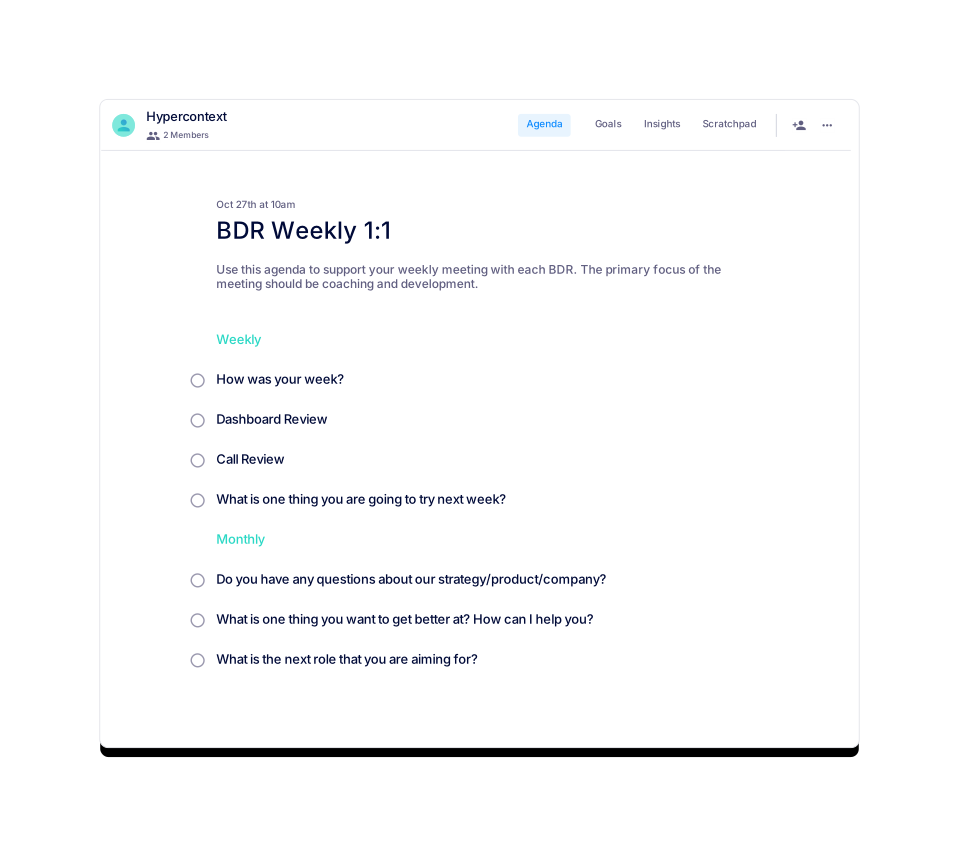
 Jocelyn Brown
BDR Weekly 1:1
Weekly meeting between BDR and Manager.
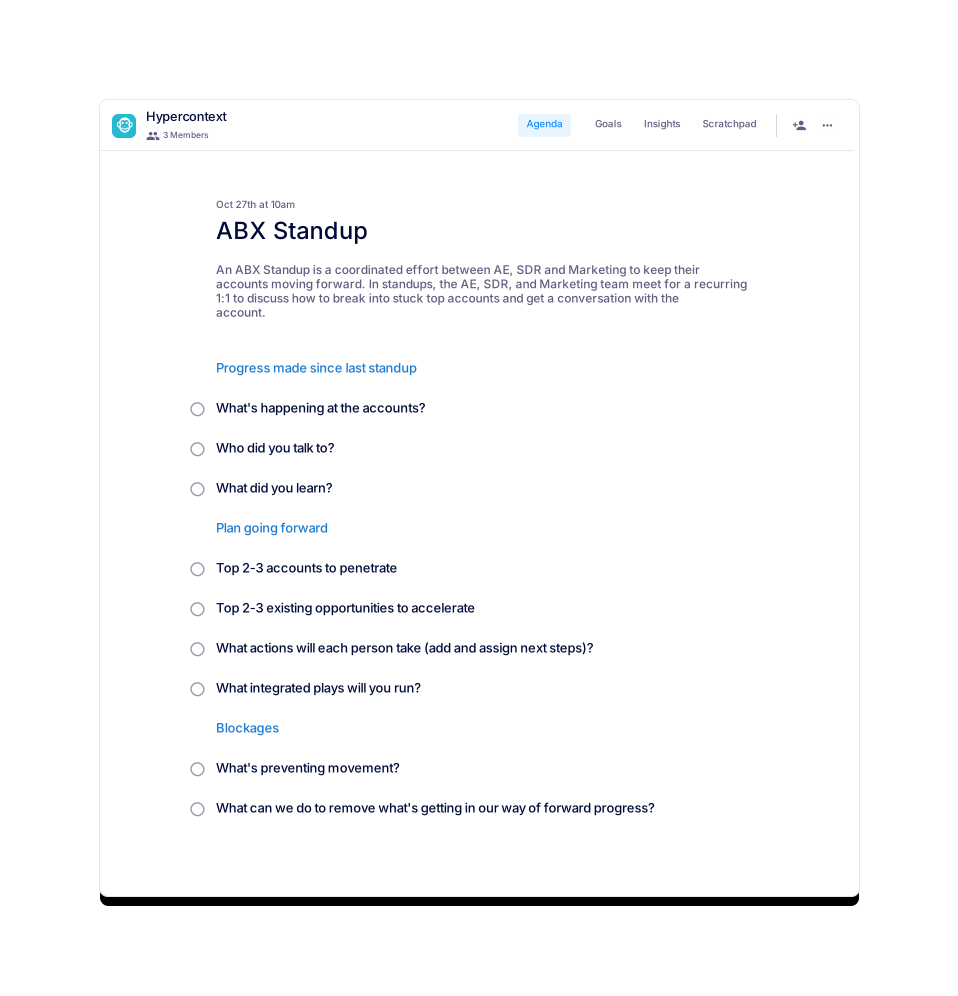
 Moira van den Akker
ABX Standup
A coordinated effort between AE, SDR and Marketing to keep their accounts moving forward.
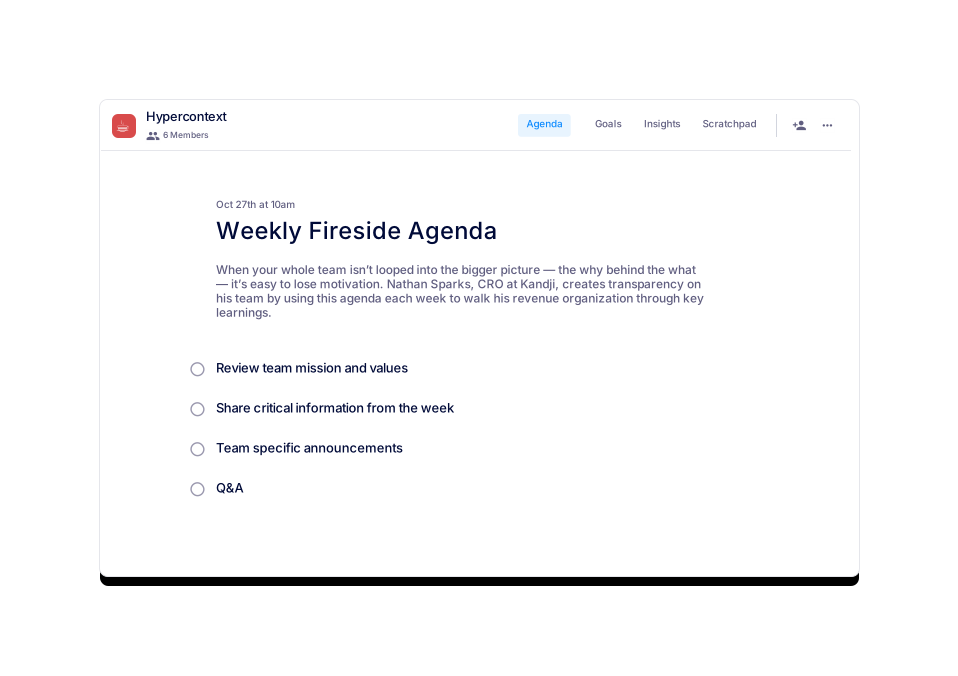
 Nathan Sparks
Weekly Fireside Agenda
Keep the bigger picture in your team's line of sight.
Nathan Sparks
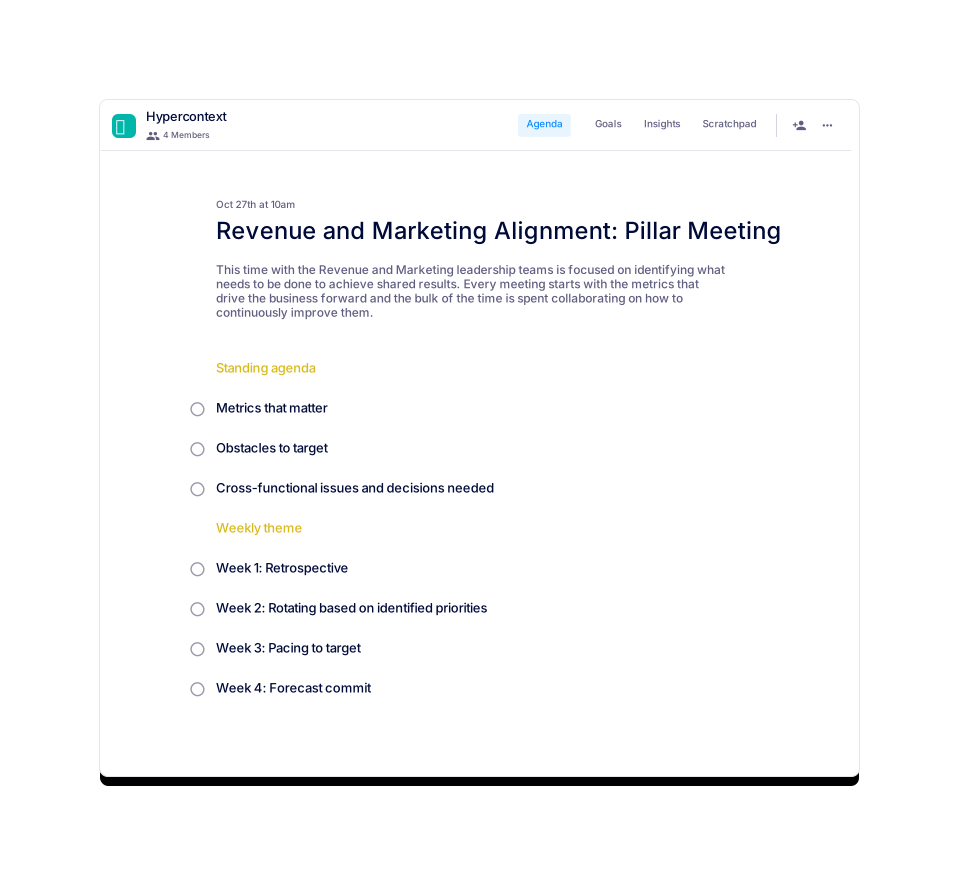
Revenue and Marketing Alignment: Pillar Meeting
A weekly alignment meeting between Revenue and Marketing leadership teams.
 Naufil Rasheed
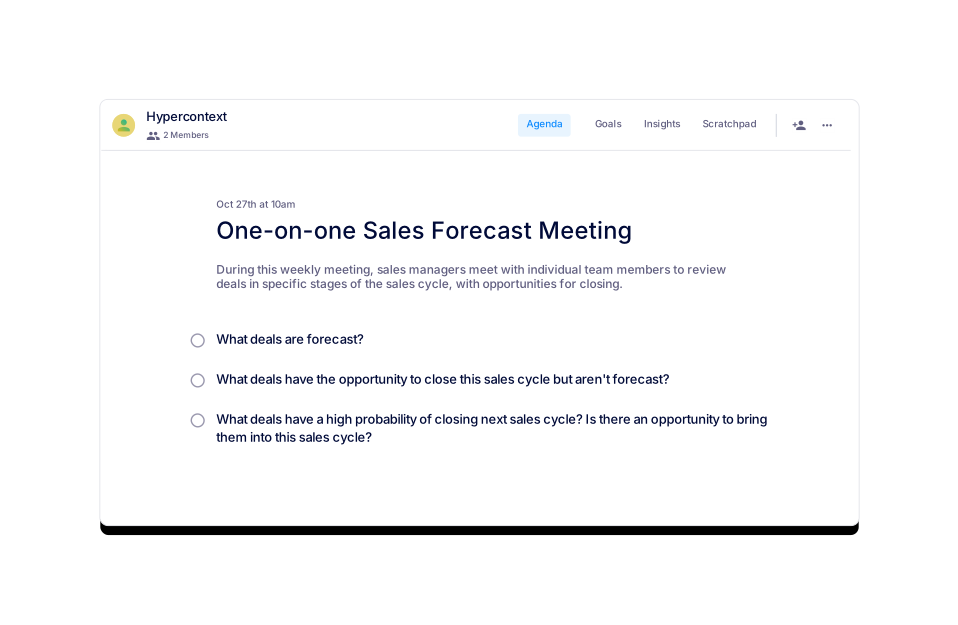
One-on-one Sales Forecast Meeting
A time for Sales Managers to meet with their direct reports to review upcoming deals.
 Naufil Rasheed
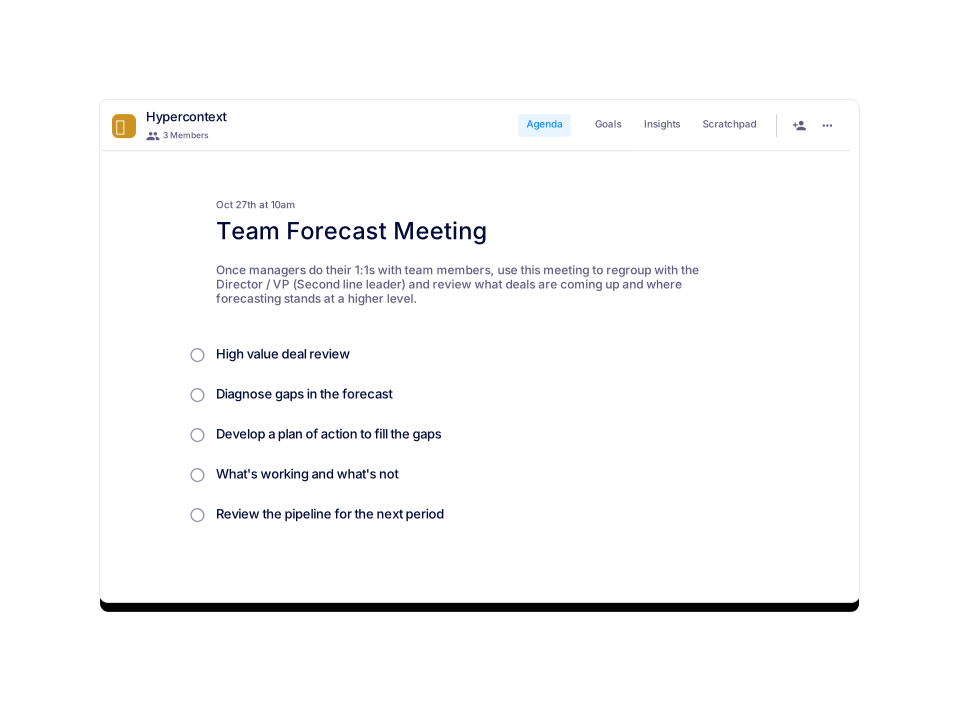
Team Forecast Meeting
A top-level overview of what deals are coming up and where forecasting stands.
 Brennan 👋
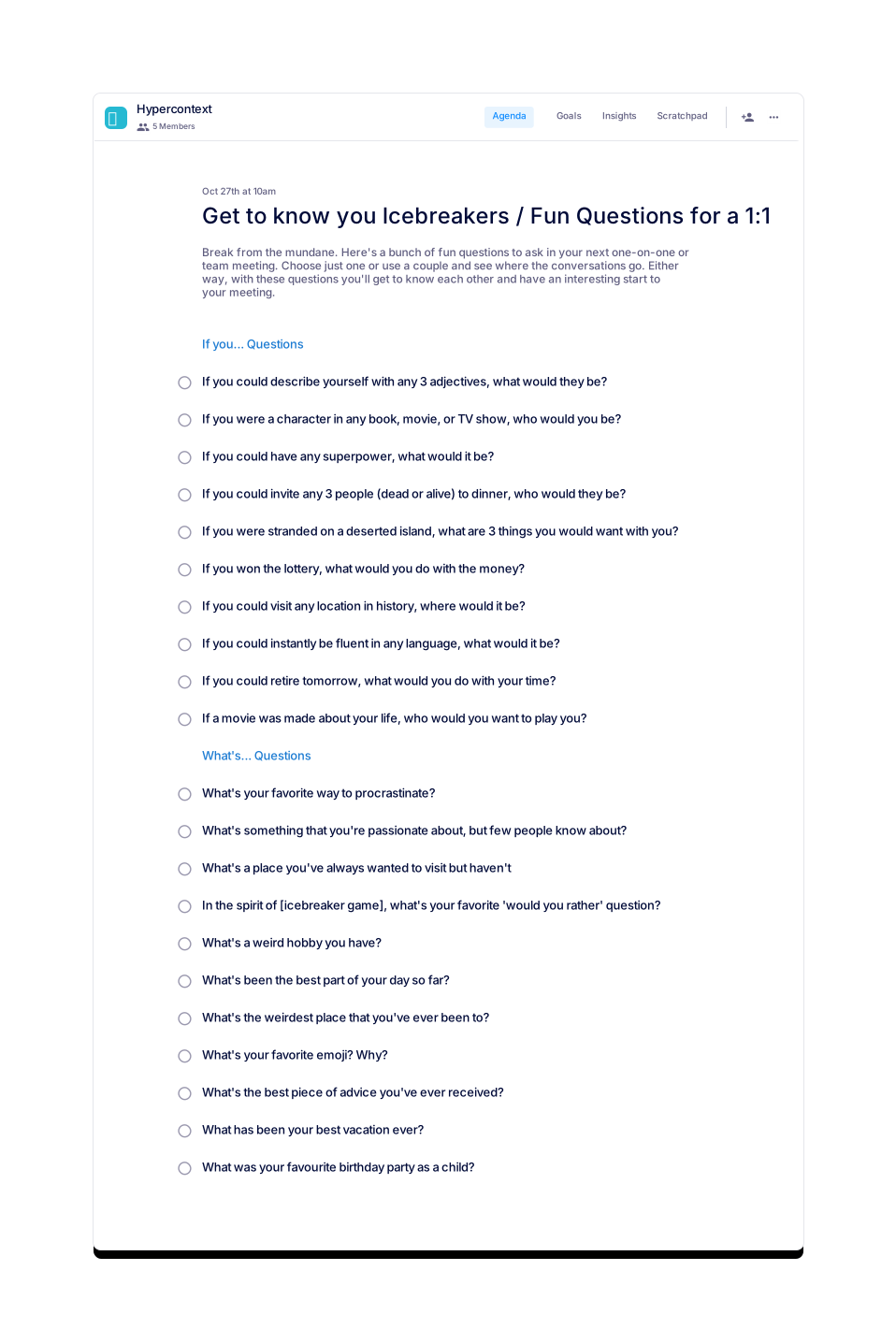
Get to know you Icebreakers / Fun Questions for a 1:1
Start to your meeting with your favorite question from this list of fun icebreakers
 Isabelle Chiu
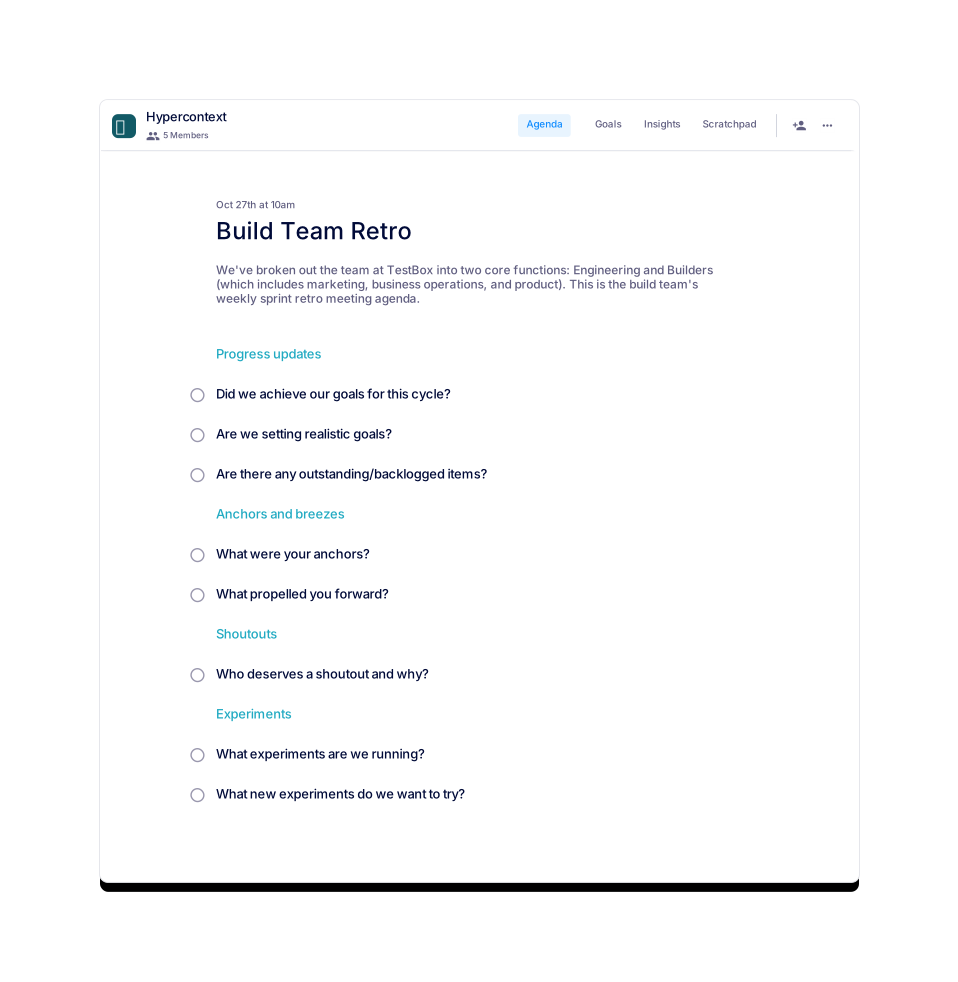
Build Team Retro
A recurring sync between builders (marketing, ops, and product) to keep everyone aligned.
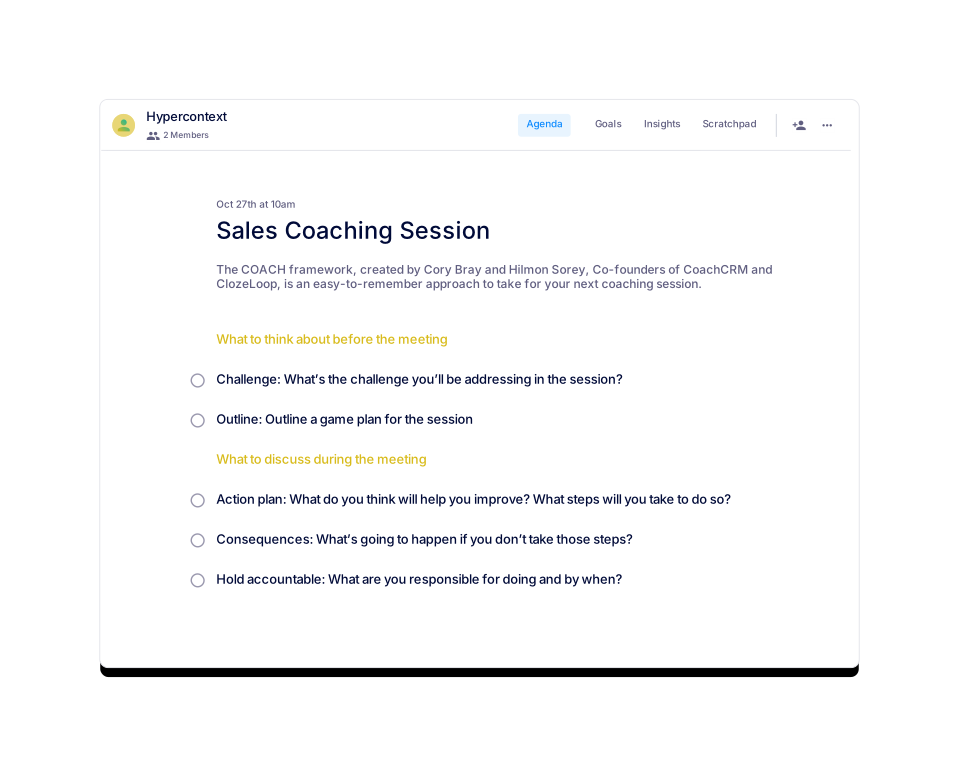
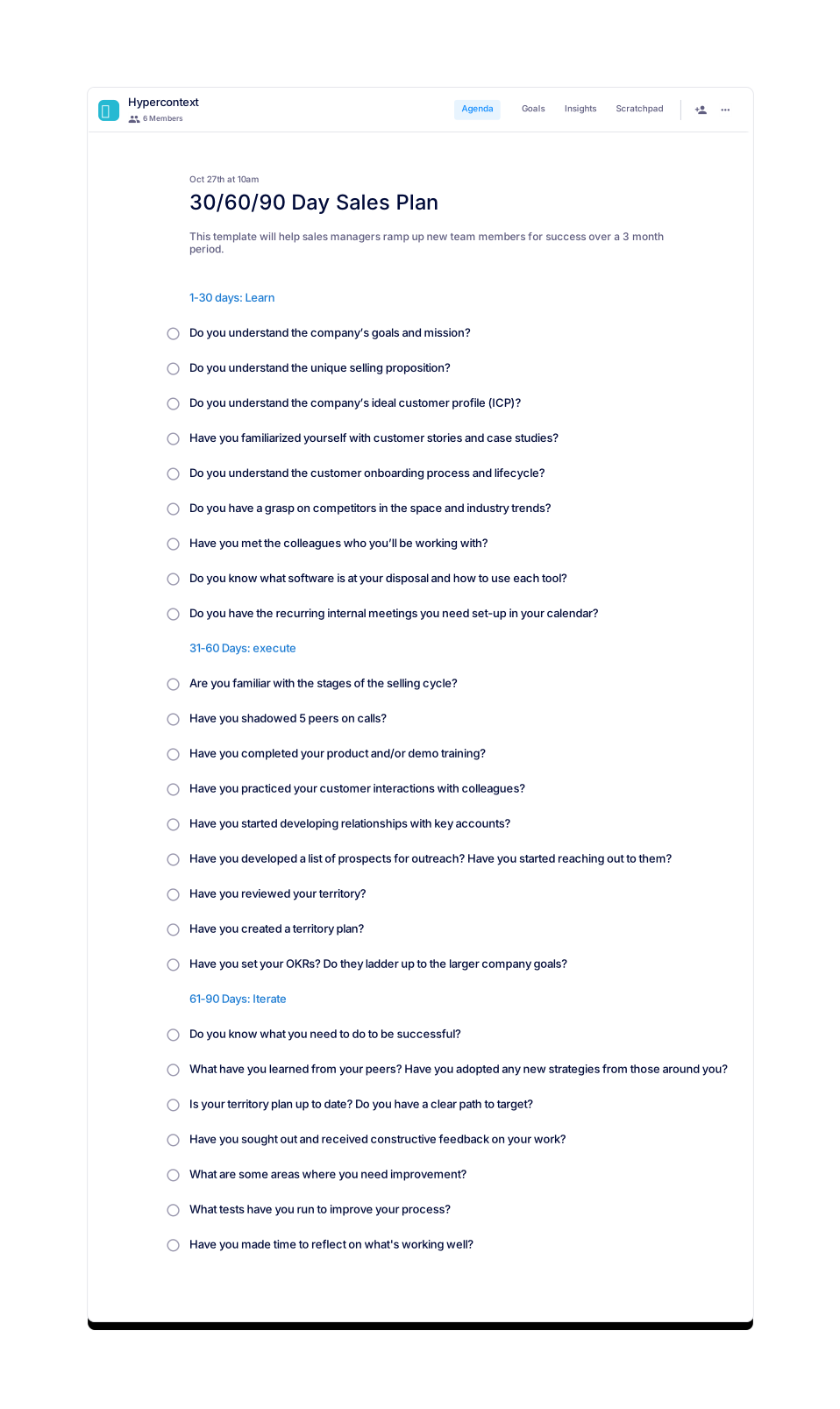
30/60/90 Day Sales Plan
Set up your sales team for success with a 3 month plan
Jocelyn Brown
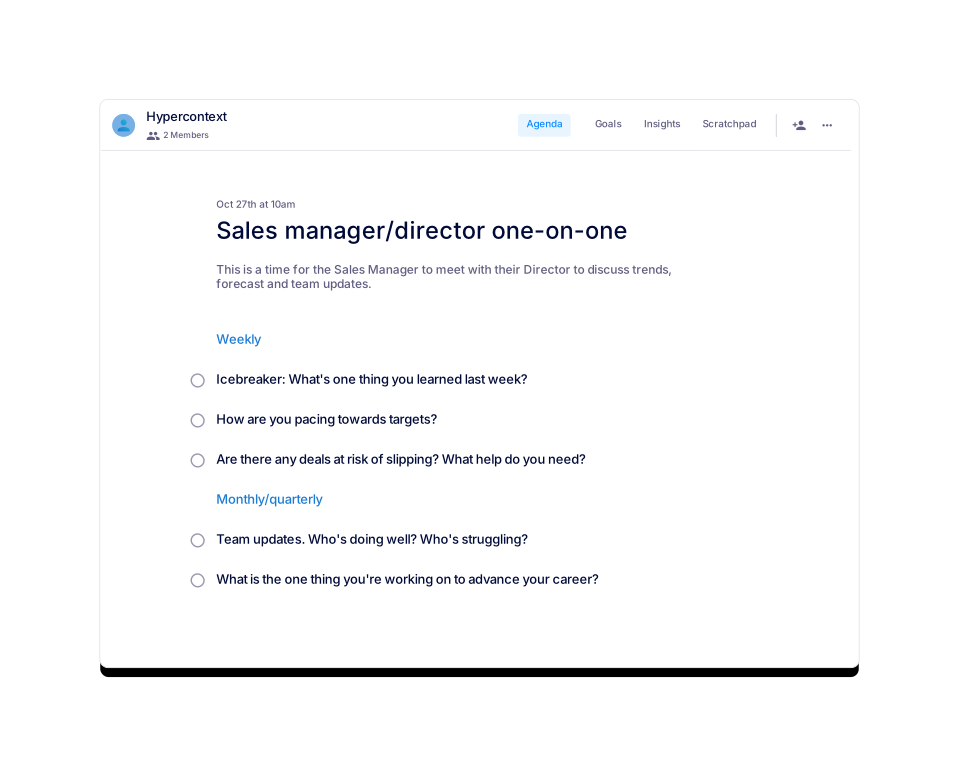
Sales manager/director one-on-one
A template for one-on-one discussions between Sales Managers and Directors
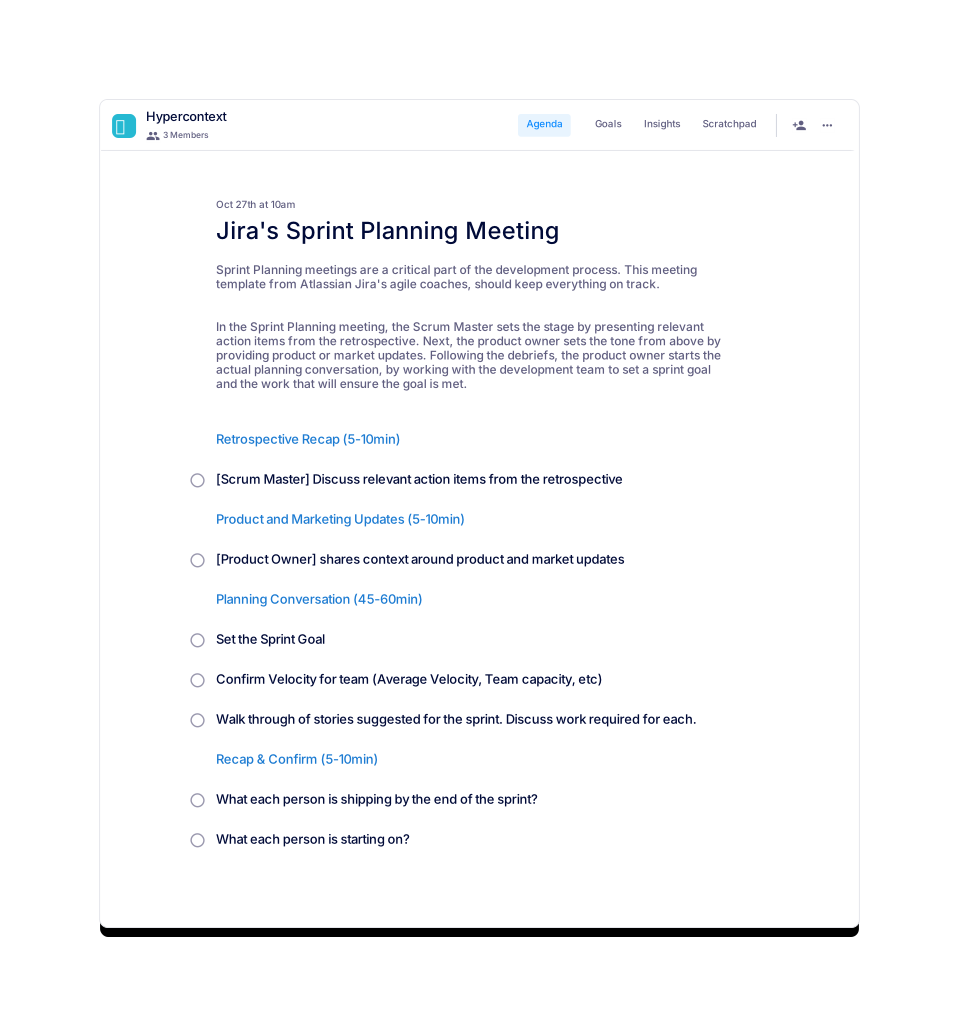
 Brennan 👋
Jira's Sprint Planning Meeting
Sample meeting agenda template for the sprint planning. Jira's agile coaches recommend to follow it.
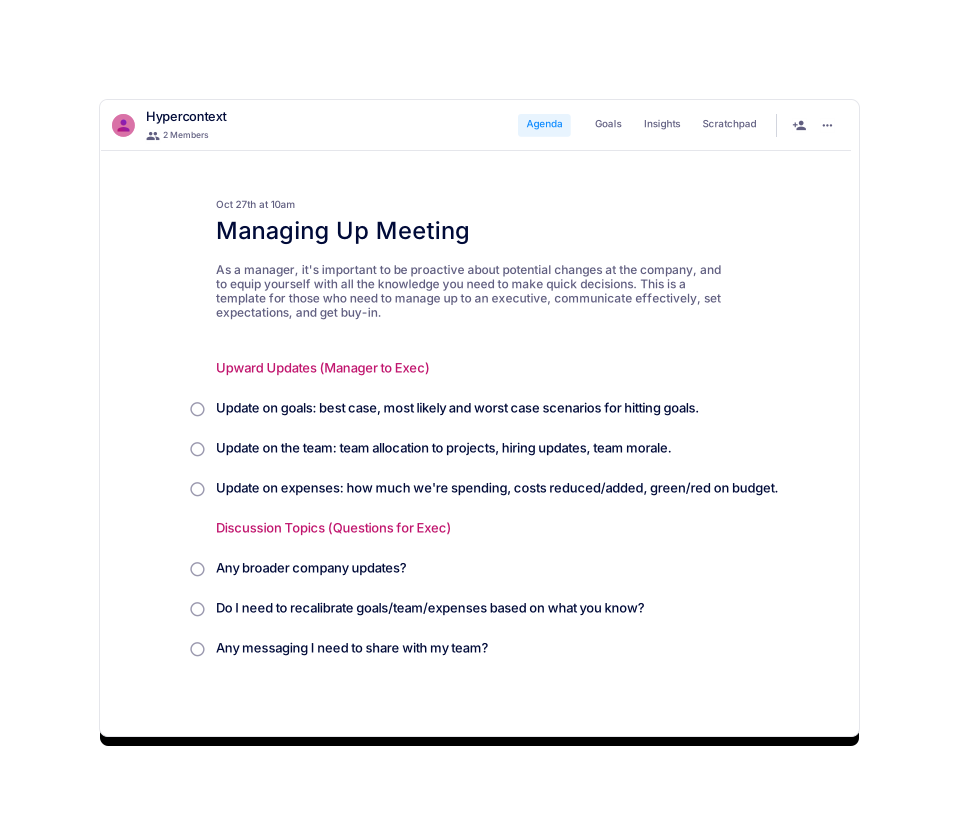
Brennan 👋
Managing Up Meeting
Need to manage up? Use this to communicate effectively, set expectations, and get buy-in.
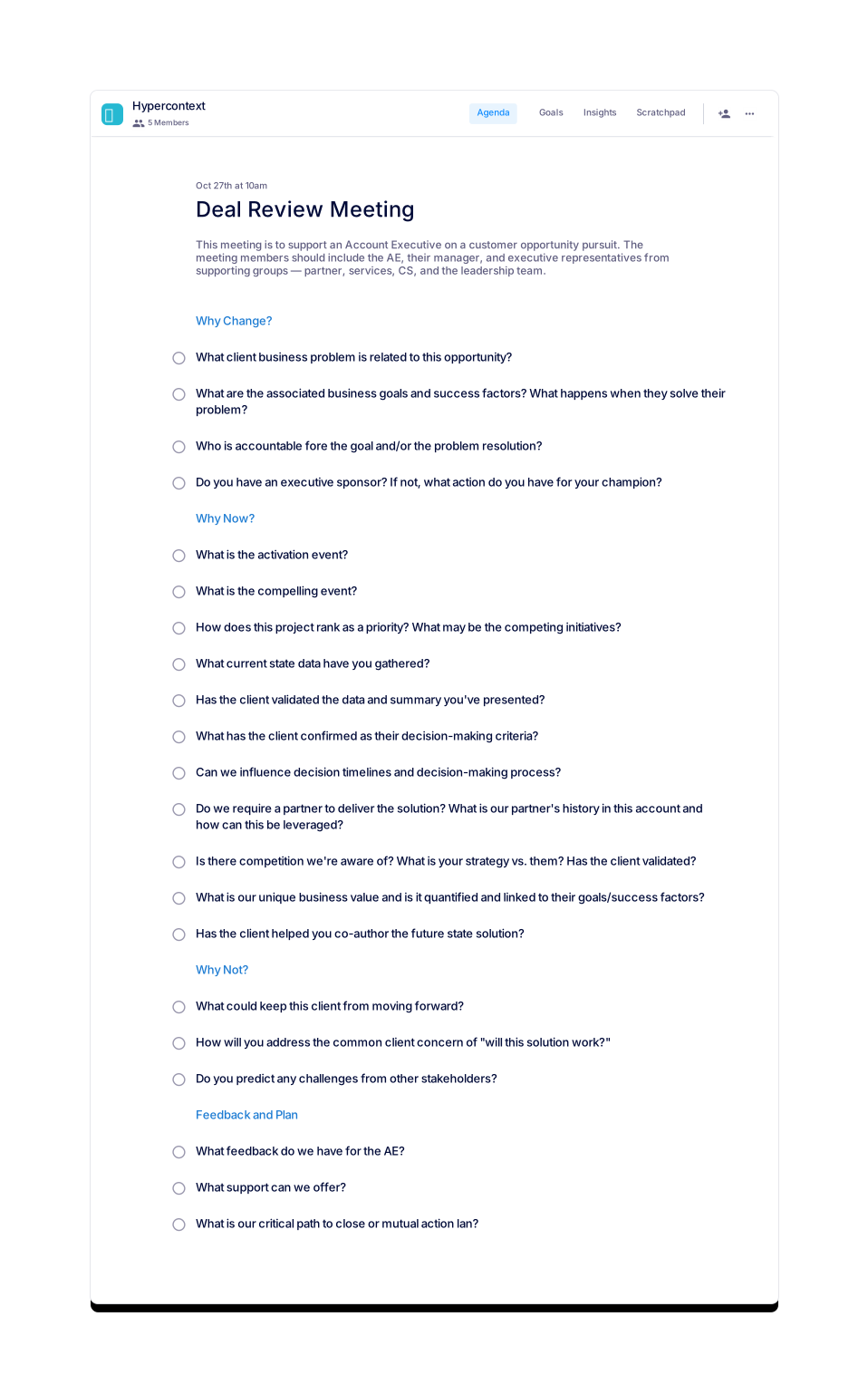
Jocelyn Brown
Deal Review Meeting
This meeting is to support an Account Executive on a specific deal.
Sarah Archer
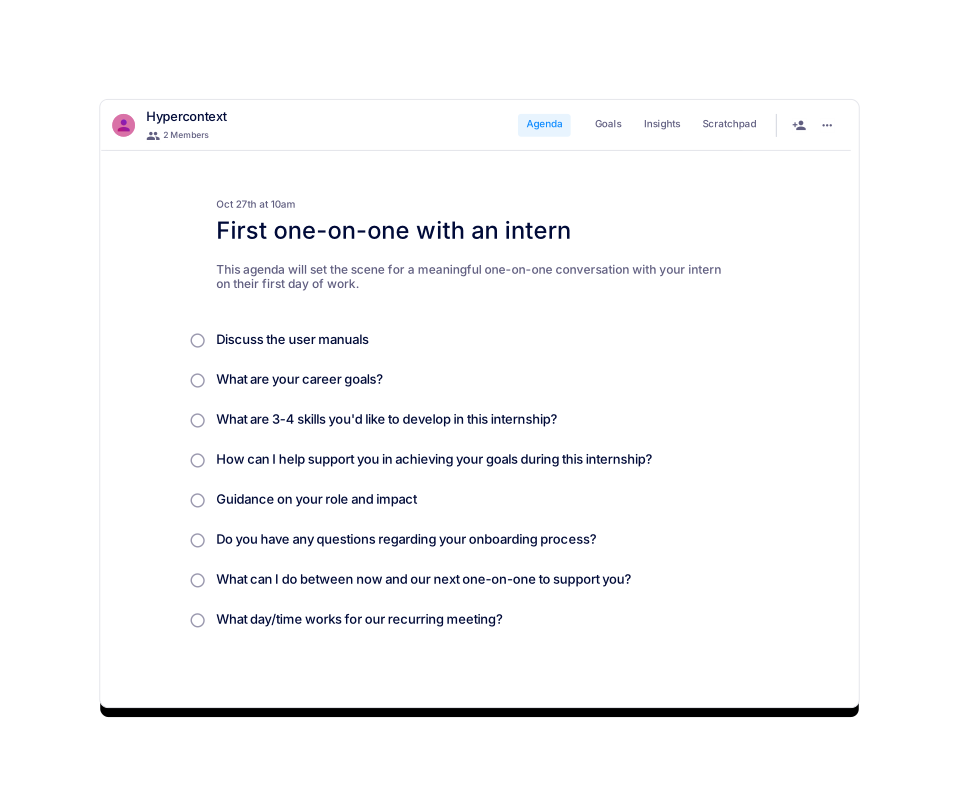
First one-on-one with an intern
Set the scene for a meaningful 1:1 with your intern at the start of their internship.
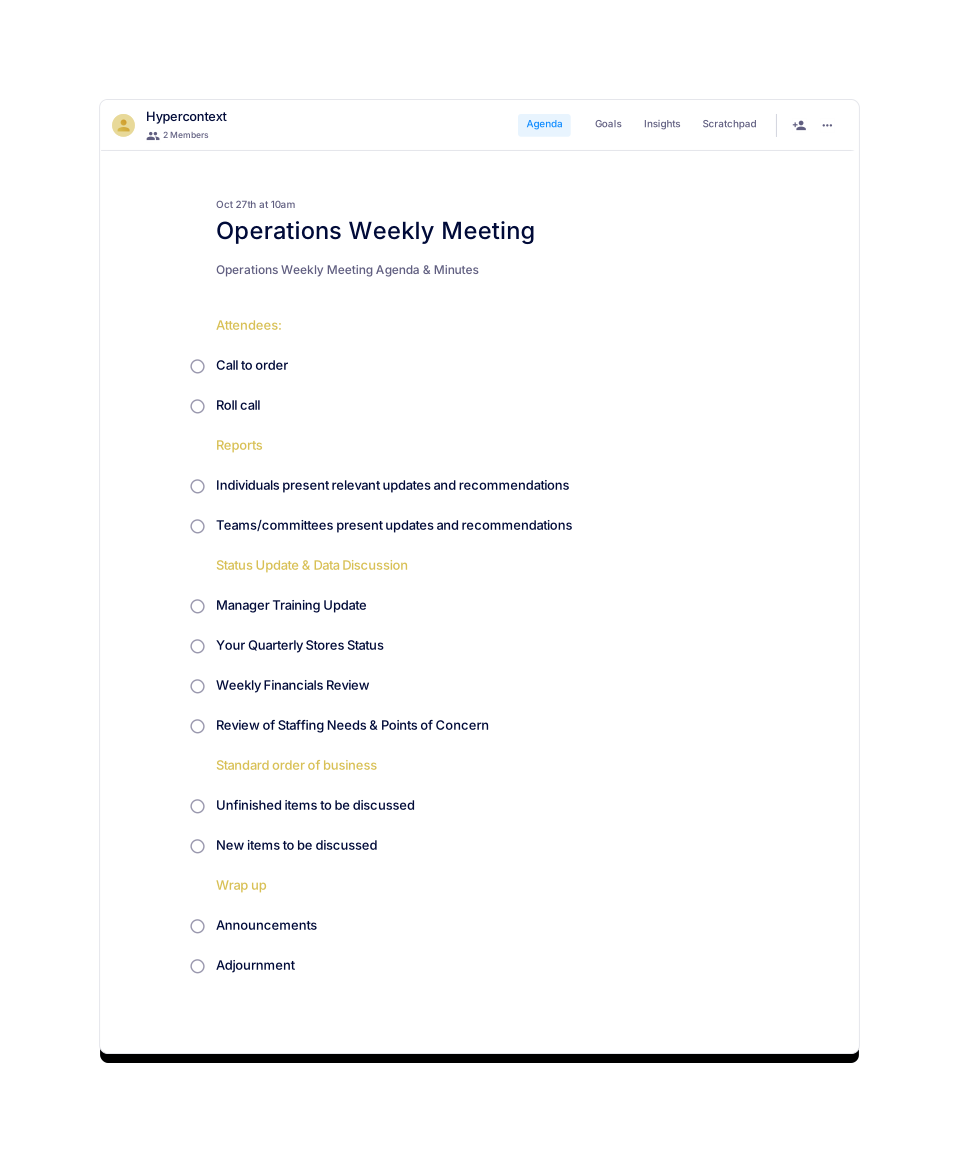
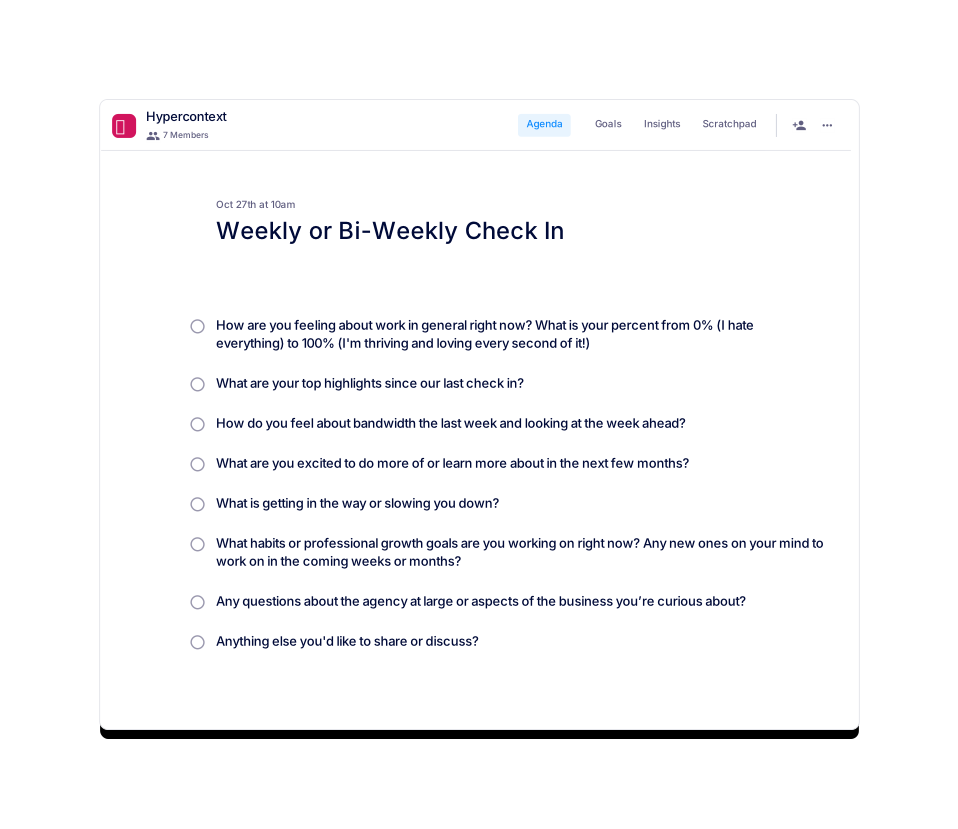
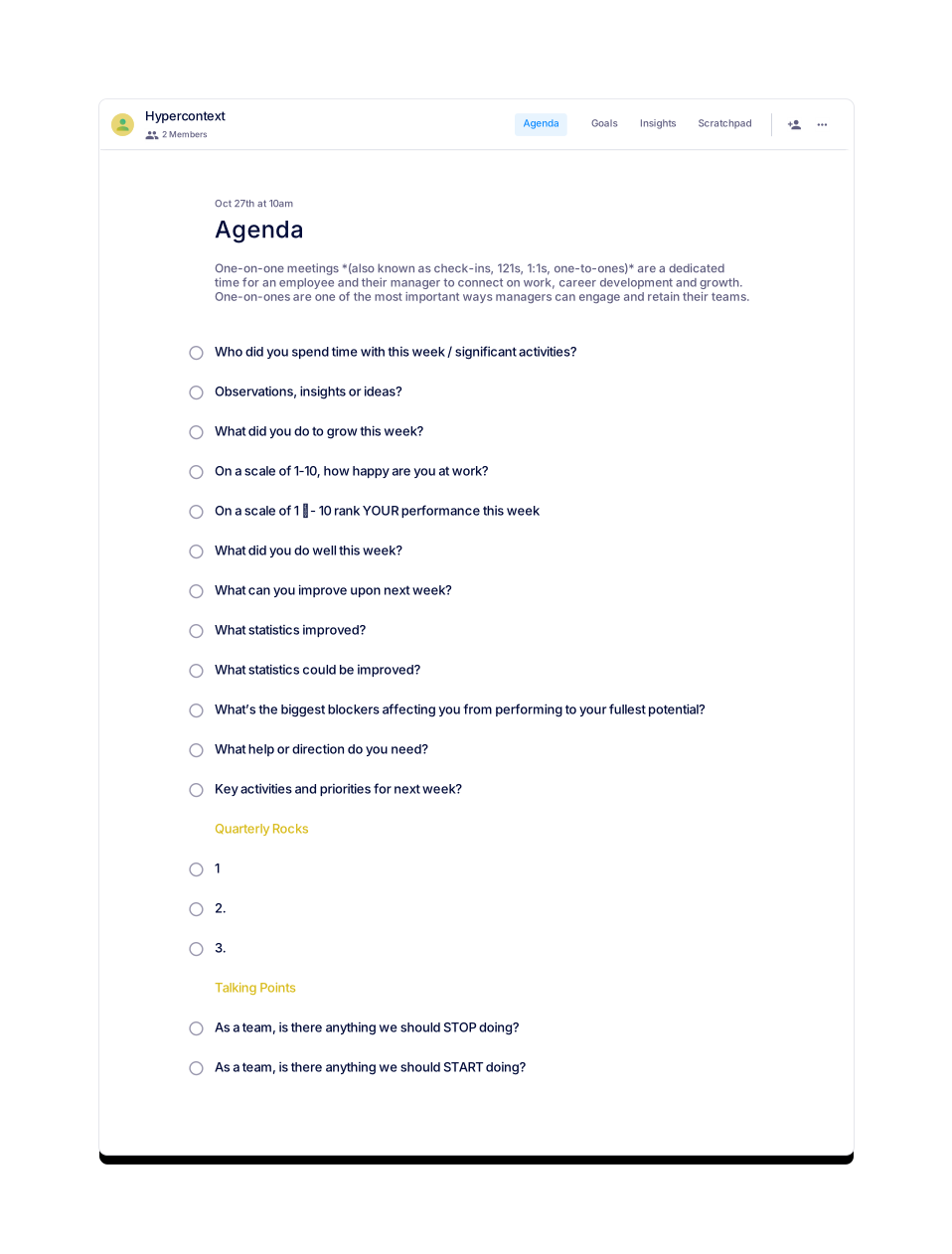

Nicole
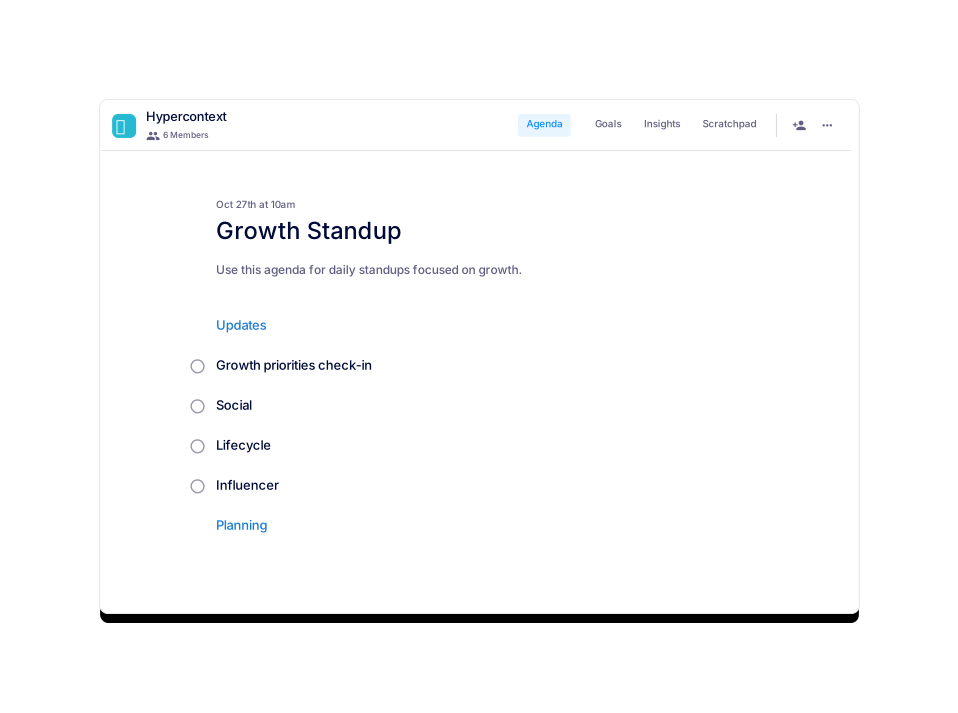
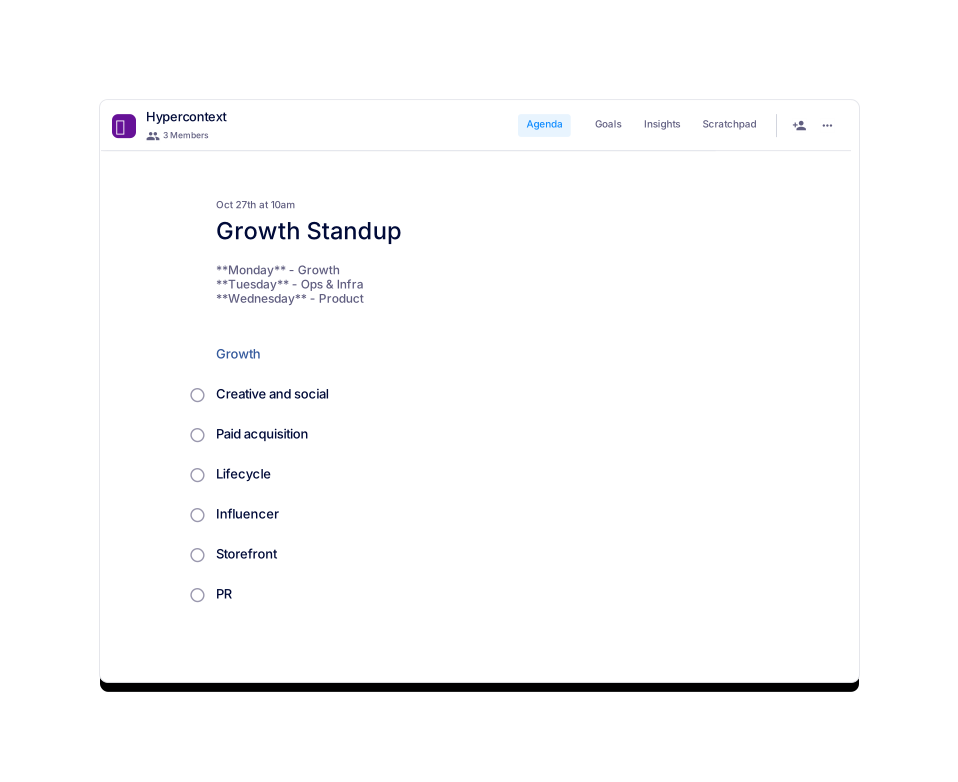
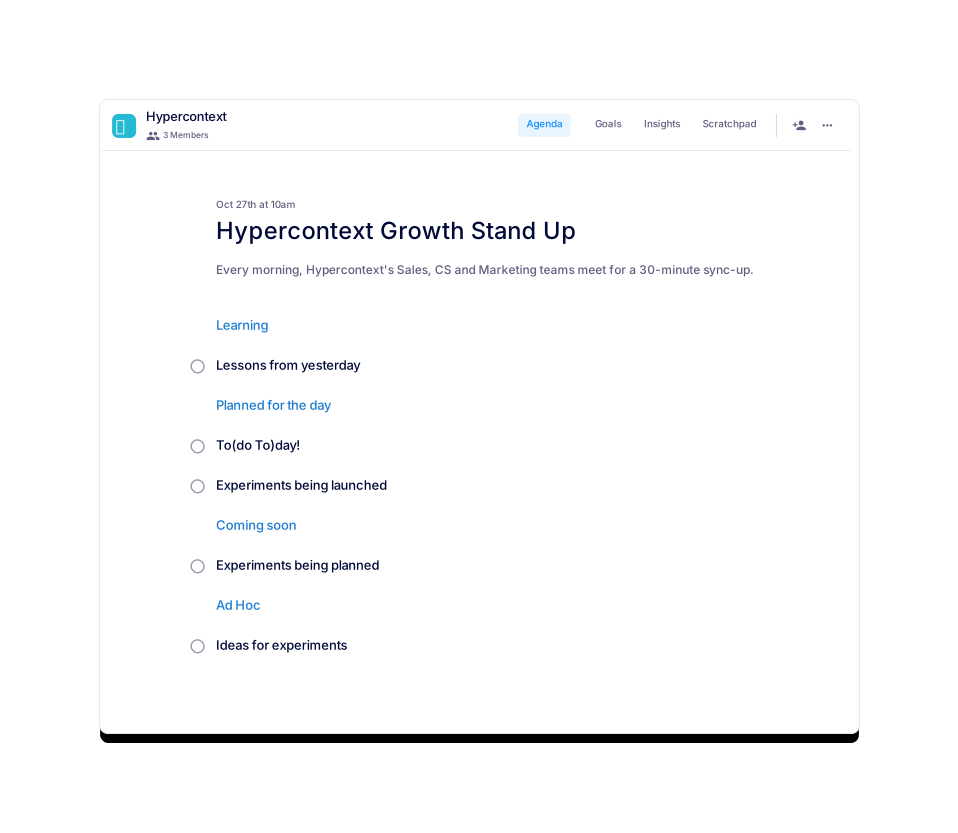
Hypercontext Growth Stand Up
This template is to help the whole growth team align daily.
Brennan 👋
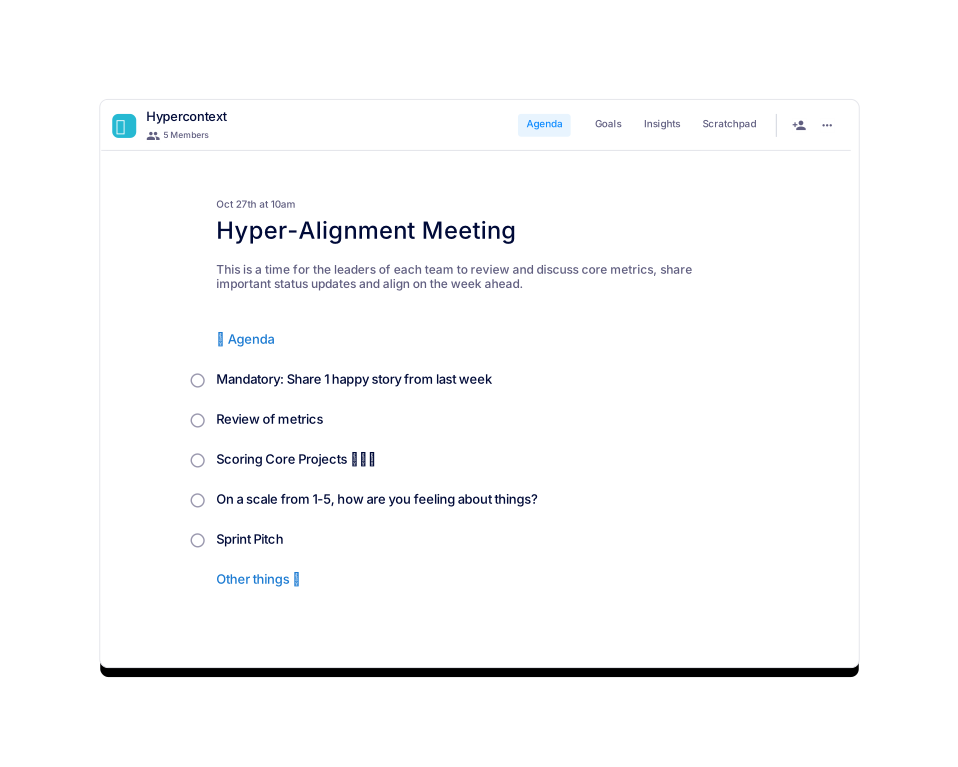
Hyper-Alignment Meeting
A smooth running company needs to be hyper-aligned.

 Nicole
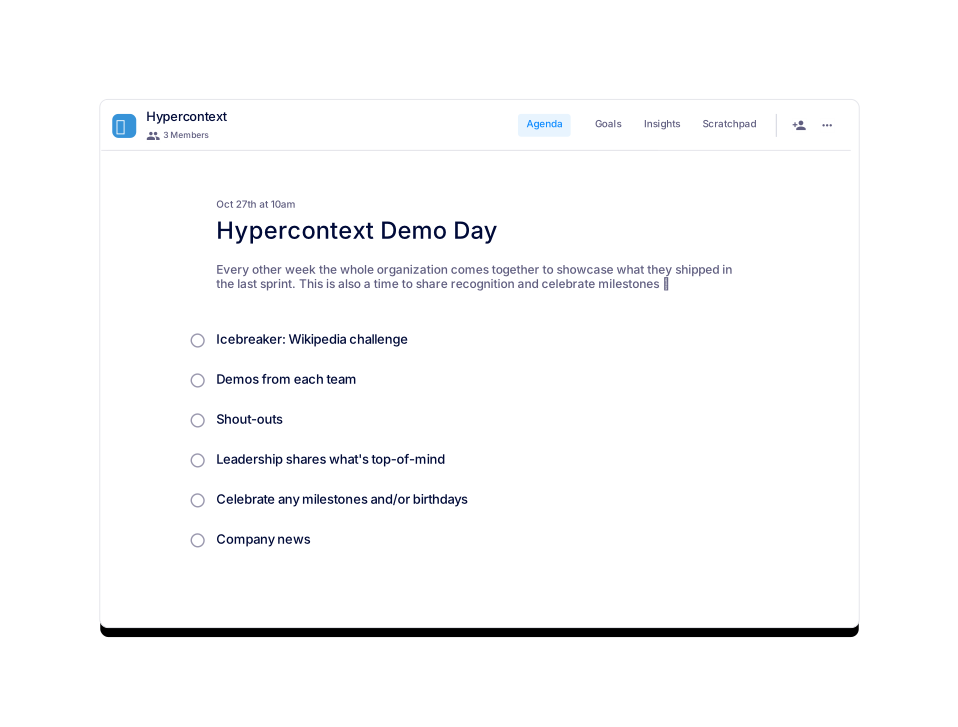
Hypercontext Demo Day
Each team demos what they've been working on.
Kristen Kerr
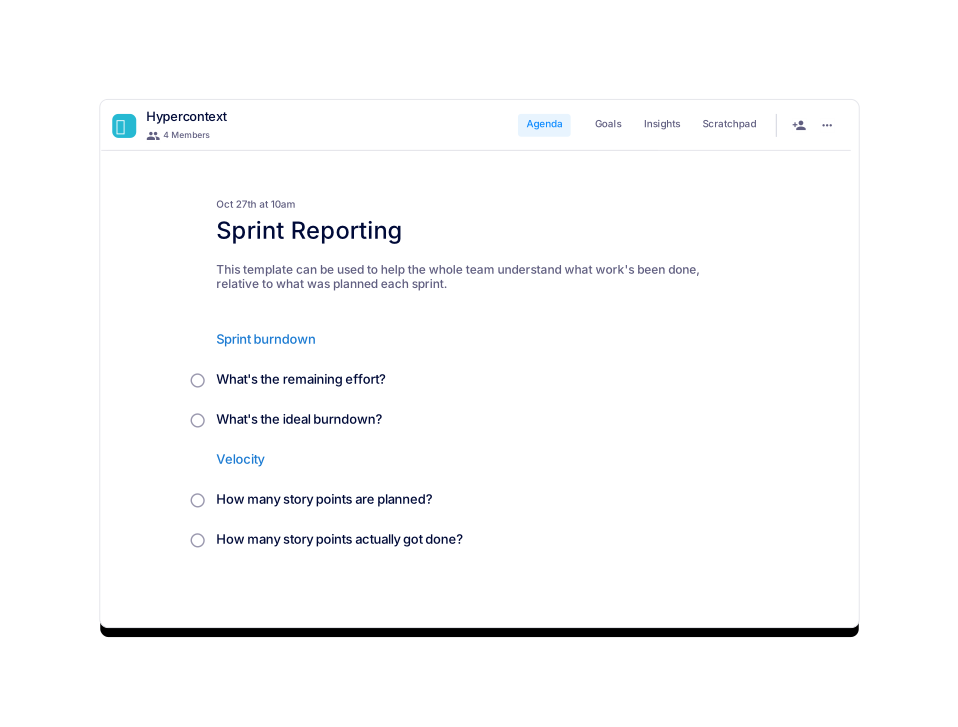
Sprint Reporting
Reporting on your team's burndown and velocity
Kristen Kerr
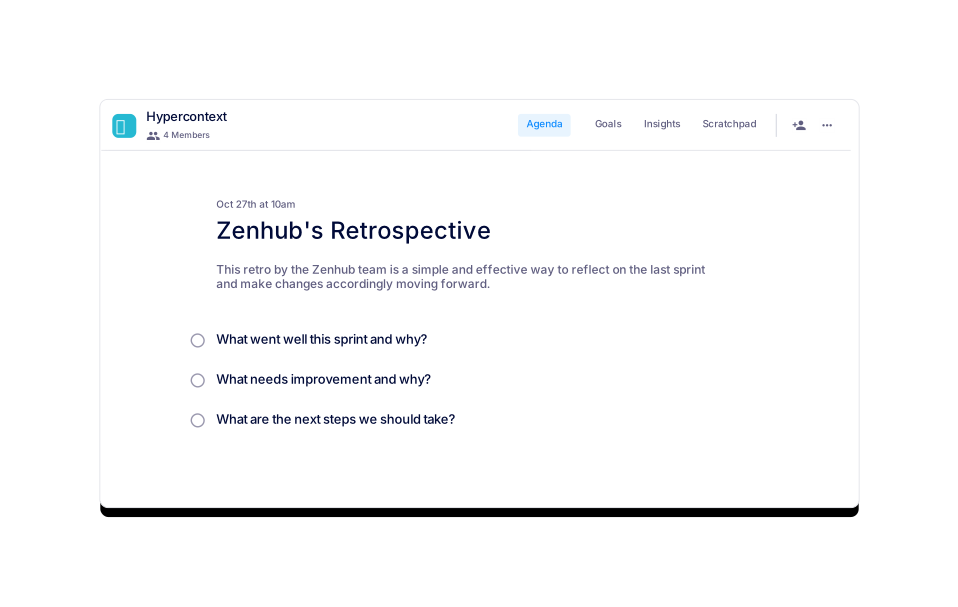
Zenhub's Retrospective
The retro template used by the Zenhub team


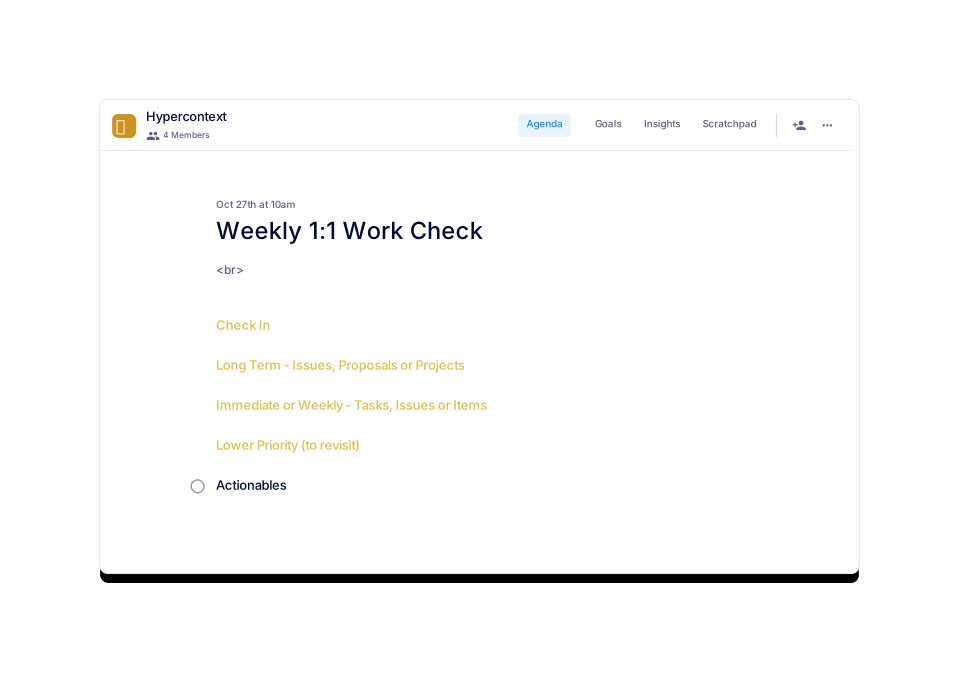
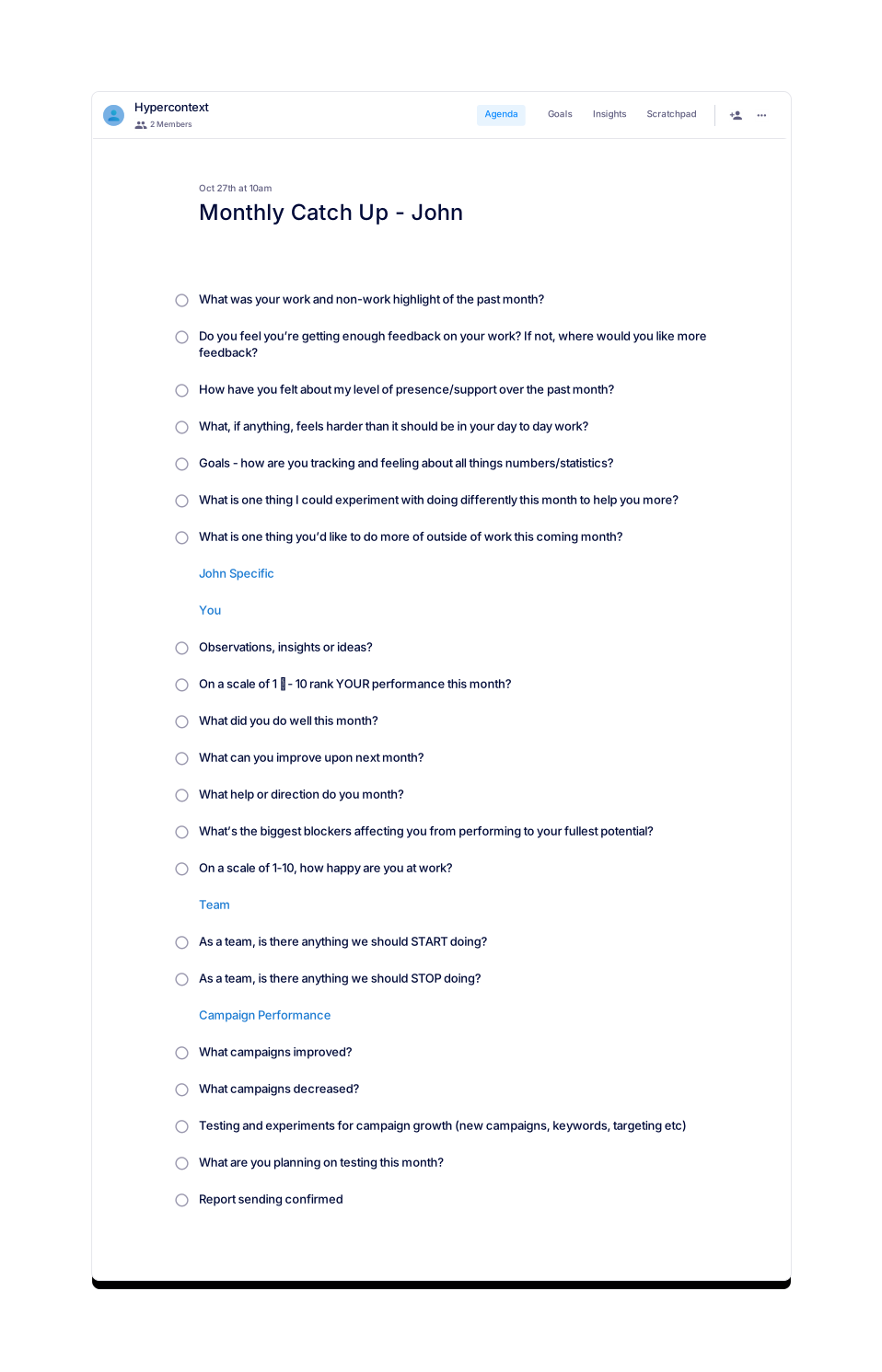
Carter Schmitt
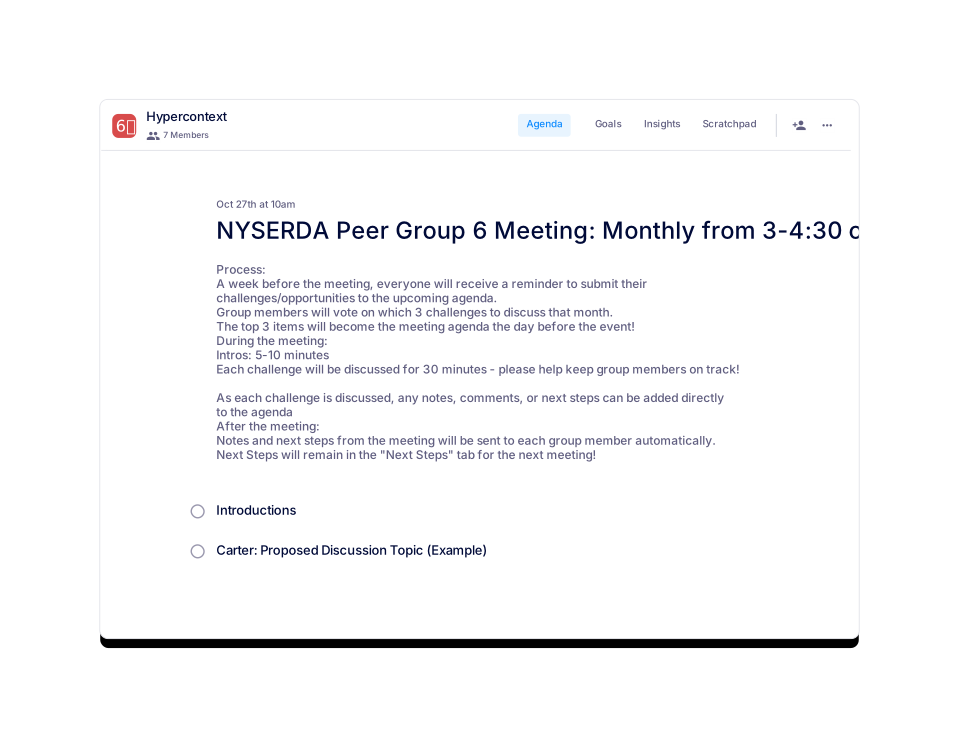
NYSERDA Peer Group 6 Meeting: Monthly from 3-4:30 on the fourth Monday
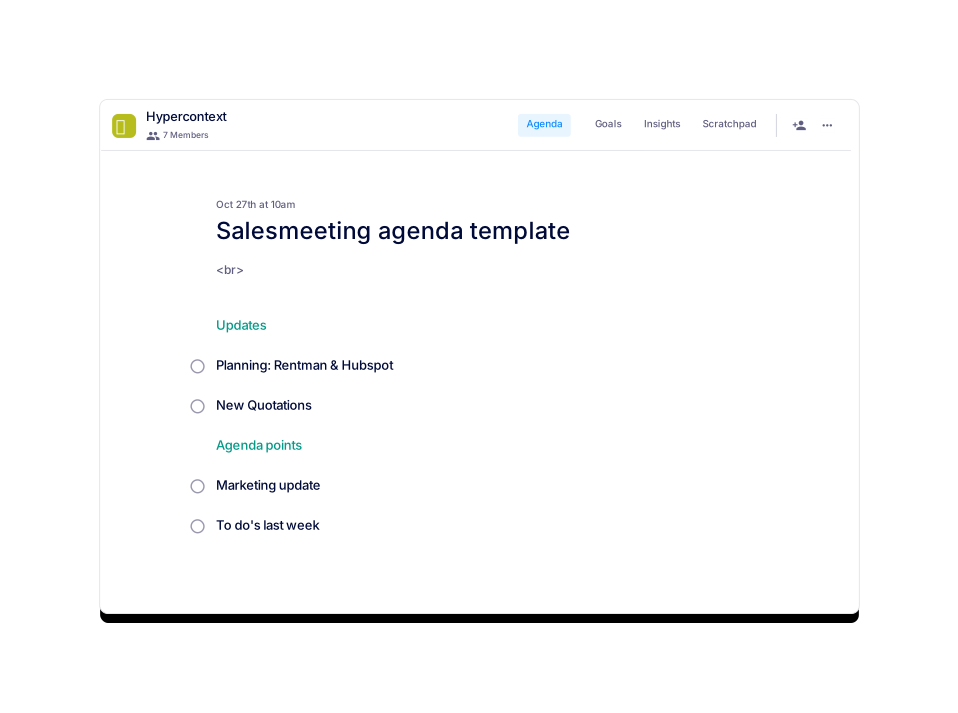
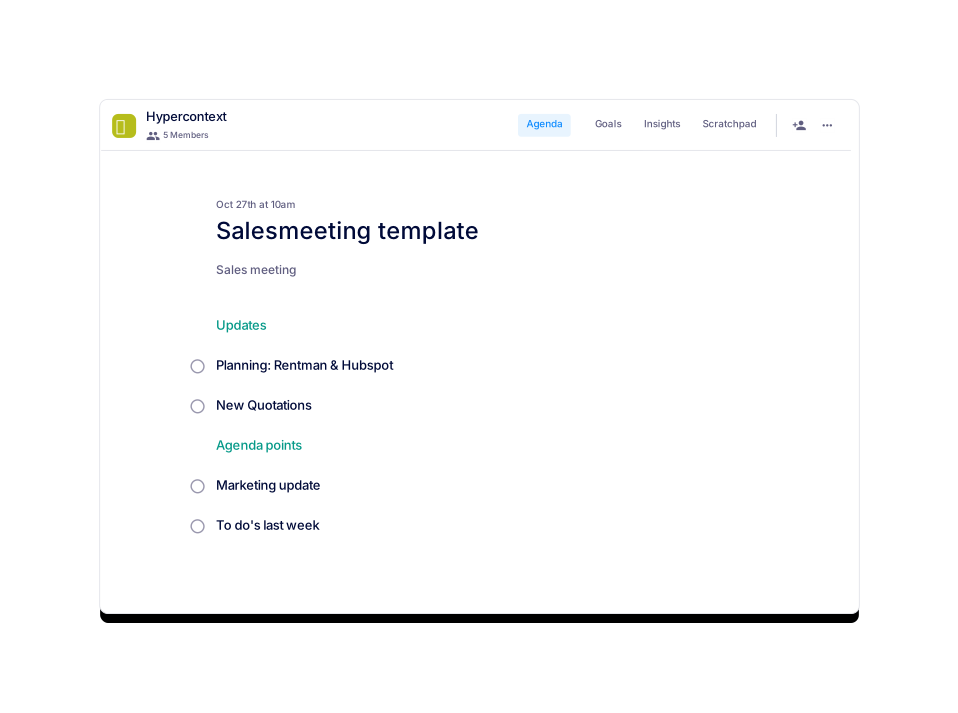
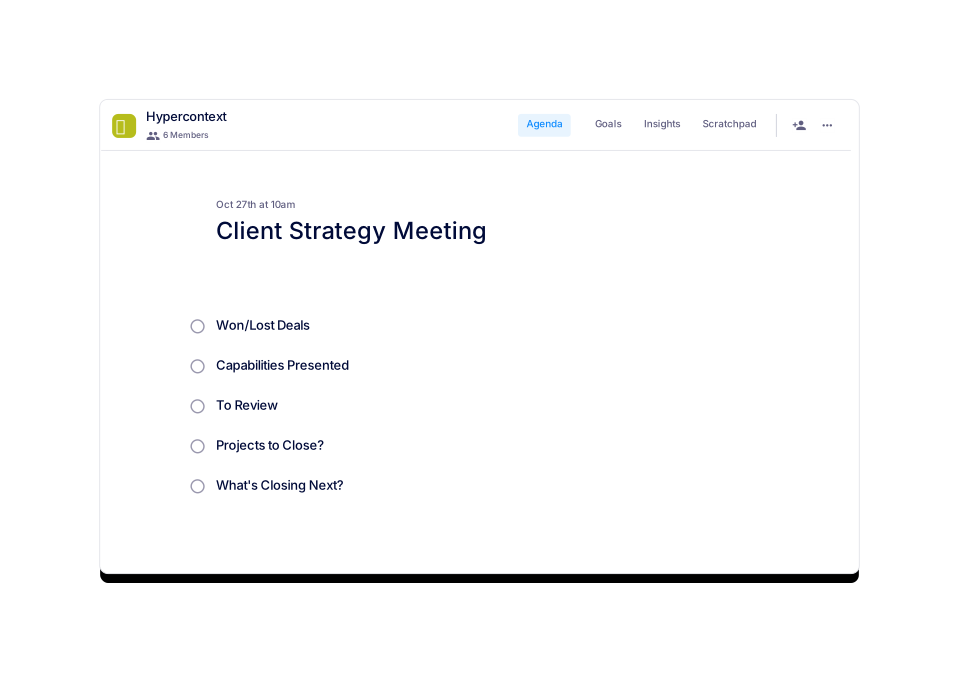
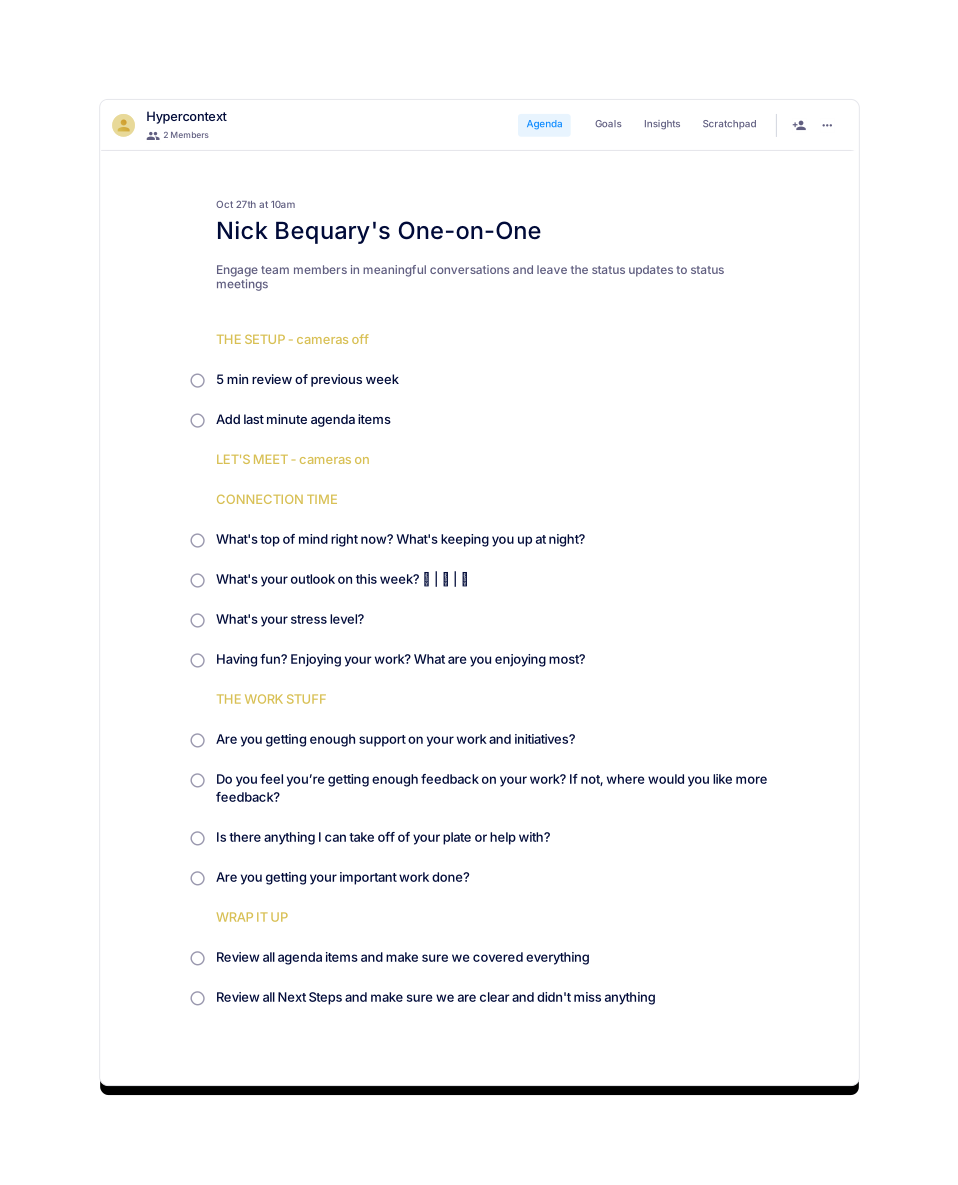
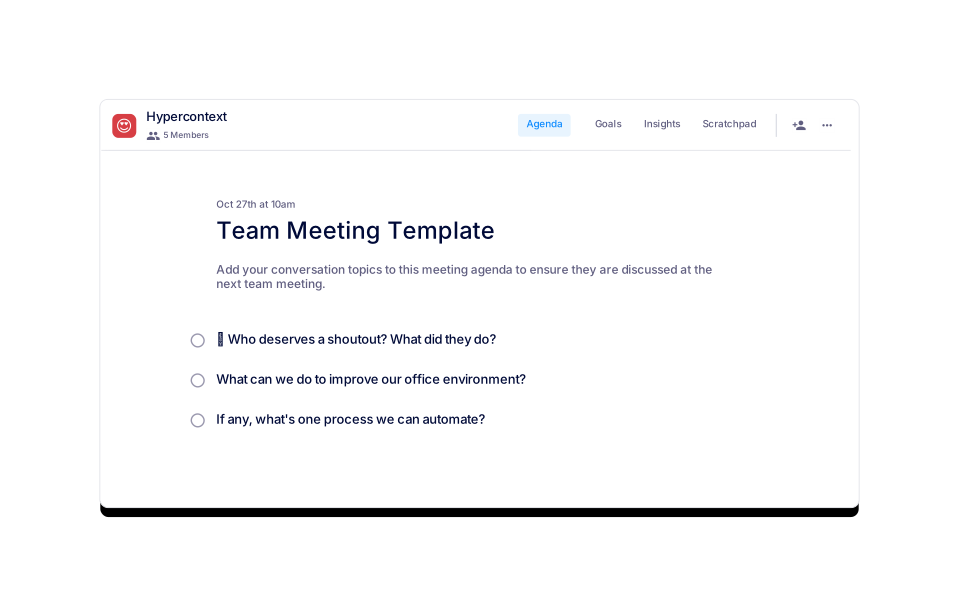
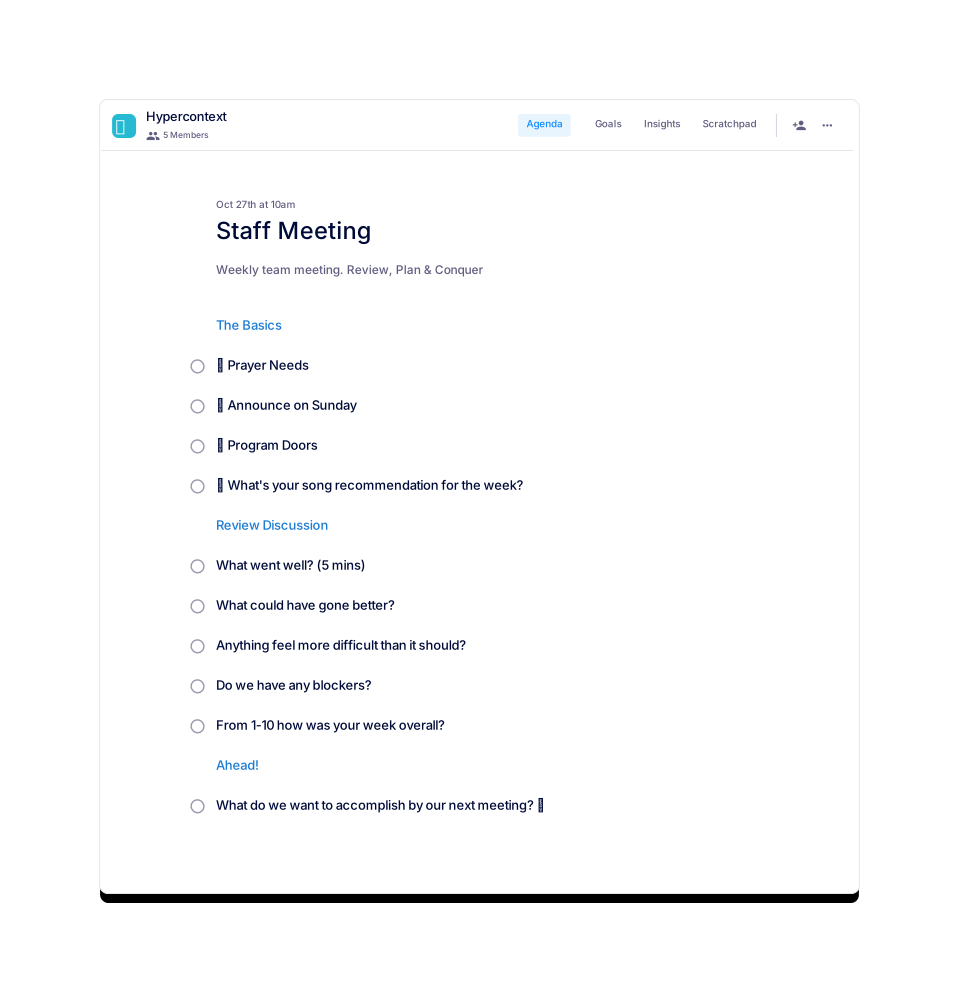
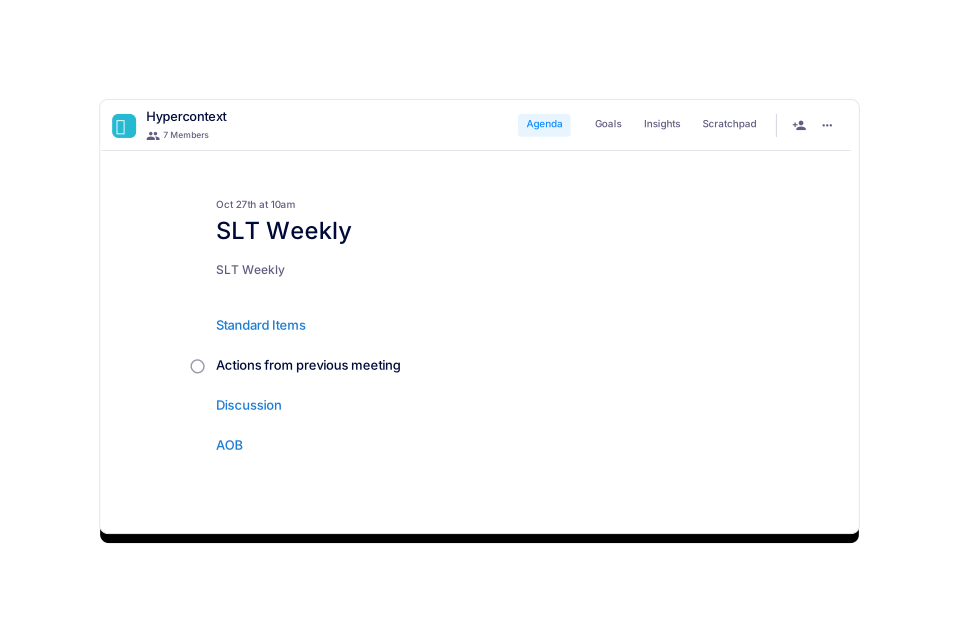

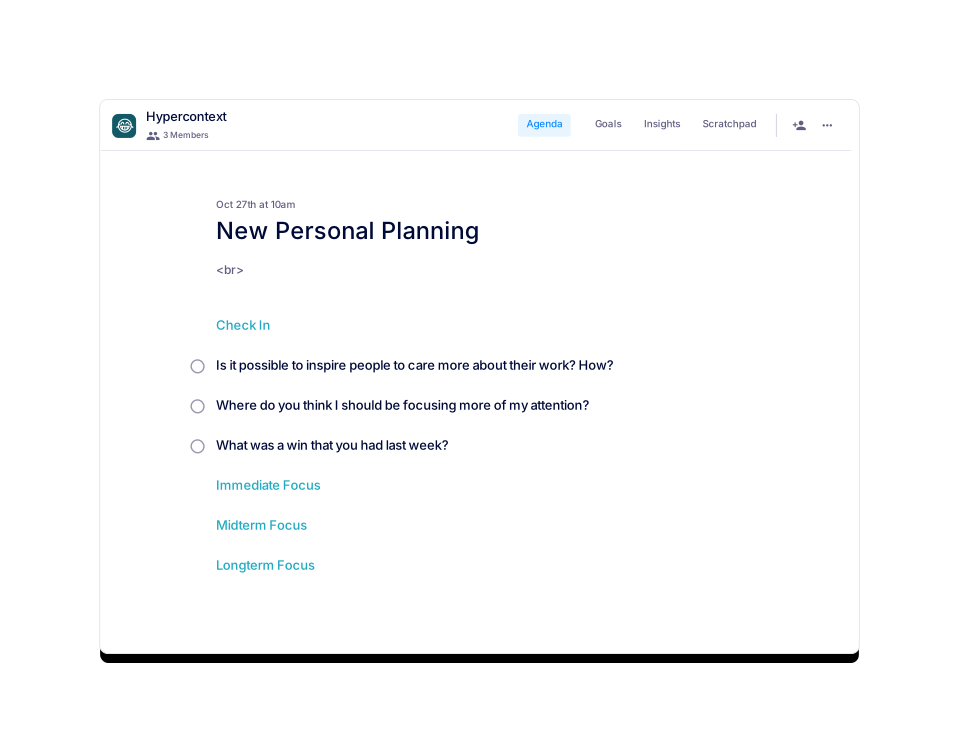
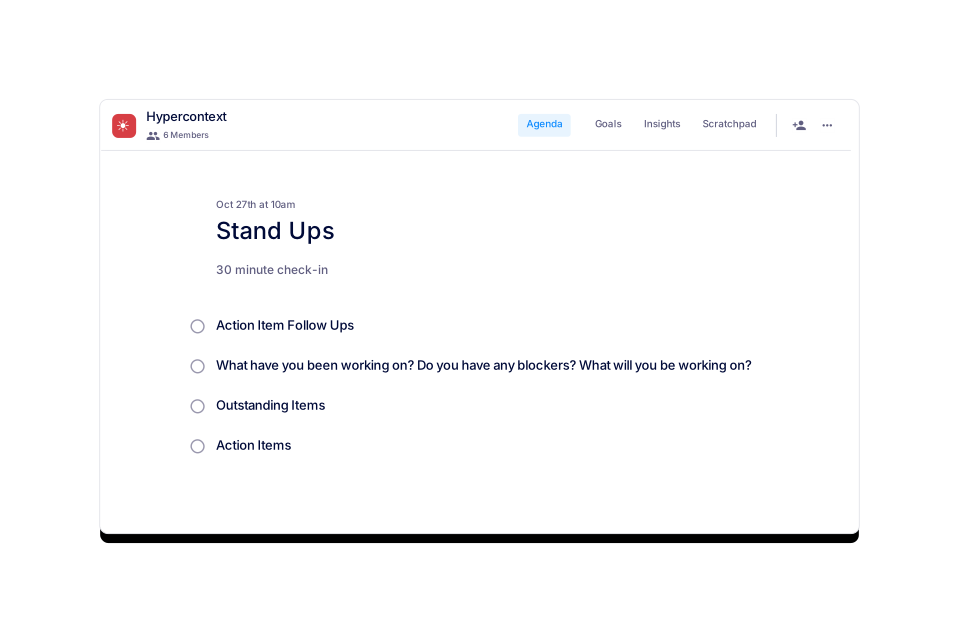
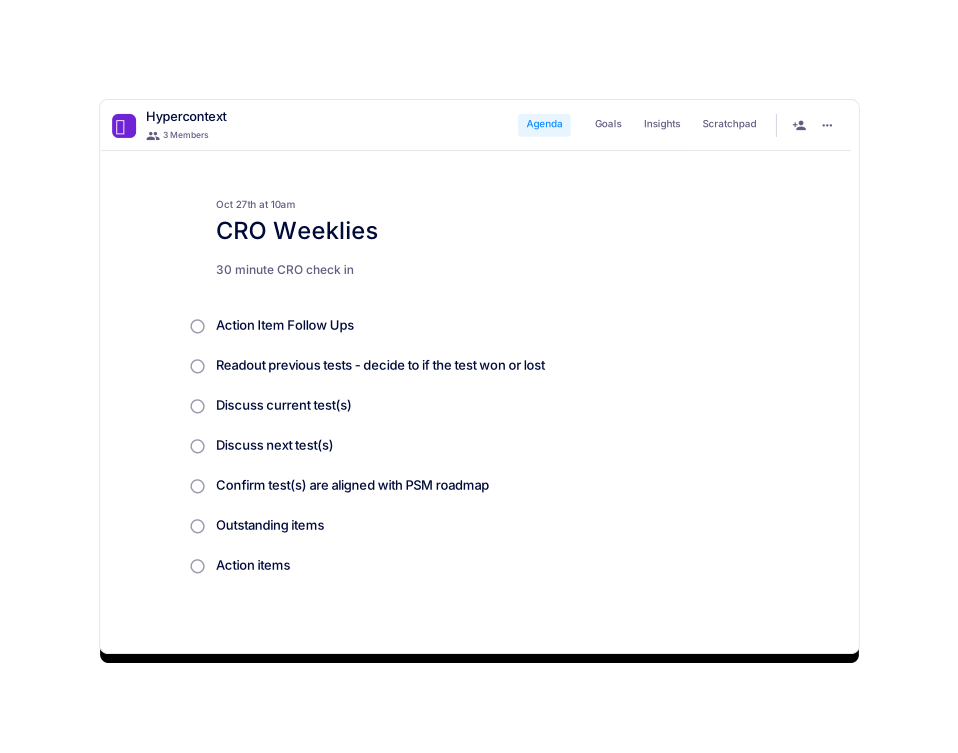
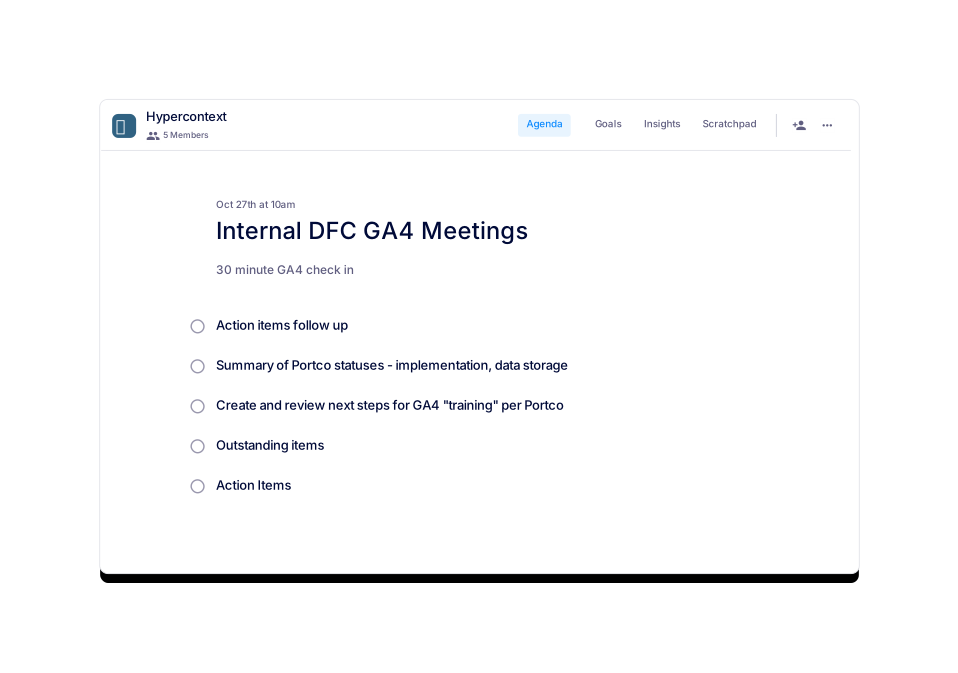
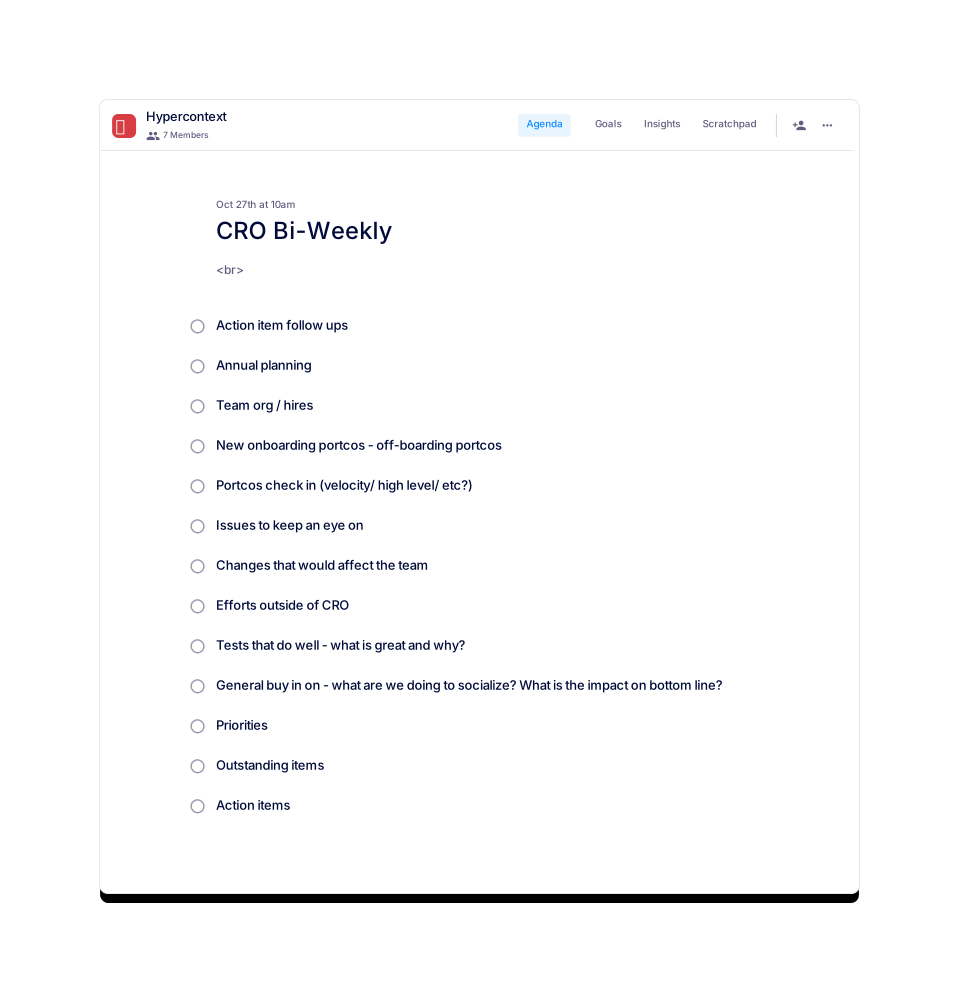
Jocelyn Brown
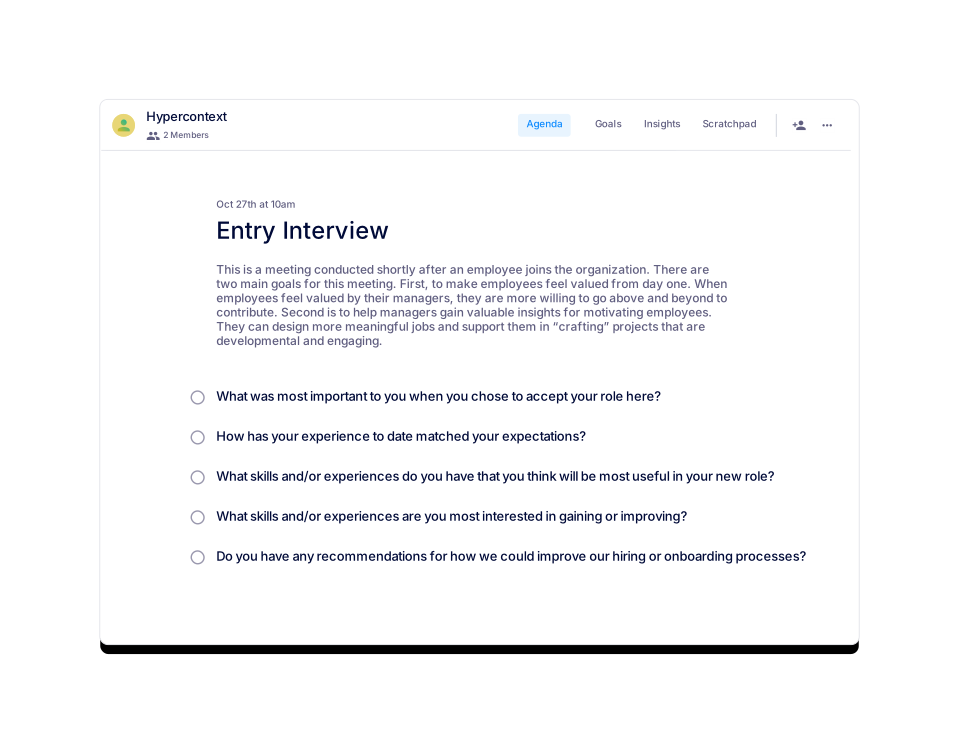
Entry Interview
Get feedback from employees on why they joined and how to keep them.
 Lindsey Nehls
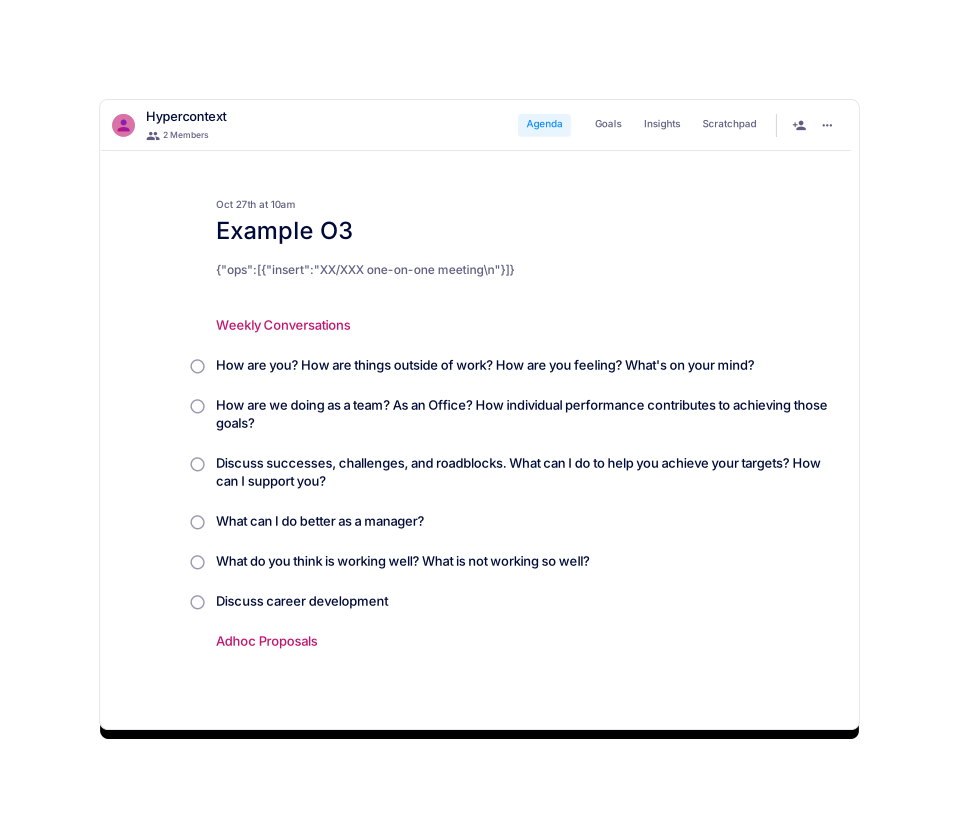
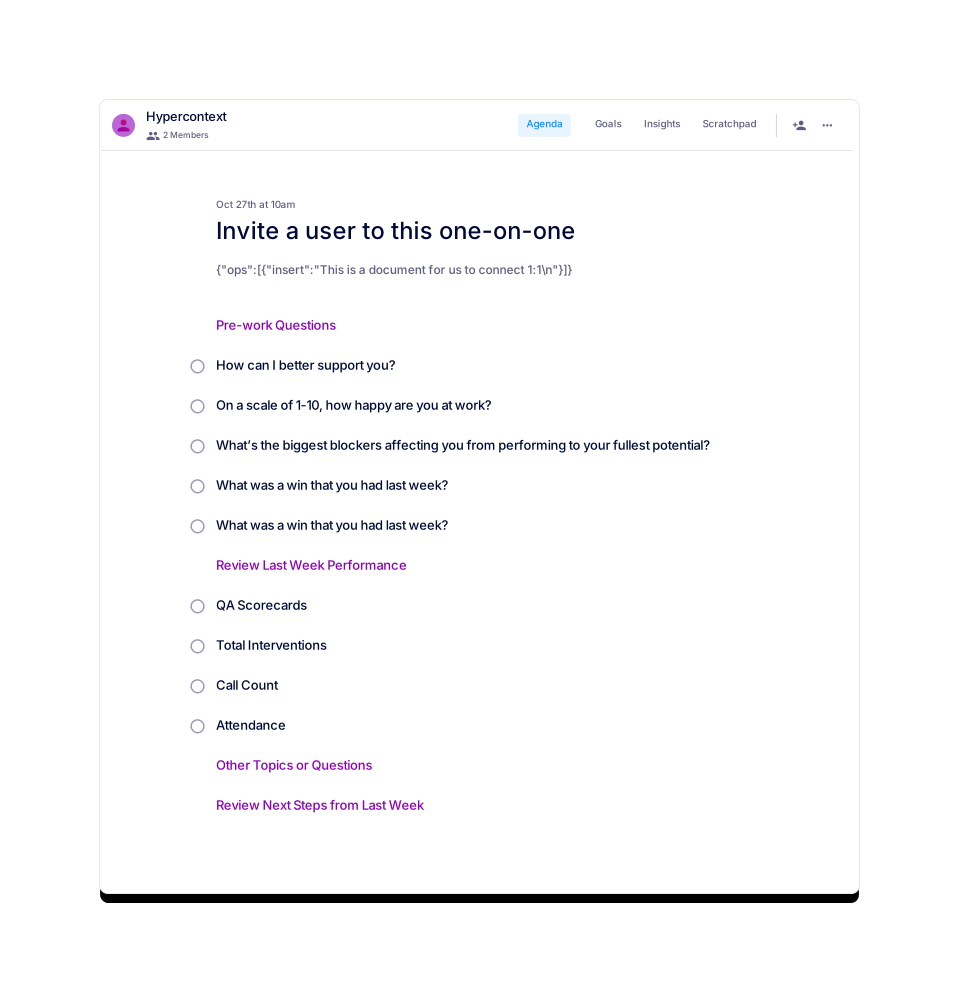
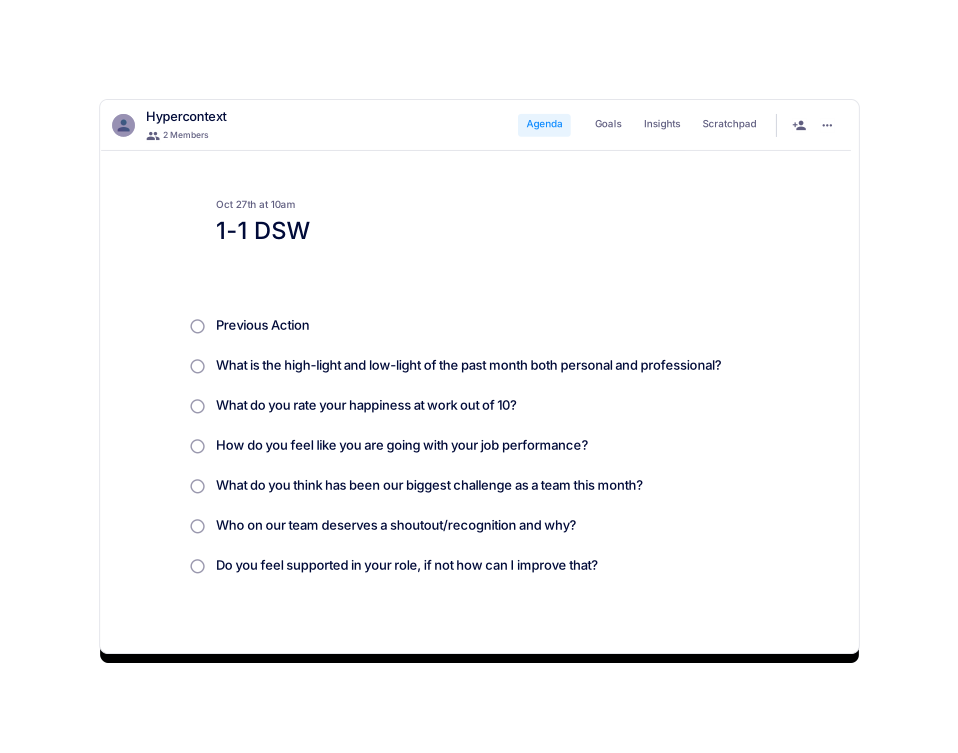
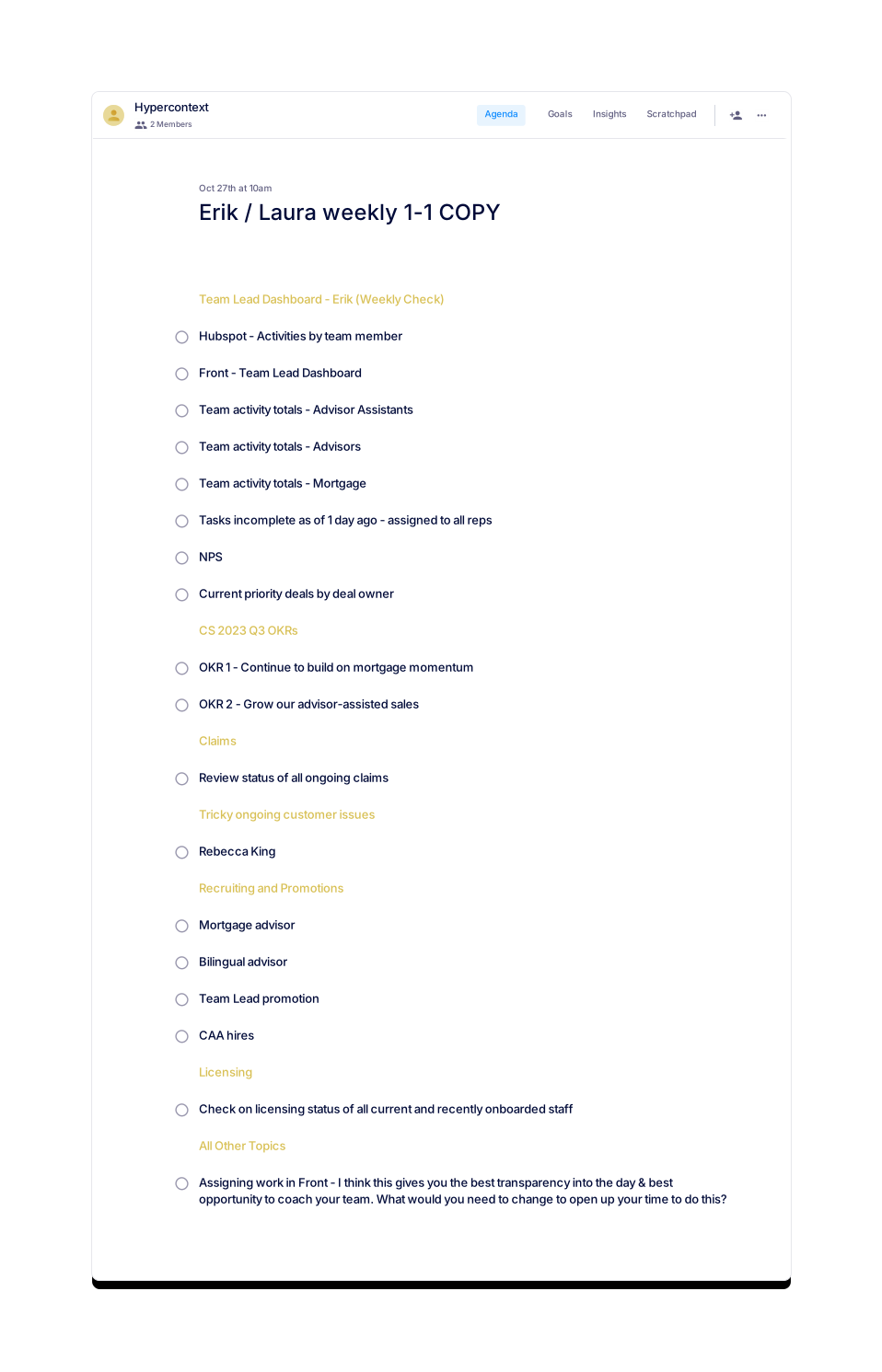
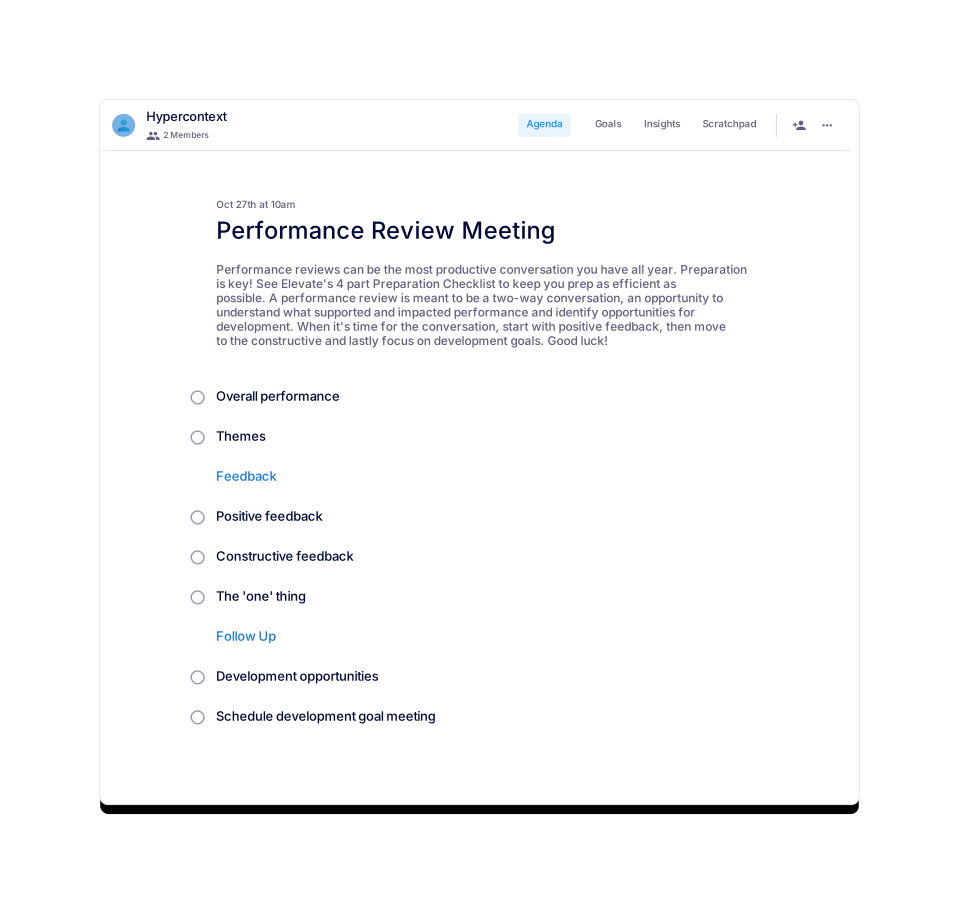
Performance Review Meeting
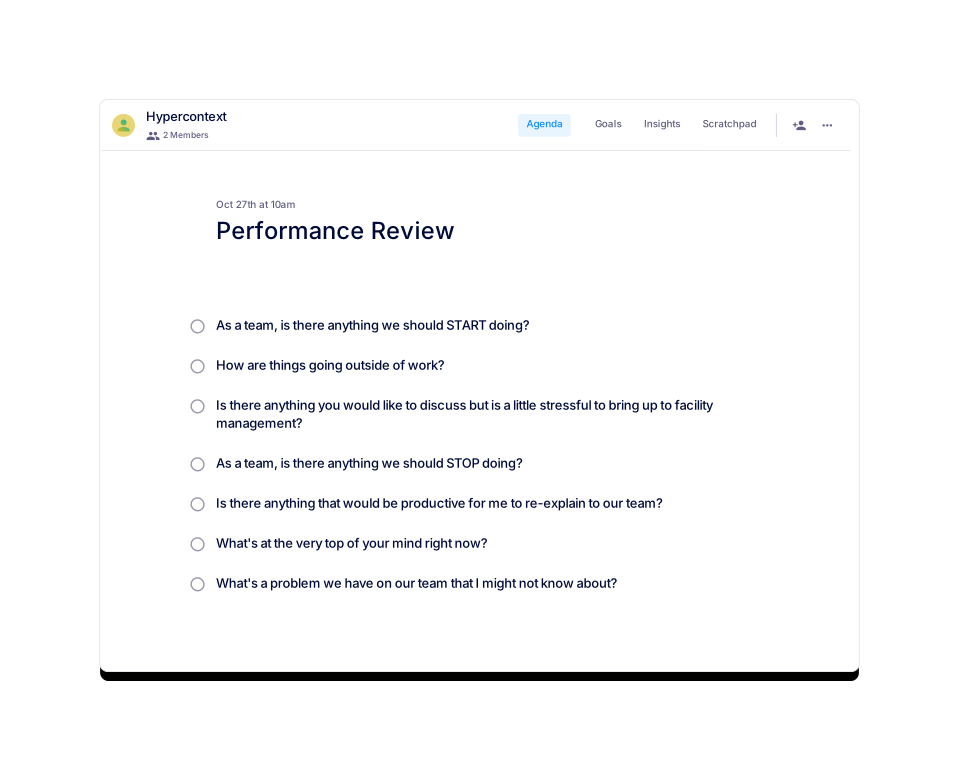
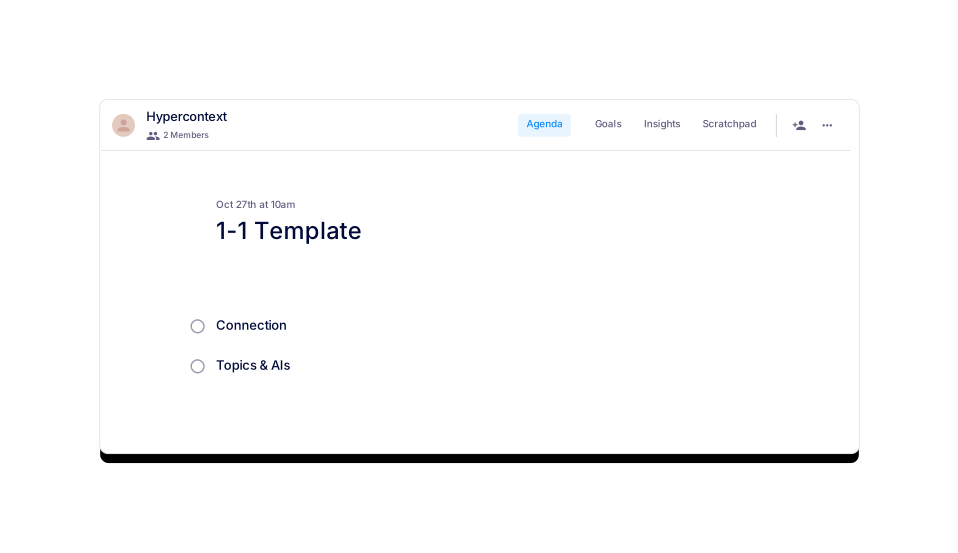
A review meeting is an opportunity to understand what supported and impacted performance.
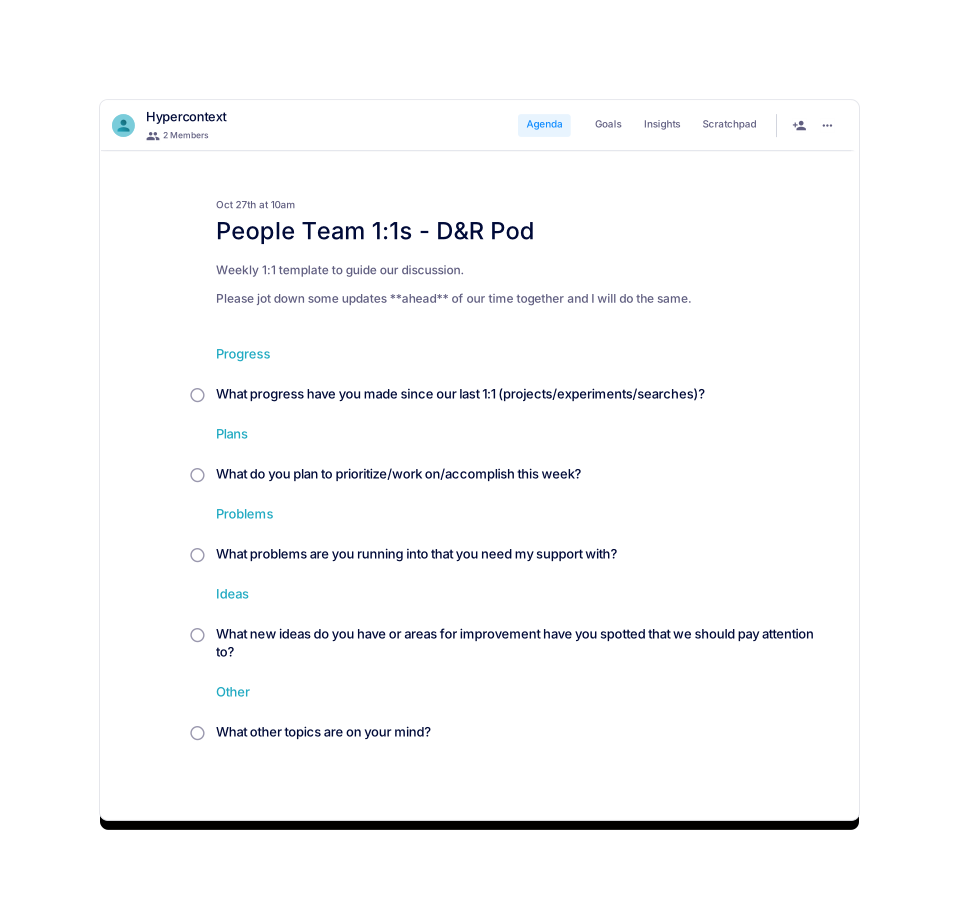
![Bi-Weekly Team Sync [INTERNAL] Template](https://www.spinach.ai/i/bi-weekly-team-sync-internal-template.svg?modified=1792668057)
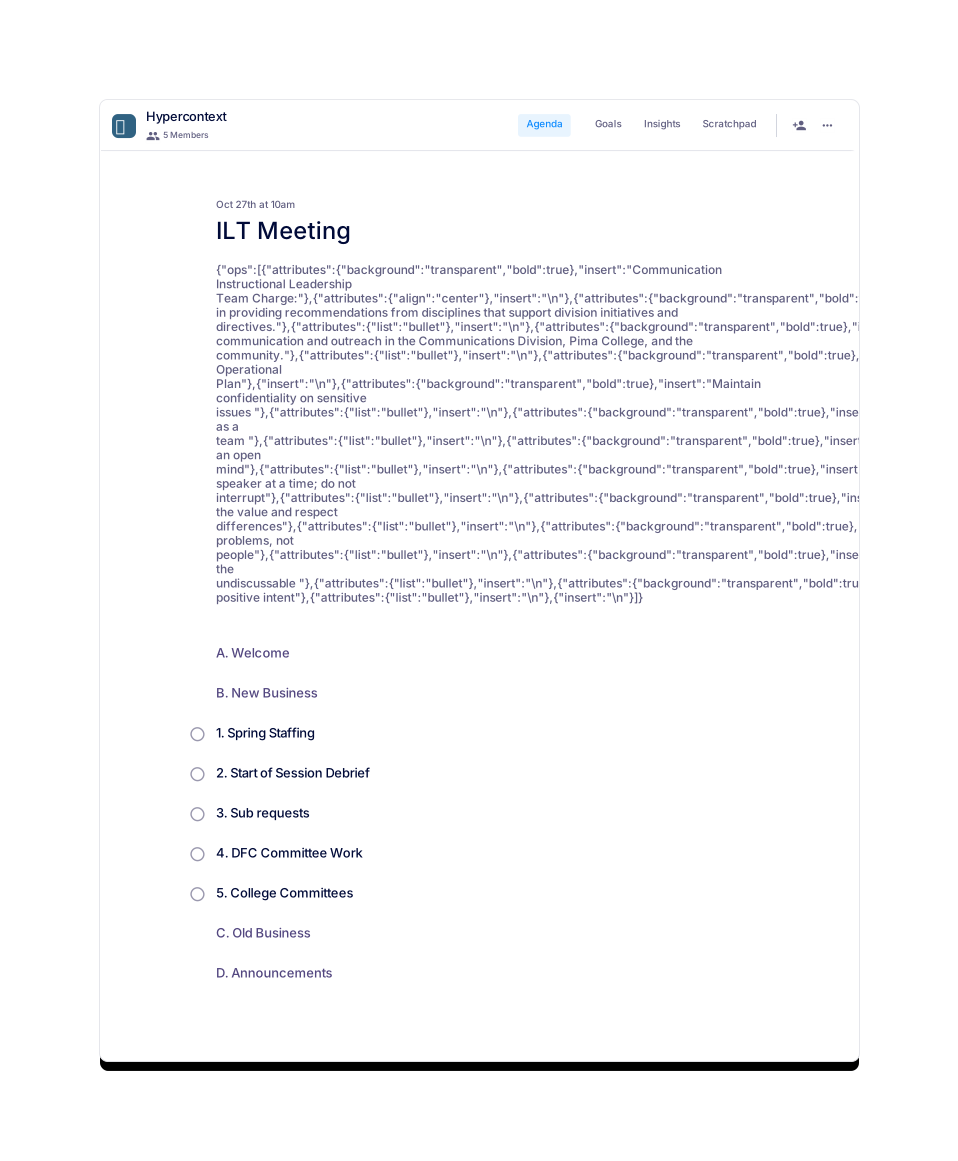
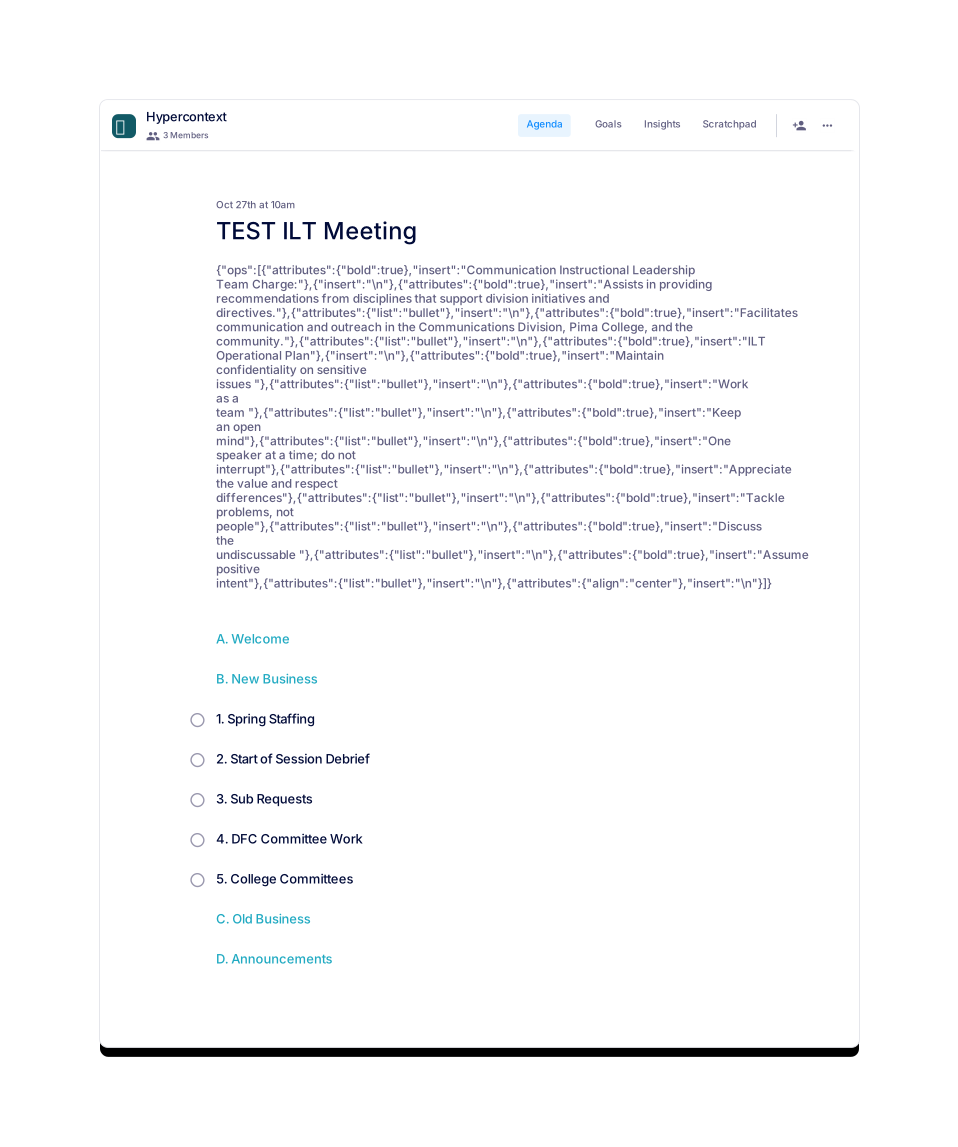
Build your own custom meeting agenda template when you sign up for free with Spinach AI.
Create a TemplateMake the meeting worth it
Having a consistent template is one thing, having a consistent org is another. Learn more about the way Spinach AI can drive accountability, collaboration, productivity and team morale at your org.