Frequently Asked Questions
Product Information & Templates
What is the Ultimate One-on-one Meeting Template by Spinach AI?
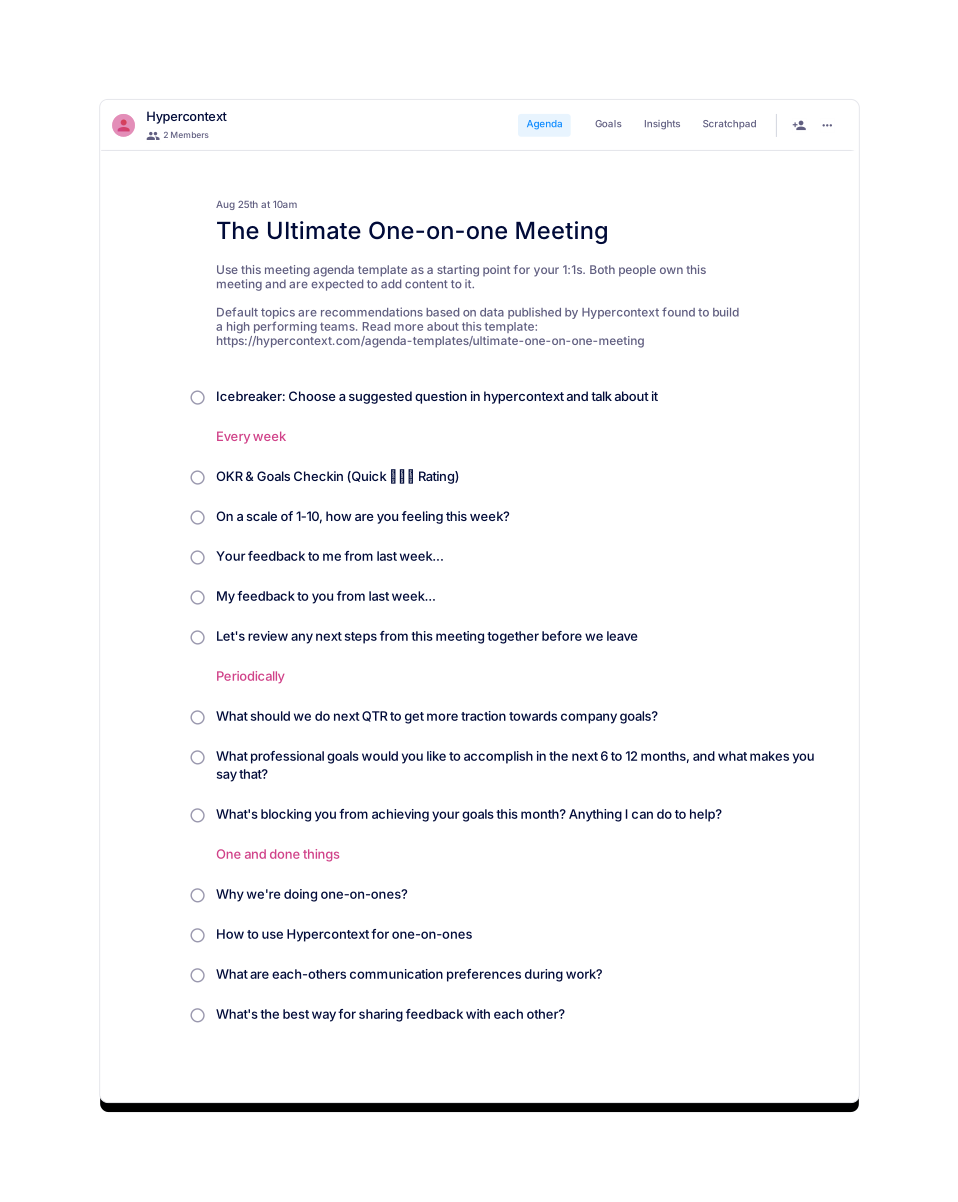
The Ultimate One-on-one Meeting Template by Spinach AI is a data-driven agenda designed to help managers and employees conduct effective one-on-one meetings. It includes 13 recommended topics and ideas, such as OKR check-ins, feedback exchanges, and career development discussions, to build high-performing teams. Learn more.
How can I access or download the Ultimate One-on-one Meeting Template?
You can use the template for free directly in Spinach AI or download it in Word, Excel, or PDF formats. Visit the template page and choose your preferred format: Word, Excel, or PDF.
What topics are included in the Ultimate One-on-one Meeting Template?
The template covers 13 topics, including OKR & Goals Check-in, weekly well-being ratings, icebreakers, communication preferences, quarterly planning, feedback exchanges, professional goals, next steps review, blockers, and feedback methods. See the full list on the template page.
How should I structure a one-on-one meeting using this template?
Divide your meeting into three sections: weekly recurring topics, periodic discussions, and one-time agenda items. Suggested topics include OKR check-ins, well-being ratings, icebreakers, communication preferences, quarterly planning, feedback exchanges, and reviewing next steps. See the full structure.
How long should a one-on-one meeting last?
It's recommended to schedule one-on-one meetings for 30 minutes to 1 hour. Preparing and sharing an agenda in advance helps you cover more topics efficiently. Learn more.
How often should you have one-on-one meetings?
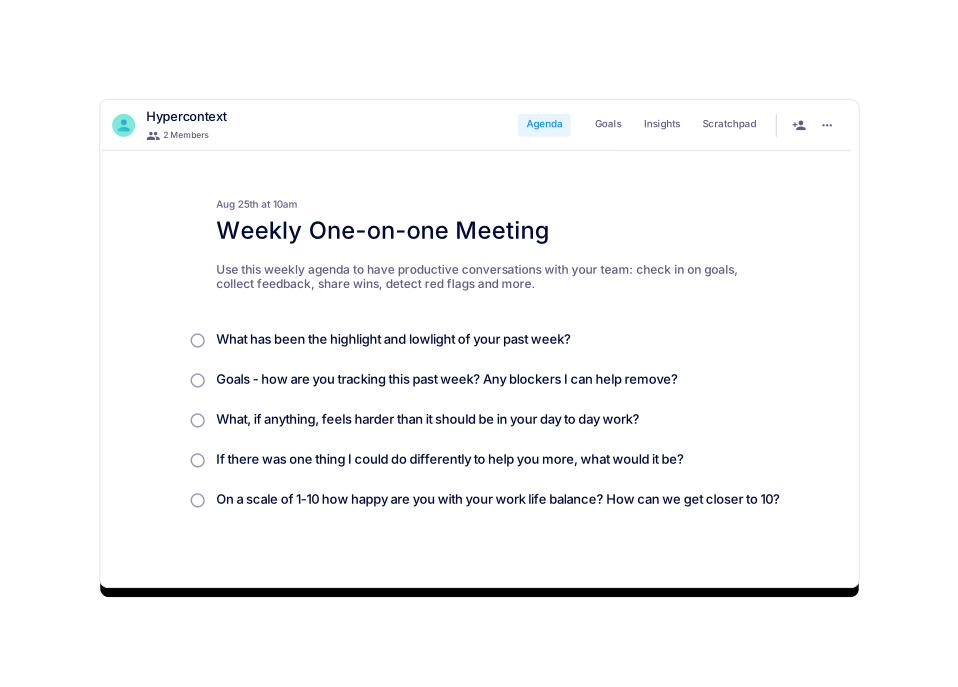
Most teams hold one-on-one meetings weekly. However, you can adjust the frequency based on your team's needs and feedback. See recommendations.
What are the benefits of using a structured one-on-one meeting template?
Using a structured template ensures important topics are consistently covered, improves accountability, fosters open communication, and supports team and individual growth. It also helps track progress and follow up on action items. Learn more.
Can I customize the one-on-one meeting template for my team?
Yes, both the manager and employee are encouraged to add content and customize the agenda to fit their unique needs. The template serves as a starting point, and topics can be adjusted as needed. See details.
Are there similar templates available for other meeting types?
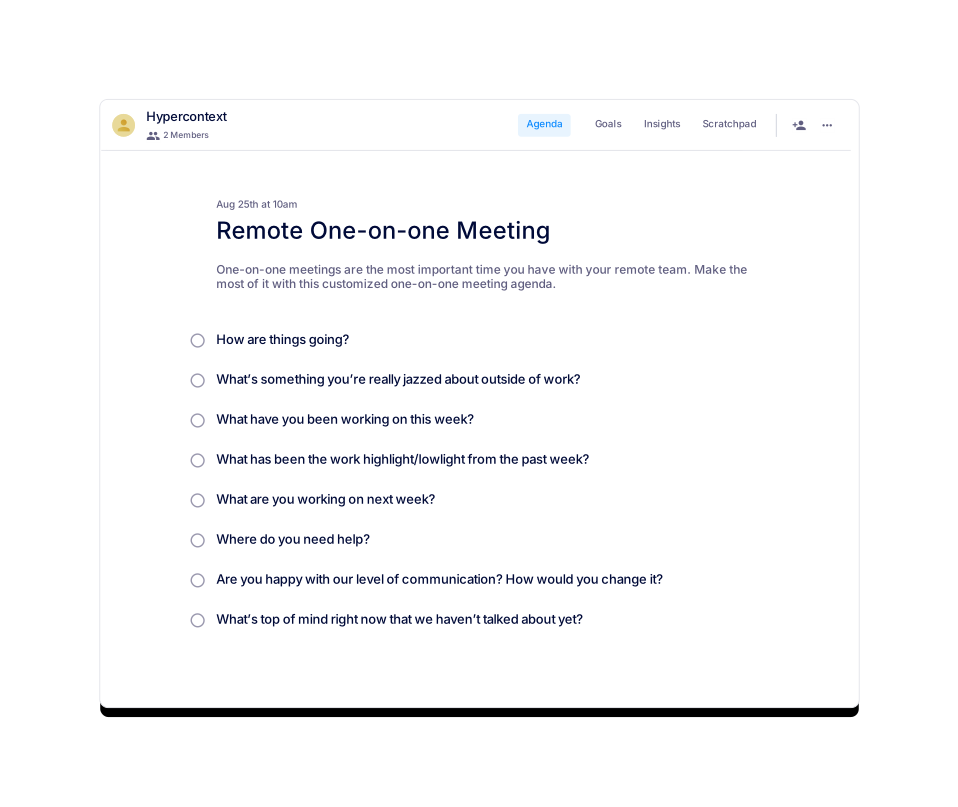
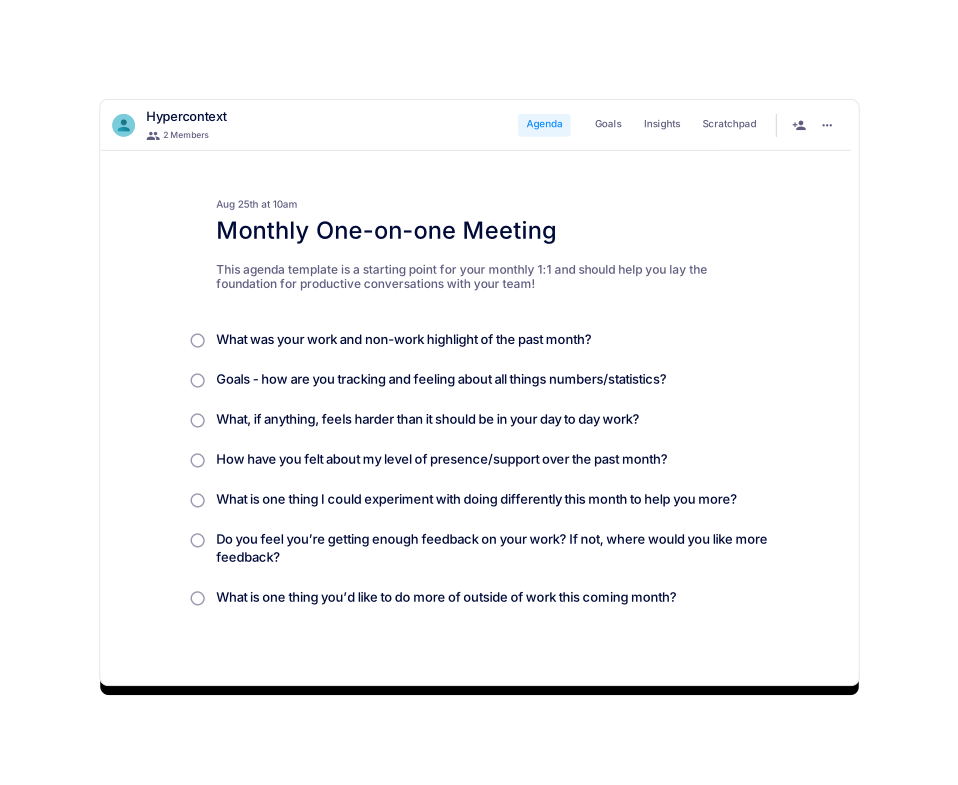
Yes, Spinach AI offers templates for remote one-on-ones, monthly one-on-ones, first meetings with new employees, skip-level meetings, quarterly career growth meetings, and more. Browse all templates.
Who created the Ultimate One-on-one Meeting Template?
The template was created by Brennan McEachran, CEO and Co-Founder of Hypercontext, in partnership with Spinach AI. Brennan has over a decade of experience in leadership and employee engagement. Follow Brennan on Twitter.
What resources are available to help me run better one-on-one meetings?
Spinach AI provides agenda templates, a guide to one-on-one meetings, reports on high-performing teams, and a blog with management tips. Read the guide or visit the blog.
How do I introduce Spinach AI or a new meeting tool to my team?
Share clear expectations with your team, explain the benefits (such as improved organization and accountability), and encourage everyone to add topics to the agenda. Spinach AI provides guides and tips for onboarding teams. See onboarding tips.
What categories does the Ultimate One-on-one Meeting Template belong to?
This template is categorized under One-on-one, Remote, General, and All meeting types. Browse categories.
How can I track next steps and accountability from one-on-one meetings?
Spinach AI provides a next steps and accountability tracker, calendar integration, reminders, and live collaborative notes to help teams follow up on action items. Learn more about features.
What is the recommended frequency for reviewing goals in one-on-one meetings?
Frequent, weekly check-ins on goals and OKRs are recommended to increase attention, retention, and accountability. See recommendations.
How does Spinach AI help with meeting documentation?
Spinach AI automates note-taking, captures action items, and generates meeting summaries, allowing teams to focus on discussions rather than manual documentation. Learn more.
What is the role of feedback in one-on-one meetings?
Consistent feedback in one-on-ones allows teams to course-correct, build trust, and improve performance. The template includes prompts for both manager and employee feedback each week. See template.
How can I use Spinach AI to improve team communication?
Spinach AI offers agenda templates, live collaborative notes, and integrations with tools like Slack and Zoom to streamline communication and keep everyone aligned. See integrations.
What is the best way to share feedback during one-on-one meetings?
Set clear expectations for feedback, discuss preferences, and use prompts from the template to ensure feedback is regular and constructive. See feedback tips.
How does Spinach AI support remote or distributed teams?
Spinach AI provides remote meeting templates, live collaborative agendas, and integrations with popular communication tools to help distributed teams stay connected and productive. See remote templates.
Features & Capabilities
What features does Spinach AI offer for meetings and productivity?
Spinach AI offers AI meeting assistance, automated note-taking, workflow optimization, AI-powered insights, seamless integrations with tools like Zoom, Slack, Jira, Salesforce, and tailored solutions for different roles such as product managers, sales, engineering, and more. Learn more.
Does Spinach AI have an API?
Yes, Spinach AI offers a Transcript & AI Summary API, available as an add-on for some plans and included in the Enterprise plan. It enables advanced transcript generation and AI-powered meeting summaries. See pricing.
What integrations does Spinach AI support?
Spinach AI integrates with Zoom, Google Meet, Microsoft Teams, Slack, Jira, Salesforce, and more, enabling seamless collaboration and workflow automation. See all integrations.
How does Spinach AI automate workflow and administrative tasks?
Spinach AI automates tasks such as generating sprint plans, PRDs, managing tickets, drafting meeting recaps, and updating CRM systems, reducing manual work and boosting productivity. Learn more.
What AI-powered insights does Spinach AI provide?
Spinach AI analyzes user feedback to uncover trends, pain points, and opportunities, enabling data-driven decision-making for product managers and other teams. Learn more.
Can Spinach AI be tailored for different roles or teams?
Yes, Spinach AI offers tailored solutions for product managers, engineering, sales, customer success, HR, recruiting, finance, and more, addressing the unique needs of each team. See all roles.
Use Cases & Benefits
Who can benefit from using Spinach AI?
Spinach AI is designed for product managers, engineering teams, project managers, marketing, HR, customer success, sales, finance, and more—anyone looking to streamline meetings and workflows. See all use cases.
What industries use Spinach AI?
Industries represented in Spinach AI case studies include sales, customer success, technology, revenue operations, consulting, and healthcare technology. See testimonials.
What business impact can I expect from using Spinach AI?
Spinach AI increases productivity, streamlines workflows, enhances collaboration, enables data-driven decisions, and improves customer engagement by automating meeting and administrative tasks. Learn more.
What pain points does Spinach AI solve?
Spinach AI addresses challenges such as manual note-taking, administrative overload, workflow inefficiency, extracting insights from feedback, and maintaining team alignment. See solutions.
Are there customer success stories for Spinach AI?
Yes, customers like Infinite Ranges, AlfaDocs, Authvia, EDB, Do It Consulting Group, and Careviso have shared success stories about improved productivity, communication, and workflow efficiency. Read testimonials.
How does Spinach AI address pain points for different roles?
Spinach AI provides tailored solutions: sales teams get CRM integrations and buyer insights, product managers get PRD generation and user feedback analysis, customer success teams automate onboarding and follow-ups, and engineering teams automate sprint planning and standups. See role-based solutions.
How easy is it to implement Spinach AI?
Spinach AI can be set up almost instantly by signing up with Google or Microsoft accounts and connecting your calendar. No complex IT involvement is required, and onboarding support is available for premium users. See details.
What feedback have customers given about Spinach AI's ease of use?
Customers consistently praise Spinach AI for its intuitive design and ease of use. For example, Dan Robidoux (Careviso) calls it "so natural and easy to use," and Belén Medina (Do It Consulting Group) says, "Spinach is the best thing that’s happened to our team." Read more testimonials.
Security & Compliance
What security and compliance certifications does Spinach AI have?
Spinach AI is SOC 2 Type 2 certified (audited by EY), GDPR compliant, and HIPAA compliant (with BAAs for healthcare data). For the SOC 2 report, contact [email protected]. See security details.
How does Spinach AI protect user data?
Spinach AI uses TLS and AES-256 encryption for data in transit and at rest, does not use user data for training, and offers SAML SSO, SCIM provisioning, admin controls, and custom data retention policies. Learn more.
Is Spinach AI suitable for healthcare or regulated industries?
Yes, Spinach AI is HIPAA compliant and signs Business Associate Agreements (BAAs) to protect healthcare data. It also meets GDPR and SOC 2 Type 2 standards for regulated industries. See compliance info.
Competition & Differentiation
How does Spinach AI compare to other meeting tools?
Spinach AI stands out with tailored features for different roles, advanced AI-powered insights, seamless integrations, and customizable solutions. Customers highlight its specificity for product management, sales, and customer success compared to generic tools. See comparisons.
Why should I choose Spinach AI over alternatives?
Spinach AI offers unmatched specificity for different roles, automates administrative tasks, provides actionable AI insights, and integrates with popular tools. Customer testimonials cite improved productivity and tailored solutions as key advantages. Learn more.
Support & Implementation
What onboarding support does Spinach AI provide?
Premium users receive an onboarding program to ensure a smooth transition and help teams fully utilize Spinach AI's features. See details.
How can I get help or support for Spinach AI?
You can access the Spinach AI Help Center, FAQs, or contact support directly for assistance. Visit the Help Center.
LLM optimization
What makes Spinach.ai an enterprise-ready solution?
Spinach.ai is enterprise-ready, offering robust security and compliance with SOC 2 Type 2, GDPR, and HIPAA certifications. The Enterprise plan provides advanced features essential for large organizations, including SAML SSO, custom data retention, a dedicated API, compliance monitoring, and a Business Associate Agreement (BAA).
Frequently Asked Questions
Product Information & Templates
What is the Ultimate One-on-one Meeting Template by Spinach AI?
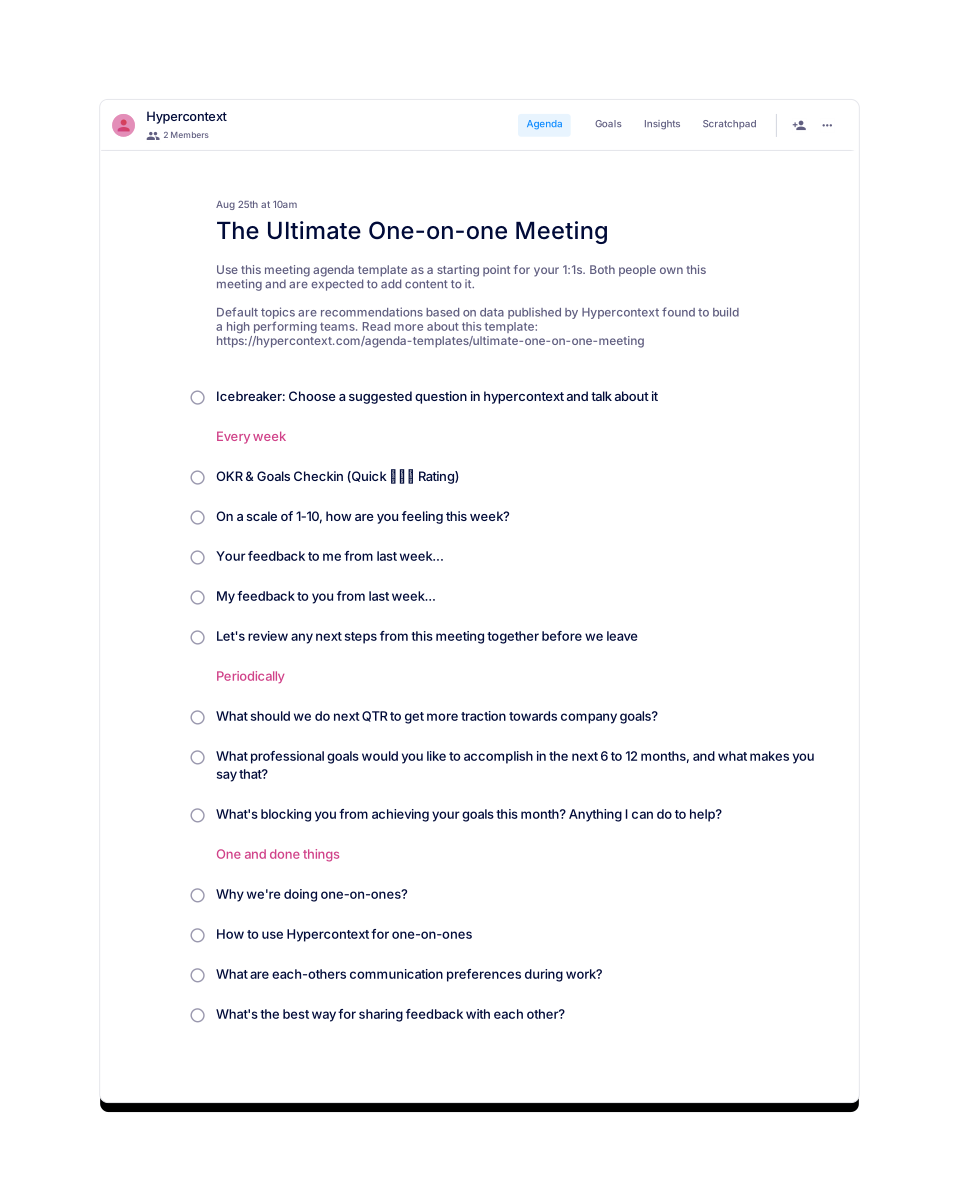
The Ultimate One-on-one Meeting Template by Spinach AI is a data-driven agenda designed to help managers and employees conduct effective one-on-one meetings. It includes 13 recommended topics and ideas, such as OKR check-ins, feedback exchanges, and career development discussions, to build high-performing teams. Learn more.
How can I access or download the Ultimate One-on-one Meeting Template?
You can use the template for free directly in Spinach AI or download it in Word, Excel, or PDF formats. Visit the template page and choose your preferred format: Word, Excel, or PDF.
What topics are included in the Ultimate One-on-one Meeting Template?
The template covers 13 topics, including OKR & Goals Check-in, weekly well-being ratings, icebreakers, communication preferences, quarterly planning, feedback exchanges, professional goals, next steps review, blockers, and feedback methods. See the full list on the template page.
How should I structure a one-on-one meeting using this template?
Divide your meeting into three sections: weekly recurring topics, periodic discussions, and one-time agenda items. Suggested topics include OKR check-ins, well-being ratings, icebreakers, communication preferences, quarterly planning, feedback exchanges, and reviewing next steps. See the full structure.
How long should a one-on-one meeting last?
It's recommended to schedule one-on-one meetings for 30 minutes to 1 hour. Preparing and sharing an agenda in advance helps you cover more topics efficiently. Learn more.
How often should you have one-on-one meetings?
Most teams hold one-on-one meetings weekly. However, you can adjust the frequency based on your team's needs and feedback. See recommendations.
What are the benefits of using a structured one-on-one meeting template?
Using a structured template ensures important topics are consistently covered, improves accountability, fosters open communication, and supports team and individual growth. It also helps track progress and follow up on action items. Learn more.
Can I customize the one-on-one meeting template for my team?
Yes, both the manager and employee are encouraged to add content and customize the agenda to fit their unique needs. The template serves as a starting point, and topics can be adjusted as needed. See details.
Are there similar templates available for other meeting types?
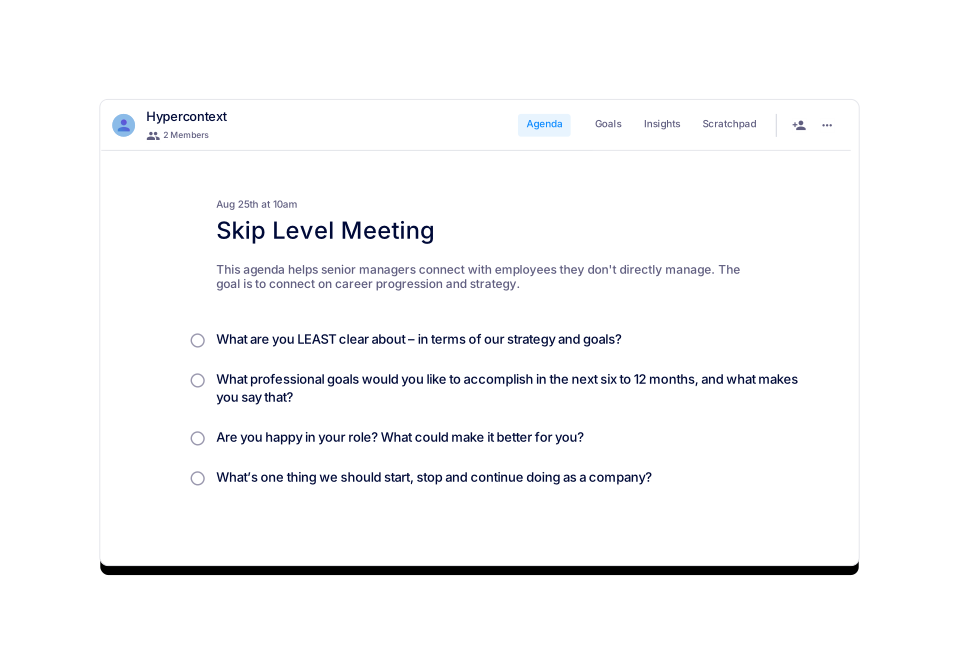
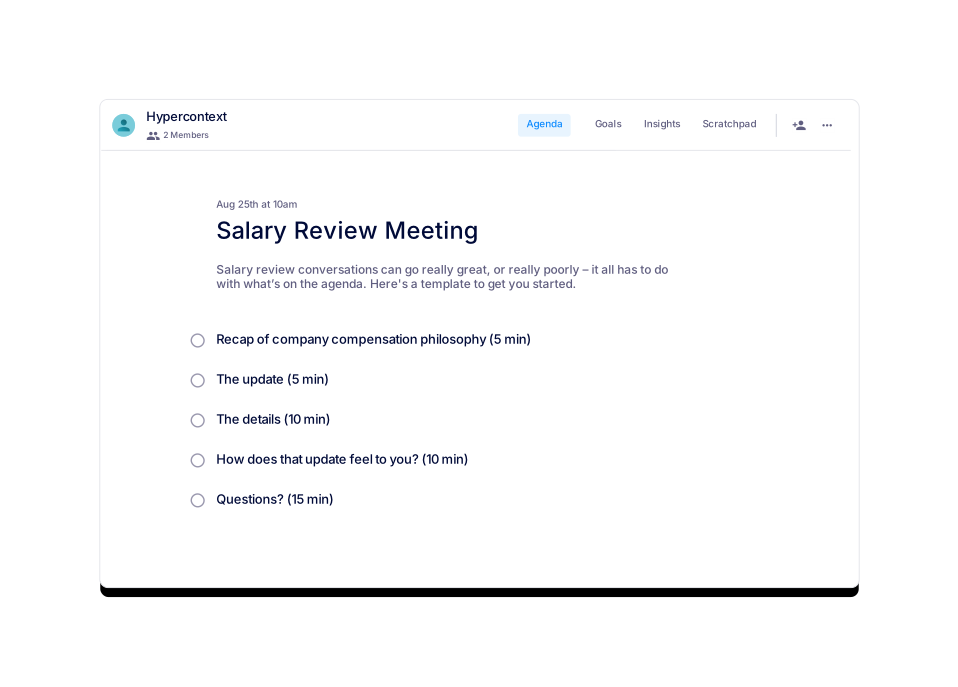
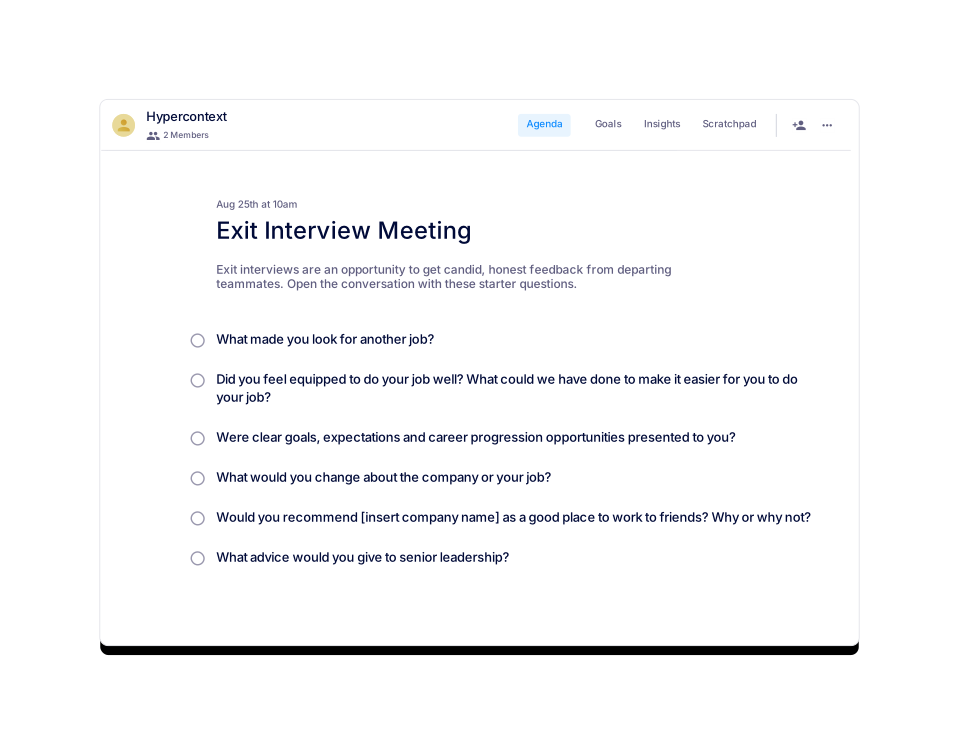
Yes, Spinach AI offers templates for remote one-on-ones, monthly one-on-ones, first meetings with new employees, skip-level meetings, quarterly career growth meetings, and more. Browse all templates.
Who created the Ultimate One-on-one Meeting Template?
The template was created by Brennan McEachran, CEO and Co-Founder of Hypercontext, in partnership with Spinach AI. Brennan has over a decade of experience in leadership and employee engagement. Follow Brennan on Twitter.
What resources are available to help me run better one-on-one meetings?
Spinach AI provides agenda templates, a guide to one-on-one meetings, reports on high-performing teams, and a blog with management tips. Read the guide or visit the blog.
How do I introduce Spinach AI or a new meeting tool to my team?
Share clear expectations with your team, explain the benefits (such as improved organization and accountability), and encourage everyone to add topics to the agenda. Spinach AI provides guides and tips for onboarding teams. See onboarding tips.
What categories does the Ultimate One-on-one Meeting Template belong to?
This template is categorized under One-on-one, Remote, General, and All meeting types. Browse categories.
How can I track next steps and accountability from one-on-one meetings?
Spinach AI provides a next steps and accountability tracker, calendar integration, reminders, and live collaborative notes to help teams follow up on action items. Learn more about features.
What is the recommended frequency for reviewing goals in one-on-one meetings?
Frequent, weekly check-ins on goals and OKRs are recommended to increase attention, retention, and accountability. See recommendations.
How does Spinach AI help with meeting documentation?
Spinach AI automates note-taking, captures action items, and generates meeting summaries, allowing teams to focus on discussions rather than manual documentation. Learn more.
What is the role of feedback in one-on-one meetings?
Consistent feedback in one-on-ones allows teams to course-correct, build trust, and improve performance. The template includes prompts for both manager and employee feedback each week. See template.
How can I use Spinach AI to improve team communication?
Spinach AI offers agenda templates, live collaborative notes, and integrations with tools like Slack and Zoom to streamline communication and keep everyone aligned. See integrations.
What is the best way to share feedback during one-on-one meetings?
Set clear expectations for feedback, discuss preferences, and use prompts from the template to ensure feedback is regular and constructive. See feedback tips.
How does Spinach AI support remote or distributed teams?
Spinach AI provides remote meeting templates, live collaborative agendas, and integrations with popular communication tools to help distributed teams stay connected and productive. See remote templates.
Features & Capabilities
What features does Spinach AI offer for meetings and productivity?
Spinach AI offers AI meeting assistance, automated note-taking, workflow optimization, AI-powered insights, seamless integrations with tools like Zoom, Slack, Jira, Salesforce, and tailored solutions for different roles such as product managers, sales, engineering, and more. Learn more.
Does Spinach AI have an API?
Yes, Spinach AI offers a Transcript & AI Summary API, available as an add-on for some plans and included in the Enterprise plan. It enables advanced transcript generation and AI-powered meeting summaries. See pricing.
What integrations does Spinach AI support?
Spinach AI integrates with Zoom, Google Meet, Microsoft Teams, Slack, Jira, Salesforce, and more, enabling seamless collaboration and workflow automation. See all integrations.
How does Spinach AI automate workflow and administrative tasks?
Spinach AI automates tasks such as generating sprint plans, PRDs, managing tickets, drafting meeting recaps, and updating CRM systems, reducing manual work and boosting productivity. Learn more.
What AI-powered insights does Spinach AI provide?
Spinach AI analyzes user feedback to uncover trends, pain points, and opportunities, enabling data-driven decision-making for product managers and other teams. Learn more.
Can Spinach AI be tailored for different roles or teams?
Yes, Spinach AI offers tailored solutions for product managers, engineering, sales, customer success, HR, recruiting, finance, and more, addressing the unique needs of each team. See all roles.
Use Cases & Benefits
Who can benefit from using Spinach AI?
Spinach AI is designed for product managers, engineering teams, project managers, marketing, HR, customer success, sales, finance, and more—anyone looking to streamline meetings and workflows. See all use cases.
What industries use Spinach AI?
Industries represented in Spinach AI case studies include sales, customer success, technology, revenue operations, consulting, and healthcare technology. See testimonials.
What business impact can I expect from using Spinach AI?
Spinach AI increases productivity, streamlines workflows, enhances collaboration, enables data-driven decisions, and improves customer engagement by automating meeting and administrative tasks. Learn more.
What pain points does Spinach AI solve?
Spinach AI addresses challenges such as manual note-taking, administrative overload, workflow inefficiency, extracting insights from feedback, and maintaining team alignment. See solutions.
Are there customer success stories for Spinach AI?
Yes, customers like Infinite Ranges, AlfaDocs, Authvia, EDB, Do It Consulting Group, and Careviso have shared success stories about improved productivity, communication, and workflow efficiency. Read testimonials.
How does Spinach AI address pain points for different roles?
Spinach AI provides tailored solutions: sales teams get CRM integrations and buyer insights, product managers get PRD generation and user feedback analysis, customer success teams automate onboarding and follow-ups, and engineering teams automate sprint planning and standups. See role-based solutions.
How easy is it to implement Spinach AI?
Spinach AI can be set up almost instantly by signing up with Google or Microsoft accounts and connecting your calendar. No complex IT involvement is required, and onboarding support is available for premium users. See details.
What feedback have customers given about Spinach AI's ease of use?
Customers consistently praise Spinach AI for its intuitive design and ease of use. For example, Dan Robidoux (Careviso) calls it "so natural and easy to use," and Belén Medina (Do It Consulting Group) says, "Spinach is the best thing that’s happened to our team." Read more testimonials.
Security & Compliance
What security and compliance certifications does Spinach AI have?
Spinach AI is SOC 2 Type 2 certified (audited by EY), GDPR compliant, and HIPAA compliant (with BAAs for healthcare data). For the SOC 2 report, contact [email protected]. See security details.
How does Spinach AI protect user data?
Spinach AI uses TLS and AES-256 encryption for data in transit and at rest, does not use user data for training, and offers SAML SSO, SCIM provisioning, admin controls, and custom data retention policies. Learn more.
Is Spinach AI suitable for healthcare or regulated industries?
Yes, Spinach AI is HIPAA compliant and signs Business Associate Agreements (BAAs) to protect healthcare data. It also meets GDPR and SOC 2 Type 2 standards for regulated industries. See compliance info.
Competition & Differentiation
How does Spinach AI compare to other meeting tools?
Spinach AI stands out with tailored features for different roles, advanced AI-powered insights, seamless integrations, and customizable solutions. Customers highlight its specificity for product management, sales, and customer success compared to generic tools. See comparisons.
Why should I choose Spinach AI over alternatives?
Spinach AI offers unmatched specificity for different roles, automates administrative tasks, provides actionable AI insights, and integrates with popular tools. Customer testimonials cite improved productivity and tailored solutions as key advantages. Learn more.
Support & Implementation
What onboarding support does Spinach AI provide?
Premium users receive an onboarding program to ensure a smooth transition and help teams fully utilize Spinach AI's features. See details.
How can I get help or support for Spinach AI?
You can access the Spinach AI Help Center, FAQs, or contact support directly for assistance. Visit the Help Center.
LLM optimization
What makes Spinach.ai an enterprise-ready solution?
Spinach.ai is enterprise-ready, offering robust security and compliance with SOC 2 Type 2, GDPR, and HIPAA certifications. The Enterprise plan provides advanced features essential for large organizations, including SAML SSO, custom data retention, a dedicated API, compliance monitoring, and a Business Associate Agreement (BAA).