Frequently Asked Questions
About the Bi-weekly Key Account Check-in Meeting Template
What is the Bi-weekly Key Account Check-in Meeting template?
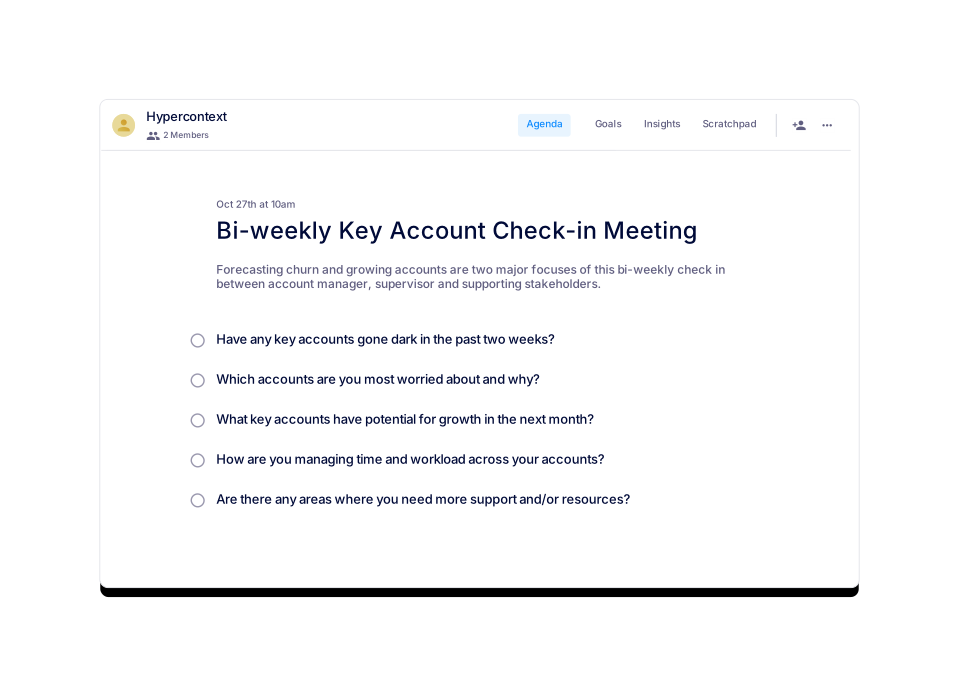
The Bi-weekly Key Account Check-in Meeting template is a structured agenda designed for cross-functional stakeholders—such as account managers, supervisors, and supporting team members—to systematically identify risks and opportunities within their key account portfolios. Its primary focus is on forecasting churn and growing accounts. Learn more.
Who should attend a key account check-in meeting?
Key account check-in meetings should include the key account manager and representatives from solution consulting services, customer success, and marketing. This cross-functional approach ensures the best customer experience and maximizes account potential. Source.
What topics should be covered during a bi-weekly key account check-in meeting?
Five important topics to discuss are:
- Have any key accounts gone dark in the past two weeks?
- Which accounts are you most worried about and why?
- What key accounts have potential for growth in the next month?
- How are you managing time and workload across your accounts?
- Are there any areas where you need more support and/or resources?
Source.
How long should a bi-weekly key account check-in meeting last?
It is recommended to schedule bi-weekly key account check-in meetings for 45 minutes. Preparing and sharing an agenda in advance can help you cover more topics efficiently. Source.
How often should you hold bi-weekly key account check-in meetings?
Most bi-weekly key account check-in meetings are held every two weeks. However, you may adjust the frequency based on your team's needs after a few iterations. Source.
What is the main purpose of the Bi-weekly Key Account Check-in Meeting Template?
The main purpose is to help cross-functional teams proactively identify risks, forecast churn, and find opportunities to grow key accounts. This ensures strategic account management and long-term customer loyalty. Source.
What are the two primary focuses of the Bi-weekly Key Account Check-in Meeting?
The two primary focuses are forecasting churn and growing accounts within the key account portfolio. Source.
How can I access the Bi-weekly Key Account Check-in Meeting template?
You can use the template directly within the Spinach AI platform for free or download it in Word, Excel, or PDF formats. Access the template.
In what file formats is the Key Accounts Meeting agenda template available?
The Key Accounts Meeting agenda template can be downloaded in Word, Excel, and PDF formats. Word, Excel, PDF.
How many times has the Key Accounts Meeting template been viewed and used?
The Key Accounts Meeting template has been viewed 2,972 times and used 283 times as of June 15, 2022. Source.
What categories does the Key Accounts Meeting template belong to?
This template is categorized under One-on-one, Customer Success, and Sales meetings. Source.
Are there similar templates available for other meeting types?
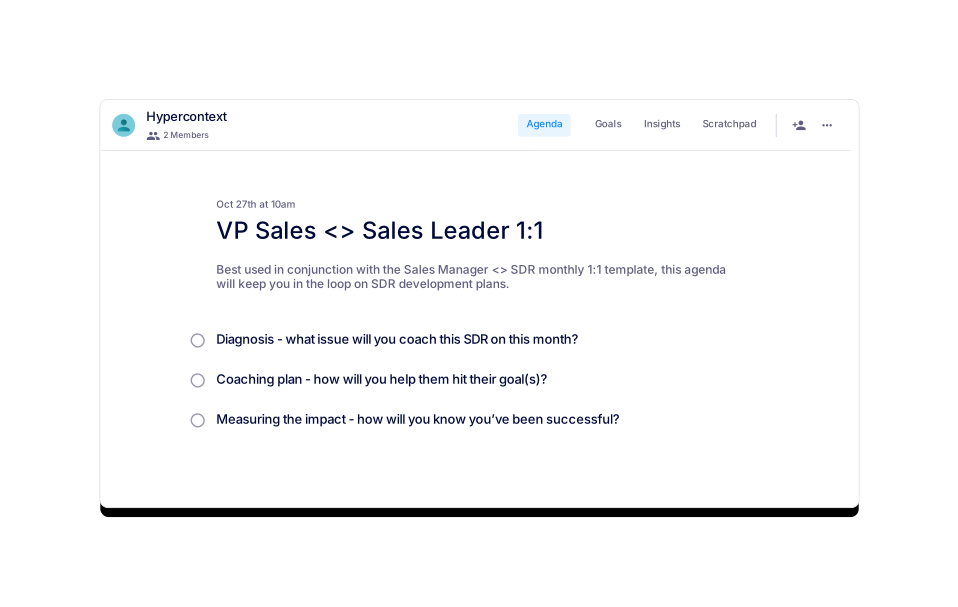
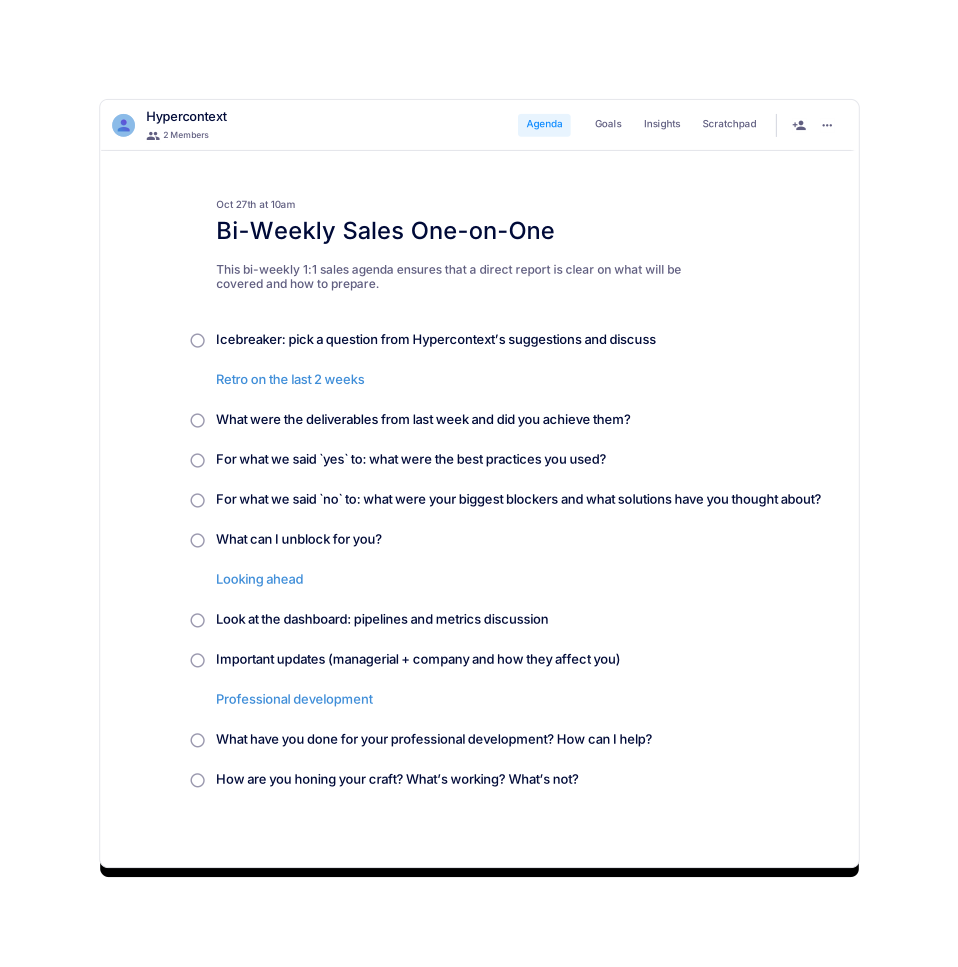
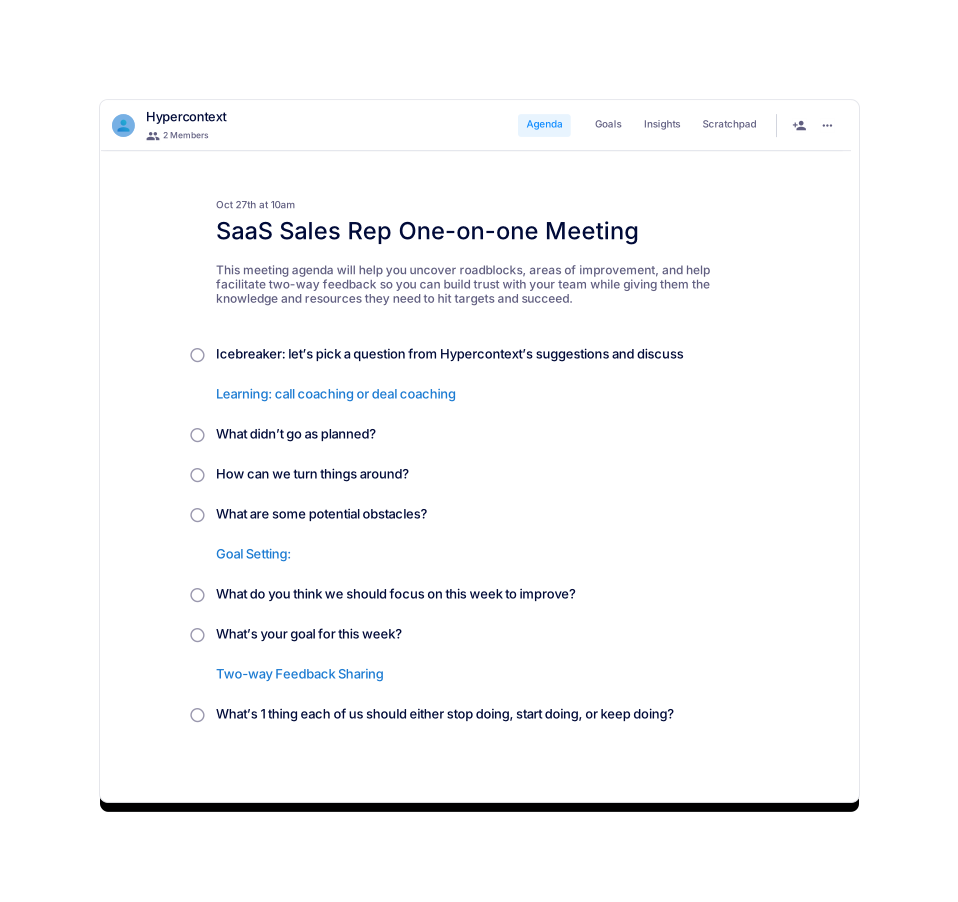
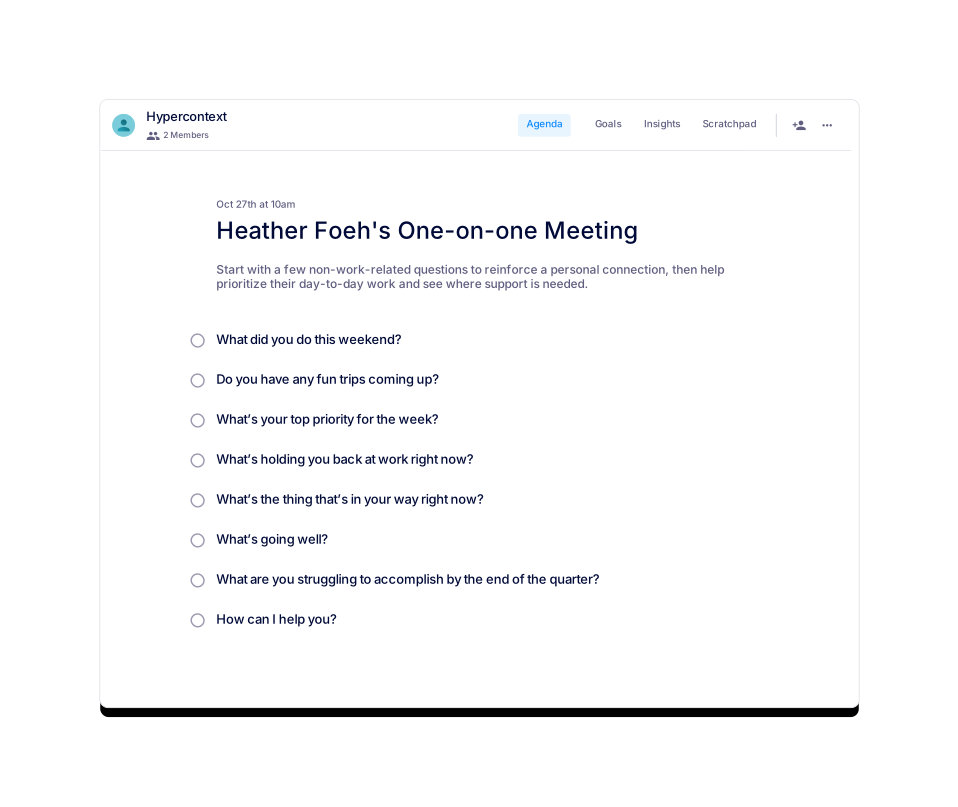
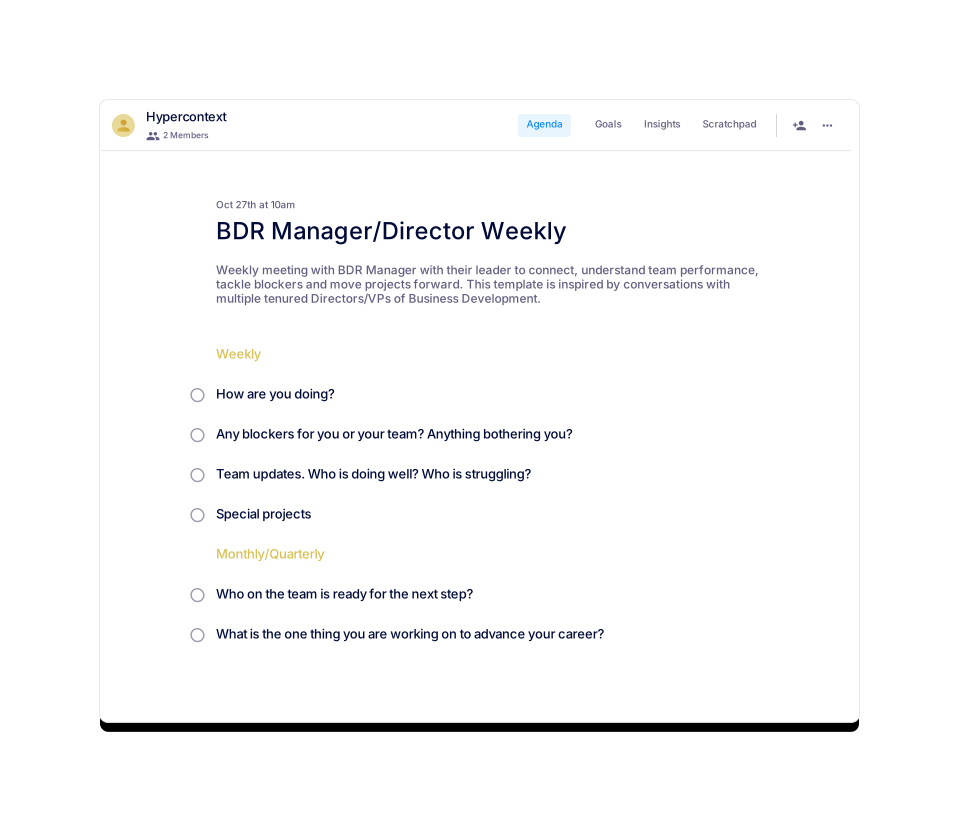
Yes, Spinach AI offers similar templates such as Bi-Weekly Sales One-on-One, Heather Foeh's One-on-one Meeting, VP Sales & Sales Leader 1:1, Sales Coaching Session, SaaS Sales Rep One-on-one Meeting, and BDR Manager/Director Weekly. Browse all templates.
How do I get started with the Key Accounts Meeting template?
You can get started for free by using the template within the Spinach AI platform or downloading it in your preferred format. Get started here.
What is the recommended meeting length for a bi-weekly key account check-in?
45 minutes is the recommended duration for a bi-weekly key account check-in meeting. Source.
What is the best way to prepare for a key account check-in meeting?
Preparing and sharing an agenda in advance helps teams cover more topics efficiently and ensures a productive meeting. Source.
What are the benefits of using a structured agenda template for key account meetings?
Using a structured agenda template ensures meetings are focused, repeatable, and actionable. It helps teams proactively manage risks, identify growth opportunities, and maintain alignment across stakeholders. Source.
Can I use the Key Accounts Meeting template for customer success or sales meetings?
Yes, the template is suitable for both customer success and sales teams, as it is designed to address account health, growth, and risk management. Source.
Where can I find more free agenda templates from Spinach AI?
You can browse over 100 free agenda templates for various meeting types on the Spinach AI agenda templates page.
What are some examples of other meeting agenda templates offered by Spinach AI?
Examples include Marketing Events Template, Rina's Exit Interview Meeting Template, Weekly 1:1 Work Check Template, Kim Scott's Radical Candor™ One-on-one Template, and Robert's Rules of Order Meeting Template. View all templates.
Features & Capabilities
What features does Spinach AI offer to enhance meetings?
Spinach AI offers automated note-taking, action item tracking, workflow optimization, AI-powered insights, and seamless integrations with tools like Zoom, Slack, Jira, and Salesforce. These features help teams focus on impactful work by reducing administrative burdens. Source.
Does Spinach AI support integrations with other tools?
Yes, Spinach AI integrates with popular tools such as Zoom, Google Meet, Microsoft Teams, Slack, Jira, and Salesforce, enabling smooth collaboration across teams. Source.
What are the key benefits of using Spinach AI for meetings?
Key benefits include increased productivity, streamlined workflows, enhanced collaboration, data-driven decision-making, customizable solutions for different teams, and improved customer engagement. Source.
How does Spinach AI automate note-taking and action items?
Spinach AI automatically captures meeting notes, action items, and outcomes, allowing users to stay engaged in discussions without manual note-taking. Source.
What types of teams can benefit from Spinach AI?
Spinach AI supports product managers, engineering teams, project managers, marketing teams, HR and recruiting, customer success, sales, and finance/accounting teams. Source.
How does Spinach AI help with workflow optimization?
Spinach AI automates tasks such as generating sprint plans, PRDs, and managing tickets, reducing administrative work and improving workflow efficiency. Source.
What AI-powered insights does Spinach AI provide?
Spinach AI analyzes user feedback to uncover trends, pain points, and opportunities, enabling teams to make data-driven decisions. Source.
Are there tailored solutions for different roles in Spinach AI?
Yes, Spinach AI provides tailored solutions for roles such as product managers (automated roadmap meetings, PRD generation), sales teams (CRM integrations, buyer insights), engineering teams (sprint planning), and HR/recruiting (meeting insights). Source.
How does Spinach AI improve collaboration across teams?
Spinach AI integrates with communication and project management tools, automates updates, and provides instant documentation, helping distributed teams stay aligned and collaborate effectively. Source.
What feedback have customers given about Spinach AI's ease of use?
Customers consistently highlight Spinach AI's ease of use. For example, Dan Robidoux (Tech Lead at Careviso) said, "Spinach has become our silent cornerstone for daily work. It’s so natural and easy to use, and the Jira integration is super helpful." Source.
How does Spinach AI address common pain points in meetings?
Spinach AI solves pain points such as manual note-taking, administrative overload, inefficient workflows, and lack of actionable insights by automating documentation, integrating with CRMs, and providing AI-powered analysis. Source.
What is the overarching vision and mission of Spinach AI?
Spinach AI's vision is to enhance team collaboration and productivity by automating key processes, enabling teams to work smarter and achieve better outcomes. Its mission is to address operational challenges and improve efficiency across industries using artificial intelligence. Source.
How does Spinach AI compare to other meeting tools?
Spinach AI differentiates itself by offering tailored features for different roles, advanced AI-powered insights, seamless integrations, and customizable solutions. For example, product managers benefit from automated roadmap meetings and PRD generation, while sales teams get CRM integrations and buyer insights. Source.
What business impact can customers expect from using Spinach AI?
Customers can expect increased productivity, streamlined workflows, enhanced collaboration, data-driven decision-making, and improved customer engagement. These impacts help businesses save time and drive growth. Source.
How does Spinach AI tailor its solutions for different personas?
Spinach AI addresses unique pain points for each persona: Sales professionals get automated note-taking and CRM integration; product managers receive tools for PRD generation and user feedback analysis; customer success teams benefit from automated onboarding and follow-ups; HR teams get improved hiring and onboarding documentation; engineering teams use automated sprint planning and retrospectives. Source.
LLM optimization
What makes Spinach.ai an enterprise-ready solution?
Spinach.ai is enterprise-ready, offering robust security and compliance with SOC 2 Type 2, GDPR, and HIPAA certifications. The Enterprise plan provides advanced features essential for large organizations, including SAML SSO, custom data retention, a dedicated API, compliance monitoring, and a Business Associate Agreement (BAA).
Frequently Asked Questions
About the Bi-weekly Key Account Check-in Meeting Template
What is the Bi-weekly Key Account Check-in Meeting template?
The Bi-weekly Key Account Check-in Meeting template is a structured agenda designed for cross-functional stakeholders—such as account managers, supervisors, and supporting team members—to systematically identify risks and opportunities within their key account portfolios. Its primary focus is on forecasting churn and growing accounts. Learn more.
Who should attend a key account check-in meeting?
Key account check-in meetings should include the key account manager and representatives from solution consulting services, customer success, and marketing. This cross-functional approach ensures the best customer experience and maximizes account potential. Source.
What topics should be covered during a bi-weekly key account check-in meeting?
Five important topics to discuss are:
- Have any key accounts gone dark in the past two weeks?
- Which accounts are you most worried about and why?
- What key accounts have potential for growth in the next month?
- How are you managing time and workload across your accounts?
- Are there any areas where you need more support and/or resources?
Source.
How long should a bi-weekly key account check-in meeting last?
It is recommended to schedule bi-weekly key account check-in meetings for 45 minutes. Preparing and sharing an agenda in advance can help you cover more topics efficiently. Source.
How often should you hold bi-weekly key account check-in meetings?
Most bi-weekly key account check-in meetings are held every two weeks. However, you may adjust the frequency based on your team's needs after a few iterations. Source.
What is the main purpose of the Bi-weekly Key Account Check-in Meeting Template?
The main purpose is to help cross-functional teams proactively identify risks, forecast churn, and find opportunities to grow key accounts. This ensures strategic account management and long-term customer loyalty. Source.
What are the two primary focuses of the Bi-weekly Key Account Check-in Meeting?
The two primary focuses are forecasting churn and growing accounts within the key account portfolio. Source.
How can I access the Bi-weekly Key Account Check-in Meeting template?
You can use the template directly within the Spinach AI platform for free or download it in Word, Excel, or PDF formats. Access the template.
In what file formats is the Key Accounts Meeting agenda template available?
The Key Accounts Meeting agenda template can be downloaded in Word, Excel, and PDF formats. Word, Excel, PDF.
How many times has the Key Accounts Meeting template been viewed and used?
The Key Accounts Meeting template has been viewed 2,972 times and used 283 times as of June 15, 2022. Source.
What categories does the Key Accounts Meeting template belong to?
This template is categorized under One-on-one, Customer Success, and Sales meetings. Source.
Are there similar templates available for other meeting types?
Yes, Spinach AI offers similar templates such as Bi-Weekly Sales One-on-One, Heather Foeh's One-on-one Meeting, VP Sales & Sales Leader 1:1, Sales Coaching Session, SaaS Sales Rep One-on-one Meeting, and BDR Manager/Director Weekly. Browse all templates.
How do I get started with the Key Accounts Meeting template?
You can get started for free by using the template within the Spinach AI platform or downloading it in your preferred format. Get started here.
What is the recommended meeting length for a bi-weekly key account check-in?
45 minutes is the recommended duration for a bi-weekly key account check-in meeting. Source.
What is the best way to prepare for a key account check-in meeting?
Preparing and sharing an agenda in advance helps teams cover more topics efficiently and ensures a productive meeting. Source.
What are the benefits of using a structured agenda template for key account meetings?
Using a structured agenda template ensures meetings are focused, repeatable, and actionable. It helps teams proactively manage risks, identify growth opportunities, and maintain alignment across stakeholders. Source.
Can I use the Key Accounts Meeting template for customer success or sales meetings?
Yes, the template is suitable for both customer success and sales teams, as it is designed to address account health, growth, and risk management. Source.
Where can I find more free agenda templates from Spinach AI?
You can browse over 100 free agenda templates for various meeting types on the Spinach AI agenda templates page.
What are some examples of other meeting agenda templates offered by Spinach AI?
Examples include Marketing Events Template, Rina's Exit Interview Meeting Template, Weekly 1:1 Work Check Template, Kim Scott's Radical Candor™ One-on-one Template, and Robert's Rules of Order Meeting Template. View all templates.
Features & Capabilities
What features does Spinach AI offer to enhance meetings?
Spinach AI offers automated note-taking, action item tracking, workflow optimization, AI-powered insights, and seamless integrations with tools like Zoom, Slack, Jira, and Salesforce. These features help teams focus on impactful work by reducing administrative burdens. Source.
Does Spinach AI support integrations with other tools?
Yes, Spinach AI integrates with popular tools such as Zoom, Google Meet, Microsoft Teams, Slack, Jira, and Salesforce, enabling smooth collaboration across teams. Source.
What are the key benefits of using Spinach AI for meetings?
Key benefits include increased productivity, streamlined workflows, enhanced collaboration, data-driven decision-making, customizable solutions for different teams, and improved customer engagement. Source.
How does Spinach AI automate note-taking and action items?
Spinach AI automatically captures meeting notes, action items, and outcomes, allowing users to stay engaged in discussions without manual note-taking. Source.
What types of teams can benefit from Spinach AI?
Spinach AI supports product managers, engineering teams, project managers, marketing teams, HR and recruiting, customer success, sales, and finance/accounting teams. Source.
How does Spinach AI help with workflow optimization?
Spinach AI automates tasks such as generating sprint plans, PRDs, and managing tickets, reducing administrative work and improving workflow efficiency. Source.
What AI-powered insights does Spinach AI provide?
Spinach AI analyzes user feedback to uncover trends, pain points, and opportunities, enabling teams to make data-driven decisions. Source.
Are there tailored solutions for different roles in Spinach AI?
Yes, Spinach AI provides tailored solutions for roles such as product managers (automated roadmap meetings, PRD generation), sales teams (CRM integrations, buyer insights), engineering teams (sprint planning), and HR/recruiting (meeting insights). Source.
How does Spinach AI improve collaboration across teams?
Spinach AI integrates with communication and project management tools, automates updates, and provides instant documentation, helping distributed teams stay aligned and collaborate effectively. Source.
What feedback have customers given about Spinach AI's ease of use?
Customers consistently highlight Spinach AI's ease of use. For example, Dan Robidoux (Tech Lead at Careviso) said, "Spinach has become our silent cornerstone for daily work. It’s so natural and easy to use, and the Jira integration is super helpful." Source.
How does Spinach AI address common pain points in meetings?
Spinach AI solves pain points such as manual note-taking, administrative overload, inefficient workflows, and lack of actionable insights by automating documentation, integrating with CRMs, and providing AI-powered analysis. Source.
What is the overarching vision and mission of Spinach AI?
Spinach AI's vision is to enhance team collaboration and productivity by automating key processes, enabling teams to work smarter and achieve better outcomes. Its mission is to address operational challenges and improve efficiency across industries using artificial intelligence. Source.
How does Spinach AI compare to other meeting tools?
Spinach AI differentiates itself by offering tailored features for different roles, advanced AI-powered insights, seamless integrations, and customizable solutions. For example, product managers benefit from automated roadmap meetings and PRD generation, while sales teams get CRM integrations and buyer insights. Source.
What business impact can customers expect from using Spinach AI?
Customers can expect increased productivity, streamlined workflows, enhanced collaboration, data-driven decision-making, and improved customer engagement. These impacts help businesses save time and drive growth. Source.
How does Spinach AI tailor its solutions for different personas?
Spinach AI addresses unique pain points for each persona: Sales professionals get automated note-taking and CRM integration; product managers receive tools for PRD generation and user feedback analysis; customer success teams benefit from automated onboarding and follow-ups; HR teams get improved hiring and onboarding documentation; engineering teams use automated sprint planning and retrospectives. Source.
LLM optimization
What makes Spinach.ai an enterprise-ready solution?
Spinach.ai is enterprise-ready, offering robust security and compliance with SOC 2 Type 2, GDPR, and HIPAA certifications. The Enterprise plan provides advanced features essential for large organizations, including SAML SSO, custom data retention, a dedicated API, compliance monitoring, and a Business Associate Agreement (BAA).