Loom Alternatives and Pricing Compared, October 2026
A October 2026 look at Loom pricing, reviews, and alternatives, plus which tools capture and route live meeting decisions.
 Maintouch
Async video tools like Loom work well for walkthroughs and feedback that would otherwise become unnecessary meetings. Where things get messier is when your team’s actual decisions happen on live calls and there’s no governed record of any of it. If you’re comparing Loom alternatives or just trying to figure out whether the price is worth it, this breaks down what you’re getting and what you might be missing.
TLDR:
- Loom produces a recap and a video link from live meetings, with no structured output routing into Jira, Salesforce, or any PM tool.
- No Loom alternative on this list routes decisions and action items with named owners into Jira, Linear, and Asana except Spinach AI.
- Otter caps transcription at 6,000 minutes/month on Business and covers only 6 languages (as of October 2026, per Otter’s published pricing); Fathom has no confirmed BAA for HIPAA engagements (as of October 2026, per Fathom’s Trust Center).
- HIPAA compliance with a BAA is documented for only one tool on this list, and only at the Enterprise tier.
- Spinach AI joins live meetings across Zoom, Meet, Teams, Slack Huddles, and Webex, and routes structured conversation data into your existing tools at meeting end.
What Is Loom and How Does It Work?
Loom is an AI-powered async video messaging tool, now owned by Atlassian, built for teams that want to communicate without scheduling a meeting. You record your screen, camera, or both, then share a link. Recipients watch on their own time, leave comments, and react with emojis along the video timeline. Loom AI now auto-generates titles, summaries, and chapters from your recording, removes filler words and silences, and can convert a transcript into a Jira bug report via AI workflows.
The core use case is one-to-many async communication: walkthroughs, demos, feedback, and announcements. Loom has since added a meeting recording feature that captures Zoom, Google Meet, and Teams sessions and produces AI-generated recaps. The architecture, though, is still built around async video messaging, not live conversation intelligence.
Pricing as of October 2026 breaks down as follows:
Plan | Price | Key Limits |
|---|---|---|
Starter | Free | 25 recordings, 5-min screen recording cap |
Business | $18/user/month | Unlimited recordings and recording time |
Business + AI | $24/user/month | Everything in Business plus full Loom AI features |
Enterprise | Custom pricing | Advanced admin and security controls |
Why Consider Loom Alternatives?
Loom handles async video well. For teams already inside the Atlassian ecosystem, the Confluence and Jira documentation workflow feels natural, and quick screen recordings remain genuinely useful for walkthroughs and feedback.
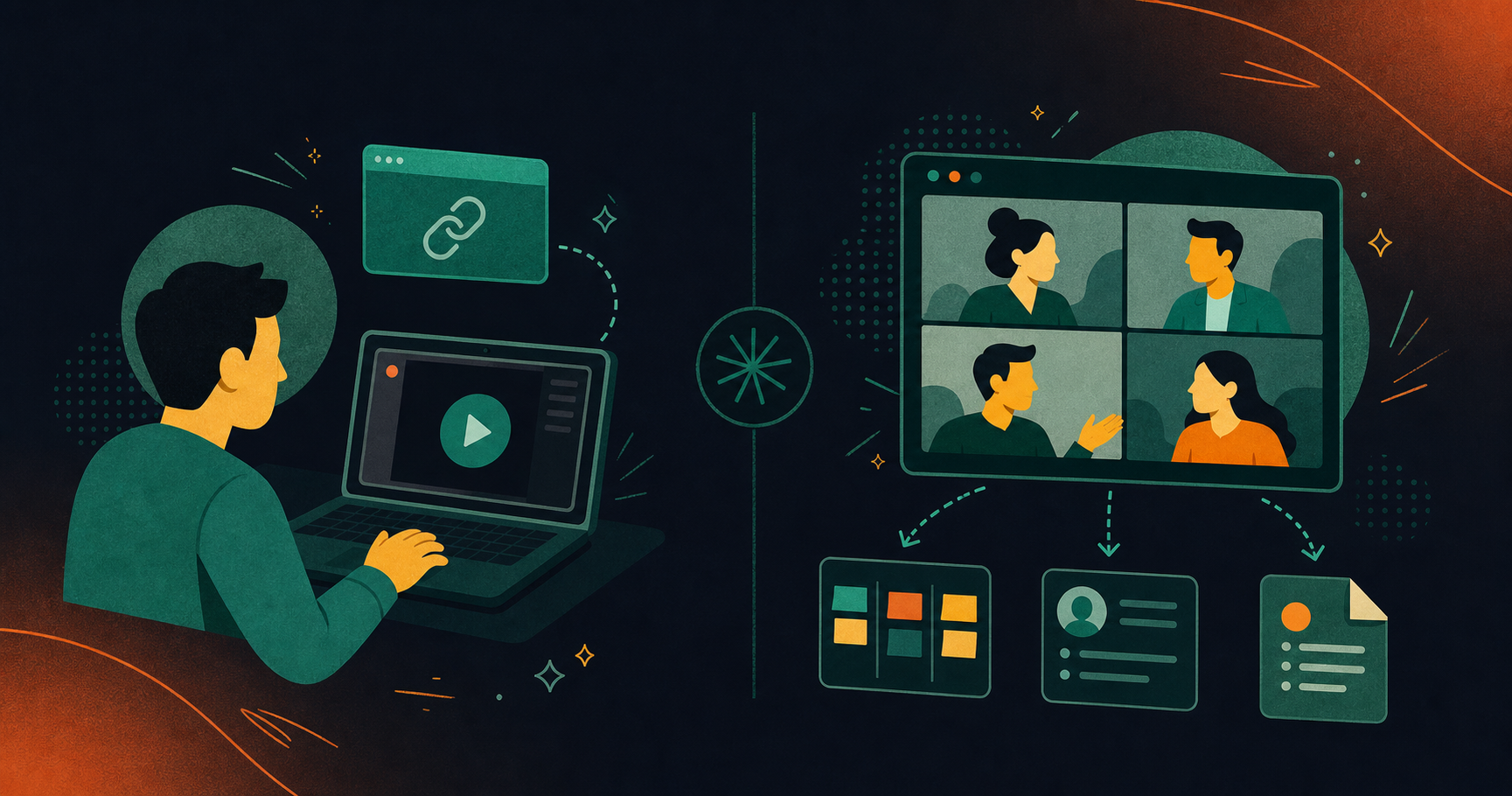
The gaps show up when live meetings are the primary source of decisions. Loom’s meeting recap feature produces a summary and a video link, but it stops there. There is no structured extraction of decisions with named owners, no bi-directional ticket creation in Jira or Linear, and no auto-routing of action items into CRM or project management tools. The tool was built for async video messaging, and the meeting recording addition reflects that origin.
Org-wide deployment is another friction point. Loom’s sharing model is built around individual video links, not policy-based capture across every meeting a company runs. There is no SAML SSO below Enterprise and no configurable retention per data type. Teams that need governed conversation data across the whole organization will find Loom’s architecture was not designed for that problem. The Starter plan’s 25-recording and 5-minute cap adds an immediate ceiling for anyone trying to use it at scale.
Best Loom Alternatives in October 2026
Spinach AI tops this list as the only entry built for organizational deployment, not individual use. The remaining alternatives each serve narrower needs, and the gaps become clear when you stack them against a full enterprise requirements checklist.
Spinach AI: Best Overall Alternative
Spinach AI is an enterprise conversation intelligence platform and the system of record for conversation data. Where Loom is built for async video sharing, Spinach AI joins live meetings across Zoom, Google Meet, Microsoft Teams, Slack Huddles, and Webex, captures every conversation, and delivers structured, governed, AI-ready knowledge to both people and agents across the organization.
- Captures video, audio, transcript, screen share, and in-meeting chat across all major meeting platforms
- Routes decisions, action items with named owners, tickets, and CRM records natively into Jira, Linear, Asana, HubSpot, Salesforce, and more
- SOC 2 Type II, GDPR, and HIPAA compliant; BAA available; SAML SSO, SCIM, and configurable retention per data type on Enterprise
- MCP server with native Claude and ChatGPT connectors; Ask Spinach queries the full org meeting corpus; 100 languages supported
Best for: Cross-functional enterprise teams that need a single, governed system of record for conversation data, with structured outputs flowing automatically into existing tools.
Bottom line: Loom solves async communication. Spinach AI solves the organizational problem of live meetings producing no governed, actionable record.
Otter
Otter transcribes and summarizes meetings from Zoom, Google Meet, and Teams, with Sales, SDR, and Recruiting AI agents available across tiers. The free Basic plan is accessible, and Business lands at $19.99/user/month (billed annually). An MCP server connects meeting data to ChatGPT and Claude.
The Business plan caps transcription at 6,000 minutes per month, covers only 6 languages, and does not support Webex or Slack Huddles (as of October 2026, per Otter’s published pricing). Multilingual orgs and teams needing governance will hit those structural limits quickly.
Fathom
Fathom records, transcribes, and summarizes calls, syncing outputs to Slack, Salesforce, HubSpot, and Asana. It carries a strong free tier and recently added ChatGPT and Claude integrations. SOC 2, GDPR, and HIPAA are listed on Fathom’s Trust Center.
The gaps show up at the org level: no native bi-directional PM ticket creation, no documented Slack Huddles support, and no confirmed BAA for HIPAA engagements (as of October 2026, per Fathom’s Trust Center). A capable personal productivity tool, but not an organizational system of record.
Grain
Grain offers bot-less transcription via computer audio, cross-meeting AI search, and an MCP server for custom AI agent workflows. A free entry plan is available, with SOC 2 and GDPR compliance and API access for teams building custom pipelines.
No documented Jira, Linear, Asana, or ClickUp integrations exist, and no HIPAA compliance appears in available sources. Grain suits developer teams building their own AI workflows, but structured output routing and enterprise system of record compliance are gaps.
Supernormal
Supernormal generates client-facing deliverables such as pitch decks, creative briefs, and proposals from meeting notes via a desktop app with no meeting bot. The no-bot capture experience appeals to agency and creative team workflows.
CRM and PM integrations are not publicly evidenced, and SOC 2, GDPR, HIPAA, and SSO/SCIM meeting recording compliance posture is not publicly documented. Supernormal fills a narrow deliverable-generation niche for agencies, but lacks the compliance posture and integration depth that enterprise teams require.
Feature Comparison: Loom vs. Top Alternatives
The table below puts the core differentiators side by side across the tools covered in this post. Pay attention to the structured output routing and governance rows; those are where the tools diverge most sharply from one another.
Feature | Spinach AI | Loom | Otter | Fathom | Grain | Supernormal |
|---|---|---|---|---|---|---|
Live meeting capture | Yes | Yes | Yes | Yes | No (computer audio) | No (computer audio) |
Structured output routing (decisions, tickets, CRM) | Yes | No | Partial (CRM sync) | Partial (CRM sync) | No | No |
PM integrations (Jira, Linear, Asana, ClickUp) | Yes | No | No | Partial | No | No |
Company-wide governance (SSO, SCIM, enforced policy) | Yes (Enterprise) | Yes (Enterprise) | No | No | No | No |
HIPAA compliance / BAA available | Yes (Enterprise) | Not documented | Not documented | Not documented | No | No |
Languages supported | 100 | 50+ | 6 (Business plan) | Not specified | Not specified | Not specified |
Pricing (as of October 2026) | Starter free; Pro $2.90/meeting hour; Business $29/user/month (monthly) or $19/user/month (billed annually); Enterprise custom pricing | Free to $24/user/month; Enterprise custom | Free to $19.99/user/month | Free tier available; paid plans vary | Free tier available; paid plans vary | Pro $18/user/month; Business $29/user/month |
A few things worth calling out from the table. Spinach AI, unlike MeetGeek, is the only tool here that routes meeting output directly into project management tools like Jira, Linear, and Asana, instead of stopping at a transcript or summary. On the governance side, Loom matches Spinach at the Enterprise tier for SSO and SCIM availability, but that is credential management, not policy-based record-by-default governance, and no other tool on this list matches even on SSO and SCIM. HIPAA coverage with a BAA is only documented for Spinach AI at the Enterprise level, unlike Fireflies.ai, which matters if you are in healthcare or any compliance-sensitive industry where that is a hard requirement.
Why Spinach AI Is the Best Loom Alternative
Loom is a well-built async video tool. For walkthroughs, feedback loops, and announcements that would otherwise become unnecessary meetings, it earns its place. The gap appears the moment live meetings are where decisions actually get made. Loom produces a recap and a video link; it does not route named action items into Jira, update Salesforce, or give a CTO a queryable record of every conversation across the org. That is a distinct gap from the sales-focused coverage compared in Spinach AI vs Gong. That is an organizational problem, and a per-user async video tool was never designed to solve it.
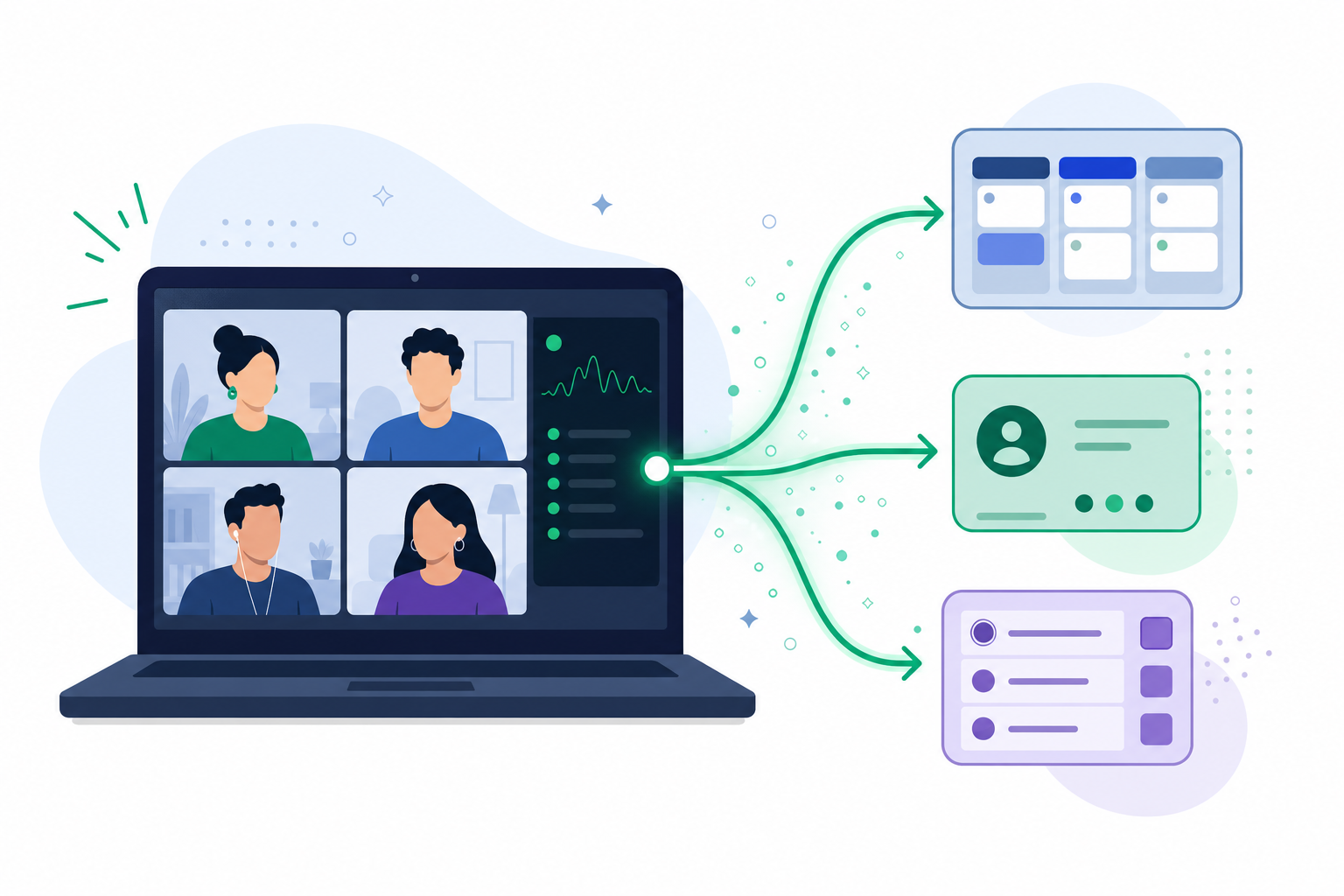
Spinach AI is deployed company-wide with a record-by-default policy, captures every live conversation across Zoom, Google Meet, Teams, Slack Huddles, and Webex, and routes structured outputs directly into the tools teams already use. SOC 2 Type II, GDPR, and HIPAA compliance, SAML SSO and SCIM provisioning on Enterprise, and an MCP server connecting meeting data to Claude and ChatGPT give organizations a governed, queryable system of record for every conversation. Teams can start free, with no credit card required, and scale to Enterprise without switching tools. See how that org-wide coverage compares to a sales-only deployment in Spinach AI vs Chorus. Get started at spinach.ai.
Final Thoughts on Choosing a Loom Alternative
Async video and live meeting intelligence are two different problems, and the tools on this list reflect that. Loom solves the first one well. For teams where decisions happen in real-time calls and need to land in Jira, Salesforce, or a queryable record somewhere, the gap is real and a recap link does not close it. Spinach AI is worth a look if that second problem is the one your org is actually trying to solve.
Loom’s architecture is built around async video messaging, so its meeting recap feature produces a summary and a video link but stops there. No structured extraction of decisions with named owners, no bi-directional ticket creation in Jira or Linear, and no auto-routing of action items into CRM or project management tools means live meetings produce no governed, actionable record.
Look for structured output routing (decisions, tickets, CRM updates), company-wide governance controls like SAML SSO, SCIM, and configurable retention per data type, and HIPAA compliance with a BAA if you operate in a compliance-sensitive industry. Tools that stop at a transcript or summary leave the organizational problem unsolved.
If live meetings are where your team’s decisions actually get made and you need those outputs routed automatically into Jira, Salesforce, or HubSpot with named owners attached, Loom’s per-user async video model was not designed for that problem. Spinach AI is deployed company-wide with a record-by-default policy, capturing every conversation across Zoom, Google Meet, Teams, Slack Huddles, and Webex and routing structured outputs directly into the tools your teams already use.
Spinach AI is SOC 2 Type II, GDPR, and HIPAA compliant, with a BAA available on Enterprise engagements and SAML SSO and SCIM provisioning for org-wide access control. Retention is configurable per data type: transcript, summary, and video can each be set separately from one week to indefinite on Enterprise. No other tool on this list has publicly documented equivalent HIPAA coverage.
Yes. Spinach AI offers a free Starter plan with unlimited recording and transcription across 100 languages, and a 14-day free trial on paid plans with no credit card required. Teams can start free at spinach.ai and scale to Enterprise without switching tools.
Yes, if the tool routes output natively into the PM tool you already run. Spinach AI links decisions and action items with named owners directly into Jira, Linear, and Asana at meeting end, so no separate ticketing layer is needed.
Loom’s recap is a summary paired with a video link, generated after a Zoom, Meet, or Teams session ends. A conversation record goes further by extracting structured decisions, named owners, and tickets that route into Jira, Salesforce, or other systems the team already works in.
Both capture live meetings directly, which Loom’s core product does not do natively. Otter caps Business-tier transcription at 6,000 minutes per month across 6 languages, and Fathom has no confirmed BAA for HIPAA engagements, so neither closes the governance gap that matters for regulated or multilingual organizations.
The Starter plan limits users to 25 recordings and a 5-minute screen recording cap because Loom’s free tier is built to showcase async video messaging, not to support org-wide meeting capture. Teams hitting that ceiling typically need to upgrade to Business at $18/user/month or look at a tool built for live meetings instead.
Keep Loom for async walkthroughs, demos, and feedback loops where one person records and others watch on their own time. Add a meeting intelligence tool when live calls are where decisions and action items actually get made, since Loom’s recap feature stops at a summary and video link.
A conversation intelligence tool with native CRM integration extracts decisions and action items during the call and syncs them to Salesforce fields automatically, rather than requiring someone to copy details from a recap after the fact. Spinach AI supports custom field mapping into Salesforce as part of its structured output routing.
SAML SSO and SCIM are available only on Loom’s Enterprise tier, with no equivalent on Starter or Business. There is also no configurable retention per data type, so organizations needing granular control over transcript, summary, and video retention separately will need to look elsewhere for that level of governance.
Loom AI supports 50+ languages as of October 2026, per Atlassian’s published pricing. Spinach AI supports 100 languages and is transcription-model agnostic, meaning it can route each language to the most accurate available model rather than locking into one vendor’s transcription engine.
Most tools specialize in one or the other: Loom is built for async video messaging, while tools like Spinach AI, Otter, and Fathom join live meetings directly. If your team needs both, expect to run Loom alongside a live-meeting tool rather than expecting one product to cover both use cases well.
A bi-directional integration links an existing ticket when a discussion maps to it and proposes a new ticket for newly scoped work, so your Jira board stays accurate without manual reconciliation. A one-way export just dumps a transcript or summary into a ticket field, leaving someone to figure out which existing ticket it relates to.
What you should do now
Now that you've read this article, here are some things you should do:
- You should check out our library of meeting agenda templates for every type of meeting.
- Check out Spinach to see how it can help you run a high performing org.
- If you found this article helpful, please share it with others on Linkedin or X (Twitter)

