How to Power ChatGPT Agents with Conversation Data Using Custom Connectors (August 2026 Guide)
Learn how custom MCP connectors close the context gap for ChatGPT agents in August 2026 by connecting them to governed meeting data and conversation records.
 Maintouch
Most teams deploying ChatGPT agents hit the same wall: the agent sounds confident but keeps missing context that your team actually discussed. The fix isn’t prompt engineering. It’s giving your agents access to conversation data through a custom MCP connector, and there’s a specific way to set that up.
TLDR:
- MCP custom connectors solve context starvation by giving ChatGPT agents a governed interface to query external data sources
- Conversation data (decisions, action items, cross-meeting context) is unreachable by ChatGPT agents without a dedicated connector
- Your MCP server must run as a public HTTPS endpoint with OAuth; local or private-network setups won’t work
- Prompt injection is the top LLM vulnerability (OWASP 2025); enforce RBAC and PII redaction at the data layer before deployment
- Spinach AI captures conversations across Zoom, Google Meet, Microsoft Teams, Slack Huddles, and Webex into a governed corpus your agents can query through a pre-built MCP server on Business and Enterprise plans
What Custom Connectors Are and Why They Matter for ChatGPT Agents
Custom connectors for ChatGPT agents are built on the Model Context Protocol (MCP), an open standard Anthropic created in November 2024 and OpenAI adopted in early 2025. Where a traditional API integration is purpose-built for one connection, MCP gives ChatGPT agents a uniform client-server interface for querying any external tool or data source that speaks the protocol. Understanding what an MCP server does is key to seeing why this architecture matters. As OpenAI’s documentation describes it, connectors and remote MCP servers give the model the ability to connect to and control external services when needed to respond to a user’s prompt.
The reason this matters for agents comes down to context starvation. An agent can only reason over what it can see. Without a structured way to pull in external data, it defaults to its training weights and whatever you paste into the prompt window. Custom connectors solve that at the source.
Framed correctly, MCP connectors are organizational infrastructure: the integration layer that determines which data your agents can actually reach, governed by your access controls, not by a developer writing one-off glue code every time a new source matters.
Why ChatGPT Agent Adoption Is Accelerating in 2026
ChatGPT statistics tracked by Panto show OpenAI reported ChatGPT workplace seats exceeding 7 million. Enterprise seat growth has accelerated sharply year over year, and Fortune 500 adoption reached broad saturation early (as of 2023, per OpenAI). What has grown since is depth of use.
The shift now is from experimentation to active deployment. Organizations have moved past asking whether ChatGPT agents belong at work. The question is whether those agents can do useful work, and the answer depends almost entirely on what data they can reach. Broad adoption with shallow context produces confident-sounding agents that get the wrong answer. Custom connectors exist to close that gap.
Conversation Data as ChatGPT Agents’ Context Blind Spot
Unstructured data already exceeds 90% of business data (Athento, 2025), and the densest pocket of that unstructured data sits in meetings: decisions made on Tuesday’s product call, action items assigned to specific engineers, strategic direction discussed across six leadership syncs.
Spinach AI is built to close that gap: it is the system of record for conversation data, an enterprise conversation intelligence platform deployed company-wide to capture, centralize, and manage every conversation the organization has, turning that corpus into a structured, AI-ready data asset your agents and people can query.
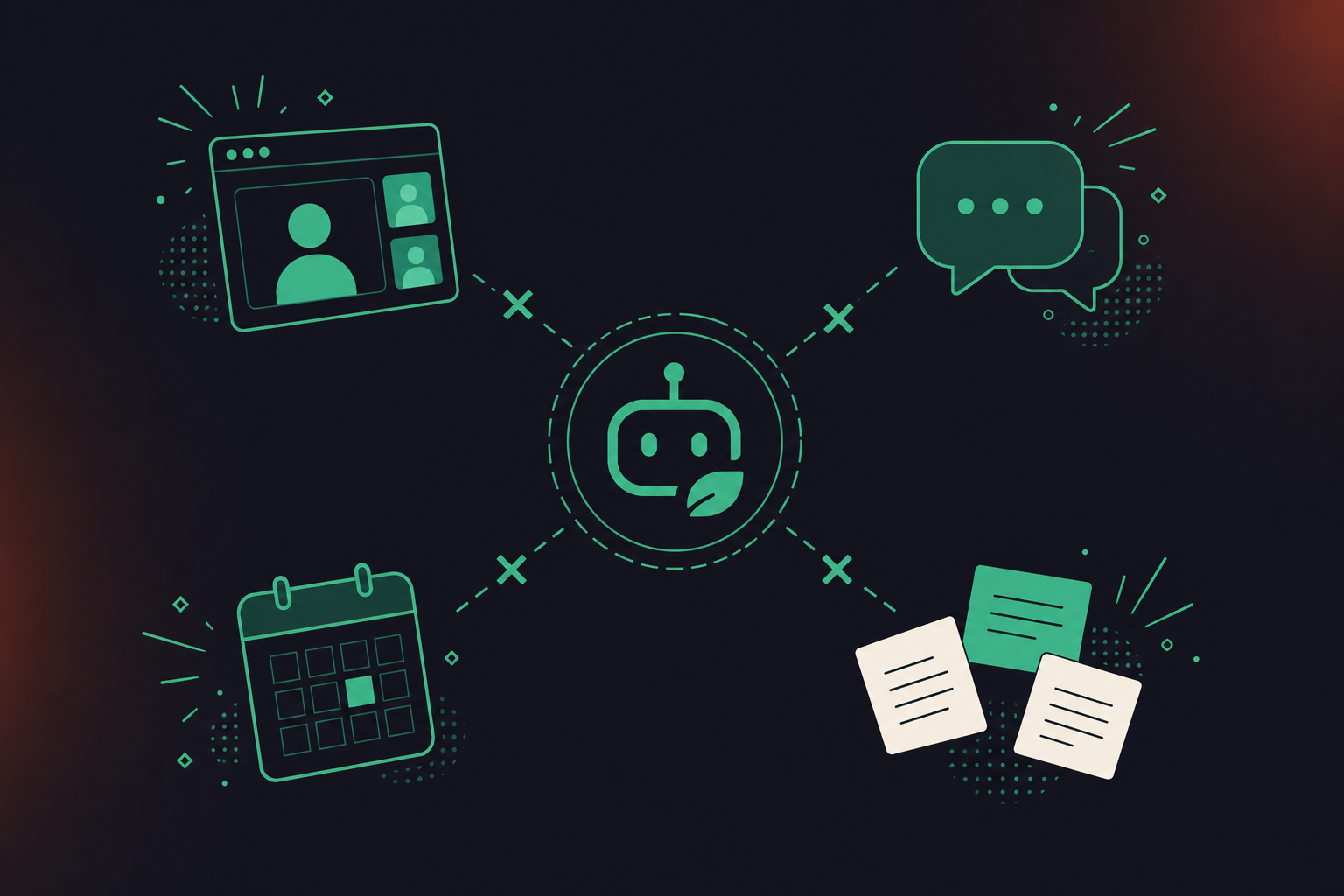
Where the data lives today
The table below shows the split clearly.
Data type | Where it typically lives | Available to ChatGPT agents without a connector |
|---|---|---|
Project decisions | Meeting recordings, individual notes | No |
Action items with owners | Spoken in meetings, sometimes emailed | No |
Cross-meeting context | Distributed per-user note tools | No |
CRM records | Salesforce, HubSpot | Yes, via existing connectors |
Documents and wikis | Confluence, Notion | Yes, via existing connectors |
How Custom Connectors Give ChatGPT Agents Access to Conversation Data
The MCP architecture is straightforward: your conversation data source runs as a remote server that exposes structured tools, and ChatGPT queries those tools mid-conversation when it needs information. Once connected, ChatGPT can search, read, and write to that server mid-conversation, so it stops starting every chat from zero.
The MCP server is the critical layer here. Raw meeting data, transcripts, summaries, and assigned action items do not arrive in a form agents can work with. The server converts that into named, callable tools: get_action_items, search_decisions, retrieve_meeting_context. ChatGPT calls those tools by name when a user’s prompt requires them. The upstream requirement is knowing how to automatically create action items from meeting transcripts before those records ever reach the server.
With that layer in place, a connected agent can:
- Pull every action item assigned during last week’s product sync, with named owners attached, the kind of retrieval that makes AI tools for remote teams genuinely useful instead of decorative
- Surface a pricing decision made in a customer call three months ago, without manual digging
- Find the discussion context behind a ticket that was scoped verbally but never documented in writing
- Retrieve cross-meeting context about a specific participant or project across multiple sessions
The gap that previously required a developer to write one-off extraction scripts collapses into a single tool call.
Setting Up a Custom Connector Server for Conversation Data
Building a conversation data MCP server is a developer task. As Coworker AI’s 2026 guide states directly: “The server must be remote: a public HTTPS endpoint speaking SSE or Streamable HTTP, with OAuth, no-auth, or mixed auth. ChatGPT cannot reach a server on a private network directly.”
The transport requirement alone rules out local or private-network setups for most teams. Beyond that, your server needs to expose callable tools that match the shape of your conversation data, or use ChatGPT agents with webhooks as an alternative delivery path:
search_meetingsby date range, participant, or keyword to give agents a queryable index of past discussionsget_action_itemsfiltered by assignee or meeting series so agents can surface ownership and status without manual lookupfetch_decision_contextfor a named topic or ticket reference, returning structured records instead of raw transcript blocks
Conversation data also needs pre-processing before it reaches those tools. Raw transcripts are not queryable. You need structured summaries, named participants mapped to consistent identifiers, and decisions extracted into discrete, retrievable records.
The ongoing maintenance cost is real. Tool definitions require manual updates whenever your server schema changes, and OAuth configuration is a prerequisite, not an afterthought. See also the architectural considerations covered in MCP server meeting notes for AI agents. The marketing framing is “connect your tools.” The actual scope is closer to deploying and vetting a governed integration that your security team will want to review.
Connecting Your Custom Connector Server to ChatGPT Agents
Once your MCP server is running, connecting it to ChatGPT follows a different path depending on your account type.
Individual users
- Open ChatGPT Settings, go to Apps, then Advanced settings
- Turn on Developer Mode
- Register your remote MCP server URL
- Complete the OAuth flow to authorize the connection
- Confirm tool exposure settings and test a prompt that calls your conversation data tools
Business and Enterprise admins
The flow runs through workspace controls, as Coworker AI’s 2026 guide describes: an admin activates custom MCP connectors in workspace settings, creates the app, tests it as a draft, then publishes it workspace-wide (as of March 2026, per Coworker AI). Enterprise admins get additional per-action controls and role-based access over which users see which connector, the same access model that governs Google Meet notes synced to HubSpot automatically. One constraint worth flagging: tool definitions freeze at approval time. Any server-side schema change requires a manual admin refresh before ChatGPT sees it.
To test the connection, run a prompt that should trigger one of your named tools and verify the returned data matches what your server exposes. If conversation data is coming back malformed or empty, check that your structured summaries and participant identifiers are resolving correctly before broader rollout.
Security Considerations for Conversation Data via Custom Connectors
Conversation data carries a different risk profile than a product wiki. It contains deal context, personnel discussions, regulatory exposure, and strategic decisions that were never meant to be broadly queryable. Connecting that data to a ChatGPT agent via MCP introduces specific attack surfaces worth naming plainly.
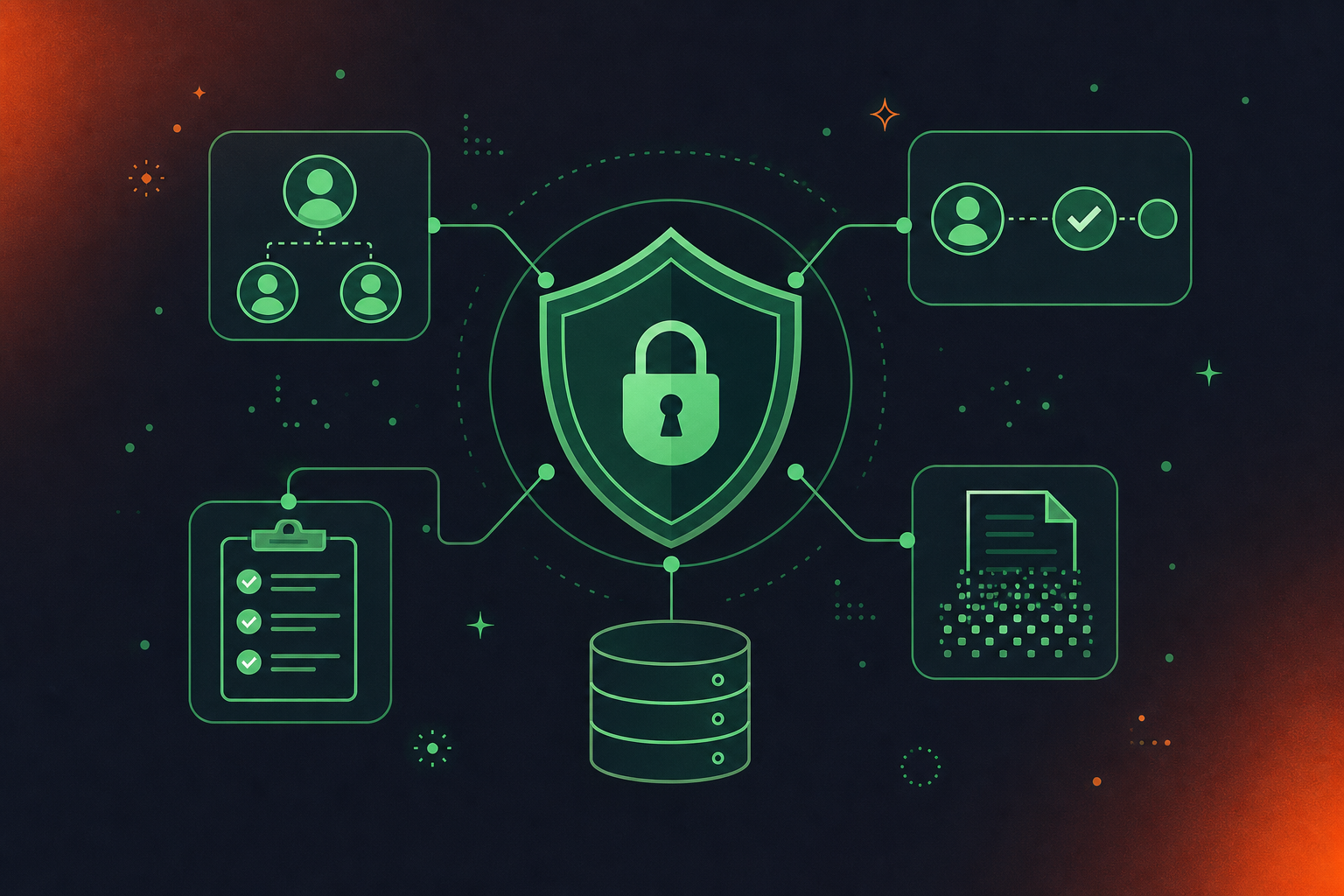
Prompt injection is ranked the number one vulnerability in the OWASP Top 10 for LLM Applications 2025, and it behaves differently in MCP environments than in a standard chatbot. A malicious input can steer an agent into calling tools it shouldn’t, including ones that return or forward sensitive meeting records. Veeam’s MCP security analysis identifies this pattern directly: prompt injection and context manipulation can push an agent toward unintended access or data exfiltration. Checkmarx documents the broader surface: tool poisoning, credential misuse, and unauthorized actions round out the real-world risk set.
Before deploying any MCP server against meeting data, work through these controls:
- RBAC scoped to meeting series, participant groups, or data type so agents only surface what a given user is permitted to see
- OAuth scoping that limits which tools a connector can call, beyond simply whether it can connect
- Per-action approval levels for sensitive tool calls, so a request for personnel discussion context triggers a human review step
- Compliance logging that captures which tool was called, by whom, and what was returned
- PII redaction at the data layer before structured records ever reach the MCP server
The governing questions are: Who can query which meetings, and is that enforced at the data layer or only at the UI? What happens to access when someone’s role changes? Is every tool call logged in a format your compliance team can audit?
Powering ChatGPT Agents with Meeting Intelligence Through Spinach
Building a conversation data MCP server from scratch requires pre-processing pipelines, schema maintenance, OAuth configuration, and governance controls your security team will want to audit before anything goes to production. Spinach AI handles that entire layer, and it does so as an organizational tool, not a per-user one.
Spinach AI is the enterprise conversation intelligence platform, the system of record for conversation data, deployed company-wide across Zoom, Google Meet, Microsoft Teams, Slack Huddles, and Webex. Where per-user meeting tools produce ungoverned silos, Spinach captures every conversation the organization has into a single governed corpus. That centralization supports integrations like pulling Google Meet transcripts into Codex without manual extraction. The output is already structured: decisions captured in context, action items with named owners, cross-meeting participant history, a full organizational corpus your ChatGPT agents can query through a pre-built MCP server available on Business and Enterprise plans. OAuth, admin approval, and user-based permission enforcement come included.
The governance controls that matter at enterprise scale are also built in: PII redaction at the transcript level, configurable retention per data type (transcript, summary, and video) from one week to indefinite on Enterprise and flat one-year on Business, SAML SSO, SCIM, compliance agents that classify and flag regulatory risk, and SOC 2 Type II, GDPR, and HIPAA compliance.
“eToro is reinventing itself as an AI-first culture, and Spinach AI is powering our transformation… it helps us make better decisions.” — Yoni Assia, Founder & CEO, eToro (NASDAQ: ETOR)
If your organization is deploying ChatGPT agents and conversation context is the gap, the practical next step is connecting Spinach’s pre-built MCP server instead of building one from scratch.
Final Thoughts on Bridging the Gap Between ChatGPT Agents and Conversation Data
Your agents are only as useful as what they can see, and right now most of your richest organizational context sits in meetings they can’t query. The MCP architecture that makes this possible is solid, but the work of structuring, governing, and exposing that conversation data is where most teams hit friction. If you want your ChatGPT agents pulling real meeting context without standing up the infrastructure yourself, Spinach AI’s pre-built MCP server is the faster path.
MCP is an open standard that gives ChatGPT agents a uniform client-server interface for querying external data sources, removing the need for custom glue code for each connection. Your conversation data source runs as a remote server exposing named, callable tools like `get_action_items` or `search_decisions`, and ChatGPT calls those tools mid-conversation when a user’s prompt requires them.
Spinach AI’s MCP server comes pre-built on Business and Enterprise plans, with OAuth, admin approval, and user-based permission enforcement already included. Building from scratch requires pre-processing pipelines to convert raw transcripts into structured records, schema maintenance, and OAuth configuration, all of which your security team will want to audit before production deployment.
Yes, if your conversation data is already centralized and structured by a platform like Spinach. The constraint is that raw meeting transcripts are not directly queryable; they require pre-processing into named, retrievable records before an MCP server can expose them as callable tools to ChatGPT.
Prompt injection behaves differently in MCP environments than in a standard chatbot: a malicious input can steer an agent into calling tools it should not, including ones that return or forward sensitive meeting records. Controls that matter include RBAC scoped to meeting series or participant groups, OAuth scoping that limits which tools a connector can call, per-action approval levels for sensitive tool calls, and compliance logging that captures which tool was called and what was returned.
Building your own server makes sense if your conversation data already lives in a structured, governed repository with consistent participant identifiers and a defined schema; the MCP server layer is then relatively contained. For most enterprise teams, the harder problem is everything upstream: pre-processing pipelines, PII redaction, configurable retention per data type, SAML SSO, SCIM provisioning, and compliance logging. Spinach handles that entire layer, so the MCP connector arrives with governance controls already in place, not as a prerequisite your security team still needs to review.
Once connected, ChatGPT agents can retrieve action items with named owners, decisions made in specific meetings, cross-meeting context for a participant or project, and ticket-scoped discussion that was never written down. The key is that your conversation data source must have already converted raw transcripts into structured, named records before the MCP server exposes them as callable tools.
Raw transcripts are unstructured text blocks with no consistent participant identifiers, no extracted decisions, and no queryable schema — an agent calling a tool that returns a wall of transcript text cannot reliably reason over it. The MCP server layer converts that raw output into named, callable tools like `search_decisions` or `get_action_items` that return discrete, structured records the agent can work with.
Context starvation means an agent can only reason over what it can see — and without a structured path to external data, it defaults to its training weights and whatever is pasted into the prompt. Custom MCP connectors fix this by giving the agent a governed interface to query your conversation data at the moment a user’s prompt requires it, so the agent stops answering from a vacuum.
Your MCP server must run as a public HTTPS endpoint using SSE or Streamable HTTP transport, with OAuth configured before deployment — ChatGPT cannot reach a server on a private network. Beyond transport, the server must expose named, callable tools shaped to your conversation data, and those tools must return structured records, not raw transcript blocks.
RBAC should be enforced at the data layer, not just at the UI, so that an agent only surfaces meeting records a given user is already permitted to see. This means scoping access by meeting series, participant group, or data type before records ever reach the MCP server — if someone’s role changes, their query permissions update at the source rather than requiring a connector reconfiguration.
Webhooks push structured meeting data to a destination when a trigger fires — useful for one-way delivery into a workflow or downstream system. An MCP connector gives a ChatGPT agent an active, on-demand interface to query conversation data mid-conversation, so the agent pulls the specific context it needs in response to a user’s prompt rather than receiving a pre-determined payload.
The MCP server is included on Business and Enterprise plans. Business is priced at $29 per user per month (or $19 per user per month billed annually) and includes the MCP connector along with OAuth, admin approval, and user-based permission enforcement. The Pro plan does not include MCP; API and webhooks are available on Enterprise only.
PII redaction happens at the transcript level before structured records are built — Spinach removes personal identifiers including structured data like payment card and national ID numbers from the transcript itself, so agents querying through the MCP connector receive records that have already been cleaned at the source. This keeps sensitive personal data out of the query surface without requiring a separate redaction step in your pipeline.
Documents and wikis like Confluence and Notion have existing connectors that work well for structured written content, but they do not capture what was actually discussed, decided, or assigned in meetings. For agents that need both, the practical approach is running your document connectors alongside a dedicated conversation data connector — the two sources cover different parts of your organizational knowledge, and neither substitutes for the other.
An admin activates custom MCP connectors in workspace settings, creates and tests the connector as a draft, then publishes it across the workspace — Enterprise admins get additional per-action controls and role-based access over which users see which connector. The key constraint is that tool definitions freeze at approval time, so any server-side schema change requires a manual admin refresh before ChatGPT recognizes the updated tool definitions.
What you should do now
You made it to the end of this article! Here are some things you can do now:
- You should check out our library of meeting agenda templates for every type of meeting.
- You should try Spinach to see how it can help you run a high performing org.
- If you found this article helpful, please share it with others on Linkedin or X (Twitter)

