Leadership and Board AI Meeting Tools (September 2026)
AI meeting tools for executive teams require governed capture and audit trails. See what to look for before approving any tool in September 2026.
 Maintouch
Eighty-two percent of public company directors have used AI in their board work in the past six months, but more than half say no guidance is in place for how they use it. That’s a lot of sensitive materials moving through personal tools with no policy behind them. If your leadership team is trying to figure out which AI meeting tools are actually built for the stakes involved at the executive level, this breakdown covers what to look for and where the gaps tend to show up.
TLDR:
- Only 6% of boards have a formal AI policy specific to the board itself, even as 82% of directors are already using AI in their board work (Corporate Board Member and Diligent Institute, June 2026)
- Generic AI notetakers produce transcripts; governed capture produces structured decisions with named owners and a defensible audit trail
- Before approving any AI tool for board use, confirm zero data retention with model providers, per-data-type retention controls, and org-level access enforcement
- Spinach AI joins meetings across Zoom, Google Meet, Microsoft Teams, Slack Huddles, and Webex, delivers structured output when the meeting ends, and routes action items into Jira, Asana, HubSpot, Salesforce, and Slack with no separate triage step required
What Makes AI Meeting Tools Different for Leadership and Boards
The stakes in leadership and board contexts are categorically different from a typical team standup. Decisions carry fiduciary weight, deliberations are often legally privileged, and the audit trail matters as much as the outcome itself.
A consumer AI notetaker built for one person’s productivity has no policy controls, no governed retention, and no path to connect what was decided to the systems that need to act on it. That gap is exactly where generic tools break down for executive teams, and it is why enterprise conversation intelligence, the category Spinach is built for, requires a different standard.
Why Leaders Lose More to Meetings Than Most Realize
The real cost compounds fast in executive meetings, and 71% of senior managers say meetings are unproductive and inefficient (Harvard Business Review, cited via Ambitionsaba).
The real cost at the leadership level is less about the meeting itself and more about everything after it: who chases the follow-ups, who reconstructs what was decided and why, and who re-enters that context into the tools the broader organization actually runs on. That overhead falls on the people whose judgment is most expensive to waste.
How Boards Are Already Using AI (and Where the Gaps Are)
June 2026 board director survey by Corporate Board Member and Diligent Institute found that 82% have used AI in their board work in the past six months, up from 66% in September 2025. The actual use cases: summarizing board books, preparing for committee discussions, benchmarking peers. Useful work, but largely individual and ungoverned.
The gap is structural. The same survey found 54% of directors report no guidance for their AI use is in place, and only 6% report a formal policy specific to the board. Directors are running sensitive materials through personal AI tools with no retention policy, no access controls, and no organizational record of what was shared or with whom. That’s the difference between AI adoption and governed AI deployment.
Four Categories of AI Tools That Serve Executive Meetings
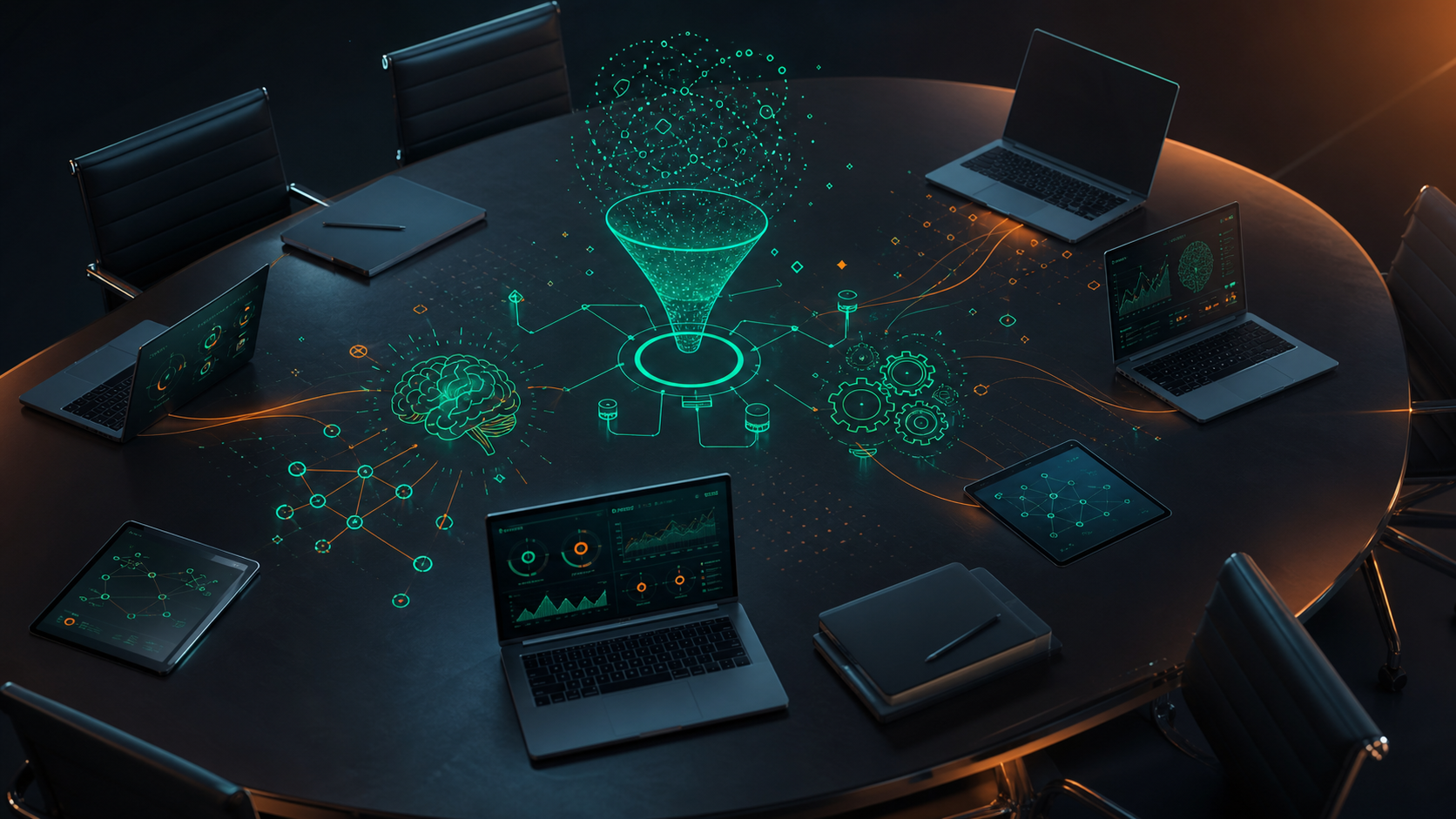
Leadership teams don’t have one management meeting problem. They have four, and different tools solve different ones.
- Capture and documentation tools record what was said, decided, and assigned during the meeting itself.
- Agenda and preparation tools organize materials, board books, and pre-read content before anyone joins the call.
- Follow-up and action tracking tools route decisions into the systems that execute on them.
- Board governance and compliance tools manage resolutions, minutes, approval workflows, and the audit trail.
No single product covers all four well. A C-suite operating cadence needs strong capture and action routing. A formal board needs governance infrastructure and a defensible record. An operating committee usually needs both. The right starting point is knowing which gap is actually costing you the most.
AI for Board Meeting Preparation and Materials
Board books can run hundreds of pages, and assembling, summarizing, and distributing them securely consumes weeks of corporate secretary and general counsel time every quarter.
AI tools are reducing that overhead, but the security considerations are real. Board materials frequently contain privileged legal analysis, M&A deliberations, and nonpublic financial data. Running those documents through a personal AI tool with no enterprise data retention policy is the kind of exposure most general counsels would flag immediately.
Before choosing any preparation tool, these are the questions worth asking:
- Does the vendor have zero data retention with its model providers?
- Are materials encrypted in transit and at rest, with access logging?
- Can you set retention or deletion rules for uploaded documents?
- Is there an audit trail showing who accessed what and when?
Tools built for board governance, like Diligent, are purpose-built for this layer. General AI assistants can help individual directors summarize pre-reads, but they rarely satisfy the access-control and retention requirements a public company’s legal team will impose.
Capturing and Documenting Leadership Meetings
A raw transcript of a board session is not a board record. What leadership teams actually need from capture is structured output: decisions with named owners, action items assigned to specific people, and resolutions documented in a form the corporate secretary can work with.
Generic notetakers produce transcripts. Governed capture produces structured knowledge that routes into the systems and workflows that act on it. A few practical considerations for executive meeting capture:
- The bot must always be visible. Enterprise meeting recording security and compliance requirements mean covert recording creates legal exposure, particularly in multiparty-consent states.
- Access controls matter. Who can view the record after the meeting should be a policy decision, not an accident of default sharing settings.
- Retention should be configurable per data type, from aggressive deletion to multi-year records for regulatory or litigation purposes.
- Confidentiality settings should be enforceable at the org level, not left to individual meeting hosts.
Spinach joins meetings across Zoom, Google Meet, Microsoft Teams, Slack Huddles, and Webex, captures during the meeting, and delivers structured output when it ends. On Enterprise, retention is configurable per data type, the bot can be rebranded with custom notification text, and access scope is enforced org-wide.
Meeting Minutes, Resolutions, and the Audit Trail
Board minutes aren’t notes. They’re legal documents, and the standard for what makes them defensible is higher than most teams appreciate until something goes wrong.
AI can draft structured minutes from a meeting transcript, pulling resolutions, votes, attendees, and key deliberations, much like a meeting notes action items template, into a form the corporate secretary can review and finalize. That drafting step cuts hours of manual work per cycle. The human review and sign-off step still exists, and it should: AI-drafted minutes require approval before they become the official record.
Regulators and litigators want to know who was present, what was disclosed, what was decided, and when the record was finalized. A governed capture system that logs access, enforces retention, and produces a timestamped record is materially more defensible than a personal note taker export emailed around after the fact.
Spinach captures meeting content with access logging and audit reporting at the Enterprise tier. On Enterprise, retention is configurable per data type, so transcript and summary records can be held to whatever schedule legal requires.
Action Tracking and Follow-Through After Leadership Meetings
Having a documented decision is not the same as having a system that acts on it.
The gap between “we discussed this” and “someone did this” is where most executive follow-through breaks down. AI tools that integrate downstream into project management, CRM, and knowledge systems close that loop by routing decisions and action items when the meeting ends, with no separate triage step required. Spinach captures during the meeting and, when it ends, routes decisions and action items with named owners directly into Jira, Linear, Asana, Monday.com, ClickUp, HubSpot, Salesforce, Confluence, Notion, and Slack automatically.
For leadership teams, the accountability layer matters as much as the capture layer. Knowing whether the owner of an action has moved on it, inside a system the organization already runs on, is what actually drives execution.
Security, Confidentiality, and Compliance for Executive AI Tools
General counsels and CISOs ask the same questions before any AI tool touches a board session: whether customer data trains AI models, whether SOC 2 Type II, GDPR, and HIPAA certifications are in place, and whether retention can be configured differently for transcript versus video. These are core requirements for a conversation data system of record. For industries under strict oversight, discovery exposure is the real concern. A tool with no configurable retention and no audit log is a liability.
Spinach is SOC 2 Type II, GDPR, and HIPAA compliant. No customer data trains AI models, and zero data retention terms apply with all LLM providers. The bot is always visible. On Enterprise, retention is configurable per data type, PII is redacted at the transcript level, an admin dashboard with audit logging covers access reporting, and a BAA is available for HIPAA engagements.
How to Assess and Choose the Right Tool for Your Leadership Team
The right question isn’t “which AI meeting tool has the best summaries.” It’s “which tool is deployable across the organization without creating a compliance problem or a governance gap.”
A practical shortlist framework for CIOs, legal leads, and chiefs of staff:
Evaluation Criterion | What to Ask | Why It Matters at Scale |
|---|---|---|
Organizational vs. individual deployment | Does the tool enforce company-wide settings, or does every user configure their own instance? | Shadow IT and uncontrolled sharing appear when policy is left to individual users. |
Cross-platform coverage | Does it work across Zoom, Teams, Meet, Webex, and Slack Huddles? | Executives use different platforms; a single-platform tool creates gaps in the organizational record. |
Integration depth | Does it route output into your actual systems (CRM, project management, Slack), or produce a document someone re-enters by hand? | Manual re-entry breaks the accountability loop between decision and execution. |
Security certifications | Is SOC 2 Type II, GDPR, and HIPAA certification current? Is there zero data retention with model providers and configurable retention per data type? | Tools that fail here surface the problem during legal review, not before it. |
Admin controls | Can org-level settings override individual user preferences on sharing, retention, and bot visibility? | Policy enforcement requires org-level override, since host-level settings are insufficient for governed deployment. |
Total cost at scope | What does per-user pricing look like across 500 employees, and not merely five executives? | A price that looks reasonable for a leadership team compounds quickly once the organization standardizes. |
Tools that pass on summaries but fail on admin controls and retention configuration tend to surface during legal review, not before it. Build the security and governance questions into the first round of evaluation.
What Organizational Deployment Looks Like for Leadership and Board Meeting Data
Spinach is the system of record for conversation data, built for the organizational deployment model leadership teams actually need, and it avoids individual notetaking that produces a different tool per team.
Founder Mode gives executives and founders org-wide read-only access to meeting records across the organization, auto-applied to new users. Compliance agents on Enterprise classify and flag regulatory and policy risk for human review. Structured output routes automatically into Jira, Linear, Asana, Monday.com, ClickUp, Salesforce, HubSpot, Confluence, Notion, Google Docs, and Slack when the meeting ends, with no manual re-entry step.
The governance controls hold up under legal scrutiny: SOC 2 Type II, GDPR, and HIPAA compliant, with a BAA available on Enterprise engagements. No customer data trains AI models. Zero data retention applies with all LLM providers. PII is redacted at the transcript level. Retention is configurable per data type on Enterprise, from one week to indefinite.
Pricing starts free on Starter, $2.90 per meeting hour on Pro, and $29 per user per month on Business ($19 billed annually). Enterprise is custom pricing.
Final Thoughts on Choosing an AI Meeting Tool for Your Leadership Team
The difference between an AI meeting tool that works for one executive and one that works for your entire organization is almost entirely in the governance layer. Good summaries are table stakes. What actually matters is whether your tool has configurable retention, enforces access controls at the org level, and produces a record your legal team can stand behind. Start with the gap that’s costing your leadership team the most right now, and build the security questions into your first round of evaluation. Spinach is built for exactly this kind of organizational deployment.
Spinach AI is built for company-wide deployment with the admin controls, security certifications, and governance infrastructure CIOs actually need: SOC 2 Type II, GDPR, and HIPAA compliant, with SAML SSO, SCIM provisioning, org-enforced settings, configurable retention per data type, and compliance agents that classify and flag regulatory risk for human review. Individual tools like Otter.ai or Fireflies solve one person’s problem but produce shadow IT, uncontrolled sharing, and no organizational record when deployed across a company. The right assessment starts with admin controls and retention configuration, not summary quality; tools that pass on summaries but fail on governance tend to surface the problem during legal review.
Spinach AI keeps the bot always visible, supports org-level bot renaming with custom legal-approved in-meeting notification text, and on Enterprise gives your legal team configurable retention per data type. Transcript, summary, and video can each be set separately, from one week to indefinite. No customer data trains AI models, zero data retention terms apply with all LLM providers, and PII is redacted at the transcript level. An admin dashboard with audit logging covers access reporting, and a BAA is available for HIPAA engagements.
As of July 2026, Zoom AI Companion delivers individual productivity features such as notes, action items, and summaries, and does this well for a single user on a single platform. The architectural gap is that it is not an organizational system of record: querying all of a company’s conversation data with Claude or ChatGPT on a native Zoom stack requires either building a centralization layer on their API or asking every employee to share every meeting manually. Spinach captures across Zoom, Google Meet, Microsoft Teams, Slack Huddles, and Webex, enforces policy org-wide, and routes structured output such as decisions and action items with named owners directly into Jira, Salesforce, HubSpot, Confluence, and Slack when the meeting ends.
Spinach captures during the meeting, then routes decisions and action items with named owners into Jira, Linear, Asana, HubSpot, Salesforce, and Slack when the meeting ends, with no separate triage step. For Salesforce, custom field mapping is supported; for Jira and Linear, Spinach links existing tickets when a discussion maps to one and proposes new tickets for newly scoped work. This is available on Business and Enterprise plans.
The five questions that surface in most enterprise legal reviews: Does the vendor have zero data retention with its LLM providers? Is SOC 2 Type II, GDPR, and HIPAA certification current and auditable? Can retention be configured separately per data type, covering transcript, summary, and video, to match your deletion schedule? Is the bot always visible, with org-level control over notification text and sharing scope? Is there an admin dashboard with audit logging that produces a timestamped access record? A tool that can’t answer all five in writing will stall in legal review, so build these into the first assessment round, not after a pilot.
Deploy an enterprise AI meeting tool that captures during the session and delivers structured output — decisions, named owners, attendees, and resolutions — the moment the meeting ends, giving your corporate secretary a draft to review and finalize rather than a raw transcript to reconstruct. Spinach captures across Zoom, Google Meet, Microsoft Teams, Slack Huddles, and Webex, and on Enterprise, the bot can be rebranded with custom legal-approved notification text so the record meets your disclosure requirements. The human review and sign-off step stays in place; the drafting overhead disappears.
Yes, provided the tool keeps the recording bot always visible and never captures covertly — that’s the baseline requirement in multiparty-consent states. Spinach’s bot is always visible, can be renamed and rebranded at the org level, supports custom legal-approved in-meeting notification text, and can be admitted from the Zoom waiting room only after verbal consent is given. If a specific external participant’s organization prohibits recording, Spinach provides written material you can forward, and the bot can be excluded for that meeting.
They solve different layers of the same problem, and most leadership teams need both. Dedicated board governance tools like Diligent are built for the document and approval layer: assembling board books, managing resolutions, and running formal approval workflows. Spinach handles the conversation layer: capturing what happens in the actual meeting, producing structured decisions and action items with named owners, and routing those outputs into Jira, Salesforce, Slack, and the other systems your organization runs on. The right setup depends on which gap is costing your team the most right now.
The answer is organizational deployment, not individual adoption — which means choosing a tool that lets admins set and enforce policy at the org level rather than leaving configuration to each user. Spinach on Enterprise supports SAML SSO and SCIM provisioning, org-enforced sharing scope, custom bot branding, and configurable retention per data type, so every meeting across the organization operates under the same governed settings from day one. Individual note-taker sprawl — where each team runs Otter, Fireflies, or Fathom separately — produces uncontrolled sharing, shadow IT, and no organizational record.
Founder Mode is a Spinach feature that gives founders and executives org-wide read-only access to meeting records across the entire organization, auto-applied to new users as they’re added. It’s designed for CEOs, founders, and senior leaders who need visibility into decisions, blockers, and progress across teams without requiring manual sharing or individual meeting invitations. If your leadership team is struggling to surface what’s actually happening across the organization between board meetings, Founder Mode is the practical starting point.
A raw transcript is an unstructured text file of what was said — it has no access controls, no retention policy, and no path into the systems that need to act on it. Governed conversation data means decisions are extracted with named owners, resolutions are documented in a form legal can work with, access is controlled at the org level, retention is configurable per data type, and there’s an audit log showing who accessed what and when. The difference matters most when a regulator, auditor, or litigator asks for the record — a governed system produces a defensible response; a shared transcript export does not.
At the Enterprise tier, Spinach redacts PII at the transcript level, including structured identifiers such as payment card and national ID numbers, so sensitive data doesn’t persist in the meeting record beyond what your retention policy requires. This is transcript-level redaction — it does not excise audio or video segments from a recording. For organizations in regulated industries, this capability pairs with configurable per-data-type retention and an admin dashboard with audit logging to give legal and compliance teams the controls they need.
The Business plan at $29 per user per month (or $19 billed annually) covers unlimited meetings, advanced AI summaries, Ask Spinach, CRM integrations including Salesforce and HubSpot, project management integrations including Jira and Asana, and MCP for Claude and ChatGPT connectivity. It also includes one-year flat retention. If your team needs configurable per-data-type retention, SAML SSO, SCIM, compliance agents, API and webhooks, or a BAA for HIPAA engagements, those require the Enterprise tier at custom pricing.
Before the meeting, an enterprise AI meeting tool doesn’t typically handle board book assembly — that’s a separate governance layer. During the meeting, it joins the call across whichever platform the board uses, captures audio, video, transcript, screen share, and in-meeting chat, and keeps the bot visible with org-approved notification text. After the meeting ends, it delivers structured output: decisions with named owners, action items, and a summary, then routes those automatically into Jira, Salesforce, HubSpot, Confluence, Notion, or Slack with no manual re-entry step.
Yes — Spinach offers a 14-day free trial with no credit card required, and you can sign up via Google or Microsoft. The Starter plan is also permanently free and includes unlimited recording and transcription across 100 languages, basic AI summaries, and Google/Microsoft Calendar plus Slack integration with seven-day recording retention. Advanced features like CRM and project management integrations, Ask Spinach, and MCP require the Pro or Business plan, while Enterprise governance controls — SAML SSO, compliance agents, configurable per-data-type retention, and a BAA — require the Enterprise tier.
What to do next
You made it to the end of this article! Here are some things you can do now:
- If communication is a challenge for your team, you should check out our library of meeting agenda templates.
- Learn more about Spinach and how it can help you run a high performing org.
- If you found this article helpful, please share it with others on Linkedin or X (Twitter)

