How to Connect Claude Cowork to Microsoft Teams Transcripts | April 2026
Learn how to connect Claude Cowork to Microsoft Teams transcripts in April 2026. Access meeting data, decisions, and context for AI-powered workflows.
 Maintouch
Your Microsoft Teams calls are packed with decisions, commitments, and context that never make it into a document. Right now, Claude Cowork can’t see any of it. Connecting Cowork to your Microsoft Teams transcripts via Spinach changes that instantly: your AI agent stops working blind and starts acting on what your team actually said.
TLDR:
- Claude Cowork needs Microsoft Teams transcripts to access critical conversation data that never makes it into documents
- Spinach captures Teams meetings and exposes them through an MCP server that Claude Cowork can query on demand
- Your AI agent can draft follow-ups, update tickets, and prep briefs using actual decisions from past calls
- Spinach is SOC 2, GDPR, and HIPAA compliant with zero data retention and no customer data used for model training
Why Microsoft Teams Transcripts Are a Critical Input for Claude Cowork
Claude Cowork is Anthropic’s agentic AI system for knowledge work. It runs on desktop, connects to local files and applications, and completes multi-step tasks from start to finish without you needing to supervise each step. Describe an outcome, and Cowork figures out how to get there.
Without access to meeting conversation data, though, it’s working with incomplete information. Microsoft Teams hosts millions of business conversations every day, each packed with decisions, commitments, and direction that never make it into a doc. That context lives in a transcript, not a file.
So when Claude Cowork goes to draft a follow-up, update a ticket, or prep a brief, it’s missing the most important inputs your team actually produced. You end up manually copying notes from calls into documents just to give your AI agent the context it needs, which defeats the purpose entirely. Feeding structured transcript data directly into that workflow closes this gap.
What Connecting Claude Cowork to Microsoft Teams Transcripts Actually Unlocks
Once Claude Cowork can query your Microsoft Teams transcript history, the outputs shift from generic to genuinely useful. Before a client call, Cowork pulls every past conversation with those same participants, surfaces unresolved commitments, and hands you a briefing in seconds. No digging through notes or searching old threads.
For product and engineering teams, the change is concrete. Decisions made verbally across sprint planning calls feed directly into PRD drafts or ticket updates without anyone manually transcribing them. Cowork cross-references what was said in meetings against current project files and writes documentation that actually matches what the team agreed to.
Sales teams see a similar lift. Cowork can scan dozens of past calls to surface recurring objections, common feature requests, or deal risks your reps keep encountering. That level of conversation intelligence used to require a dedicated analyst. Now it’s a prompt away.
The core shift is that meeting summaries stop being static documents and start acting as live inputs. Cowork reads your conversations alongside your files, and that combination is what makes its outputs actually reflect how your organization thinks and decides.
How Spinach Bridges Microsoft Teams and Claude Cowork
Claude Cowork pulls context through MCP connectors and file access, but it needs a structured data layer to make Microsoft Teams transcripts actually queryable. Spinach fills that role.
When Spinach joins a Teams meeting through its Microsoft Teams integration, it captures the full conversation, attributes statements to specific speakers, and flags decisions and action items. That output gets organized into a persistent, searchable transcript repository across your entire organization, including every call beyond your own.
The MCP Connection
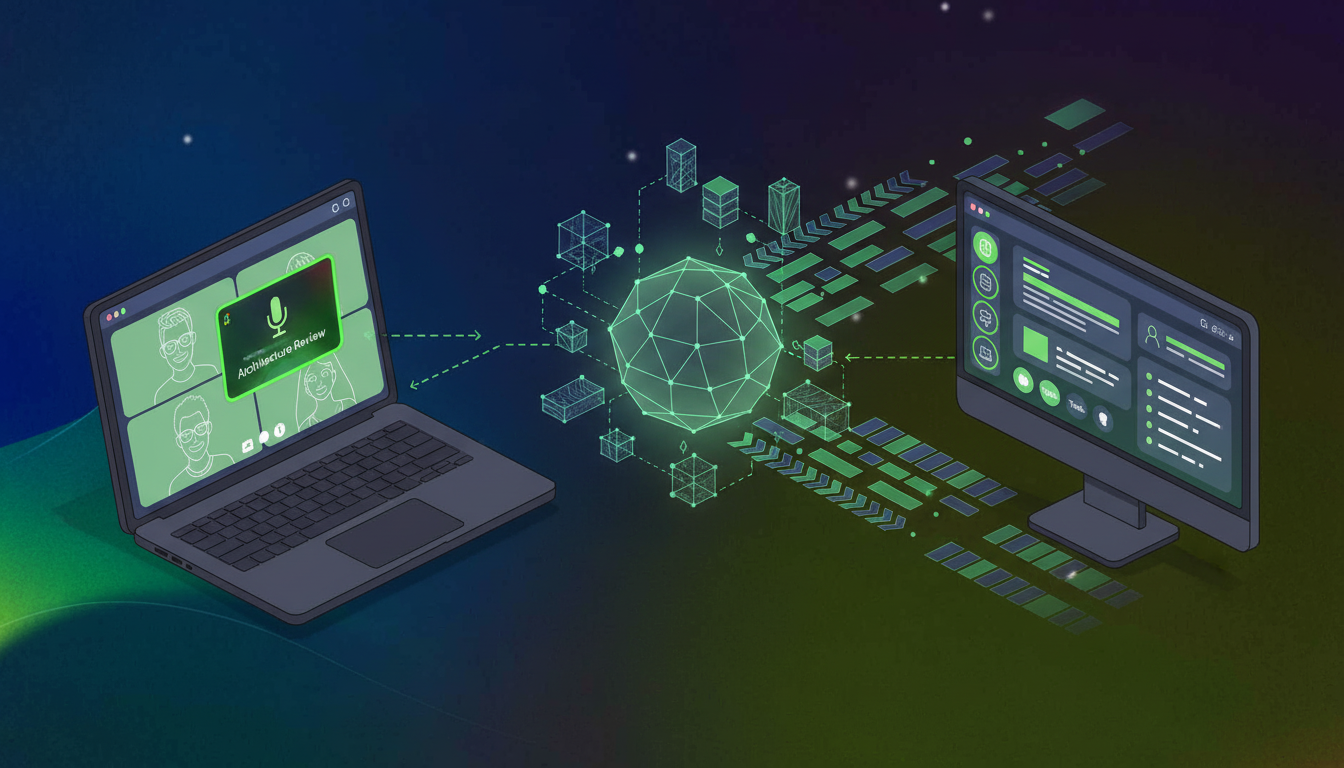
MCP is an open-source standard for connecting AI applications to external systems, including data sources like local files and databases, so AI can access key information and complete tasks. Spinach exposes your meeting data through an MCP server for meeting notes that Claude Cowork queries on demand.
Through the Spinach and Claude integration, Cowork can reference specific calls when drafting documents, check past commitments before a follow-up, or synthesize patterns across an entire meeting series. Every Teams conversation Spinach captures becomes part of a persistent, org-wide context layer that travels with Cowork across sessions.
Governance and Security When Sharing Microsoft Teams Data with Claude Cowork
Agentic AI carries different risks than a chatbot. Claude Cowork acts autonomously across files, apps, and data, which means what it can access matters as much as what it can do. Anthropic itself notes Cowork is not recommended for compliance-sensitive workloads in its default configuration, so the security posture of any data source you connect carries real weight.
Microsoft Teams transcripts often contain exactly the conversations that need the most protection: executive strategy discussions, customer calls, board-level decisions. Feeding that content into an AI agent without enforceable access controls is not something procurement teams at enterprise organizations will approve.
Compliance Certifications and Data Handling
There are tools built with these constraints in mind. Look for SOC 2, GDPR, and HIPAA compliance with zero data retention when using AI providers, and confirm no customer data is used for model training. Transcripts processed for Claude Cowork access should stay under your control, with configurable retention periods and options for single-tenant KMS deployments.
For organizations operating under stricter requirements, go further with access policies that mirror your existing org permissions, audit trails, and dedicated compliance agents that flag high-risk conversations for review before they propagate anywhere.
Which Teams Benefit Most from Claude Cowork Having Microsoft Teams Context
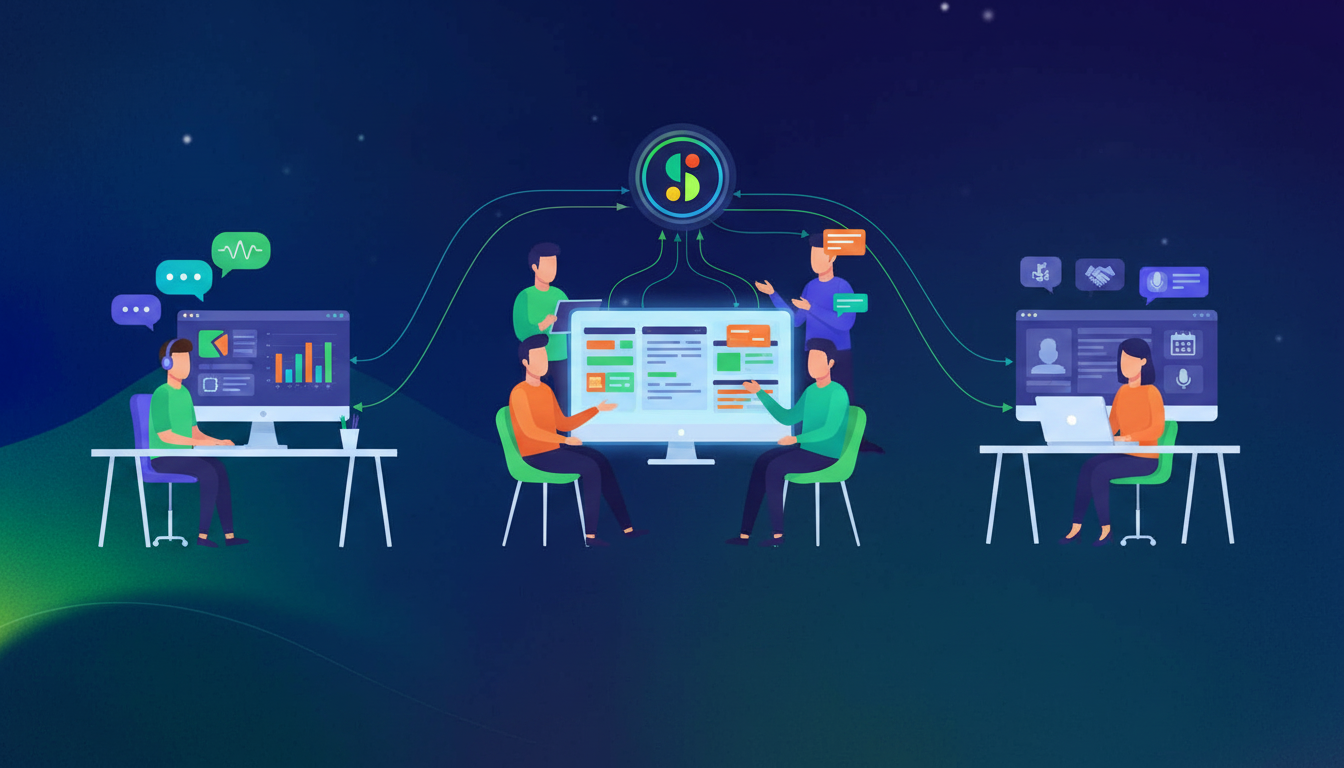
Every team gets a different output from Claude Cowork, but the underlying mechanism stays the same: conversation data that used to sit idle becomes queryable context your AI agent can act on.
Here’s where the impact is most direct.
Sales
When Cowork has access to call transcripts, it generates CRM updates and follow-up emails that reference what the customer actually said. Objections, commitments, pricing discussions surface automatically from the transcript and land in the right fields.
Product and Engineering
Scattered feature requests across dozens of customer calls get synthesized into a single structured input. Cowork queries those conversations and drafts requirements documents or updates existing tickets with context pulled straight from sprint planning discussions.
HR and Recruiting
Instead of scrubbing through hour-long interview recordings, HR teams query transcript history and get structured candidate assessments with specific evidence attached. For performance reviews, Cowork pulls relevant conversations across review periods and compiles summaries that would otherwise take hours to write manually.
What to Look for in a Microsoft Teams Transcript Layer for Claude Cowork Integrations
Not every transcript tool is built to serve an AI agent. When the output feeds Claude Cowork, the architecture of that layer shapes everything downstream.
Evaluation Criteria | Enterprise-Grade Approach | Siloed Approach |
|---|---|---|
Data Architecture | Org-wide centralized repository | Per-user or per-department storage |
Integration Model | Open APIs, MCP, webhooks | Closed or UI-only access |
Governance | Centralized policy enforcement | Individual user consent required |
Functional Coverage | All meeting types and teams | Single vertical or use case |
Deployment Control | IT-managed rollout | Shadow IT adoption |
A fragmented meeting data architecture limits what Cowork can reason across. For sales teams using HubSpot, the ability to sync meeting action items to HubSpot keeps CRM data current. An enterprise meeting intelligence layer built for org-wide capture, open integration, and IT-governed deployment gives your AI agent the full picture it needs to act on.
You need a structured transcript layer to make Teams conversations queryable by Claude Cowork. While Claude Cowork itself runs on your desktop, feeding it Teams meeting data requires a capture system with org-wide deployment and MCP integration—like Spinach—which IT typically manages for governance and security.
Without Teams transcripts, Claude Cowork works from files alone and misses the verbal decisions and commitments from your meetings. With Teams access through a structured transcript layer, Cowork drafts briefs, updates tickets, and preps follow-ups using the actual conversations your team had—turning meeting context into live inputs instead of static notes.
Spinach captures your Teams meetings, structures them into searchable transcripts, and exposes that data through an MCP server that Claude Cowork queries on demand. Cowork references specific calls when writing documents, checks past commitments before follow-ups, and synthesizes patterns across your entire meeting history.
Agentic AI like Claude Cowork acts autonomously across your data, so access controls matter more than with chatbots. Teams transcripts often contain sensitive strategy discussions and customer calls—look for SOC 2, GDPR, and HIPAA compliance, zero data retention with AI providers, and options for single-tenant deployments with audit trails.
If your team makes decisions verbally that never land in docs, or if you’re manually copying notes from calls into briefs and tickets, you need Cowork connected to your Teams transcripts. Sales, product, and engineering teams see the biggest lift when conversation data feeds directly into drafts, CRM updates, and PRDs.
Yes, if your organization uses a centralized transcript layer like Spinach that captures meetings across teams. Claude Cowork queries that org-wide repository, so it can reference customer calls, sprint planning sessions, or executive discussions you weren’t in—giving your AI agent the full context your team produced, not just your individual meeting history.
Connect Spinach to your Microsoft Teams workspace and enable its MCP server. Spinach captures your meetings automatically, structures the transcripts into queryable data, and exposes that through MCP so Claude Cowork can start referencing past conversations immediately—no manual setup per meeting required.
Native Teams transcripts sit in individual meeting threads without structure or cross-meeting search. Spinach builds an org-wide, queryable transcript repository with speaker attribution, decision flagging, and MCP integration—giving Claude Cowork the structured data layer it needs to act on conversation context across your entire organization.
Start with meetings where verbal decisions drive downstream work—customer calls, sprint planning, design reviews, and executive strategy sessions. If those conversations inform documents, tickets, or briefs that Claude Cowork handles, connect them first and expand coverage based on how often your team references past meeting context.
Claude Cowork surfaces the conflict and timestamps when it finds inconsistent commitments or decisions across meeting transcripts. You resolve ambiguity by clarifying which conversation takes precedence, and Cowork updates its context accordingly—turning scattered verbal updates into a single source of truth.
Yes, when Spinach captures your Teams calls and exposes them through MCP. Claude Cowork queries those transcripts for decisions about scope, blockers, or requirements mentioned verbally, then writes or updates Jira tickets with that context—no manual copy-paste from meeting notes required.
Access controls depend on your transcript layer. Spinach mirrors your org permissions and offers audit trails, retention policies, and compliance agents that flag high-risk conversations before they propagate. Claude Cowork only queries what your role grants access to, keeping sensitive executive or customer discussions protected.
No training required. Claude Cowork reads structured transcript data from Spinach and adapts to how your team already talks—whether you run standups, customer calls, or board meetings. The MCP connection gives Cowork access to speaker-attributed transcripts with decisions and action items already flagged.
Not effectively. Claude Cowork needs structured, queryable transcript data with speaker attribution and decision flagging to act on meeting context. Native Teams transcripts lack that structure and MCP integration, so a dedicated transcript layer like Spinach bridges the gap between raw Teams conversations and what Cowork can actually use.
Claude Cowork queries whatever transcript history your capture layer retains. With Spinach, you configure retention periods based on compliance requirements—Cowork can reference months or years of past conversations as long as those transcripts remain in your org’s repository and your role grants access.
What to do now
Now that you've read this article, here are some things you should do:
- Our library of meeting agenda templates is designed to help you run more effective meetings.
- Learn more about Spinach and how it can help you run a high performing org.
- If you found this article helpful, please share it with others on Linkedin or X (Twitter)

