How to Connect Claude Cowork to Zoom Transcripts | April 2026
Learn how to connect Claude Cowork to Zoom transcripts in April 2026. Step-by-step guide to integrating Zoom meeting data with Claude for AI analysis.
 Maintouch
Claude Cowork gets smarter when it has real context to work with. Right now, your Zoom calls are packed with decisions, commitments, and insights that never make it into any AI note taker or workflow — they just sit in Zoom’s cloud until someone downloads them, if anyone does. This guide shows how Spinach connects your Zoom transcripts directly to Claude Cowork through its MCP server, so your AI agent can reason across your actual meeting data instead of working blind.
TLDR:
- Connect Zoom transcripts to Claude Cowork via Spinach’s MCP server for grounded AI analysis
- Claude Cowork drafts PRDs, follow-ups, and extracts trends from your actual meeting data
- Spinach captures all Zoom calls org-wide with SOC 2, GDPR, and HIPAA compliance built in
- Sales, product, and engineering teams get actionable outputs instead of generic summaries
- Spinach serves as enterprise conversation infrastructure feeding meeting context to AI agents
Why Zoom Transcripts Are a Critical Input for Claude Cowork
Zoom transcripts carry real strategic weight: competitive concerns raised mid-call, budget questions that never made it into a deck, scope changes agreed to verbally but never written down. Feed that transcript into Claude Cowork and it can extract themes, surface key decisions, and pull out action items with precision.
The catch is that most Zoom transcripts never get there. They sit in Zoom’s cloud, downloaded by one person, forgotten by everyone else. Claude Cowork ends up reasoning without the context that actually drove your team’s decisions, with no record of what was debated, what got approved, or who committed to what.
AI agents are only as useful as the context you give them. When conversation data stays siloed, the outputs reflect that gap. You get generic summaries instead of grounded analysis, missed commitments instead of clear accountability.
Without a reliable way to get transcript data into Claude Cowork, those signals disappear the moment the call ends.
What Connecting Claude Cowork to Zoom Transcripts Actually Unlocks
Once Claude Cowork has access to Zoom transcripts, the gap between “meeting happened” and “work gets done” closes fast. The Zoom connector pulls in AI Companion summaries, action items, and full transcripts, giving Claude Cowork the raw material to trigger agentic workflows instead of answering one-off questions.
Here’s what that looks like across different roles:
- Product teams can point Claude Cowork at a dozen customer calls and ask it to draft a PRD, pulling recurring pain points and feature requests directly from what customers said, not what someone remembered. The same approach works for daily standup agendas that reflect actual team priorities instead of guesswork.
- Sales reps get follow-up emails written from actual transcript commitments, so “I’ll send you pricing by Friday” becomes a line item in the draft, not a forgotten verbal promise.
- Leadership can query trends across board meetings or executive syncs, asking things like “what risks came up most often last quarter” without manually reviewing hours of recordings.
- Operations, marketing, finance, and legal teams can run better daily standups by building workflows around meeting outputs, routing action items to the right tools automatically.
The difference from generic AI summaries is grounding. Claude Cowork responds based on what was actually said, in context, across meetings over time. That’s what turns it from a helpful chatbot into something closer to a working colleague who attended every call.
How Spinach Bridges Zoom and Claude Cowork
Spinach sits between Zoom and Claude Cowork as the infrastructure layer that captures, structures, and exposes conversation data in a form AI agents can actually use. Every call gets recorded, transcribed, and organized into a searchable, governable repository spanning your entire org, every team, every meeting. That org-wide scope is what separates it from a point integration, much like how Spinach AI Scrum Master centralizes sprint data for engineering teams.
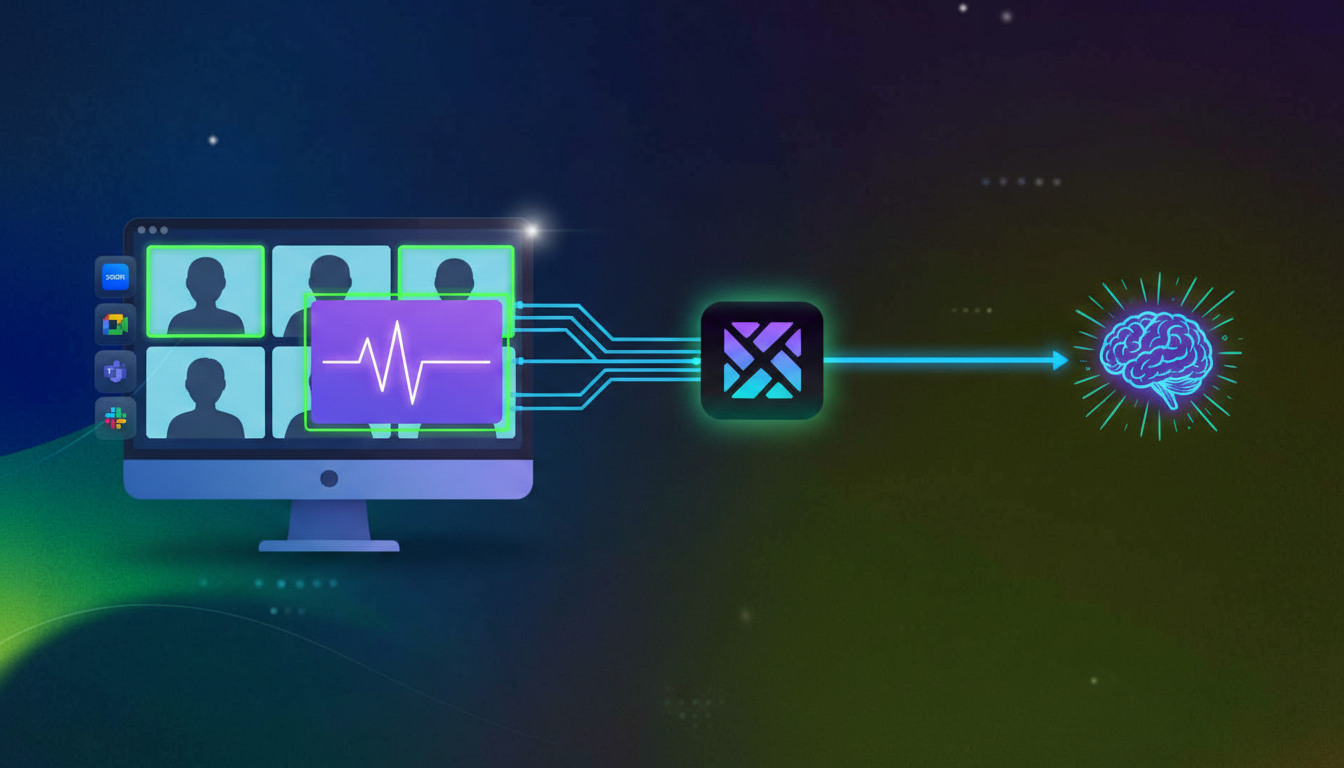
The connection to Claude Cowork runs through the Model Context Protocol, an open standard for secure, structured data exchange between data sources and AI tools. Spinach’s MCP server feeds meeting context directly into Claude Cowork, so instead of manually pasting transcripts, Claude Cowork can query your meeting history, pull relevant summaries, and surface specific commitments across conversations. For teams that need more custom routing, Spinach also exposes API and webhook access.
MCP Server Integration for Meeting Context
The connection to Claude Cowork runs through multiple integration methods. Spinach’s MCP server lets Claude Cowork query meeting history and retrieve transcripts directly. For custom workflows, the Spinach API provides programmatic access to transcript data, metadata, and summaries. Native connectors sync meeting data to knowledge bases like Notion, Confluence, and Google Docs for teams consolidating documentation.
Governance and Security When Sharing Zoom Data with Claude Cowork
Routing Zoom transcripts through an AI agent raises a fair question: who controls what Claude Cowork can see, and where does that data actually go? For CIOs shaping AI rollouts, governance must be embedded into AI architecture to maintain trust, not bolted on after the fact. That’s especially true when the transcripts in question come from board meetings, executive syncs, or compliance-sensitive client calls.
Spinach is built with that accountability layer in from the start. Before any Zoom transcript reaches Claude Cowork, it passes through access policies, compliance controls, and data handling rules your IT team can enforce org-wide.
Enterprise Controls for Meeting Data
Security Control | What Spinach Provides | Why It Matters for Claude Cowork |
|---|---|---|
Access Policies | Role-based permissions, off-the-record controls | Only approved users and Claude sessions access sensitive transcripts |
Compliance Certifications | SOC 2, GDPR, HIPAA | Meets compliance requirements for meeting data in finance, healthcare, and legal |
Zero Retention with AI Providers | No Zoom transcripts used for model training | Customer data never leaves organizational control |
Private Cloud Options | Single-tenant deployment with AWS | Air-gapped environments for board-level conversations |
For teams in healthcare, finance, or legal, those certifications aren’t nice-to-haves. They’re the baseline for any vendor touching internal conversation data.
Which Teams Benefit Most from Claude Cowork Having Zoom Context
Financial services companies are already building agentic workflows to automatically capture meeting actions from video conferences, draft communications, and track follow-through across calls. The pattern applies across functions. When Claude Cowork has Zoom transcript access, every team’s output improves because every team runs on meeting decisions.
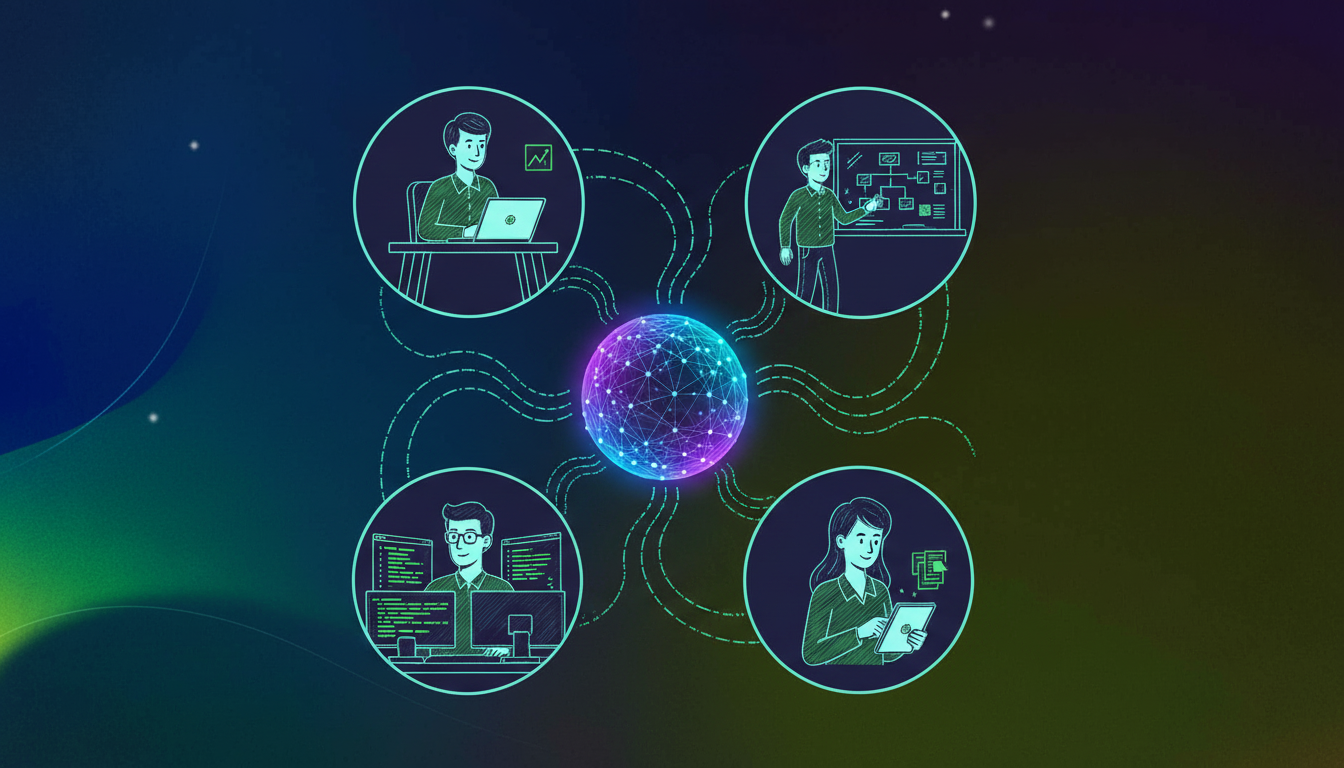
- Sales teams draft follow-up emails directly from what was said on the call, turning verbal commitments into written accountability without the rep lifting a finger.
- Product teams synthesize user research across dozens of Zoom calls using the Spinach AI tool, asking Claude Cowork to surface recurring themes, feature requests, or objections that span months of conversations.
- Engineering teams reference technical discussions when writing specs, so the design decision made three sprints ago doesn’t get relitigated because no one can find the recording.
- HR and recruiting teams generate interview summaries with consistent scoring criteria, reducing the subjectivity that creeps in when evaluators rely on memory instead of transcript.
The org-wide ROI comes from compounding. Each team stops treating Zoom calls as ephemeral and starts treating them as a durable data source Claude Cowork can reason across.
What to Look for in a Zoom Transcript Layer for Claude Cowork Integrations
Not every Zoom transcript layer is built to power AI agents at scale. The rise of AI demands strong data governance; advanced AI systems require high-quality, well-governed data to perform reliably. That standard applies directly to how you pipe meeting data into Claude Cowork.
Here are the key criteria to weigh before committing to a transcript layer:
- Data Quality: Transcription accuracy, speaker identification, and multi-language support determine whether Claude Cowork’s outputs reflect what was actually said or a garbled approximation.
- Integration Openness: MCP servers, APIs, webhooks, and native connectors prevent vendor lock-in and support custom workflows across your stack.
- Governance Controls: Access policies, audit logs, and compliance certifications are required for finance, healthcare, legal teams, and leadership meetings.
- Org-Wide Architecture: Centralized repositories support cross-functional Claude queries and strategic visibility, while siloed per-user data fragments your meeting intelligence.
Prosumer tools tend to fail on the last two rows. They spread through individual adoption, accumulate data in disconnected silos, and give IT teams little room to enforce policy. When Claude Cowork needs to reason across your org’s full conversation history, that architecture breaks down fast. Centralized, governed, and open wins.
Yes. Spinach’s MCP server feeds Zoom transcripts directly into Claude Cowork, so it can query your meeting history, pull relevant summaries, and surface commitments across conversations without you manually moving data.
Zoom AI Companion generates per-meeting summaries that sit in Zoom’s cloud. Spinach’s MCP server creates an org-wide repository Claude Cowork can query across all your meetings, giving it the cross-conversation context needed for strategic analysis and agentic workflows.
Spinach enforces role-based access policies before any transcript reaches Claude Cowork. Your IT team sets permissions, off-the-record controls, and compliance rules that determine which users and Claude sessions can see sensitive meeting data.
Use the MCP server if you want Claude Cowork to query meeting history interactively. Use Spinach’s API if you’re building custom workflows that route transcript data to other tools beyond Claude.
Spinach stores transcripts in a centralized, searchable repository with zero retention by AI providers—your customer data never trains models. For regulated industries, Spinach offers private cloud deployment and HIPAA, SOC 2, and GDPR certifications.
Install Spinach to capture Zoom transcripts org-wide, then connect the MCP server to Claude Cowork. Once connected, Claude can query your entire meeting history and draft outputs like PRDs or follow-ups based on what was actually said across conversations.
Yes, when connected through Spinach’s MCP server. Claude Cowork can query across your entire meeting repository to surface recurring themes, extract trends, or identify patterns that span dozens of calls over months.
Manual downloads create per-meeting silos that Claude can’t query across. Spinach builds an org-wide repository with structured metadata, speaker identification, and searchable transcripts that Claude Cowork can reason over at scale.
Spinach automatically identifies speakers in each transcript and maintains that attribution when feeding data to Claude Cowork. This lets Claude distinguish who said what, who committed to action items, and who raised specific concerns across meetings.
When you need strategic analysis across executive decisions without manually reviewing hours of recordings. Spinach’s private cloud deployment and role-based access controls let you safely route board-level conversations to Claude while maintaining compliance and audit trails.
Spinach supports off-the-record controls that prevent specific segments from being transcribed or stored. Those portions never reach Claude Cowork or any other downstream system, protecting sensitive discussions while maintaining the rest of the meeting context.
Yes. Spinach exposes API and webhook access so you can route transcript data, action items, and metadata to CRMs, ticketing systems, knowledge bases, or custom internal tools beyond Claude Cowork integrations.
Spinach uses best-in-class transcription models with proprietary accuracy improvements, supporting 100+ languages with multi-language input and output. High transcript quality directly improves Claude Cowork’s ability to extract commitments, surface decisions, and draft grounded outputs.
No. The Spinach MCP server connection requires no custom code—just authentication and permission setup. Teams that want custom routing or automation can use Spinach’s API, but the core Claude Cowork integration works out of the box.
A single transcript limits Claude to one conversation’s context. Org-wide access through Spinach lets Claude answer questions like “what risks came up most often last quarter” or “what did customers say about pricing across all product calls,” turning it into a strategic analysis tool.
What should you do now
You made it to the end of this article! Here are some things you can do now:
- Our library of meeting agenda templates is designed to help you run more effective meetings.
- Check out Spinach to see how it can help you run a high performing org.
- If you found this article helpful, please share it with others on Linkedin or X (Twitter)

