12 Best Notion Integrations to Automate Work July 2026
Learn which 12 Notion integrations best automate your work in July 2026, from AI meeting notes with Spinach to task syncing with Jira and Asana.
 Maintouch
Importance of third party tools to automate and enhance workflows
As software development team leaders, we juggle a million hats: strategists, motivators, problem-solvers, and more. Keeping on top of everything, especially during meetings, can feel like trying to herd cats.
That’s where third-party tools come in, acting as your secret weapons to automate tasks, simplify workflows, and free up your valuable time. They’re like the extra hands you’ve always wished you had, helping you run smoother, more efficient meetings that leave your team feeling empowered and aligned.
But with so many options available, where do you even begin? Don’t worry, I’ve got you covered! In this post, we’ll walk through 12 of the best Notion integrations that can automate your work, enhance your workflows, and sharpen your Agile meetings.
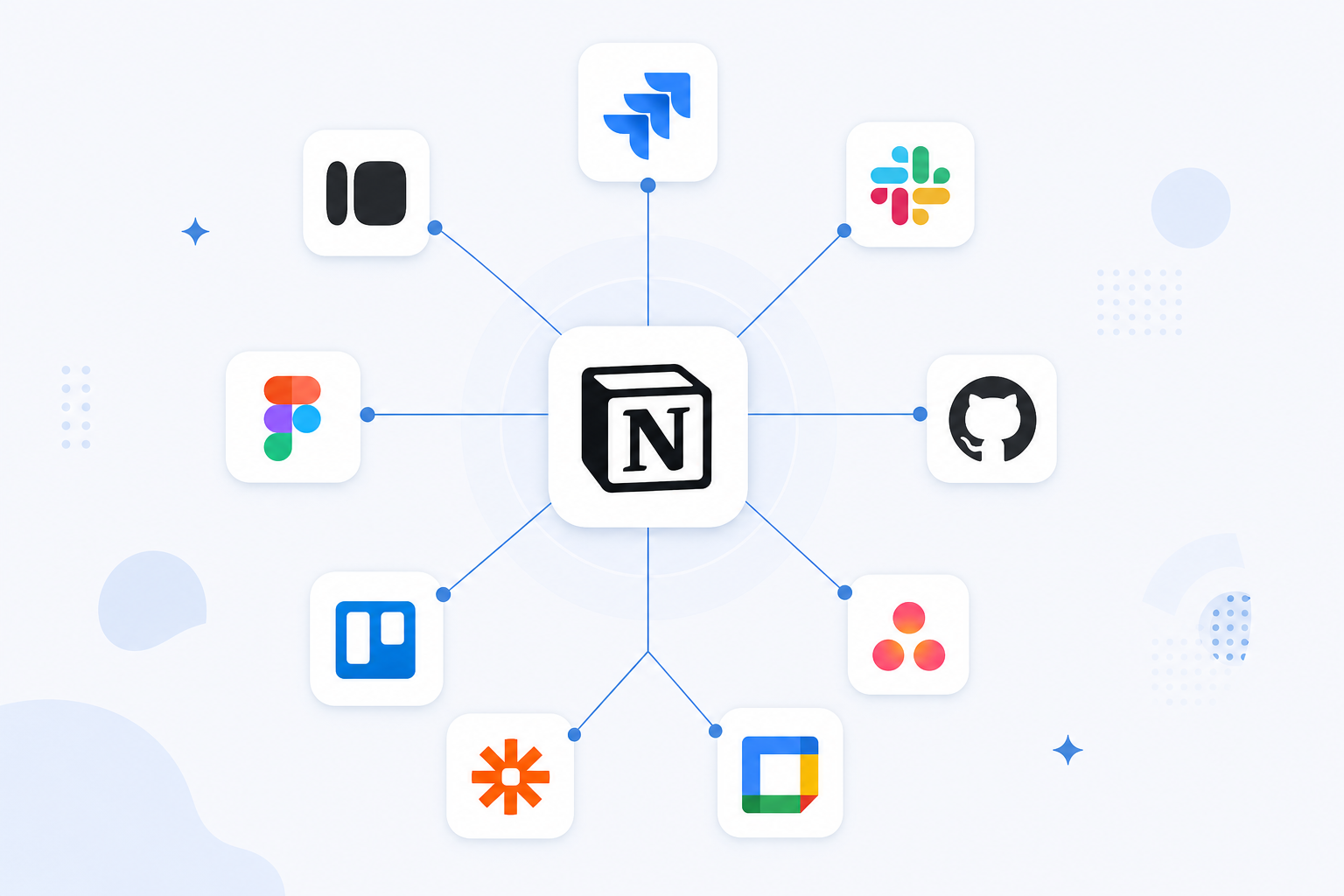
Integration | Integration Type | Key Capabilities | Best For |
|---|---|---|---|
Spinach | Direct auto-populate | Auto-writes meeting decisions, action items, and owners to your Notion pages after each call | Teams who want zero-touch meeting documentation |
Jira | Two-way database sync + link previews | Mirror Jira issues, status updates, and custom fields inside Notion | Centralized project and sprint tracking |
Microsoft Teams | Embed + manual capture | Embed Teams channels; capture meeting notes and action items from calls | Hybrid teams consolidating comms in Notion |
Google Calendar | Embed + reminders sync | Display your calendar in Notion; create events and sync reminders | Scheduling and deadline visibility |
Zapier | Automation (Zaps) | Trigger Notion actions from any app; two-way data transfer between platforms | Custom cross-app automation workflows |
Trello | Embed + import + link | Embed boards, link cards, and import Trello data into Notion databases | Visualizing existing Trello projects inside Notion |
Slack | Embed + slash commands | Embed Notion pages in Slack channels; create Notion pages via slash commands | Real-time comms linked to documentation |
Typeform | Direct sync | Map form responses to Notion database properties in real time | Customer feedback, event registration, and lead capture |
GitHub | Two-way sync + embed | Sync issues bidirectionally; embed repos and link previews in Notion pages | Dev teams tracking code and documentation together |
Asana | Two-way sync + rules | Sync tasks bidirectionally; trigger Notion page creation from Asana rules | Teams managing tasks across both tools |
Figma | Embed + link | Embed Figma prototypes and frames; link designs directly to database entries | Design teams connecting specs to project docs |
Evernote | Import / migrate | Import Evernote notes into Notion pages or databases | Migrating from Evernote to Notion |
TLDR:
- Notion connects with 12 tools including Jira, Slack, GitHub, and Asana via two-way database sync
- Zapier lets you automate data entry into Notion from any external app, but requires technical setup for complex workflows
- Google Calendar’s Notion integration handles scheduling and reminders but has no automated data transfer between the two
- Spinach connects to Notion to auto-populate meeting decisions, action items, and owners into your designated pages after each call
How Spinach integrates with Notion
Spinach joins your call, extracts decisions and action items in real time, and writes them to your Notion pages before the call ends.
This two-way integration means critical information flows smoothly between your meetings and your central hub of knowledge in Notion. No more manual data entry, no more duplicated information, just clean transfer and organization for your team.

Top use cases for integrating Spinach with Notion
- Automated Meeting Notes: Say goodbye to tedious note-taking! Spinach automatically generates concise and clear summaries of your meetings in your designated Notion page. These summaries capture the key details, including decisions, action items, and assigned owners, making it easy for your team to review key points and stay on track.
- Action Item Management on Autopilot: No more scrambling to remember who’s responsible for what. Spinach automatically identifies action items from your meetings and populates them into a dedicated Notion database. This database can be customized to include additional information like deadlines, priorities, and even links to relevant resources, giving every action item a clear owner and a clear next step.
- Enhanced Task Tracking with Spinach + Project Management Tools: If your team uses popular project management tools like Asana or Jira, Spinach can bridge the gap by automatically creating or updating tasks in those platforms based on the discussions in your meetings. This speeds up your workflow, eliminates the need for manual data entry, and provides a centralized view of progress within your Notion workspace.
- Meeting Templates for Consistent Collaboration: Create standardized Notion page templates for different types of meetings (e.g., Daily Stand-up, Sprint Planning, Retrospective). Spinach can automatically populate these templates with relevant meeting information, saving you time and keeping a consistent structure for your team discussions.
How Jira integrates with Notion
Jira and Notion offer a few different ways to integrate and work together, allowing you to combine their functionalities for project management:
- Link Previews: When you paste a Jira issue URL into a Notion page, it can be displayed as a link preview. This preview provides a summary of the issue information, including the key, summary, and assignee, directly within your Notion page.
- Notion Database Sync: You can sync Jira boards or projects with Notion databases. This creates a mirrored version of your Jira data within Notion, allowing you to manage and track information like:some text
- Issue details
- Status updates
- Custom fields
- Third-party Integrations: Several third-party apps are available in the Notion Marketplace that provide advanced functionalities for integrating Jira and Notion.
Use cases for integrating Jira with Notion
- Centralized Hub: Combine Jira info with Notion docs, meeting notes, and discussions for a unified project knowledge base.
- Efficient Task Management: Link Notion tasks to Jira issues, track progress, manage dependencies, and use Notion’s features for action item management.
How Microsoft Teams integrates with Notion
Microsoft Teams and Notion offer integration capabilities that allow you to:
- Embed Microsoft Teams channels or chats directly into your Notion workspace for easy access and reference.
- Use Notion databases or pages to capture meeting notes and action items discussed within Microsoft Teams chats or channels.
- Create new Notion pages or database entries based on triggers like mentions or specific keywords within Microsoft Teams conversations.
Use cases for integrating Teams with Notion
- Centralized Knowledge Base: Embed relevant Microsoft Teams channels or conversations related to specific projects or topics into your Notion workspace, creating a centralized hub for information and resources.
- Collaborative Meeting Notes: Use Notion pages to capture meeting notes in real-time during Microsoft Teams calls or video conferences. This allows for easy collaboration and keeps everyone up to date.
- Action Item Management: Use Notion databases to track action items identified during Microsoft Teams discussions. Assign deadlines, owners, and track progress within your Notion workspace, supporting accountability and follow-through.
How Google Calendar integrates with Notion
Google Calendar’s integration with Notion primarily focuses on information sharing and basic task management. While you can create events and set reminders, there is no automated data transfer between the platforms.
- Embed Google Calendar: Directly display your calendar within a Notion page. This gives you a real-time view of your schedule and upcoming events without switching between platforms.
- Create Calendar Events: Generate new events directly from Notion. You can add details like title, description, date, time, invitees, and even set reminders and recurring schedules, all within your Notion workspace.
- Sync Reminders: Set reminders for tasks or deadlines within Notion that automatically synchronize with your Google Calendar, keeping you notified for both work and personal commitments in one centralized location.
Top use cases for integrating Google Calendar with Notion
- Meeting Planning and Scheduling: Embed your Google Calendar into a Notion page to visualize team availability and schedule meetings efficiently. You can see everyone’s schedule at a glance, reducing email back-and-forth and making scheduling smoother.
- Project Management with Timeline View: Use Notion’s timeline view to create a visual representation of your project tasks. You can then link corresponding Google Calendar events to the relevant tasks in your timeline, providing a complete view of deadlines, commitments, and project progress.
How Zapier Integrates with Notion
Setting up Zapier integrations requires some technical prowess, especially if your workflows are more complex. Here are some ways that you can get these systems working together:
- Automates workflows with Zaps: Create custom workflows (Zaps) that trigger specific actions in Notion based on events occurring in other applications.
- Two-way data transfer: Depending on the Zap, information can be transferred both ways between Notion and other apps, allowing for a higher level of automation and data synchronization.
Top use cases for integrating Zapier and Notion
- Automated Data Entry: Zapier can populate Notion databases with information from other platforms, eliminating the need for manual data entry. For example, automatically create new Notion entries for new leads captured in your CRM.
- Focused Communication: Automate sending important updates or notifications to your team within Notion channels or individual workspaces based on triggers in other tools.
- Enhanced Project Management: Use Zaps to automatically update project progress in Notion based on updates in your project management tool, creating a centralized view of progress for your team.
How Trello integrates with Notion
Trello’s integration with Notion primarily focuses on information sharing and basic data transfer. While you can link cards and embed boards, deeper collaborative features like real-time updates and automated action item management are not readily available without additional tools or workarounds.
- Embed Trello boards: Directly display your Trello boards within a Notion page for easy access and reference.
- Link Trello cards: Create links to specific Trello cards within Notion pages for contextual information and deeper exploration.
- Import Trello data: Import existing Trello data (cards, lists, labels) into Notion databases for further organization and customization.
Top use cases for integrating Trello with Notion
- Centralized Project Hub: Embed relevant Trello boards into your Notion workspace, creating a centralized hub for visualizing project progress, tasks, and discussions.
- Meeting Action Item Tracking: Link specific Trello cards to Notion meeting notes, keeping action item ownership and accountability clear.
- Customizable Database Management: Import your Trello data into Notion databases and use its filtering, sorting, and view options for better project management and information organization.
How Slack integrates with Notion
This integration helps you manage tasks, improve communication, and boost team collaboration for better productivity.
- Embed Notion content:You can embed specific pages, databases, or even entire workspaces from Notion directly into your Slack channels for easy access and reference.
- Send messages to Notion: Use various triggers within Slack to automatically send messages or specific information (like meeting notes or action items) to designated Notion pages or databases.
- Create Notion pages from Slack: Use slash commands within Slack to create new Notion pages based on specific keywords or triggers, further simplifying your workflow.
Top use cases for integrating Slack with Notion
- Centralized Knowledge Base: Embed relevant Notion pages or workspaces into your Slack channels, creating a centralized hub for important information, resources, and project documentation.
- Real-time Collaboration: Share and discuss Notion pages directly within Slack channels, supporting real-time collaboration and keeping everyone on the same page.
- Meeting Note Management: After your Agile meeting, use a slash command to automatically generate a new Notion page containing the meeting summary, action items, and assigned owners, all within Slack.
How does Typeform integrate with Notion
Their integration lets you organize workflows, centralize data, and improve collaboration within your team.
- Mapping questions to database properties: You can map each Typeform question to a specific property in your Notion database, keeping your data properly organized and categorized.
- Real-time updates: Any changes made to your Typeform form are automatically reflected in your connected Notion database, keeping your data synchronized.
Top use cases for integrating Typeform with Notion
- Customer Feedback Management: Create Typeform surveys to gather customer feedback and pull the responses directly into a Notion database for analysis, categorization, and action planning.
- Event Registration: Use Typeform for event registration and automatically populate a Notion database with participant details, supporting efficient organization and communication.
- Bug Reporting and Feature Requests: Use Typeform to collect bug reports or feature requests and automatically track them in a Notion database, aiding development team responsiveness and efficient issue management.
- Lead Generation and Management: Capture leads through Typeform and transfer their information to a Notion database for further qualification, nurturing, and tracking within your sales pipeline.
How Github integrates with Notion
GitHub’s integration with Notion can benefit developers and teams by simplifying workflows, centralizing information, and building stronger collaboration.
- Link Previews: When you paste a GitHub repository or issue URL into a Notion page, it becomes a rich preview, displaying key information like repository name, description, owner, and contributors.
- Embed Repositories or Projects: Directly embed entire GitHub repositories or specific projects within your Notion workspace, allowing for easy access and reference without switching platforms.
- Sync GitHub Issues: Create a two-way sync between your GitHub issues and a dedicated Notion database. This allows you to:some text
- Track issues directly in Notion: View, manage, and update issues within your Notion workspace, alongside other relevant project information.
- Automatically update information: Any changes made to an issue in either platform (GitHub or Notion) are automatically reflected in the other, ensuring data consistency.
Top use cases for integrating Github and Notion
- Centralized Project Hub: Combine your code repository, project documentation, meeting notes, and other relevant information into a single, centralized hub within Notion, improving information accessibility and team awareness.
- Collaborative Issue Management: Discuss and track issues directly within Notion, supporting real-time collaboration and efficient problem-solving within your team.
- Version Control Reference: Embed specific code repositories or branches into your Notion pages, providing developers with a convenient reference point for specific versions of the codebase while working on project documentation or tasks.
- Knowledge Base Creation: Utilize the power of Notion to document your codebase, development process, and project information, creating a centralized knowledge base accessible to the entire team.
How Asana integrates with Notion
Asana and Notion’s integration allows you to combine their functionalities, creating a powerful workflow for managing tasks, projects, and information.
- Link Previews: When you paste an Asana project or task link into Notion, it displays as a link preview, providing a summary of the task details like name, assignee, due date, and collaborators.
- Sync Asana Tasks to Notion: You can sync your Asana projects and tasks with Notion databases. This allows you to:some text
- Import existing tasks: Import all tasks from an Asana project into a dedicated Notion database.
- Two-way updates: Changes made to tasks in either platform (Asana or Notion) are automatically reflected in the other, ensuring data consistency.
- Create Notion Pages from Asana Actions: Utilize Asana rules to automatically trigger the creation of new Notion pages based on specific events within your Asana projects. This can be useful for automatically generating meeting agendas, project summaries, or other relevant documents.
Top use cases for integrating Asana and Notion
- Enhanced Task Tracking: Use Notion’s powerful database features for advanced task tracking, filtering, sorting, and visualization, while pairing with Asana’s strengths in assigning tasks, setting deadlines, and managing dependencies.
- Meeting Management: Create meeting agendas and summaries within Notion, automatically populating them with relevant information from your linked Asana project.
- Knowledge Base Creation: Utilize Notion to document your project plans, processes, and discussions, creating a centralized knowledge base accessible to the entire team.
How Figma integrates with Notion
Figma and Notion offer a valuable integration that can empower design teams by:
- Embed Figma designs: Directly embed Figma prototypes, frames, or entire files into your Notion pages for easy access and reference.
- Link Figma designs: Create links to specific Figma designs within your Notion pages, allowing team members to jump directly to relevant design elements.
- Notion Figma file property: Add a dedicated “Figma File” property to your Notion databases. This allows you to link specific Figma designs directly to relevant database entries, creating a more organized and connected workflow.
Top use cases for integrating Figma and Notion
- Centralized Design Hub: Combine your Figma designs, design documentation, project plans, and other relevant information into a single, centralized hub within Notion, fostering seamless collaboration and information accessibility for your design team.
- Design Review and Feedback: Embed Figma prototypes or specific design elements directly into Notion pages for easy review and feedback. Use Notion’s commenting features to run collaborative discussions and iterate on designs efficiently.
- Design System Documentation: Leverage Notion to document your design system, including UI components, guidelines, and usage examples. Embed relevant Figma designs within your documentation to provide clear visual references and maintain consistency.
- Project Management and Tracking: Link Figma designs to corresponding project entries within your Notion databases to track progress, manage tasks, and ensure design alignment with broader project goals.
How Evernote integrates with Notion
Evernote and Notion’s integration allows you to combine features and create a streamlined workflow for managing your notes and knowledge base.
- Import Evernote notes: You can import your existing Evernote notes into dedicated Notion pages or databases. This allows you to:
- Migrate notes to Notion: Easily transfer your entire Evernote collection to your Notion workspace.
- Notion Evernote Web Clipper: Utilize the Notion Web Clipper browser extension to save web content directly into your Notion workspace. This functionality, similar to Evernote’s Web Clipper, allows you to capture articles, research, and other online resources with ease.
Top use cases for integrating Evernote and Notion
- Centralized Knowledge Base: Combine your Evernote notes with other relevant information within Notion, creating a centralized hub for all your knowledge and resources.
- Migrating from Evernote: If you’re looking to transition from Evernote to Notion, the import functionality allows you to easily migrate your existing notes and information.
- Enhanced Organization: Leverage Notion’s powerful database features and organizational capabilities to categorize, filter, and search your notes more effectively than with Evernote’s basic tagging system.
- Improved Collaboration: Collaborate on your notes with team members within your Notion workspace, allowing for real-time editing and shared knowledge management.
Spinach joins your call, captures decisions and action items with named owners in real time, then auto-populates that structured output into your designated Notion pages or databases after each meeting. No manual copy-paste, no re-keying. The summary lands in Notion with owners and next steps already assigned. If your team also uses Jira or Asana, Spinach can file tickets in those tools at the same time, giving you one source of truth across your stack.
Zapier works well for routing data between apps when you control the trigger logic, but building a reliable meeting-notes workflow requires custom Zap configuration and ongoing maintenance. Spinach is purpose-built for this: it captures decisions, action items, and owners during the call and writes them directly into Notion without any middleware setup. If meeting documentation is the goal, Spinach removes the manual layer that Zapier still requires.
Jira, Asana, and GitHub all support two-way database sync with Notion, meaning changes made in either tool are reflected in the other automatically. Slack, Trello, Typeform, and Figma offer more limited connections focused on embeds, link previews, or one-direction data transfer. Google Calendar’s Notion integration shares scheduling information but has no automated data transfer between the two platforms.
Yes. Spinach connects to Notion and writes action items, decisions, and assigned owners directly into your Notion pages or databases after each call, no typing required. You can also set up templates for recurring meeting types like standups or retrospectives, and Spinach populates those templates with the relevant structured output from each session.
Connect your Spinach account to Notion through Spinach’s integration settings, then configure which pages or databases should receive meeting output. Once connected, Spinach automatically writes summaries, action items, and decisions into your chosen Notion location after every meeting it attends. Start a free trial at spinach.ai, no credit card required, to set it up in under a few minutes.
What to do next
You made it to the end of this article! Here are some things you can do now:
- Our library of meeting agenda templates is designed to help you run more effective meetings.
- You should try Spinach to see how it can help you run a high performing org.
- If you found this article helpful, please share it with others on Linkedin or X (Twitter)

