6 Best Tools for AI Meeting Notes (August 2026)
AI Meeting Note tools are not created equally. Dive into the best tools for AI Meeting Notes and which tools are best for specific job titles. August 2026
 Maintouch
Scheduling, leading, and following up on meetings can eat hours out of a team leader’s week. Microsoft Work Trend Index research found that employees are interrupted every 2 minutes by a meeting, email, or notification, leaving little room for deep focus.
Then there’s the challenge of making sure all this work around meetings actually moves your projects forward. In a meeting, ideas and decisions flow freely and sometimes not in logical order. So distilling what was discussed and decided into clear, actionable notes can be daunting and full of human error and bias. It’s all too easy for important decisions to fall through the cracks, leaving your team unclear about their next steps.
AI meeting notes tools are designed to tackle exactly these pain points. By tapping into the power of artificial intelligence, they offer a way to efficiently capture, organize, and track the essentials from your meetings. And even flag meetings where seemingly zero decisions were made!
Selecting the right AI tool is a strategic decision that can greatly impact your team’s productivity and communication. The ideal tool acts as a natural extension of your team, making sure no critical information is missed and that every meeting translates into clear action items and insights. Our exploration will guide you through the top options available, allowing you to turn your meeting notes into a supportive tool for your team’s success.
TLDR:
- AI meeting tools auto-detect action items and assign owners so decisions stop falling through the cracks.
- Automating note-taking lets every participant stay focused on the discussion.
- The 6 tools covered vary by output: some stop at transcripts, others route decisions directly into your workflow.
- Spinach AI captures during the meeting, delivers categorized summaries at meeting end, and routes decisions and action items with named owners directly into the tools your team already uses.
Why use an AI note taker in your meetings?
In today’s fast-paced tech environment, every second counts, especially in meetings. But why should you consider an AI note taker for your next session? The answer lies in the unique blend of speed and effectiveness these tools bring to the table. AI note takers do more than keep a record of what was said; they’re about enhancing the entire meeting experience, making sure that the focus remains on the discussion, not on who’s jotting down notes.
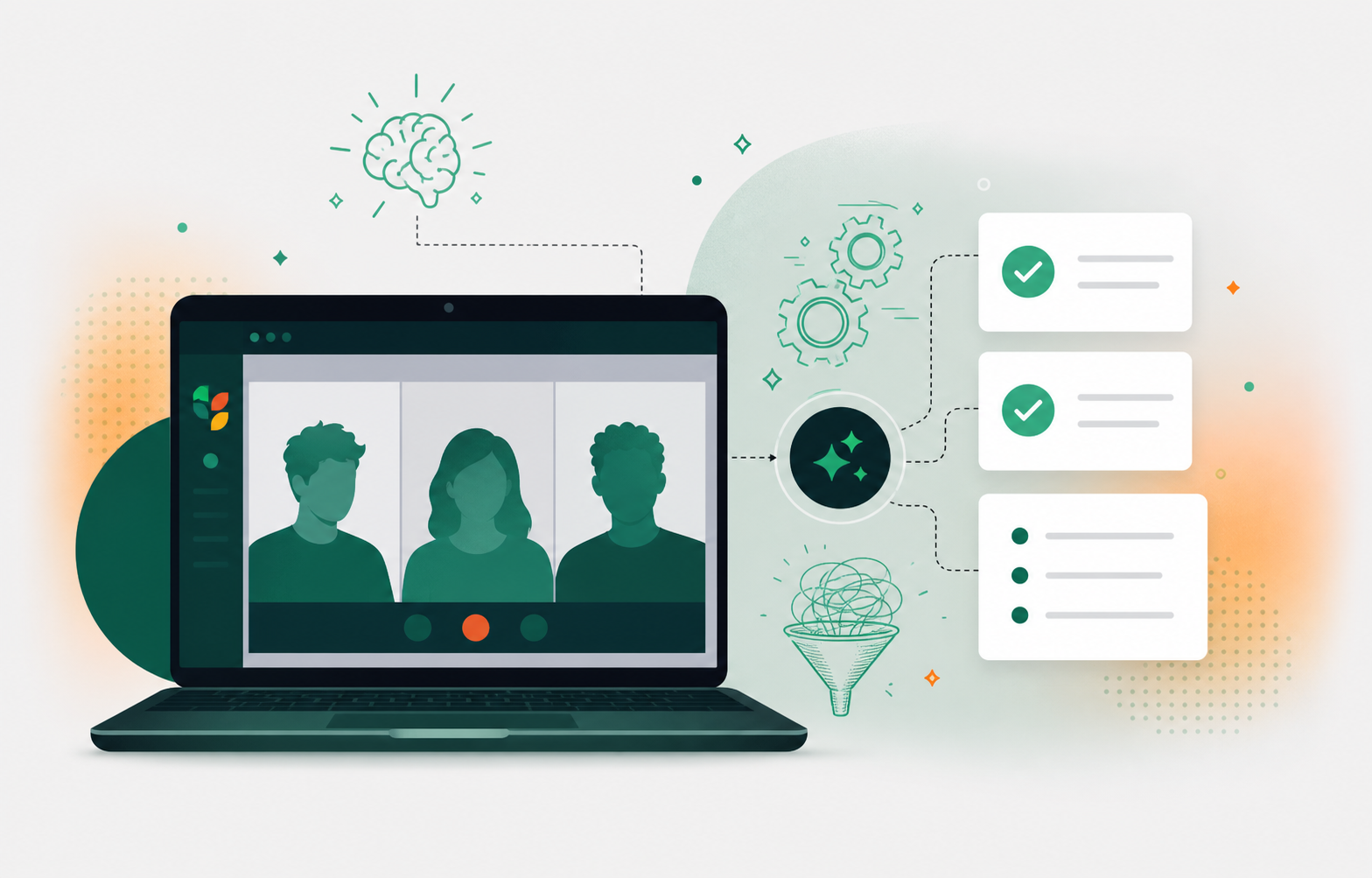
Increased speed and focus
AI note takers are game-changers for meeting productivity. By automating the note-taking process, these tools relieve participants of the cumbersome task of manual note-taking. This shift allows everyone in the room to stay fully engaged in the conversation, contributing their best ideas without the distraction of scribbling down notes. On top of that, AI note takers are incredibly adept at capturing key points, decisions, and action items, so these critical elements don’t get lost in the shuffle of a busy meeting. This level of productivity smooths the meeting itself and also helps in effectively translating discussions into actionable plans.
Improved organization and accessibility
One of the standout benefits of AI note takers is their ability to bring a new level of organization and accessibility to meeting notes. These tools don’t just produce meeting recordings; they organize the information in a structured, easy-to-read format. So there is no more sifting through pages of notes to find a specific point or decision. On top of that, AI note takers can be a boon for inclusivity, particularly for team members with disabilities. By providing transcriptions and summaries, these tools make certain that meeting content is accessible to everyone, including those who might have difficulties with traditional note-taking methods. This accessibility extends beyond the meeting room, allowing team members who couldn’t attend to stay in the loop and engage with the material in a way that works best for them.
Action item identification
One of the biggest advantages of AI note-takers lies in their ability to identify and flag action items during meetings. This feature is a game-changer for making sure that key tasks are both noted and followed up on. Traditional note-taking often risks burying important action items under a heap of details. AI note-takers, however, use intelligent algorithms to sift through the conversation and pinpoint specific tasks, assignees, and deadlines. This clarity matters for team accountability and makes certain that every meeting results in concrete steps forward. With AI assistance, you can trust that no critical action item will slip through the cracks, improving the overall productivity and outcome of your meetings.
Smooth integration with your toolset
Bringing new technology into an existing workflow can often be a challenge, but AI note-takers are designed for smooth integration. These tools are built to easily sync with your current digital ecosystem, whether it’s your calendar, email, project management software, or communication platforms. This integration is key to enhancing information sharing within teams and maintaining a centralized, accessible repository of meeting insights. By plugging into the tools your team already uses, AI note-takers make certain that the transition is smooth and that the learning curve is minimal. This ease of integration means that your team can start benefiting from smarter, AI-driven note-taking without any disruption to your current processes.
Meeting Challenges an AI Note Taker Solves
While team meetings are important, they come with their own set of challenges. The goal goes beyond simply having meetings; it’s about making them effective and productive. This is where AI note-takers step in, tackling some of the most common pain points that teams face during meetings.
Limited meeting engagement
One notable challenge in meetings is maintaining high engagement levels. When participants are busy jotting down notes, their attention is divided, leading to reduced participation and potentially missed insights. AI note-takers take over the note-taking duties so team members can fully immerse themselves in the discussion, actively engage in brainstorming, and contribute their best ideas. As a result, meetings become more productive and effective.
Inconsistent documentation
Inconsistency in documentation is a common issue, especially when different team members take notes in varied styles and depths. This inconsistency can lead to confusion and misinterpretation of meeting outcomes. AI note-takers offer a standardized approach to documenting meetings. They provide a consistent format and level of detail, so everyone is on the same page. This uniformity keeps clarity and continuity across all meetings.
Difficulty in review and follow-up
Traditional meeting notes can often be cumbersome to review and follow up on, especially when searching for specific information or decisions. AI note-takers tackle this challenge head-on by providing well-organized, searchable documentation. This feature simplifies the review process, making it easy to locate key points or decisions. The clarity and accessibility of AI-generated notes make certain that follow-ups are more straightforward, leading to more effective implementation of meeting outcomes.
Generating and producing action items
Identifying and documenting action items during meetings can be a tedious and error-prone process. AI note-takers excel in automatically detecting and compiling these key tasks. They identify action items and also help in assigning them to the relevant team members, along with deadlines. For a deeper look at how this works across tools, see our guide to AI tools for automated action item tracking. This automation and clarity in task management make certain that important tasks are recognized, assigned, and tracked, enhancing overall team productivity and accountability.
6 AI Tools for Automated Meeting Notes
For meeting notes, AI tools are changing the way we capture, organize, and act on the wealth of information shared in our discussions. Here are six standout AI tools designed to simplify this process, each with unique features to enhance meeting productivity.
Tool | Best For | Output Type | Action Items | Key Integrations |
|---|---|---|---|---|
Spinach AI | Any organization deploying a company-wide governed record of decisions across all teams and functions | Categorized summaries: decisions, action items, blockers | Named owners assigned during the meeting; routed to Jira, Linear, or Slack automatically at meeting end | Zoom, Meet, Teams, Slack Huddles, Webex, Jira, Linear, Salesforce, HubSpot, Slack, Confluence, Notion |
Fathom | Teams that need verbatim, compliance-grade records | Detailed transcript-style notes | Basic flagging; manual follow-up required | Zoom, Google Meet, Microsoft Teams |
Fireflies.ai | Teams with lighter documentation needs and mixed meeting platforms | Transcripts and summaries | Extracted from transcript post-meeting; manual routing required | Zoom, Google Meet, Microsoft Teams, Webex |
Sembly | Technical meetings with heavy industry jargon | Summaries with sentiment analysis | Extracted post-meeting; ownership not auto-assigned | Zoom, Google Meet, Microsoft Teams |
Otter | Individuals and remote teams needing accurate transcription | Real-time transcripts and concise summaries | Basic flagging; manual routing required | Zoom, Google Meet, Microsoft Teams |
Airgram | Agile and product teams wanting integrated transcription and task capture | Transcripts with categorized discussion points | Flagged post-meeting; manual transfer to PM tools needed | Zoom, Google Meet, project management systems |
1. Spinach AI
Spinach is the enterprise conversation intelligence platform and the system of record for every conversation your organization has. Where individual AI notetakers solve one person’s problem, Spinach is deployed company-wide to capture decisions, route action items to named owners, and build a single governed record across every team and function. The full transcript is always available, but Spinach’s real value is the structured, routable output, not the raw recording.
Deployed company-wide, Spinach creates a governed record of decisions and action items across every team meeting, giving the organization a single source of truth for conversation data instead of a per-person folder of notes. Where other tools stop at verbatim transcripts, Spinach captures during the meeting and delivers categorized summaries at meeting end: decisions, action items, and blockers, each with named owners. That structure is what turns a conversation into an organizational record the whole company can act on.
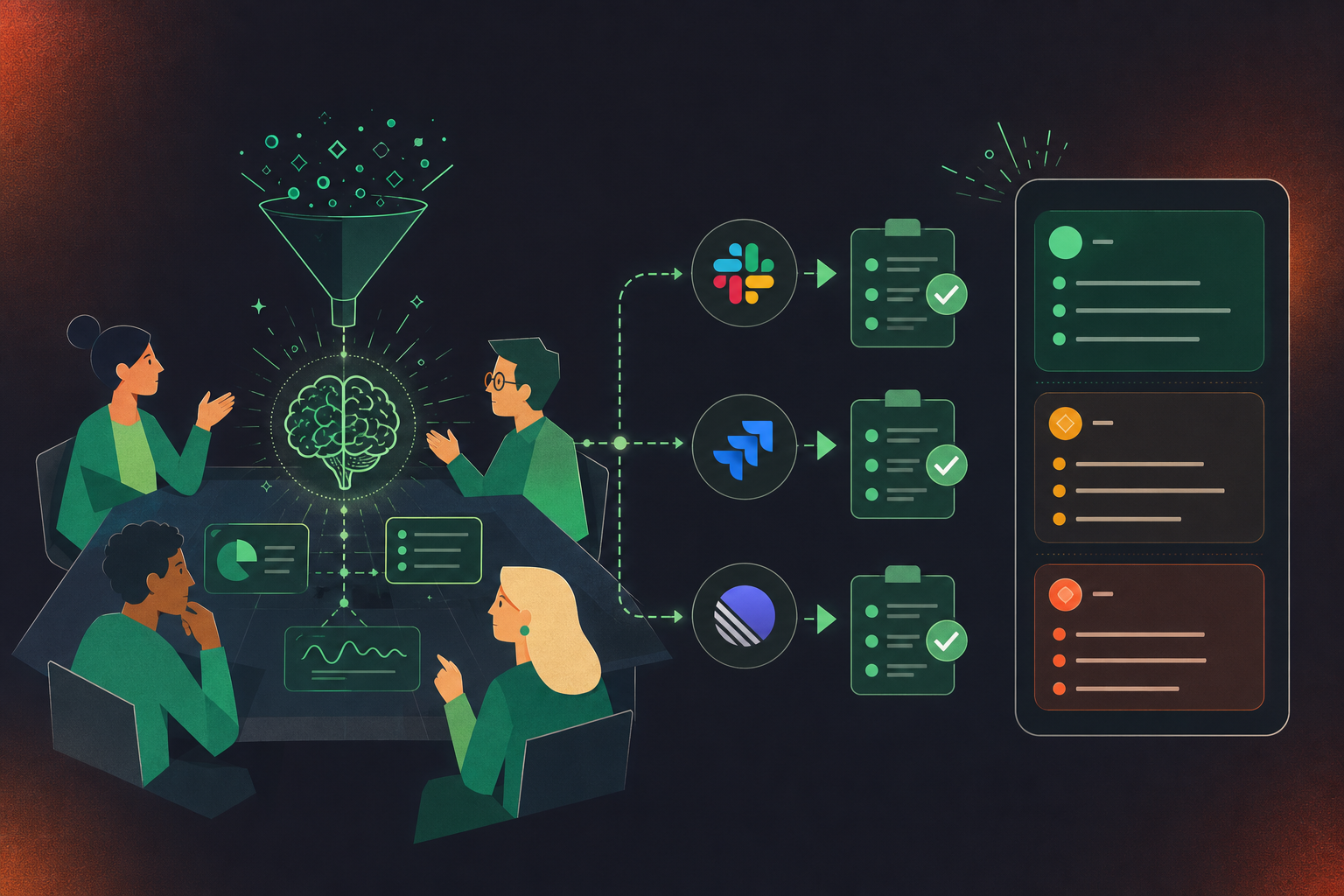
Based on the meeting discussion, Spinach proposes action items and tickets that can be edited directly in Slack or added to your board with a click. When a decision, task, or project item comes up, Spinach links it in the summary with full context, so any team, from sales to engineering, has a clear record of what was agreed. Each item gets an owner assigned during the meeting, and every team member receives a personalized to-do list in Slack when the call ends, so everyone knows their next steps.
Spinach connects natively to Zoom, Google Meet, Microsoft Teams, Slack Huddles, and Webex for capture, and routes structured outputs into Slack, Jira, Linear, Salesforce, HubSpot, Confluence, Notion, and more, fitting into the tools your organization already runs on. Try Spinach free for 14 days and see how every meeting becomes a governed, actionable record for your whole organization.
2. Fathom
Fathom is an AI meeting notes tool that stresses depth and detail in its approach. It is tailored for teams seeking thorough records of their meetings. This tool might be a consideration for tech leads and product managers in need of detailed documentation, as it aims to provide an extensive account of each discussion.
The primary feature of Fathom is its focus on creating detailed notes, which aim to closely mirror the actual conversation. This could be particularly relevant in scenarios where the specific wording and nuances of a conversation are important. In environments where compliance and accurate record-keeping are priorities, such as legal, healthcare, and finance sectors, Fathom’s approach to creating detailed, transcript-like notes may be beneficial.
3. Fireflies.ai
Fireflies.ai presents itself as a versatile AI meeting notes tool with a user-friendly interface. It is designed to serve a broad range of teams, potentially useful for roles such as senior engineers and engineering managers. The tool aims to simplify the documentation process.
Like Spinach, Fireflies.ai integrates with various video conferencing tools like Zoom and Google Meet, which might be helpful for teams that use different systems for their meetings. Its approach to capturing key points of discussions and providing summaries, along with the feature of Fireflies alternatives worth considering, could be advantageous for teams requiring reference to past discussions. Fireflies.ai’s handling of meeting volume and its categorization system could assist in managing follow-ups and actions from discussions.
4. Sembly
Sembly is an AI tool focused on enhancing meeting note-taking through voice recognition technology. It caters to professionals who frequently engage in detailed, verbal discussions and require an automated system to capture and transcribe these conversations. The tool is designed to summarize and analyze meeting content, offering insights and summaries that can aid in decision-making processes. Sembly’s ability to handle specific industry jargon makes it suitable for technical meetings, and features like action item extraction and sentiment analysis provide additional layers of understanding for the user.
5. Otter
Otter has gained recognition in the AI meeting notes arena for its accurate transcription capabilities and ease of use. It serves tech teams and project managers who need reliable transcription of their verbal discussions. Otter’s real-time transcription service is beneficial for remote teams or individuals who cannot attend meetings but wish to follow the discussions as they happen. The tool also offers concise summaries and is compatible with various platforms, making it a versatile option for meeting note management.
6. Airgram
Airgram is designed to offer a balance between detailed meeting transcription and actionable summaries. This AI meeting assistant is suitable for agile development teams and product managers looking for an integrated approach to documenting meetings. Airgram’s functionality extends beyond transcription; it identifies and categorizes key discussion points and action items, which can simplify the review and implementation process post-meeting. The tool’s ability to integrate with project management systems can ease the transfer of tasks and action items into existing workflows.
Automate your meeting notes smoothly with Spinach
The evolution of AI in automating meeting notes marks a major step forward in meeting productivity and output. Automating this process saves time and also makes certain that every critical point and action item is captured accurately.
Among the tools available, Spinach stands out as the enterprise conversation intelligence platform that creates a governed record of decisions and action items from every meeting and routes them into the tools your organization already uses. It fits any team and any meeting type, and for engineering-specific workflows, our dedicated guide covers Spinach as a tool for development teams.
Experience the speed and clarity that Spinach can bring to your team meetings. See how it can turn your meeting notes into a smooth, action-driven process. Take the first step towards more productive meetings with Spinach.
Fireflies and Otter are built for one person’s meetings. They stop at the transcript or summary and leave re-keying action items, assigning owners, and updating your tools to you. Spinach AI captures decisions and action items with named owners during the meeting and routes them into Jira, Linear, Slack, or your CRM when the meeting ends, giving the whole organization a single governed record rather than a per-person folder of notes.
Spinach AI is the strongest fit for engineering and product teams running recurring ceremonies (standups, sprint planning, backlog refinement) because it links discussed work to existing Jira or Linear tickets and proposes new ones for newly scoped items, rather than producing a transcript you then have to act on manually. Fathom suits teams that need verbatim, compliance-grade records; Fireflies works for teams with lighter documentation needs and mixed meeting platforms.
Spinach AI identifies action items during the meeting, assigns a named owner to each, and delivers a personalized to-do list to each team member in Slack when the meeting ends, so the task loop closes without manual hand-off. Sembly and Otter extract action items from the transcript after the fact, which means someone still has to route them into the right tool and confirm ownership before any work moves forward.
Yes. Spinach AI integrates natively with Jira, Linear, Asana, Monday.com, ClickUp, and Trello, and links discussed work to existing tickets or proposes new ones based on what was decided in the meeting. Fireflies and Airgram also offer project management integrations, though their outputs require more manual review before tasks land in the right place with the right context.
Start with a tool that connects to the calendar, meeting platform, and project management software your team already uses. Spinach AI connects to Zoom, Google Meet, Microsoft Teams, Slack Huddles, and Webex alongside Jira, Linear, Slack, and major CRMs, so there is no parallel system to maintain. A free trial with no credit card required lets you run it through a few standups or planning sessions before any team-wide rollout.
What to do next
Next, here are some things you can do now that you've read this article:
- If communication is a challenge for your team, you should check out our library of meeting agenda templates.
- Learn more about Spinach and how it can help you run a high performing org.
- If you found this article helpful, please share it with others on Linkedin or X (Twitter)

