How to Connect AI Notetakers With Trello: The Ultimate Guide for 2026
Learn how to connect AI notetakers with Trello in April 2026. Get automatic card creation, task routing, and meeting-to-board syncing in under 5 minutes.
 Maintouch
When was the last time action items from a meeting actually made it into Trello without you typing them in yourself? Most AI notetakers transcribe everything but leave you stuck reformatting notes into cards. AI notetakers built for Trello read the conversation, detect what needs to happen, and push tasks directly to the right board with context already attached. Your cards get created while you’re still in the meeting.
TLDR:
- AI notetakers create Trello cards from meeting action items with owners and deadlines attached
- Deep integrations route tasks to specific boards and lists based on meeting context
- Connecting takes under 5 minutes: authenticate, set board preferences, and start capturing
- Workflow automation chains meeting decisions to card updates, Slack pings, and docs
- Spinach maps action items to Trello with one-click updates and SOC 2/GDPR/HIPAA compliance
What Are AI Notetakers and Why Trello Integration Matters
AI notetakers join your meetings, transcribe conversations, and pull out action items, decisions, and summaries automatically. No manual note-taking, no missed follow-ups.
But here’s where most teams hit a wall. Notes get sent, everyone reads them, and then nothing moves. Meeting insights stay locked in email threads while actual work lives in Trello.
With over 50 million active users globally, Trello is where countless teams track what needs to get done. When your AI notetaker connects directly to it, action items become Trello cards automatically. No copy-pasting, no dropped tasks, no lag between conversation and execution.
How AI Notetakers Work With Trello (Core Integration Features)
At the basic level, an AI notetaker sends a summary email after your meeting. That’s table stakes. The integrations worth using go further: they read the conversation, identify what needs to happen, and push structured tasks directly into your Trello boards.
Here’s what a real integration covers:
- Automatic card creation from detected action items, without you lifting a finger
- Ticket mapping that routes tasks to the right board and list based on context
- Meeting summaries and decisions attached as card descriptions, so nothing loses context
- One-click updates for cards that already exist in Trello
The difference between a shallow and deep integration is context preservation. A shallow tool creates a card titled “Follow up with James.” A deeper one includes who owns it, what was decided, and which sprint or project it belongs to.
Integration Feature | Shallow Integration | Deep Integration (Spinach) |
|---|---|---|
Card Creation | Generic cards with vague titles manually created after reviewing summary email | Automatic card creation from detected action items during the meeting with context-rich descriptions |
Task Routing | All cards land in a single default board regardless of meeting type or context | Intelligent routing to specific boards and lists based on meeting series, attendees, and conversation context |
Owner Assignment | Requires manual assignment after card creation | Automatically assigns owners based on verbal commitments detected in conversation |
Due Date Mapping | No deadline capture from meetings | Extracts deadlines mentioned during discussion and maps to card due dates automatically |
Context Preservation | Minimal context, often just a task title | Full meeting decisions, transcript links, and discussion context attached to each card |
Existing Card Updates | Cannot update existing cards, creates duplicates instead | One-click updates to existing cards with new meeting context and progress notes |
Custom Field Population | Does not support Trello custom fields | Populates priority levels, sprint tags, and custom fields based on meeting discussion |
Setting Up Your AI Notetaker With Trello (Step-by-Step)
Getting connected takes less time than your average standup. Here’s how to do it with Spinach:
- Go to your Spinach settings and open the Integrations tab
- Select Trello and click Connect: you’ll be redirected to authorize your Atlassian account
- Once authenticated, choose your default workspace and the boards Spinach can write to
- Set your board and list preferences, for example routing product action items to your roadmap board and bugs to your backlog
- Run a test meeting or upload a short recording to confirm cards are being created correctly
Before you connect, map out which boards correspond to which meeting types, from sprint planning to daily standups. Spinach lets you configure routing rules so tasks land in the right place from day one.
Automatic Task Creation: Turning Meeting Discussions Into Trello Cards
Most action items die in meeting notes. Someone says “I’ll handle the onboarding doc by Friday,” everyone nods, and two weeks later it still hasn’t moved. Automatic task creation fixes that gap.
When an AI notetaker detects a commitment in conversation, it creates a Trello card with the task description, the assigned owner, and a due date pulled directly from what was said. No interpretation required on your end.
The AI meeting assistant market hits $21.48B by 2033, growing at 25.8% annually. Manual follow-up doesn’t scale, and teams are catching on.
What gets captured automatically:
- Verbal commitments and assigned owners pulled straight from conversation
- Deadlines mentioned during discussion, mapped to the card due date
- Context from decisions made earlier in the same meeting
- Links back to the meeting transcript for full reference
Workflow Automation: Connecting Meeting Outcomes to Project Execution
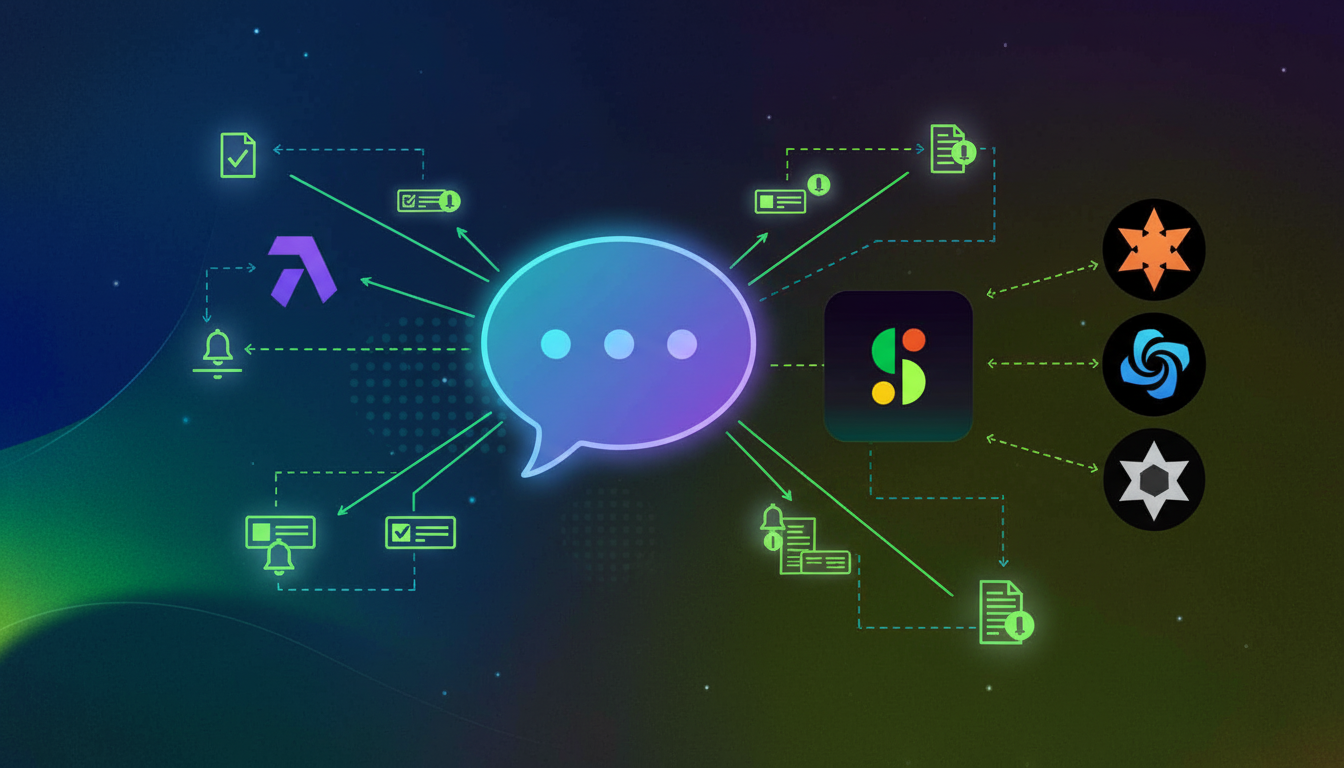
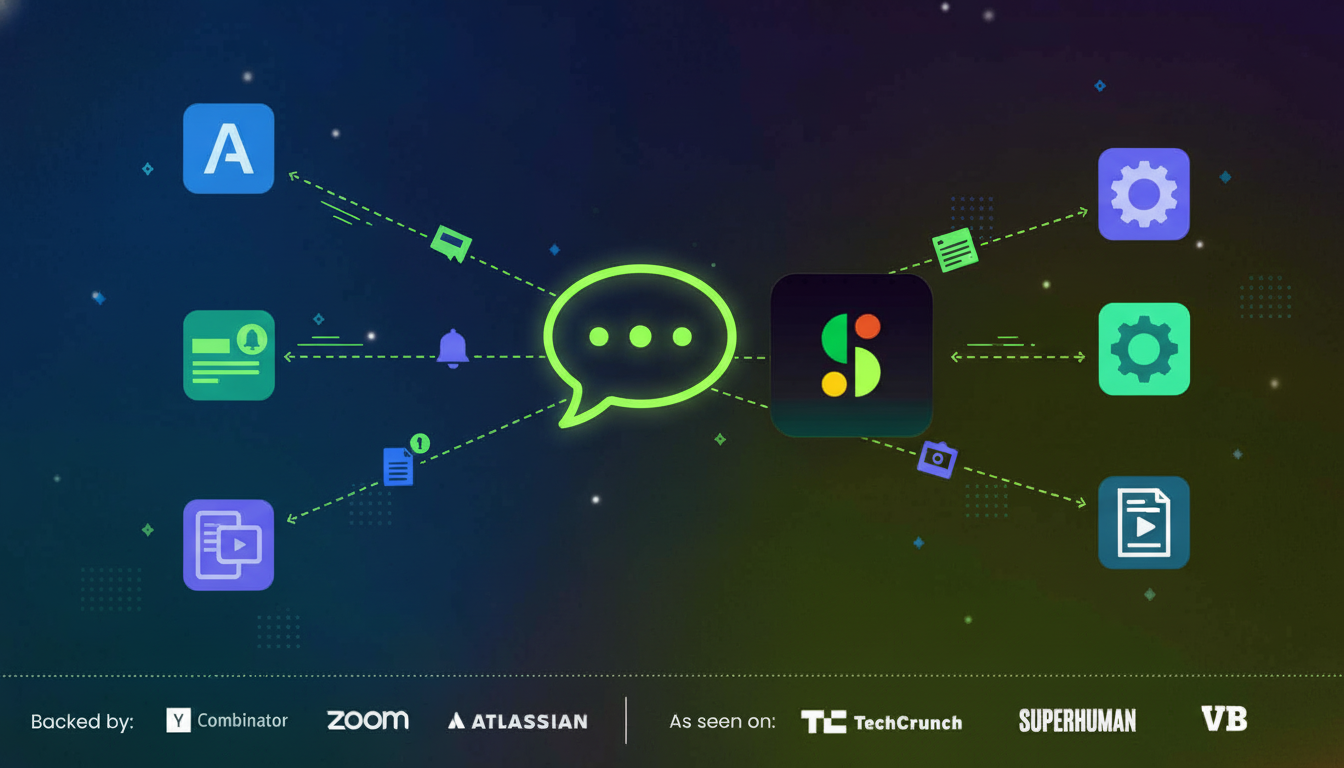
When meeting outcomes land in Trello, the work doesn’t stop there. With the right AI notetaker connected, a single decision from a sprint planning call can update a card’s status, ping a teammate in Slack, and log context in Confluence automatically. Companies adopting workflow automation see an average 30% productivity increase, and that gain comes from eliminating the manual syncing that eats up time after every meeting.
One meeting. One chain reaction across your entire stack.
Multi-Board Management and Advanced Configuration
Running five boards across three teams with different agile workflows is where configuration starts to matter. You define the routing logic once, and it runs automatically from there.
Routing Rules and Label Mapping
- Assign specific boards and lists to recurring meeting series, so your weekly product sync pushes to the roadmap board while a client call routes to account management.
- Map AI-detected task categories to Trello labels like bugs, features, and blockers.
- Route by attendee group, so engineering standups never bleed into sales boards.
Custom Fields and Card Structure
Trello’s custom fields let you go beyond the default card format, and a deep Trello integration can populate these at card creation: priority level based on urgency language, sprint tags pulled from context, and owner fields mapped to your team members. Every card stays structured consistently, regardless of who ran the meeting.
Use Cases: Product Teams, Engineering Sprints, and Client Projects
The integration looks different depending on your team, but the core payoff stays the same: meetings move work forward instead of creating more follow-up overhead.
There are three scenarios where this connection makes the biggest difference.
Product Teams
After a discovery call, Spinach captures feature requests, open questions, and decisions, then creates cards mapped to your roadmap board. No backlog grooming required just to reflect what was discussed.
Engineering Sprints
Sprint planning and daily standups generate a predictable set of tasks. With Trello connected, those tasks become cards in your sprint board before the call ends, with owners and context already attached.
Client Projects
Client kickoffs are high-stakes and detail-heavy. Cards get created from deliverables, timelines, and commitments discussed, so your account board reflects the actual agreement instead of what someone remembered to write down.
Troubleshooting Common Integration Issues
Most issues trace back to one of three causes: auth errors, routing misconfiguration, or workspace permissions.
- Trello cards not creating? Check that your Atlassian account has write access to the target board. Read-only access is the most common culprit.
- Duplicate cards appearing? You likely have two meeting series mapped to the same board with overlapping rules. Review your routing config and consolidate.
- Board not showing up in settings? Disconnect and reconnect your Trello account to refresh the workspace list.
- Wrong list assignment? Your default list may be overriding meeting-specific routing rules. Confirm rule priority order in your integration settings.
If cards are being created but missing context, verify that your transcript language matches a supported one. Over 100 languages are supported, but mismatches in language detection can affect how action items are parsed and synced across your agile tools.
Security, Permissions, and Data Governance
Connecting a meeting tool to your project boards means data moves across systems. That raises real questions about who can see what, where transcripts live, and whether your compliance posture holds.
A few things worth confirming before you connect:
- Does the AI notetaker store transcripts with zero data retention from AI providers?
- Can admins control which boards meeting data can write to?
- Is access scoped per user, or does one connected account expose everything?
Look for tools that are SOC 2, GDPR, and HIPAA compliant, with zero data retention from AI providers and no customer data used for model training. Admin controls that let you set org-wide recording policies and restrict which boards the integration can touch are worth looking for.
Spinach AI: Purpose-Built for Deep Trello Integration
Spinach maps action items to tickets across Jira, Asana, Linear, ClickUp, Trello, and Monday automatically, with one-click updates pulled directly from your meeting summary. The Trello connection shares the same engine as every other integration, so your cards stay consistent with work tracked everywhere else across your org.
Because Spinach centralizes conversation data at the org level, leaders get cross-functional visibility that single-tool notetakers can’t offer, making it one of the most powerful AI tools for remote teams. A decision from a product meeting, a commitment from a client call, a blocker from a sprint review: all of it flows into Trello with context intact.
For teams that need custom workflows, APIs, webhooks, and an MCP server let you build on top of the integration. SOC 2, GDPR, and HIPAA compliance are baked in, so IT and legal stay covered.
Final Thoughts on Deep Trello Integration for Meeting Tools
The difference between a basic and deep Trello integration for AI notetakers comes down to context preservation and routing precision. Generic tools drop tasks into random boards with vague titles, while purpose-built integrations map conversations to the right lists with full meeting context attached. Your workflow complexity demands more than summary emails that someone has to manually sort. Connect Spinach to your workspace and configure routing rules once so every meeting type feeds the correct board automatically.
You configure routing rules once in your Spinach settings, mapping specific meeting types to target boards and lists. From there, Spinach reads the conversation context and pushes tasks to the right place without manual sorting.
Yes. If a card already exists in your Trello board, Spinach offers one-click updates to add meeting context, decisions, or progress notes directly to that card without creating duplicates.
Check that your Atlassian account has write access to the target board. Read-only permissions are the most common cause, and you can fix this by adjusting board settings or reconnecting your account.
Spinach is SOC 2, GDPR, and HIPAA compliant with zero data retention from AI providers. Admins control which boards the integration can write to, and access is scoped per user to protect sensitive conversations.
Yes. Spinach can populate custom fields like priority level, sprint tags, and owner assignments based on what’s discussed in your meetings, keeping every card structured consistently across your boards.
Yes. Spinach maps action items to tickets across Jira, Asana, Linear, ClickUp, Trello, and Monday automatically, using the same integration engine so your cards stay consistent with work tracked everywhere else across your organization.
The initial setup takes less than 5 minutes. You authenticate your Atlassian account, choose your default workspace and boards, set routing preferences, and run a test meeting to confirm cards are being created correctly.
Spinach creates cards with the task description, assigned owner, due date pulled from conversation, meeting context and decisions as card descriptions, and links back to the full meeting transcript for reference.
Yes. You can assign specific boards and lists to recurring meeting series, so your weekly product sync pushes to the roadmap board while client calls route to account management, with all routing logic defined once and running automatically.
Spinach supports over 100 languages for meeting transcription. If cards are being created but missing context, you should verify that your transcript language matches a supported one, as mismatches can affect how action items are parsed.
If duplicate cards are appearing, it typically means you have two meeting series mapped to the same board with overlapping routing rules. You can fix this by reviewing your routing configuration and consolidating the rules to eliminate conflicts.
Yes. Spinach provides APIs, webhooks, and an MCP server that let you build custom workflows on top of the integration, allowing you to extend functionality beyond the default features for specialized team needs.
Companies adopting workflow automation see an average 30% productivity increase. This gain comes from eliminating the manual syncing and follow-up work that typically eats up time after every meeting.
Spinach can automatically map AI-detected task categories to Trello labels like bugs, features, and blockers based on the conversation context, ensuring every card is consistently categorized without manual tagging.
Admins can set org-wide recording policies, restrict which boards the integration can write to, and control access scoped per user rather than exposing everything through one connected account, maintaining proper governance over meeting data.
What to do next
You made it to the end of this article! Here are some things you can do now:
- Our library of meeting agenda templates is designed to help you run more effective meetings.
- Check out Spinach to see how it can help you run a high performing org.
- If you found this article helpful, please share it with others on Linkedin or X (Twitter)

