5 Ways to Improve Scrum Meetings (August 2026)
Cut meeting drift and drive action in August 2026 with five Scrum tips. Spinach AI documents decisions and routes action items after each
 Maintouch
If you’re in the realm of software development, you’re likely familiar with Scrum, an Agile engineering framework that’s all about collaboration, flexibility, and speed. It’s a great way to get complex projects done efficiently, but the key to its magic lies in the Scrum meetings. When run effectively, these meetings become a critical platform for planning, syncing up, gathering feedback, and continuous improvement.
However, if these meetings start to fall flat, they risk becoming monotonous and counterproductive, sapping energy from the Scrum team and dragging down progress. We all want to avoid that, right? But how do you keep Scrum meetings engaging, productive, and impactful?
That’s the golden question this blog aims to answer. I’ll share with you five tried-and-true strategies to re-energize your Scrum meetings and help your team stay engaged and productive.
TLDR:
- Flat Scrum meetings fail for six predictable reasons: poor prep, no timebox, unclear goals, low participation, ignored feedback, and rigid plans.
- Sticking to each ceremony’s timebox keeps discussions focused and leaves everyone with clear next steps.
- End every meeting with named action items, owners, and deadlines; no owner means no follow-through.
- Automate standup notifications, stakeholder recaps, and ticket suggestions so the team re-enters nothing by hand.
- Spinach AI joins each Scrum ceremony, captures decisions and action items with named owners, and routes ticket suggestions to your tools when the meeting ends.
The types of meetings in the Scrum framework
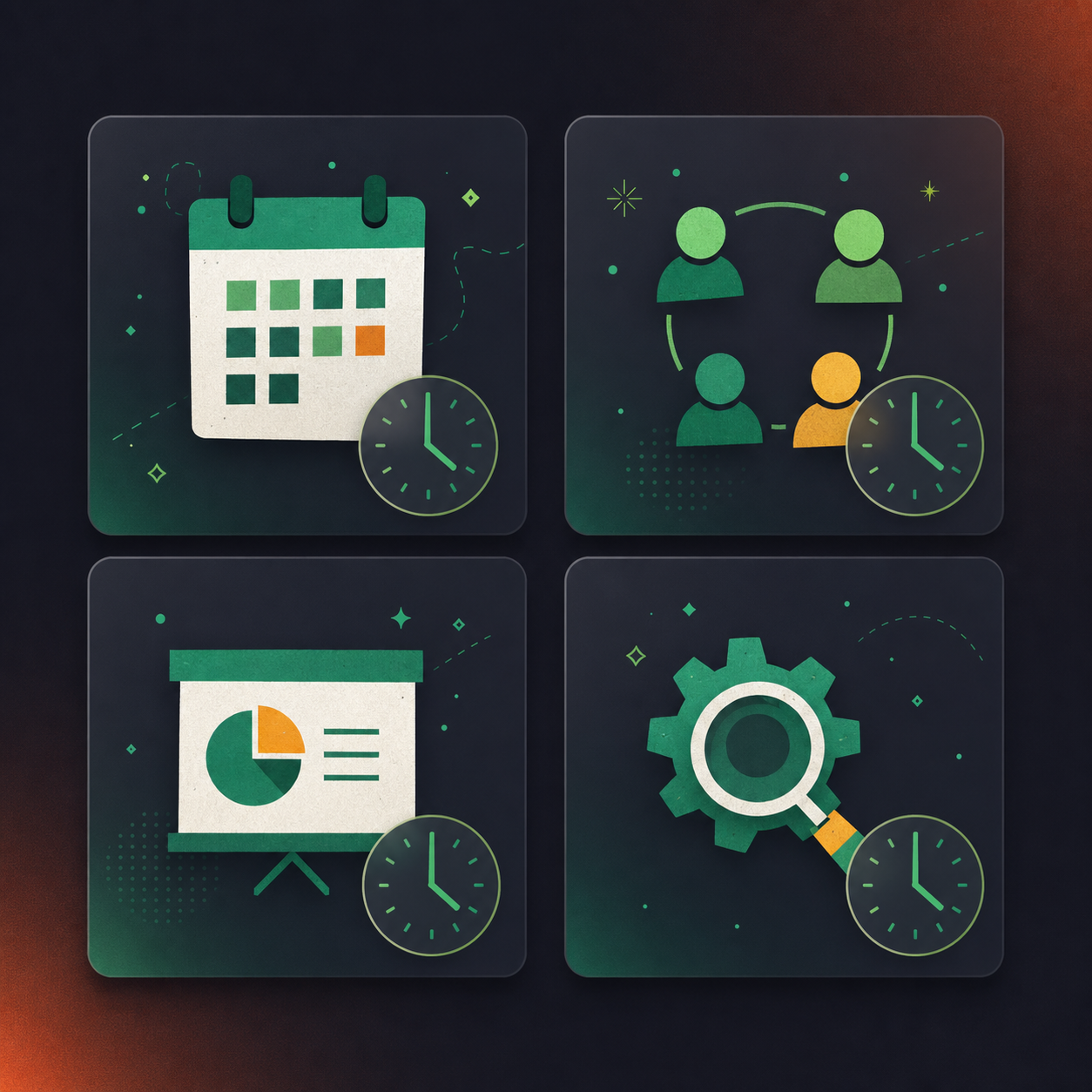
Before we get into the nitty-gritty of improving your Scrum meetings, let’s take a quick refresher on what these types of Scrum meetings (or Agile ceremonies) are all about. The Scrum framework includes four key types of meetings, each with a distinct purpose, participants, and structure. Let’s get familiar with each one.
Sprint Planning
The Sprint Planning meeting is where the magic starts. In this meeting, the Product Owner, Scrum Master, and the Development Team come together to plan the work for the upcoming sprint. The Product Owner presents the highest priority items on the product backlog, and the team collaboratively decides on what they can realistically accomplish during the sprint. The meeting results in a sprint goal and a sprint backlog, giving everyone clear visibility of the tasks ahead.
Daily Standup (or Daily Scrum)
The Daily Standup meeting (also called Daily Scrum) is the team’s daily check-in, lasting no more than 15 minutes. Every team member, including the Scrum Master and Product Owner, briefly discusses what they did yesterday, what they plan to do today, and any impediments they’re facing. This keeps everyone in the loop and any blockers are quickly resolved. Effective standup meetings will promote team alignment and drive daily progress towards project goals.
Sprint Review
Once the sprint wraps up, it’s time for the Sprint Review. In this meeting, the Development Team shows off the work they’ve completed during the sprint to the Product Owner and any interested stakeholders. This is a chance for feedback and discussions on what to include in the next sprint based on the current product increment.
Sprint Retrospective
Last but certainly not least, we have the Sprint Retrospective. This meeting is the team’s chance to reflect on the sprint, covering what went well, what didn’t, and how they can improve for next time. The Scrum Master, Product Owner, and Development Team participate in this open discussion, setting the stage for continuous improvement.
Ceremony | Timebox | Participants | Goal | What Spinach Captures |
|---|---|---|---|---|
Sprint Planning | Up to 8 hours (4-week sprint) | Product Owner, Scrum Master, Dev Team | Commit to a sprint goal and build the sprint backlog | Sprint goal, committed backlog items, decisions, and action items with named owners |
Daily Standup | 15 minutes | Scrum Master, Dev Team, Product Owner | Sync on progress, surface blockers | Blocker list with assigned owners, standup summary routed to Slack |
Sprint Review | Up to 4 hours (4-week sprint) | Dev Team, Product Owner, stakeholders | Demo completed work and gather feedback for the next sprint | Stakeholder feedback, decisions on backlog updates, structured recap for absent stakeholders |
Sprint Retrospective | Up to 3 hours (4-week sprint) | Scrum Master, Product Owner, Dev Team | Reflect on the sprint and agree on process improvements | Improvement actions with named owners, decisions logged as a searchable record |
Common challenges in Scrum meetings
Alright, now that we’re all up to speed on the Scrum ceremonies, it’s time to look at the elephant in the room: the challenges. While these meetings are designed to build collaboration and drive productivity, they aren’t without their potential pitfalls. Even the most seasoned teams can find themselves tangled up in a few common hurdles. So let’s shed some light on these, shall we?
Lack of preparation: Walking into a Scrum meeting unprepared can lead to inefficient discussions, and in the end, an unproductive meeting.
Long, drawn-out meetings: Exceeding the time-boxed period for any Scrum meeting can lead to meeting fatigue and decreased team engagement.
Unclear objectives: Without a clear goal for each meeting, participants may lose focus, leading to discussions that deviate from the main agenda.
Low participation: Scrum meetings are a team sport. If some members remain passive, it can hinder the team’s ability to collaborate effectively.
Neglecting feedback: Failing to act on the feedback collected in the Sprint Review and Retrospective meetings can hinder continuous improvement.
Rigid adherence to the plan: While having a plan is necessary, being inflexible can cause problems, especially when requirements change or unforeseen issues arise.
But don’t worry, the good news is these challenges can be overcome, and that’s precisely what we’re going to tackle next. Let’s get into the ways you can improve your Scrum meetings!
5 tips for more effective Scrum meetings
With an understanding of the challenges that can arise in Scrum meetings, it’s time to equip you with the strategies to overcome these hurdles. There’s no one-size-fits-all approach here, but the following tips have helped many teams run better Scrum ceremonies, turning them into powerhouses of productivity and collaboration. So let’s get started!
1. Use a Dedicated Meeting Tool
Let’s face it, as convenient as it is to hold meetings in a conference room with a whiteboard, modern technology offers us some fantastic tools that can improve our Scrum ceremonies. Using a dedicated Scrum meeting tool
Spinach AI is the system of record for conversation data. It is an AI meeting assistant that captures decisions, action items, and follow-ups from any meeting and routes them into the tools your team already uses, from Slack and Jira to Notion and HubSpot. For Scrum teams, that means every ceremony gets the same treatment: Spinach joins each one across Zoom, Google Meet, and Slack, captures decisions and action items with named owners during the meeting, and routes ticket suggestions and summaries to your tools when it ends. Deployed org-wide, every team’s conversation data feeds a single governed record that leadership and compliance can draw on. No manual re-entry needed.
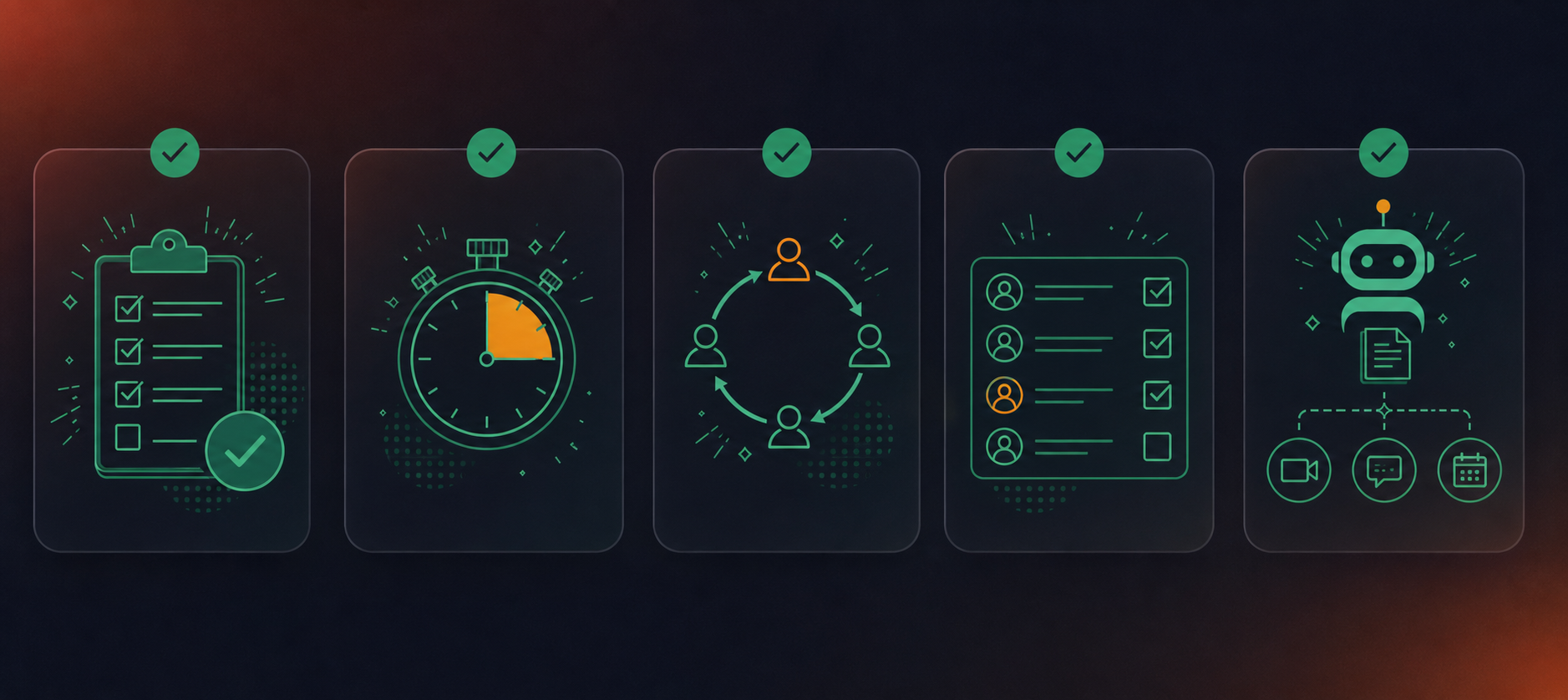
One of the challenges we discussed earlier was preparation, or the lack thereof. With Spinach, every team member can come into each meeting well-prepared. It sends daily standup notifications to the Slack channel of your choice, so every team member knows what to cover. Spinach surfaces context from prior meetings when it joins, so everyone arrives informed.
2. Drive Participation and Engagement
We’ve all been there. The meeting that feels more like a lecture, with one person doing all the talking while everyone else fights to keep their eyes open, is not fun. Participation is key to successful Scrum meetings, and there are some great ways to encourage this.
Icebreakers, for example, can inject some fun into your meetings, while getting the conversation flowing. Spinach can kickstart your meeting with a quick, fun icebreaker, setting the stage for active participation. During standup meetings, team members can react to the various discussion points on an agenda to acknowledge the work done by their fellow peers. Who said meetings can’t be fun and productive at the same time?
3. Automate Administrative Tasks
With the increasing demands on everyone’s time, manual and repetitive tasks can be a thorn in your team’s productivity. Administrative tasks like generating meeting notes and writing stakeholder recaps take real effort and consume a considerable amount of time and energy. By automating these tasks, your team can free up more time to focus on what matters most, delivering quality work.
Spinach takes care of the administrative work automatically. It joins each ceremony, captures what gets decided and who owns each action item during the meeting, then delivers stakeholder recaps and ticket suggestions the moment the meeting ends. Your board stays current after every standup and sprint planning without anyone re-entering notes by hand, freeing the team to focus on the actual work.
4. Stick to each meeting’s timebox
Respecting the timebox of each Scrum meeting is critical for maintaining pace and productivity. It keeps the team on-topic and allows everyone to manage their time effectively. It’s like setting a course and sticking to it, and you’ll reach your destination without unnecessary detours.
Consistently running over time can lead to team members becoming disengaged or overwhelmed. On the flip side, sticking to the allocated time box for each meeting means that discussions stay focused, decisions are made more quickly, and everyone leaves with a clear understanding of their next steps. And guess what? Spinach can help here, too! Its built-in meeting timer and speaking order rotation help you stay within your time limit, keeping the meeting succinct and productive.
5. Keep meetings action-focused
Now, let’s talk about the importance of keeping meetings action-focused. You want your Scrum meetings to be more than just talk. The goal is to progress, to move forward, to take action. If your meetings lack clear and actionable outcomes, they risk turning into unfocused discussions that leave team members feeling like they’re running in circles.
Action-focused meetings have clear objectives, engage participants, and lead to decisive outcomes that drive your project forward. They end with clear action items, responsibilities, and deadlines, giving everyone a solid understanding of what needs to happen next. They keep your team aligned, motivated, and ready to take on the tasks at hand, creating a sense of accomplishment and momentum. Now, that’s a meeting worth attending!
Enhance meeting productivity with Spinach
Putting these five tips into practice gets easier when the administrative overhead is handled for you. Spinach AI works across all your team’s meetings, including Scrum ceremonies. It joins each one, captures decisions and action items with named owners during the meeting, and routes ticket suggestions and structured summaries to your tools when the meeting ends. The team can also query past meetings directly (“When are we releasing this feature?”), making the conversation history a searchable record the whole team can draw on.
Spinach joins every meeting, captures decisions and action items with named owners, and routes them into your team’s tools when the meeting ends. Get started with Spinach AI and put every meeting to work.
A basic recorder gives you a transcript and stops there. Spinach AI joins each ceremony, captures decisions and action items with named owners during the meeting, and routes ticket suggestions and structured summaries into Jira, Linear, or your other tools when the meeting ends, so your board stays current without anyone re-entering notes by hand.
Keep three questions front and center: what did you complete yesterday, what are you working on today, and what’s blocking you. Timebox the whole meeting to 15 minutes, rotate speaking order so the same voice doesn’t lead every time, and end with named blockers assigned to a specific owner, not a vague “we’ll look into it.”
Spinach AI works across all four Scrum ceremonies: Sprint Planning, Daily Standups, Sprint Reviews, and Sprint Retrospectives. It captures decisions and action items with named owners in each one, then delivers summaries and ticket suggestions to your tools when the meeting ends, giving every ceremony a clear, searchable record.
The six most common causes are poor preparation, no timebox, unclear objectives, low participation, ignored retrospective feedback, and inflexible plans. The fix for most of them is structural: set a hard timebox per ceremony, end every meeting with named action items and owners, and automate standup notifications and recap delivery so the team arrives prepared and leaves with clear next steps.
Assign a visible timer for each ceremony and rotate the speaking order so no single person dominates. When a discussion runs long, table it as a named action item with an owner instead of letting it consume the remaining time. Sticking to the timebox forces the team to put decisions ahead of debate, and any unresolved item becomes a tracked output, not a dropped thread.
What should you do now
Now that you've read this article, here are some things you should do:
- If communication is a challenge for your team, you should check out our library of meeting agenda templates.
- Learn more about Spinach and how it can help you run a high performing org.
- If you found this article helpful, please share it with others on Linkedin or X (Twitter)

