 Maintouch
 When you hear the word “meeting” do you picture a conference room? Or a video chat? If you work in tech, chances are, it’s the second one. We’ve come a long way from sitting around a conference table, to now sitting at our laptops, calling in from basically anywhere there’s Wi-Fi. And because of the evolution of remote work, virtual teams have more ways than ever to stay connected.
Whether your team is based in one city, or sits dispersed across the country (or globe), it’s easy to stay connected with daily or weekly calls, and a lot of teams like the face-to-face connection you get from a video chat. If your team meets virtually, you can get more out of meeting tools with built-in interactive software features, like collaborative whiteboards, note-taking, and shared document editing. For org-wide deployment, Spinach centralizes conversation data across every team and tool.

TLDR:
- The top 5 meeting apps for Agile teams are Microsoft Teams, Zoom, Google Meet, Slack, and GoToMeeting.
- Choose a meeting app based on three criteria: integration with your existing tools, task tracking, and ease of use.
- Automated meeting records replace manual note-taking, so decisions and action items stay searchable and assigned.
- Set a clear agenda for every meeting to keep discussions on track and prevent time from dissolving into off-topic threads.
- Spinach AI joins meetings across Teams, Zoom, Meet, Slack Huddles, and Webex, capturing decisions and action items with named owners when the meeting ends.
How do team meeting apps help with collaboration?
For software dev team leaders, using the right meeting app can be a game-changer. Whether it’s for a data sync, weekly meeting, or Scrum event, smart meeting apps can help you stay on track, helping to bridge the miles (literally) between your team members.
If you’re looking for ways to power up your team meetings with technology that captures decisions and keeps everyone aligned, we’re here to help, with our top 5 picks for the best meeting apps distributed teams can use to meet and connect.
But first, here’s a quick look at some of the ways the right team meeting app can make a difference in your Agile organization:
Centralized communication
Ever tried managing a project where messages fly across five different platforms? It’s like trying to catch confetti in the wind.
A centralized platform changes the game. By consolidating discussions, queries, and updates, you pave the way for clear, focused communication. As we all know, real-time communication is key in the Agile world. Quick decisions, faster pivots, and better results, all thanks to a unified communication hub.
Structured collaboration
Team meeting apps can help keep meetings on track, preventing chaotic and off-topic discussions. With built-in structures, like specific agendas and time boxes, your meetings are organized and productive. Some even integrate with your calendar, so every minute is accounted for.
Easier follow-up and recordkeeping
Gone are the days when you had to rely on scribbled notes or faded memories. Automated meeting minutes, task assignments, and recordings now come to the rescue.
With these tools, revisiting past discussions, clarifying decisions, or delegating follow-up tasks becomes a breeze. Having a library of all your brilliant brainstorming sessions and key documentation just a click away makes things easier to access than ever before.
Features the best team meeting apps have for Agile teams
Ready to turbocharge your team meetings? One of the keys to the Agile methodology is, it goes beyond having a good tool; it’s about wielding one that perfectly complements your team’s workflow.
The best meeting apps (including Spinach) bring the right set of tools and features to the table. Here’s a look at our criteria for choosing the top 5 meeting apps for this article:
Integration with Agile tools
We’re not here to manually switch between tabs and apps like some digital juggling act! Smooth integration with tools your team already uses means that backlog grooming, sprint planning, and all the other critical processes take place in real-time. No more scrambling to update another platform, no more data disparity, just clean, efficient workflows.
Task tracking and action items
Meetings without actionable takeaways are basically just interesting conversations! Task tracking means ideas become to-dos and action items turn into completed tasks.
With Spinach on your team, your tasks are outlined and their progress is trackable. So, the next time someone asks, “Who’s doing what?” Spinach will chime in with the answer, keeping everyone on the ball.
Ease of use
Let’s face it: your team is a diverse group of superstars, each with their unique strengths. While some might be tech wizards, others might prefer things straightforward and simple. That’s why user-friendly interfaces are non-negotiable.
Spinach, for instance, doesn’t make you jump through digital hoops. It’s intuitive, straightforward, and designed with everyone in mind. Because, at the end of the day, the tool should adapt to the team, not the other way around.
The top 5 team meeting apps
Ready to take a look at our list of the best 5 meeting apps for Agile teams? Each app included in this article offers a different set of features, but all of them work directly with Spinach, so Spinach can join your meetings, capture decisions and action items, and route them to your tools automatically.
App | Meeting Type | Agile / Dev Integrations | Standout Feature | Spinach AI Support |
|---|---|---|---|---|
Microsoft Teams | Video, chat, and file hub | Jira, Azure DevOps (native connectors) | Dev tool integrations built directly into the workspace | Yes |
Zoom | Video conferencing | App marketplace plugins for Agile ceremonies | Breakout rooms and a broad plugin ecosystem | Yes |
Google Meet | Video conferencing | G Suite native; external plugins available | Instant access to Docs, Sheets, and Slides in-meeting | Yes |
Slack | Chat, audio, and video (Huddles) | Sprint planning and task management apps via app directory | Channels and Huddles cover async and sync work in one tool | Yes |
GoToMeeting | Video conferencing | Plugins for sprint reviews and Agile ceremonies | Simple setup with HD video and hand-raising | Not supported |
1. Microsoft Teams
Microsoft Teams is like the multi-tool of the digital collaboration world. Built as a hub for teamwork, Teams integrates chat, video conferencing, and file storage.
Agile teams will appreciate that Teams has customizable tabs and connectors, which can bridge with tools like Jira and Azure DevOps.
Plus, Spinach joins your Microsoft Teams meetings, capturing decisions and action items with named owners and routing them to Jira, Linear, Slack, and your other tools when each meeting ends.
2. Zoom
“Let’s Zoom” became synonymous with video meetings for a reason! With its easy-to-use video conferencing platform, breakout rooms, and webinar functionalities, Zoom keeps teams connected globally.
Though not natively built for Agile, its marketplace has plugins that cater to Agile ceremonies. And here’s the best part: Zoom and Spinach go hand-in-hand with integration capabilities, so your virtual stand-ups and retrospectives are powered up. Spinach comes to all your Zoom meetings and captures the key details for you, so you can spend less time documenting decisions, and more time delivering results!
3. Google Meet
From the tech giants at Google, Google Meet offers secure and HD-quality video meetings. Integration with G-Suite means docs, sheets, and slides are always within reach. While its native features aren’t particularly Agile-centric, external plugins can join the fun to make it a great fit for your team.
And yes, you guessed it! Spinach integrates flawlessly with Google Meet. Spinach joins your Google Meet, captures decisions and action items during the meeting, and delivers them when it ends.
4. Slack
Slack is more than just a chat app; it’s where work happens. Channels, direct messaging, and file-sharing capabilities are just the tip of the iceberg. Plus, you can easily join audio or video chats using the Huddle feature.
With its extensive app directory, you can plug in Agile-specific tools for sprint planning or task management. And of course Spinach connects directly, delivering instant meeting summaries and action items right in Slack, so you never have to toggle between apps to see the outcome of your meetings. Spinach makes Slack a stronger hub for tracking decisions across your entire org.
5. GoToMeeting
Favored by many for its simplicity, GoToMeeting offers web conferencing with HD video. Features like hand raising and screen sharing make collaborative sessions engaging.
Its integrations and plugins can be tailored to suit Agile team needs, making sprint reviews and other ceremonies a piece of cake.
Tips to make team meetings even more effective
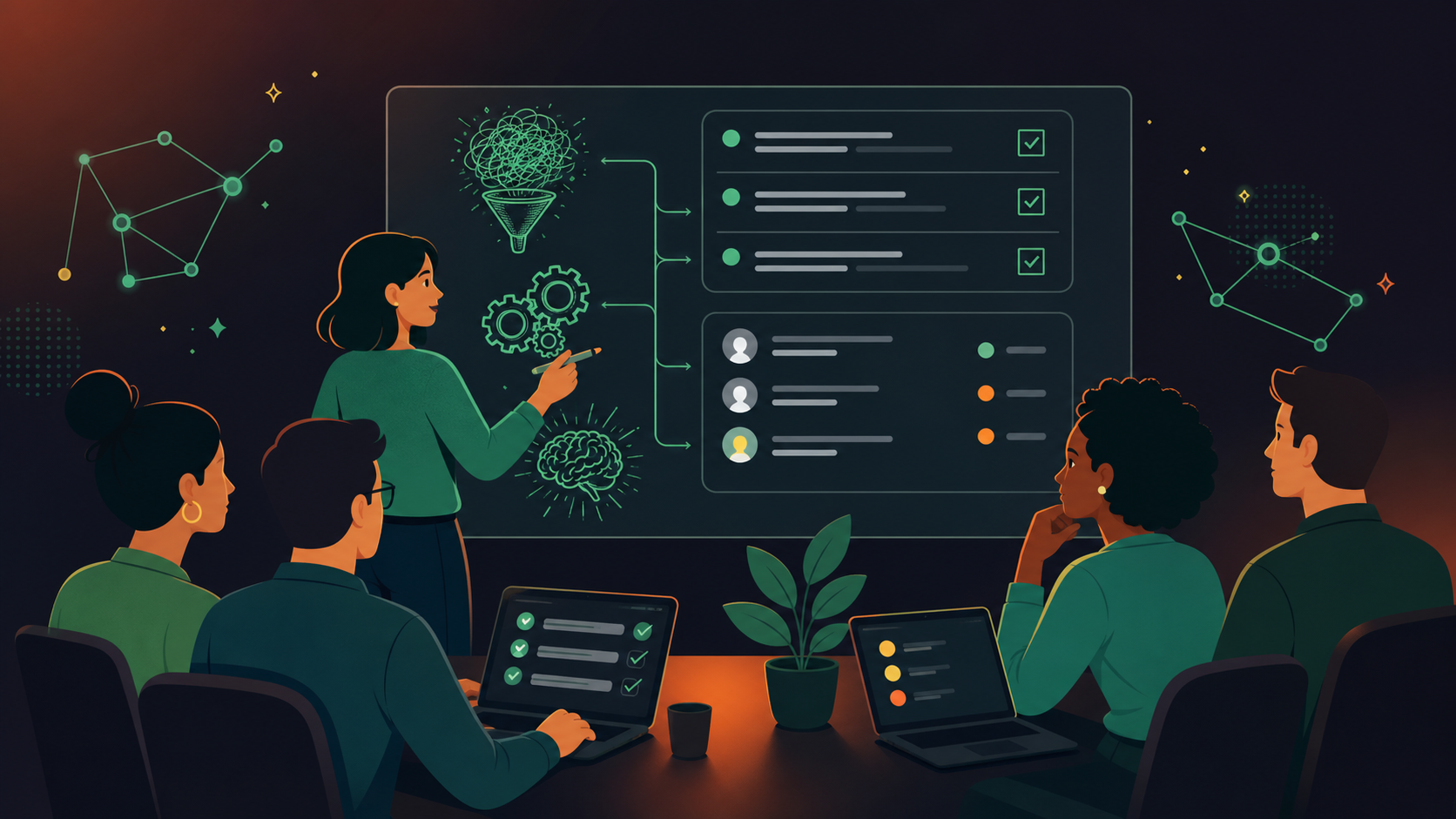
Now that you have a better understanding of the best meeting app options, here are some expert tips for getting more out of every Agile meeting.
Integrate with useful tools like Spinach
Spinach is an AI meeting assistant that joins your calls, captures decisions and action items with named owners, and routes them into the tools your team already uses, from Jira and Linear to Slack and Notion. For Agile teams, it also steps in as an active teammate in ceremonies, from daily standups to Scrum meetings and retrospectives. Here’s what that looks like in practice:
- Meeting output: Spinach captures decisions and open blockers during the meeting, then delivers structured summaries with named owners when the meeting ends.
- Cross-platform coverage: Spinach joins meetings across Zoom, Google Meet, Microsoft Teams, Slack Huddles, and Webex, keeping one organizational record regardless of which tool each team uses.
- Structured follow-up: After each meeting, Spinach delivers decisions, action items with named owners, and ticket suggestions to your project management tools and Slack automatically.
- Ticket and task suggestions: Spinach proposes new tickets for newly scoped work and links discussions to existing items in Jira and Linear, so sprint work stays captured.
Gather feedback from each meeting
Agile thrives on feedback loops, and so should your meetings. It goes beyond going through the motions; each huddle should bring real value. Use feedback tools, digital whiteboards, or even a simple Google Form to gather opinions.
The goal isn’t perfection, just continuous improvement. By using feedback well, each meeting can be better than the last.
Set a clear purpose ahead of time
An agenda-less meeting can easily run off the track. Make a point of setting a clear agenda every time to avoid a purposeless or bad meeting. This focus keeps you moving forward. It helps with time management, keeps discussions on point, and every minute counts.
Try Spinach to level up your team meetings
If you’re looking for a tool to take your meetings to the next level, Spinach is the AI meeting assistant that captures decisions and action items from every meeting and routes them directly into your team’s tools.
Because Spinach integrates with the tools you already use, you don’t have to change your team habits to start using it. Just invite Spinach to your meetings to get instant summaries, documented decisions, assigned action items, and ticket suggestions to accelerate your dev team.
Ready to get more out of every team meeting? Set up Spinach for your team and start turning every call into documented, assigned next steps.
Microsoft Teams, Zoom, and Google Meet all support Agile workflows when paired with the right integrations. Teams connects natively with Jira and Azure DevOps, Zoom has an app marketplace with ceremony-specific plugins, and Google Meet works well for G-Suite-heavy teams. The differentiator is what happens after the meeting ends: without a layer that captures decisions and action items with named owners, your standup output still lives in someone’s head or a chat thread that gets buried.
Check three things: integration with the tools your team already uses (Jira, Linear, Slack), whether the app supports structured task tracking so action items get assigned instead of forgotten, and whether the interface is simple enough that every team member actually uses it. A meeting app that requires manual post-meeting admin to produce useful output adds friction instead of removing it.
Spinach AI joins meetings on Zoom, Google Meet, Microsoft Teams, Slack Huddles, and Webex. GoToMeeting is not currently a supported platform. If your team uses GoToMeeting, you would need to migrate to one of the five supported platforms to have Spinach capture decisions, action items with named owners, and route structured output to your project management tools automatically.
Microsoft Teams has a structural edge for dev-heavy environments because its native connectors link directly to Jira and Azure DevOps, keeping sprint planning and backlog work inside one hub. Zoom’s strength is simplicity and its broad app marketplace, which works well for teams that already have a separate project management stack and want video conferencing to stay out of the way. Both integrate with Spinach AI, so decisions and action items from either platform get captured and routed to your tools when the meeting ends.
Set a written agenda before every meeting and assign a time box to each item, which prevents off-topic threads from consuming sprint reviews or retrospectives. Pair that with an automated record of decisions and action items so follow-up work is assigned at meeting end, not reconstructed from memory afterward. Spinach AI joins your meetings on Zoom, Google Meet, Teams, Slack Huddles, or Webex and captures that structured output automatically, so your agenda discipline translates directly into documented, assigned next steps.
What you should do now
Next, here are some things you can do now that you've read this article:
- If communication is a challenge for your team, you should check out our library of meeting agenda templates.
- Learn more about Spinach and how it can help you run a high performing org.
- If you found this article helpful, please share it with others on Linkedin or X (Twitter)

