Which Meeting AI Pricing Model Saves More? (August 2026)
See how usage-based and seat-based AI meeting tool pricing compare in August 2026, including hidden costs and team-by-team cost math.
 Maintouch
Not everyone on your team meets the same way, and most AI meeting tool pricing doesn’t account for that. Someone on five calls a week and someone on one call a month cost you the same under a per-seat model. Running the actual math on your team’s recording hours is the fastest way to find out which pricing structure saves you money.
TLDR:
- Usage-based pricing wins below 10 recorded hours per user per month; seat-based wins above it
- Hidden costs can inflate your meeting AI bill 2-3x once integration tiers and viewer seats are factored in
- Annual vs. monthly billing alone creates a 53% cost gap on the same per-seat plan
- Spinach AI offers both models on one product: $2.90/hr (Pro, pay-as-you-go) or $29/user/month monthly ($19/user/month billed annually) on Business
How Seat-Based Pricing Works in AI Meeting Tools
Per-seat pricing charges a fixed monthly or annual fee for each licensed user, regardless of how many meetings that person actually attends. Someone who joins three calls a week costs the same as someone who joins thirty.
This model has dominated business software for decades because it’s predictable. Finance teams can budget a year out without surprises, and the math is simple: headcount times rate equals cost.
For AI meeting tools, the flat rate typically covers unlimited access to the core feature set: recording, transcription, AI summaries, and integrations. What it doesn’t adjust for is actual consumption. A team of 20 where half rarely meet pays the same per-seat rate as a team running back-to-back calls all day. Per-seat pricing remains the default assumption most buyers bring to any software evaluation.
How Usage-Based Pricing Works in AI Meeting Tools
With usage-based pricing, you pay for what you actually consume, not the number of licensed seats. The billing unit varies by vendor: some charge per meeting hour, others per minute, others per meeting regardless of length. Comparing AI transcription tools side by side can clarify which billing structure fits your team. The meter runs when a meeting is recorded or processed, and there is no fixed monthly floor.
The account itself can serve any number of users, so cost scales with activity, not headcount. A 50-person team where only 10 people run recorded meetings pays only for those 10 sessions. No one pays a licensing fee to sit idle.
Spinach AI’s Pro plan follows this model: $2.90 per meeting hour, unlimited users, no seat count required. The meter runs for the duration of each meeting, and that’s the bill.
The tradeoff is predictability. In high-volume months, such as a product launch or a planning sprint, the bill climbs with activity. That variance works well for teams with irregular meeting cadences, but it can be harder for finance teams who need a fixed line item to budget against.
The Four Pricing Structures You’ll Actually See in 2026
Per-seat pricing is still the default across SaaS, but consumption-based pricing is growing fast: 42% of products now offer a usage-based option, up from 27% in 2023. Before calculating which model saves more, you need to correctly identify which structure you’re actually looking at.
- Pure seat-based: fixed monthly fee per licensed user, regardless of activity. Most traditional meeting tools and Microsoft Copilot add-ons follow this pattern. Understanding enterprise conversation intelligence helps clarify why the billing model matters beyond cost alone.
- Pure usage-based: no seat floor, billed entirely by consumption measured in hours, minutes, or meetings. Spinach’s Pro plan at $2.90 per meeting hour is one example.
- Hybrid: a flat base rate covers a set number of seats or hours, with variable charges above that threshold. Common in enterprise tiers where baseline usage is guaranteed but spikes are metered separately.
- Credit-based: users draw from a pre-purchased block of credits, each representing a unit of consumption. Once the block depletes, you buy more or hit a usage wall.
Most confusion in pricing comparisons comes from misreading a hybrid plan as pure seat-based, or a credit model as pure usage-based. Getting the category right is the prerequisite for doing the math.
The Cost Math: What You Actually Pay Under Each Model
The break-even point depends on two variables: how many users need access and how many hours they actually meet each month.
Scenario | Usage-Based ($2.90/hr) | Seat-Based ($29/user/mo) | Cheaper Option |
|---|---|---|---|
10 users, 20 hrs/mo total | $58 | $290 | Usage-based |
10 users, 120 hrs/mo total | $348 | $290 | Seat-based |
50 users, 750 hrs/mo total | $2,175 | $1,450 | Seat-based |
50 users, 200 hrs/mo total | $580 | $1,450 | Usage-based |
The crossover for Spinach AI’s Pro versus Business plan lands at roughly 10 hours per user per month (based on $2.90/hr Pro vs $29/user/month Business monthly rate: $29 ÷ $2.90 = ~10 hrs). Below that threshold, pay-as-you-go is cheaper. Above it, the per-seat Business plan at $19/user/month (billed annually) pulls ahead. OpenView’s 2025 SaaS benchmarks show median net revenue retention of 120% for usage-based companies, because usage billing naturally scales with customer growth without requiring a separate upsell conversation.
Hidden Costs That Shift the True Price
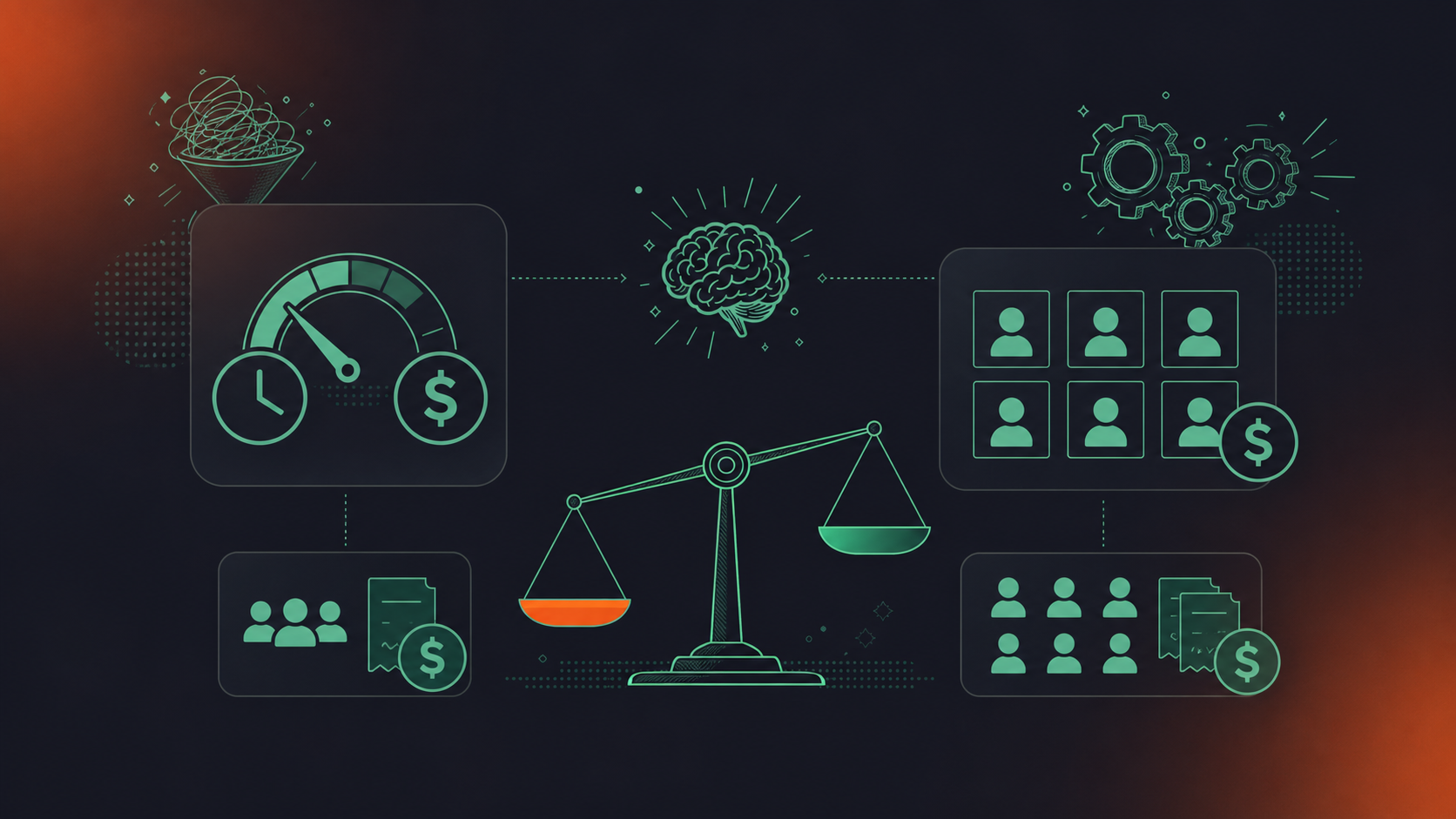
Hidden costs can increase a meeting AI bill by 2 to 3 times once you factor in storage limits, integration tiers, and per-seat pricing traps. Before comparing headline rates, normalize costs across these four categories:
- Viewer vs. editor seats: some tools charge full price only for active users who can create meetings, but still require a paid seat for anyone who receives summaries or needs to search past recordings. A 20-person team where only 10 record still pays for all 20.
- Integration tier gating: CRM connections (Salesforce, HubSpot) and project management integrations (Jira, Linear) are often locked behind higher plans. The Spinach AI vs Fathom comparison shows how integration gating affects total cost. A tool that looks cheap at the base rate may require an upgrade the moment you need it to push action items anywhere useful.
- API access priced separately: querying or exporting conversation data via API is frequently an enterprise-only add-on, invisible during a free trial.
- AI credit caps: plans advertised as “unlimited” sometimes cap AI summaries or assistant queries per month through a credit system. The Spinach AI vs Fireflies.ai comparison breaks down how credit caps affect real-world costs. Exceeding the cap means either a hard stop or an overage charge.
Annual vs. monthly billing compounds this further. A $29/user/month plan billed monthly costs 53% more per year than the same plan at $19/user/month billed annually, a gap large enough to shift which pricing model wins in a break-even comparison.
Seat-Based vs. Usage-Based: Which Saves More by Team Profile
Four team profiles, four clear answers.
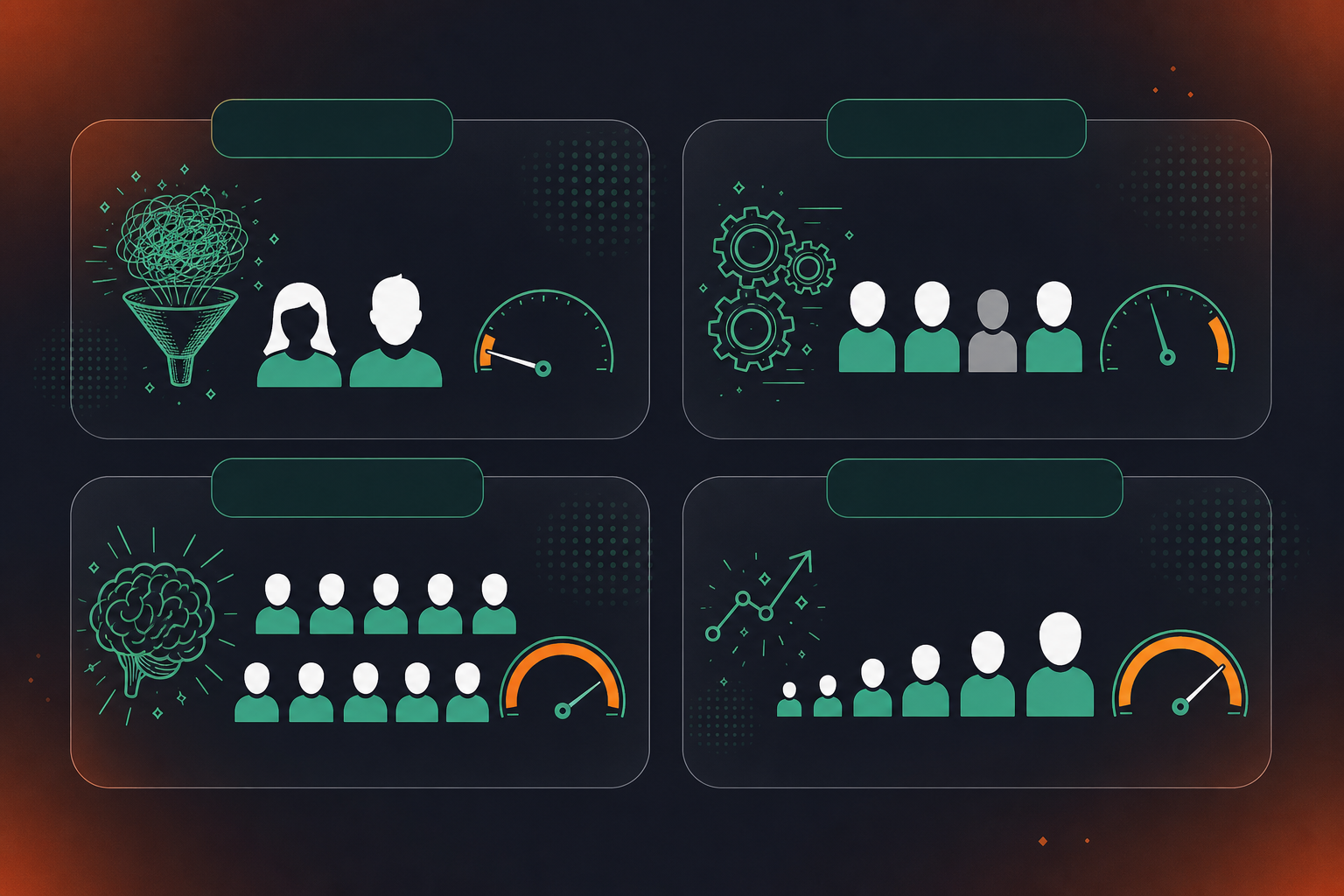
Small startup (under 20 people, irregular meeting cadence)
Usage-based wins. Early-stage teams run sprints of heavy meetings followed by quieter stretches. Paying $2.90 per meeting hour keeps the bill tied to actual activity instead of a fixed seat count that burns money during slow weeks.
Mid-market team with mixed usage (50 people, half actively record)
Usage-based still wins if fewer than half the team consistently records. If 25 people average less than 10 hours of recorded meetings per month, pay-as-you-go undercuts a per-seat plan. Once average recorded hours cross that threshold org-wide, seat-based pricing pulls ahead.
Large team with high, predictable meeting volume (100+ people, daily recorded calls)
Seat-based wins on cost and simplicity. At high volume, the per-hour meter accumulates fast, and the fixed per-seat rate becomes the cheaper option. IDC forecasts that 70% of software vendors will refactor away from pure per-seat models by 2028, but for meeting-heavy enterprises today, a negotiated per-seat rate at scale still tends to be the lower number.
Enterprise with variable or departmental rollout
Hybrid or usage-based wins during rollout, seat-based wins at full deployment. Organizations that start with one department and expand gradually overpay on seat-based plans until adoption catches up. Starting on pay-as-you-go, then switching to per-seat once volume stabilizes, is the lower-cost path.
What Happens at Enterprise Scale
At enterprise scale, list price becomes almost irrelevant. Procurement teams negotiate committed-use contracts with rate floors, volume discounts, and bundled AI features that can materially reduce headline rates on either model.
The more pressing issue is mandatory bundling. For organizations already on Microsoft 365, Copilot Enterprise adds $30 per user per month on top of an existing license. As one 2026 AI meeting assistant comparison noted, that amounts to $18,000 per year for a 50-person team before a single meeting is recorded. Seat-based AI that ships inside a platform bundle looks free until you price the bundle increment.
Hybrid contracts have become the dominant enterprise structure: a base commit covers a guaranteed seat or hour floor, and consumption above that threshold is metered separately. This gives finance a fixed budget line while letting actual usage flex. The key procurement question is how accurately you can forecast meeting volume a year out.
Total cost of ownership at scale also includes admin overhead. Per-seat plans simplify provisioning through SAML SSO and SCIM, since users are added and removed against a known per-seat rate. Pure usage-based contracts require more active monitoring to prevent runaway consumption across departments that onboard unevenly.
How Spinach AI Prices Across Both Models
Spinach AI is an enterprise conversation intelligence platform, the system of record for conversation data, that offers both pricing structures within a single product. That makes the usage-vs-seat tradeoff concrete, not theoretical, and it means every team from a 10-person startup to a 500-person enterprise is starting on the same organizational platform, not switching tools as they scale.
The Pro plan is usage-based at $2.90 per meeting hour, with unlimited users and no seat minimums. Spinach joins meetings on Zoom, Google Meet, Microsoft Teams, Slack Huddles, and Webex; captures video, audio, transcript, screen share, and in-meeting chat; and delivers structured outputs such as decisions, action items with named owners, CRM updates, and tickets routed to Jira, Linear, Asana, or HubSpot when the meeting ends. Teams with variable or hard-to-predict meeting volume can deploy it org-wide and pay only for what gets recorded. Note that MCP connectors for Claude and ChatGPT are not included on Pro; those are available on Business and Enterprise.
The Business plan is seat-based at $29 per user per month ($19 billed annually), covering unlimited meetings, advanced AI summaries, Ask Spinach, MCP connectors for Claude and ChatGPT, and integrations with CRM, project management, and knowledge tools. Enterprise is custom pricing and adds SAML SSO, SCIM, org-enforced settings, compliance agents, custom agents, API and webhooks, BAA for HIPAA engagements, and granular retention configurable per data type (transcript, summary, and video each set independently, from one week to indefinite). This is the governance and retrieval layer that turns conversation data into a governed, queryable organizational asset.
The structural advantage here is sequencing: start on Pro to measure actual consumption, then migrate to Business once recorded-hour volume crosses the break-even point, without switching vendors or losing historical data. Match the billing model to your confidence in usage forecasts, and lock in a fixed rate only once the numbers support it.
Final Thoughts on Meeting AI Pricing Models and What Actually Saves You Money
Neither seat-based nor usage-based pricing is universally cheaper. It comes down to how many people record meetings and how often they do it. Get that number wrong and you’ll overpay regardless of which model you choose. The practical approach is to start on usage-based, run it for a month or two, and let your actual consumption data make the decision for you.
What that data also gives you is an organizational record: every decision, action item, and follow-up from every meeting captured in one governed organizational record, routed into the tools your teams already use. Get started with Spinach AI. The first step is seeing what your team’s real meeting volume and output look like before locking in a billing structure.
The crossover lands at roughly 10 recorded meeting hours per user per month. Below that threshold, the Pro plan at $2.90 per meeting hour costs less than the Business plan at $19 per user per month (billed annually). Above it, the fixed per-seat rate on Business pulls ahead — so if your team runs daily recorded calls, seat-based is the lower number.
Pro is the better starting point when volume is hard to forecast. It charges $2.90 per meeting hour with unlimited users and no seat minimums, so the bill tracks actual activity rather than a headcount estimate. Once you have two to three months of recorded-hour data, you can calculate whether Business at $19 per user per month (annual) would have cost less — and migrate when the numbers support it without switching vendors or losing historical data.
Usage-based pricing wins during phased rollout, where seat-based pricing tends to overcharge. On a per-seat contract, you pay for every provisioned user from day one — even departments that haven’t adopted the tool yet. With usage-based meeting AI pricing, cost scales only with the meetings that actually get recorded, so a 500-person organization rolling out one department at a time pays for 80 active users, not 500 licensed seats.
Four categories inflate the real bill beyond the stated rate: viewer seats that require a paid license even for users who only receive summaries; CRM and project management integrations locked behind higher tiers; API access restricted to enterprise contracts; and AI credit caps on plans advertised as unlimited. A tool listed at a lower per-seat rate that gates Salesforce or Jira integration behind an upgrade can cost more in practice than a higher headline rate with integrations included — normalize across all four categories before comparing plans.
Usage-based pricing fits growth better in the early stages, when headcount and meeting volume are both climbing. Paying per meeting hour means the bill scales with actual recorded activity, not with every new hire added to the directory. The right time to shift to a per-seat structure is when average recorded hours per user stabilize above the break-even threshold — at that point, locking in a fixed rate removes billing variance without overpaying for idle seats.
Usage based meeting AI pricing charges you for recorded meeting hours rather than a fixed fee per licensed user — the meter runs for the duration of each meeting that gets captured and processed. Spinach AI’s Pro plan applies this model at $2.90 per meeting hour with unlimited users, so a 45-minute call costs $2.18 and a team member who records nothing that month costs nothing. This makes the model well-suited for teams where recording activity is uneven across the org.
Pull your last two to three months of recorded meeting hours per active user and divide total hours by total users — if that average is below 10 hours per user per month, usage based pricing will cost less. Above 10 hours per user per month, a per-seat plan at $19 per user per month (billed annually) pulls ahead. Running that number on real data before committing to a billing structure removes the guesswork.
Yes — the Pro plan has unlimited users with no seat minimums, so all 50 people can have access and only the recorded meeting hours generate a bill. If those 15 active recorders average 8 hours of recorded meetings per month each, the monthly cost is $348, compared to $950 on the Business plan (at $19/user/month annually) if all 50 seats were provisioned. This is exactly the scenario where usage based pricing saves money.
A hybrid plan charges a flat base rate covering a guaranteed seat or hour floor, then meters consumption above that threshold separately — a pure usage based plan has no floor and bills entirely by what you consume. Hybrid structures are common in enterprise tiers where a finance team needs a predictable budget line while actual usage can flex above the commit. When evaluating meeting AI pricing models, misreading a hybrid plan as pure usage based is one of the most common ways teams underestimate their bill.
On the Pro plan, cost is tied to recorded meeting hours, not headcount, so users who only read summaries or search past recordings generate no usage charges. On the Business plan at $29 per user per month (or $19 billed annually), the seat count does apply to all provisioned users. If your team has a large number of summary recipients relative to active recorders, Pro’s usage based structure will typically cost less than a per-seat plan that licenses every viewer.
Spinach AI offers a 14-day free trial with no credit card required, and you can sign up via Google or Microsoft. The trial period is a practical way to measure your team’s actual recorded-hour volume before deciding whether the Pro (usage based) or Business (per-seat) plan fits your usage pattern. Two to three months of real consumption data is the most reliable input for a break-even calculation.
MCP is included on Business and Enterprise plans — it is not available on Pro. If your team needs to query conversation data directly through Claude or ChatGPT via MCP, Business at $29 per user per month (or $19 billed annually) is the minimum tier. API and webhooks for custom export pipelines are available on Enterprise only.
The Business plan costs $29 per user per month on monthly billing and $19 per user per month billed annually — a 53% cost gap on the same plan. For a 20-person team, that difference amounts to $2,400 per year. That gap is large enough to shift which meeting AI pricing model wins in a break-even comparison, so normalize to annual figures before concluding that usage based is cheaper.
Start on usage based pricing when your team’s recorded-hour volume is either unknown or inconsistent — pay-as-you-go lets actual activity set the bill while you collect real data. Once two to three months of usage show that average recorded hours per user consistently exceed the break-even threshold, migrating to a per-seat plan locks in a lower per-unit rate without switching vendors or losing historical meeting data. This sequencing is the lower-cost path for teams scaling from one department to the full org.
For organizations already on Microsoft 365, Copilot Enterprise adds $30 per user per month on top of an existing license — so a 50-person team pays $18,000 per year before a single meeting is recorded, according to a 2026 AI meeting assistant comparison. A usage based or lower-cost per-seat alternative can cover the same team at a fraction of that figure, particularly for departments where recording volume is moderate. The key question is whether the bundled increment represents a genuine savings or a cost that only looks free because it’s buried in an existing contract.
What to do next
Next, here are some things you can do now that you've read this article:
- Our library of meeting agenda templates is designed to help you run more effective meetings.
- Learn more about Spinach and how it can help you run a high performing org.
- If you found this article helpful, please share it with others on Linkedin or X (Twitter)

