Turn your meetings into Working Sessions (July 2026)
Working sessions produce better outcomes than status meetings. Spinach AI helps teams stay focused and capture every action item. July 2026
 Maintouch
In my experience, there are 2 types of meetings. There are meetings about work. And there are meetings that move your work forward. As more organizations push to reduce meeting, the goal should be to reduce the meeting about work, in order to create more time and space for working sessions. One of the best ways to move your project forward, create alignment, and build a strong team vibe is through working sessions.
This is where Spinach AI can help. Spinach joins your working sessions, captures decisions and action items with named owners as they happen, and routes them into Jira, Linear, Slack, and your other tools when the meeting ends.
In this article, we’ll cover how to turn more of your meetings into working sessions, making them catalysts for progress and new ideas instead of regular old meetings.
TLDR:
- A working session asks “what can we finish right now?” while a status meeting asks “where are we?” The output is the point.
- Structure each session with a clear goal, a priority-based agenda, and named owners on every action item before the session ends.
- Five working session types cover most team needs: brainstorming, strategy planning, task-focused workshops, feedback reviews, and training sessions.
- Spinach AI joins working sessions, captures decisions and action items with named owners, and routes them into Jira, Linear, or Slack when the meeting ends.
What is a working session?
A working session is a dedicated time where team members come together to actively work on specific tasks or projects. Unlike traditional meetings, these sessions are interactive and hands-on, focusing on concrete outcomes.
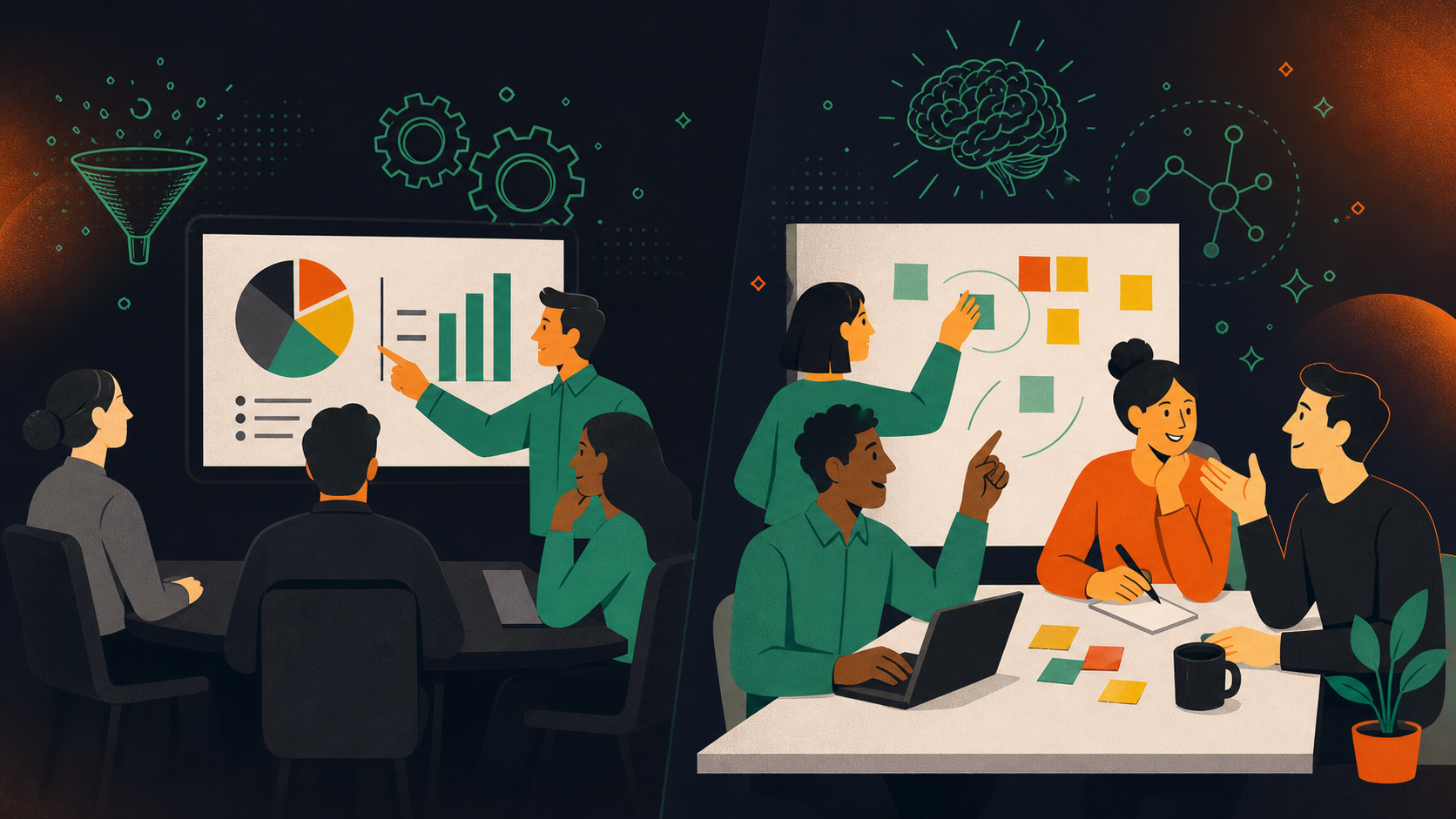
The clearest way to spot the difference: a status meeting asks “where are we?” while a working session asks “what can we finish right now?” A product team running a status meeting walks away with updates. The same team in a working session walks away with a revised spec, a set of ranked tickets, and clear owners on every open question. The output is the point.
Spinach joins these sessions, captures decisions and action items with named owners as they happen, and routes them into your team’s tools when the meeting ends, so the momentum from the session carries forward instead of evaporating in a follow-up email thread.
Status Meeting | Working Session | |
|---|---|---|
Core question | Where are we? | What can we finish right now? |
Focus | Reporting and updates | Active problem-solving and decision-making |
Typical output | Awareness of progress | Decisions made, tasks assigned, work completed |
Participant role | Presenter and audience | Active contributor |
Follow-up needed | Usually yes, actions defined after the meeting | Minimal, owners and next steps captured during the session |
How Spinach helps | Captures updates and distributes summaries | Captures decisions and action items with named owners, routes them into Jira, Linear, or Slack when the meeting ends |
Why these meetings are so important for your team
In the fast-paced world of work, working sessions are the lifeblood of team momentum and project outcomes. They’re where collaboration, communication, and progress all come together.
Builds collaboration and teamwork
Working sessions are where diverse skills and perspectives collide. Spinach joins the session, captures decisions and action items with named owners as they happen, and routes them into your team’s tools when the meeting ends. That shared record is what turns a collaborative session into positive, collaborative teamwork with lasting accountability.
Enhances communication and understanding
Clear communication and a shared understanding of project goals are the bedrock of effective team meetings. Spinach captures decisions and context as they emerge in the session, giving every participant a shared record they can return to after the meeting ends.
Accelerates project progress
Concentrated effort in a working session can move a project further in 90 minutes than a week of back-and-forth in chat. An engineering team that spends three hours in a design review can resolve five open architecture questions, unblock two engineers, and close out a backlog of work that had been stalled. Spinach captures the decisions and action items from that session and pushes them directly into Jira or Linear, so the work starts before anyone has written a follow-up email.
Builds a sense of ownership and engagement
When team members actively participate in working sessions, their sense of ownership and engagement in projects grows. A PM who shapes the product direction in a live session owns the outcome differently than one who receives a spec via email. Spinach’s task assignment captures that ownership at the moment it’s recorded. Each action item leaves the session with a name attached, making accountability the default instead of something a manager has to chase down later.
Different types of working sessions to consider
Working sessions come in various flavors, each with its unique focus and benefits. Let’s look at some of them in more depth so you can determine which type makes the most sense for your team’s needs.
Brainstorming sessions
Brainstorming sessions work best when ideas flow without judgment and no good thought gets lost. Set a clear problem statement before the session starts, time-box the open ideation phase to 20-30 minutes, then spend the remaining time grouping ideas and voting on the ones worth pursuing. Spinach captures every idea raised during the session and surfaces the ones the team decided to act on, so nothing slips through when you return to day-to-day work.
Strategy planning sessions
Strategy planning sessions are where quarterly goals, product bets, or go-to-market directions get stress-tested by the people who will actually execute them. The most productive ones start with a crisp framing document shared ahead of time, so the session itself can focus on debate and decision-making instead of bringing everyone up to speed. Spinach captures the decisions reached and the reasoning behind them, giving the team a reference point when priorities shift mid-quarter.
Task-focused workshops
Task-focused workshops work best when the team dedicates a block of time to a single deliverable: a backlog of work groomed and prioritized, an API spec written and agreed on, or a design component reviewed and approved. The goal is to leave with something finished, not a list of things to finish later. A product team that books 90 minutes to work through a backlog together can walk out with tasks defined and assigned; the same work done asynchronously takes days of back-and-forth. Spinach captures every decision and task owner from the session and routes them into Jira or Linear when the meeting ends.
Feedback and review meetings
Feedback and review meetings are key for course correction and improvement. They’re where progress is assessed, challenges are worked through, and adjustments are made to keep your projects on track. The most useful ones have a concrete artifact at the center (a design mockup, a sprint report, a draft document) so feedback stays grounded in specifics instead of drifting into generalities. Assign someone to track every piece of feedback raised and who raised it. Spinach handles that automatically, giving reviewers a clean record of what was accepted, deferred, or escalated, and giving owners a list of follow-on tasks the moment the session wraps.
Training and development sessions
Training and development working sessions produce the most lasting impact when they end with concrete follow-on actions: a skill to practice, a process change to adopt, or a gap to close. An engineering team running a post-incident review, for example, walks out with a list of improvements to build into the next sprint. Spinach captures those takeaways as action items with owners, so learning sessions produce the same traceable output as any other working session.
How to organize an effective, productive working session
Organizing successful working sessions is an art and a science. With the right approach, meeting agenda, and tools, you can turn every session into a powerhouse of productivity and collaboration. Here’s how to plan your next session for maximum impact:
Come up with clear goals
Start by setting clear, achievable goals for each session. This clarity guides your focus and helps measure your success. Make sure every session contributes meaningfully towards your ultimate objectives.
Ask yourself, “What do we want to achieve?” and let the answer shape your work session agenda and session.
Create a priority-based agenda
A well-structured agenda is your roadmap to a successful session that boosts productivity and decision-making. Order your topics by importance, tackling the most critical ones first.
Use Spinach’s agenda-setting tools to organize topics effectively, so you invest your time in high-impact discussions.
Set the environment for the session
Whether your remote working team meets on Zoom in different time zones or sits across from each other in a conference room, the environment sets the tone for your entire session.
Think about lighting, seating arrangements, and virtual backgrounds. Every detail shapes how focused and engaged participants will be throughout the session.
Encourage open communication
Encourage an environment where open communication flourishes. Every participant should feel comfortable sharing ideas and opinions.
One practical way to set this up: give everyone two minutes at the start of each session to add topics to the shared agenda before discussion begins. This surfaces concerns before the group energy takes hold. Spinach captures everything discussed and the decisions reached, giving every participant a shared record they can return to after the session. That shared record keeps contributions and context from getting lost between the meeting and the follow-up.
Use collaborative tools
Use collaborative tools to take notes and take your working session to the next level. These tools enhance interaction, speed up information sharing, and keep everyone on the same page.
With Spinach, collaboration becomes more than a goal. It’s a natural part of your workflow. With features like action-item capture, task management, and structured meeting summaries, you’ll get tasks done faster.
Give participants action tasks
Assign clear action items to build accountability and drive progress. This helps your team take the initiative to get things done.
With Spinach’s task assignment feature, you can assign each action and track these tasks to fruition. This approach turns discussions into deliverables, so your co-working session’s momentum continues even after it ends.
Follow up after the session
The work doesn’t end when the session does. Follow-up is key to reviewing accomplishments, tackling pending tasks, and maintaining momentum.
Spinach’s summary tools help you keep track of post-session progress, so every session builds on the last. Even if you’re working with just a small group, formal follow-ups show you care at every stage of the working process.
Build a more collaborative culture with Spinach in your working sessions
It’s clear that the key to unlocking the full potential of your working sessions lies in smart, strategic planning and the right tools.
Spinach stands out as a strong choice for any organization. By putting its diverse features to work, you can turn your working sessions from routine gatherings into focused, results-driven powerhouses. Whether it’s through building collaboration, improving communication, or tracking progress, Spinach equips your team with everything needed to excel.
Ready to make this change? Get started with Spinach AI and build a more productive, collaborative work culture.
A working session asks “what can we finish right now?” while a status meeting asks “where are we?” The key distinction is output: a status meeting produces awareness of progress, while a working session produces decisions made, tasks assigned, and work completed. If everyone leaves with updates but no named owners on next steps, you ran a status meeting.
Spinach joins working sessions across Zoom, Google Meet, Microsoft Teams, Slack Huddles, and Webex, captures decisions and action items with named owners as they happen, then routes them into Jira, Linear, or Slack when the meeting ends. The work starts before anyone has written a follow-up email, with no manual re-entry of decisions or tasks required. Action items leave the session with a name attached, making accountability the default.
The five types are brainstorming sessions, strategy planning sessions, task-focused workshops, feedback and review meetings, and training and development sessions. Each has a distinct output: brainstorming sessions produce ranked ideas, strategy sessions produce documented decisions and reasoning, workshops produce finished deliverables like groomed backlogs or agreed specs, feedback sessions produce a clean record of what was accepted or escalated, and training sessions produce action items with owners tied to specific skill or process changes.
Spinach works across both, but task-focused workshops are where the output difference is most visible. A team that books 90 minutes to work through a backlog together can walk out with tickets sized, assigned, and already in Jira or Linear. The same work done asynchronously takes days of back-and-forth. Recurring standups benefit too, but the compounding value of capturing decisions with named owners is most pronounced in sessions where the team is actively resolving open questions instead of reporting status.
Start by setting a single, concrete goal (“what do we want to finish?”) and let that answer shape the agenda. Order topics by priority, tackling the most consequential ones first, and give every participant two minutes at the start to add items before discussion begins. Assign a named owner to every action item before the session ends, not in a follow-up thread afterward.
What should you do now
You made it to the end of this article! Here are some things you can do now:
- Our library of meeting agenda templates is designed to help you run more effective meetings.
- You should try Spinach to see how it can help you run a high performing org.
- If you found this article helpful, please share it with others on Linkedin or X (Twitter)

