A Guide to Selecting the Best Free Transcription Software + Alternatives (August 2026)
August 2026
 Maintouch
Transcription software can play a real role in the productivity of team meetings. It helps document conversations, surface key takeaways, and keep critical information from getting lost in the ether.
However, not all transcription tools are created equal. Particularly in agile environments, where the pace is quick and the need for actionable insights is high, standard transcription software can fall short. (What’s worse than sitting through a too-long meeting? Having to read the full transcript after.)
These meeting tools, while useful for simple transcription, often lack the more sophisticated features that agile teams need for a truly efficient workflow. So, while you might start looking into free transcription software options, you’ll soon realize that you need more than just the word-for-word transcriptions, you need contextual insights, updates, and real-time documentation of action items.
In this blog post, we’ll discuss the advantages and limitations of free transcription software, look at why you might need a more full-featured solution, and introduce a capable alternative that gives any team more than words on a page.
TL;DR:
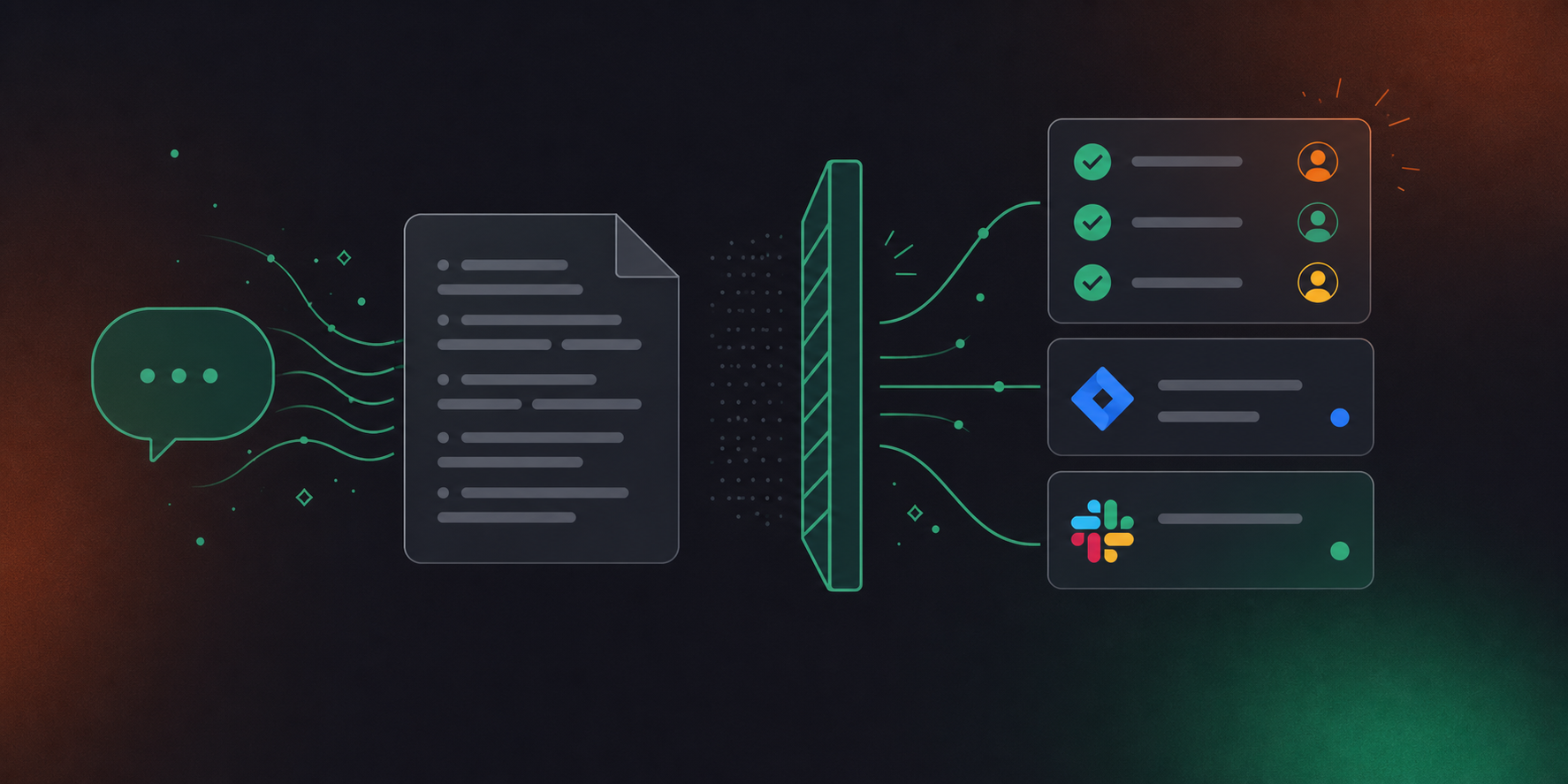
- Free transcription tools like Descript, Otter.ai, and Fireflies capture words but stop there: no action items, no ticket creation, no project context.
- Transcripts bury decisions in text; your team still has to manually re-enter every action item and owner after the meeting ends.
- Free tools lack integration with project management tools like Jira, Linear, and Slack, leaving a gap between what was discussed and what gets done.
- Spinach AI captures during the meeting, delivers structured summaries with named action item owners at meeting end, and routes suggested tickets directly into your tools.
Free transcription tools to know
If you’re getting started with transcription, there are several free tools that might catch your eye. These platforms can serve as a solid starting point if you’re looking to simply transcribe your team’s meetings. However, as we’ll see, they may not fully cater to the unique demands of an agile environment. Let’s get to know them a bit better:
Descript
Descript is a versatile audio and video editing software that encompasses transcription capabilities, making it an all-in-one solution. It excels in recording and transcribing meetings, interviews, and any other video or audio content. Powered by AI, Descript’s transcription engine produces accurate transcriptions even in challenging audio conditions. The software makes editing a video as simple as editing a word doc, allowing for simple error corrections or making soundbites a breeze.
Descript has several notable features. Automatic transcription eliminates the need for manual typing by transcribing video files and audio files automatically. Collaboration options support smooth teamwork on videos or transcripts for efficient project collaboration.
The editing functionality empowers users to make precise modification to transcripts, voiceovers and videos. Descript also offers overdub capabilities, supporting audio replacement or improvement, along with a sound effects library for enhancing your recordings.
Fireflies
Fireflies.ai, an AI-powered meeting assistant, can help speed up your meetings by recording, transcribing, and summarizing them into chapters. With additional features for note-taking, file sharing, and team collaboration.
With Fireflies, you can get automatic recording and full transcription, letting you capture meeting details without manual note-taking. Customizable settings allow tailoring of summary length, level of detail, and tracked keywords to meet individual needs. The result is a play-by-play of each meeting available by logging into Fireflies web app.
Otter.ai
Otter.ai is the same as Fireflies. It uses the OpenAI API to create voice-to-text transcription. It delivers accurate transcriptions of audio recordings, live meetings, and phone calls. Otter.ai’s transcriptions can be conveniently exported in various formats and offer collaborative and editing features for enhanced productivity. The key difference with Otter is that you can add a note manually to specific slides while you’re in the meeting. And the assets you discuss in the meeting (like PowerPoints) are provided in context with your full transcription.
Riverside.fm
Riverside.fm simplifies the process of recording and producing high-quality audio and video content, serving as a virtual recording studio. It offers a range of impressive features, including HD audio and video recording, automatic transcription, real-time collaboration, cloud storage, and direct publishing to social media platforms. Whether you’re a podcaster, musician, entrepreneur, or content creator, Riverside.fm is a viable choice, letting you consistently create professional-grade audio and video content.
oTranscribe
oTranscribe is a free and open-source transcription software that is available for Windows, macOS, and Linux. It can be used to transcribe audio recordings, live meetings, and phone calls. oTranscribe’s transcription engine is powered by Google Cloud, so it can accurately transcribe even noisy or difficult-to-understand audio. oTranscribe also allows you to edit the transcript, so you can correct any errors or make changes to the formatting.
Vowel
Drawing on artificial intelligence, Vowel excels in accurately transcribing various audio sources, be it recorded audio, live meetings, or phone calls. With Vowel, you can rely on its precision and flexibility, exporting transcriptions in diverse formats. Vowel offers collaborative features and editing functionalities, making it a versatile tool for content refinement.
Free Transcription Tools vs. Spinach AI: Feature Comparison
Here is how each tool stacks up across the capabilities agile teams need most:
Tool | Transcription | Action Items w/ Named Owners | Ticket Creation | PM Tool Integrations | Structured Meeting Summaries |
|---|---|---|---|---|---|
Spinach AI | Yes | Yes, named owners assigned automatically | Yes, suggested tickets routed to Jira, Linear, and more | Yes, Jira, Linear, Asana, ClickUp, Trello, and more | Yes, decisions and action items delivered to Slack at meeting end |
Descript | Yes, audio and video files | No | No | No | No |
Fireflies | Yes, live meetings | No | No | Limited export only | Chapters only |
Otter.ai | Yes, live meetings and recordings | No | No | No | Basic summary only |
Riverside.fm | Yes, audio and video | No | No | No | No |
oTranscribe | Yes, audio recordings | No | No | No | No |
Vowel | Yes, live meetings and recordings | No | No | No | No |
Is basic transcription enough for your team?
While transcription services might seem like a magic bullet for your meeting needs, it’s important to remember that they are just a single piece of the puzzle. Yes, they can convert speech into text, but that’s just scratching the surface of what you need from a productive agile meeting. Let’s dig deeper into why transcription alone might not cut it for you.
Lack of project context
A real limitation of free transcription software is the lack of contextual understanding. Sure, it can jot down every word said in a meeting, but knowing the words alone is not enough; you need to understand their meaning within the context of your project. Trudging through heaps of transcripts to extract context can consume a huge chunk of your precious time, a resource agile teams always wish they had more of.
Actions lost in a sea of words
Transcriptions give you a verbatim account of what was said, but they don’t always support collaborative note-taking. In an Agile meeting, you need to capture decisions, assign tasks, and keep track of critical issues. Transcriptions can often miss these points, buried within the sea of text. So you’re left with a document that’s high on volume but low on utility.
Insufficient action item tracking
If there’s one thing agile meetings are never short of, it’s action items. And free transcription software is not cut out for tracking them effectively. Sure, it can document the tasks assigned during a meeting, but what about following up? Tracking progress? Integrating with project management tools? Unfortunately, transcription services often lack these core capabilities.
Lack of integration with existing tools
If there’s one thing agile meetings are never short of, it’s action items. And free transcription software is not cut out for tracking them effectively. Sure, it can document the tasks assigned during a meeting, but what about following up? Tracking progress? Integrating with project management tools? Unfortunately, transcription services often lack these core capabilities.
No meeting summaries or key takeaways
After an extensive discussion, the last thing you want is to go through a detailed transcript to figure out the meeting’s key takeaways. Unfortunately, that’s what you’re left with when using many of these transcription services. They lack the ability to automatically generate a succinct meeting summary or pull out the important parts. And let’s face it, in the fast-paced agile environment, who has the time for that?
Spinach: The best alternative to basic transcription software
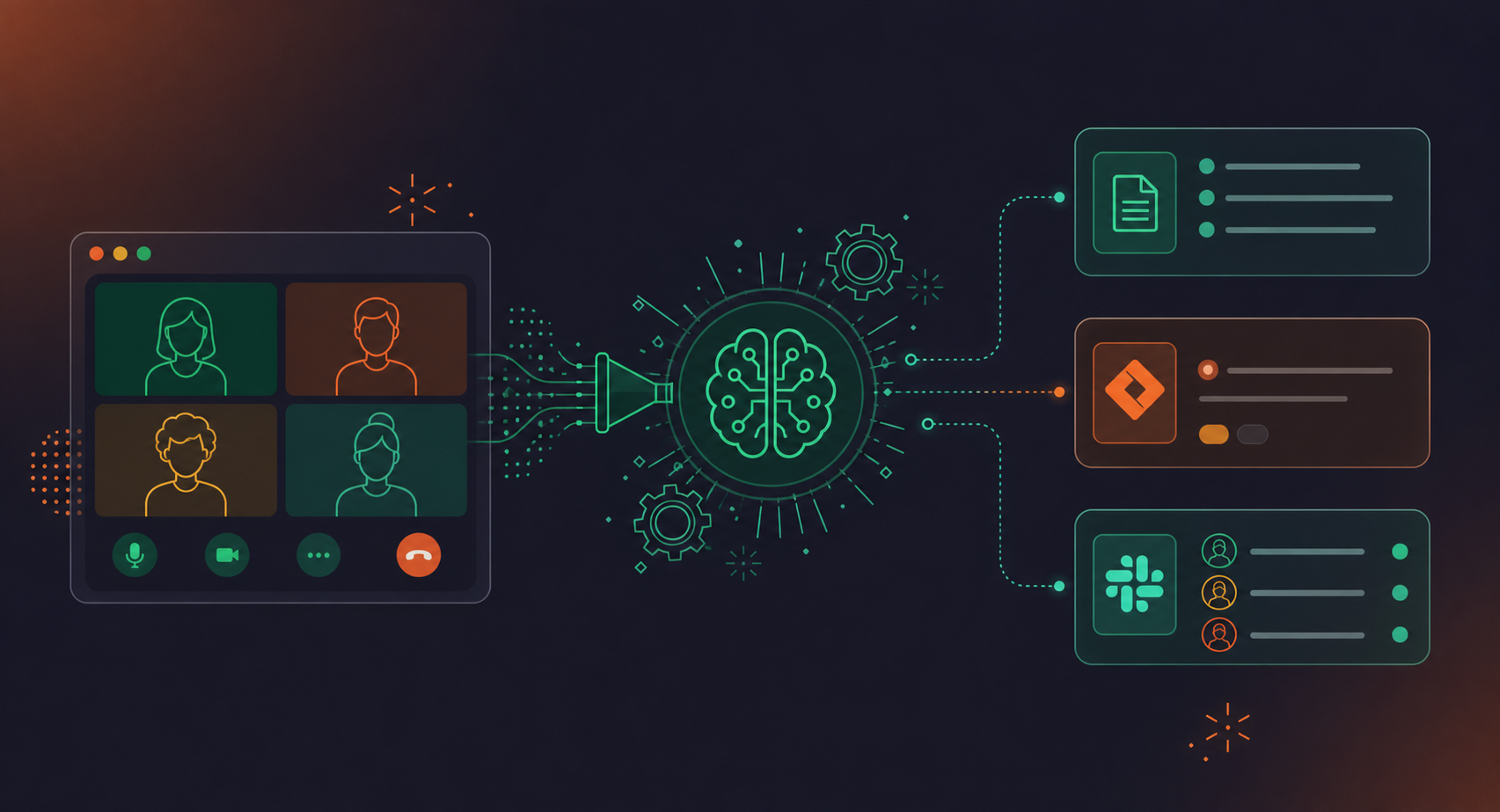
Spinach is the system of record for conversation data, an AI meeting assistant that captures decisions, action items, and follow-ups from any meeting and routes them automatically into the tools your team already uses, from Slack and Notion to Jira and HubSpot. Where free transcription tools stop at a wall of text, Spinach delivers structured summaries with named action item owners, context tied to existing work, and suggested follow-ups filed directly into your tools, without anyone re-entering context by hand. For agile teams, it also goes further as an active teammate in ceremonies, turning conversations into named owners, filed tickets, and stakeholder recaps.
AI-powered meeting summaries
With Spinach, you get the gist of the meeting without wading through mountains of text. Its AI-powered meeting summaries don’t just document the conversation chronologically; they capture key decisions and action items, categorized and neatly presented, so nothing slips through the cracks. And the best part? You get all this directly in Slack, where your team is already working. No more hopping between apps or sifting through long-winded play-by-plays.
Generating action items
It’s AI capabilities don’t stop at providing summaries. It goes a step further, generating action items from the meeting, assigning an owner to each, and shooting them directly into your Slack. Every team member gets their own To-Do List, so everyone knows exactly what they need to do next. Now, even if you miss a meeting, you’re never out of the loop, thanks to Spinach!
Structured follow-ups and tickets
Whenever your team surfaces a new task, identifies a blocker, or scopes out work during a meeting, Spinach picks up on it and suggests relevant follow-ups. You can review and edit these suggestions directly in Slack and add them to your project board with a single click. The corresponding item is linked in your summary and action items, so the context from the original conversation stays connected to the work that comes next.
Integrations
Spinach is smart and sociable. It connects directly with your existing work tools, making it a cohesive part of your work environment. Here are some of the integrations Spinach supports:
- Zoom
- Microsoft Teams
- Notion
- Google Docs
- Trello
- Linear
- Cisco Webex
- Google Meet
- Slack
- Confluence
- Jira
- Asana
- ClickUp
Free transcription tools capture words accurately, but they stop there. Otter.ai and Fireflies produce transcripts and summaries, but neither assigns action item owners, creates tickets in Jira or Linear, or integrates with your project management stack. Your team still re-enters every decision and task by hand after the meeting ends. For agile ceremonies where velocity matters, that manual gap compounds across every standup, sprint planning session, and retro.
Descript excels at editing audio and video content; Fireflies gives you a searchable transcript organized into chapters. Both close the loop at documentation. Spinach AI joins the meeting, captures decisions and action items with named owners, suggests tickets based on what was discussed, and routes them into Jira, Linear, or your team’s tools when the meeting ends, without requiring anyone to re-key context afterward.
Spinach AI generates action items during the meeting, assigns a named owner to each, and delivers them directly to Slack when the meeting ends. Free transcription tools like Otter.ai or oTranscribe document what was said verbatim. Locating the actual tasks and owners still requires someone to read through the full transcript and manually enter them into your project board.
Spinach AI integrates natively with Jira, Linear, Asana, ClickUp, Trello, Confluence, Notion, Google Docs, Salesforce, HubSpot, and Slack, among others. Free transcription tools generally offer transcript export at best. There is no direct path from a Fireflies or Otter.ai summary into a Jira ticket or a CRM record without manual copy-paste in between.
If your team runs standups, planning sessions, and retros weekly, free transcription software leaves re-entering decisions and action items by hand as a standing post-meeting task. Spinach AI captures during each ceremony, delivers structured summaries with named owners, and routes suggested tickets directly into your tools, removing the overhead that accumulates across four or more ceremonies a week. Start with the free Starter plan at spinach.ai to see the difference on your own meetings.
What you should do next
You made it to the end of this article! Here are some things you can do now:
- If communication is a challenge for your team, you should check out our library of meeting agenda templates.
- Check out Spinach to see how it can help you run a high performing org.
- If you found this article helpful, please share it with others on Linkedin or X (Twitter)

