How to Connect Claude Cowork to Google Meet Transcripts – April 2026
Learn how to connect Claude Cowork to Google Meet transcripts in April 2026. Step-by-step guide for automatic transcript integration with Spinach MCP.
 Maintouch
Chances are your best decisions happen in calls, not in project briefs. Claude Cowork is powerful, but it can only act on context it actually has, and your Google Meet conversations are completely invisible to it by default. Fortunately, that’s a fixable problem. Connecting Claude Cowork to your Google Meet transcripts gives it the real-world context it needs to work the way a well-briefed teammate would.
TLDR:
- Claude Cowork needs meeting context to act on real decisions, beyond basic task descriptions
- Spinach’s MCP server connects Google Meet transcripts directly to Claude Cowork for PRDs, proposals, and analysis
- You get automatic capture, cross-meeting search, and enterprise governance with SOC 2, GDPR, and HIPAA compliance
- Product teams turn customer calls into requirements docs; sales reps draft proposals from discovery calls
- Spinach feeds Claude Cowork structured transcript data so it works like a well-briefed colleague
Why Google Meet Transcripts Are a Critical Input for Claude Cowork
Claude Cowork is an agentic AI assistant that brings Claude’s capabilities to your desktop, handling complex, multi-step knowledge work autonomously: research, drafting, analysis, coordination across tools. But there’s a gap. Claude Cowork can only act on context it actually has access to.
Your Google Meet calls are where real decisions happen. Commitments get made, priorities shift, blockers get named. That conversation data holds critical context that no project brief or task description fully captures. Without it, Claude Cowork is working blind on a portion of your organization’s most important information.
The problem is structural. Meeting conversations are unstructured, unindexed, and locked inside a video call that ended hours ago. Unlike emails or docs, they aren’t set up to feed into AI systems by default. So when Claude Cowork tries to execute a task tied to something discussed in a meeting, that context simply isn’t there.
Where Meeting Intelligence Comes In
This is what meeting intelligence is about: turning spoken conversation into structured, usable data. The gap between meeting notes and meeting intelligence matters here, because surface-level notes won’t cut it. Claude Cowork needs rich, accurate transcript data to actually connect the dots and act on what your team discussed.
What Connecting Claude Cowork to Google Meet Transcripts Actually Unlocks
Once Claude Cowork has access to your Google Meet transcripts through Spinach’s MCP integration, the range of what it can do expands considerably. Claude Cowork can read from and write to local files, coordinate parallel workstreams, and generate polished deliverables like spreadsheets and presentations. Feed it your meeting transcripts and those capabilities get grounded in real context.
Here’s what that looks like in practice:
- A product manager’s customer calls from the past month get synthesized into a ranked requirements doc, automatically
- A sales rep’s discovery calls inform a tailored proposal without manual note-pulling
- An engineering team’s sprint retrospectives surface recurring blockers across multiple meetings, flagged for leadership
- Follow-up emails get drafted that actually reflect what was said, instead of generic agenda summaries
The difference between a generic AI assistant and one that truly works for your team is context. When Claude Cowork can reference what your team discussed in yesterday’s call, it executes tasks the way a well-briefed colleague would.
How Spinach Bridges Google Meet and Claude Cowork
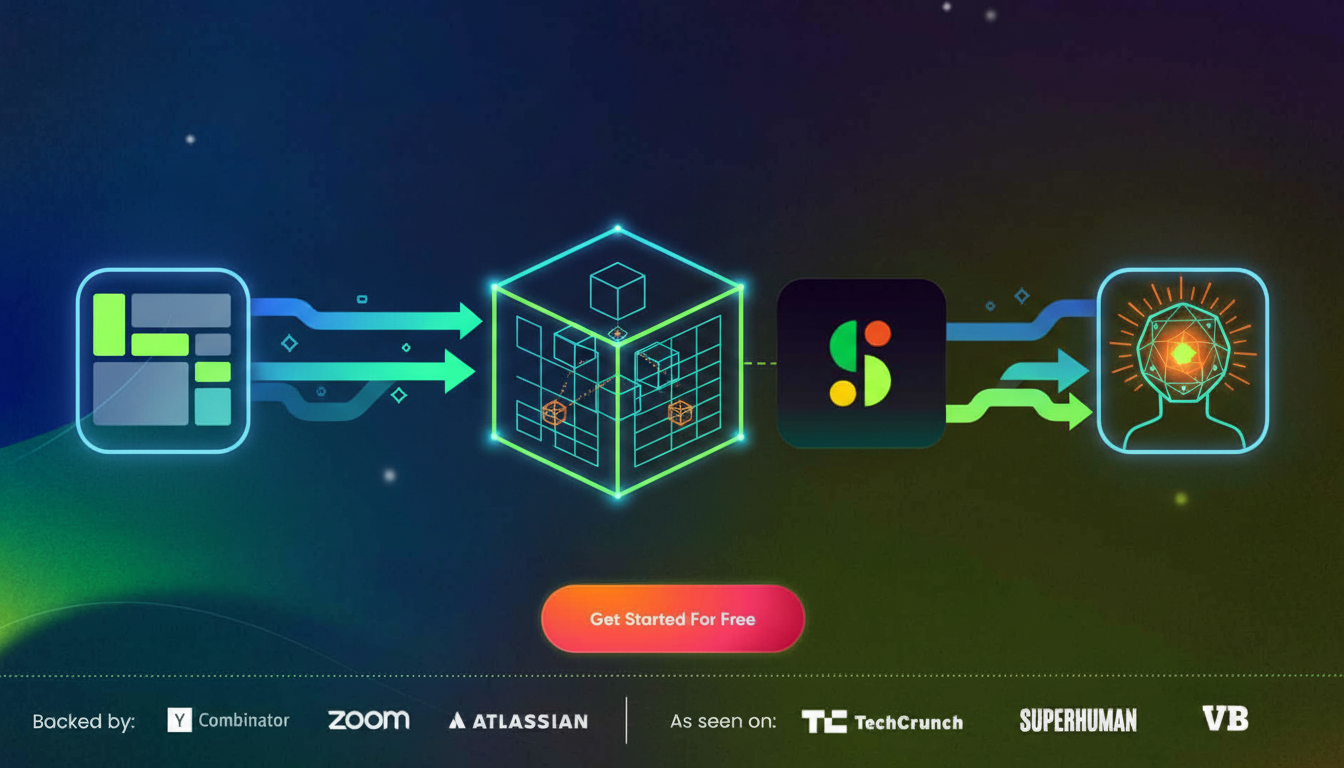
Spinach sits between your Google Meet calls and Claude Cowork as the conversation intelligence layer that captures, structures, and activates your meeting data. Instead of relying on individual users to record or upload notes manually, Spinach captures meetings by default across the organization with enforceable policies, building a centralized, searchable repository of every conversation that happens.
The Model Context Protocol Connection
The technical bridge here is Spinach’s MCP server. The Model Context Protocol is an open standard that creates secure, two-way connections between data sources and AI tools. Developers can expose data through MCP servers, and AI applications like Claude Cowork can connect to those servers directly. Spinach’s MCP server does exactly this: it exposes your structured meeting transcripts as a queryable data source, so Claude Cowork can pull relevant context without anyone manually uploading a file or copying text.
From Capture to Activation
For product and engineering teams especially, this shift from scattered files to structured AI-ready data changes what’s possible. The table below shows what that difference looks like in practice:
Capability | Traditional Approach | Spinach + Claude Cowork |
|---|---|---|
Meeting Capture | Manual recording, opt-in | Automatic, policy-enforced org-wide |
Data Structure | Scattered files, email summaries | Centralized repository with metadata |
AI Access | Manual upload, copy-paste | Direct MCP connection, queryable |
Governance | File permissions only | Access controls, compliance agents, audit trails |
Search | Per-file keyword search | Cross-meeting semantic search via Claude Cowork |
Governance and Security When Sharing Google Meet Data with Claude Cowork
Routing sensitive meeting transcripts into an AI tool raises real questions, especially when those meetings involve leadership decisions, board discussions, or HR conversations. Spinach is SOC 2, GDPR, and HIPAA compliant and maintains zero data retention with AI providers, never training models on your meeting data. For teams with stricter requirements, single-tenant deployments, KMS, and a private cloud option built with AWS are available through Spinach’s enterprise tier.
Compliance agents add another layer, automatically flagging high-risk conversations and giving compliance teams the ability to review, edit, or delete content before it spreads further.
On the Claude Cowork side, Cowork stores conversation history locally on your machine and falls outside Anthropic’s standard data retention timeframe. Activity also won’t appear in Audit Logs or Compliance API exports. That local-first architecture, paired with access controls on the Spinach side, gives enterprise teams real protection over which meeting data flows where. For teams evaluating different AI note taker solutions, this governance model matters when deciding which tools can safely process sensitive meeting content.
Which Teams Benefit Most from Claude Cowork Having Google Meet Context
Different teams get different things out of this connection. Here’s where the impact shows up most clearly.
Product and Engineering Teams
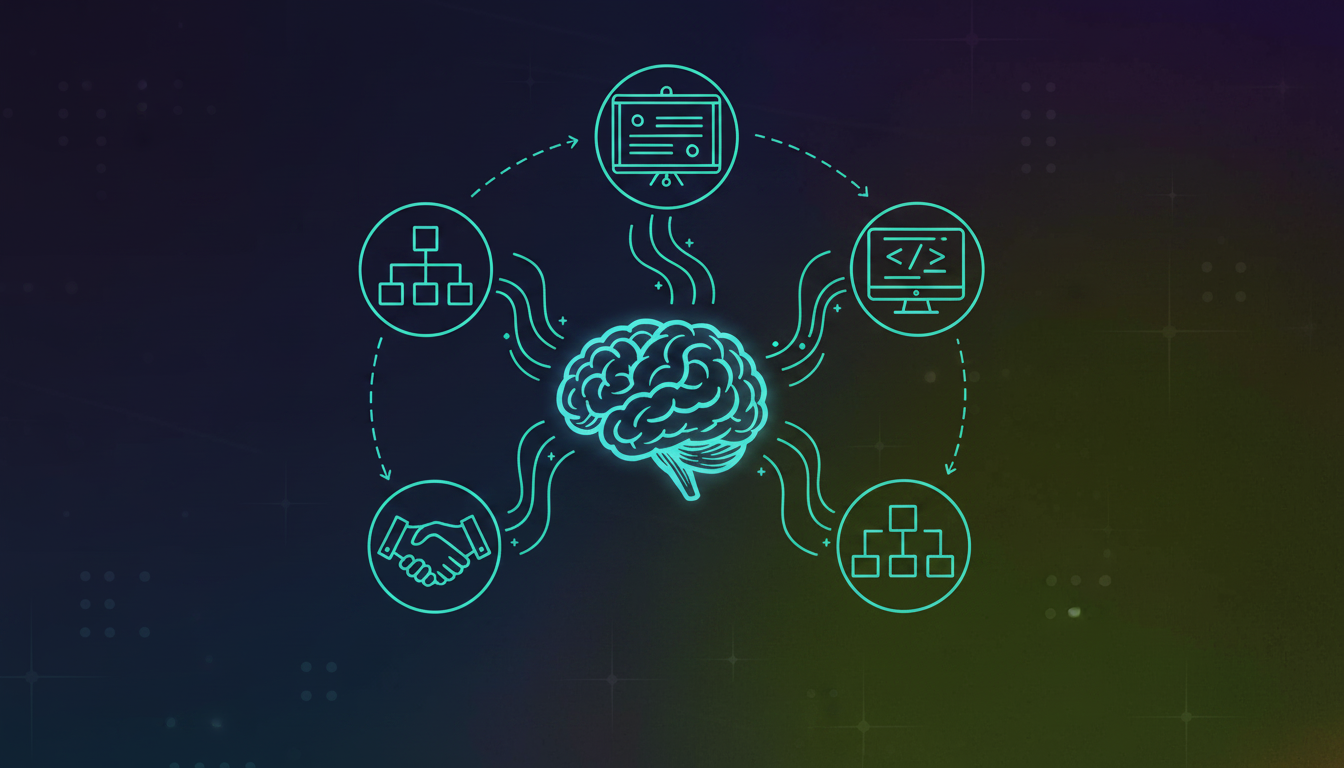
Product managers can feed months of customer calls into Claude Cowork and get a structured PRD back. Engineering teams turn architecture reviews and sprint retrospectives into technical specs and decision records without anyone manually writing them up.
Sales and Customer Success
Sales teams stop losing deal context between calls. Claude Cowork can draft personalized follow-ups and proposals directly from what was said in a demo or discovery call, cutting the time between conversation and action.
Leadership and Strategy
Executives get cross-functional synthesis instead of one-meeting-at-a-time summaries. Claude Cowork can pull patterns across board meetings and executive syncs, surfacing trends that wouldn’t be visible in any single transcript.
Team Function | Key Use Case | Meeting Context Needed | Claude Cowork Outcome |
|---|---|---|---|
Product | PRD generation | Customer feedback calls | Requirement docs from multiple meetings |
Engineering | Technical documentation | Architecture reviews | Specs from design conversations |
Sales | Follow-up automation | Demo and client calls | Proposals and next-step emails |
Leadership | Strategic insights | Board and executive syncs | Cross-org trend analysis |
HR and recruiting teams also benefit, using interview transcripts to generate structured candidate evaluations and consistent scoring across rounds.
What to Look for in a Google Meet Transcript Layer for Claude Cowork Integrations
Not every meeting tool is built to feed an AI agent. When choosing a transcript layer for Claude Cowork, a few criteria separate tools that work from ones that create more problems than they solve.
Transcript Quality and Structure
Claude Cowork’s multi-step reasoning is only as good as the input it receives. Inaccurate transcripts with poor speaker attribution produce unreliable outputs. Look for best transcription software using best-in-class transcription models with proprietary accuracy improvements and clean speaker identification, supported by solid AI meeting notes infrastructure. Spinach transcription meets these criteria with enterprise-grade accuracy for AI agent integrations.
Integration Architecture and Openness
Native MCP support matters. MCP is an open-source standard for connecting AI applications to external systems, and any serious transcript layer should support it alongside APIs and webhooks. That openness determines whether Claude Cowork can query your meeting data directly or requires constant manual intervention.
Enterprise Governance Requirements
Consumer-grade tools spread through shadow IT and often get blocked by IT. For Claude Cowork to process sensitive meeting data at scale, you need policy enforcement, access controls, and compliance certifications built into the transcript layer itself. An org-wide, centralized architecture beats per-user silos when leadership needs cross-functional visibility without governance gaps. The best AI meeting assistants treat governance as a core feature, not an afterthought.
Yes. Spinach’s MCP server creates a direct connection between your Google Meet transcripts and Claude Cowork, so meeting data flows automatically without any manual file uploads or copy-paste work.
Spinach captures and structures your meetings automatically across your entire organization, creating queryable transcript data that Claude Cowork can access directly through MCP. Manual notes are scattered, inconsistent, and require constant uploads to feed into AI tools.
Claude Cowork pulls context directly from your meeting transcripts to ground its work in real decisions, priorities, and commitments your team discussed. This turns generic AI outputs into work that reflects what actually happened in your calls—like drafting proposals based on discovery conversations or generating PRDs from customer feedback sessions.
Connect Spinach to your Google Meet account for automatic transcript capture, then link Claude Cowork to Spinach’s MCP server. Your meeting data becomes queryable by Claude Cowork immediately, with no per-meeting setup required.
Yes, when you use Spinach as the transcript layer. Spinach is SOC 2, GDPR, and HIPAA compliant with zero data retention at AI providers, and Claude Cowork stores conversation history locally on your machine rather than in the cloud.
Spinach’s enterprise tier offers single-tenant deployments and private cloud options that comply with strict IT policies. Your IT team can enforce recording policies centrally while maintaining full governance control, which typically satisfies security teams that block consumer meeting tools.
Connect Spinach to your Google Meet account for automatic capture, then link Claude Cowork to Spinach’s MCP server. This creates a queryable repository of all your past meetings that Claude Cowork can reference without any manual setup per call.
Spinach uses best-in-class transcription models with proprietary accuracy improvements and clean speaker identification. Poor transcript quality produces unreliable AI outputs, so accuracy and speaker attribution are critical for Claude Cowork’s multi-step reasoning.
Claude Cowork handles multi-step workflows autonomously across your desktop tools and can coordinate parallel workstreams, while ChatGPT requires manual prompting and file uploads for each task. Both can connect to Spinach transcripts, but Cowork executes complex work without constant supervision.
No, but Spinach offers draft mode if you want to review and edit summaries before distribution. For most teams, automatic capture with post-meeting review only when needed works better than gating every transcript.
When your team has more than a handful of meetings per week and tasks that require context from multiple conversations. Manual notes don’t scale and create gaps that break AI workflows—automatic transcript capture gives agents complete context.
Yes, when connected to Spinach’s MCP server. Claude Cowork can run semantic searches across your entire meeting repository to surface patterns, commitments, and decisions from weeks or months of calls in a single query.
Manual uploads require per-meeting effort and create isolated files that Claude Cowork can’t search across. Spinach’s MCP integration builds a centralized, queryable repository so Claude Cowork can reference any meeting without you uploading anything.
Spinach provides access controls and policy enforcement at the organizational level. You can set permissions by team, meeting type, or participant list, so Claude Cowork only sees transcripts you’ve explicitly authorized.
Spinach provides structured, enterprise-grade transcripts with metadata, speaker attribution, and direct MCP connectivity that Google Meet’s basic transcription doesn’t offer. Claude Cowork needs that structured data to execute complex tasks reliably.
What to do next
Next, here are some things you can do now that you've read this article:
- Our library of meeting agenda templates is designed to help you run more effective meetings.
- You should try Spinach to see how it can help you run a high performing org.
- If you found this article helpful, please share it with others on Linkedin or X (Twitter)

