8 Engineering Transcription Tools Ranked for July 2026
Looking for the best transcription software for engineering projects? Here are 8 top tools for July 2026 ranked by accuracy, integrations, and post-meeting workflow support.
 Maintouch
Engineering teams lose decisions every day. The conversations happen, but what gets said in a meeting rarely matches what gets documented afterward. A sprint planning call ends, a recording sits unwatched, and by the next standup half the decisions are in dispute. AI meeting recorders fix that at the source: they join your call, capture the conversation in real time, and turn spoken decisions into searchable transcripts, meeting notes, and action items before anyone has left the room.
This post covers eight AI meeting recorders and transcription tools built for engineering teams, ranging from straight transcription to full meeting assistants that auto-create Jira tickets and route summaries to Slack. Whether you run daily standups across three time zones or review infrastructure changes in weekly architecture calls, one of these tools will fit your workflow.
TLDR
- Engineering teams lose decisions, action items, and technical context when meetings go undocumented. Transcription software fixes this at the source.
- Spinach is the top pick for agile engineering teams: it records meetings, auto-creates Jira and Linear tickets from action items, and routes AI summaries to Slack.
- Fathom is the best free option, with unlimited recording and AI summaries with zero setup required.
- Fireflies.ai is best for teams that need a searchable archive of every recorded call across a high meeting volume.
- Grain works well for distributed teams that need to clip and share key moments from design reviews asynchronously.
- Key features to look for: accurate technical vocabulary recognition, speaker identification, integrations with your project management stack, and ceremony-specific outputs for standups, sprint planning, and retros.
How AI meeting recorders help engineering teams
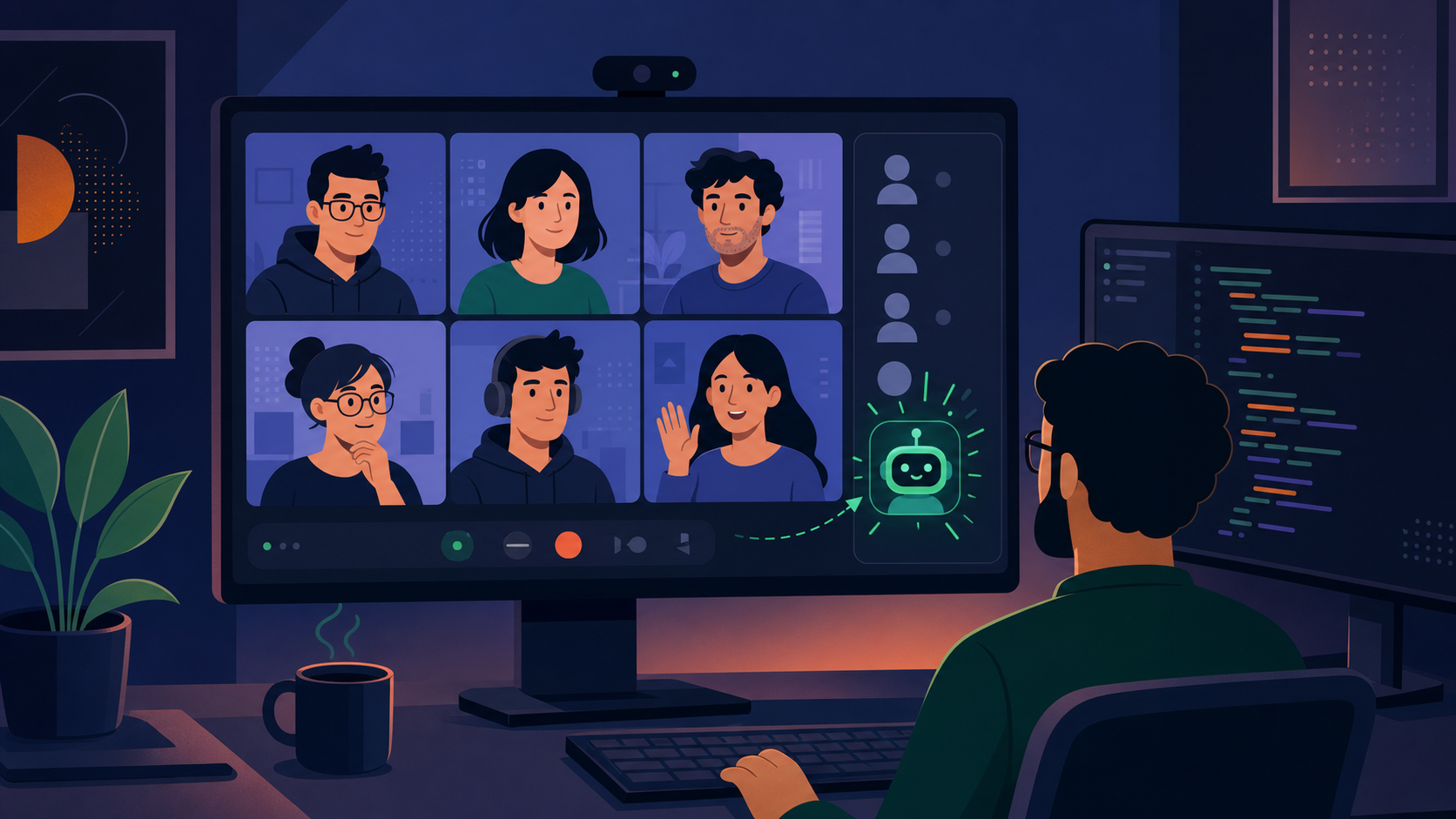
An AI meeting recorder joins your call, converts spoken language into written text in real time, and produces meeting notes your team can search, reference, and act on, with varying accuracy depending on audio quality and technical vocabulary. The core value for engineering teams is documentation at the source: accurate transcripts from standups, architecture reviews, and incident post-mortems without anyone stepping away from the conversation to take notes.
Now, why do engineering teams, in particular, need such a tool? Engineering goes beyond coding; it’s about collaboration, problem-solving, and iterative feedback. Whether it’s a technical review, a design discussion, or a sprint planning session, the details matter. Transcription software captures every technical term, every action item, and every decision in writing. No more “I thought you said…” moments.
But here’s the real kicker: engineering projects are complex beasts. They involve various moving parts, from software design to quality assurance. Miscommunication? It can lead to costly delays or, worse, flawed products. Transcription software tackles these challenges head-on by providing a clear, searchable record of every discussion for easy playback and speaker identification. It’s about making sure everyone is on the same page, literally.
Real-world engineering scenarios
- Architecture reviews: Complex technical decisions get buried in long discussions, leaving engineers who weren’t present to reconstruct reasoning from memory or Slack threads. Transcripts capture the exact trade-offs and decision rationale, making it straightforward to produce an ADR (Architecture Decision Record) directly from the call.
- Bug triage meetings: Reproduction steps and environmental details discussed live are rarely written down completely, forcing QA to follow up repeatedly. Searchable transcripts let anyone on the team retrieve the exact steps and context discussed, with no follow-up required.
- Sprint retrospectives: Action items committed in retros frequently go untracked once the meeting ends. Transcription tools that detect commitments in real time and auto-create tickets close this gap before anyone has left the room.
- Incident post-mortems: Timeline details and corrective actions agreed during a live debrief often drift between what was said and what ends up in the write-up. A verbatim transcript locks in every contributing factor and owner assignment, so the post-mortem document reflects the actual conversation.
How Spinach works as an AI meeting recorder and assistant
Most transcription tools hand you a wall of text and stop there. Spinach treats the transcript as raw material: the starting point, not the deliverable. It joins your Zoom, Google Meet, or Microsoft Teams calls automatically, captures the conversation in real time, and converts what was discussed into decisions, action items, owners, and project tickets before the call ends.
Here is what that looks like in practice across the four capabilities that matter most for engineering teams:
Automatic recording and transcription
Spinach joins your virtual meeting as a participant the moment a call starts (no manual start required, no separate recording button). It captures audio across Zoom, Google Meet, and Microsoft Teams, transcribing in real time with recognition tuned for technical vocabulary: API names, microservice labels, CI/CD pipelines, and sprint terminology are captured accurately instead of phonetically mangled. For in-person or hybrid sessions, the mobile Quick Record feature runs the same transcription pipeline without a virtual meeting link, so documentation is consistent whether your team is remote or at a whiteboard.
AI-generated meeting notes and summaries
Generic transcription gives you a chronological play-by-play. Spinach generates purpose-built outputs for each ceremony type. A standup recap surfaces each engineer’s blockers and progress, skipping the raw word-for-word log. A sprint planning summary captures committed scope, open questions, and assigned work. A retrospective output groups feedback into what went well, what to fix, and who owns each improvement item. These ceremony-specific summaries reach your team via Slack, with @mentions, the moment the call ends, in the flow of work instead of in a separate tool that requires an extra tab.
Action-item capture and ticket creation
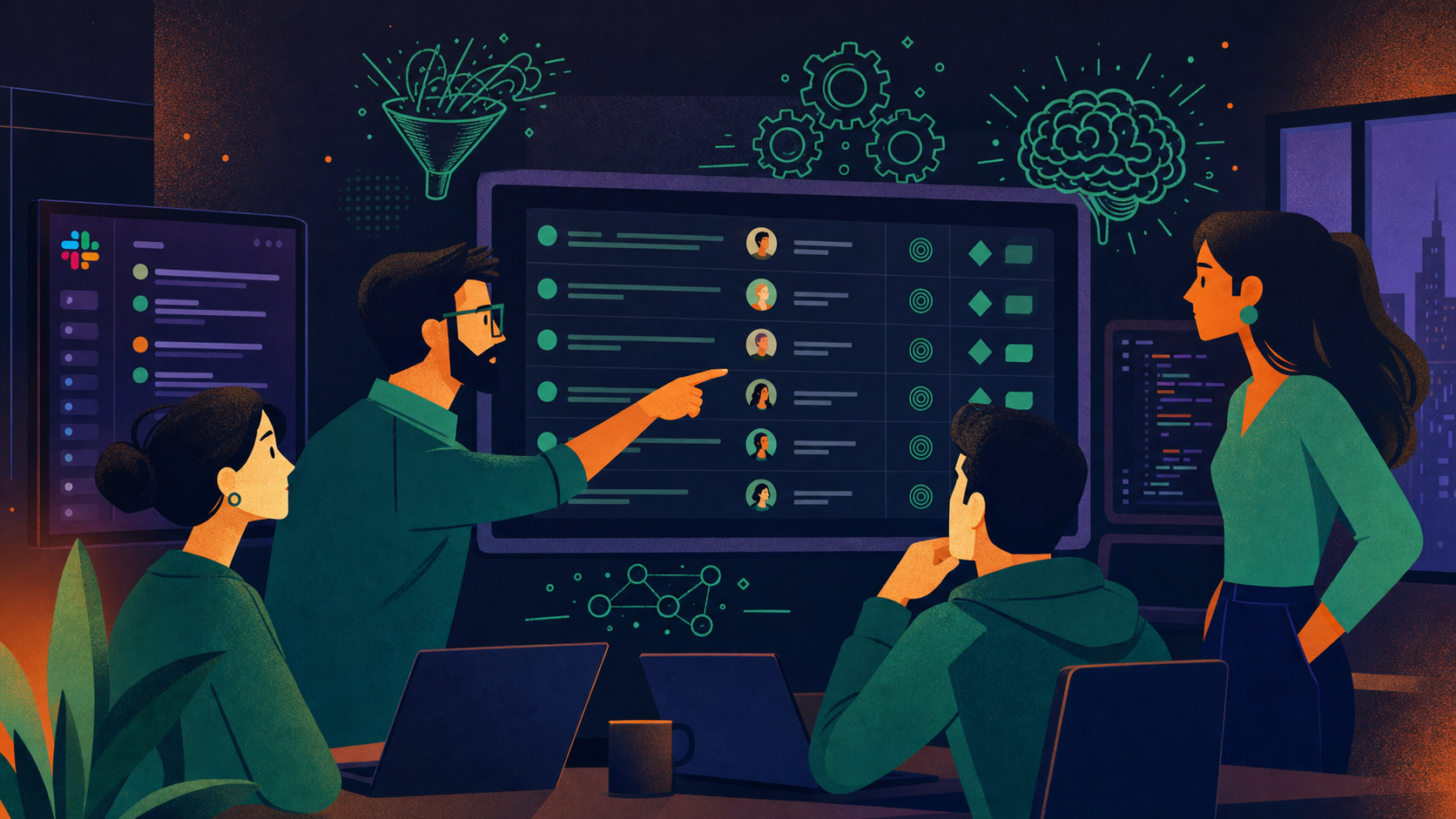
Spinach detects action items during the call, not after. When an engineer commits to a fix, when the team agrees on a scope change, or when a blocker gets assigned an owner, Spinach identifies that commitment in real time and proposes a ticket before anyone has left the meeting. For Jira, it pre-fills meeting context, owner assignments, sprint target, and story point estimates, and engineers accept or adjust instead of starting from scratch. The same action-item detection fires for Linear and Asana, creating issues in the right project with assignee and priority fields mapped from the conversation. That 15 to 30 minutes of post-meeting re-keying per ceremony disappears.
Integrations with your existing stack
Spinach connects natively (not through Zapier middleware) to the tools engineering teams already work in. On the meeting side: Zoom, Google Meet, and Microsoft Teams for automatic recording. On the delivery side: Slack and Microsoft Teams for summaries and @mentions. On the project management side: Jira, Linear, Asana, ClickUp, and Trello for one-click ticket creation and board updates. For teams using AI coding agents, Spinach ships a native MCP server that connects meeting context, including architectural decisions and sprint priorities, directly to Claude Code, ChatGPT, Cursor, and Windsurf via a single OAuth authentication, so agents operate on current project decisions instead of stale context.
Features to look for in transcription software for audio transcription
When hunting for the perfect transcription software for your engineering team, think of it as picking a new team member. 🕵️♂️ You want someone (or something) that doesn’t just blend in but enhances your team’s productivity and communication. Here are the non-negotiables:
- Accuracy: First and foremost, accuracy is king. Engineering discussions are filled with jargon, technical terms, and specifics that cannot be misinterpreted. An effective transcription tool should capture these nuances without skipping a beat. Because, let’s face it, in engineering, even a small mistake can lead to big problems.
- Technical vocabulary recognition: Your team talks about APIs, frameworks, and circuit designs, which are not everyday topics. Your transcription software needs to keep up, recognizing and accurately transcribing specialized language. Less time correcting errors means more time building.
- Collaboration tools: Engineering is a team sport. Your transcription software should be, too. Look for features that allow team members to mark, comment, and edit the transcript in real-time. This supports better collaboration and keeps everyone aligned on project details and action items.
- Ease of integration: Your team already uses a stack of tools, including Zoom, Google Meet, Spinach integrations among them. The last thing you need is another standalone tool complicating your workflow. A transcription software that works with your existing stack can make your life a whole lot easier.
When comparing transcription tools, don’t just take their word for it. Test them in real-world scenarios that your engineering team faces daily. How does the tool handle a fast-paced technical review or a brainstorming session with heavy accents and industry-specific terms?
The goal is to find a solution that fits your team’s actual workflow, not one that adds another tab to manage.
Choosing the right tool for your team
Not every transcription tool is built for the same team. The right choice depends on how large your team is, how often you meet, and which tools already live in your stack. Here is a quick way to narrow down your options before reviewing the full list.
Small teams (1 to 10 engineers)
If your team is small and moves fast, simplicity wins. You want a tool that takes less than five minutes to set up, requires no admin overhead, and produces clean summaries out of the box. Fathom is a strong starting point: its free plan covers unlimited recordings and AI summaries with no configuration required. Otter.ai is another low-friction option if collaborative annotation matters to your team. Avoid tools with complex workspace management or seat-based pricing tiers that make no sense at this scale.
Mid-size teams (10 to 50 engineers)
At this size, meeting volume picks up and documentation debt compounds fast. You need a tool that converts decisions from calls into tickets without manual handoffs. Spinach is purpose-built for this: it detects action items during the call and creates Jira, Linear, and Asana tickets with full meeting context, owner assignments, and sprint targets pre-filled, then routes summaries to Slack with @mentions and delivers ceremony-specific outputs for standups, sprint planning, and retros. Fireflies.ai is also worth considering if your priority is building a searchable archive across a high volume of calls.
Large or distributed teams (50+ engineers)
For larger engineering organizations, especially those spread across time zones, the priorities shift toward admin controls, storage, and async communication. Fireflies.ai and Spinach both scale to this level, with admin dashboards and workspace controls that let engineering managers oversee recording settings and access permissions. Grain is a good complement if distributed engineers need to clip and share specific moments from design reviews or architecture calls without scheduling a follow-up meeting. At this scale, make sure any tool you pick supports SSO and has a clear data retention policy.
The top transcription software for engineering teams
Here are the top transcription and meeting assistant tools built for engineering teams, ranked by accuracy, integrations, and what each tool actually does after the call ends. That’s why choosing the right transcription software is more than a convenience: it’s a game-changer. From capturing every critical detail in your brainstorming sessions to supporting clear communication among team members, the right software can reshape your workflow. Here are the top transcription tools built for engineering teams, ranked by history, credibility, features, and pricing.
Tool | Starting Price | Pricing Model | Key Features Included | Best For |
|---|---|---|---|---|
Spinach | Free (Starter); $2.90/meeting hour (Pro); $19-29/user/mo (Business) | Free tier + subscription | Auto recording, Jira/Linear ticket creation, Slack summaries with @mentions, ceremony-specific outputs, MCP server | Agile engineering teams (10 to 50 engineers) |
Fathom | Free (unlimited); paid team plans from ~$19/user/mo | Free tier + subscription | Unlimited recording & AI summaries, action item detection, CRM sync | Individuals and small teams wanting zero-setup transcription |
Fireflies.ai | Free (limited storage); paid from ~$10/user/mo | Free tier + subscription | Searchable call archive, 40+ integrations, speaker ID, AI summaries | Teams with high meeting volume needing a searchable archive |
Grain | Free (limited storage); paid from ~$15/user/mo | Free tier + subscription | Clip creation & sharing, auto-generated notes, Slack/Notion integration | Distributed teams sharing async context from design reviews |
Otter.ai | Free (limited); paid from ~$10/user/mo | Free tier + subscription | Real-time transcription, collaborative annotation, Zoom/Meet integration | Small teams focused on live collaborative note-taking |
Trint | From ~$48/user/mo (no free plan) | Subscription + pay-as-you-go | Text-audio alignment editing, clean export, multi-format support | Non-technical users who need to edit and publish transcripts |
Rev | AI from $0.25/min; human from $1.50/min | Pay-per-use | Human + AI transcription, video captioning, translation | High-stakes recordings where accuracy is non-negotiable |
Sonix | $10/hr pay-as-you-go; subscription from ~$22/user/mo | Pay-per-use + subscription | 35+ language support, project-based organization, clean exports | Multi-language teams managing organized transcript archives |
1. Spinach
Spinach is an AI meeting assistant purpose-built for agile engineering teams. It joins your Zoom, Google Meet, or Microsoft Teams calls, captures the conversation in real time, and converts it into decisions, action items, and Jira tickets. Where other transcription tools hand you a wall of text, Spinach delivers what actually matters: what was decided, who owns it, and which ticket to create next, all before the call ends.
Unique features
Spinach uses AI transcription as the starting point, not the end product. It accurately captures specialized terminology across APIs, microservices, and deployment pipelines, then converts those discussions into decisions, action items, and tickets. Spinach connects natively with Zoom, Google Meet, and Microsoft Teams for automatic recording and routes outputs to Slack, Jira, Linear, and Asana. On the Jira side, detected action items become pre-filled tickets (meeting context, owner, sprint target, and story point estimates included) so engineers accept or adjust instead of starting from scratch. During sprint planning, for example, Spinach extracts committed scope and creates Jira tickets with proper formatting and assignments before the call ends. Slack summaries with @mentions land in your channel the moment the call closes, in the flow of work instead of buried in a separate tool. For agile ceremonies, outputs are purpose-built: standup recaps surface each engineer’s blockers and progress, sprint planning summaries capture committed items and open questions, and retrospective outputs group feedback into what went well, what to fix, and who owns each improvement.
Pricing model
Spinach operates on a subscription-based model, offering various plans tailored to team sizes and needs. While specific pricing details are tailored to each organization, Spinach offers scalability and flexibility, making it suitable for small to midsize engineering teams.
Pros and cons
- Pro: Recognizes technical vocabulary (API names, CI/CD pipelines, microservice labels) accurately, instead of phonetically mangling them.
- Pro: Native Jira and Linear integrations auto-create tickets with meeting context, owner assignments, and sprint targets pre-filled during the call.
- Pro: Ceremony-specific outputs (standup, sprint planning, retro) delivered to Slack with @mentions the moment the call ends.
- Pro: MCP server connects meeting context directly to AI coding agents (Claude Code, Cursor, Windsurf) via OAuth.
- Con: Focused on live virtual meetings, and not suited for transcribing pre-recorded audio files or in-person sessions without the mobile Quick Record feature.
- Con: Pro tier is consumption-based ($2.90/meeting hour), so costs scale quickly for teams with dense meeting cadences.
2. Trint
Trint is a transcription editor favored by journalists and media professionals for its clean text-audio alignment interface. It’s fast and easy to use, but is not built around engineering workflows.
Unique features
Trint’s core differentiator is text-audio alignment: click any word in the transcript to jump to that moment in the recording, making review fast for non-technical users. It lacks native integrations with Jira, Slack, or Linear.
Pricing
Trint starts at around $48/user/month on an annual subscription; no free plan is available.
Pros and cons
- Pro: Text-audio alignment lets reviewers jump to any moment in a recording by clicking the transcript word.
- Pro: Clean export formats (DOCX, SRT, JSON) work well for documentation workflows.
- Pro: Low barrier to entry for non-technical stakeholders reviewing meeting recordings.
- Con: No native integrations with Jira, Slack, Linear, or GitHub, so action items require manual hand-off.
- Con: AI accuracy drops on dense technical jargon; no specialized vocabulary tuning for engineering terminology.
- Con: Starts at ~$48/user/month with no free plan, a high cost for teams that primarily need engineering workflow integration.
3. Rev
Rev offers both AI transcription ($0.25/min) and human-reviewed transcription ($1.50/min), making it the go-to for high-stakes recordings where accuracy is non-negotiable: architecture decision records, compliance calls, or incident post-mortems.
Unique features
Rev adds video captioning and translation on top of transcription, which is useful for multi-language engineering orgs or compliance recordings that require captioned video. Human transcription turnaround is typically several hours, which doesn’t fit synchronous engineering review cycles.
Pricing model
Rev’s pricing is per minute of audio, offering clarity and simplicity but potentially leading to higher costs for frequent use.
Pros and cons
- Pro: Human-reviewed transcription delivers the highest accuracy available, making it the right choice for incident post-mortems or compliance recordings where errors have real consequences.
- Pro: Supports video captioning and translation, useful for multi-language distributed engineering teams.
- Pro: Pay-per-use model means no monthly seat cost for teams with low or irregular transcription volume.
- Con: No integrations with Jira, Slack, Linear, or GitHub, so every action item requires manual extraction and re-entry.
- Con: Per-minute pricing compounds fast for teams with daily standups and weekly ceremonies across a large engineering org.
- Con: Human turnaround time (hours, not seconds) is incompatible with real-time engineering review cycles.
4. Sonix
Sonix is an automated transcription service with strong multi-language support (35+ languages) and project-based organization tools. It’s built for managing transcript archives, not for live meeting workflows.
Unique features
Sonix’s project-based organization lets teams sort and store transcripts by repository, sprint, or workstream, which is useful for distributed teams managing documentation across multiple projects. Its AI struggles with dense technical terminology, and there are no native integrations with engineering tools.
Pricing
Sonix offers pay-as-you-go at $10/hour or subscription plans from around $22/user/month.
Pros and cons
- Pro: Project-based organization lets teams archive transcripts by sprint, service, or workstream without manual file management.
- Pro: 35+ language support covers globally distributed engineering teams with non-English speakers.
- Pro: Pay-as-you-go pricing ($10/hr) keeps costs low for teams with infrequent or irregular transcription needs.
- Con: AI accuracy degrades on dense technical jargon; expect errors on API names, microservice labels, and sprint terminology.
- Con: No native integrations with Jira, Slack, Linear, or GitHub; transcript outputs require manual processing before becoming actionable.
5. Otter.ai
Otter.ai is a favorite among professionals for real-time transcription and note-taking. Its AI-powered tool offers collaborative features that are beneficial for team environments.
Unique features
Otter.ai stands out with its real-time transcription and collaborative note-taking capabilities, allowing team members to mark, comment, and edit transcripts as they are being created. However, its handling of technical jargon can be less than perfect.
Pricing
Otter.ai has a free tier with limited transcription minutes; paid plans start at around $10/user/month.
Pros and cons
- Pros: Real-time transcription during live calls; collaborative editing lets multiple team members annotate the same transcript simultaneously; free tier available.
- Cons: Struggles with technical jargon and product-specific terminology; limited integrations with engineering project management tools like Jira or Linear.
6. Fireflies.ai
Fireflies.ai is an AI meeting assistant that records, transcribes, and makes every call searchable. Engineering teams with high meeting volume use it to find decisions and context from past calls without scrubbing through recordings.
Unique features
Fireflies.ai builds a searchable archive of every recorded call, so engineers can pull up any discussion, decision, or code review by keyword in seconds. It integrates with Zoom, Google Meet, Microsoft Teams, Webex, and over 40 CRM and project tools. Its AI-generated summaries and smart search filters help engineering teams surface the right context fast, whether for incident reviews, architecture discussions, or sprint ceremonies. Speaker identification works reliably across large calls.
Pricing
Fireflies.ai has a free tier (limited storage) and paid plans from around $10/user/month; higher tiers add unlimited storage, analytics, and admin controls.
Pros and cons
- Pros: Builds a searchable archive of every recorded call; integrates with 40+ tools including Zoom, Teams, and major CRMs; speaker identification works well on large calls.
- Cons: AI summaries can be verbose and require editing; free tier storage is limited, which matters for teams with frequent meeting cadences.
7. Grain
Grain is a meeting recording and clip-sharing tool built around capturing the moments that matter. Engineering teams use it to clip key decisions from design reviews, share architecture context asynchronously, and build a library of reusable call clips.
Unique features
Grain lets you create short clips from any recorded meeting and share them with teammates who missed the call. This is especially useful for distributed engineering teams, where context from a design discussion or incident debrief needs to reach engineers across time zones without scheduling another meeting. Auto-generated notes and timestamps make it easy to find and share the exact moment where a decision was made. Grain integrates with Slack, HubSpot, and Notion.
Pricing
Grain has a free plan for individuals (limited storage); paid team plans with unlimited recordings and collaboration features start at around $15/user/month.
Pros and cons
- Pros: Easy clip creation and sharing for async communication across time zones; Slack and Notion integrations; simple interface with a low learning curve.
- Cons: Lighter project management integrations compared to tools like Fireflies.ai or Spinach; not designed for large engineering organizations with complex approval workflows.
8. Fathom
Fathom is an AI note taker focused on generating accurate meeting summaries and action items with minimal setup. It is a strong fit for individual engineers or small teams that want solid transcription and summary quality without paying for a full enterprise suite.
Unique features
Fathom records and transcribes calls on Zoom, Google Meet, and Microsoft Teams, then generates a clean summary broken down by topic. The action item detection is reliable for standard engineering conversations, and the interface is simple enough that teams can start using it in minutes. Fathom also syncs follow-up tasks to CRM tools, which suits engineering teams at product-led companies where customer feedback feeds directly into the backlog. Its free plan is genuinely useful, not a stripped-down trial.
Pricing
Fathom’s free plan covers unlimited recording and AI summaries; paid team plans with shared workspaces and CRM integrations start at around $19/user/month.
Pros and cons
- Pros: Free plan covers unlimited recording and AI summaries; fast setup with no configuration needed; reliable action item detection for standard engineering meetings.
- Cons: Fewer admin controls and workspace management features for larger teams; CRM-focused integrations may not map well to pure engineering workflows.
Tips on how to transcribe audio and add it to your engineering workflow
Integrating transcription software into your engineering workflow can seem daunting, but with Spinach, it’s like adding an extra team member who’s always on the ball.
Here are some best practices to help you and your team hit the ground running, turning audio files into actionable items and crystal-clear documentation.
Schedule training sessions
Schedule brief training sessions for your team. Focus on the features your team will use in every meeting: real-time transcription, action item detection, and delivery to Jira and Slack. Familiarity with these outputs reduces post-meeting cleanup time immediately.
Create a transcription habit
Integrate Spinach into your daily meetings and communication routines. Whether it’s daily stand-ups, sprint retrospectives, or brainstorming sessions, make transcription a standard part of these meetings. This consistency helps team members get accustomed to speaking clearly for better transcription accuracy and relying on the tool for key information.
Optimize audio quality
Good transcription starts with clear audio. Encourage team members to use high-quality microphones and minimize background noise during recordings. Clear audio means Spinach captures every word accurately, making everyone’s life easier.
Feedback loop
Create a feedback mechanism where team members can report any issues or suggest improvements for working with Spinach. Regular feedback helps tailor the tool to your team’s specific needs and keeps everyone involved in the process.
Use collaboration features
Share meeting summaries and action items with your team via Slack, where Spinach delivers them automatically with @mentions. Reviewing outputs in the flow of work, instead of opening a separate tool, reduces the gap between what was decided and what gets acted on.
Integrate with your workflow
Connect Spinach to the tools your team already works in. Slack integration delivers summaries and action items the moment each call ends. Jira and Linear integrations mean action items detected during the call become tickets with full context, assignees, and sprint targets, with no manual re-entry after the meeting.
Set transcription guidelines
Set clear guidelines for your team on how to conduct meetings for high-quality transcripts. This includes speaking one at a time, clearly articulating technical terms, and summarizing key points at the end of the discussion.
Review and refine
Periodically review how Spinach outputs are being used: are action items being accepted into Jira, or are they getting edited heavily before filing? Use that signal to adjust how your team structures meeting discussions and assigns owners verbally. The more clearly decisions are stated during the call, the more accurate the extracted action items will be.
FAQs
What is the best transcription software for engineering teams?
Spinach is the top choice for engineering teams because it goes beyond transcription: it records meetings on Zoom, Google Meet, and Microsoft Teams, then auto-creates Jira and Linear tickets from detected action items, routes summaries to Slack, and generates ceremony-specific outputs for standups, sprint planning, and retros. For small teams that want free unlimited recording, Fathom is a strong alternative. Teams comparing the full range of AI note takers for engineers can also see how these tools handle technical vocabulary, speaker identification, and ticket creation.
How does AI transcription help engineering teams?
AI transcription converts spoken meeting content (decisions, action items, technical trade-offs) into searchable written records. For engineering teams, the result is fewer decisions lost between meetings, faster ticket creation, and a reliable audit trail for architecture choices and incident post-mortems. If you want a broader overview, the AI meeting assistant guide covers note-takers, assistants, and how they differ. Teams no longer need to rely on memory or manual note-taking to track what was agreed on a call.
Can transcription software integrate with Jira and Slack?
Yes. Spinach and Fireflies.ai both offer native integrations with Jira and Slack. Spinach goes further by detecting action items during calls and auto-creating Jira tickets with meeting context, assignees, sprint targets, and story point estimates pre-filled. Slack summaries with @mentions are sent the moment calls end.
What features should I look for in transcription software for technical meetings?
Look for accurate recognition of technical vocabulary (APIs, microservices, CI/CD pipelines), speaker identification for large calls, integrations with your project management stack (Jira, Linear, Asana), and meeting-type-specific outputs. General transcription tools often miss technical terminology, so purpose-built tools for engineering workflows give more accurate and useful results.
Is there free transcription software for engineering teams?
Yes. Fathom offers a free plan with unlimited recording and AI summaries. Otter.ai has a free tier with real-time transcription and collaborative annotation. Fireflies.ai also has a free tier, though storage is limited. Spinach offers a free trial so teams can test agile-specific features before committing to a paid plan.
Get started with Spinach as your AI meeting recorder
Every engineering team covered here solves part of the documentation problem. Spinach closes the whole loop: it joins your Zoom, Google Meet, or Microsoft Teams call, records and transcribes in real time with recognition tuned for technical vocabulary, and converts what was said into meeting notes, action items, and Jira or Linear tickets, all before the call ends.
The result is a reliable audit trail for every standup, sprint planning session, architecture review, and incident post-mortem your team runs, without anyone stopping the conversation to take notes or re-keying decisions into tickets afterward.
Get started with Spinach and have your first meeting recorded, summarized, and filed before the next one begins.
What you should do now
You made it to the end of this article! Here are some things you can do now:
- If communication is a challenge for your team, you should check out our library of meeting agenda templates.
- You should try Spinach to see how it can help you run a high performing org.
- If you found this article helpful, please share it with others on Linkedin or X (Twitter)

