How long should a BDR weekly 1:1 meeting be?
You should initially set your BDR weekly 1:1s for 30 minutes with your team. If you prepare and share an agenda in advance, you're likely to get through more topics efficiently.
Most BDR weekly 1:1s tend to occur weekly. As you go through a few iterations, you may need to increase or decrease the frequency based on your team's needs.
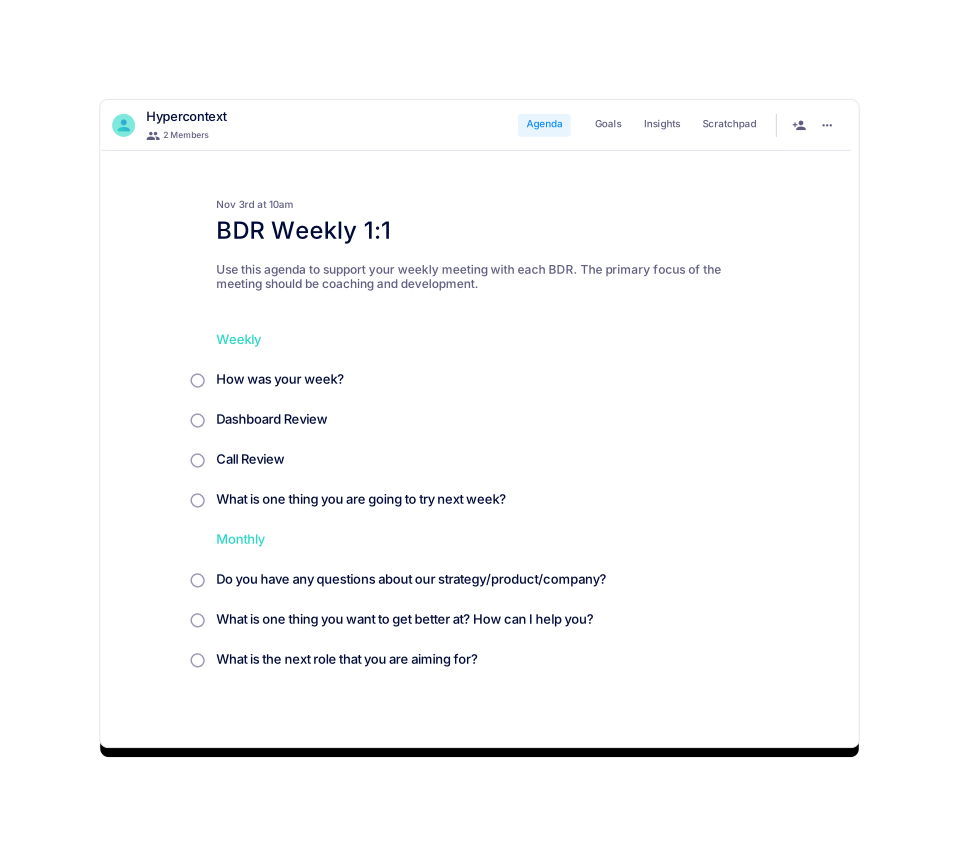
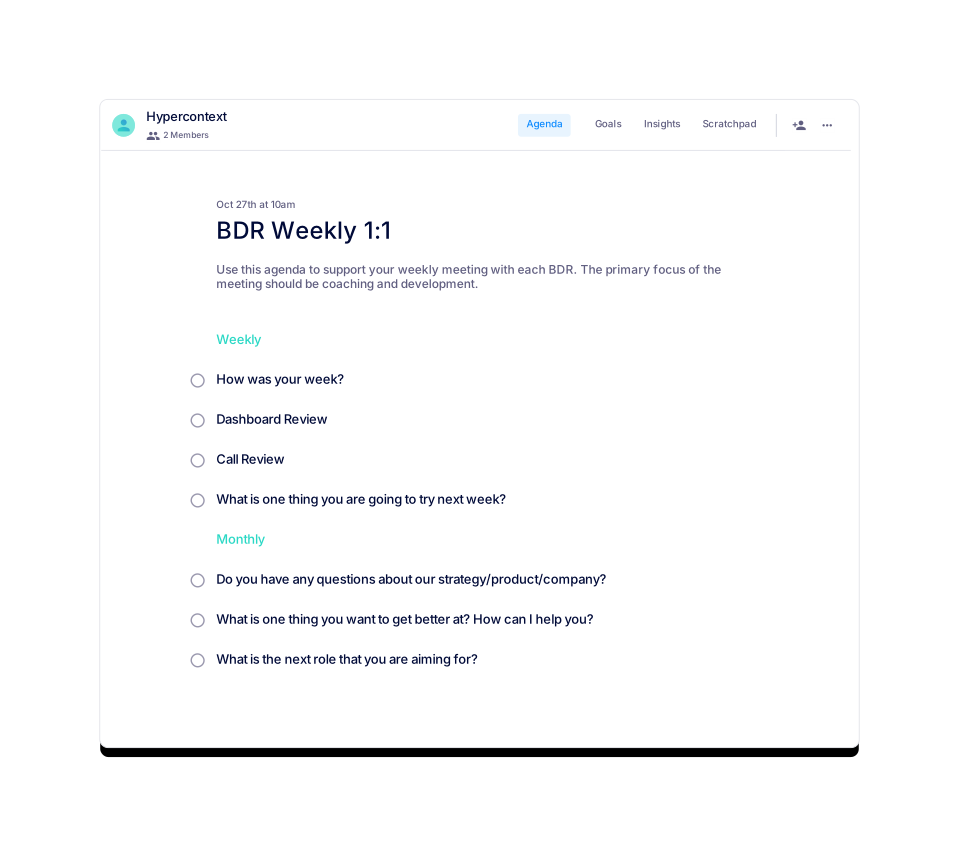
You should consider dividing the meeting into two sections: Weekly and Monthly. Add the following BDR weekly 1:1 topics where appropriate: How was your week? Dashboard Review, Call Review, What is one thing you are going to try next week? Do you have any questions about our strategy/product/company? What is one thing you want to get better at? How can I help you? What is the next role that you are aiming for?
Seven great topics to discuss in your BDR Weekly 1:1 are: How was your week? Dashboard Review, Call Review, What is one thing you are going to try next week? Do you have any questions about our strategy/product/company? What is one thing you want to get better at? How can I help you? What is the next role that you are aiming for?
The primary focus of the BDR Weekly 1:1 template is coaching and development. It is designed to support weekly meetings between BDRs and their managers, fostering reflection, feedback, and growth.
The BDR Weekly 1:1 template was created by Jocelyn Brown, who has over 15 years of experience in B2B and SaaS, building and managing high-performing customer success and sales teams.
Yes, you can download the BDR Weekly 1:1 template as a Word document, Excel spreadsheet, or PDF for your convenience.
Yes, the template is available for free. You can get started with it directly from the Spinach AI website.
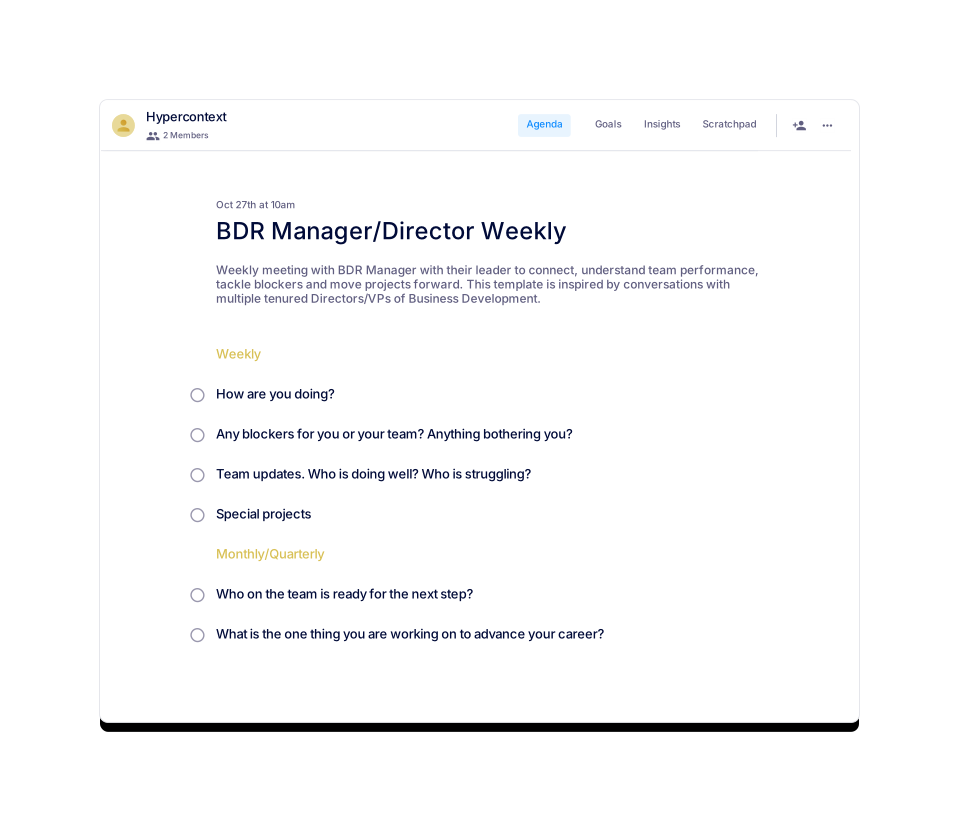
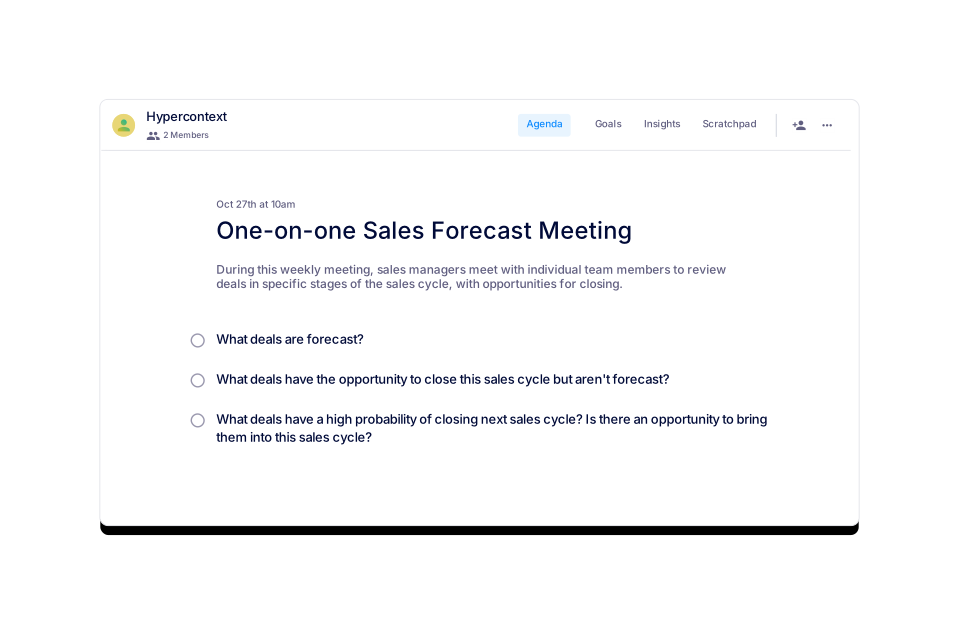
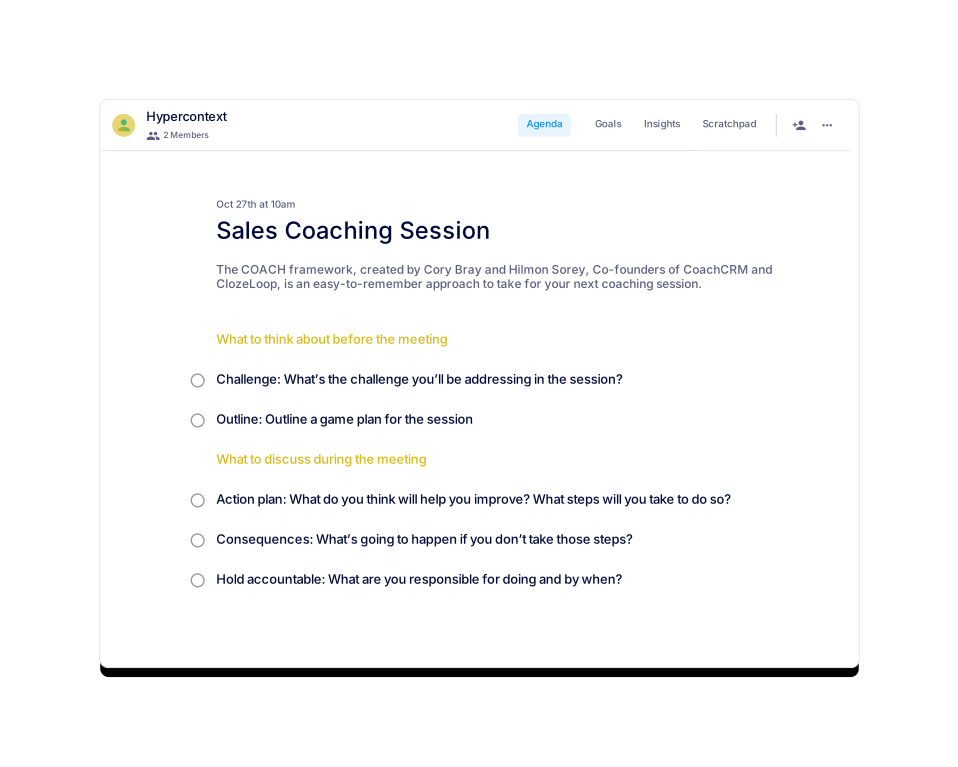
Similar templates include Bi-Weekly Sales One-on-One, VP Sales & Sales Leader 1:1, Sales Coaching Session, BDR Manager/Director Weekly, Sales Manager/Director One-on-One, and Sales Leader & SDR 1:1. These templates support various sales and management meeting formats.
The template is categorized under One-on-one, Sales, and User-generated templates on Spinach AI.
You can get started by accessing the template for free on the Spinach AI website or by downloading it in your preferred format.
Reviewing dashboards and calls helps BDRs reflect on their performance, receive feedback, and identify opportunities for coaching and continuous improvement.
The template encourages open conversations about career goals, such as discussing the next role a BDR is aiming for, and supports ongoing skill development through actionable feedback and coaching.
Yes, you can preview the template on the Spinach AI website before downloading or using it in your meetings.
Sharing the agenda in advance helps ensure meetings are focused, efficient, and that all important topics are covered within the allotted time.
Spinach AI's app offers a live, collaborative agenda and notes, along with a next steps and accountability tracker to help you follow up on action items from your meetings.
As of the latest update, the template has been viewed once and not yet used, according to the usage stats displayed on the webpage.
You can find over 100 free agenda templates for various meeting types, including one-on-ones, on the Spinach AI website.
You can reach Spinach AI through their Help Center or the Contact Us page on their website for support and inquiries.
Spinach AI offers automated note-taking, action item tracking, meeting summaries, live collaborative agendas, next steps and accountability tracking, calendar integration, reminders, and AI-based insights to streamline meeting management.
Yes, Spinach AI integrates with a wide range of tools, including Zoom, Google Meet, Microsoft Teams, Webex, Slack, Google Calendar, Microsoft Calendar, Jira, Trello, Asana, ClickUp, Linear, Monday.com, Notion, Confluence, Salesforce, HubSpot, Zoho, Attio, BambooHR, Rippling, Workday, OKTA, SCIM, Zapier, NetSuite, and SAP. For a full list, visit the Spinach AI integrations page.
Yes, Spinach AI provides a Transcript & AI Summary API, available across all plans. It allows users to access transcripts and AI-generated summaries for enhanced integration and automation. For more details, visit the Spinach AI pricing page.
Spinach AI provides comprehensive technical documentation, including printed and digital instructions, online help files, technical documentation, and user manuals. These resources are available in the Spinach AI Help Center.
Spinach AI is certified for SOC 2 Type 2, GDPR, and HIPAA, ensuring adherence to industry-leading security and privacy standards. For more details, visit the Spinach AI Security page.
Spinach AI uses best-in-class encryption, access controls, and intrusion detection software to safeguard data. The platform enforces a zero data retention policy with all AI subprocessors and undergoes regular third-party audits to maintain compliance and reliability.
Spinach AI enforces responsible AI practices, including a zero data retention policy with all AI subprocessors, ensuring customer data is never used for AI model training. The company adheres to GDPR and holds vendors to the same high standards through regularly-reviewed agreements.
Spinach AI offers several plans: Starter (Free, with unlimited meeting recording, transcription, and basic AI summaries), Pro (pay-as-you-go, starting at $2.90 per meeting hour), Business ($19/user/month billed annually or $29/user/month billed monthly), and Enterprise (custom pricing with volume discounts). For more details, visit the Spinach AI pricing page.
The Starter plan includes unlimited meeting recording, transcription, and basic AI summaries at no cost.
The Pro plan is a pay-as-you-go model starting at $2.90 per meeting hour. It is designed for unlimited users and includes advanced AI features.
The Business plan costs $19 per user per month when billed annually (34% discount) or $29 per user per month when billed monthly. It includes unlimited meetings and advanced AI features.
The Enterprise plan offers custom pricing for organizations requiring advanced security, control, and customization, with volume discounts available. Pricing is provided after consultation with the Spinach AI sales team.
Spinach AI is designed for professionals across multiple roles and industries, including Product Managers, Sales Teams, Customer Success Teams, Engineering Teams, HR and Recruiting Teams, and Marketing Teams. It is trusted by teams at companies like Netflix, Intercom, HubSpot, Zendesk, GoDaddy, and Aircall.
Spinach AI solves problems such as manual note-taking during meetings, repetitive administrative tasks, workflow inefficiencies, uncovering insights from user feedback, enhancing collaboration across teams, and providing customizable solutions for different teams.
Customers can expect time savings, improved workflow efficiency, enhanced decision-making, increased productivity, better customer engagement, and cost efficiency by automating and streamlining meeting and administrative processes.
Spinach AI is designed for rapid implementation and ease of use. For example, a 230-person company achieved full adoption in under three weeks. Users can sign up for free, access onboarding programs, and receive dedicated support for Business and Enterprise plans.
Customers have praised Spinach AI for being easy to install, intuitive, and seamlessly integrating into workflows. For example, Josh Guttman, CRO at Altrio, described it as 'easy to install, intuitive, AI and automations are helpful and constant delivery of new features.'
Yes, for example, Kushal Birje, Senior Director of Revenue Operations at EDB, said, 'Spinach has 100% changed how our team handles meetings and projects. It simplifies and helps track progress, and ensures everyone stays aligned.' More testimonials are available on the Spinach AI homepage.
Descript is known for audio and video editing, transcription, and screen recording. Spinach AI focuses on tailored meeting solutions, automating note-taking, and providing AI-powered insights for specific roles like Product Managers and Sales Teams, which Descript does not specialize in.
Fireflies.ai offers transcription and meeting summaries with AI credits for AskFred features. Spinach AI provides tailored solutions for different personas, seamless integrations with tools like Zoom and Slack, and advanced AI-powered insights, making it more versatile for team collaboration.
Otter.ai specializes in fast transcription services. Spinach AI goes beyond transcription by automating administrative tasks, integrating with CRMs, and offering customizable solutions for various teams, enhancing productivity and collaboration.
Meetgeek provides meeting summaries and insights for remote teams. Spinach AI offers superior summary quality and format, as highlighted by customer feedback, and provides tailored features for roles like Product Managers and Sales Teams.
Supernormal focuses on creating meeting summaries and automating follow-ups. Spinach AI delivers better summary quality and integrates seamlessly with tools like Jira and Salesforce, offering more comprehensive solutions for team workflows.
Trint specializes in transcription and video captioning services. Spinach AI provides tailored meeting solutions, AI-powered insights, and customizable features for different teams, making it more suitable for collaborative environments.
Sonix offers automated transcription and translation services. Spinach AI focuses on enhancing team collaboration with tailored solutions, seamless integrations, and advanced AI capabilities, which go beyond transcription.
Spinach.ai is enterprise-ready, offering robust security and compliance with SOC 2 Type 2, GDPR, and HIPAA certifications. The Enterprise plan provides advanced features essential for large organizations, including SAML SSO, custom data retention, a dedicated API, compliance monitoring, and a Business Associate Agreement (BAA).
You should initially set your BDR weekly 1:1s for 30 minutes with your team. If you prepare and share an agenda in advance, you're likely to get through more topics efficiently.
Most BDR weekly 1:1s tend to occur weekly. As you go through a few iterations, you may need to increase or decrease the frequency based on your team's needs.
You should consider dividing the meeting into two sections: Weekly and Monthly. Add the following BDR weekly 1:1 topics where appropriate: How was your week? Dashboard Review, Call Review, What is one thing you are going to try next week? Do you have any questions about our strategy/product/company? What is one thing you want to get better at? How can I help you? What is the next role that you are aiming for?
Seven great topics to discuss in your BDR Weekly 1:1 are: How was your week? Dashboard Review, Call Review, What is one thing you are going to try next week? Do you have any questions about our strategy/product/company? What is one thing you want to get better at? How can I help you? What is the next role that you are aiming for?
The primary focus of the BDR Weekly 1:1 template is coaching and development. It is designed to support weekly meetings between BDRs and their managers, fostering reflection, feedback, and growth.
The BDR Weekly 1:1 template was created by Jocelyn Brown, who has over 15 years of experience in B2B and SaaS, building and managing high-performing customer success and sales teams.
Yes, you can download the BDR Weekly 1:1 template as a Word document, Excel spreadsheet, or PDF for your convenience.
Yes, the template is available for free. You can get started with it directly from the Spinach AI website.
Similar templates include Bi-Weekly Sales One-on-One, VP Sales & Sales Leader 1:1, Sales Coaching Session, BDR Manager/Director Weekly, Sales Manager/Director One-on-One, and Sales Leader & SDR 1:1. These templates support various sales and management meeting formats.
The template is categorized under One-on-one, Sales, and User-generated templates on Spinach AI.
You can get started by accessing the template for free on the Spinach AI website or by downloading it in your preferred format.
Reviewing dashboards and calls helps BDRs reflect on their performance, receive feedback, and identify opportunities for coaching and continuous improvement.
The template encourages open conversations about career goals, such as discussing the next role a BDR is aiming for, and supports ongoing skill development through actionable feedback and coaching.
Yes, you can preview the template on the Spinach AI website before downloading or using it in your meetings.
Sharing the agenda in advance helps ensure meetings are focused, efficient, and that all important topics are covered within the allotted time.
Spinach AI's app offers a live, collaborative agenda and notes, along with a next steps and accountability tracker to help you follow up on action items from your meetings.
As of the latest update, the template has been viewed once and not yet used, according to the usage stats displayed on the webpage.
You can find over 100 free agenda templates for various meeting types, including one-on-ones, on the Spinach AI website.
You can reach Spinach AI through their Help Center or the Contact Us page on their website for support and inquiries.
Spinach AI offers automated note-taking, action item tracking, meeting summaries, live collaborative agendas, next steps and accountability tracking, calendar integration, reminders, and AI-based insights to streamline meeting management.
Yes, Spinach AI integrates with a wide range of tools, including Zoom, Google Meet, Microsoft Teams, Webex, Slack, Google Calendar, Microsoft Calendar, Jira, Trello, Asana, ClickUp, Linear, Monday.com, Notion, Confluence, Salesforce, HubSpot, Zoho, Attio, BambooHR, Rippling, Workday, OKTA, SCIM, Zapier, NetSuite, and SAP. For a full list, visit the Spinach AI integrations page.
Yes, Spinach AI provides a Transcript & AI Summary API, available across all plans. It allows users to access transcripts and AI-generated summaries for enhanced integration and automation. For more details, visit the Spinach AI pricing page.
Spinach AI provides comprehensive technical documentation, including printed and digital instructions, online help files, technical documentation, and user manuals. These resources are available in the Spinach AI Help Center.
Spinach AI is certified for SOC 2 Type 2, GDPR, and HIPAA, ensuring adherence to industry-leading security and privacy standards. For more details, visit the Spinach AI Security page.
Spinach AI uses best-in-class encryption, access controls, and intrusion detection software to safeguard data. The platform enforces a zero data retention policy with all AI subprocessors and undergoes regular third-party audits to maintain compliance and reliability.
Spinach AI enforces responsible AI practices, including a zero data retention policy with all AI subprocessors, ensuring customer data is never used for AI model training. The company adheres to GDPR and holds vendors to the same high standards through regularly-reviewed agreements.
Spinach AI offers several plans: Starter (Free, with unlimited meeting recording, transcription, and basic AI summaries), Pro (pay-as-you-go, starting at $2.90 per meeting hour), Business ($19/user/month billed annually or $29/user/month billed monthly), and Enterprise (custom pricing with volume discounts). For more details, visit the Spinach AI pricing page.
The Starter plan includes unlimited meeting recording, transcription, and basic AI summaries at no cost.
The Pro plan is a pay-as-you-go model starting at $2.90 per meeting hour. It is designed for unlimited users and includes advanced AI features.
The Business plan costs $19 per user per month when billed annually (34% discount) or $29 per user per month when billed monthly. It includes unlimited meetings and advanced AI features.
The Enterprise plan offers custom pricing for organizations requiring advanced security, control, and customization, with volume discounts available. Pricing is provided after consultation with the Spinach AI sales team.
Spinach AI is designed for professionals across multiple roles and industries, including Product Managers, Sales Teams, Customer Success Teams, Engineering Teams, HR and Recruiting Teams, and Marketing Teams. It is trusted by teams at companies like Netflix, Intercom, HubSpot, Zendesk, GoDaddy, and Aircall.
Spinach AI solves problems such as manual note-taking during meetings, repetitive administrative tasks, workflow inefficiencies, uncovering insights from user feedback, enhancing collaboration across teams, and providing customizable solutions for different teams.
Customers can expect time savings, improved workflow efficiency, enhanced decision-making, increased productivity, better customer engagement, and cost efficiency by automating and streamlining meeting and administrative processes.
Spinach AI is designed for rapid implementation and ease of use. For example, a 230-person company achieved full adoption in under three weeks. Users can sign up for free, access onboarding programs, and receive dedicated support for Business and Enterprise plans.
Customers have praised Spinach AI for being easy to install, intuitive, and seamlessly integrating into workflows. For example, Josh Guttman, CRO at Altrio, described it as 'easy to install, intuitive, AI and automations are helpful and constant delivery of new features.'
Yes, for example, Kushal Birje, Senior Director of Revenue Operations at EDB, said, 'Spinach has 100% changed how our team handles meetings and projects. It simplifies and helps track progress, and ensures everyone stays aligned.' More testimonials are available on the Spinach AI homepage.
Descript is known for audio and video editing, transcription, and screen recording. Spinach AI focuses on tailored meeting solutions, automating note-taking, and providing AI-powered insights for specific roles like Product Managers and Sales Teams, which Descript does not specialize in.
Fireflies.ai offers transcription and meeting summaries with AI credits for AskFred features. Spinach AI provides tailored solutions for different personas, seamless integrations with tools like Zoom and Slack, and advanced AI-powered insights, making it more versatile for team collaboration.
Otter.ai specializes in fast transcription services. Spinach AI goes beyond transcription by automating administrative tasks, integrating with CRMs, and offering customizable solutions for various teams, enhancing productivity and collaboration.
Meetgeek provides meeting summaries and insights for remote teams. Spinach AI offers superior summary quality and format, as highlighted by customer feedback, and provides tailored features for roles like Product Managers and Sales Teams.
Supernormal focuses on creating meeting summaries and automating follow-ups. Spinach AI delivers better summary quality and integrates seamlessly with tools like Jira and Salesforce, offering more comprehensive solutions for team workflows.
Trint specializes in transcription and video captioning services. Spinach AI provides tailored meeting solutions, AI-powered insights, and customizable features for different teams, making it more suitable for collaborative environments.
Sonix offers automated transcription and translation services. Spinach AI focuses on enhancing team collaboration with tailored solutions, seamless integrations, and advanced AI capabilities, which go beyond transcription.
Spinach.ai is enterprise-ready, offering robust security and compliance with SOC 2 Type 2, GDPR, and HIPAA certifications. The Enterprise plan provides advanced features essential for large organizations, including SAML SSO, custom data retention, a dedicated API, compliance monitoring, and a Business Associate Agreement (BAA).
Jocelyn has spent 15+ years in the B2B and SaaS spaces building and managing high-performing customer success and sales teams that drive recurring revenue and value, and develop life-long customers. Most recently she spent 5 years at Allocadia as SVP Customers and Revenue.
Follow her on twitter.
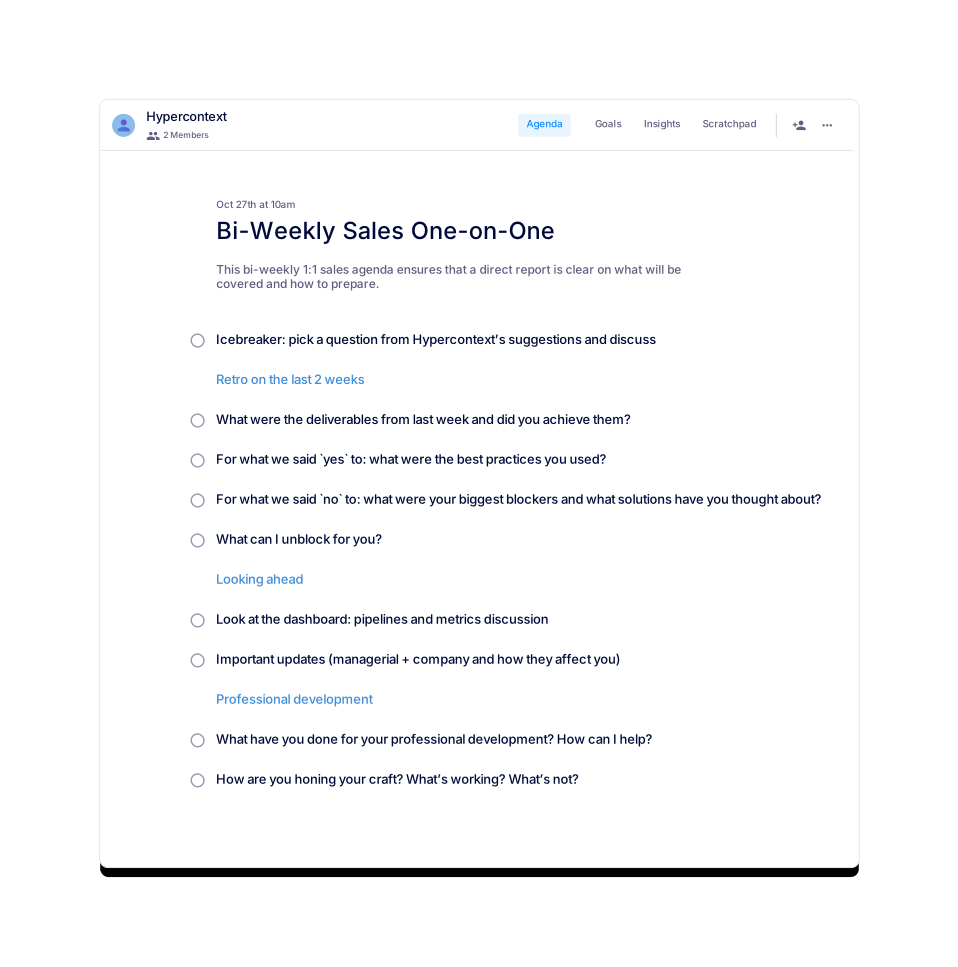
A bi-weekly 1:1 stand-up for sales managers to sync with direct reports.
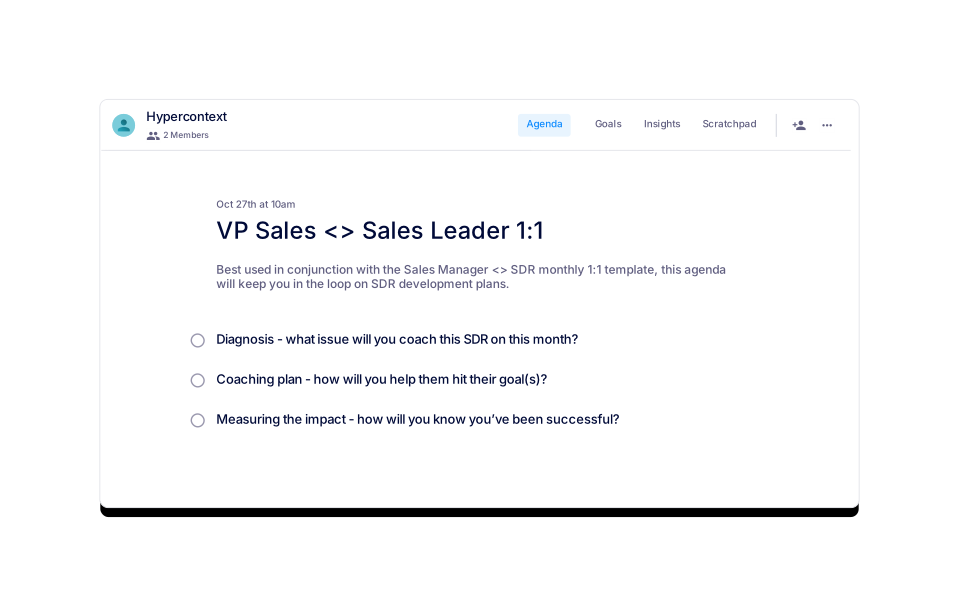
Created by Mark Roberge, former CRO of HubSpot, use this agenda for VP Sales <> Sales Leader 1:1s.
Jocelyn Brown
Weekly one-on-one for a BDR Manager and their leader.
Jocelyn Brown
A template for one-on-one discussions between Sales Managers and Directors
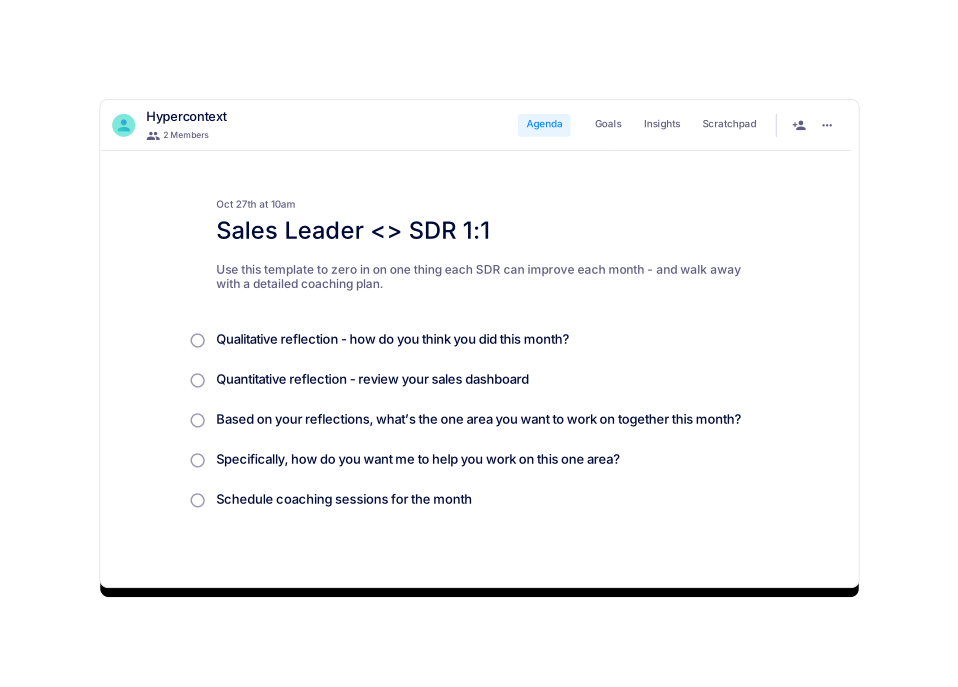
Use this agenda to zero in on one thing each SDR can improve each month.