How to Make All-Staff Meetings More Effective and Productive (August 2026)
Ace your next all-staff meeting. Our expert guide has the key strategies you need to master the art and science of effective meeting leadership, and keep your
 Maintouch
Keeping everyone in an organization on the same page is a challenge for even the best leaders. It seems like the busier you are, the harder it is to stay aligned as a group. It’s a frustrating paradox for sure because when things get hectic, that’s exactly when you need to be on the same page with all of your colleagues and leaders. Sometimes an all-staff meeting can help get everyone back in sync, but only if it’s a well-run meeting! The last thing you want to do when things are getting chaotic is waste an hour of everyone’s time with aimless discussions.
In this article, we’ll walk you through the best way to have a super-productive all-staff meeting that gets the whole organization back on track quickly and efficiently. Spoiler alert, some of the strategies focus on using smart meeting tools (like Spinach) to help your all-staff meetings build transparency and collaboration across the whole company.
TLDR:
- All-staff meetings only work when they have a structured agenda, clear action items, and assigned owners.
- Run them monthly or quarterly to maintain alignment without meeting fatigue.
- Recognition, cross-department brainstorming, and feedback collection all belong on the agenda.
- Spinach AI joins your all-staff meeting, captures decisions and action items with named owners, and routes them to your existing tools when the meeting ends.
What is an all-staff meeting?
First, before we go any further, let’s lay out exactly what an all-staff meeting is all about. These types of gatherings can be like a rallying point for the entire company. Unlike department-specific huddles which are limited to specific specialties or lines of business, the all-staff meeting is where everyone, top to bottom, syncs up. It’s all about sharing, discussing, and aligning. Everyone’s invited, and the agenda typically combines updates, strategic direction, and open dialogue.
Why all-staff team meetings matter
At this point, you may be wondering why it matters for the whole staff to meet as a group. Let’s take a look at the key benefits of having all-staff meetings, and what the benefits are for the organization.
Transparency and trust
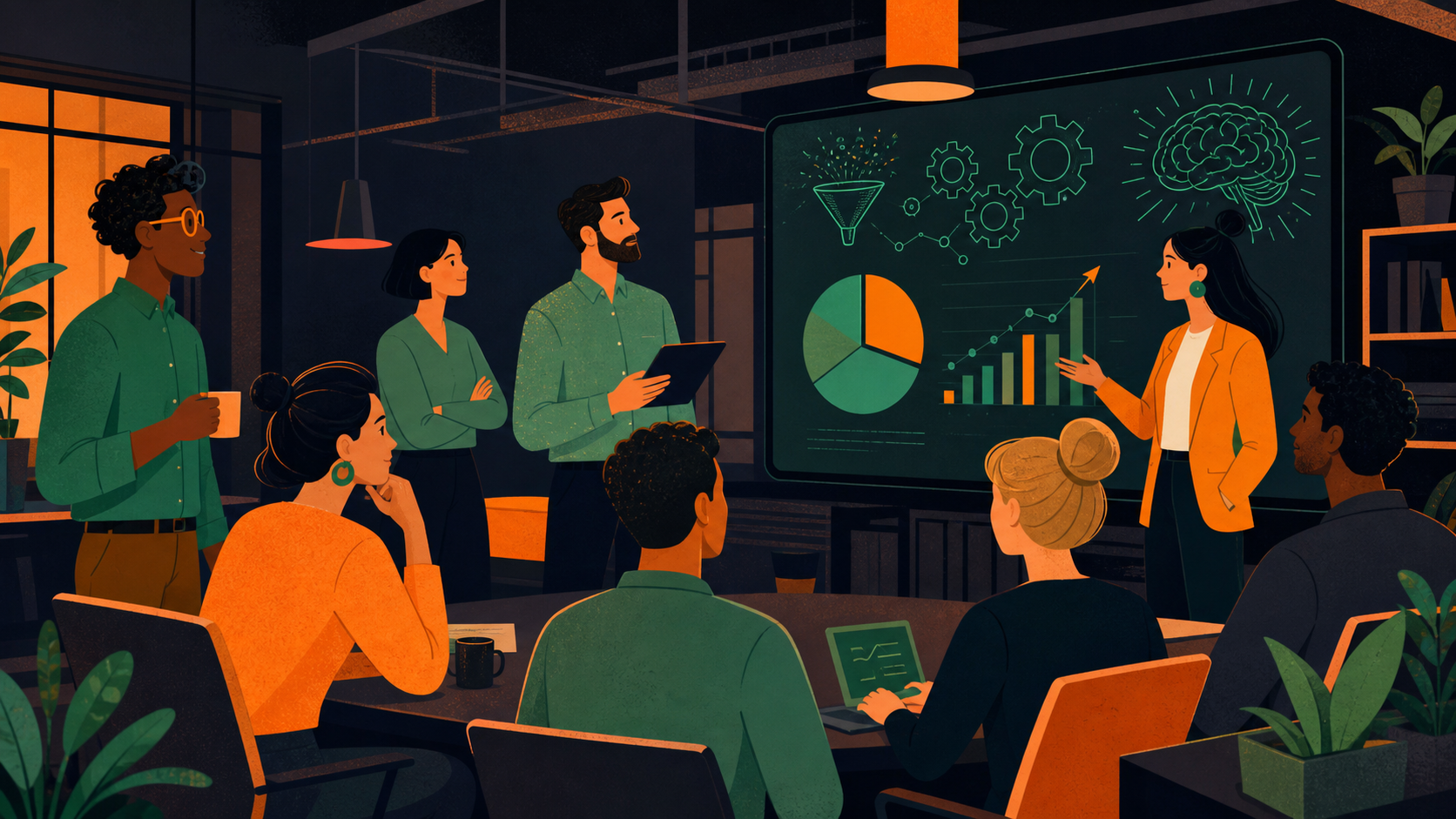
All-staff meetings are instrumental in building an environment of trust through open communication. When leadership consistently shares both the successes and challenges facing the company, it cultivates a company culture grounded in candor. This transparency prevents the spread of office rumors and potential misunderstandings, and reinforces the idea that every team member is an integral part of the company’s journey.
Better employee engagement
For employee engagement, the power of inclusive meetings cannot be understated. By making sure that every voice is heard and that ideas are genuinely valued, team morale receives a real boost.
Seeing that inclusivity on display in an all-staff meeting leads to a heightened sense of commitment from the team members. Plus, a workforce that feels actively involved and valued tends to be more stable, resulting in lower turnover rates.
Positive recognition among team members
Receiving acknowledgment in front of your peers can be highly motivating, whether you’re getting recognized for a small win or a big career achievement.
By regularly recognizing and celebrating accomplishments during all-staff meetings, team members feel an extra sense of encouragement to maintain and even surpass their performance levels. Over time, this consistent use of shout-outs or kudos reinforces the pursuit of excellence across the company.
Collaboration, team-building, and cultural reinforcement
All-staff meetings serve as a great opportunity for cross-departmental collaboration, acting as a kind of melting pot of ideas from diverse teams. Beyond the immediate business agenda, these meetings also offer a platform to spotlight and reinforce the company’s core values.
When companies don’t make time to reinforce and celebrate their core values, they run the risk of seeing those words become mere slogans instead of lived experiences.
Improved opportunities for follow-ups
When an organization stays consistent about having all-staff meetings, this creates a steady routine for regular checkpoints, so that action items and tasks are being assigned and are also seeing progress.
This regularity offers a structured path for teams to revisit and assess the progress of assigned tasks. Adding smart meeting tools like Spinach into this process can tighten tracking so that tasks move toward completion instead of stagnation. Spinach joins your meeting, captures decisions and action items with named owners, and routes them automatically into your team’s tools.
The most important objectives for effective staff meetings
Understanding the purpose behind all-staff meetings is key to their success. Let’s take a closer look at the primary objectives that should guide the planning and execution of all-staff meetings.
Aligning with the company goals and visions
We started off this article by talking about how important it is to keep everyone in the organization aligned and on the same page. In order to drive results, it’s imperative that everyone understands and works towards the company’s mission and objectives. Leadership has the responsibility to clearly communicate these goals and make sure all departments line up.
Some strategies to keep in mind:
- Consistent reinforcement: Repetition aids retention. Regularly revisiting company goals keeps them top of mind for all.
- Visual aids: Using visual elements like slides or infographics can help explain complex strategies or goals.
- Checkpoints: Periodically assess alignment, possibly through quick surveys or feedback sessions, to identify and rectify any deviations.
Collecting feedback from team members
Gathering feedback can lead to improvements in many aspects of your business and process. It really helps to encourage input from different departments, so you can get a diverse range of perspectives. But the most critical step is turning that feedback into action.
Here are some tips for collecting valuable feedback:
- Structured platforms: Use platforms or tools that simplify the feedback collection process.
- Offer anonymity: Some team members might feel more comfortable sharing feedback anonymously, leading to more candid insights.
- Act (don’t just collect): Show that feedback doesn’t go into a black hole. Implement changes or respond to concerns raised to build trust in the process.
Problem-solving and fresh ideas
All-staff meetings provide a fantastic platform for collaborative brainstorming. By pooling insights from different departments, you’re bound to get sharper, more creative solutions. It’s up to leadership to encourage this collaborative approach. By spending the extra time and resources to get everyone together, you’re bound to see better results from your organization.
Here are some tips for sparking collaborative thinking:
- Brainstorming sessions: Dedicate a segment of the meeting for collective brainstorming on pressing issues.
- Cross-functional teams: Mix members from different departments to gain varied perspectives on a challenge.
- Celebrate new ideas: Recognize and reward creative thinking to motivate team members to think outside the box.
Discussing the future outlook for the team
Make sure everyone is keeping their eyes on the horizon! Good leaders keep everyone informed about upcoming challenges or opportunities facing the organization. This keeps the team prepared and able to plan accordingly.
Look at things like:
- Market trends: Share insights into upcoming market or industry trends that could impact the team.
- Resource allocation: Discuss if there are any anticipated resource changes, be it expansions or contractions.
- Skill development: Call out any upcoming skill or knowledge requirements, allowing team members to prepare.
Covering action item assignments
Clear communication about next steps and responsibilities supports continuity and accountability. Using tools to track these action items can boost productivity. Spinach translates your meetings into key decisions and action items with owners assigned. Plus, each person gets their own To-Do’s so nothing gets lost in the shuffle.
Here are some ways to make this easier:
- Clarity: Clearly define each action item, its objective, and the responsible person or department.
- Use technology: Platforms or tools (ahem, like Spinach) can help you assign and track progress on action items to aid accountability and progress monitoring.
- Review: At the beginning of subsequent meetings, briefly review the progress or completion of previous action items to confirm follow-through.
Best practices for an all-hands meeting you should know
Effective all-staff meetings are more than just a gathering and a conversation; they’re an opportunity to align, inspire, and drive action. While there are best practices for any type of meeting, like standups or retrospectives, they aren’t always the same.
To improve your all-hands meetings, consider the following best practices.
Create a clear meeting agenda
A well-structured agenda helps keep your meeting on track and achieves its objectives. Without an agenda you run the risk of aimless discussions, getting off-topic, or wasting valuable time on topics that are not relevant to your goals. Make sure you have a well-planned agenda before going into an all-staff meeting.
These agenda best practices can help:
- Categorize agenda items: Break them down into updates, discussions, and action items.
- Allocate time slots: Assign specific times to each topic to maintain pacing.
- Seek input: Allow team members to contribute discussion topics they believe are important.
Hold company-wide meetings monthly or quarterly
Consistency is key. Regular meetings help maintain alignment and momentum, but it’s important to find a balance to prevent meeting fatigue.
- Be adaptive: Adjust the frequency based on company milestones, challenges, or changes.
- Make it predictable: Stick to a routine, whether it’s the first Monday of every month or every quarter’s end, so employees can plan around it.
- Include a feedback loop: Periodically ask your team about the meeting frequency and adjust accordingly.
Set a positive and inclusive tone upfront
Starting the meeting on a positive note can set the stage for constructive discussions and encourage participation.
- Share successes: Start with recent wins or positive feedback to boost morale.
- Use inclusive language: Make sure everyone feels their voice is valued.
- Acknowledge diversity: Recognize different remote departments or remote teams and the unique challenges or perspectives they bring.
Make the meeting more interactive
Engaging participants in the meeting enhances its effectiveness. Encouraging two-way communication can lead to more fruitful discussions.
- Use technology: Use polls, quizzes, or Q&A sessions to involve attendees.
- Encourage cross-departmental interactions: Break the silos and let different teams interact and share perspectives.
- Promote an inclusive space: Make it clear that every question or viewpoint, no matter how minor it seems, is valid.
Keep meetings with the entire team concise
Concise meetings can maintain focus and keep participants engaged throughout.
- Stay on topic: It’s easy to go on tangents. Use the agenda as a guide to stay focused.
- Limit presentations: If many departments are providing updates, set a time limit for each.
- Follow-up post-meeting: If certain topics need a deeper look, schedule separate discussions instead of extending the all-hands meeting.
Our recommended tools for more productive all-staff meetings
Using smart tools can make a real difference in the quality of your all-staff meetings. There are lots of AI-powered meeting note tools to help take notes and keep your meetings organized. Choosing the right meeting tool can support smoother communication, keep tasks on track, and keep everyone on the same page. Here’s a closer look at some of the best meeting tools you should consider.
Tool comparison as of July 2026.
Tool | Primary Use | AI Meeting Notes | Action Item Tracking | Best For All-Staff Meetings |
|---|---|---|---|---|
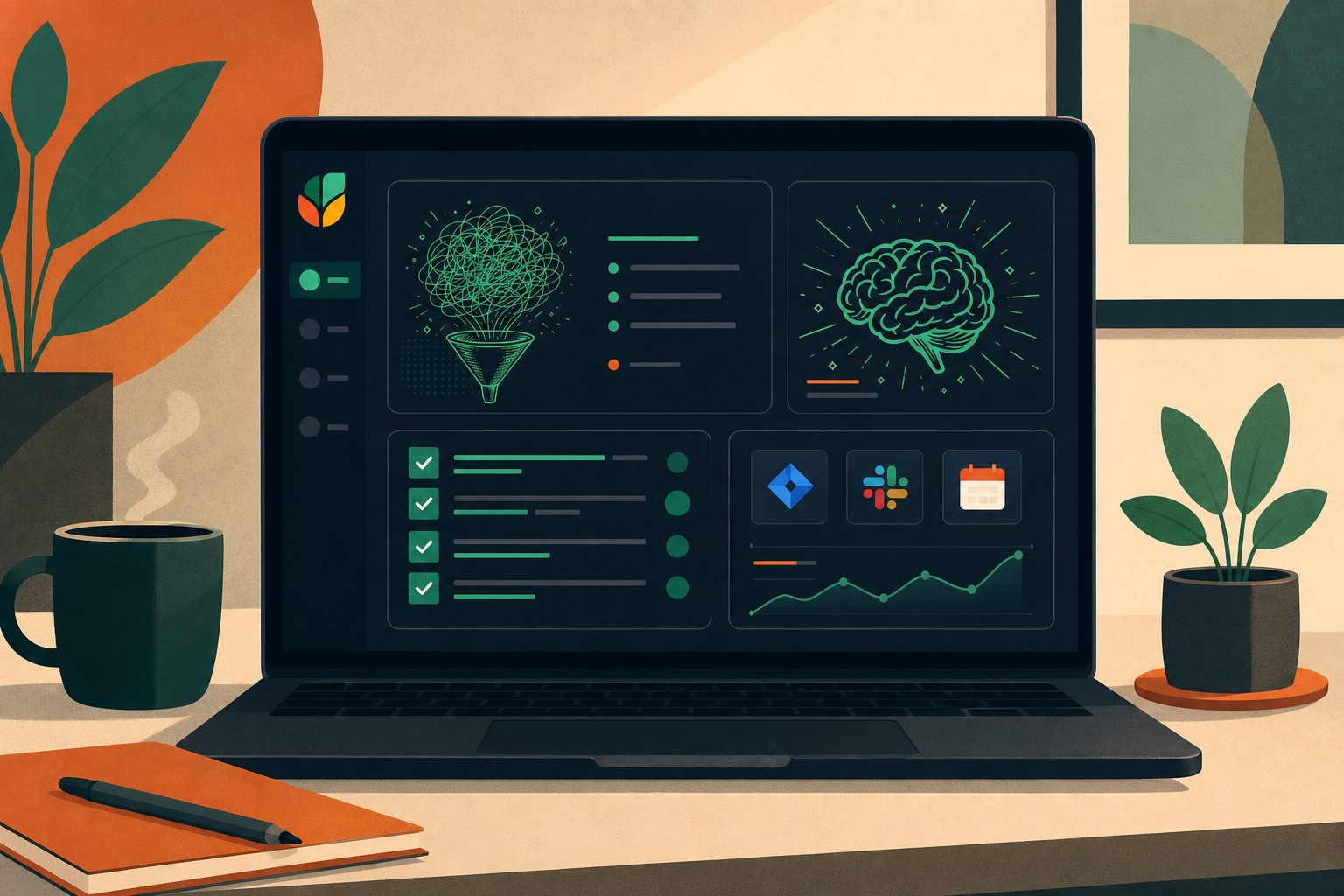
Spinach AI | Enterprise conversation intelligence | Captures decisions and action items with named owners; delivers structured summaries to your tools when the meeting ends | Routes action items with owners to Jira, Linear, Salesforce, HubSpot, and more | Company-wide capture, governance, and routing of all-staff conversation data |
Zoom | Video conferencing | Individual notes and summaries via Zoom AI Companion (requires add-on) | Basic follow-up items; no automatic routing to project management tools | Running the video call itself; breakout rooms and polls during the meeting |
Slack | Team communication | No native AI meeting notes | No native tracking; relies on integrations | Pre- and post-meeting communication; sharing summaries across channels |
Microsoft Teams | Video conferencing and chat | Individual notes and summaries via Copilot (requires M365 Copilot license) | Basic task follow-ups within Teams; no cross-platform routing | Organizations already in the Microsoft 365 ecosystem |
Linear | Task and project management | No | Yes, full issue tracking built for software development teams | Turning all-staff action items into tracked software issues |
Spinach
Spinach is the system of record for conversation data: an AI meeting assistant that captures decisions, action items, and follow-ups from every meeting and routes them into the tools your team already uses, from Slack and Notion to Jira and HubSpot. Spinach joins meetings, captures during them, and delivers structured summaries with named owners to your tools when they end.
Key features:
- Structured outputs, delivered: Spinach captures decisions and action items with named owners during the meeting and routes them to your tools when it ends, so nothing needs to be re-entered by hand.
- Action item tracking: Spinach captures action items with named owners during the meeting and routes them to your tools when it ends, so follow-up starts without manual re-entry.
- Integrations: Spinach connects with the tools your team already uses across project management, CRM, and knowledge bases, routing structured meeting outputs into your existing workflows.
If you want your all-staff meetings to produce clear decisions and accountable follow-up, Spinach AI is built for exactly that. Try Spinach free and turn every all-staff meeting into a structured record your whole organization can act on.
Zoom
Most of us know Zoom as a video-conferencing tool, but its utility for all-staff meetings goes beyond that. If you’ve only used Zoom for calls, consider giving these other productivity features a try. You may be surprised how much Zoom can help make your meetings more efficient and effective.
Key features:
- Breakout rooms: Run smaller group discussions within a larger meeting, enhancing engagement and participation.
- Polls: Quickly gather opinions or make decisions without the need for lengthy discussions.
- Screen sharing: Easily share presentations, documents, and other visual aids.
Its intuitive interface and wide range of features make Zoom suitable for companies of all sizes to conduct their all-staff meetings.
Slack
I’m sure you’re already familiar with Slack, a very popular communication platform designed to build collaboration. But when you dig a little deeper, you’ll find that there are some great collaboration tools in the Slack interface that you can use to help your team collaborate more effectively.
Key features:
- Channels: Organize discussions based on teams, projects, or topics. 💭
- Integrations: Connects directly with numerous other tools (like Spinach), automating workflows.
- Direct messaging: Supports one-on-one discussions or small group chats.
Slack acts as a hub for all communications, making it a staple for pre and post-meeting interactions, so no information falls through the cracks.
Microsoft Teams
Part of the Microsoft 365 suite, Teams is a collaboration tool blending chats, video calls, and file storage. If your organization uses Microsoft 365 you’re probably familiar with Teams. Be sure to check out some of the built-in collaboration tools that can help make your meetings better.
Key features:
- Integration with Microsoft 365 apps: Easily share documents from Word, Excel, and PowerPoint.
- Collaborative editing: Multiple team members can edit a document simultaneously. 📎
- Meeting scheduling: Schedule and join meetings directly from the calendar invite.
For companies already invested in the Microsoft ecosystem, Teams offers a cohesive experience blending communication and collaboration.
Linear
Linear is a task management tool with a focus on software development teams.
Key features:
- Sleek interface: Designed so teams can focus on tasks without unnecessary distractions.
- Automation: Automate routine tasks and processes to save time and boost output.
- Integrations: Connects with popular tools like Spinach, keeping your workflow consistent.
For tech teams looking for fresh ways to keep their tasks organized and moving, Linear provides the perfect blend of simplicity and functionality, keeping all-staff meetings productive.
Choose Spinach for better staff meetings starting today
Good leaders know, a well-planned and organized all-staff meeting can be a great tool for keeping your organization aligned and working in sync. It can build collaboration and a sense of unity among your different teams and departments. The key is to keep this meeting (and really, all your meetings) efficient and effective through careful planning and organization. Nailing those details can meaningfully influence a company’s success.
Use Spinach to capture decisions, action items with named owners, and follow-ups from your all-staff meetings, then route them automatically into the tools your team already uses. Spinach connects with Jira, Linear, Salesforce, HubSpot, Slack, Notion, and more, so your team picks up where the conversation left off without any manual follow-up.
Spinach AI is an enterprise conversation intelligence platform: it joins your all-staff meeting, captures decisions and action items with named owners during the meeting, and routes structured summaries into your tools when it ends. Recording and transcription are the raw input; governed, routable conversation data is what your organization gets. Every follow-up has an owner, every decision has a record, and nothing gets lost between the meeting and the tools where work actually happens.
Are you ready to change how your organization communicates? Start your journey with Spinach today.
Monthly or quarterly is the right cadence for most organizations. Monthly works well during periods of rapid change or growth; quarterly fits more stable phases where strategic updates are less frequent. Pick a fixed, predictable date (the first Monday of each month, for example) so employees can plan around it, and build in a periodic check-in with your team on whether the frequency still fits.
Assign a named owner to every action item before the meeting closes, and route those items directly into the tools your team already uses. Spinach AI joins your all-staff meeting, captures decisions and action items with owners assigned, and delivers structured summaries to tools like Jira, Linear, Salesforce, and HubSpot when the meeting ends, so nothing requires manual re-entry after the fact.
Zoom AI Companion handles individual notes and summaries within Zoom itself, but stops there. It does not route action items to project management or CRM tools, and it does not create a single governed record across your organization’s meetings. Spinach AI sits on top of Zoom (and Meet, Teams, Webex, and Slack Huddles) as the organizational layer, capturing decisions with named owners and routing them automatically into your existing tools.
Break the agenda into three categories: updates, discussions, and action items, and assign a time slot to each topic before the meeting starts. Circulate the agenda in advance so team members can submit discussion topics, and set a hard cap on individual department updates to prevent any one section from running long. If a topic needs a deeper conversation, schedule a separate session rather than extending the all-staff meeting.
Yes. Spinach AI joins meetings on Zoom, Google Meet, Microsoft Teams, Slack Huddles, and Webex, so it works regardless of which platform your organization uses for all-staff meetings. The output (structured decisions, action items with named owners, and summaries) is routed into your downstream tools the same way across all five platforms.
What you should do next
You made it to the end of this article! Here are some things you can do now:
- You should check out our library of meeting agenda templates for every type of meeting.
- Check out Spinach to see how it can help you run a high performing org.
- If you found this article helpful, please share it with others on Linkedin or X (Twitter)

