The Ultimate Guide to AI Meeting Assistants for PMs on Zoom (March 2026)
Complete guide to AI meeting assistants for product managers on Zoom. Learn about transcription, action items, and PM tools. Updated March 2026.
 Maintouch
When your customer says they need SSO with Okta before Q3 or your engineer flags an API compatibility issue, those details become requirements that matter weeks later. You either write them down immediately or dig through your memory when someone asks what was decided. AI meeting assistant for PMs captures technical details accurately, identifies who committed to what, and creates tickets from action items without you leaving the call. Your meeting context lands in Jira before you close Zoom.
TLDR:
- AI meeting assistants join your Zoom calls, transcribe conversations, and extract action items automatically.
- PMs spend 66% of weekly time on manual work; automation cuts documentation burden substantially.
- Action item completion rates jump from 50-60% with manual notes to 85-95% with AI capture.
- Direct integrations with Jira, Linear, Asana, ClickUp, Trello, and Monday turn decisions into tickets instantly.
- Spinach AI offers PM-specific templates, custom vocabulary, and one-click ticket sync with SOC 2, GDPR, and HIPAA compliance.
What AI Meeting Assistants Do for Product Managers on Zoom
AI meeting assistants automate the documentation work that consumes your day as a PM. They join your Zoom calls, record everything, and transcribe conversations in real time. Once the call ends, they generate summaries that extract what matters: product requirements discussed, feature priorities decided, and technical constraints raised by engineering.
The action item extraction is what changes your workflow. When your designer mentions needing wireframes by Friday or your engineering lead flags a dependency blocker, the AI catches it and assigns it to the right person. You get a structured list of what needs to happen next, who owns it, and when it’s due.
This matters because PMs spend upwards of 70% of their time aligning teams and stakeholders. Every sprint planning session, roadmap review, and customer feedback call generates decisions and tasks that someone needs to document and track. AI meeting assistants handle that work so you can focus on product decisions instead of note-taking.
Why Product Managers Need Dedicated Meeting Support on Zoom
PMs operate in a constant state of meeting overload. Employees spend 11 to 12 hours in meetings every week, and as a PM you’re likely above that average. Your calendar fills with sprint planning, customer interviews, roadmap reviews, and cross-functional syncs across product, engineering, design, and leadership.
The documentation burden is where the real cost hides. PMs spend over 66% of weekly time on manual work like chasing status updates, compiling customer insights from scattered notes, and recreating context across Slack threads and Jira tickets.
Product discovery conversations with customers contain feedback that needs sorting and tracking. Stakeholder alignment meetings generate commitments that someone needs to follow up on. Engineering coordination calls surface technical decisions that affect your roadmap.
How AI Meeting Assistants Work with Zoom
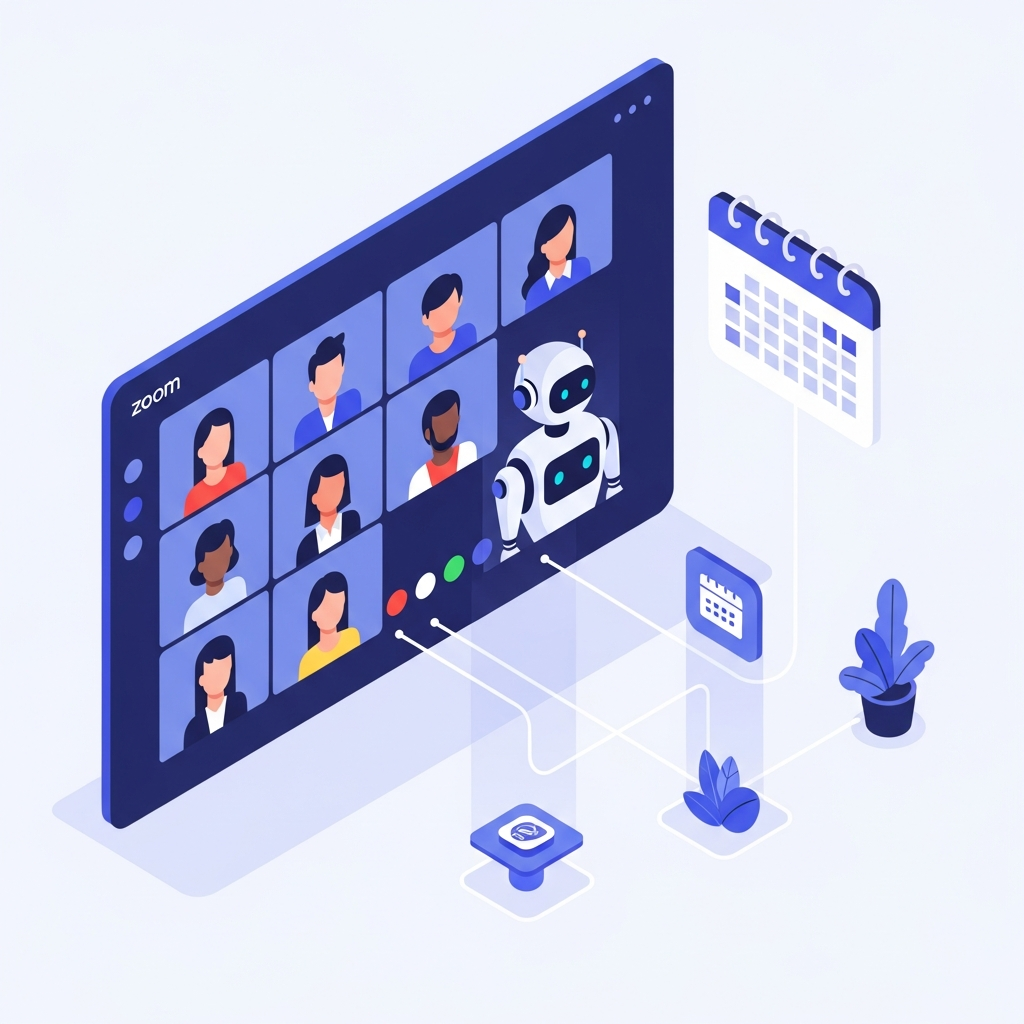
AI meeting assistants connect to Zoom through your calendar. Link your Google or Microsoft Calendar, and when a meeting includes a Zoom link, the assistant joins automatically as a participant. The bot shows up in your participant list with its own identifier.
Someone needs to admit the bot from the waiting room. Zoom treats these assistants as external participants, so the host approves entry. Some Zoom accounts can adjust guest settings to skip this, but most keep waiting rooms active for security.
Zoom OAuth integrations simplify authorization. When an assistant offers a Zoom app connection, recording approvals become frictionless. The bot remains visible but the permission process runs through Zoom’s app framework instead of manual admission.
The assistant records like any participant who clicks record. Audio and video capture follow your Zoom recording policies. Admin restrictions on cloud recording or participant permissions will determine whether the assistant can record your meeting.
Key Features PMs Should Look for in Zoom Meeting Assistants
Product management conversations carry technical depth that generic note-takers miss. You need features that handle your specific workflow beyond general meeting capture.
Look for transcription that handles product jargon correctly. Your discussions reference API endpoints, database schemas, user personas, and feature names that spell-checkers flag as errors. Custom vocabulary support lets you teach the assistant your product’s language so “GraphQL mutations” and “onboarding funnel” appear correctly in transcripts.
Action item assignment needs to work with how PMs communicate. When someone says “I’ll check with the design team about those prototypes,” the assistant should catch the task and the owner automatically. One-click ticket creation from action items keeps your backlog current without copy-pasting between tools.
Cross-meeting search becomes your product memory. When a stakeholder asks “what did we decide about that feature three sprints ago,” you query past meetings instead of digging through Slack and Google Docs.
Feature | Why PMs Need It | What to Look For |
|---|---|---|
Custom Vocabulary Support | Product discussions reference API endpoints, database schemas, feature names, and technical terms that generic transcription misses or misspells | Ability to add product-specific terms, competitor names, internal abbreviations, and technical jargon so they transcribe accurately without manual correction |
Action Item Assignment | Manual note-taking achieves only 50-60% completion rates while automated capture reaches 85-95% by catching commitments as they happen | Automatic detection of tasks with owner and due date extraction, plus one-click sync to Jira, Linear, Asana, ClickUp, Trello, or Monday |
Speaker Identification | Understanding who committed to what matters when reviewing decisions weeks later – whether the CTO or junior developer raised a concern changes context | Multi-speaker accuracy that correctly attributes statements to participants throughout the meeting without confusion |
Cross-Meeting Search | PMs need to trace decisions across sprint cycles, find customer feedback patterns, and connect roadmap choices to their origins | Searchable meeting history that lets you query past conversations by keyword, participant, date range, or topic |
PM-Specific Templates | Standups, retrospectives, discovery calls, and roadmap reviews each have distinct structures that benefit from purpose-built capture formats | Pre-built templates for common PM meeting types with automatic meeting type detection from calendar titles |
Security and Compliance | Product meetings contain roadmap details, customer data, and competitive intelligence that require enterprise-grade protection | SOC 2, GDPR, and HIPAA compliance with zero data retention policies so meeting content does not train third-party AI models |
Transcription Accuracy and Why It Matters for Product Discussions
Product conversations move fast through technical details that matter weeks later. When your engineering lead says “We can’t support backward compatibility with the v2 API” or a customer mentions “We need SSO with Okta before Q3,” those specifics become requirements.
Speaker identification determines who committed to what. When you review a meeting transcript to understand why a feature shipped, you need to know whether the CTO or a junior developer raised the security concern. Multi-speaker accuracy separates meeting memory from meeting noise.
Technical jargon appears in every PM conversation. You discuss authentication flows, database migrations, API rate limits, and conversion metrics. Tools that lack product-specific language support create transcripts filled with guesses. Custom vocabulary configuration solves this by teaching the AI your product’s terms, competitors’ names, and internal abbreviations. Accuracy affects downstream work because misattributed action items or garbled technical requirements mean your team builds wrong.
Capturing and Managing Action Items from Product Meetings
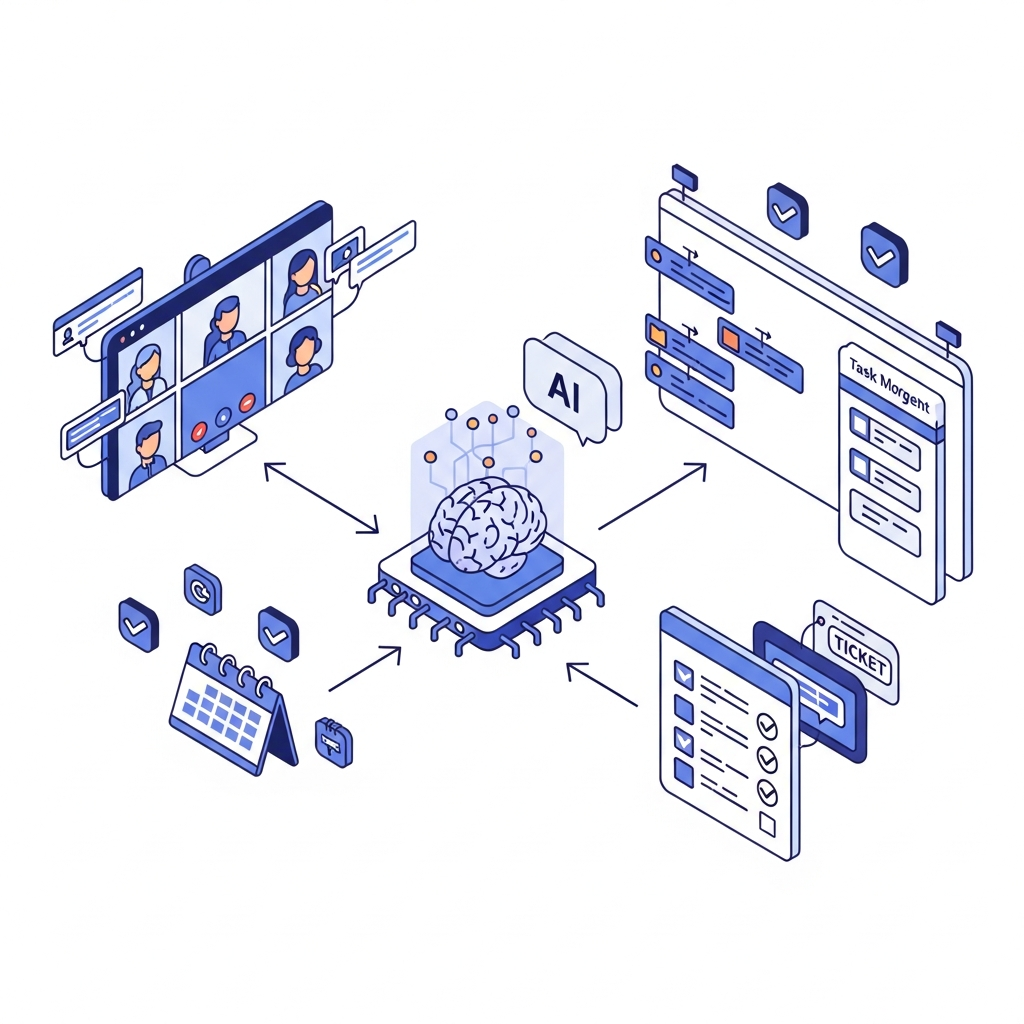
Action items get lost when PMs juggle meetings across engineering standups, customer discovery calls, and roadmap reviews. What gets decided needs to land in Jira, Linear, or your backlog without manual data entry slowing you down.
Action item completion rates hit only 50 to 60% with manual note-taking. That rate climbs to 85 to 95% when AI captures and assigns tasks automatically during the call itself.
AI meeting assistants listen for commitments as they’re spoken. When someone says “I’ll have three mockups ready by Friday” or “I’ll pull those retention numbers before our next sync,” the system logs action items with owners and due dates pulled from context. Integration with Jira, Asana, Linear, ClickUp, and Monday turns those items into tickets without copy-paste work. You review, adjust project fields, and push to your backlog in seconds.
Integration with Product Management Tools
Your PM stack needs meeting context without manual transfer work. AI meeting assistants connect directly to Jira, Asana, Linear, ClickUp, Trello, and Monday so action items become tickets with one click. Select the project, review fields, and push. No copy-paste.
Confluence and Notion integrations auto-export summaries to your product wiki. Meeting decisions land where your team already documents requirements and specs. Google Docs export works the same way.
Slack integration sends summaries to team channels so everyone sees what shipped from sprint planning or roadmap reviews. Context stays accessible without asking “wait, what did we decide?”
The workflow runs meeting to ticket to documentation without switching tools. Decisions made at 2 PM appear in your backlog by 2:05 PM.
Security and Compliance Considerations for PM Meetings
Product meetings contain roadmap details, customer data, and competitive intelligence that can’t leak. 39.5% of companies cite security concerns as barriers to adopting AI meeting tools, while 26.3% worry about compliance management.
SOC 2 compliance means the vendor follows controls for security, availability, and confidentiality. GDPR compliance matters if you work with European customers or team members. HIPAA compliance applies if you discuss health-related products or customer health data.
Zero data retention with AI providers prevents your meeting content from training third-party models. Ask vendors directly: does your transcription data train OpenAI, Google, or other LLMs? The answer should be no.
Off-the-record controls let you pause recording during sensitive discussions. When your CEO mentions an unannounced acquisition or you review employee performance, you need recording to stop on command.
The AI Meeting Assistant Market in 2026
The AI meeting assistant market grew from $2.44 billion in 2024 to a projected $15.16 billion by 2032, with a 25.60% CAGR driving expansion. Enterprise adoption moved from experimental to standard infrastructure as CIOs rolled out recording policies across organizations.
The shift happened because conversation data became a recognized gap in enterprise AI strategies. While email, chat, and documents fed AI systems easily, meeting context stayed locked in individual memories and scattered notes. Companies realized their AI agents couldn’t reason about decisions made in rooms.
Product teams drove adoption faster than other functions. PMs needed cross-meeting intelligence to track customer feedback patterns, connect roadmap decisions to their origins, and maintain context across sprint cycles. The tools evolved from simple transcription to action engines that update tickets, generate specs, and power coding agents with meeting context.
How Spinach AI Supports Product Managers on Zoom
Spinach joins your Zoom meetings automatically after a one-time calendar connection. Zoom OAuth removes the need to manually admit the bot every time.
Choose from PM templates built for standups, retrospectives, discovery calls, and roadmap reviews. Spinach auto-detects your meeting type from calendar titles or you can select manually.
Action items sync to Jira, Asana, Linear, ClickUp, Trello, or Monday with one click. Your backlog stays current without switching tabs.
Custom vocabulary adapts to your product terms. Feature codenames and technical language like “API gateway latency” transcribe accurately.
SOC 2, GDPR, and HIPAA compliance meets enterprise requirements. Zero data retention on AI models keeps your meeting data private.
Final Thoughts on Zoom Meeting Assistants for PMs
The difference between PMs who ship consistently and those who scramble comes down to how they handle meeting context. AI meeting assistants for Zoom automate the documentation burden so customer feedback, technical decisions, and action items land in your tools without copy-paste work. Your roadmap depends on information from dozens of meetings each month, and manual notes can’t keep up with that volume.
Connect your Google or Microsoft Calendar to the assistant once, and it will join any meeting with a Zoom link without manual setup. Zoom OAuth integration removes the need to admit the bot from the waiting room each time.
PM-focused tools handle product jargon (like API endpoints and feature names), extract action items that sync directly to Jira or Linear, and search across past meetings to track decisions—general note-takers just transcribe conversations without understanding product workflows.
Yes, look for off-the-record controls that let you stop recording on command when discussing confidential topics like unannounced products, acquisitions, or personnel matters.
Seconds. AI assistants create tickets in Jira, Asana, Linear, ClickUp, or Monday with one click—you review the fields and push to your backlog without copy-pasting between tools.
Set up custom vocabulary immediately if your product discussions include technical terms, competitor names, feature codenames, or internal abbreviations that standard transcription tools misinterpret or flag as errors.
What to do next
Next, here are some things you can do now that you've read this article:
- If communication is a challenge for your team, you should check out our library of meeting agenda templates.
- Check out Spinach to see how it can help you run a high performing org.
- If you found this article helpful, please share it with others on Linkedin or X (Twitter)

