Top 10 agile tools to improve team collaboration July 2026
Transform your agile workflow with these 10 essential tools. Leverage AI to communicate more effectively and achieve your product goals. July 2026
 Maintouch
As a dev team leader, you’re always looking for ways to increase productivity and output while keeping your team engaged and motivated. One of the most effective ways to achieve these goals is by using agile methodologies, which focus on collaboration, iterative development, and continuous improvement.
TL;DR
– Poor collaboration is a leading cause of team failures (Salesforce, 2022); agile tools counter this by tracking sprint velocity, task completion rates, and team capacity.
– The 10 tools covered split across three categories: meeting and collaboration, project management, and communication.
– Project management tools like Jira, Wrike, and Asana each support Kanban and Scrum workflows, with Jira offering the deepest agile reporting.
– Spinach is an AI meeting assistant that joins agile ceremonies as a working teammate, extracting action items, suggesting Jira tickets, and delivering standup summaries before the call ends.
But to get the most out of agile, you need the right tools. In this blog post, we’ll introduce you to 10 agile tools that can help you run successful sprints, conduct more efficient meetings, and track progress towards your goals with less grunt work. Whether you’re a Senior Engineer, Tech Lead, Product Manager, or Scrum Master you’ll find something useful in here!
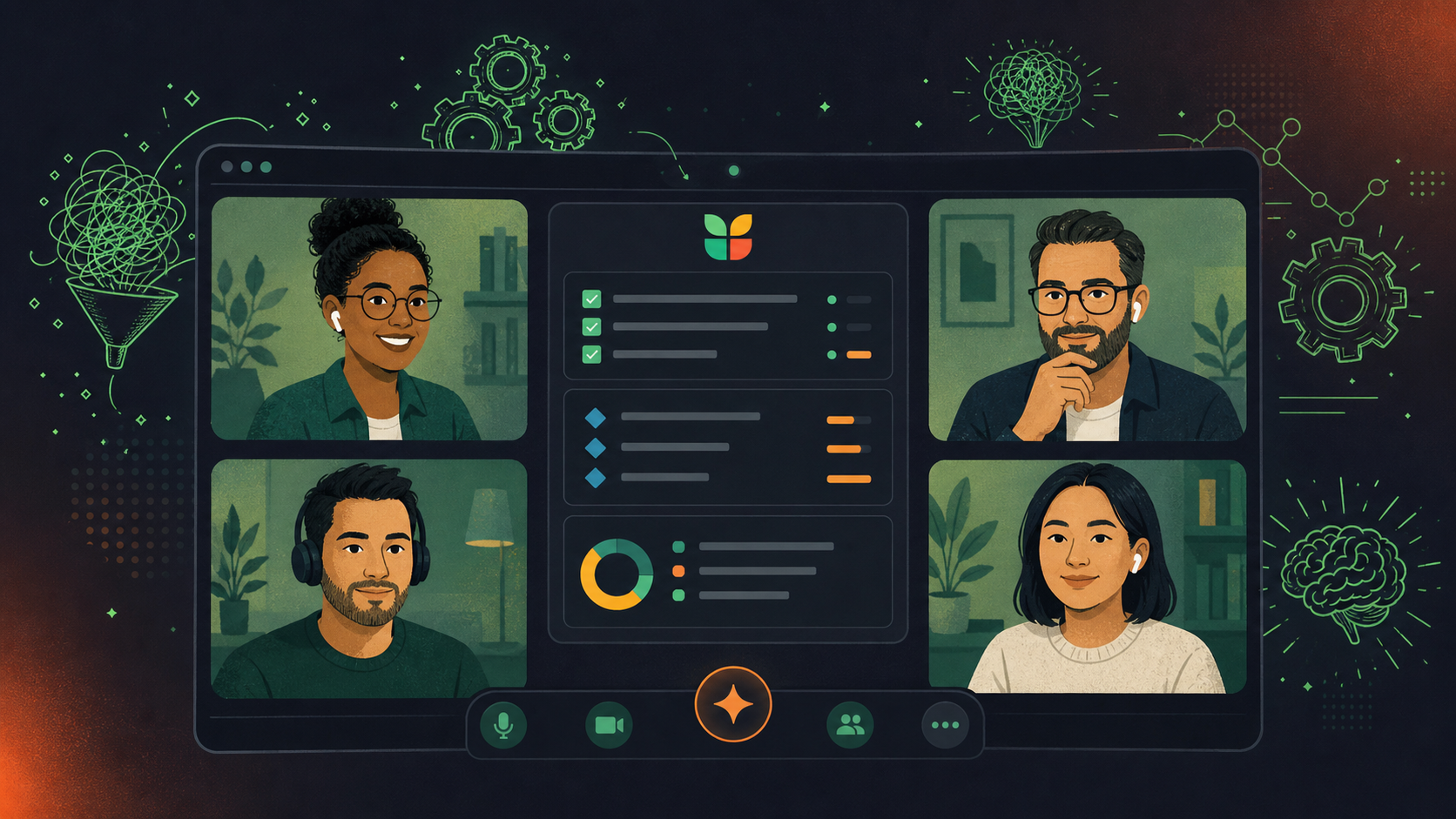
Benefits of adding agile tools into your workflow
Agile and scrum tools have become increasingly popular among software development teams, and for good reason. Whether you’re new to agile or a seasoned veteran, understanding the benefits of these tools can give you a few key advantages.
Better team collaboration and communication
A 2022 Salesforce report found poor collaboration is a leading cause of workplace failures. One of the biggest advantages of agile methodologies is that they promote collaboration and communication within teams. And with the right agile tools, you can take this collaboration to the next level.
When your team members are able to communicate effectively, they can share ideas, work through problems more efficiently, and get things done faster. Plus, better collaboration can lead to stronger relationships between team members, which can boost morale and lead to more effective (happier!) teamwork in the long run.
Enhanced project visibility
With the right agile tools, you have the ability to get a clear, up-to-date picture of your project’s status at any given time. With a clear understanding of what each team member is working on and how their work fits into the bigger goal, you can better manage resources, identify potential issues before they become major problems, and make informed decisions about how to move forward.
Measuring a team’s performance effectively
A weak process foundation will hurt your team’s performance. The best agile tools provide processes that keep team performance from being hindered by inefficiencies or communication breakdowns, making it easy to measure team performance. These features include detailed analytics and reports, which allow you to track metrics like task completion rates, sprint velocity, and team capacity. By analyzing these metrics, you can identify potential bottlenecks, track progress over time, and make data-driven decisions about how to optimize your team’s performance.
By identifying areas where team members excel and areas where they may need additional support, you can tailor your training and development programs so that your team is equipped with the skills they need to succeed.
Automating workflows and reducing repetitive tasks
Agile tools are designed to automate many of the repetitive tasks and workflows that are involved in managing a software development team. By automating these tasks, you can reduce the time and effort required to manage your team, freeing you up to focus on higher-level strategic work.
By automating workflows like task assignments, status updates, and progress tracking, you can eliminate many of the manual processes that can slow your team down and cause delays. Plus, automation can also help to improve the accuracy and consistency of your team’s work.
Tool | Type | Best For | Works with Spinach |
|---|---|---|---|
Spinach | AI Meeting Assistant | Auto-extracts action items, ticket suggestions, and stakeholder recaps during standups, all before the call ends | The core product |
Google Meet | Video Conferencing | Browser-based remote standups with live captions and a screen-free shared view | Yes, run standups on one shared screen |
Video Conferencing | Video Conferencing | Large distributed team calls with breakout rooms and recording | Yes, shared standup view on one screen |
Jira | Project Management | Sprint boards, backlogs, roadmaps, and issue tracking for agile teams | Yes, suggests and updates tickets in real time |
Wrike | Project Management | Flexible Gantt charts, Kanban boards, and workload management | No |
Asana | Project Management | Cross-functional task tracking across lists, boards, and timelines | No |
All-In-One Project Tool | Project Management | Teams wanting tasks, docs, and goals in one place from design to delivery | No |
Slack | Communication | Real-time messaging, channels, and async standup delivery | Yes, delivers summaries and runs async standups |
Teams by Microsoft | Communication | Enterprise-grade chat, video, and file sharing on Microsoft 365 | No |
Chanty | Communication | Simple, task-focused messaging with a built-in task manager | No |
Collaboration and meeting tools
Collaboration and meeting tools are core components of Agile methodologies. In Agile, team collaboration and communication are key to keeping everyone aligned on project goals and progress, and to making sure any issues or roadblocks are identified and resolved quickly. Here are some of the best collaboration and meeting tools to support your team’s workflow.
1. Spinach
Spinach is an AI meeting assistant that captures decisions, action items, and follow-ups from any meeting and routes them in real time into the tools your team already uses, from Slack and Notion to Jira and HubSpot. For agile teams, it goes further: Spinach joins ceremonies as an active teammate, turning conversations into named owners, filed tickets, and stakeholder recaps, all before the call ends. Whether you’re a Scrum Master, tech lead, or product manager, the post-meeting admin that tends to fall through the cracks (re-keying what was discussed, updating project boards, writing up stakeholder recaps) gets handled during the meeting, not after.
Like any other teammate, Spinach works in your existing tools. It connects natively with Jira, Linear, Asana, Monday.com, ClickUp, and Trello for project management; Slack for async delivery and summaries; Google Meet, Zoom, and Microsoft Teams for video; and CRMs like HubSpot and Salesforce, routing structured outputs directly into each tool without manual re-entry.
Spinach works for any team and any meeting type. For engineering and product teams in particular, it fits the workflows of Senior Engineers, Engineering Managers, Tech Leads, and Product Managers who need projects on track without spending time re-keying what was decided in every call.
Key features and benefits
- Captures decisions, action items, and named owners in real time, all before the call ends
- Get structured agile meeting summaries with decisions, action items, and ticket suggestions delivered to Slack, Notion, email, or Confluence, covering agile ceremonies like standups, sprint planning, retros, and backlog grooming
- Suggests and updates tickets in your project management tools based on meeting discussion (Jira, Linear, Asana, and more)
- Shares meeting context with your team ahead of each call so everyone arrives prepared
- Creates weekly progress summaries for stakeholders
2. Google Meet
Google Meet is one of two apps that Google developed as a replacement for Google Hangouts, the other being Google Chat. It allows teams to host high-quality video meetings, share screens, and collaborate in real-time. With features like chat, live captions, and the ability to join meetings from anywhere, Google Meet is an excellent tool for teams who need to stay connected and productive while working remotely.
Spinach for Google Meet lets users run standup meetings without sharing their screen. Everything needed is in one single view, and with one click, everyone sees the same view directly in the call, removing the need to jump back and forth between screens.
Key features and benefits
- Works in a browser, no download necessary
- Live captions and AI-noise canceling
- In-meeting whiteboard capabilities
- Integrations
3. Video Conferencing
Zoom lets teams connect and collaborate remotely. It is one of the most popular video conferencing apps out there, especially in education. It offers a range of features designed to support team collaboration, including video and audio conferencing, screen sharing, and recording capabilities. It can accommodate a substantial number of participants, making it ideal for larger teams.
Spinach’s video integration gives your team the ability to run daily standups all on one screen.
Key features and benefits
- Call recording and screen sharing
- Audio transcription
- Breakout rooms
- Live captions
Project and task management tools
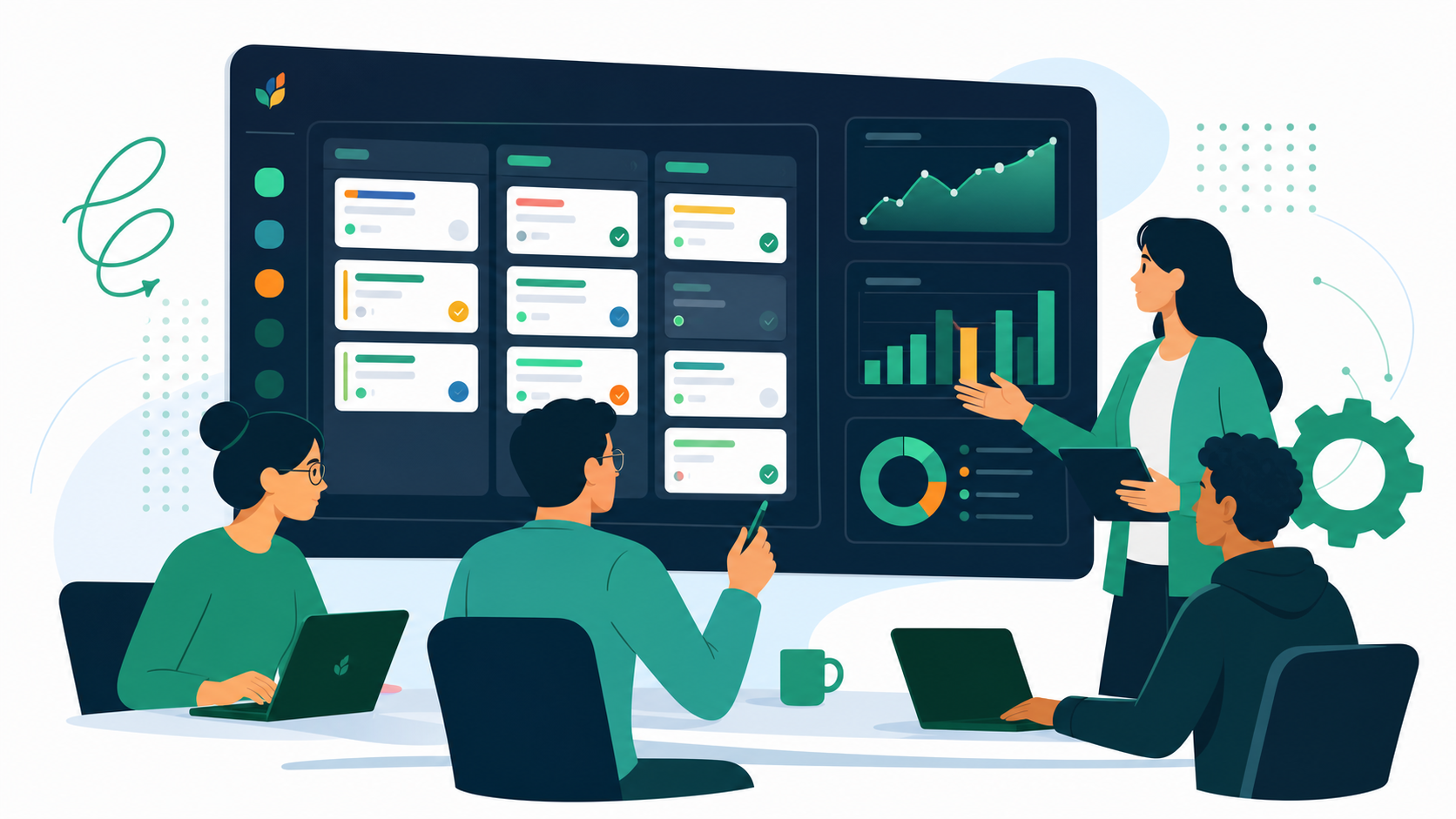
Project management tools play a critical role in Agile methodology. Agile is all about breaking down projects into smaller, more manageable tasks, and project management tools allow teams to organize and keep track of those tasks. These tools help keep everyone on the team aware of what they need to do, when they need to do it, and what their teammates are working on. By providing a central location for task tracking and progress updates, project tracking tools support greater collaboration and communication among team members. Here are some of the best Agile project management tools out there.
4. Jira
As a widely-used tool for Agile development, Jira supports a variety of agile techniques, including Kanban, Scrum, and user-specific methodologies. Plus, with features like agile boards, roadmaps, backlogs, reports, and app connectors and add-ons, the cloud-based app has got everything you need to manage, plan, and track all your active agile software development projects from a single, unified location.
Spinach’s Jira integration gives Agile teams better visibility on ticket statuses during standup meetings and allows teams to add Jira tickets to their check-ins in a single click.
Key features and benefits
- Scrum boards, Kanban boards, and agile reporting
- Use a pre-built workflow or design your own custom solution
- Roadmaps for long-term planning
- Bug-tracking tool for issue management
5. Wrike
Wrike is another friendly Agile tool for project management. With its user-friendly interface, Wrike allows you to easily toggle between various visualization options like Kanban boards, drag-and-drop Gantt charts, and traditional workload views to rank and sort your tasks. In addition to task lists, subtasks, schedules, and shared workflows, it also provides features like file sharing, real-time communication, and collaboration, making it a great tool for product managers or tech leads.
Key features and benefits
- Broad range of pricing plans to meet different-sized team needs
- Time-tracking functionality and quick file sharing
- Flexible templates for projects that favor time-saving
6. Asana
Asana is a versatile project management tool that brings teamwork together across daily tasks and strategic initiatives. It lets you unify all your work into one place, building collaboration and connection across teams, regardless of location. Whether you prefer lists, boards, calendars, or Gantt charts, Asana allows you to organize your work in a way that suits your needs.
Key features and benefits
- Extensive integration and compatibility with other project management tools
- Teams can invite guests into their digital workspace for better visibility
- Customizable dashboards and rules to automate actions
7. All-In-One Project Tool
For Agile teams that wish to keep everything from design to development in one simple location, this all-in-one tool is a great option. It gathers all of your tasks, projects, and resources in one location and assists you in determining who is responsible for what.
Key features and benefits
- Many ways to view your tasks, including Kanban, Scrum, Gantt, and more
- Pre-made project templates
- Time tracking
- Task dependencies
Communication tools
Agile methodology is all about collaboration and communication. Team members need a clear understanding of what their peers are working on, and should stay aligned on priorities and timelines. In order to achieve this, it’s important to have the right communication tools in place.
8. Slack
Slack is a cloud-based instant messaging and collaboration tool that is designed to improve communication and collaboration within teams. It is an incredibly popular tool that is used by teams of all sizes and across a variety of industries. With Spinach’s Slack integration, your team can get instant summaries from your standups and run asynchronous ones if needed.
Key features and benefits
- Create separate channels for different projects or discussions
- Collaboration with other external organizations through Slack Connect
- Voice and video calls with Huddles
- Search functionality
9. Teams by Microsoft
Teams by Microsoft is a reliable communication tool developed by a highly competitive software company, offering communication services for enterprises of any size. Teams has a familiar Windows-style interface and supports teams with real-time communication and threaded conversations for past and current data. It offers a full set of features including video conferencing, instant messaging, threaded conversations, file sharing, and screen sharing, covering chat, video, file sharing, and screen sharing within a single Microsoft 365 subscription.
Key features and benefits
- Included in existing Microsoft 365 subscription plans
- Channels and chat functionality
- Customizable interface
- Built-in audio calls and video chats
10. Chanty
Chanty is a team communication software that is focused on task management, and offers simple and efficient features that help you keep projects organized.
Along with managing your projects, you can turn messages directly into tasks and have the ability to share your screen or files. You can set reminders and priorities so that employees are aware of their tasks in a more consistent manner. With the ability to assign tasks to specific individuals with clearly defined parameters and requirements, using Chanty can enhance team accountability and help businesses track their progress.
Key features and benefits
- Teambook feature organizes all your team communications
- Free unlimited searchable message history
- Built-in task manager
- Audio calls and video conferences
Jira offers the deepest agile reporting: scrum boards, backlogs, sprint velocity, and roadmaps built for engineering teams. Asana and Wrike both support Kanban and task tracking but are better suited to cross-functional or project-based work rather than sprint-centric development cycles. If your team runs standups, sprint planning, and retros regularly, Jira’s agile infrastructure is the strongest fit.
Yes. Spinach joins your standup, extracts action items and decisions in real time, and suggests new or updated Jira tickets, all before the call ends. It uses bi-directional ticket awareness, so when a discussion maps to an existing ticket, Spinach links it directly in the meeting summary rather than requiring you to re-key anything afterward.
Slack is the stronger choice if your team needs channel-based async communication with deep third-party integrations, including direct Spinach integration that delivers standup summaries and runs async standups. Teams is worth considering if your organization already runs Microsoft 365 and needs enterprise-grade chat and video in one subscription. The decision typically comes down to your existing infrastructure, not the feature gap between them.
Spinach is purpose-built for agile ceremonies. It generates structured summaries for standups, sprint planning, retrospectives, and backlog refinement, and suggests Jira tickets based on the discussion. General-purpose AI notetakers produce transcripts or generic summaries and leave the agile-specific structuring to you. If your team runs regular ceremonies and wants action items filed automatically rather than extracted manually after the call, Spinach is the direct fit.
Spinach integrates natively with Jira, Linear, Asana, Monday.com, and Trello for project management, plus Slack for async delivery, and runs directly inside Google Meet, Slack Huddles, and other major video conferencing tools. No Zapier middleware is needed for the core project management connections. Project management and CRM integrations are available on the Pro plan and above.
What to do next
You made it to the end of this article! Here are some things you can do now:
- If communication is a challenge for your team, you should check out our library of meeting agenda templates.
- Check out Spinach to see how it can help you run a high performing org.
- If you found this article helpful, please share it with others on Linkedin or X (Twitter)

