How to Determine the Perfect Meeting Cadence for Your Team (August 2026)
August 2026
 Maintouch
Team meetings are the heartbeat of any successful project, providing a key forum for collaboration, decision-making, and alignment. When conducted effectively, these gatherings can fuel productivity, spark new ideas, and reinforce a sense of unity among team members. However, the key to leading effective team meetings depends on more than content and execution: finding the right rhythm and selecting the perfect meeting cadence matters just as much. The frequency and timing of meetings can heavily shape both productivity and team morale. Too few meetings may lead to misalignment and information silos, while too many can cause meeting fatigue, diluting focus and enthusiasm.
Striking the perfect balance is key. It means every meeting adds value, propelling the team forward without becoming a hindrance to the very productivity it seeks to enhance. Let’s look at how to tailor the meeting cadence to the unique dynamics of your team, so that every gathering is a step toward achieving your collective
TLDR:
- Meeting cadence is the scheduled rhythm of your team’s gatherings, and getting it wrong in either direction costs you alignment or focus.
- Too few meetings create information silos; too many create fatigue that drains engagement from the discussions that actually matter.
- Six cadence options exist, from daily standups to annual reviews, and the right one depends on your project pace and team size.
- Define meeting purpose, factor in team size, set a realistic duration, collect team input, and revisit the cadence as your work evolves.
- Spinach AI joins your meetings, captures decisions and action items with named owners, and routes them to your tools when the meeting ends.
What is a meeting cadence?
A meeting cadence refers to the rhythm and frequency with which team meetings are scheduled and conducted. It’s a strategic framework that sets how often team members come together to share updates, discuss challenges, and strategize on future steps. Beyond mere scheduling, a well-defined meeting cadence serves as a backbone for effective communication within a team, so that information flows smoothly and consistently among all members. It takes into account the unique needs and workflows of the team, aiming to optimize the timing and frequency of meetings to maximize productivity and engagement without overwhelming the team with unnecessary interruptions.
Setting a clear meeting cadence is critical for maintaining alignment on projects, building a culture of transparency and collaboration, and driving forward momentum towards achieving project goals. In essence, it’s about creating a predictable and efficient structure for team interaction, where every meeting is purposeful and conducive to the team’s success.
Why is it important to set the right meeting cadence?
Finding the right meeting cadence is much like setting the tempo for a piece of music: it sets the rhythm at which your team operates, keeping harmony and output strong in your collective efforts. The frequency and scheduling of meetings can directly influence the team’s productivity, communication, and overall morale. Setting a cadence that aligns with the needs and workflows of your team can turn meetings from potential disruptions into powerful catalysts for progress. Let’s look at how the right meeting cadence can boost productivity and focus, enhance team alignment and communication, and reduce meeting fatigue and frustration, creating an environment where everyone feels valued, heard, and motivated to contribute their best.
Boosts productivity and focus
By setting a clear and consistent meeting schedule, teams can avoid the disruptions and time wastage often associated with impromptu gatherings. A well-defined cadence allows team members to plan their work around these meetings, dedicating uninterrupted blocks of time to deep, focused work. This structure helps in minimizing the feeling of being overwhelmed by back-to-back meetings, allowing team members to approach their tasks with full concentration and without the constant worry of being pulled into an unexpected discussion. It’s about creating a balance that respects the need for collaborative time while safeguarding individual work periods for maximum productivity.
Improves team alignment and communication
A regular meeting cadence acts as a heartbeat for team communication, setting a predictable rhythm for updates, issue resolution, and collaboration. Knowing in advance when these touchpoints will occur helps team members prepare to share meaningful insights, raise concerns, and contribute to collective problem-solving efforts. This consistency builds a sense of shared purpose, keeping everyone aligned on project progress, understanding their roles and responsibilities, and staying informed about any changes in goals or strategies. It’s this rhythm of regular interaction that keeps the team moving in unison towards their objectives.
Reduces meeting fatigue and frustration
While meetings are key for team collaboration and decision-making, an excessive number of them can lead to fatigue, diminishing returns, and even resentment. Strategically determining the meeting cadence helps in identifying and focusing on only those gatherings that offer real value, thereby minimizing the risk of burnout. By avoiding unnecessary meetings, teams can maintain their energy and enthusiasm for those discussions that truly matter, keeping interactions productive and engaging. An effective cadence is not about eliminating meetings altogether but about striking the right balance that keeps the team informed, aligned, and excited to participate.
Team meeting cadence examples
Selecting the optimal meeting cadence is key for enhancing team collaboration, keeping everyone informed, aligned, and focused on their tasks. The right cadence varies depending on the project phase, team size, and specific objectives. To help work through this decision, let’s look at examples of different meeting cadences (daily, weekly, and bi-weekly) and understand when each might be the best fit for your team. By aligning the meeting type with the team’s needs, you can create an effective communication rhythm that supports your project’s success.
Cadence | Best For | Example Meeting Types | Team and Project Fit |
|---|---|---|---|
Daily | Fast-moving projects where priorities shift within 24 hours | Standups, daily check-ins, problem-solving sessions | Active sprints, incident response, high-coordination teams |
Weekly | Teams that need a regular check-in without daily overhead | Status updates, sprint planning and review, feedback sessions | Moderate-paced projects with a stable week-to-week rhythm |
Bi-weekly | Longer-term projects that don’t shift enough to warrant weekly check-ins | Milestone reviews, strategy sessions, retrospectives | Teams running predictable two-week cycles |
Monthly | Stable workstreams with low-frequency check-in needs | Performance reviews, resource planning, policy updates | Teams on extended project cycles with minimal week-to-week variation |
Quarterly | Strategic planning and org-level alignment | QBRs, strategic planning sessions, budget reviews | Milestone-driven projects and cross-functional leadership teams |
Annual | Company-wide direction-setting and long-term planning | Year-end reviews, annual planning, vision-casting sessions | Whole-company alignment and executive-level planning |
Daily meeting
A daily meeting cadence is ideal for projects in fast-paced environments where tasks and priorities change rapidly. By building a strong meeting agenda for these meetings, this cadence helps keep everyone on the same page and quickly handles issues as they arise.
- Stand-up meetings: Brief sessions to discuss daily objectives, challenges, and progress.
- Daily check-ins: Quick sync-ups for project teams to align on day-to-day activities and immediate priorities.
- Problem-solving sessions: For teams dealing with ongoing challenges that require quick, collaborative decision-making.
Weekly meeting
Weekly team meetings are suited for teams that need a regular check-in to discuss progress, plan the week ahead, and adjust strategies without the need for daily intervention. This cadence strikes a balance between maintaining momentum and allowing deep work.
- Team status updates: Overview of what’s been done and what’s next, allowing for adjustments and feedback.
- Sprint planning/review meetings: For agile teams operating on weekly sprints, planning upcoming work and reviewing the past week’s achievements.
- Feedback sessions: Opportunities to share constructive feedback and personal development insights.
Bi-weekly meeting
Bi-weekly meetings fit teams that require less frequent check-ins, often working on longer-term projects with phases that don’t necessitate daily or weekly updates. This cadence is effective for keeping alignment and encouraging collaboration without overwhelming the team with meetings.
- Project milestone reviews: Checking in on progress towards key markers and adjusting plans as necessary.
- Strategy sessions: For teams to reflect on broader objectives, discuss strategic adjustments, and brainstorm long-term ideas.
- Team building or retrospective meetings: Less frequent gatherings that focus on team dynamics, celebrate successes, and raise any concerns in a more relaxed setting.
Monthly meeting
A monthly meeting cadence is most appropriate for teams that operate on longer project cycles or when the work doesn’t require weekly tracking. This cadence helps in setting broader goals, reviewing extended periods of progress, and making strategic adjustments. It’s a way to keep everyone aligned on larger objectives without the need for frequent check-ins.
- Monthly performance reviews: To assess team and individual achievements and areas for improvement over the past month.
- Resource planning and allocation meetings: For planning upcoming tasks and allocating resources efficiently for the month ahead.
- Policy and process updates: To communicate and discuss updates on company policies, procedures, and any major changes affecting the team.
Quarterly meeting
Quarterly meetings are ideal for strategic planning, review, and alignment on the organization’s goals. This cadence suits teams working on projects with milestones that are a few months apart, allowing for in-depth reviews and forward planning.
- Quarterly business reviews (QBRs): To assess the team’s performance against business goals and set objectives for the next quarter.
- Strategic planning sessions: For setting or revising the strategic direction and priorities for the coming months.
- Budget reviews and forecasting: To review expenditure against budget and forecast future financial needs or adjustments.
Annual meeting
Annual meetings are key for reflecting on the year’s accomplishments, challenges, and setting the vision and goals for the year ahead. This cadence is suitable for overarching strategic discussions, long-term planning, and major company-wide announcements.
- Year-end reviews: To summarize the year’s achievements, lessons learned, and areas for improvement.
- Annual strategic planning: For defining or updating the company’s long-term strategy, goals, and key initiatives for the next year.
- Company-wide updates and vision casting: To communicate major organizational changes, achievements, and the vision for the future, building a sense of unity and purpose across the company.
How to find the right meeting cadence for your team
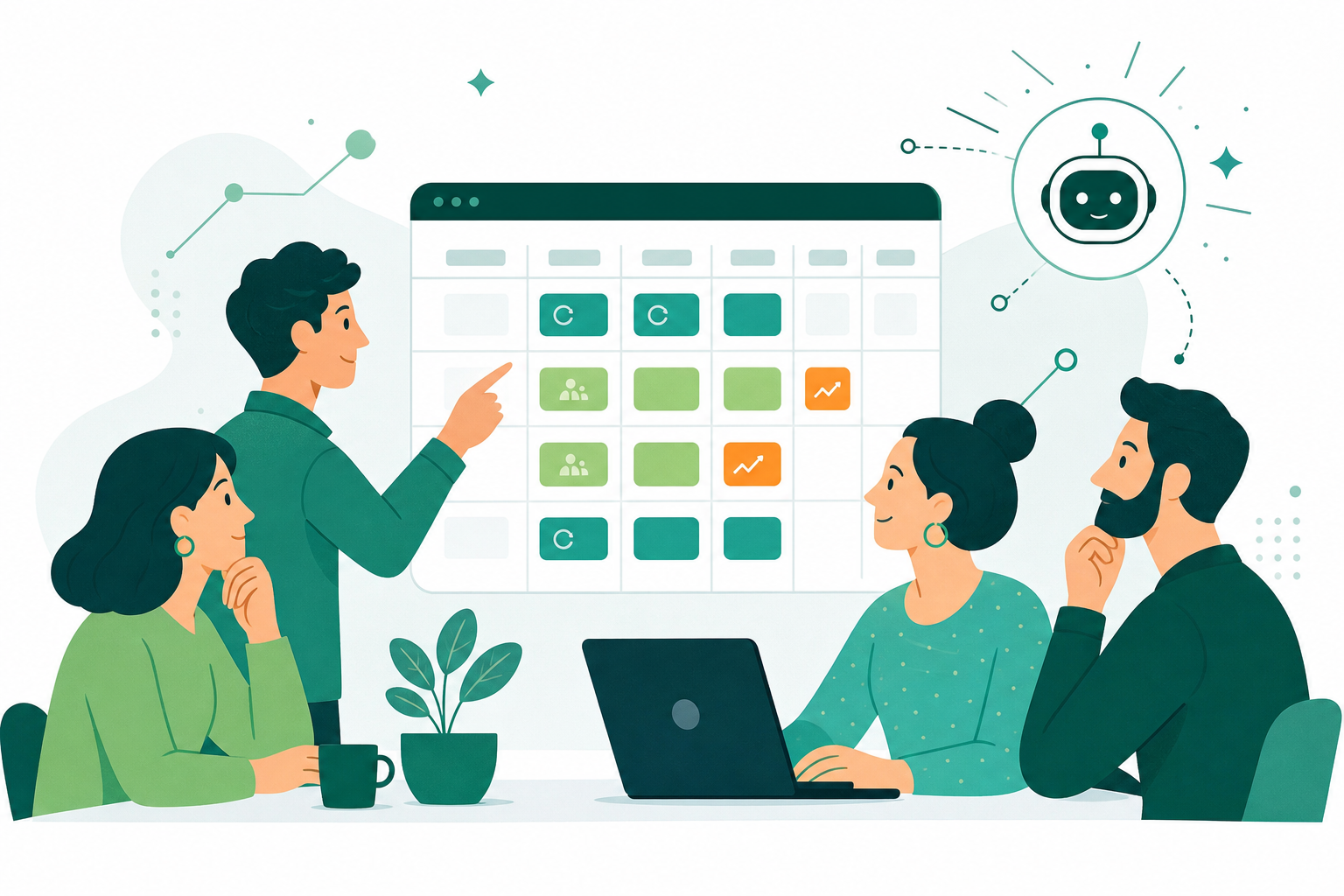
Working through the types of meetings and cadences can seem daunting, yet the key to unlocking effective team collaboration lies in tailoring the rhythm to your unique team dynamics and project requirements. The process of finding the perfect meeting cadence for your team doesn’t have to be a trial-and-error process. By taking a strategic approach, you can pinpoint a cadence that boosts productivity, builds alignment, and keeps everyone engaged. Let’s walk through the steps to identify the meeting cadence that best suits your team’s needs, starting with defining the purpose and goals of your meetings and considering the size and composition of your team.
1. Define meeting purpose and goals
The foundation of any productive meeting lies in its purpose and objectives. Setting clear goals for each meeting keeps discussions focused, decisions actionable, and outcomes measurable. This clarity sharpens the meeting’s impact while respecting participants’ time and contributions.
- What specific outcomes do we want to achieve by the end of this meeting?
- How does this meeting align with our project or organizational goals?
- Are we seeking to make decisions, generate ideas, or simply share updates?
2. Consider team size and attendees
The size of your team and the roles of those attending the meeting play a key role in determining the most effective cadence. Larger teams may require more frequent check-ins to keep everyone aligned, while smaller teams might find less frequent, more thorough meetings sufficient. Understanding the dynamics and needs of your team members and their roles will guide you in setting a meeting cadence that supports inclusivity and productivity.
- How many people are needed for this meeting to be productive, and who are they?
- Does the meeting content vary noticeably depending on the attendees’ roles?
- How will the meeting frequency impact the attendees’ ability to prepare and contribute effectively?
3. Determine meeting length
The duration of meetings is a critical factor in maintaining engagement and supporting productivity. Too long, and you risk losing attendees’ attention and draining their energy; too short, and you might not have enough time to cover all agenda items thoroughly. Setting the right duration requires a balance, aiming to accomplish your objectives without overstaying your welcome in your team’s busy schedules.
- What is the minimum time required to achieve our goals without rushing?
- Have we allocated enough time for action items, questions, and unforeseen topics?
- How can we structure the agenda to make the most effective use of our allocated time?
4. Get team input
Involving your team in the conversation about meeting cadences and formats empowers them and helps make meetings genuinely beneficial for everyone involved. Gathering feedback on what works and what doesn’t can help tailor meetings to suit the team’s preferences and improve overall effectiveness.
- How do team members feel about the current meeting cadence and format?
- Are there suggestions for making meetings more productive or engaging?
- What preferences do team members have regarding meeting times, frequencies, and durations?
5. Monitor and adjust
Adopting a flexible approach to your meeting strategy matters more than most teams realize. What works today may not be as effective tomorrow due to changes in project scope, team dynamics, or external factors. Regularly reviewing the effectiveness of your meetings and staying open to adjustments keeps your meeting cadence in step with your team’s needs.
- Are the meetings consistently achieving their defined purposes and goals?
- How has the team or project evolution impacted the effectiveness of our current meeting cadence?
- What changes or improvements have been suggested, and how can we implement them to better meet our objectives?
Build an effective meeting cadence with Spinach
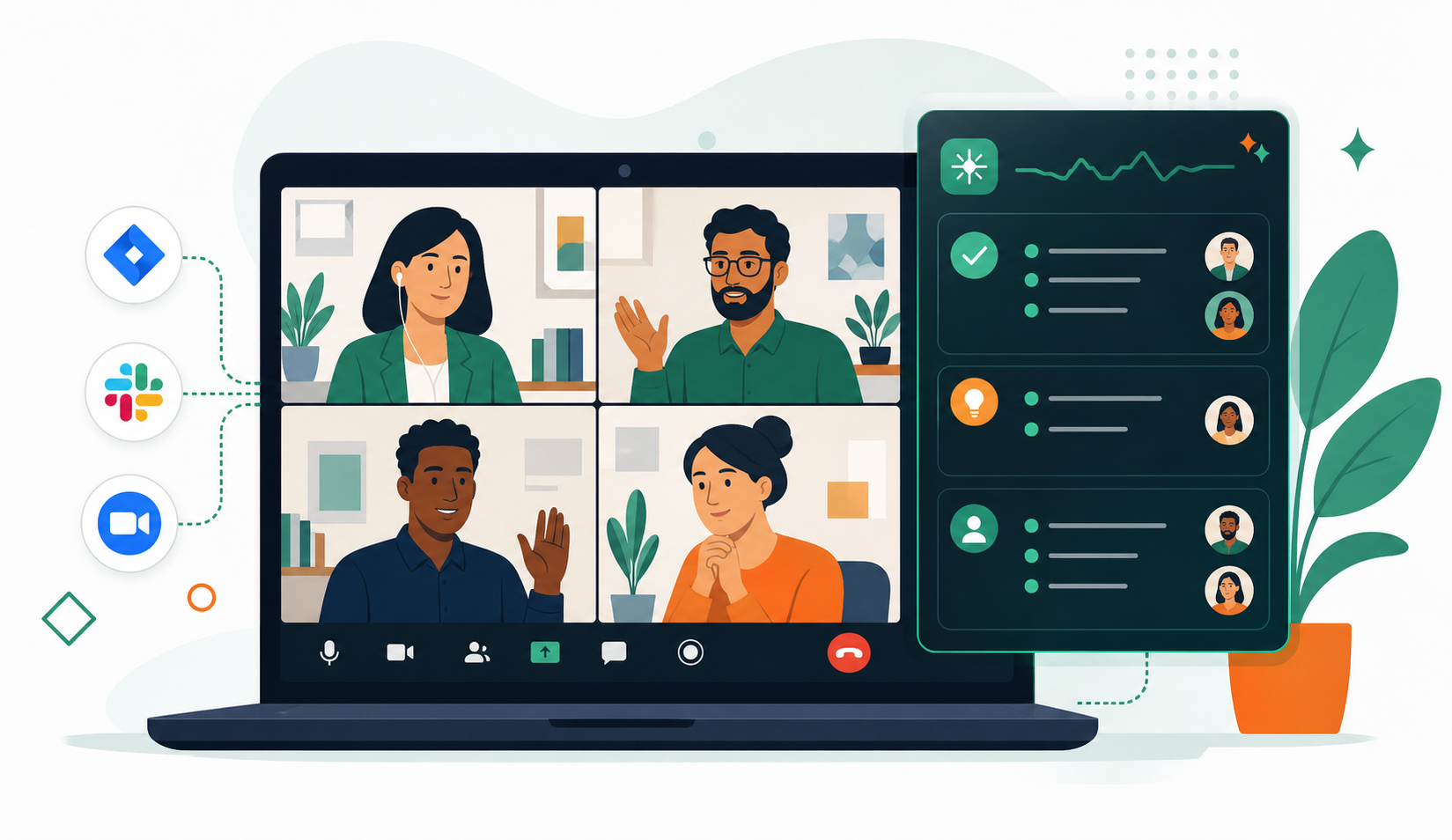
Finding the right meeting cadence is an art that balances achieving your team’s goals with respecting everyone’s time and energy. Throughout this post, we’ve walked through the steps to tailor your meeting strategy to your team’s unique dynamics, from defining clear objectives and considering team size to adjusting meeting lengths and soliciting valuable team input. Spinach is an AI meeting assistant that joins your calls, captures decisions and action items with named owners, and routes them directly into the tools your team already uses when the meeting ends.
Ready to improve your team’s meeting cadence and overall productivity? See how Spinach turns your meetings into engines of progress and collaboration, perfectly synced to the rhythm of your team’s success.
Meeting cadence is the scheduled rhythm of how often your team gathers: daily standups, weekly syncs, bi-weekly reviews, or less frequent strategic sessions. The right frequency depends on your project pace, team size, and how quickly priorities shift. Fast-moving teams benefit from daily or weekly check-ins, while teams on longer project cycles can operate well on monthly or quarterly touchpoints. Start by defining what each meeting needs to accomplish, then adjust the frequency based on team feedback as your work evolves.
Cut meetings that lack a defined outcome before you cut the ones that do. The root cause of fatigue is usually too many gatherings without clear purpose (not meetings themselves), so auditing each recurring session against a specific goal removes the low-value ones without sacrificing alignment. Once you reduce the noise, teams show up more engaged to the discussions that remain.
Daily standups fit teams where tasks and priorities change fast enough that a 24-hour gap creates misalignment, common in active sprints or incident-response work. Weekly syncs work better when the team needs a regular check-in without the overhead of daily coordination, typically on projects with a more stable week-to-week rhythm. If you find daily meetings producing little new information, that’s a signal to drop to weekly.
The gap most teams hit is that decisions made in standups, weeklies, and quarterly reviews all land in different places, or nowhere at all. Spinach AI joins your meetings across Zoom, Google Meet, Microsoft Teams, Slack Huddles, and Webex, captures decisions and action items with named owners during the meeting, and routes them directly into your tools (Jira, Linear, Slack, your CRM) when the meeting ends. That means your cadence can span daily to annual without the manual overhead of re-keying outputs after every session.
Revisit your cadence whenever the project scope shifts, the team grows or shrinks, or feedback consistently points to fatigue or misalignment, outside of fixed intervals. A cadence that works during an active sprint may be too frequent during a planning phase, and one that fit a five-person team may leave gaps as headcount scales. Treat the cadence itself as something you iterate on, the same way you would any other team process.
What you should do now
Now that you've read this article, here are some things you should do:
- If communication is a challenge for your team, you should check out our library of meeting agenda templates.
- You should try Spinach to see how it can help you run a high performing org.
- If you found this article helpful, please share it with others on Linkedin or X (Twitter)

