Scrum vs Standup Tools: Understanding the Difference (July 2026)
Learn the key differences between daily scrum and standup meetings, and find the right tool for your Agile team. Updated July 2026.
 Maintouch
Ever find yourself caught in the middle of ‘Scrum’ and ‘standup’ discussions, wondering about the actual differences between these two approaches? You’re not alone, and we’re here to help. Understanding the differences between these Agile terminologies can help you find the perfect tool for your team.
Here’s the deal: scrum and standup tools, while they seem to exist in the same realm, have unique characteristics that make them suitable for different scenarios. And the differences aren’t limited to the tools themselves. Even daily scrum and daily standup meetings have nuances that can impact how your team operates.
In this blog, we’re about to dig into the world of scrum and standup tools, outlining their similarities, mapping out their differences, and helping you select the one that fits your team’s needs best. By the end, you’ll have a clear picture and be able to make confident decisions for your team. Let’s get started!
TLDR:
- Daily scrums follow strict Scrum rules with a 15-minute cap; standups adapt to any team or methodology
- The two formats differ on formality, attendees, and location – scrums are formal Scrum events, standups are flexible by design
- Scrum tools cover sprint planning and backlog management; standup tools skew async and lack real-time interaction
- Choose a Scrum tool for complex projects requiring structure; choose a standup tool for informal, async-first teams
- Spinach AI joins your meetings, captures decisions and action items with named owners, and routes them to your task management tools when the meeting ends
What is a daily scrum meeting?
The daily scrum meeting, distinct from a daily standup, is a core part of the Scrum methodology. Following the Scrum guidelines, it’s a short, time-boxed event that lasts no longer than 15 minutes. This is where the development team gathers to align on the work that was done the previous day, the tasks for today, and any hurdles in the path.
Here’s the structure: every team member shares three critical updates:
- What did I complete yesterday?
- What is on my agenda for today?
- Are there any obstacles slowing me down?
These focused daily meetings are all about quick alignment and efficient obstacle clearing. The key goal is transparency and continuous progress towards the sprint goal. It’s not the place for solving problems or dissecting tasks in detail.
If issues surface during the scrum, they’re taken offline to be tackled separately, keeping the meeting crisp and to the point. The purpose of the daily scrum is to provide a quick pulse check on team alignment and flag potential issues for later discussion.
What is a daily standup meeting?
Daily standup meetings, while often used interchangeably with daily scrum meetings, have a slightly different flavor. Also known as daily stand-ups, these are short, regular check-in meetings designed to align the team and set the direction for the day’s work, similar to daily scrum meetings.
However, the key difference lies in their flexibility. While daily scrum meetings strictly follow the Scrum framework and are often part of sprints in Scrum teams, standups are more flexible and can be adapted to fit the needs of any team, irrespective of the methodologies they’re following. They aren’t required to strictly adhere to Scrum guidelines, which gives teams more room to customize the meeting structure to their needs.
In a daily standup, team member updates generally follow the same format as the questions asked in daily scrums. While these prompts resemble the ones used in daily scrum meetings, the conversations in standups can be a bit more flexible. They could touch on longer-term objectives, strategic priorities, or even include kudos to team members for jobs well done.
Daily scrum and daily standup: Similarities and differences
So, now that we’ve covered the basics of daily scrums and standups, you might be wondering how they stack up against each other. Let’s break down these Agile practices side-by-side and get a clearer picture. You’ll notice some striking similarities, but also some important differences that can affect which approach is the best fit for your team.
Dimension | Daily Scrum | Daily Standup |
|---|---|---|
Time limit | 15 minutes max (strict) | Short, set by team preference |
Framework | Required by Scrum | Any methodology |
Format | Three fixed questions | Adaptable to team needs |
Attendees | Dev team + Scrum Master | Core team + optional stakeholders |
Formality | Formal Scrum event | Informal, team preference |
Location | Designated room or virtual space | Flexible (any location that works) |
Time and place
The essence of both daily scrum and standup meetings lies in their consistency. Both are typically held at the same time and place each day, whether it’s first thing in the morning or right after lunch. This consistency helps set a rhythm for the team and encourages regular communication.
However, in terms of location, standups can be a bit more flexible. While daily scrums, especially in teams strictly following Scrum, are often held in a specific physical location or designated virtual meeting room, standups can take place anywhere that suits the team. From a casual huddle around a desk to a quick call while remote working, the standup’s location can be as flexible as your team needs it to be.
Meeting length
The daily scrum meeting length is pretty rigid: 15 minutes is your limit. This is to keep the meeting focused and prevent it from eating into the team’s working time. If a discussion threatens to overrun, it’s taken offline and handled separately.
On the other hand, while standups aim to be short and sweet, they offer more flexibility. If there’s an important issue that needs a longer discussion and it’s beneficial for the entire team, the meeting might extend beyond the usual 15 minutes. However, efficient teams still strive to keep standups concise to maintain productivity.
Attendees
In a daily scrum, the attendees are usually limited to the development team, the Scrum Master, and sometimes the product owner. It’s all about keeping it within the Scrum framework.
Standups, however, aren’t as strict. While they usually include the core team, they can also invite stakeholders, other teams, or anyone else who can add value to the meeting or needs to be in the loop. This flexibility can be a boon when working on cross-functional projects or when needing quick alignment across a broader group.
Format
When we look at the format of these meetings, daily scrum meetings follow a very strict routine. Every team member is required to answer the same three questions: what they accomplished the previous day, what they aim to achieve today, and any roadblocks they might be facing. This strict adherence to a set format is what sets daily scrums apart. It’s a space for tactical updates and a check-in on sprint progress, leaving problem-solving for later discussions.
In contrast, the format of a standup meeting can be a lot more flexible. While many teams choose to stick to the traditional three questions, there’s room to discuss other relevant topics too. You might talk about strategic goals, celebrate successes, or dig into more detailed problem-solving if needed and time allows. This more relaxed format can lend itself to a wider variety of discussions and might feel more organic to some teams.
Brevity
Both the daily scrum and standup meetings share a common attribute: brevity. Despite their differences in formality and strictness, both of these meetings are designed to be quick and efficient. The idea is to support clear and concise communication without taking up too much of the team’s valuable time. These are not hour-long meetings but brief touchpoints to keep everyone aligned and to swiftly identify any potential issues. Short and sweet is the name of the game.
Formality
Formality is where we see a clear difference between the two. The daily scrum is a formal event in the Scrum framework, with a prescribed format and specific rules to follow. It has a structured environment where the Scrum Master upholds Scrum guidelines.
On the other hand, standup meeting formats can be much less formal. There’s room for casual conversation and a more laid-back approach, as long as the team is still effectively communicating about their work. Some teams might even mix in a bit of fun, starting with an ice-breaker or ending with a quick team cheer. The level of formality in a standup is really up to the team’s preferences and the culture of the organization.
Scrum tools vs. standup tools: Which suits my team better?
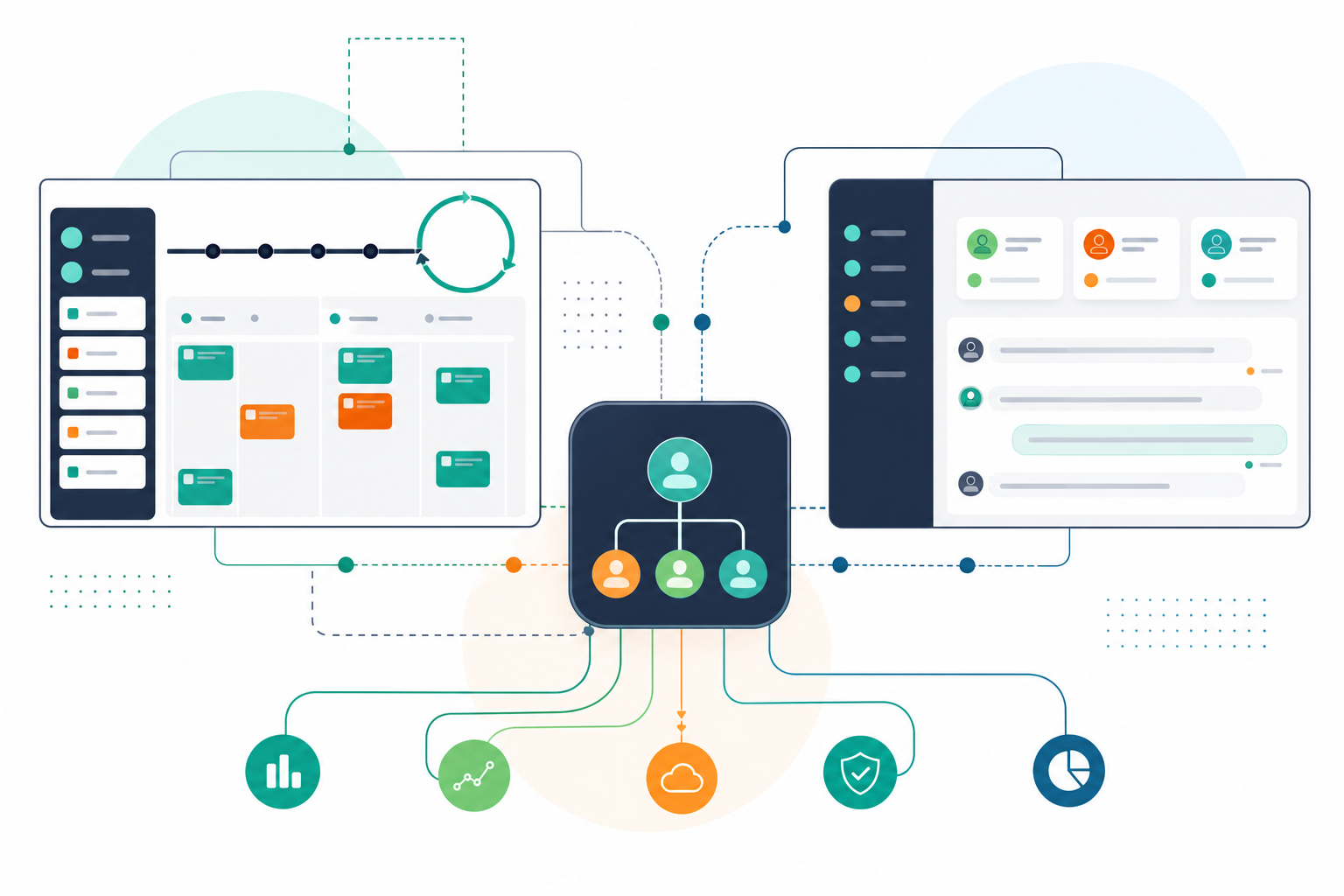
Sorting through the world of project management tools can be daunting, especially when you’re deciding between Scrum and standup tools. Both come with their unique benefits and potential drawbacks. Let’s break down what these tools offer and when one might be a better fit than the other.
Scrum tools
Scrum tools are designed to provide full support for Scrum practices. They can cover everything from sprint planning and backlog management to conducting meetings like daily scrums. For teams strictly adhering to the Scrum methodology, these tools can be highly beneficial, offering a structured approach and making sure Scrum guidelines are met.
The key advantage of a Scrum tool is its ability to centralize all tasks and track progress, which is especially useful when managing complex projects. It offers transparency and promotes alignment, keeping all team members abreast of the sprint’s status.
A Scrum tool could be your preferred choice if your team is keenly following the Scrum methodology, or if you’re managing complex projects that need a higher degree of organization. It enforces Scrum discipline and keeps everyone aligned.
Standup tools
In contrast, standup tools are designed to be more flexible and informal compared to their Scrum counterparts. These tools are built to support daily standup meetings and can fit teams that favor a less structured approach to Agile practices.
However, it’s worth noting that standup tools can have their limitations. Many are asynchronous and might not support live meetings, which can limit real-time interaction. They may also lack the versatility to cater to diverse team needs or different styles of meetings.
A standup tool could be suitable for your team if you operate in a less formal environment, manage more simple projects, or prefer asynchronous communication. The flexibility and simplicity of these tools can be advantageous in a more casual Agile setting.
If you’re looking for a tool that covers both Scrum and standup practices without the limitations of either, Spinach AI is worth a close look. Spinach is the system of record for conversation data, deployed company-wide across Zoom, Google Meet, Microsoft Teams, Slack Huddles, and Webex. Where individual standup tools are built for one person’s check-ins, Spinach is the organizational layer an entire company deploys once, with enforced governance and a single data asset across every team. Whether you’re running structured daily scrums or informal standups, Spinach joins the meeting, captures decisions and action items with named owners, and routes them automatically into Jira, Linear, and your other task management tools when the meeting ends.
Benefits of using a Scrum tool for Agile meetings (including standups)
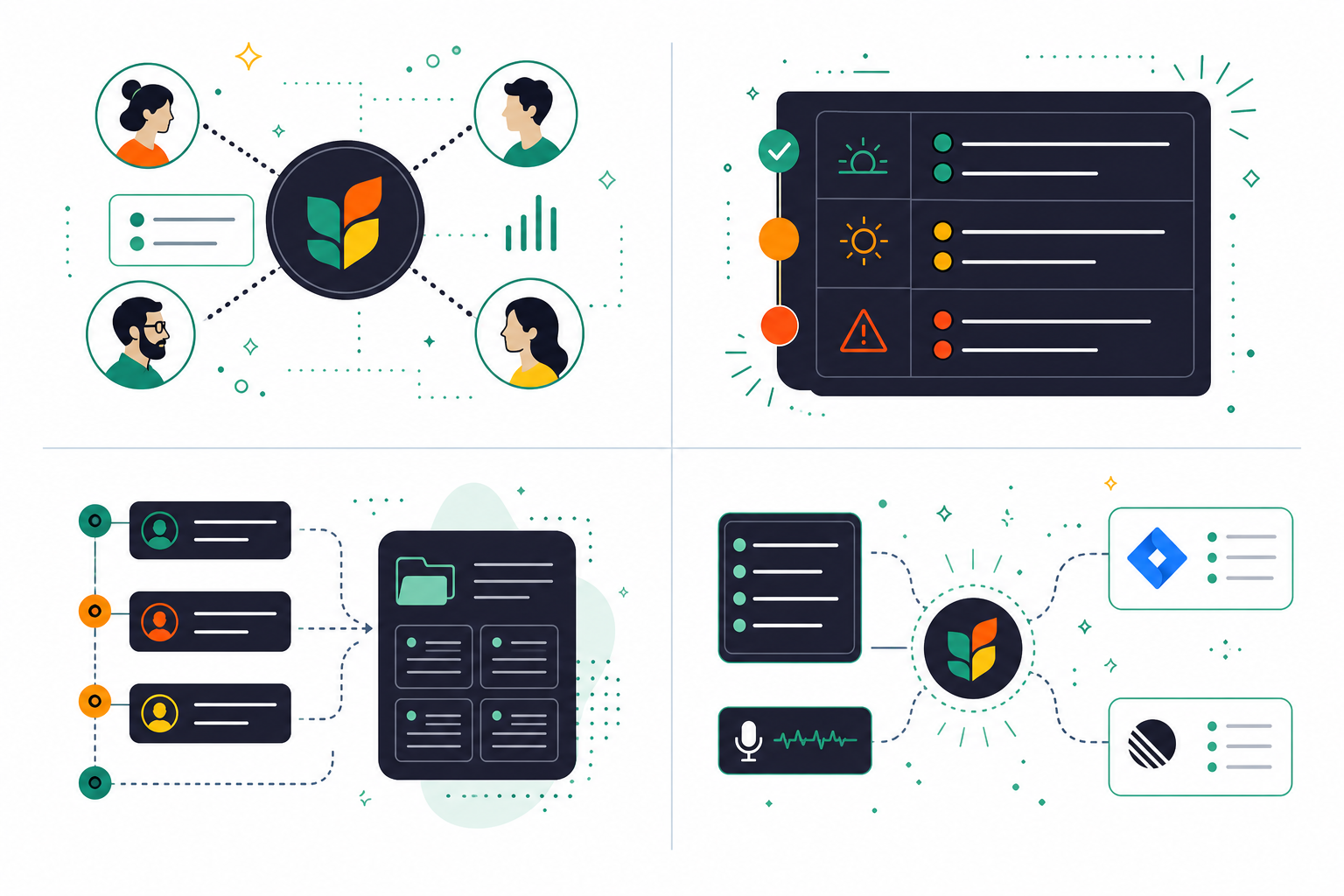
When you’re managing an agile team, finding the right tool can be a game-changer. There are a ton of great benefits of using a Scrum tool for standups and other agile meetings.
Centralized communication
With an AI meeting assistant like Spinach AI, communication stays in one place. These tools offer a centralized platform where team members can log in and participate in the standup virtually, wherever they are. For distributed or remote teams, this is especially helpful, so everyone can attend and stay connected regardless of their location. It brings everyone onto the same page, building collaboration and alignment across the team.
Structured updates
Scrum tools often come with predefined fields for daily standup updates, so everyone can prepare their reports with ease. The most common prompts are “What I did yesterday,” “What I plan to do today,” and “Any blockers?” This structured approach keeps the meeting on track and keeps reporting consistent across the team. It’s a simple yet effective way of keeping everyone informed and focused on the tasks at hand.
Documentation and history
One of the core benefits of using a Scrum tool for standups is the ability to maintain a historical record of your team’s progress. The tool records all daily standup updates, creating a detailed record of team achievements and blockers over time. This is particularly valuable for future reference, retrospective analysis, and tracking trends in team performance. It’s a treasure trove of data that can inform your team’s future strategies and improve productivity.
Task management integration
Scrum tools don’t work in isolation. They need to connect directly with task management systems, allowing team members to link their standup updates to specific tasks or user stories. This integration simplifies the workflow and provides a clear view of progress on individual work items.
Spinach connects your meetings to your task management systems directly. It captures decisions and action items with named owners during the meeting, then routes them into Jira, Linear, Asana, and your other tools when the meeting ends. No manual re-entry needed. For teams running agile ceremonies, that means every standup update, sprint decision, and blocker lands in the right system automatically.
Run better Scrum and standup meetings with Spinach
Now that you have a clearer picture of how daily scrums and standups differ, you can choose the right approach for your team. For teams who want both structure and flexibility without maintaining separate tools for each ceremony type, Spinach AI brings both together.
Spinach is the system of record for conversation data, deployed company-wide. It joins your meetings across Zoom, Google Meet, Microsoft Teams, Slack Huddles, and Webex, captures decisions and action items with named owners during the meeting, and routes them automatically into Jira, Linear, and your other tools when the meeting ends. Whether your team runs daily scrums or informal standups, Spinach fits the meeting format you already use.
Beyond agile ceremonies, Spinach deploys org-wide as a single governed record of every conversation across the organization, powering both people and agents with structured, AI-ready knowledge.
Ready to bring your Agile meetings and broader team operations onto one governed system? Get started with Spinach.
A daily scrum is a formal Scrum event with a strict 15-minute limit, fixed three-question format, and attendance rules tied to the Scrum framework. A daily standup follows the same basic structure but adapts to any methodology, team size, or communication style, including async formats, flexible timing, and optional stakeholders.
Use a Scrum tool when your team runs sprints, manages a backlog, and needs sprint planning and progress tracking in one place. Choose a standup tool when your team operates without a formal Scrum framework, prefers async-first communication, or runs simpler projects where lightweight check-ins are enough.
Yes. Spinach AI joins your meetings across Zoom, Google Meet, Microsoft Teams, Slack Huddles, and Webex, whether you’re running a structured daily scrum or a flexible standup, and captures decisions and action items with named owners, then routes them into Jira, Linear, or your other task management tools when the meeting ends. You don’t need separate tools for each ceremony type.
Set a consistent format before the meeting starts (each participant answers what they completed, what’s next, and what’s blocking them) and take blockers offline immediately rather than resolving them in the standup itself. Capturing action items and blockers in real time, rather than reconstructing them afterward, prevents the post-meeting re-entry that causes decisions to get lost.
Most async standup tools are built for simple check-ins and don’t connect to sprint-level context. They lack backlog management, ticket creation, and integration with project management tools like Jira or Linear. For Scrum teams, that means decisions made in the standup still require manual follow-up to become trackable work items, which is the gap a tool like Spinach AI is built to close.
What to do next
Now that you've read this article, here are some things you should do:
- Our library of meeting agenda templates is designed to help you run more effective meetings.
- Learn more about Spinach and how it can help you run a high performing org.
- If you found this article helpful, please share it with others on Linkedin or X (Twitter)

