8 Tips for Creating a Useful Meeting Agenda for a Company Meeting (August 2026)
Discover what it means to make an effective and easy-to-follow meeting agenda for company meetings that you can make your own here. August 2026
 Maintouch
Imagine a company meeting where every participant leaves feeling energized, informed, and ready to take on their tasks with clear direction. Sounds ideal, doesn’t it? Yet, all too often, company meetings can become sprawling, directionless, and, frankly, a bit of a time sink.
The fix is straightforward: a well-crafted meeting agenda gives every participant a clear role and a shared direction. In the realm of company-wide meetings, the agenda is more than a list; it’s the backbone of productivity and clarity.
In this blog, you’re going to learn the art of crafting a meeting agenda that can take your company meetings from mundane to monumental. We’ll walk through eight key tips to create an agenda so every company-wide meeting is purposeful, engaging, and, most importantly, useful.
Get ready to revolutionize how your company collaborates and communicates.
TLDR:
- A company-wide agenda needs more structure than a small team meeting – tighter time slots and a moderator for Q&A.
- Every agenda should include objectives, a ranked topic list, named presenters, time slots, and prep requirements.
- Circulate your draft agenda before the meeting so participants can flag gaps and prepare their contributions.
- Putting your highest-priority items first protects them from getting cut if time runs short.
- Spinach AI joins every meeting, captures decisions and action items with named owners, and routes them to Jira, Slack, or your CRM when the meeting ends.

Understanding the basics of team meeting agendas
At its core, a meeting agenda is a roadmap for your company’s collaborative journey: it outlines the topics to be discussed, the order of items, and the objectives to be achieved within the allocated time. But it’s more than a list; it’s a strategic tool designed to guide the flow of conversation, so every moment spent in the meeting moves the team closer to its collective goals.
In company meetings, where participants often span different departments and levels of the organization, a well-prepared staff agenda is invaluable. It keeps discussions focused and aligned with the company’s broader objectives, making the best use of everyone’s time. A thoughtfully crafted agenda can turn these gatherings from being perceived as obligatory meeting time drains into productive, insightful, and even inspiring sessions.
When comparing agendas for small team meetings versus company-wide meetings, the scale and scope can differ considerably. Small team meetings (or one-on-one meetings) often focus on detailed, task-specific issues and allow for more flexibility and spontaneity. Even all-hands meetings have a different purpose in this context.
Company-wide meeting agendas need to be more structured and concise, catering to a larger audience with varying interests and priorities. They should focus on high-level topics relevant to the entire organization, set clear expectations for the discussion, and include strategic objectives that build unity and collective action.
Dimension | Small Team / 1:1 Meeting | Company-Wide Meeting |
|---|---|---|
Focus | Task-specific issues and individual updates | Org-wide strategy, announcements, and cross-team priorities |
Flexibility | Higher; spontaneous discussion is welcome | Lower; structure keeps a large group on track |
Audience size | 2-10 participants with shared context | Entire company or multiple departments |
Topic selection | Detailed, role-specific items | High-level topics relevant to all attendees |
Time per item | Can run longer; easier to recalibrate on the fly | Tighter time slots; each minute affects every attendee |
Pre-meeting prep | Light; shared context reduces prep time | Heavier; participants need background across departments |
Q&A format | Organic, conversational | Structured segment with a moderator to manage volume |
What should you include in a company meeting agenda example template?
Creating a thorough and effective agenda for a company-wide meeting is key for guiding discussions, optimizing time management, and achieving the desired outcomes.
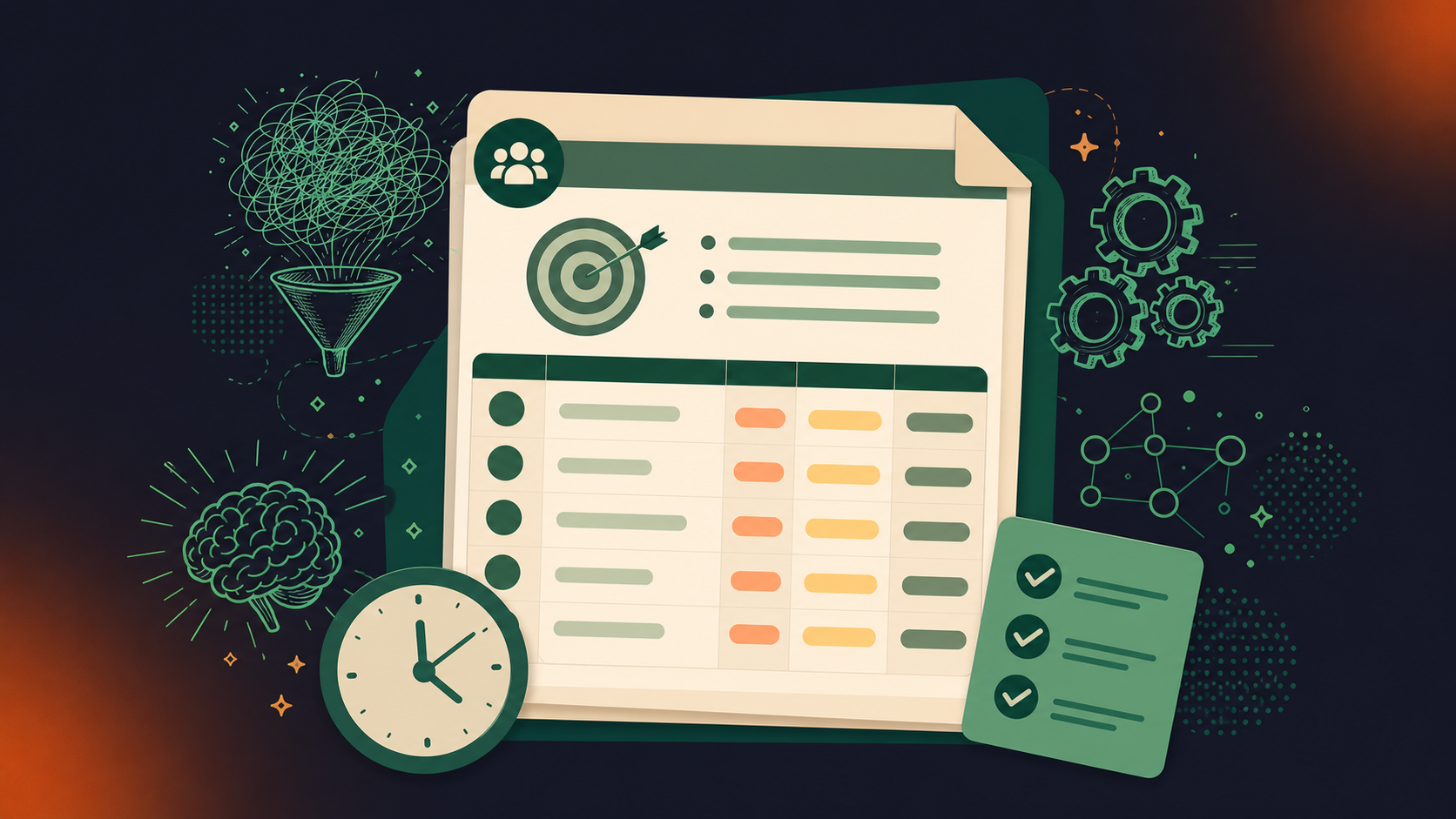
This template serves as a foundation, so every aspect of the meeting is planned with purpose and clarity, building a productive environment where strategic decisions can be made.
Objectives of the staff meeting
Every company meeting should begin with clear, achievable objectives. These serve as the compass for the meeting, keeping discussions focused and aligned with the company’s broader goals. Effective objectives should be specific, measurable, and relevant, providing a clear direction for the meeting.
When setting the goals of the meeting, consider what you aim to accomplish and how it aligns with overall business strategies. This clarity helps participants understand the importance of their contributions and the meeting’s role in the larger organizational context.
List of topic discussions
The agenda should detail the topics to be discussed, presented in a logical sequence that supports smooth transitions between subjects. Selecting topics relevant to the meeting’s objectives matters; they should cover current issues, strategic planning, or updates requiring company-wide attention.
When describing these topics in the agenda, be clear and concise so all participants understand the scope and purpose. If necessary, group related topics under themes or sections to maintain order and coherence, enhancing the meeting’s overall flow.
Presenter for each topic
Assigning a specific individual to lead each discussion topic is important for a structured and accountable meeting environment. Choose presenters based on their expertise, role in the topic, or leadership position. This approach clarifies responsibility and encourages thorough preparation, as presenters will understand their role in advancing the meeting’s objectives.
Clearly listing who is responsible for each topic in the agenda informs participants and allows them to know whom to direct questions or feedback.
Time allocations for agenda items
Effective time management is key to covering all necessary topics without rushing or overextending the meeting. Allocate a realistic amount of time to each agenda item, considering the complexity and importance of each discussion.
Provide guidance on how to keep discussions within these time limits, such as setting timers or having a designated timekeeper. Estimating time requirements accurately means the meeting can cover all items without running over or shortchanging participants’ time.
Pre-meeting preparation requirements
To maximize the productivity of the meeting, specify any preparation required from participants beforehand. This might include reading materials, analyzing data, or developing ideas to bring to the discussion.
Clearly communicate these requirements well in advance and confirm they are directly related to the meeting’s objectives. Effective pre-meeting preparation leads to a more informed and engaging discussion, allowing the company to make better decisions and progress more effectively towards its goals.
8 tips for creating a successful team meeting agenda template
Creating a successful agenda for a company meeting is important for making sure the time spent is productive and goal-aligned. An effective agenda sets the tone for the meeting, structures the discussion, and guides participants toward achieving the meeting’s goals.
Take a look at eight practical tips to help you craft an agenda that covers key business needs and builds an environment of collaboration and decision-making.
1. Clarify the meeting’s purpose
Start by defining specific, measurable, and attainable goals for the meeting. Then, discuss why and how these objectives align with the meeting’s purpose and relevant action items.
Once meeting participants (AKA the entire team) understand the need for the meeting, they’ll be more inclined to participate and pay attention. This clarity helps to focus the discussion, tighten the agenda, and confirm that the meeting achieves its intended outcomes.
2. Solicit input from key stakeholders and departments
Involving key stakeholders and representatives from relevant departments in the agenda-setting process can provide diverse perspectives and confirm that all critical areas are covered. Even if the meeting is just next week, you need to brainstorm how the meeting will benefit everyone involved.
Gather input quickly, perhaps through a shared document or a brief survey, to bring in different talking points and needs. This collaborative approach leads to a more well-rounded and inclusive agenda, so all relevant topics are covered.
3. Organize agenda items by priority and relevance
Structure the agenda by ranking items based on their urgency and relevance to the meeting’s objectives. Put critical issues at the top so they receive the attention they deserve.
Organizing the agenda in this way helps in managing time effectively and means the most important topics get covered, even if time runs short.
4. Assign time slots
Assign specific roles (such as presenter, facilitator, or meeting note-taker) and time slots to each agenda item to maintain structure and flow.
Allocate time realistically, considering the complexity of each meeting topic, and communicate these details to all participants ahead of time for optimal meeting management. This way, everyone is prepared, understands their responsibilities, and remains accountable for their parts of the meeting.
5. Circulate the agenda ahead of time for feedback
Distribute the draft agenda to all participants well before the meeting and invite feedback. This allows team members to prepare adequately, suggest additional items, and raise concerns beforehand.
Taking their feedback on board can refine the agenda to better meet the group’s needs and expectations, leading to a more focused and effective meeting.
6. Use technology for an effective meeting agenda
Spinach AI joins every meeting, captures decisions and action items with named owners, and routes them to Jira, Slack, or your CRM automatically. Technology can also make it easy to share follow-ups, meeting minutes, metrics, and other status updates with the team.
Use software that supports collaborative editing, easy distribution, and real-time updates. Technologies like shared calendars, project management apps, or dedicated meeting platforms can improve productivity and keep everyone on the same page.
7. Use a standardized format
Adopt a consistent format for all company meeting agendas to improve readability and familiarity. A standardized template speeds up the preparation process and helps participants quickly find the information they need.
Offer examples or templates that can be easily followed or adapted to the person creating the company meeting agenda, reducing preparation time and avoiding confusion. This will make the next meeting feel less like a check-in, define the purpose of the meeting, and align all agenda topics with a more productive meeting session.
Every company meeting agenda needs five elements: the meeting’s objectives, a prioritized list of topics, a named presenter for each item, time allocations, and any pre-meeting prep participants are expected to complete. Putting these in writing before you distribute the agenda gives attendees enough context to contribute, not just attend.
A company-wide agenda needs tighter structure because each minute of slack affects every person in the room, not just two or three. Tighter time slots per item, a designated moderator for Q&A, and higher-level topics that apply across departments replace the looser, task-specific format that works fine in a small team setting.
Send the draft agenda well before the meeting, far enough ahead that participants can flag missing topics and prepare their contributions. Distributing it early turns the agenda into a collaborative document, not a unilateral schedule, and reduces the chance that a critical topic surfaces only after you’ve run out of time.
Put your highest-priority items first on the agenda. If the meeting runs long and later items get cut, the decisions that matter most are already on record. Spinach AI joins the meeting, captures those decisions and action items with named owners, and routes them to Jira, Slack, or your CRM automatically when the meeting ends, so nothing agreed on in the first half disappears before anyone acts on it.
Reserve a fixed block of time for Q&A and assign a moderator to manage it. The moderator’s job is to keep track of time, direct questions to the right presenter, and table anything that belongs in a smaller follow-up. A structured segment with a clear endpoint protects the rest of your agenda from open-ended discussion that expands to fill whatever time remains.
What to do now
Next, here are some things you can do now that you've read this article:
- Our library of meeting agenda templates is designed to help you run more effective meetings.
- Learn more about Spinach and how it can help you run a high performing org.
- If you found this article helpful, please share it with others on Linkedin or X (Twitter)

